Stacking the upgrade odds; How to find the elusive empty business class seats

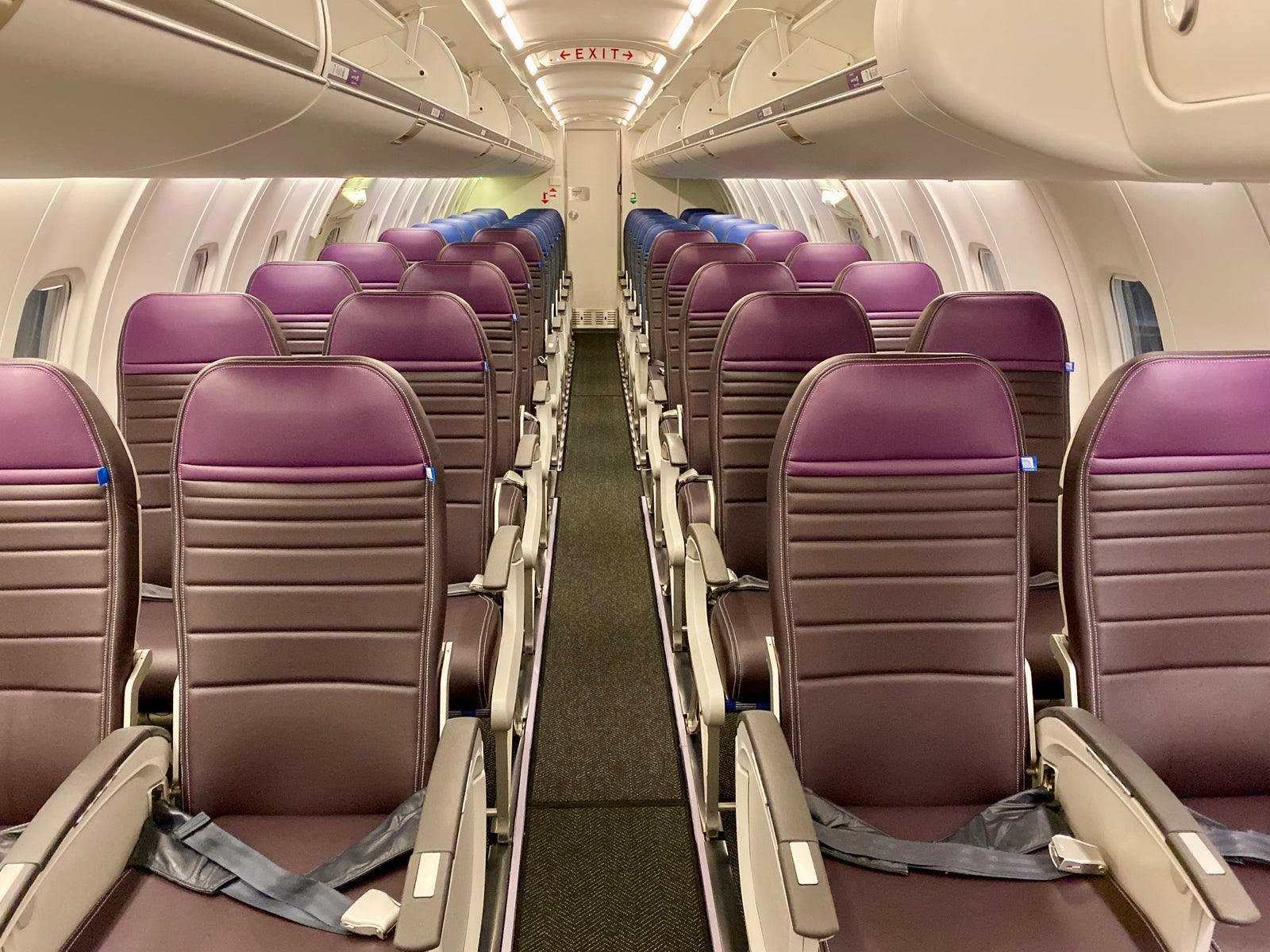
The economy is booming, and there are lots more travelers flying nowadays than there were years ago. Planes are now often filled to capacity (and often oversold), so unless you're strategic, the chances of finding an award or upgrade seat are as slim as they have ever been. An email from a TPG reader got us thinking.
Devin wants to know if there's any way to determine whether you're booking a really full or an empty flight...
[pullquote source="TPG Reader Devin"]Is there a source of data that can help determine the fullest and emptiest flights on a certain airline, day and route?
[/pullquote]
As Devin further explained in his email, he's a United Premier 1K who's had bad luck trying to apply his PlusPoints to upgrade long-haul flights. He's trying to find a way to determine how full a flight will be to inform him of the chances at an upgrade.
Want more airline and loyalty news? Sign up for TPG's free daily email newsletter here
There's lots more reasons to care about a flight's loads. Whether you're looking for an empty middle seat or a saver award, knowing the flight loads is a key component to estimating whether you'll be flying in poor man's business class, with points or in the back of the bus on a packed plane.
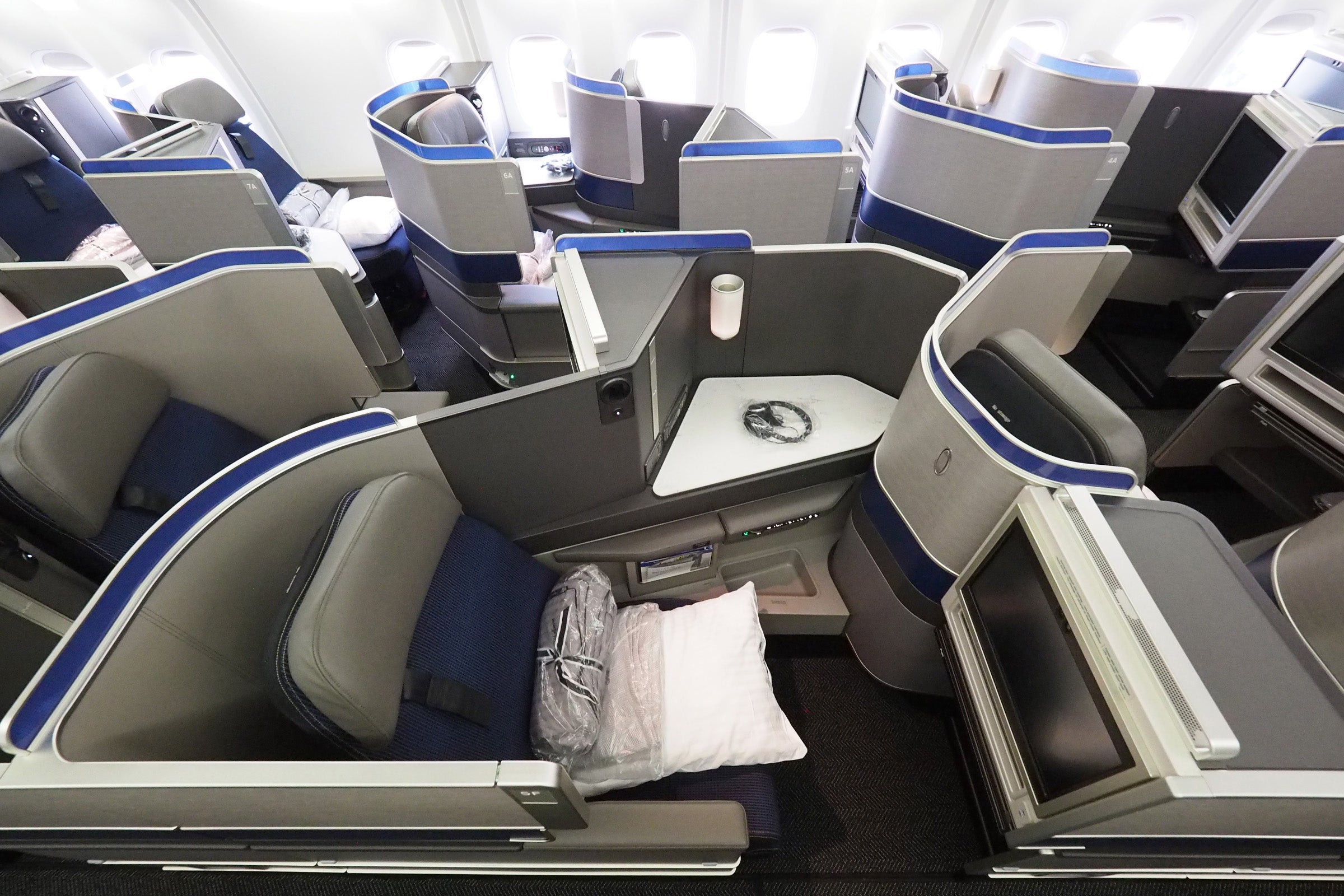
Understandably, airlines closely guard this data so there's no easy way to figure out how many people are booked on a particular flight. There's one tool, however, that'll get you as close to the "real" data as possible -- ExpertFlyer -- which is owned by the same parent company as TPG.
Using ExpertFlyer's seat map and flight availability tool, along with some common sense, should be enough to help you estimate how full a flight will be.
RELATED: This guide will help teach you how to use ExpertFlyer to search for upgrade and award space!

Let's start with the seat map. ExpertFlyer will show the seat map on almost every single airline and route, so that's where I head first when researching flights. I'll input some desired flights and compare the seat maps. Flights that have more assigned seats generally mean that they are more full. Some airline charge for all seats so this strategy isn't foolproof, but the general trend is that the more blue boxes you see, the busier the flight.
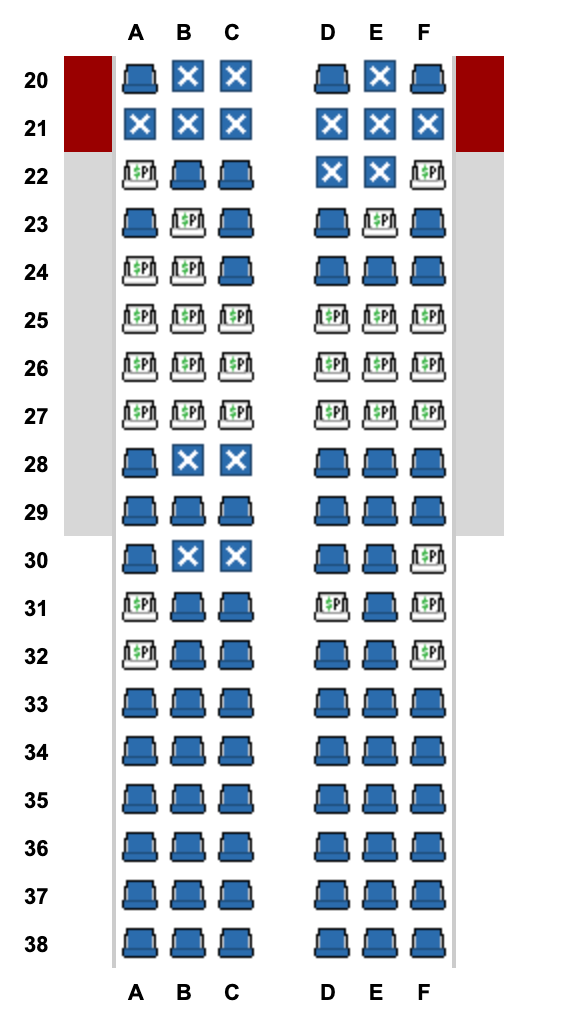
If you're looking for an upgrade, the next thing I'll check are the "premium" seats. Elites are typically entitled to free extra-legroom economy seating, so the more unassigned "premium" seats there are, the less elites there are on the flight and the higher chance of an upgrade. I'll also check the aircraft type and the proportion of first class to economy seats. The higher the proportion, the higher the chance of an upgrade.
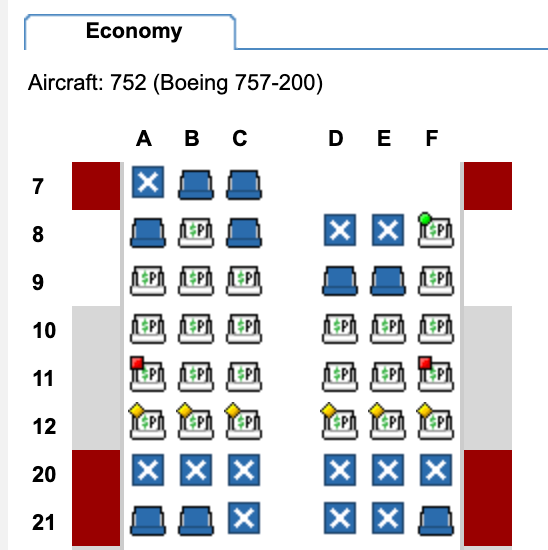
You should also consider the aircraft type. In United's case, all things being equal, you'd have double the chances at an upgrade on a Boeing 737-900 with 20 first-class seats and 159 economy seats to the Airbus A319 with 8 first-class seats and 120 economy seats.
It gets a bit more complicated from here. The Flight Availability feature gives you an inside look at how many seats an airline is selling in each fare class. Although fare classes may look like alphabet soup, they're really informative. ExpertFlyer arranges them by cabin in order of most expensive to least expensive, so the more 9's you see in the cheaper fare classes typically means the more seats available for sale and the less full the flight is.

Aside from ExpertFlyer's data, you'll also want to apply some common sense. Looking to fly around the holidays? Chances are that flights, especially in economy, will be really full. How about flights on Monday mornings and Thursday nights? Those are some of the busiest business travel times, so both first-class and economy seats will be typically filled with paying passengers.
But, what about flying on late Morning or to secondary airports like Burbank instead of LAX? Those are some common sense tricks that'll often land you the empty middle seat or coveted upgrade.
Bottom line
While there's no publicly available tool to check a flight's loads, there's a great proxy -- ExpertFlyer. By checking a flight's seat map, plane type and availability, you'll be able to make an educated guess at how full the flight is. Armed with this knowledge, you'll find yourself enjoying more upgrades-- both to first class and to poor man's business class.
Thanks for the question, Devin, and if you're a TPG reader who'd like us to answer a question of your own, tweet us at @thepointsguy, message us on Facebook or email us at info@thepointsguy.com.
TPG featured card
at American Express's secure site
Terms & restrictions apply. See rates & fees.
| 4X | Earn 4X Membership Rewards® points per dollar spent on purchases at restaurants worldwide, on up to $50,000 in purchases per calendar year, then 1X points for the rest of the year. |
| 4X | Earn 4X Membership Rewards® points per dollar spent at US supermarkets, on up to $25,000 in purchases per calendar year, then 1X points for the rest of the year. |
| 5X | Earn 5X Membership Rewards® points on prepaid hotel stays booked through AmexTravel.com or the Amex Travel App™. |
| 3X | Earn 3X Membership Rewards® points on flights booked through AmexTravel.com, the Amex Travel App™, or purchased directly from airlines. |
| 2X | Earn 2X Membership Rewards® points on prepaid car rentals booked through AmexTravel.com or the Amex Travel App™ and cruises booked and paid through AmexTravel.com. |
| 1X | Earn 1X Membership Rewards® point per dollar spent on all other eligible purchases. |
Pros
- Valuable dining and food-related credits
- Flexible rewards with airline and hotel transfer partners
- Multiple travel and purchase protections
- No foreign transaction fees
- Access to Amex Offers for additional savings (enrollment required)
Cons
- Not as useful for those living outside the U.S.
- Some may have trouble using Uber and other dining credits
- You may be eligible for as high as 100,000 Membership Rewards® Points after you spend $8,000 in eligible purchases on your new Card in your first 6 months of Card Membership. Welcome offers vary and you may not be eligible for an offer. Apply to know if you’re approved and find out your exact welcome offer amount – all with no credit score impact. If you’re approved and choose to accept the Card, your score may be impacted.
- Earn 4X Membership Rewards® points per dollar spent on purchases at restaurants worldwide, on up to $50,000 in purchases per calendar year, then 1X points for the rest of the year.
- Earn 4X Membership Rewards® points per dollar spent at US supermarkets, on up to $25,000 in purchases per calendar year, then 1X points for the rest of the year.
- Earn 5X Membership Rewards® points on prepaid hotel stays booked through AmexTravel.com or the Amex Travel App™.
- Earn 3X Membership Rewards® points on flights booked through AmexTravel.com, the Amex Travel App™, or purchased directly from airlines.
- Earn 2X Membership Rewards® points on prepaid car rentals booked through AmexTravel.com or the Amex Travel App™ and cruises booked and paid through AmexTravel.com.
- Earn 1X Membership Rewards® point per dollar spent on all other eligible purchases.
- Pay It® lets you tap in the American Express® App to quickly pay for small purchase amounts throughout the month and still earn rewards the way you usually do. Plan It® gives you the option to split up big purchases into equal monthly payments with a fixed fee. You’ll know upfront exactly how much you’ll pay.
- $120 Dining Credit: Earn up to a total of $10 in statement credits monthly when you pay with the Gold Card at Grubhub (including Seamless), Buffalo Wild Wings, Five Guys, The Cheesecake Factory, and Wonder. This can be an annual savings of up to $120. Enrollment required.
- $100 Resy Credit: Get up to $100 in statement credits each calendar year at over 10,000 qualifying U.S. Resy restaurants after you pay for eligible purchases with the American Express® Gold Card. That’s up to $50 in statement credits semi-annually. Enrollment required.
- $84 Dunkin' Credit: Earn up to $7 in monthly statement credits after you pay with the American Express® Gold Card at U.S. Dunkin’ locations. Enrollment required.
- $120 Uber Cash on Gold: Enjoy up to $120 in Uber Cash annually with your Gold Card. Just add your Card to your Uber account and you'll get $10 in Uber Cash each month to use on orders and rides in the U.S. when you select an Amex Card for your transaction.
- Enjoy complimentary Hertz Five Star® Status benefits like skipping the counter at select locations, adding an additional driver at no additional cost*, and vehicle upgrades**. Benefit enrollment and Hertz Gold+ registration are required. *Additional drivers must meet standard rental qualifications and must be a spouse or domestic partner to qualify as complimentary. Other additional drivers subject to fees. **Benefits are subject to availability and vary by location. Additional Hertz program Terms and Conditions including age restrictions apply.
- Book two nights or more with The Hotel Collection through AmexTravel.com and receive a $100* credit towards eligible charges at over 1,300 upscale hotels worldwide.§ *Eligible charges vary by property.
- Book your travel through the Amex Travel App™ with added peace of mind – backed by American Express® service and support. Only for American Express® Card Members.
- Whenever you need us, we're here. Our Member Services team will ensure you are taken care of. From lost Card replacement to statement questions, we are available to help 24/7.
- No Foreign Transaction Fees.
- Annual Fee is $325.
- Terms Apply.