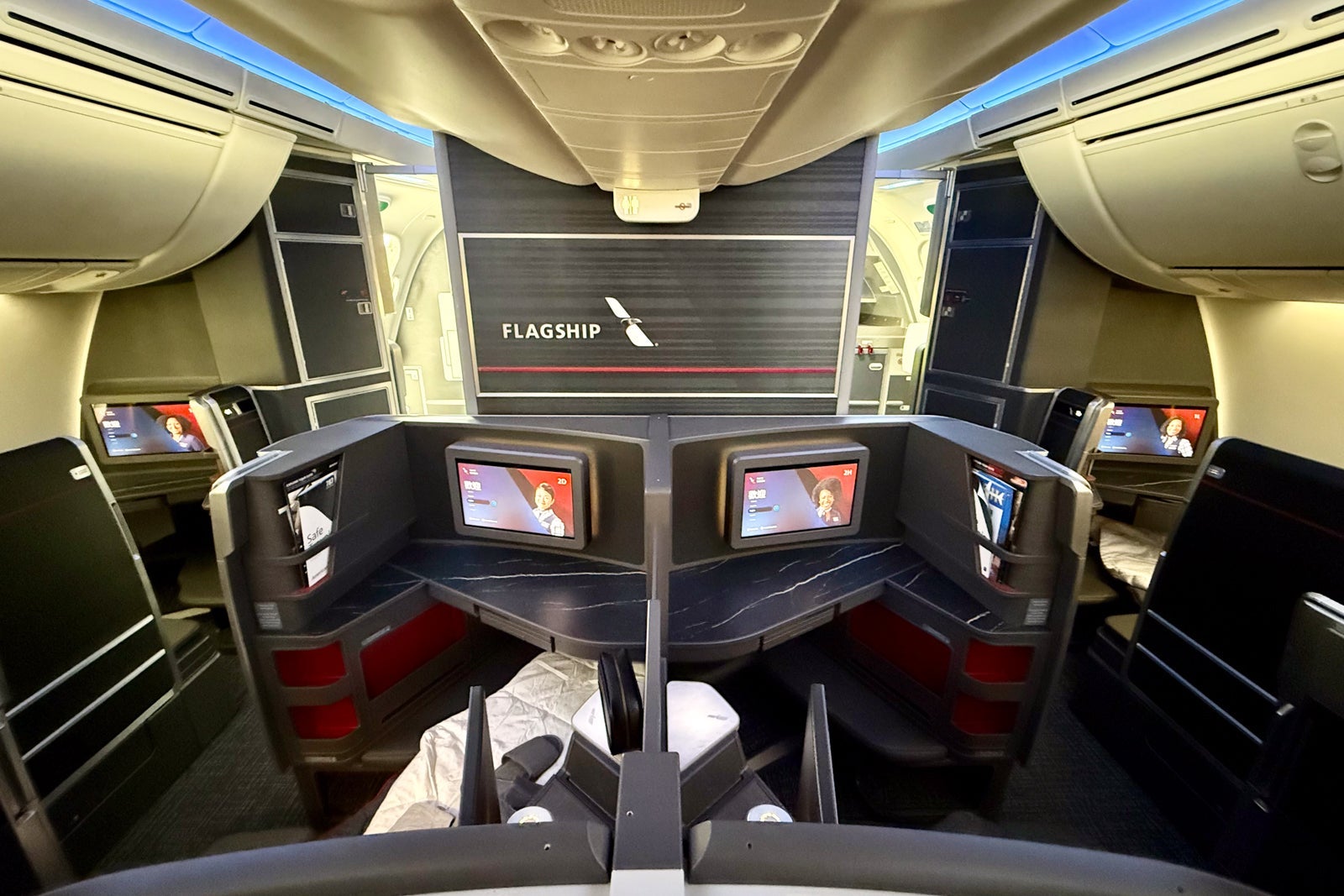
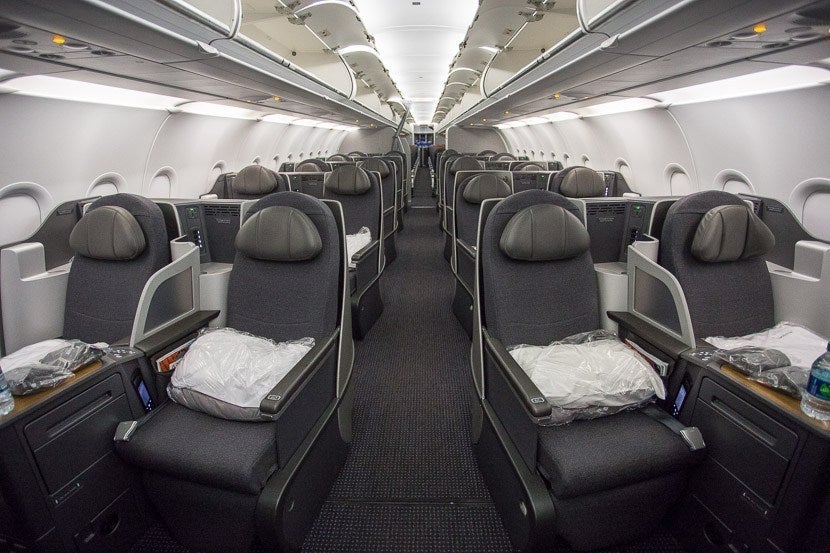
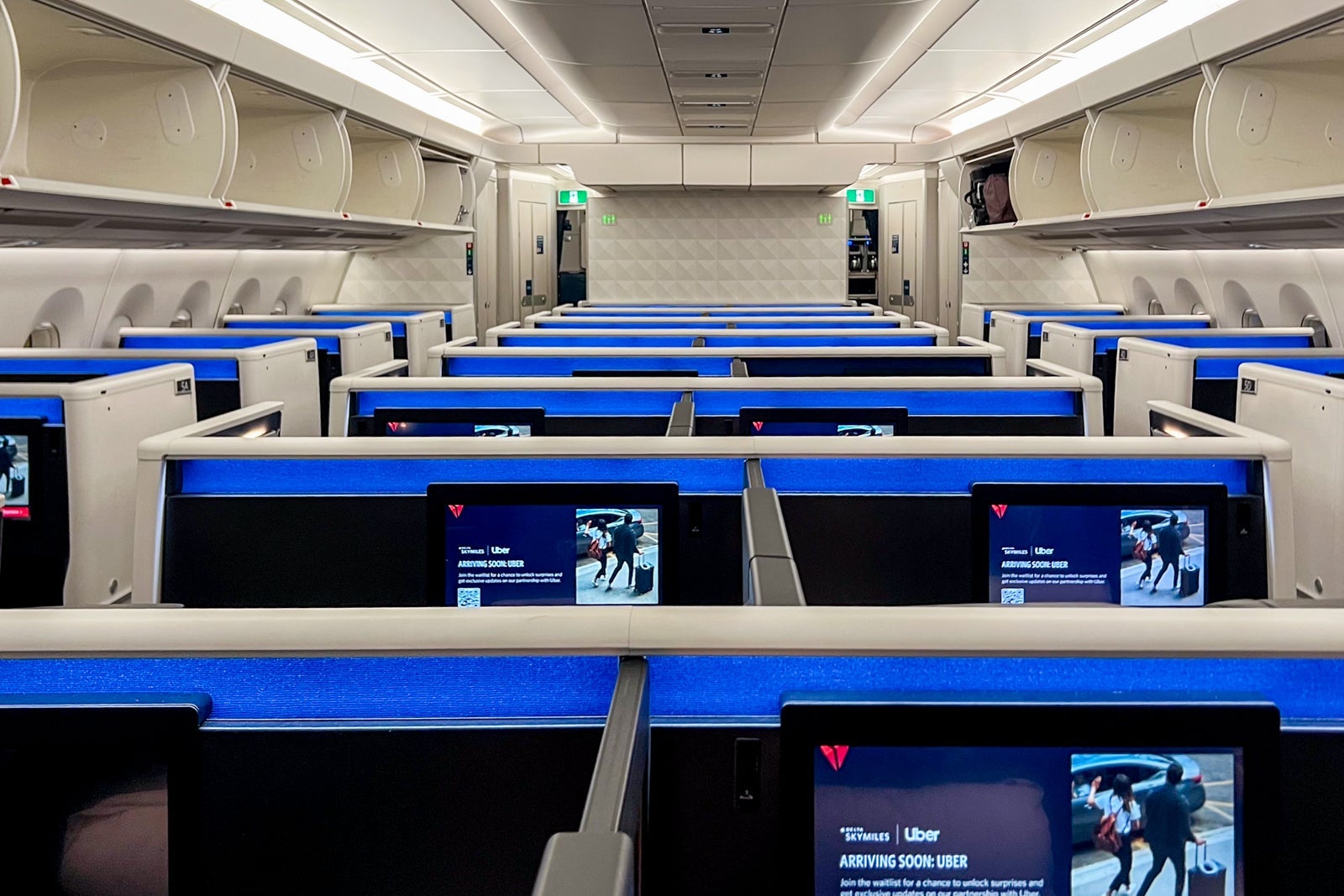
It's a rough feeling to just miss out on an upgrade. I know the feeling all too well. With airlines changing their revenue management policies and offering cheap upgrades to non-elites, business and first class cabins are as full as ever, making the competition for those upgrades even more fierce.
American Airlines made fundamental changes to its upgrade system in May 2017. While at first glance it seems far more complicated than the past system — which was simply based on elite status and then who got added to the list first — I actually find the new system to be fair. While elite tiers still clear in order from the top down, ties between elites of the same tier are now handled differently. The first tie-breaker is the type of upgrade/ticket: systemwide and mileage upgrades, then revenue tickets, then award tickets. Further ties are broken by Elite Qualifying Dollars (EQD) over the last 12 months.
Those are the official rules, but some quirks of the American Airlines upgrade system might mean you get skipped on the upgrade list. For example, my wife Katie and I are both American Airlines Executive Platinum elites. Yet, we have evidence that we've been skipped by lower Platinum Pro, Platinum and even a Gold elite on flights. Through these experiences, we've learned these quirks the hard way. So, let's review a few of these and what you can do to avoid being skipped.
Note that these are higher-level strategies. If you need to learn the basics of American Airlines upgrades, here are some intro articles:
Split your record locator when flying with same-tier elites
For one of the times I have evidence that I was skipped by multiple lower tier elites, I actually got the reasoning from American Airlines: we were traveling together and the system only cleared one upgrade at a time. Since we were in the same record locator, the system skipped over us — multiple times. If we were on separate records, we both would have been upgraded.
The solution: If you're traveling with someone at the same elite status as you, contact American Airlines to split your record locators. That way, you'll each clear on your own. Katie and I asked AA to split our record locators on all future flights we have booked together.
You'll want to be more judicious about doing this when traveling with lower-tier elites. Lower-tier elite and non-elite travel companions get the benefits of higher elites booked in the same record locator. That means that they will clear with you at your prioritization level, get your baggage allowance and can select seats based on your elite status. So, splitting travel companions out of your record locator might mean that your upgrade clears, but that you have to pay more fees.
Split requests on continuation legs
This is only for when you are booked on a "direct" but not "nonstop" flight. For example, I learned this the hard way when flying Charlotte (CLT) to Phoenix (PHX), continuing from Phoenix (PHX) to Honolulu (HNL) on the same flight number. And this particular example is a perfect example of when this is necessary.
On the CLT-PHX flight, there are a ton of elites because business traffic is heavy. Even after the 28-seat A330 business class cabin filled, Katie and I found ourselves at #12 and #13 on the upgrade list. And there were even more EPs below us on the list. So, we clearly had no shot at an upgrade on that leg.
The PHX-HNL flight instead is a leisure route. The A330 business class cabin was large enough to upgrade almost all of the elites flying at this non-holiday time. Only five upgrades went uncleared at departure. Almost all of those were low-level elites, but one was an Executive Platinum: Katie.
And that's because we didn't know this quirk of AA's system: American Airlines will treat the two legs as one flight by default. In order to select an economy seat, that seat has to be available on both flights. And, for upgrades, space has to be available on both legs for the upgrade to clear. Since we had no shot at the CLT-PHX leg, that meant we had no shot at upgrading from PHX-HNL until arriving in PHX and being added to that upgrade list.
The solution: request AA to split the two legs as soon as possible after booking. I was able to do this with the AA Social Media team. You'll be able to tell that it's been done when you review your upgrade status in the AA app and see each leg has its own mileage. Here's the before and after for those CLT-PHX-HNL flights:
Use Same-Day Flight Change to move to an emptier flight
If you've got scheduling flexibility, you can use American Airlines' Same-Day Flight Change program to switch yourself to a flight with more empty business/first class seats. This is particularly helpful on high-frequency routes where you can shift your travel by only an hour or two.
On most of my recent flights, I've noticed that AA seems to be clearing upgrade lists down to just one empty business class seat at 24 hours prior to departure. Since you can't make Same Day Flight Changes until 24 hours before the flight, this means that there might only be one seat left on most flights — making it tough to get the upgrade if you SDFC to one of these flights. However, that means if you see a flight with more than one seat still available at 24 hours prior to departure, you might have a good chance of clearing.
I successfully used this strategy in December after a bug in AA's upgrade system upgraded lower-tier elites (even a Gold) ahead of Katie and me. When the issue was caught, there was just one empty business class seat left on two flights from JFK to LAX departing an hour from each other. So, we split the record and used SDFC to switch Katie to the earlier flight. We both got upgraded into the last available business class seat.
Use a systemwide upgrade
For American Airlines elites on the verge of being skipped for on a complimentary (500-mile) upgrade request, you can use the "nuclear option" of applying a systemwide upgrade. Unless you have surplus systemwide upgrades or one expiring soon, you probably would only want to do this on long flights with a significant experience upgrade between economy and business (i.e. JFK-LAX, JFK-SFO or flights to Hawaii on twin-aisle aircraft).
In American Airlines' new upgrade system rolled out in 2017, systemwide upgrade requests are prioritized above all other upgrade requests for the same level of elite members. So, you could be 12th of 12 Executive Platinum elites on the upgrade list and suddenly jump to #1 by switching your request from a complimentary 500-mile upgrade to a systemwide upgrade request.
Bottom Line
American Airlines' upgrade system has its quirks. The published upgrade priority is complicated enough without being further complicated by these quirks. But, as in so many parts of maximizing your travel experience, knowledge is power. Hopefully learning about these tricks will help you get that upgrade on an upcoming American Airlines flight.