How to take better photos when traveling


Editor's Note
Travel is a remarkable thing, opening our minds to new places, new cultures and new experiences. And with powerful cameras built right into most modern smartphones, it's easier than ever to photograph one's travels. We don't want you to just take photos, though. We want you to take excellent photos.
Whether you intend to share your memories on social media, or simply archive them to share with friends and family, we've compiled a list of tips for everyday travelers who want to up their photography game.
For more TPG news delivered each morning to your inbox, sign up for our daily newsletter.
Splurge on your smartphone
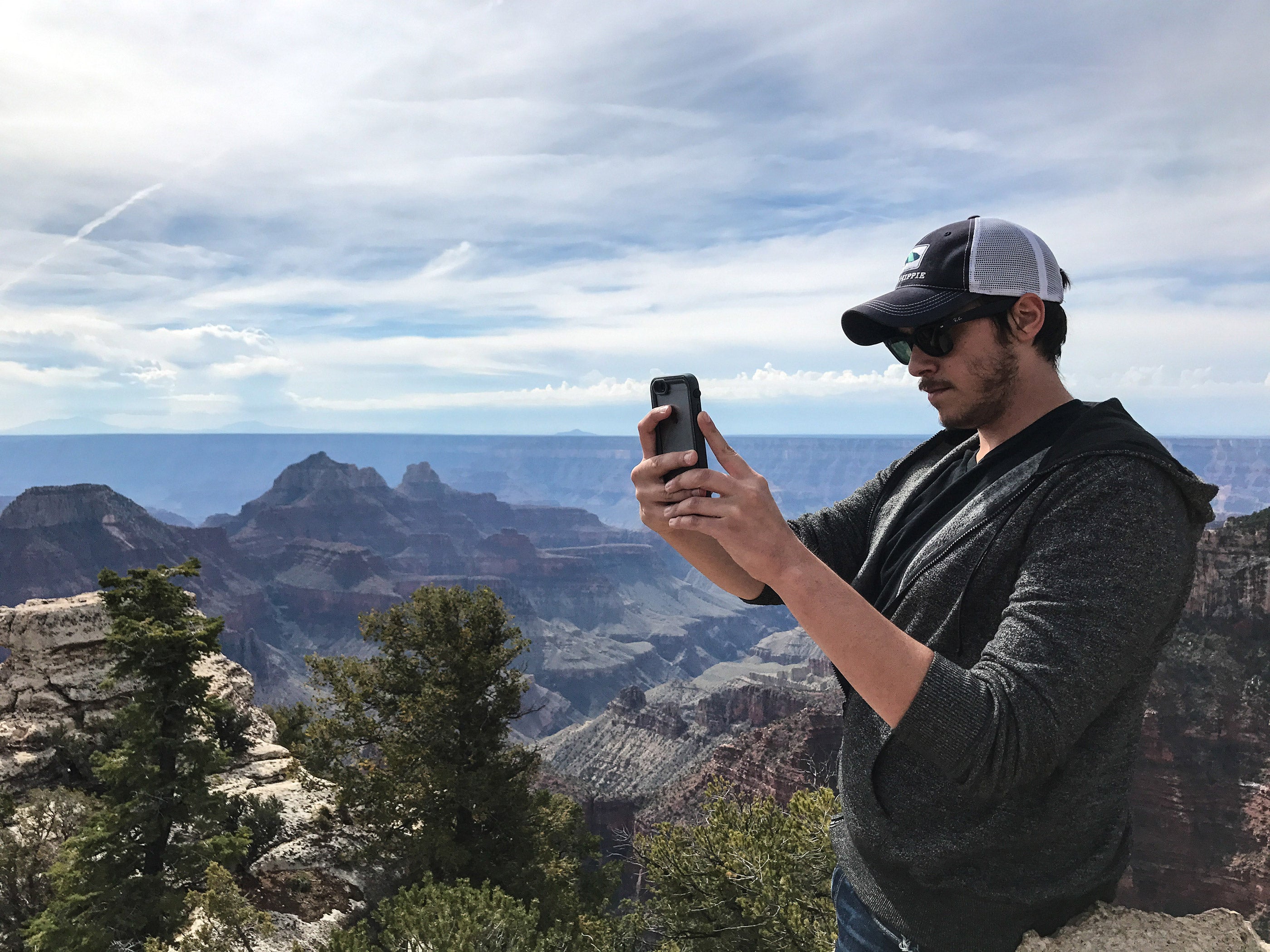
When it comes to camera quality on smartphones, you get what you pay for. TPG Editor-at-Large (and phone photographer extraordinaire) Zach Honig bounces back and forth between the latest iPhone and the latest Google Pixel. Both of these phones have excellent cameras. It pays to know a bit about lighting and framing (which we'll touch on below), but these two devices are safe bets for those who plan to point and shoot.
If you're looking for a different perspective, consider a DJI Osmo Pocket or DJI Mavic 2 Zoom drone.
Related: How to use a smartphone to photograph the northern lights
Lighting, framing and panoramas

There's a lot of nuance involved in capturing excellent shots. Below is a quick checklist for optimal settings:
- Try to shoot at sunrise, sunset or with cloud cover (diffused lighting) to reduce excess shadows
- If possible, avoid having a part of your shot in broad daylight and another (including people) in shade
- During the day, you want light beaming onto a subject, not behind it, so bring sunglasses
- Do whatever you can to avoid using a flash — it makes your images look artificial
- Avoid framing faces at the extreme edge of the screen, as they're likely to appear warped or stretched
- Always take a lot of snaps when people are involved, giving yourself options to find ideal smiles and no blinks
- Tap on your subject on the screen to adjust the focus and lighting
- Hold your phone or camera steady to avoid blurring
- Leave a lot of buffer room on the edges of your photo, enabling you to use a single shot for multiple sharing platforms
- Make liberal use of your phone's panorama feature to capture cityscapes and landscapes, but hold it steady and pan slowly for optimal image quality
For those interested in putting in the time to take their smartphone photography to the next level, Austin Mann and David Molnar are acclaimed photographers offering online educational courses.

We've also rounded up the best iPhone lenses, but beware that these are easy to misplace.
Related: Credit cards with cellphone protection
Selfies and tripods

The selfie. A quintessential element of any vacation. Although most modern smartphones offer a front-facing camera embedded exclusively for this purpose, I never use the one on my iPhone. Why? Front-facing cameras are typically subpar. Your phone's rear-facing camera is likely higher quality, and if quality matters to you, you can work to master the art of the reach-around selfie.
There are also a host of compact, travel-friendly tripods and phone mounts to consider. My favorite is the Pedco UltraPod, paired with a basic phone mount, which is easily found on Amazon and other retailers. If you're using an iPhone and also own an Apple Watch, you can actually use the watch face as a viewfinder to make sure everyone is in the frame. You can then use your Apple Watch as a camera remote, either by tapping a button to trigger a timer countdown or telling Siri, "Take a picture." Apple has a guide on using Apple Watch as an iPhone camera remote.
Download the right photo-editing apps
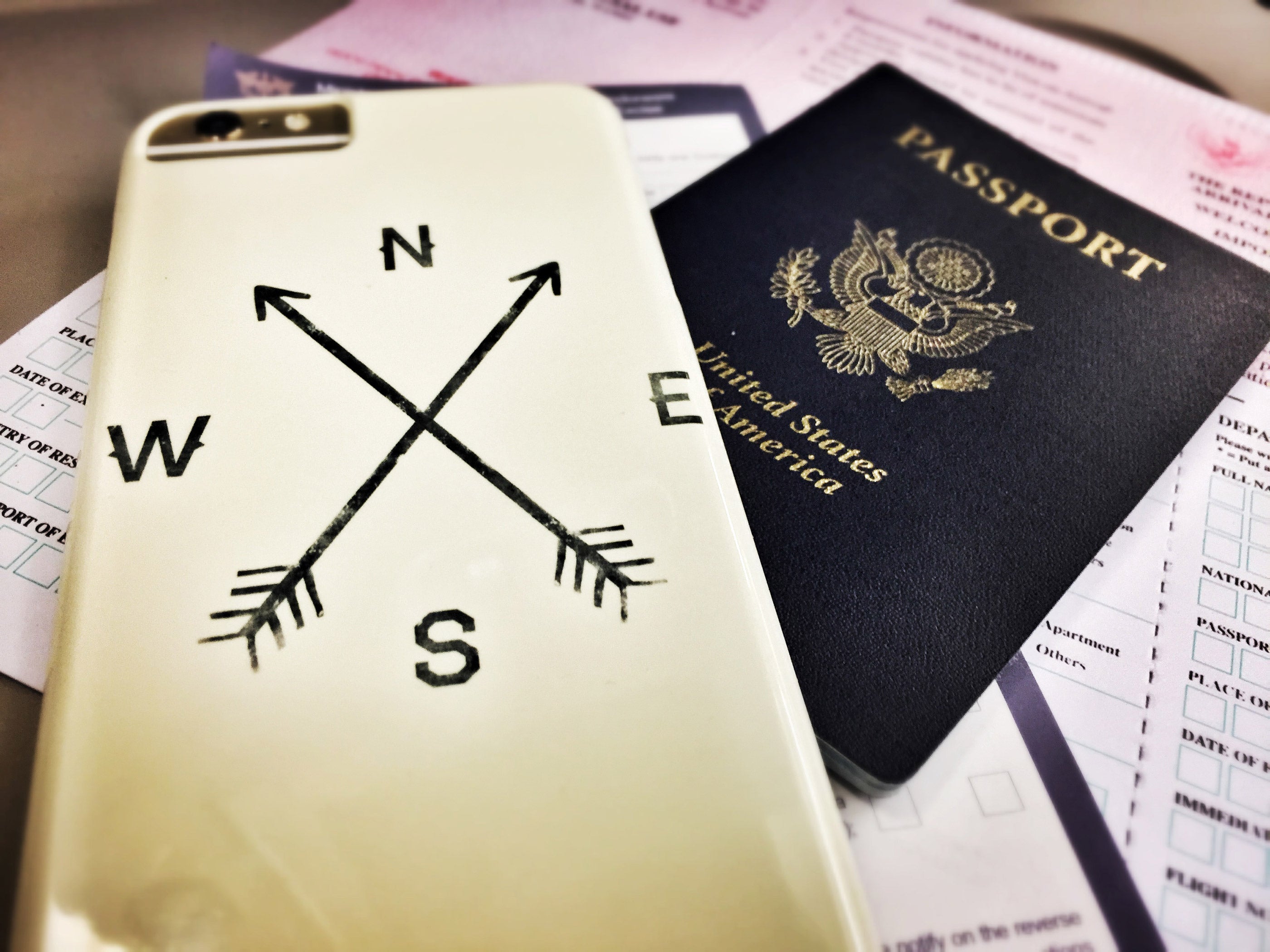
I recommend that people don't go crazy with filters. It may feel fun in the moment, but outlandish filters rarely age well. Instead, I look to filters to correct my own capturing miscues, shaping the photo to match my memory of the moment. Your options are nearly limitless, but we've created a guide to the best apps for retouching and editing photos.
My personal favorite is VSCO, which is available for iPhone and Android. The free version is OK, but the $20 per year upgrade is well worth it. Plus, VSCO isn't just for editing. Photographers will like the manual camera options, which allow you to edit the shutter speed, white balance, focus and ISO before snapping. Small icons at the bottom of the editing screen are options for changing the color, sharpness, exposure and more to photos either snapped within the app or with your regular phone camera.
Backup, archive and storage
One beautiful thing about living in the age of the internet is the availability of cheap storage. Your most precious memories can now easily be saved forever, and that's especially true for camera-phone images. My favorite app is Google Photos, which allows iPhone and Android users to back up every phone photo and video they've ever taken to the cloud for safekeeping.
The free and unlimited backup-option limits the resolution of stored photos (16MP) and videos (1080p), but that's robust enough for most. It only takes one destroyed phone to appreciate the luxury of having everything automatically backed up.
Check out our full guide to useful apps for storing and organizing travel photos.
Mirrorless and DSLR cameras

Although phone cameras are good enough for the vast majority of travelers, the advent of the mirrorless camera has opened up another alluring option. It wasn't long ago that travelers were faced with a one-extreme-or-the-other scenario: either shoot their entire vacation on a phone or lug around a hefty DSLR with multiple lenses.
Now, there's a solid in-between option. The mirrorless class of camera offers image quality that far surpasses a smartphone, particularly in low light or when capturing fast movement (e.g., kids). It also offers fine-tuning when it comes to things like aperture, ISO, shutter speed, white balance, etc. Sony's mirrorless cameras are widely regarded as best-in-class.
I prefer a full-frame DSLR, but that may have something to do with my justification — I simply tell myself that 10 extra pounds of camera and lenses means that I'm getting an even bigger workout from whatever hike I'm planning. The other reality is that I'm already invested in Nikon lenses, which are best used on a full-fledged Nikon DSLR. If you're already entrenched in a camera ecosystem, your wallet will thank you for not veering into some other brand. If you're just now diving into the DSLR world, spring for a full-frame DSLR (as opposed to a cropped-frame).
Related: The 7 best starter travel credit cards
Wielding an expensive camera isn't enough to guarantee excellent travel photos. You'll still want to mind all of the tips already mentioned, and you'll want to spend time shooting near your home in different lighting scenarios. This is the best way to learn what setting does what, and how to adjust them quickly. Nothing generates DSLR frustration like not knowing what knob does what, and thus losing "the shot" while traveling.
In the photo of Joshua Tree National Park above, we tweaked our Nikon DSLR settings so that we would not blow out the sky while over-exposing the shot just enough to get a band of sun flare on the right. If you buy a DSLR with an automatic setting and lean on that, you'll very rarely capture shots like these. If you invest in top-tier camera gear, make sure you invest in learning. I strongly recommend the guides at SLR Lounge.
Hire (or bring) a professional
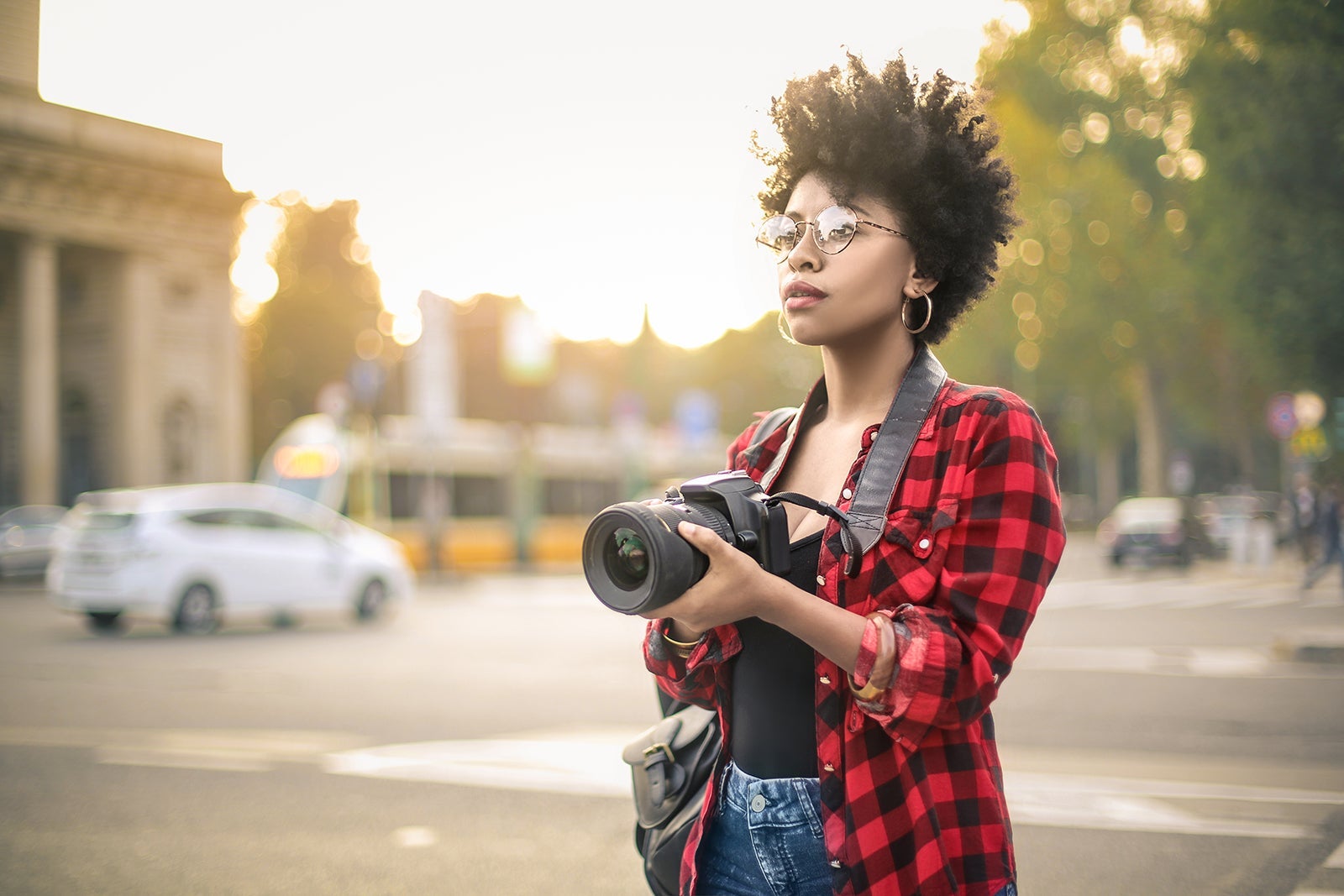
If you're going on a special family trip, you'll quickly realize that it's tough to get everyone in a shot that you're proud of. If you want album-worthy captures, check out Craigslist or photography forums for professionals at your destination. Googling "Honolulu photographer," for instance, will land you all sorts of local options, where you can reach out ahead of time and negotiate a rate for capturing your family during a window of time. The photography service Flytographer is also available to fill this niche, especially in popular destinations from $250 for a 30-minute shoot.
An option that may seem out-of-range, but that we've used is to use your points and miles to fly a photographer along with you. I've done this on many occasions, though it helps to have a sister-in-law who shoots professionally. If you know someone who you would enjoy traveling with, and they're willing to pull double duty as a photographer, trading a trip for lifelong memories may not be such a bad deal.
Have any other expert photography tips? Share them in the comments below!
TPG featured card

at American Express's secure site
Terms & restrictions apply. See rates & fees.
| 4X | Earn 4X Membership Rewards® points per dollar spent on purchases at restaurants worldwide, on up to $50,000 in purchases per calendar year, then 1X points for the rest of the year. |
| 4X | Earn 4X Membership Rewards® points per dollar spent at US supermarkets, on up to $25,000 in purchases per calendar year, then 1X points for the rest of the year. |
| 5X | Earn 5X Membership Rewards® points on prepaid hotel stays booked through AmexTravel.com or the Amex Travel App™. |
| 3X | Earn 3X Membership Rewards® points on flights booked through AmexTravel.com, the Amex Travel App™, or purchased directly from airlines. |
| 2X | Earn 2X Membership Rewards® points on prepaid car rentals booked through AmexTravel.com or the Amex Travel App™ and cruises booked and paid through AmexTravel.com. |
| 1X | Earn 1X Membership Rewards® point per dollar spent on all other eligible purchases. |
Pros
- Valuable dining and food-related credits
- Flexible rewards with airline and hotel transfer partners
- Multiple travel and purchase protections
- No foreign transaction fees
- Access to Amex Offers for additional savings (enrollment required)
Cons
- Not as useful for those living outside the U.S.
- Some may have trouble using Uber and other dining credits
- You may be eligible for as high as 100,000 Membership Rewards® Points after you spend $8,000 in eligible purchases on your new Card in your first 6 months of Card Membership. Welcome offers vary and you may not be eligible for an offer. Apply to know if you’re approved and find out your exact welcome offer amount – all with no credit score impact. If you’re approved and choose to accept the Card, your score may be impacted.
- Earn 4X Membership Rewards® points per dollar spent on purchases at restaurants worldwide, on up to $50,000 in purchases per calendar year, then 1X points for the rest of the year.
- Earn 4X Membership Rewards® points per dollar spent at US supermarkets, on up to $25,000 in purchases per calendar year, then 1X points for the rest of the year.
- Earn 5X Membership Rewards® points on prepaid hotel stays booked through AmexTravel.com or the Amex Travel App™.
- Earn 3X Membership Rewards® points on flights booked through AmexTravel.com, the Amex Travel App™, or purchased directly from airlines.
- Earn 2X Membership Rewards® points on prepaid car rentals booked through AmexTravel.com or the Amex Travel App™ and cruises booked and paid through AmexTravel.com.
- Earn 1X Membership Rewards® point per dollar spent on all other eligible purchases.
- Pay It® lets you tap in the American Express® App to quickly pay for small purchase amounts throughout the month and still earn rewards the way you usually do. Plan It® gives you the option to split up big purchases into equal monthly payments with a fixed fee. You’ll know upfront exactly how much you’ll pay.
- $120 Dining Credit: Earn up to a total of $10 in statement credits monthly when you pay with the Gold Card at Grubhub (including Seamless), Buffalo Wild Wings, Five Guys, The Cheesecake Factory, and Wonder. This can be an annual savings of up to $120. Enrollment required.
- $100 Resy Credit: Get up to $100 in statement credits each calendar year at over 10,000 qualifying U.S. Resy restaurants after you pay for eligible purchases with the American Express® Gold Card. That’s up to $50 in statement credits semi-annually. Enrollment required.
- $84 Dunkin' Credit: Earn up to $7 in monthly statement credits after you pay with the American Express® Gold Card at U.S. Dunkin’ locations. Enrollment required.
- $120 Uber Cash on Gold: Enjoy up to $120 in Uber Cash annually with your Gold Card. Just add your Card to your Uber account and you'll get $10 in Uber Cash each month to use on orders and rides in the U.S. when you select an Amex Card for your transaction.
- Enjoy complimentary Hertz Five Star® Status benefits like skipping the counter at select locations, adding an additional driver at no additional cost*, and vehicle upgrades**. Benefit enrollment and Hertz Gold+ registration are required. *Additional drivers must meet standard rental qualifications and must be a spouse or domestic partner to qualify as complimentary. Other additional drivers subject to fees. **Benefits are subject to availability and vary by location. Additional Hertz program Terms and Conditions including age restrictions apply.
- Book two nights or more with The Hotel Collection through AmexTravel.com or the Amex Travel App™ and receive a $100* credit towards eligible charges at over 1,400 upscale hotels worldwide. *Eligible charges vary by property.
- Book your travel through the Amex Travel App™ with added peace of mind – backed by American Express® service and support. Only for American Express® Card Members.
- Whenever you need us, we're here. Our Member Services team will ensure you are taken care of. From lost Card replacement to statement questions, we are available to help 24/7.
- No Foreign Transaction Fees.
- Annual Fee is $325.
- Terms Apply.