5 ways to secure your data while using public Wi-Fi


Editor's note: This post has been updated with additional Wi-Fi safety tips. It was originally published on Aug. 2, 2019.
Many travelers need to be connected almost constantly, from the plane to the train to the hotel.
While there's less risk these days when connecting to legitimate public networks, such as those found in pretty much every hotel in the world, risks still do exist. For example, an open network is susceptible to sniffing and spoofing, whereby an attacker could follow your trail around the internet or even work to redirect you from a site like Amazon to a page that looks like Amazon to steal your login credentials -- and we all know what happens next in this story.
That's why, when you're connecting to an unfamiliar network or a public network that's open to the masses, it's important to pause and make sure you're surfing responsibly to keep your information as secure as possible.
Here are actionable tips to keep in mind when connecting to Wi-Fi in hotels and other public places.
For more TPG news delivered each morning to your inbox, sign up for our daily newsletter.
[table-of-contents /]
First, Look for a secure hotspot
Before you resort to logging on to a potentially insecure public Wi-Fi network, check to see if you have access to any nearby -- and free - hotspot. Many phone companies like AT&T offer their customers free hotspots nationwide in places like airports. Consult your phone company for more information before your trip and you may find no need to log in to a public network.
Related: How to connect to hotel, airline and airport Wi-Fi networks

Surf wisely on public networks
If you are connecting to public Wi-Fi, be judicious about where you surf and the type of activities you pursue while online. Pick options from known sources like, say, a Starbucks or a retail store you frequent often. Try to limit the number of networks you register for. The less information out there during public Wi-Fi membership sign-ups -- i.e., your name, phone number, address -- the better.
Once you have picked a public network to use, avoid logging in to your bank or investment accounts, your doctor's patient portal or any other site that archives a lot of sensitive personal data. Even an app like Facebook's Messenger can transmit a lot of personal identifying information.
Whenever you visit a website on a public network, glance at your browser bar and look for a closed lock icon and "https" at the beginning of the URL. This indicates a layer of security on the site's side. If the lock icon is open and the URL starts with http, give the site a pass while on a public network. When that lock is open, it's easier for hackers to surreptitiously snoop on the data being transferred between your computer and the servers of the websites you visit.
Related: How to check the safety of your next travel destination
Use virtual private network (VPN) software
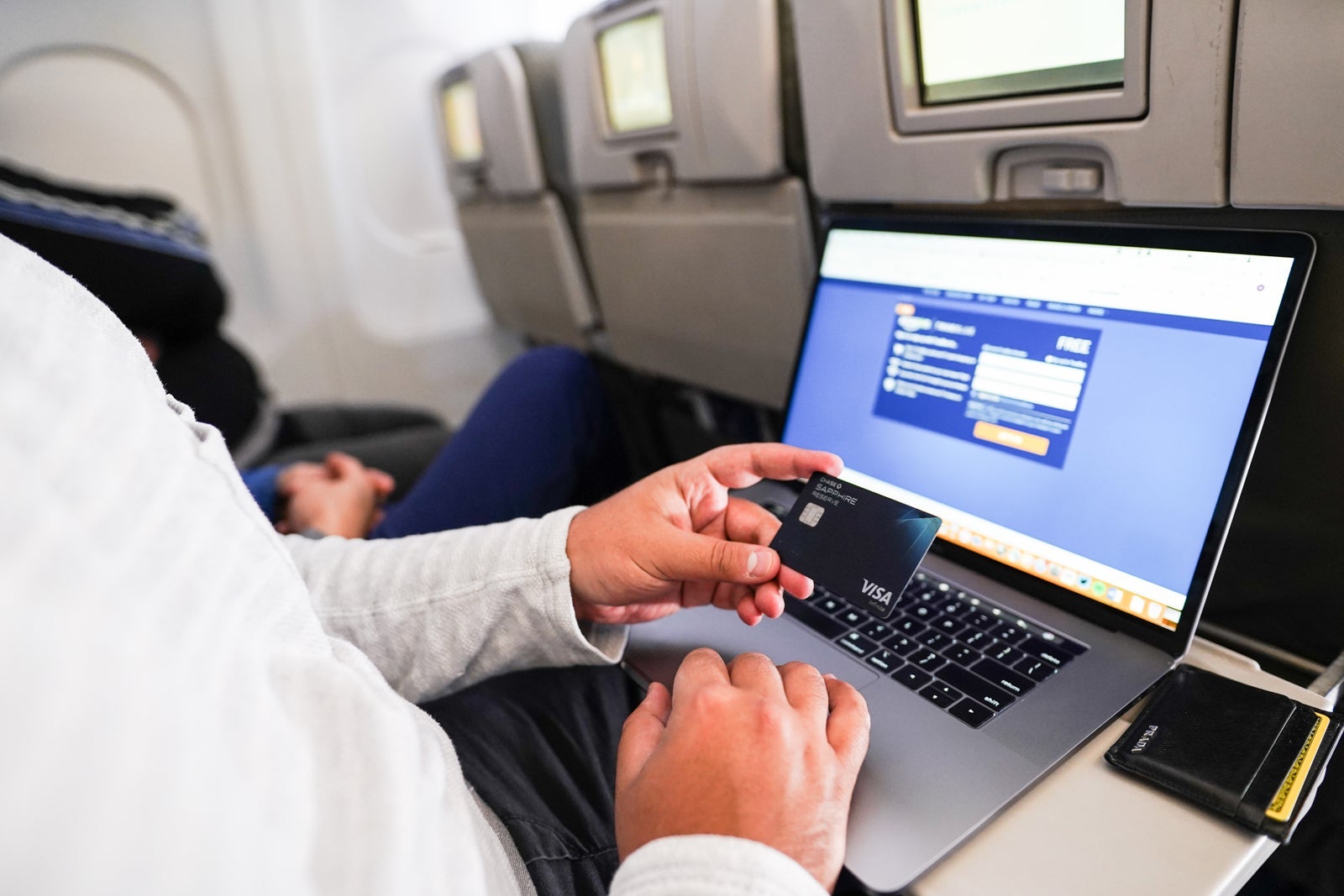
The easiest way to gain peace of mind when transmitting data over a public network is to first install a virtual private network or VPN. These are secure tunnels between your device (laptop, tablet, smartphone, etc.) and the internet. VPNs help protect data from snooping, interference and censorship. Additionally, VPNs can serve as a proxy, allowing you to mask or change your location while surfing anonymously.
On a trip to mainland China, I downloaded and installed ExpressVPN on both my MacBook as well as my iPhone before leaving the U.S. China's "Great Firewall" blocks popular services like Google, making it difficult for visitors who rely on such entities to function while there.
ExpressVPN is a reputable VPN that creates fast, secure tunnels regardless of where you connect from. Crucially, there's an option in the program to halt all traffic from your device if the VPN connection fails for any reason. Then, you can reconnect or select a different location to resume your internet session. VPNs generally cost around $10 to $15 per month, with many (like ExpressVPN) providing discounts for annual subscriptions.
If you travel frequently for work, your employer may reimburse these charges. Many corporations install Cisco AnyConnect on company-issued laptops. If this is installed on your machine, you've already got a VPN at your disposal.
Even if you trust a network, such as a hotspot at a Delta Sky Club, using a VPN adds additional safeguards from cyber threats.
Related: The best credit cards for airport lounge access
Be careful connecting to open networks

Not only should you activate a VPN before connecting to an open and unsecured network, but you should think twice before doing so at all. Open networks are easy to spot — they're the ones without that little lock icon beside them that we mentioned above.
Most hotels and lounges use open hotspots, so it's unfair to accuse all open hotspots of being surreptitious, but caution is advised if you don't know who operates the open network you want to connect to.
Related: Credit cards that offer free inflight Wi-Fi
If you're instructed to connect to an open hotspot in a coworking space, hotel on an airplane or at an airline lounge, you should notice a pop-up window once connected where you can enter login credentials or accept terms and conditions before getting online.
Err on the side of caution when thinking about connecting to questionable networks. I'd steer clear of these:
- [Person name]'s iPhone
- Any open network that looks oddly close to a legitimate network (think: a network that appears to have been created specifically to fool you into connecting)
- Any network resembling "Free Wi-Fi" or similar
If you accidentally connect to a Wi-Fi network deliberately established to capture internet traffic (say, HamptonInn-FreeWi-Fi instead of the official Hampton Inn option), the attacker would then be a person in the middle and able to access all information flowing out of your computer. Passwords, sensitive files, etc. would all be at risk of being captured.
Disable Sharing and network access when not in use
For iPhone and Mac users, visit your system settings and ensure that "Everyone" isn't checked under AirDrop. You should never leave your phone or laptop open for others to find and attempt to send files to. We recommend keeping it disabled altogether unless you need to transfer files with someone, and disabling it again after the transfer is complete.
If you're on a PC, limit sharing by going to the Network and Sharing Center and turn off printer and file sharing.
The same goes for Wi-Fi. If you're working on an offline project and have no need to be connected, consider disabling all network access while traveling. Not only does this prevent anything from leaving your device unintentionally, but it'll probably help you focus as well.
Bottom line
Don't live in fear of the internet bogeymen, but whether it is triple checking the source of the network, using a VPN or even using your smartphone as a hotspot, there are ways to responsibly stay connected while on the go.
TPG featured card

at Capital One's secure site
Terms & restrictions apply. See rates & fees.
| 5X miles | Earn 5X miles on hotels, vacation rentals and rental cars booked through Capital One Travel |
| 2X miles | Earn unlimited 2X miles on every purchase, every day |
Pros
- Stellar welcome offer of 75,000 miles after spending $4,000 on purchases in the first three months from account opening. Plus, a $250 Capital One Travel credit to use in your first cardholder year upon account opening.
- You'll earn 2 miles per dollar on every purchase, which means you won't have to worry about memorizing bonus categories
- Rewards are versatile and can be redeemed for a statement credit or transferred to Capital One’s transfer partners
Cons
- Highest bonus-earning categories only on travel booked via Capital One Travel
- LIMITED-TIME OFFER: Enjoy $250 to use on Capital One Travel in your first cardholder year, plus earn 75,000 bonus miles once you spend $4,000 on purchases within the first 3 months from account opening - that’s equal to $1,000 in travel
- Earn unlimited 2X miles on every purchase, every day
- Earn 5X miles on hotels, vacation rentals and rental cars booked through Capital One Travel
- Miles won't expire for the life of the account and there's no limit to how many you can earn
- Receive up to a $120 credit for Global Entry or TSA PreCheck®
- Use your miles to get reimbursed for any travel purchase—or redeem by booking a trip through Capital One Travel
- Enjoy a $50 experience credit and other premium benefits with every hotel and vacation rental booked from the Lifestyle Collection
- Transfer your miles to your choice of 15+ travel loyalty programs
- Top rated mobile app