What is a known traveler number (KTN)?
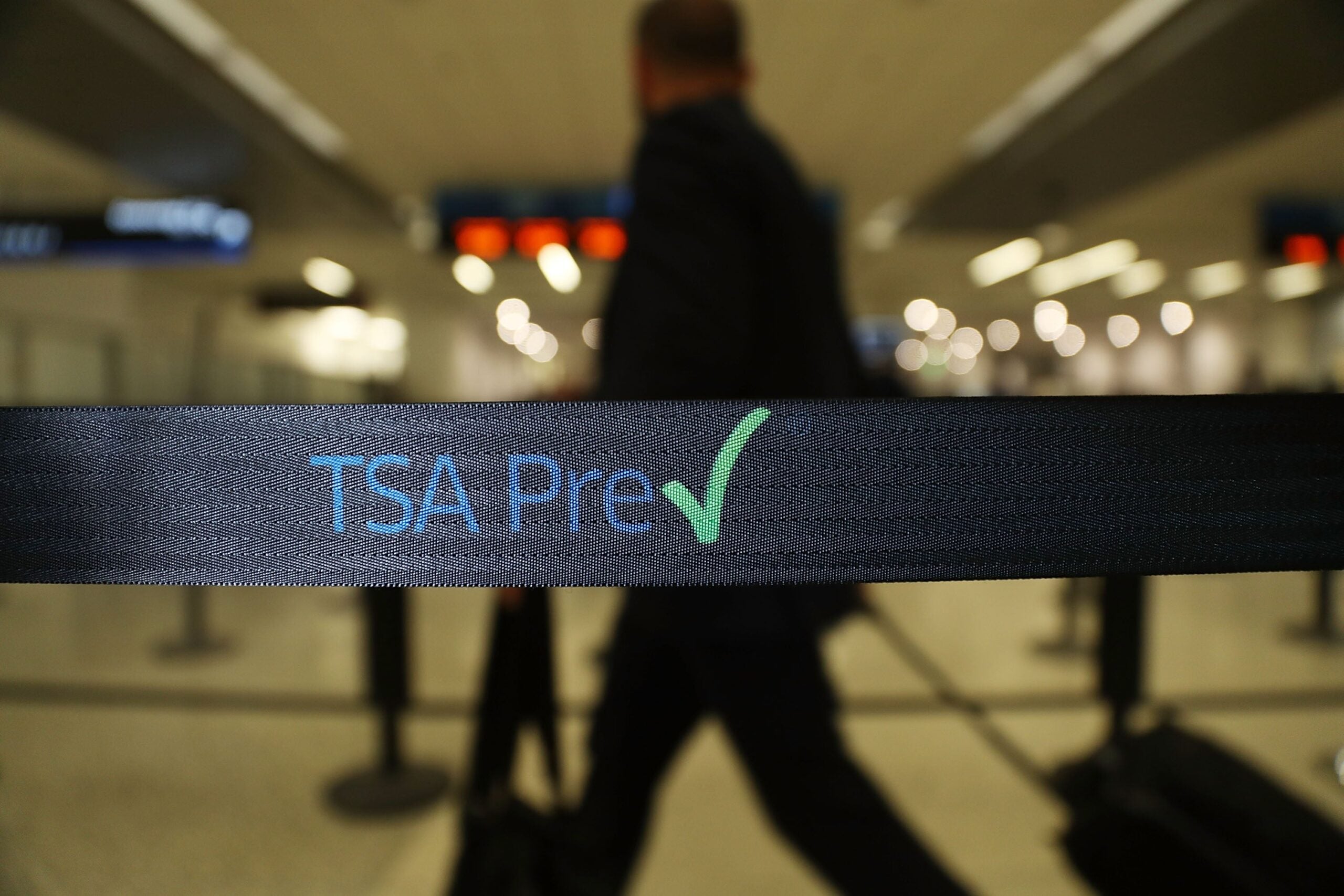
A known traveler number (KTN) is a unique nine-digit identifier issued by the U.S. Department of Homeland Security to members of approved Trusted Traveler programs, including TSA PreCheck, Global Entry, NEXUS and SENTRI. When you add it to an airline reservation, it signals to the TSA that you have been pre-vetted and are eligible for expedited screening in the TSA PreCheck lanes. KTNs are tied to your program membership, which is valid for five years, and the number may contain a mix of letters and digits.
TL;DR / Key takeaways
- What it is: A KTN is the nine-digit number that activates your TSA PreCheck benefit at the security checkpoint. Without it on your boarding pass, you use the standard lane even if you’re enrolled in a Trusted Traveler program.
- How you get one: Apply for TSA PreCheck ($85), Global Entry ($120), NEXUS ($120) or SENTRI ($120) through the DHS Trusted Traveler Programs portal. All memberships last five years.
- Best use: Add your KTN to every airline loyalty profile you use so it auto-populates on future bookings. If you travel internationally even a few times a year, Global Entry is the stronger value since it includes TSA PreCheck.
- When it won’t help: TSA PreCheck only applies at departing U.S. airports with participating airlines. Your KTN will not trigger expedited screening at foreign airports or on airlines that don’t participate in the program.
- Rule of thumb: Always confirm “TSA PRE” appears on your boarding pass before heading to security. If it’s missing, check that your KTN is attached to that specific reservation.
Which programs give you a KTN?
Four DHS Trusted Traveler programs issue a KTN: TSA PreCheck, Global Entry, NEXUS and SENTRI. Each requires you to submit an application, pass a background check and complete an in-person interview at an enrollment center. Once approved, you’ll find your KTN in your Trusted Traveler Programs (TTP) online account, typically within three to five days of your interview, though some applications take up to 60 days.
All four memberships are valid for five years. Many premium travel credit cards offer a statement credit that covers the application fee for Global Entry or TSA PreCheck, so check your card benefits before paying out of pocket.
| Program | Fee | What it covers | Best for |
|---|---|---|---|
| TSA PreCheck | $85 | Expedited security at 200-plus U.S. airports | Domestic and U.S. outbound travelers |
| Global Entry | $120 | TSA PreCheck plus expedited U.S. customs on arrival from abroad | Frequent international travelers (includes PreCheck) |
| NEXUS | $120 | TSA PreCheck plus expedited entry between the U.S. and Canada | Frequent U.S.-Canada travelers |
| SENTRI | $120 | TSA PreCheck plus expedited U.S. entry from Canada and Mexico by land, air or sea | Frequent U.S.-Mexico and U.S.-Canada travelers |
How to find your KTN and add it to your reservations
Once you’re approved, your KTN lives in a few places. Log in to your TTP account at ttp.cbp.dhs.gov to find it under your program membership details. If you’re a Global Entry, NEXUS or SENTRI member, it also appears on the back of your membership card. Keep in mind that TSA PreCheck members do not receive a physical card.
The most reliable way to make sure your KTN appears on every boarding pass is to add it directly to your airline loyalty profiles. Here’s how:
- Log in to each airline’s website where you have a frequent flyer account.
- Navigate to your profile and look for a field labeled “Known Traveler Number” or “TSA PreCheck/KTN.”
- Enter your KTN and save.
- From that point on, your KTN should populate automatically when you book with that airline using your loyalty number.
If you already have a booking without your KTN attached, most airlines let you add it after the fact through the “Manage my trip” section. Do this before check-in closes; changes may be locked out closer to departure.
Why your KTN might not show up on your boarding pass
Having a KTN does not guarantee the TSA PreCheck indicator will print on every boarding pass. A few common issues can prevent it from appearing, and most are easy to fix.
- Your KTN isn’t attached to the reservation: This happens when you book as a guest or use a loyalty number that doesn’t have your KTN saved. Check the “passenger details” section of your booking and add it before the check-in window closes.
- Your name doesn’t match: The name on your ticket must match the name on your TTP account precisely. Even a middle initial discrepancy can cause the system to fail to match your KTN.
- The airline doesn’t participate: Over 100 airlines participate in TSA PreCheck, but not all do. Confirm your carrier participates before expecting the benefit.
- Your membership has expired: KTNs are tied to active memberships. If your five-year term has lapsed, renew through your TTP account. You can typically begin the renewal process up to six months before expiration.