The 6 best translation apps for travelers

Traveling to another country for the first time spurs a sense of wonder like none other. But in some cases, that excitement can quickly turn to consternation when, upon arrival, a language barrier has you disoriented and lost, holding the wrong food order or in desperate need of a bathroom.
As a tourist, one of the biggest mistakes you can make is to assume everyone will speak English wherever you go. Rather than relying on charade-like gestures or thinking you'll somehow become fully fluent on the flight over with a Duolingo crash course, be prepared by downloading a few excellent translation apps to your smartphone ahead of time.
The best translation apps are free or charge a small fee and can help out in a pinch, whether by assisting in ordering your daily caffeine fix or asking for directions while navigating a sprawling new city.
Here are TPG's picks for six of the best translation apps you can download today.
Google Translate
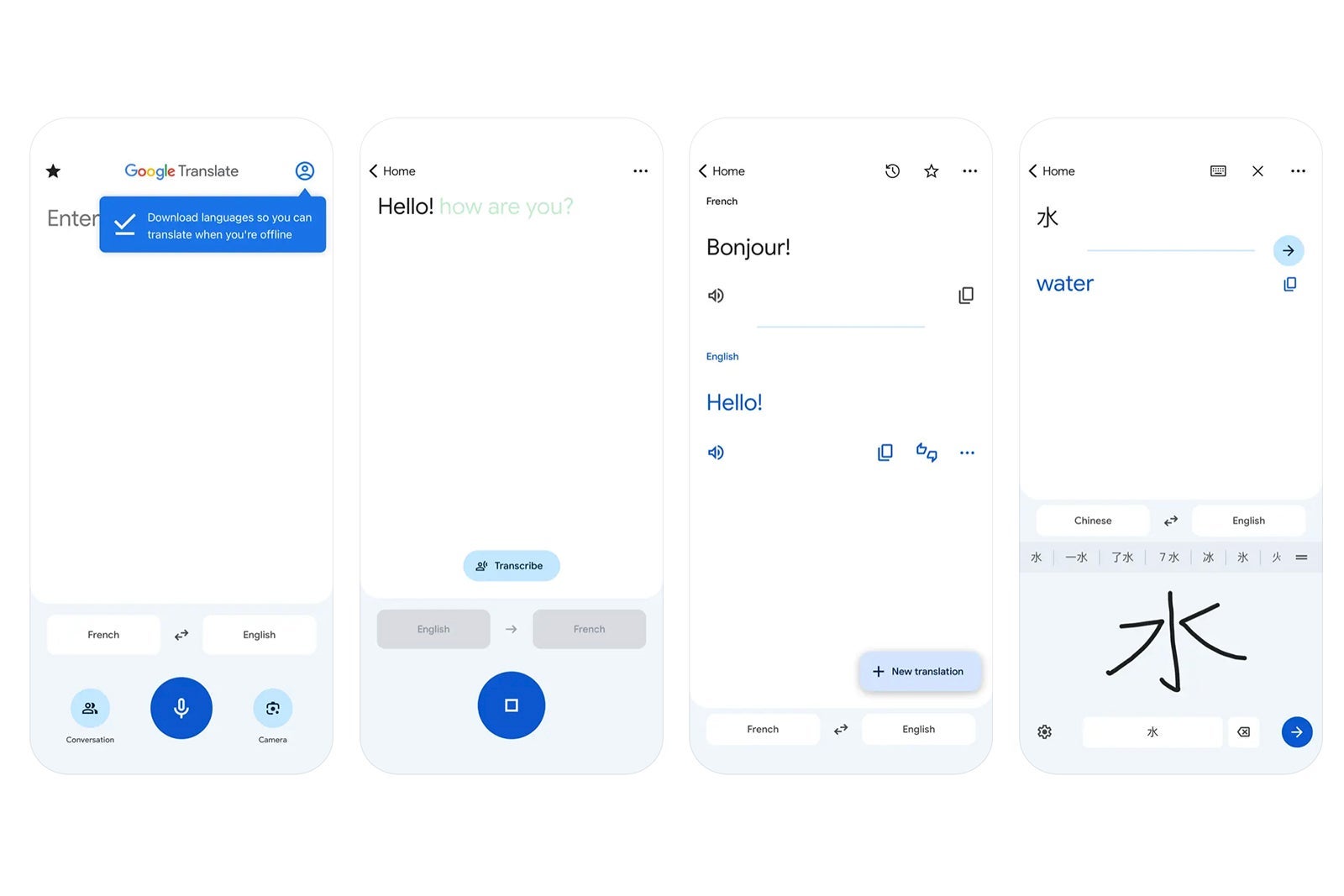
With 8.89 million reviews on Google Play, over 76,000 reviews in the Apple Store, and an average review score of 4.3 out of 5 stars on iTunes and 4.2 out of 5 stars on Google Play, Google's translation app is one of the most popular translation tools available.
We're among its many fans, largely due to the fact that it can translate between 108 languages on Android and 133 languages on iPhone, and because it comes with a whole slew of features that competitors charge extra to access.
Some of those features seem designed specifically with travelers in mind. You can translate by typing, of course, but with the instant camera translation, for example, all you have to do is just point your camera at a sign or text to translate its meaning (in 94 languages on Android). You can also use it in offline mode with various languages, which is a boon when you may not have access to Wi-Fi and you don't want to pay roaming charges.
Another helpful tool is the app's ability to translate conversations in many languages by simply speaking into your phone. Google Translate will then transcribe what you said in your native language and translate it into your intended one with the option to listen to how it is spoken and pronounced, or easily copy and paste the text. There is also a phrasebook for supported languages. Download for free on iTunes and Google Play.
DeepL
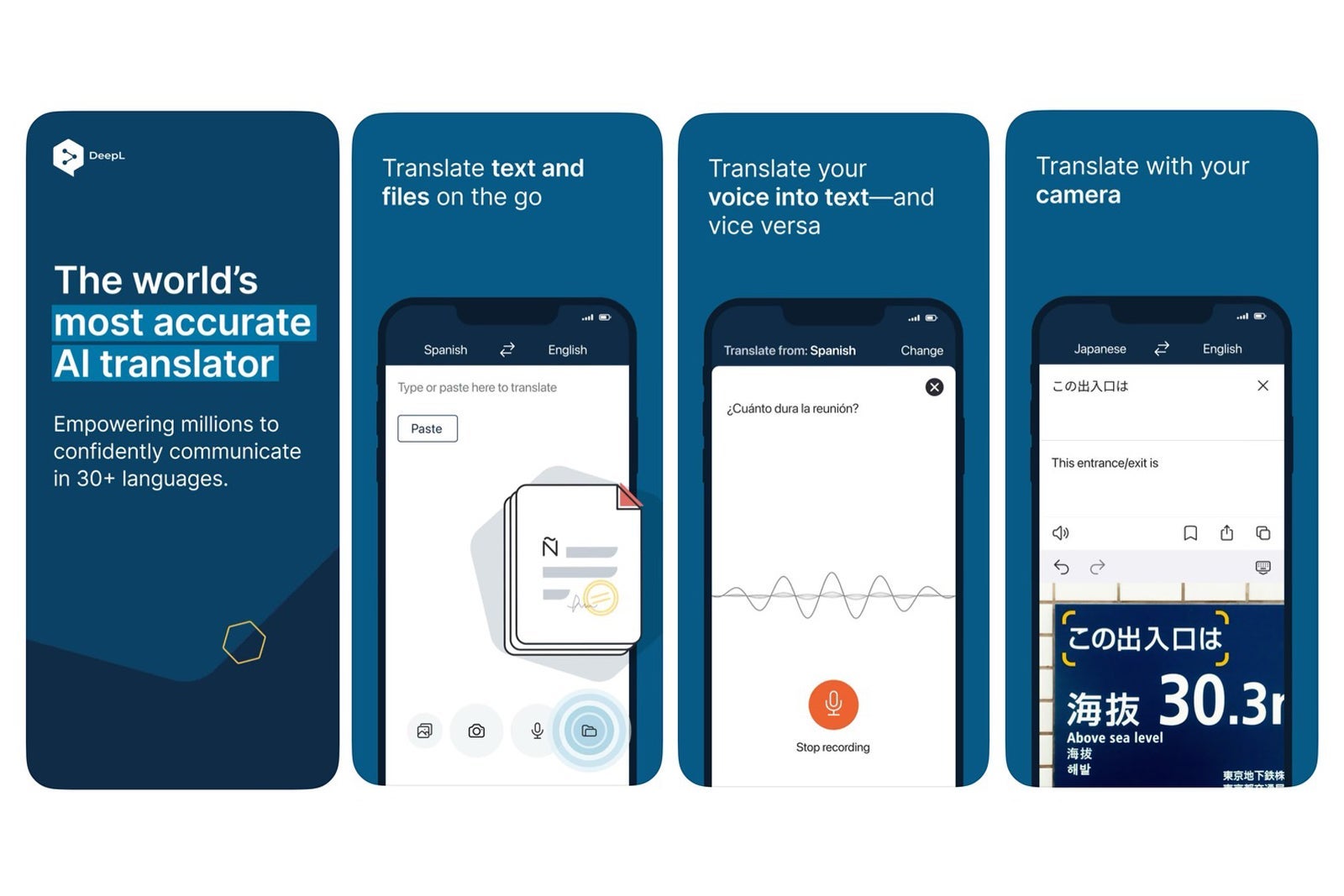
DeepL allows you to translate text, speech, photos and files in more than 30 languages and bills itself as "the world's most accurate AI translator." Though we can't verify that claim with 100% certainty, we can recommend it as a very useful tool to keep in your arsenal.

A camera-to-translate function works in 11 languages on Apple devices and 25 languages on Android, and you may also speak to it directly to translate your words using your microphone. The AI tools will help fact-check grammar and spelling for added accuracy when sharing text, and this app also translates documents, which will come in handy for students and business travelers, in particular.
DeepL is available for iPhone and Android. However, document translation is only available for iOS. Most core features are free with any download, though you will need to upgrade to a paid plan (starting at $8.74 per month and up, depending on the plan) to use perks like unlimited text translation (there are character limits on the free plan) and extra document uploads. Download for free on iTunes and Google Play.
iTranslate
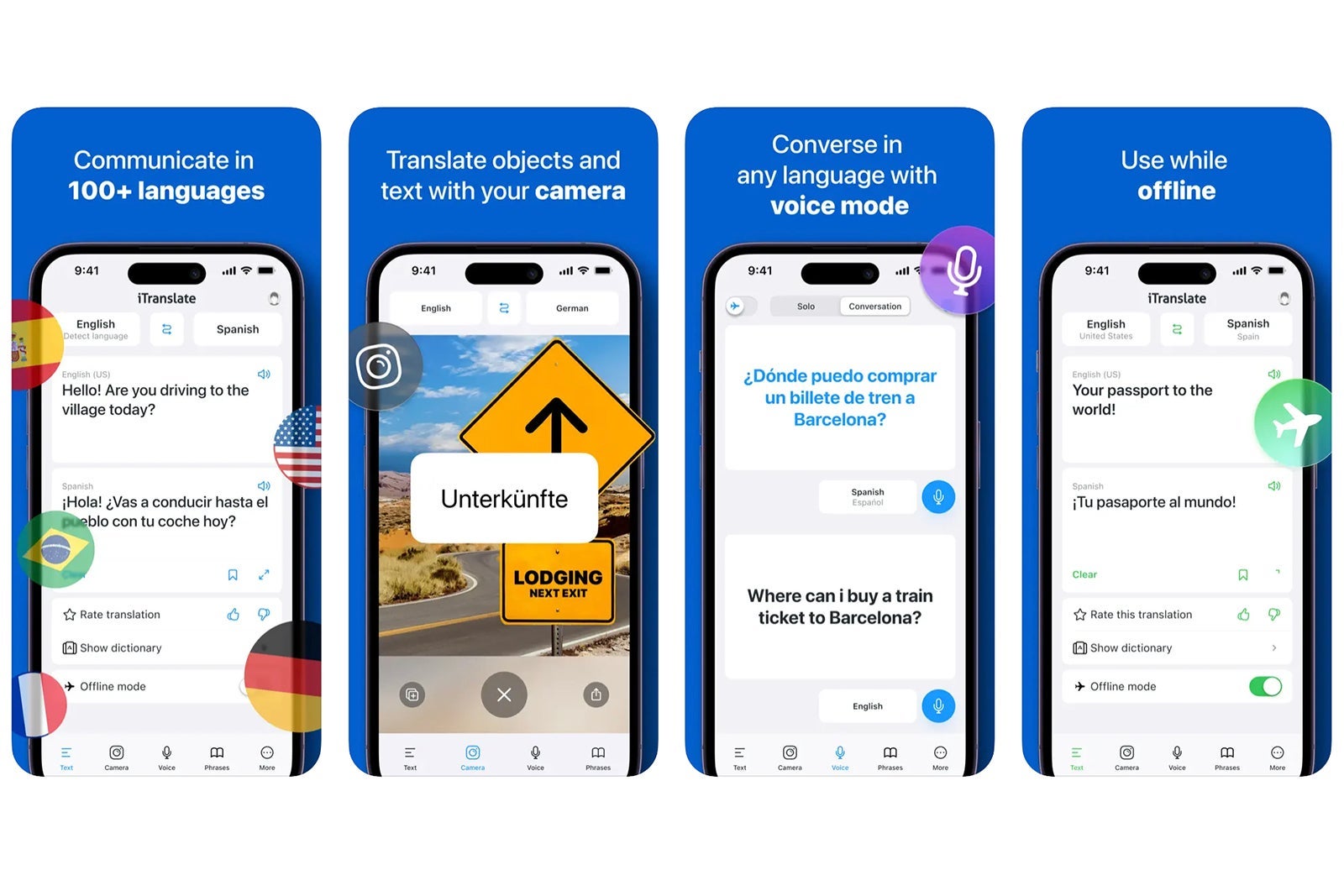
Read, write and speak in more than 100 languages using iTranslate, available for Android and iPhone. It has over 500,000 reviews on the Apple iTunes store, with an average review score of 4.7 out of 5 stars, and over 50 million downloads on Google Play, with an average review of 3.7 stars.
In addition to standard text translation, one of our favorite features is the app's voice capabilities. Just start speaking and iTranslate will recognize your voice and translate what you're saying into your intended language. You'll see the translation come across both as text and spoken out loud so you may hear how it's pronounced.
Other standout aspects include transliterations to aid in reading non-Latin characters, a camera mode to translate signage or menus, compatibility with Apple Watch and a favorites "phrasebook" section that users can use to bookmark their most-used translations of specific idioms to save them from having to look it up time and again.
Just note that only some languages work in offline mode, and you'll have to upgrade to the paid Pro version to use the camera and speak-to-translate function. Pro costs $4.99 per week, $7.99 per month or $69.99 to $99.99 annually depending on the features selected. If you're unsure, a free one-week trial is available to test Pro out. Download for free on iTunes and Google Play.
Microsoft Translator
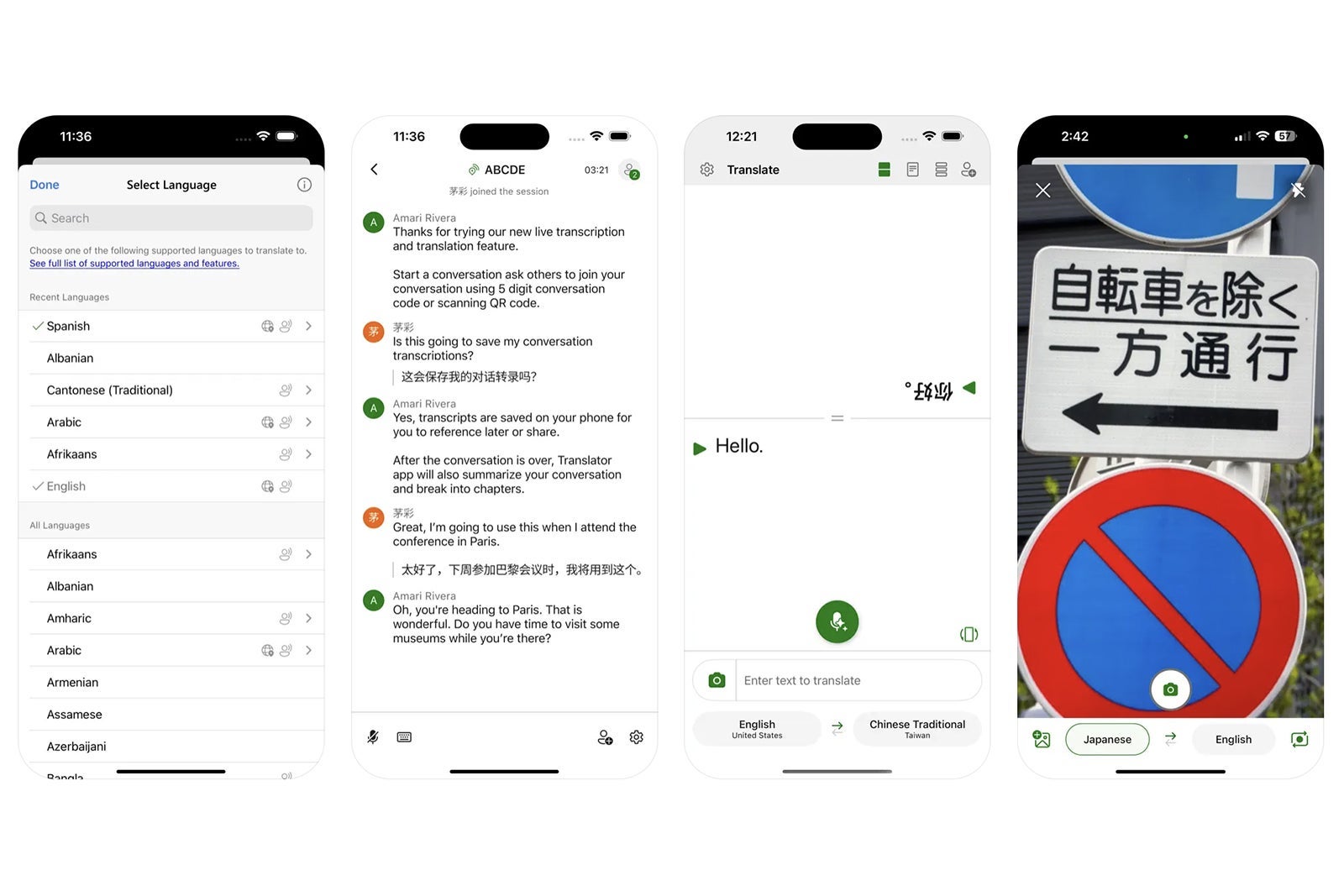
Available on iOS and Android, Microsoft Translator is a superb tool for those who need to connect with other people in real time and need help facilitating those conversations.
All you have to do is download the app and share a code with other participants who will be able to join a group chat using the app or website. You can then speak or type in your own language, and Microsoft Translator will convert your words into your recipient's language.
You may also download offline packs to translate without Wi-Fi or cell service, and the app will translate text in photos, even while offline. An included phrasebook comes with verified translations for travel, directions, lodging and dining, and has important phrases and translations available to listen to at three different speeds.
The app is available in 136 languages, though not all features are available in each one. Download for free on iTunes and Google Play.
Papago
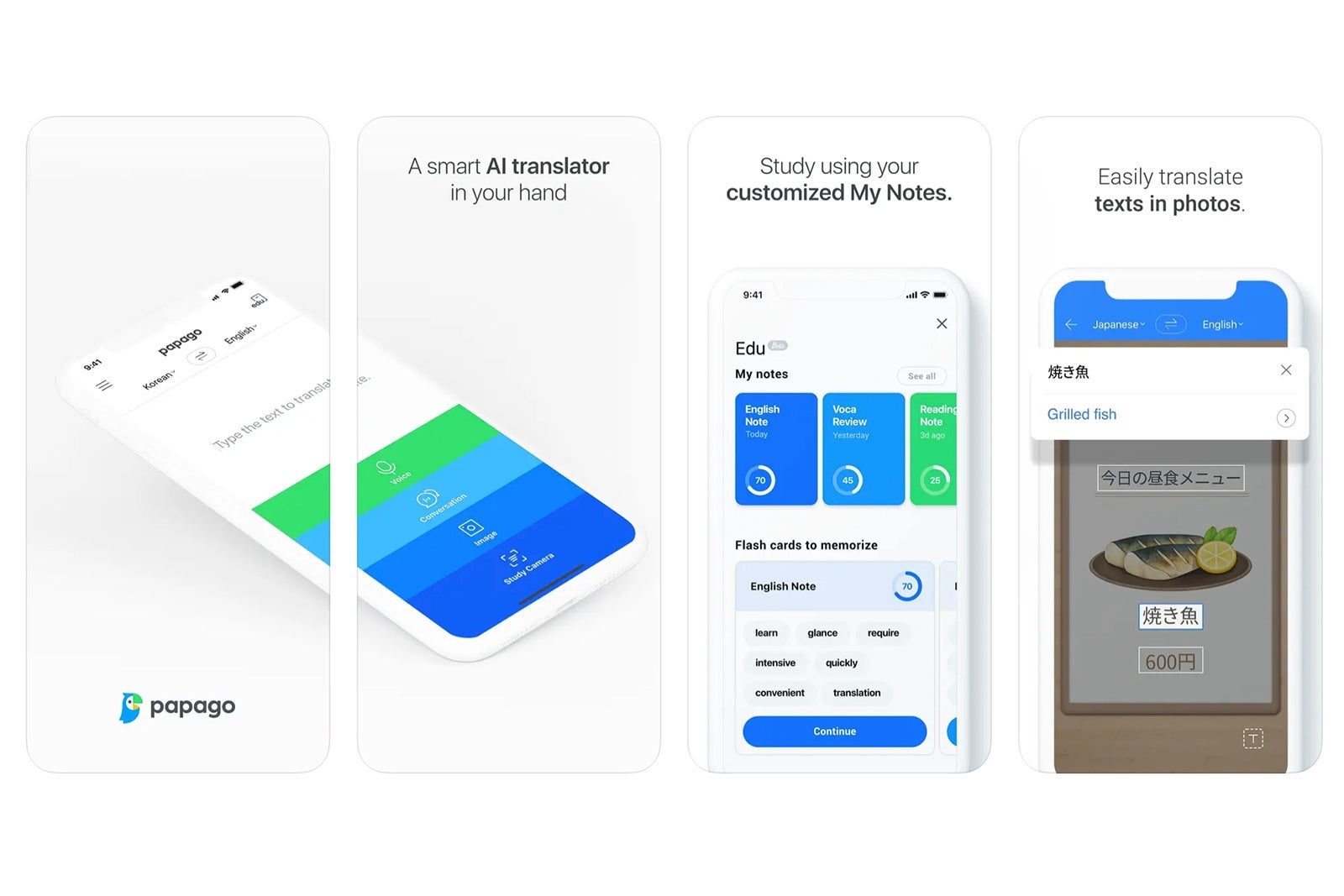
This is one of the best options available for translating Asian languages with text, voice and camera capabilities.
The app supports 14 languages, translating between English, Spanish, French, Russian, German, Arabic, Italian, Korean, Japanese, Chinese (traditional and simplified), Vietnamese, Thai and Indonesian.
It's free to download on both iPhone and Android, and in addition to the previously mentioned functions, it can also translate conversations between two people speaking to one another in real time. What's more, the app will automatically translate websites and can even translate handwriting. It works in offline mode as well and includes a dictionary, all for free. Download on iTunes and Google Play.
Translate Now — AI Translator
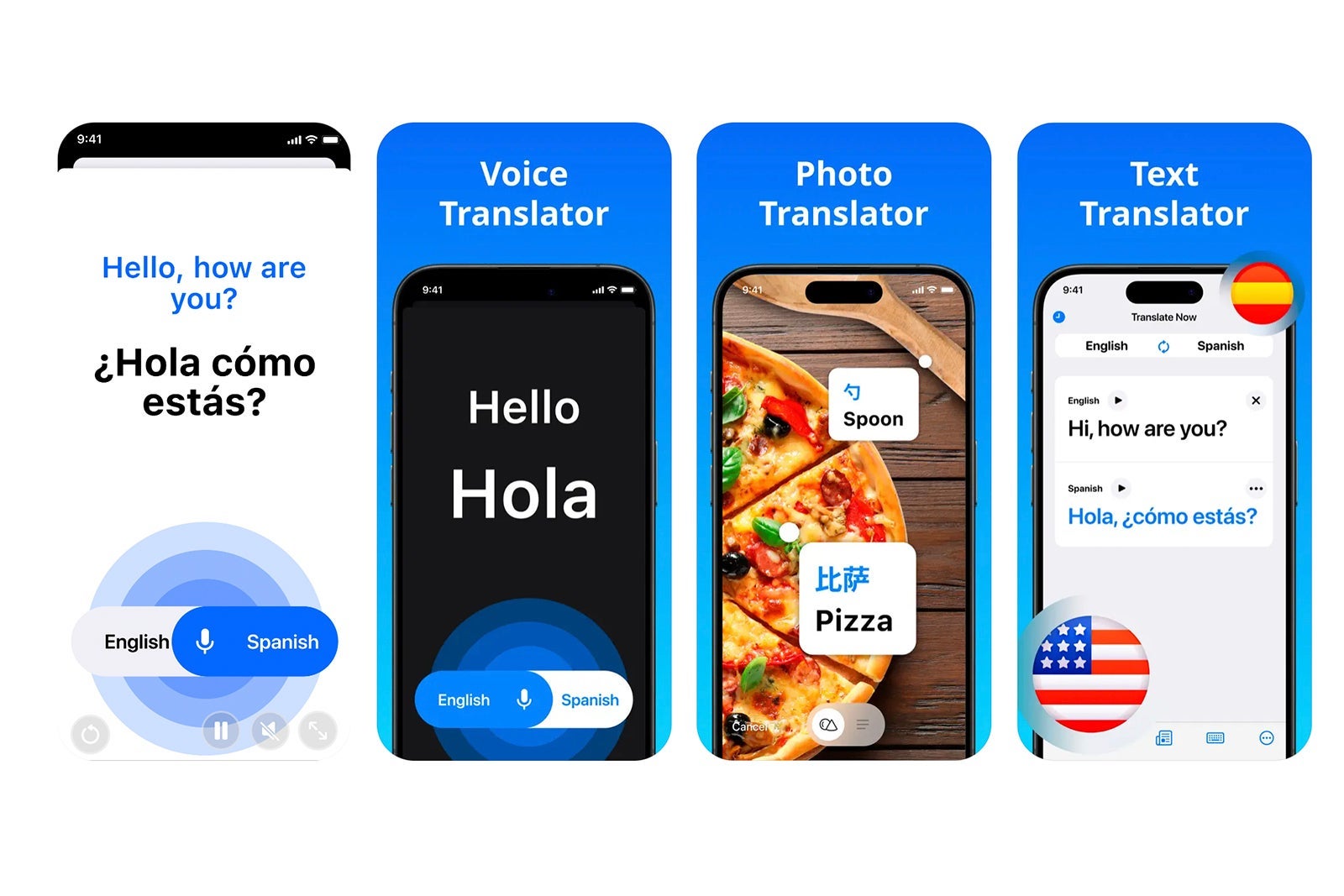
Translate Now is only available for iOS, but it's a strong pick for iPhone users who also want to integrate across iPad, Apple Watch or other Apple devices.
The app can translate content in more than 110 languages, either by text with pronunciations given, through photos or by using real-time voice translation where all you have to do is speak into your device and Translate Now will convert your words into your desired language, both by text and voice.
Other key features include a keyboard add-on to chat in your native language and translate to over 60 other languages within many messaging apps, an offline phrasebook, Siri shortcuts and a dark mode option to help save battery life.
Just know that you'll have to upgrade to a paid version for unlimited, ad-free use and features such as speak-to-translate, which costs $4.99 per week, $9.99 for a month or $69.99 yearly. Download for free on iTunes.
How to pick the best translation app
With so many highly rated translation apps, the iTunes and Google Play stores can be overwhelming places to start when looking for the right one for your needs.
Luckily, most apps have a basic, free-to-download option that allows you to try out core functions and then decide if you want to upgrade to a paid version.
To start, if your device memory allows it, we recommend downloading a few of these apps. Next, start playing around with them and think about which user interface you like the most and find easiest to use.
Then, test out the key functions that best suit your travel preferences. Ask yourself questions like, do you prefer to talk or type? Are you primarily translating menus and asking basic questions, or are you looking to connect with others in conversation? And can you deal with ads, or would you rather upgrade to an ad-free version?
The answers to these questions will help guide you toward the features that will prove the most beneficial to your travel needs and help determine whether or not you should invest in a paid version. You might also decide you only need to pay for a premium version for the duration of your trip; some apps offer paid weekly options rather than only providing monthly or annual subscriptions.
Just remember that no app is a true stand-in for native knowledge. All translation apps are subject to some level of error. However, once you've considered these real-life scenarios, you're likely to walk away with a new favorite translation app — and maybe pick up some new lingo, too.
TPG featured card

at Capital One's secure site
Terms & restrictions apply. See rates & fees.
| 5X miles | Earn 5X miles on hotels, vacation rentals and rental cars booked through Capital One Travel |
| 2X miles | Earn unlimited 2X miles on every purchase, every day |
Pros
- Stellar welcome offer of 75,000 miles after spending $4,000 on purchases in the first three months from account opening. Plus, a $250 Capital One Travel credit to use in your first cardholder year upon account opening.
- You'll earn 2 miles per dollar on every purchase, which means you won't have to worry about memorizing bonus categories
- Rewards are versatile and can be redeemed for a statement credit or transferred to Capital One’s transfer partners
Cons
- Highest bonus-earning categories only on travel booked via Capital One Travel
- LIMITED-TIME OFFER: Enjoy $250 to use on Capital One Travel in your first cardholder year, plus earn 75,000 bonus miles once you spend $4,000 on purchases within the first 3 months from account opening - that’s equal to $1,000 in travel
- Earn unlimited 2X miles on every purchase, every day
- Earn 5X miles on hotels, vacation rentals and rental cars booked through Capital One Travel
- Miles won't expire for the life of the account and there's no limit to how many you can earn
- Receive up to a $120 credit for Global Entry or TSA PreCheck®
- Use your miles to get reimbursed for any travel purchase—or redeem by booking a trip through Capital One Travel
- Enjoy a $50 experience credit and other premium benefits with every hotel and vacation rental booked from the Lifestyle Collection
- Transfer your miles to your choice of 15+ travel loyalty programs
- Top rated mobile app