
With the release of iOS 18 earlier this fall, Apple introduced even more travel-ready features, including an additional Apple Maps improvement that is especially beneficial for hikers. Now, you can use Apple Maps to access detailed hiking directions at all 63 U.S. national parks on your iPhone or Apple Watch. I've always relied on other apps for my outdoor pursuits, but these new features made it clear Apple Maps could do the job all on its own. But there was only one way to know for sure — I had to test it out.
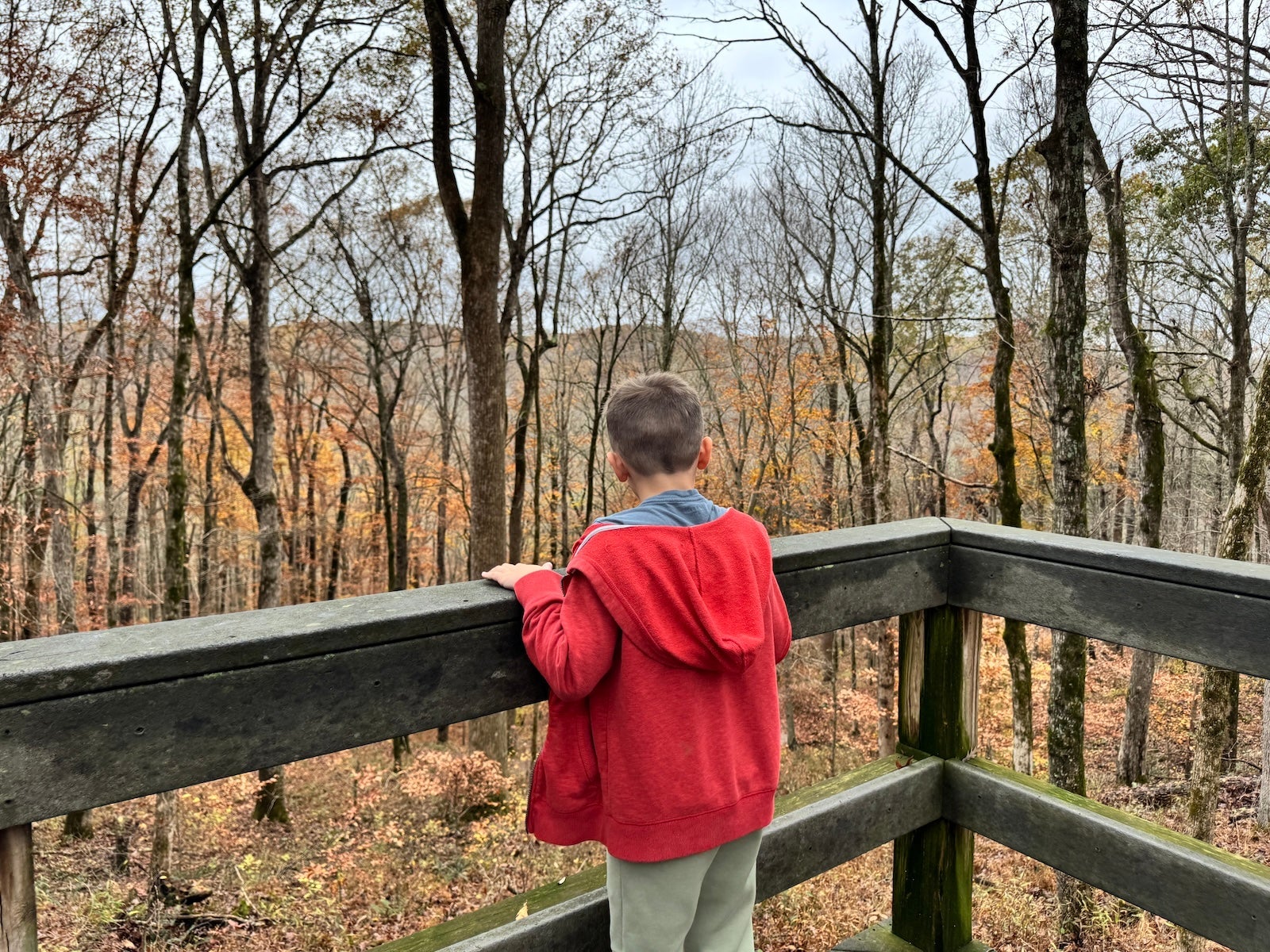
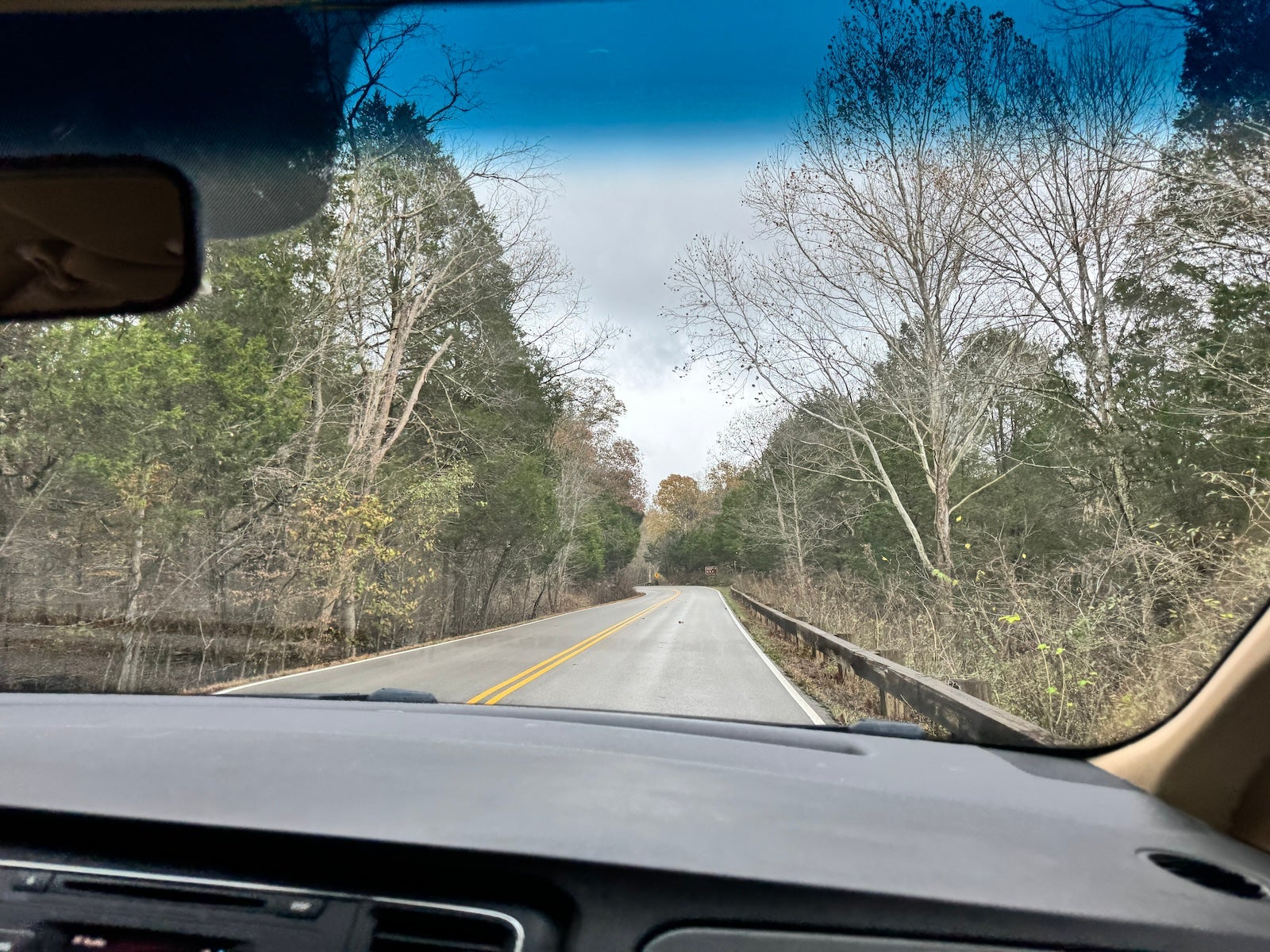
My family is lucky enough to live less than two hours from Mammoth Cave National Park, which has several above-ground trails in addition to underground ones, so my husband and I loaded our three kids in the car and headed out for a day of exploring the great outdoors.
Before your hike
Before we set out for our hike, I downloaded an offline map of Mammoth Cave National Park. Because so many national parks are (blessedly) far from civilization, they often have spotty cell service.
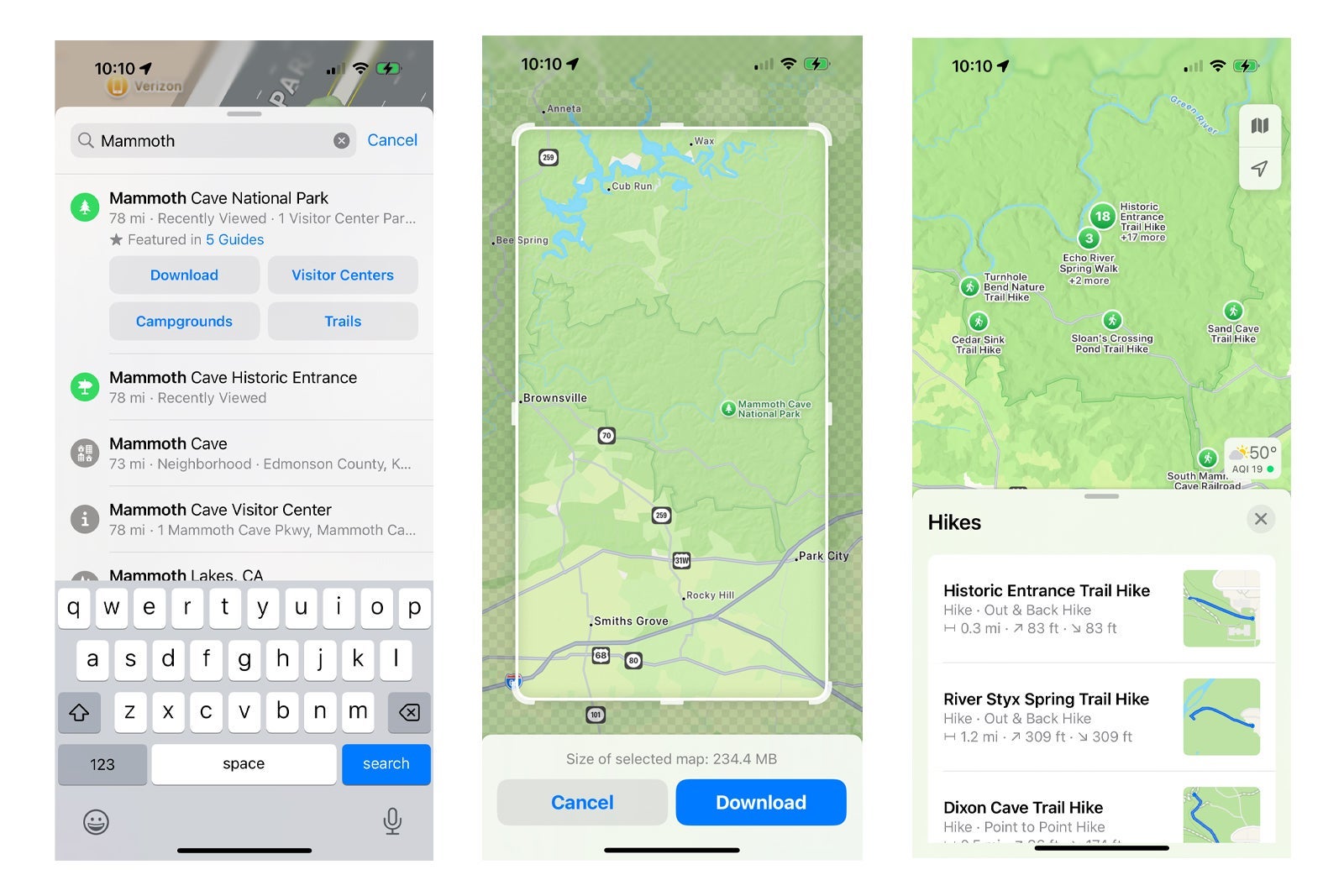
To download an offline map in Apple Maps, simply search for the national park you plan to visit. You should see a button that says "Download" next to the button that displays the driving distance. When you click the download button, you can customize the area of the map you'd like to download. I suggest making it large enough that you can also use it to access driving directions around the park. Even for the drive to Mammoth Cave, it came in handy to have a map of the area downloaded to my phone.
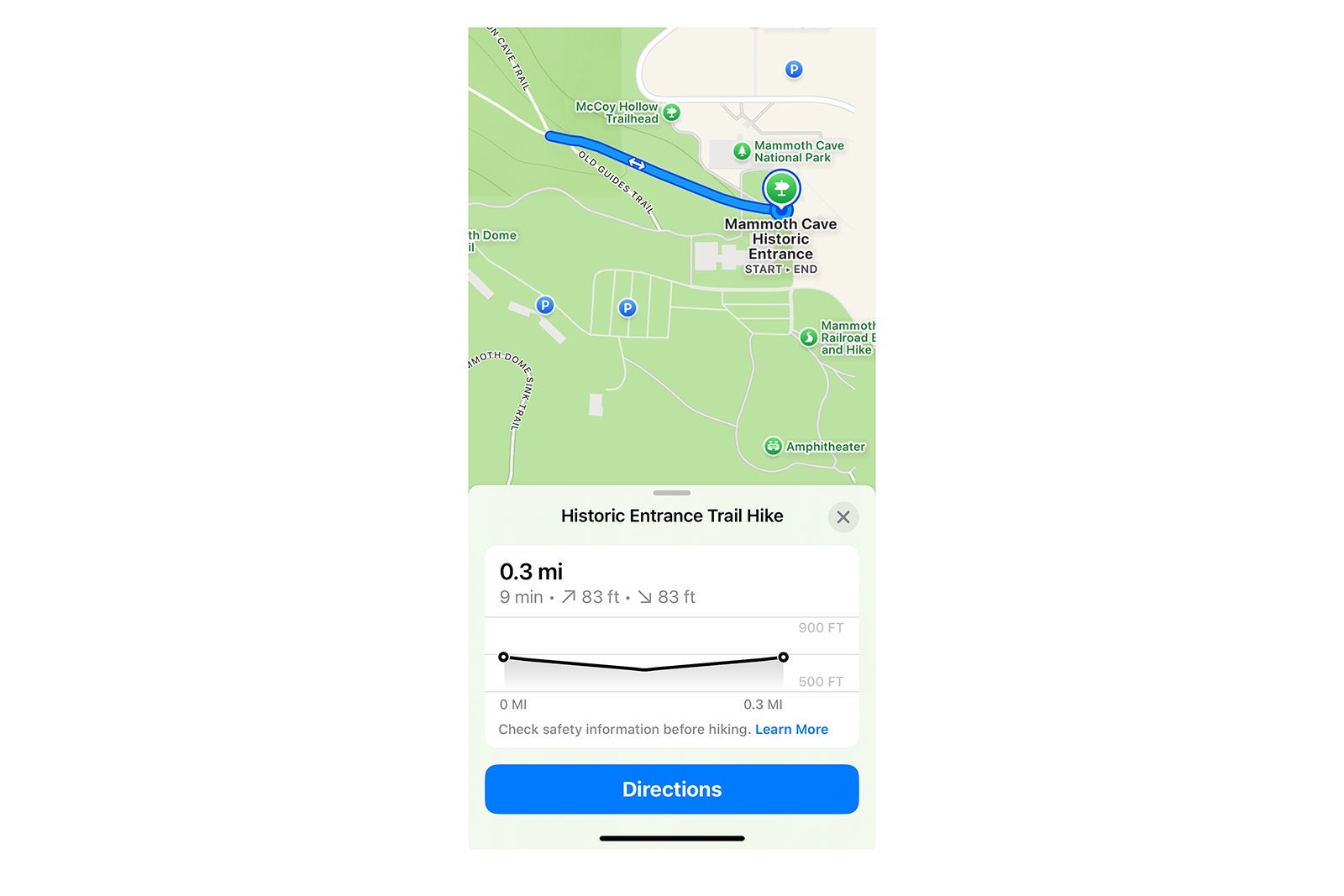
From the same screen where you click to download the offline map, you can scroll down to view a list of the park's hiking trails. Because I had three kids in tow, I knew I had to choose a hike that wasn't too long or gained too much elevation. As I browsed the hikes, I could see the length, elevation and whether it was an out-and-back or point-to-point hike.
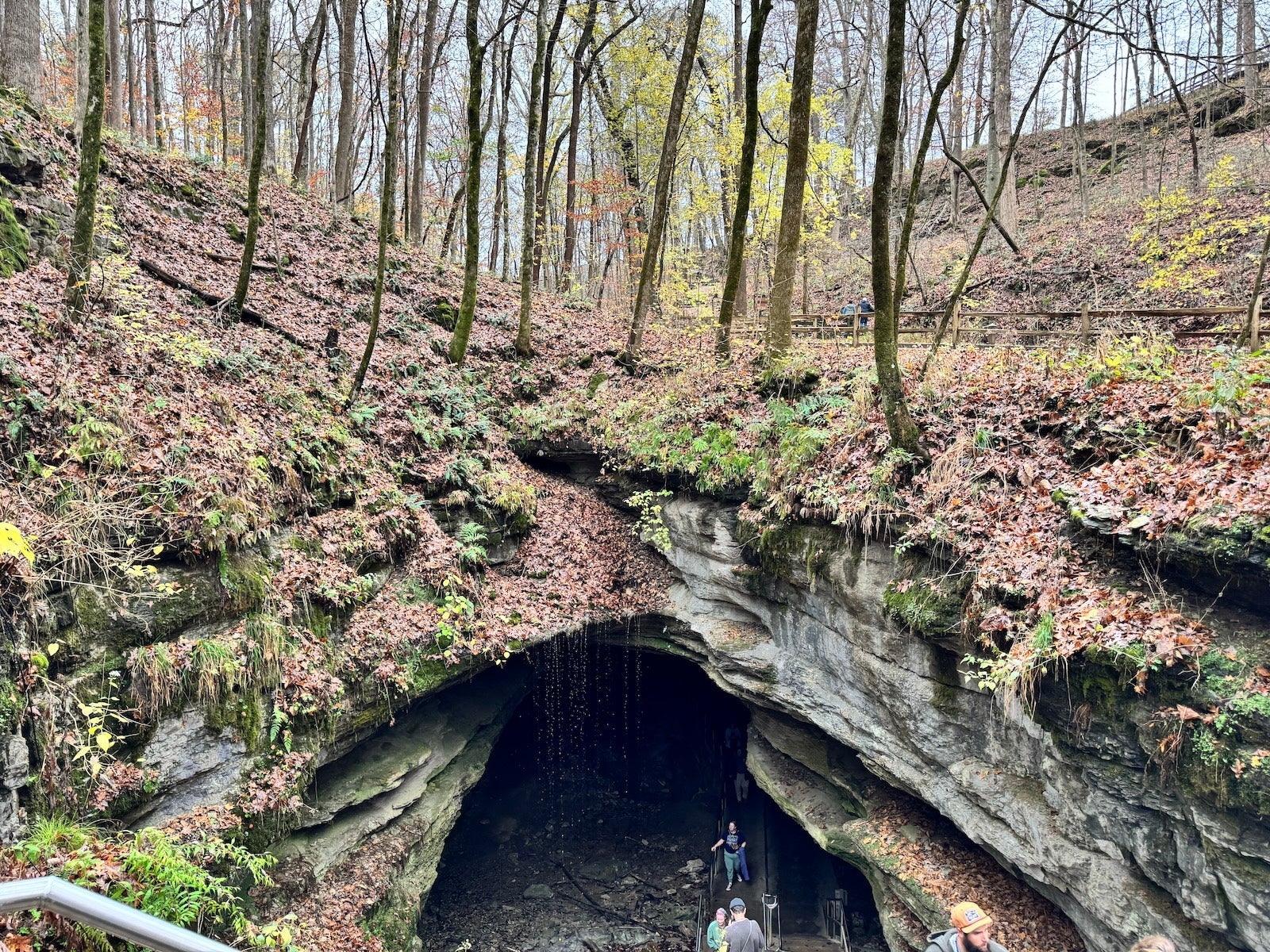
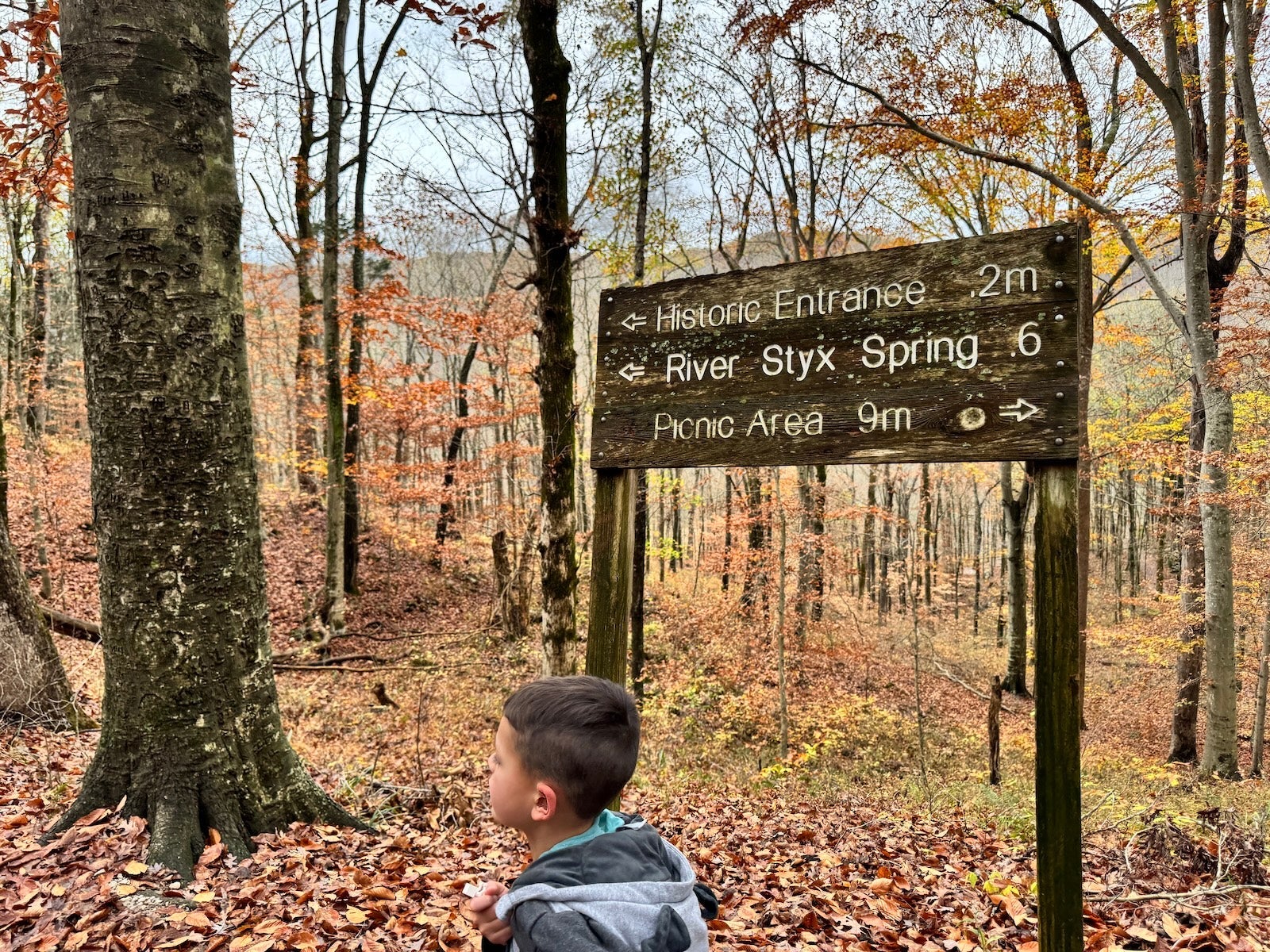
I went with a short out-and-back hike that turned around at the cave's historic entrance. People have been using this entrance for thousands of years, and many of the park's tours still pass through here today. Once you choose a hike (or hikes), click on the hike and then click "Add to Library." Once it is in your library, you can access it at any time by opening Apple Maps, clicking your profile picture and then clicking on "Library."
If you prefer to walk your own path, you can also create custom walking routes in Apple Maps and save them to your library. To create a custom route, just click on any road or trail, click "More" and then choose "Create a Custom Route." You can then click on any path or road on the map to add additional stops along your custom route. Apple Maps can help you complete your trail as an out-and-back or closed loop based on your preferences.
During your hike
Because I had downloaded a map of Mammoth Cave and saved my preferred hike before we left, I was able to get driving directions directly to the parking lot near the trailhead. Prior to this update, I was only able to use Apple Maps to get to the park's main visitor center and then find my way to the trailhead.
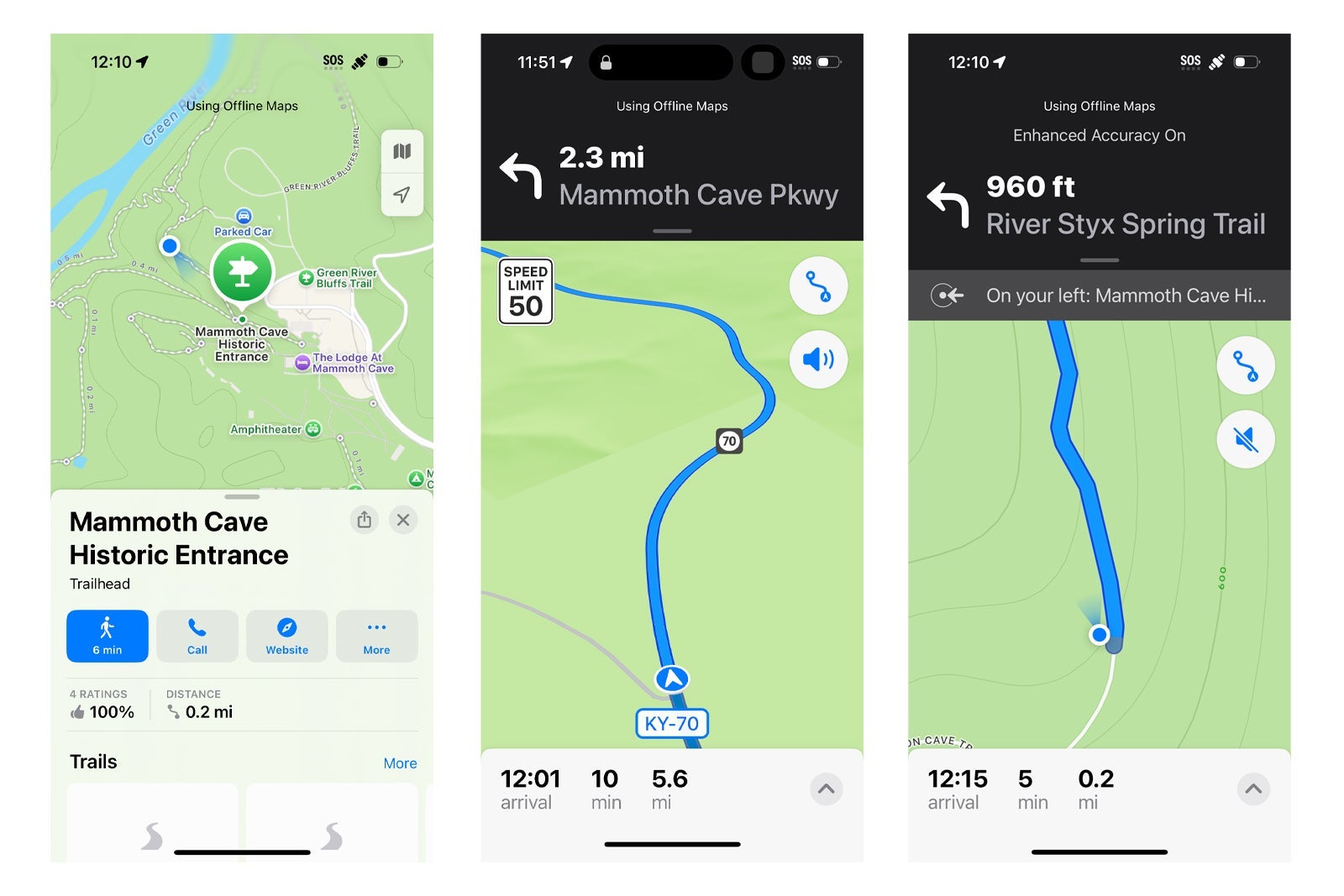
After we arrived, I turned on walking directions for the hike I had saved so I could easily track how far we had gone. The trails at Mammoth Cave are very well marked, but it was nice to have a backup plan in case we got lost or wanted to tackle another hike after finishing our first one (as it was, the kids chose lunch over more hiking).
When our hike was over, it was easy to find our way back to the car using Apple Maps. To show your parked car on Apple Maps, go to "Settings" on your iPhone, click on "Maps" and make sure "Show Parked Location" is toggled on. This ensures you can see the location of your parked car, given that your phone is paired with your car's Bluetooth or CarPlay.
Bottom line
Apple Maps' newest features make it easier, safer and more fun to explore our country's national parks or forge your own path with a custom walking trail. I love getting outside with my family, and I can't wait to try out the new features again. Maybe next time I can convince my kids to walk a bit longer before they stop to eat.
Related reading