Simple Google Flights Browser Extension Makes Price Comparisons Easy


We here at TPG are huge fans of Google Flights. The ability to quickly search airline prices, schedules and routing options means that we're daily users of the free search engine. Tools like "Explore Map" are great for helping find a cheap getaway for particular dates or interests.
But, while Google Flights has recently rolled out some helpful improvements, there are still some shortcomings with the site that we'd love to see tackled. While we wait for features like filtering out basic economy fares, unaffiliated developers have taken the task on themselves to make the site better. Must-have extensions have been developed to add legroom data to initial search results and flag when a fare is a basic economy fare.

Now, there's another extension that helps you book your flight for the cheapest price. Flight Fare Compare is a Chrome extension that helps you easily compare the search results you find on Google Flights with fares for the same flights via Momondo, Kayak and SkyScanner.
I've tested the extension and found that it delivers just what it promises. When you complete a search, a notification appears at the top right corner with the option "Compare." Clicking that button will launch searches in new Chrome tabs on the sites that you've selected in the extension options.
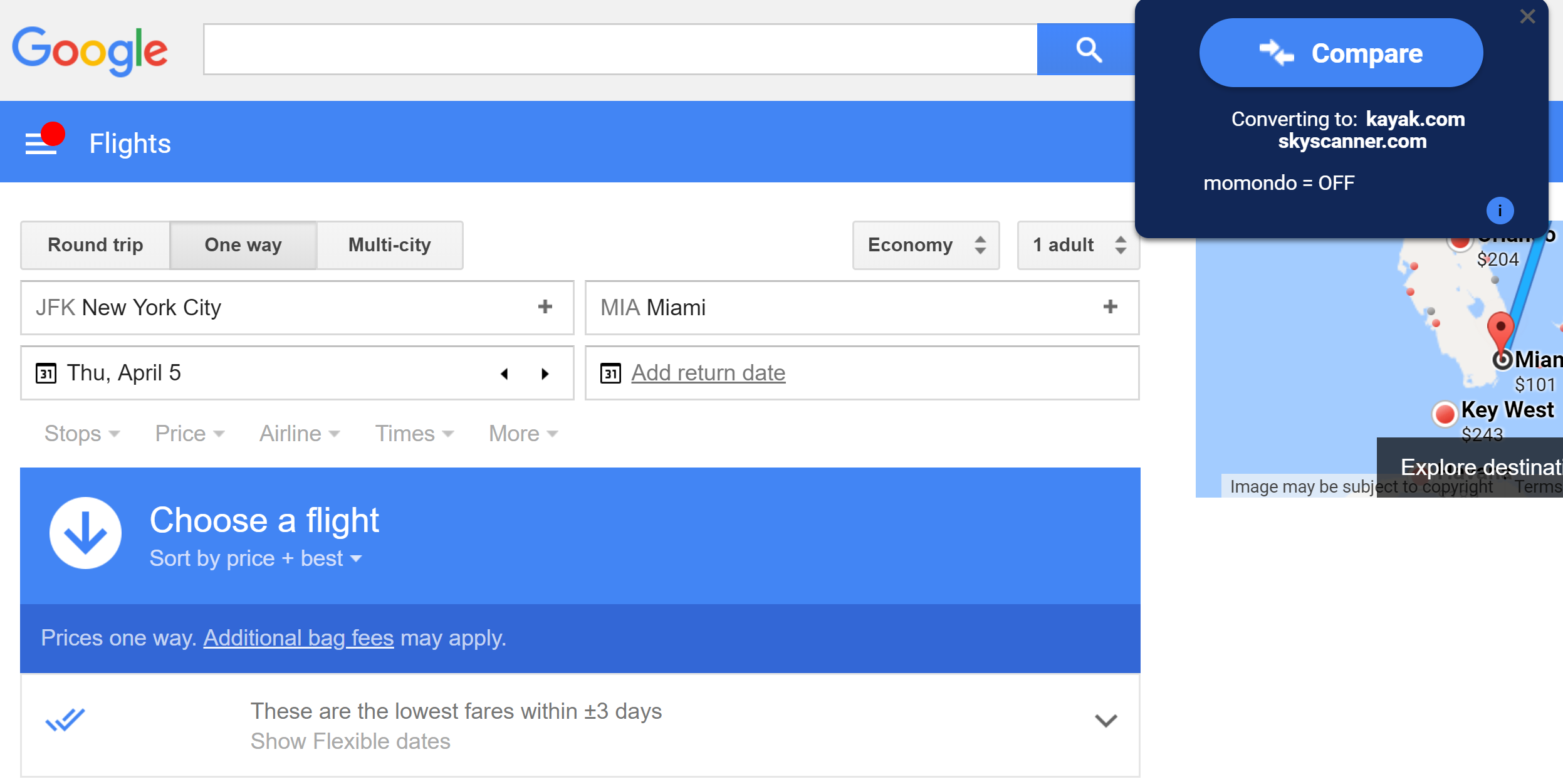
If you're interested in adding this option to your future Google Flights searches, here's how to set it up:
- Open Chrome. (Unfortunately, this extension isn't available on other browsers)
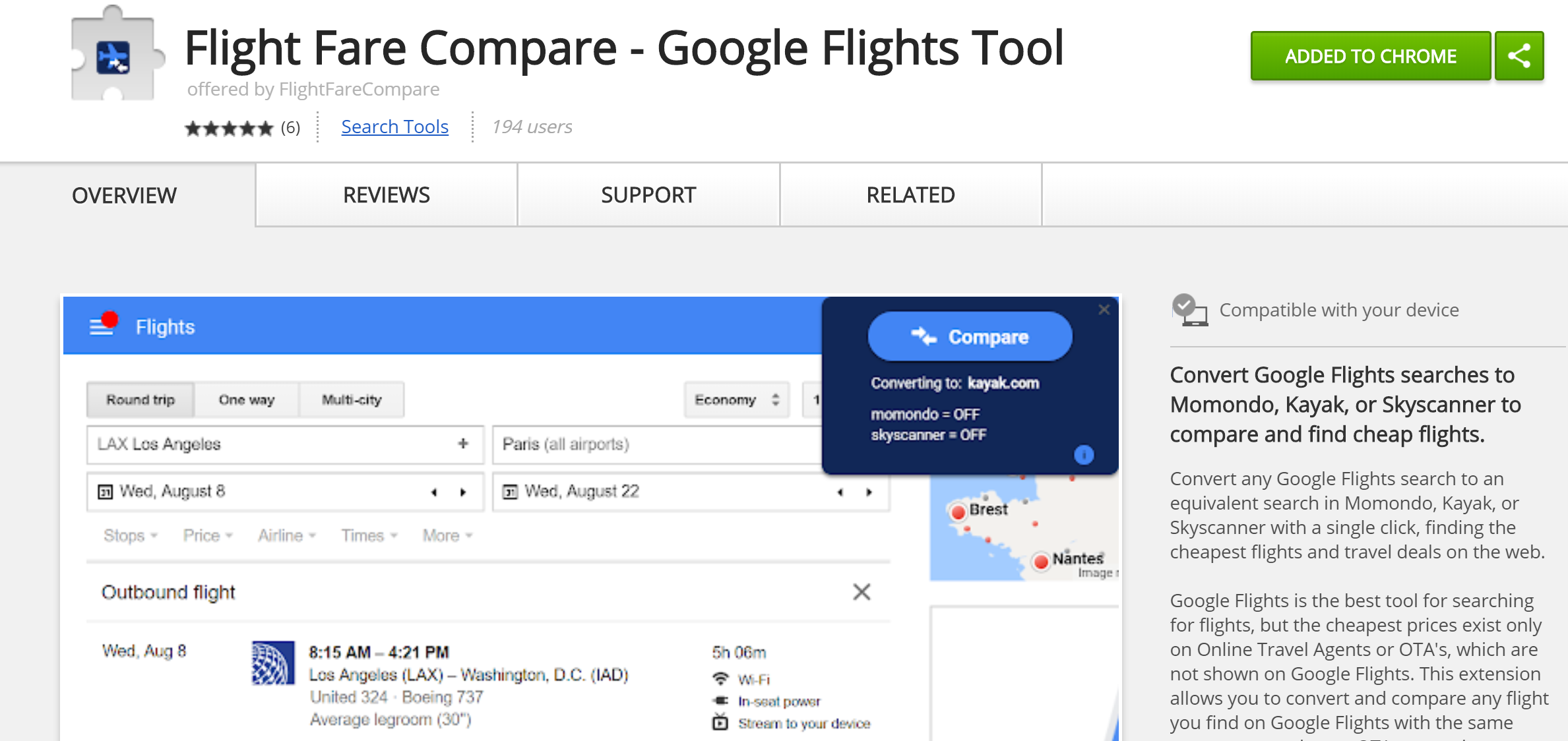
- Browse to the Flight Fare Compare extension install page
- Click "Add to Chrome" and confirm.
Kayak, Momondo and SkyScanner are solid options for finding cheap flight prices. However, this is accomplished by linking to zero-service Online Travel Agencies (OTAs). I think that it'd be a nice improvement for Flight Fare Compare to also give options to link to more-trusted OTAs like Expedia and Orbitz — Google Flights already provides booking buttons for OTAs such as those on assembled itineraries, but not on search results.

Another function I'd love to see is an option to launch flight searches on the Citi or Chase Travel Portal, as this would make it easier to book with points and book AA Special Fares.
H/T: TPG Reader Michael
TPG featured card

at Capital One's secure site
Terms & restrictions apply. See rates & fees.
| 5X miles | Earn 5X miles on hotels, vacation rentals and rental cars booked through Capital One Travel |
| 2X miles | Earn unlimited 2X miles on every purchase, every day |
Pros
- Stellar welcome offer of 75,000 miles after spending $4,000 on purchases in the first three months from account opening. Plus, a $250 Capital One Travel credit to use in your first cardholder year upon account opening.
- You'll earn 2 miles per dollar on every purchase, which means you won't have to worry about memorizing bonus categories
- Rewards are versatile and can be redeemed for a statement credit or transferred to Capital One’s transfer partners
Cons
- Highest bonus-earning categories only on travel booked via Capital One Travel
- LIMITED-TIME OFFER: Enjoy $250 to use on Capital One Travel in your first cardholder year, plus earn 75,000 bonus miles once you spend $4,000 on purchases within the first 3 months from account opening - that’s equal to $1,000 in travel
- Earn unlimited 2X miles on every purchase, every day
- Earn 5X miles on hotels, vacation rentals and rental cars booked through Capital One Travel
- Miles won't expire for the life of the account and there's no limit to how many you can earn
- Receive up to a $120 credit for Global Entry or TSA PreCheck®
- Use your miles to get reimbursed for any travel purchase—or redeem by booking a trip through Capital One Travel
- Enjoy a $50 experience credit and other premium benefits with every hotel and vacation rental booked from the Lifestyle Collection
- Transfer your miles to your choice of 15+ travel loyalty programs
- Top rated mobile app