What it’s really like to use Apple’s AirTags to track your luggage

Editors' note: This post was updated with new information. Availability was good as of 5:00 p.m. ET on June 10.
I have a bad habit of losing things.
Often, I realize I've misplaced my phone or some other easy-to-lose item (like my Lululemon fanny pack that holds my wallet and car key) when I need them the most. However, now that I've started using Apple AirTags to track belongings, it happens less often.
I've always loved the Find My iPhone feature in iCloud because it lets you ping your phone from another device like a MacBook Air.
I have tried other Bluetooth trackers, such as Tile, in the past. I have used Tiles since 2016 and even gifted them as presents. Its app can be a bit clunky, though, and it can take a lot longer to find your missing item, given its limited network.
So, when Apple introduced AirTags at a virtual press event in 2021, I immediately ordered a four-pack of AirTags as soon as they went on sale. Since then, I've used them on many trips to track my luggage, fanny pack and wallet, and even my husband's golf clubs. Few things are worse than arriving for a guy's golf trip without your golf clubs.
Plus, Apple AirTags (four-pack) are currently on sale through Amazon for $78.99 (usually $99).
Here's what it's actually like to use AirTags on the road.
Apple's first tracking device
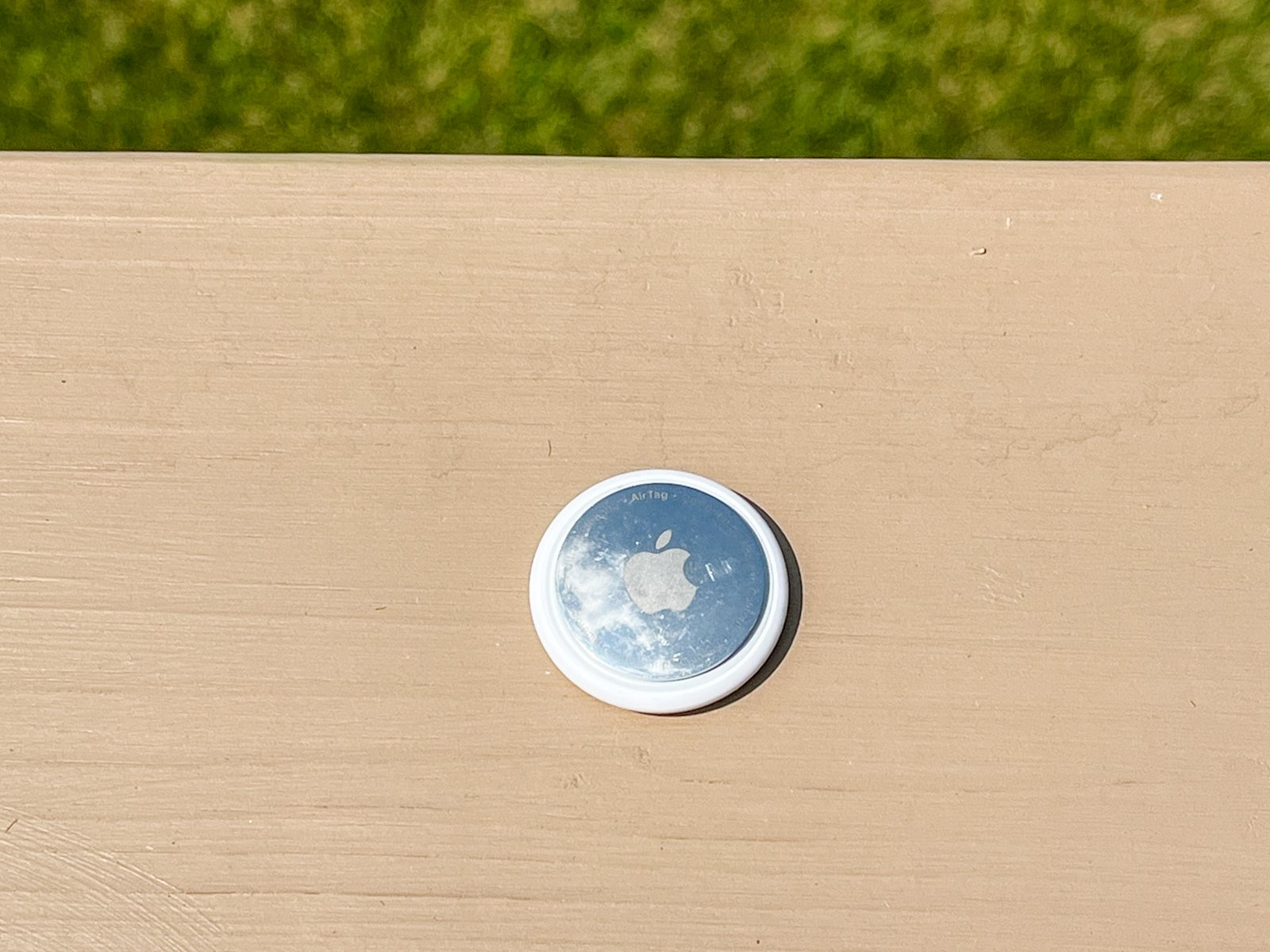
For some background, AirTag is Apple's latest Bluetooth tracking device. You can attach the device to anything you own, and it will passively track the item's location whenever it pings a nearby Apple device. This can happen with your iPhone or someone else's iPhone or iPad — there's no cellular or GPS chip in the AirTag itself.

This works well because of the sheer number of iOS devices out there. So, if you lose your fanny pack at the airport or in a public place, chances are someone else with an iPhone will be nearby. If your keys are attached to an AirTag, it will ping their location off that iPhone and report the location back to you. No personal data is transmitted in the process.
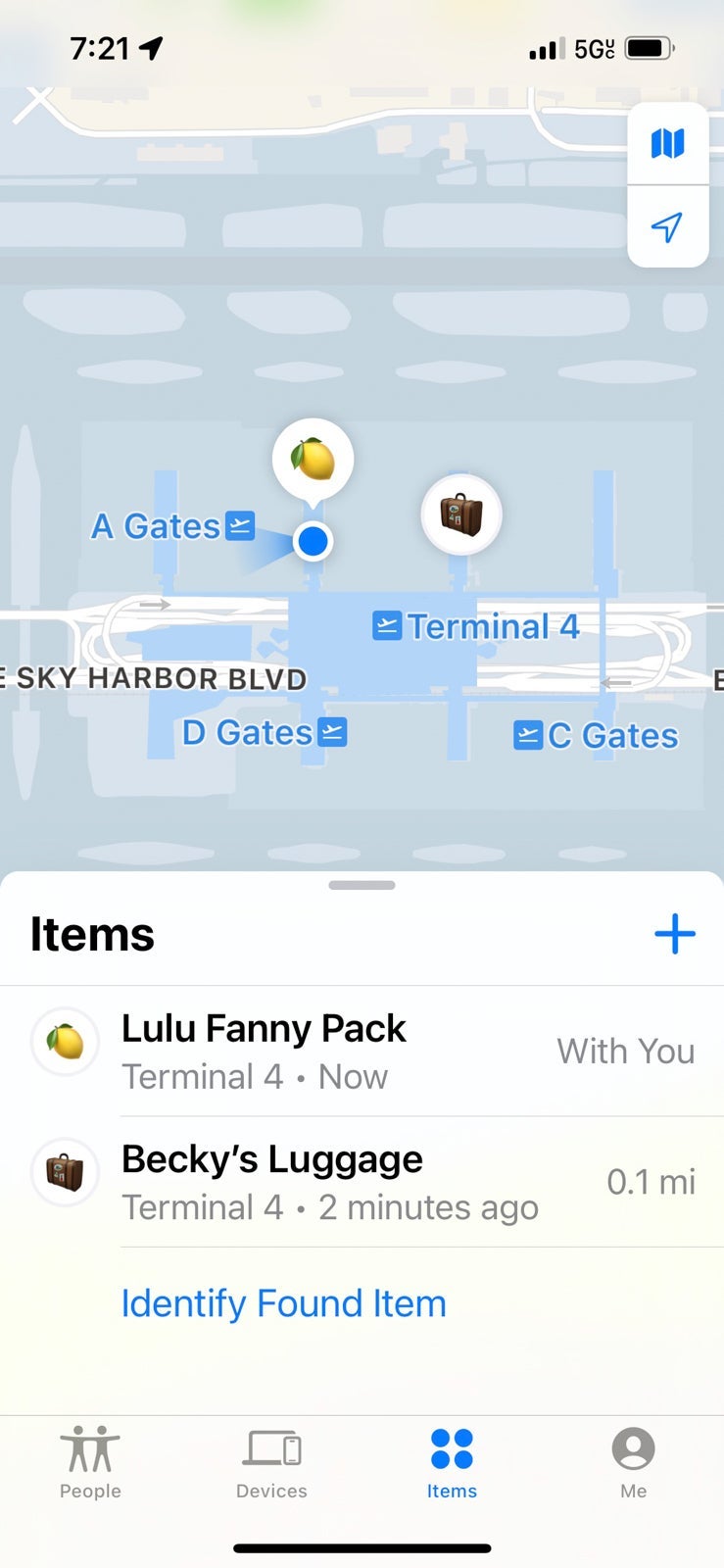
You can view the location of your AirTags in the Find My app alongside your iOS devices. Each AirTag has a small internal speaker so you can use sound to locate your devices at home, just like using Find My iPhone to play a sound on your phone.
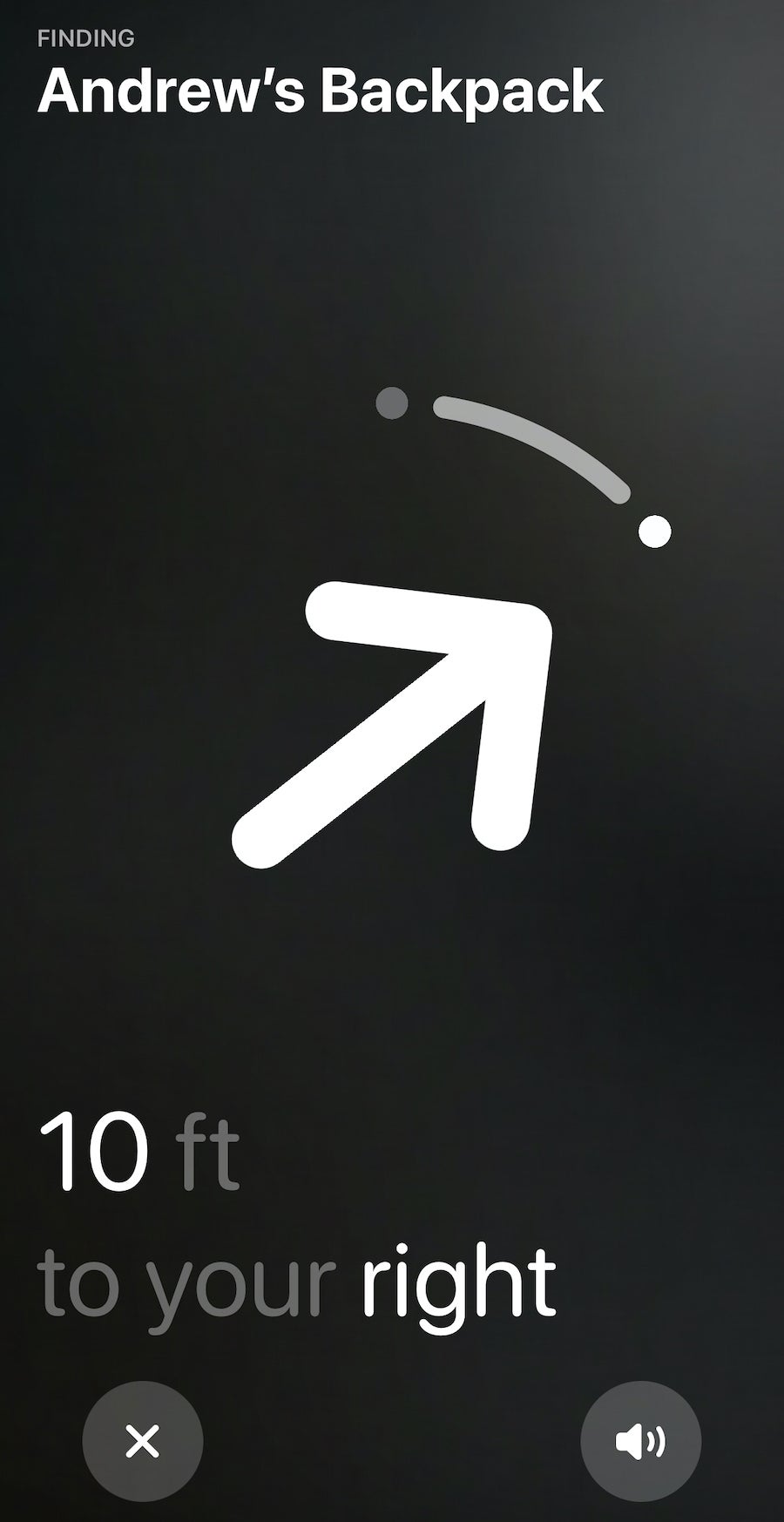
Also, when you're close to one of your AirTags, there's a "Find Nearby" feature you can use to guide you to your AirTag. This is helpful when looking for something lost at home or in a hotel room. It will show you approximately how close (or far) you are and in what direction you need to walk.
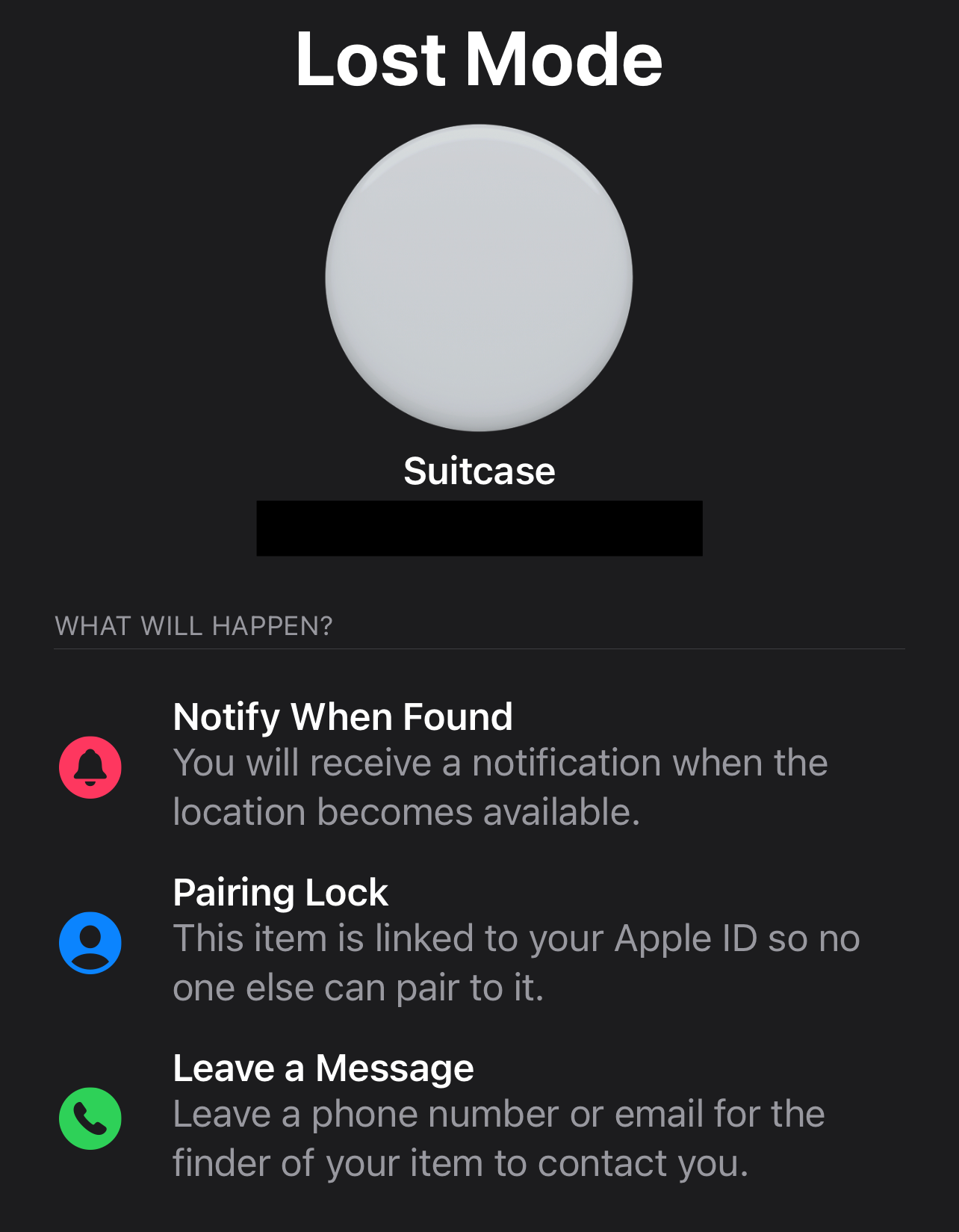
Other near-field communication-enabled devices can also scan your AirTags and see your contact information. Think of it as a digital luggage tag. If you lose something, you can mark it as lost in Apple's Find My app. If someone finds your AirTag, they can hold it close to their NFC-enabled device and receive a copy of your contact information.
Marking an AirTag as lost also prevents someone from registering your AirTag with their Apple ID. You'll get a notification when someone finds your AirTag and scans it with their mobile device.
Perhaps the best part about AirTags is the price: You can buy one for $29. Or, you can purchase a four-pack for $79 on Amazon (though it was $99 when it first launched). The four-pack is the best deal as it's effectively a buy three, get one free bargain.
Additionally, there's no monthly data fee or data plan to worry about. Instead, you leverage the huge network of iOS devices already out in the world to find your lost items.
You also don't need to charge your AirTags since a replaceable coin-cell battery powers them; it should last for roughly a year. You can replace these batteries with standard coin-cell batteries you can buy at your local convenience shop or hardware store.
That was one of my gripes with the original Tiles; they needed to be replaced after 12 to 18 months, and you could not change out a battery. That has been corrected in the newer models.
Related: What to do if you leave something on the plane
AirTag design and accessories
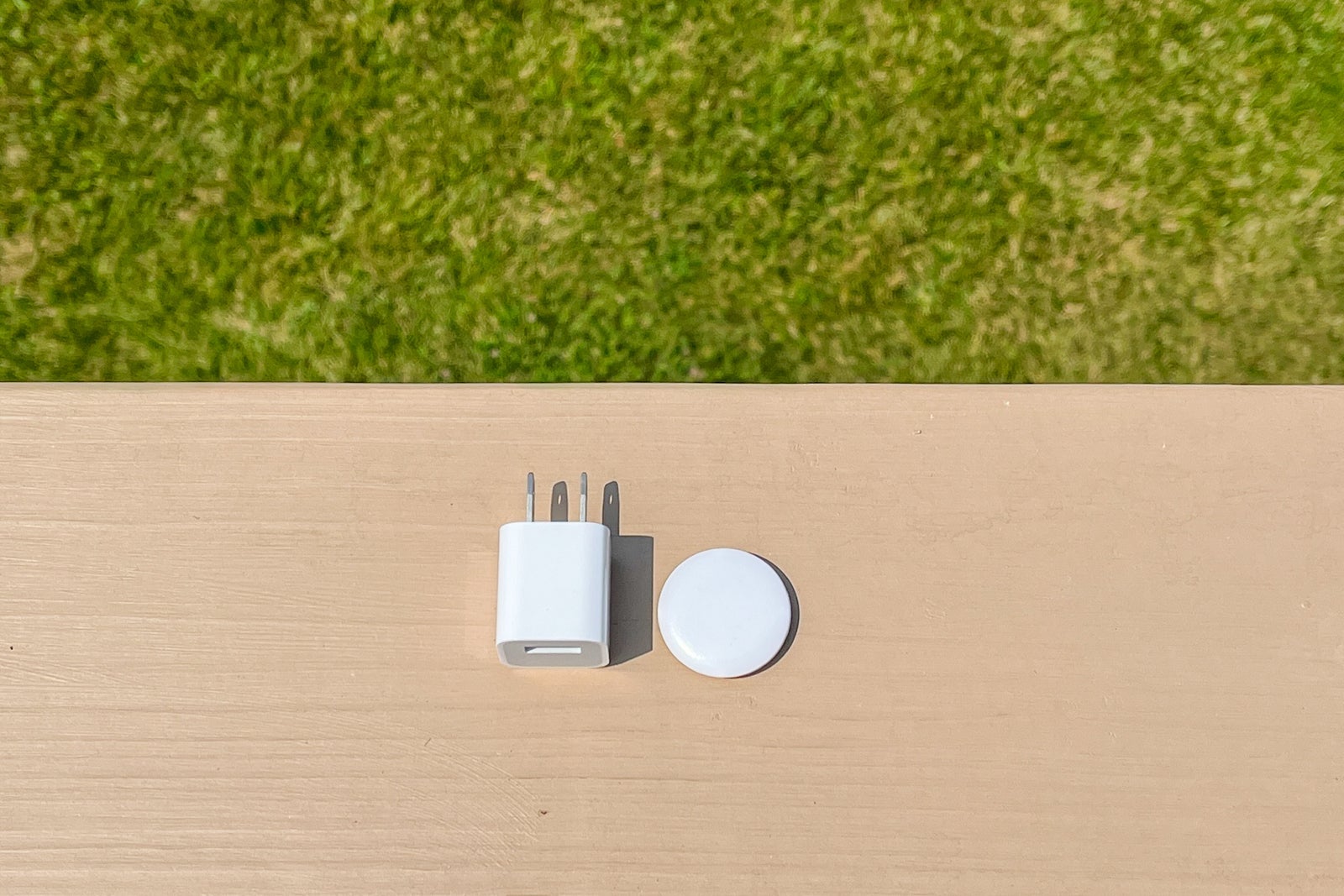
AirTags have a super simple design — like a sleek white button with the Apple logo on the other side. They are only about the size of a half-dollar coin. For scale, I've put it next to the Apple USB plug.
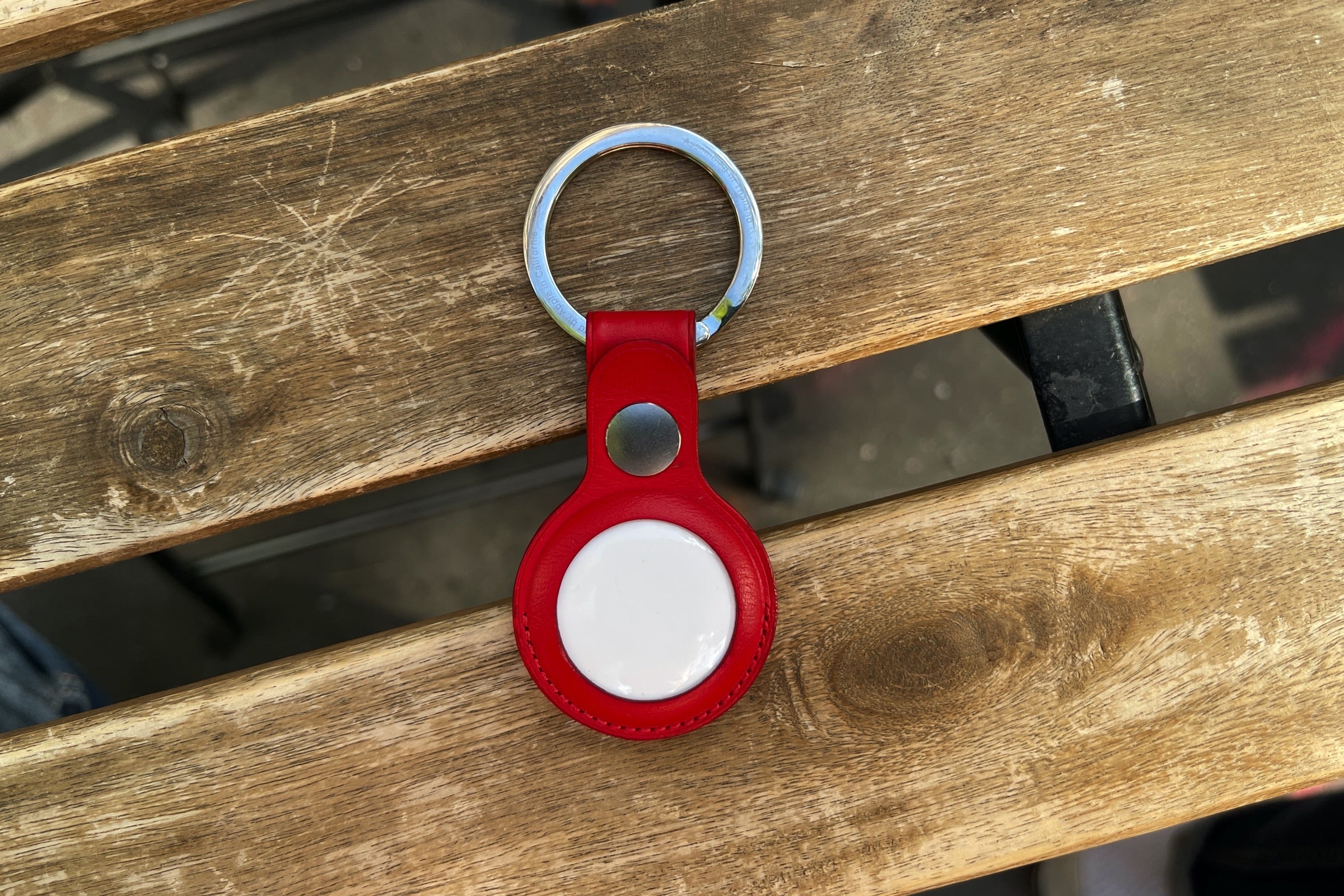
However, the main issue with the design is that there's no keyring or lanyard attachment, so you'll probably need accessories unless you want to zip it into a pocket in your luggage or backpack. Apple has its own line of AirTag accessories, including keychains (key rings) and luggage tags (called loops) you can buy from your local Apple Store or Amazon. Apple even partnered with Hermès to make ultra-luxurious holders.
Unfortunately, these accessories aren't cheap. Silicone Apple Loops start at $29, and leather key rings start at $35. There are some third-party accessories out there as well, but you'll want to stick with high-quality ones so you don't lose an AirTag if it's mounted to the side of your bag.
Related: 5 simple tech innovations that would revolutionize the travel experience
My experience using AirTags when traveling
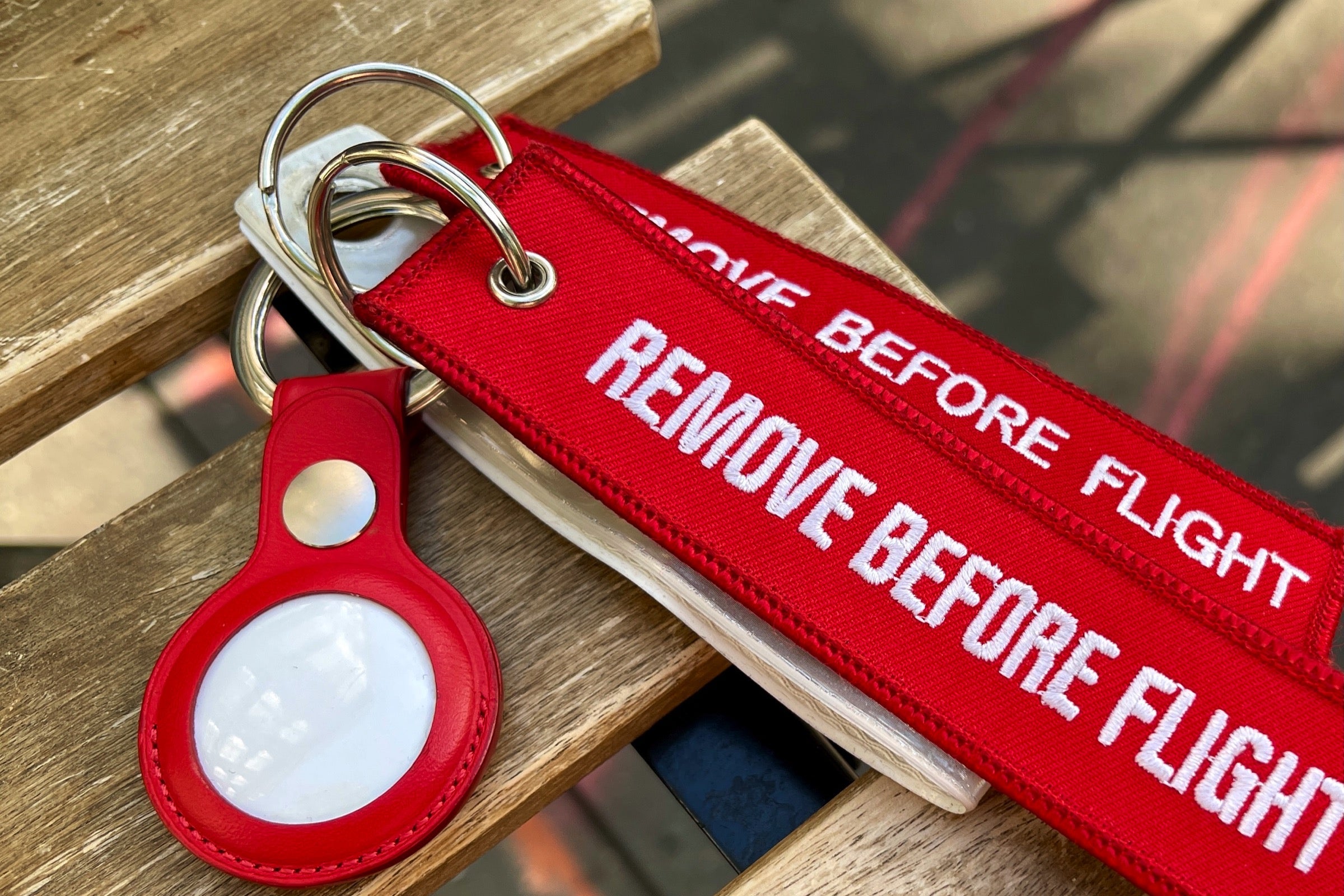
I've taken a handful of trips with my AirTags. I always keep one zipped into my Lululemon fanny pack and one in each of my Away suitcases. I haven't lost any of these items yet, but it's great to have constant access to their location wherever I am.
I am usually #TeamCarryon at TPG, but for the times I do have to check a bag, putting an AirTag on my Away suitcase is a smart choice in case my bags get lost or delayed in transit. Chances are, they'll ping off an iOS device at some point, so I can help the airline locate my bag if necessary.
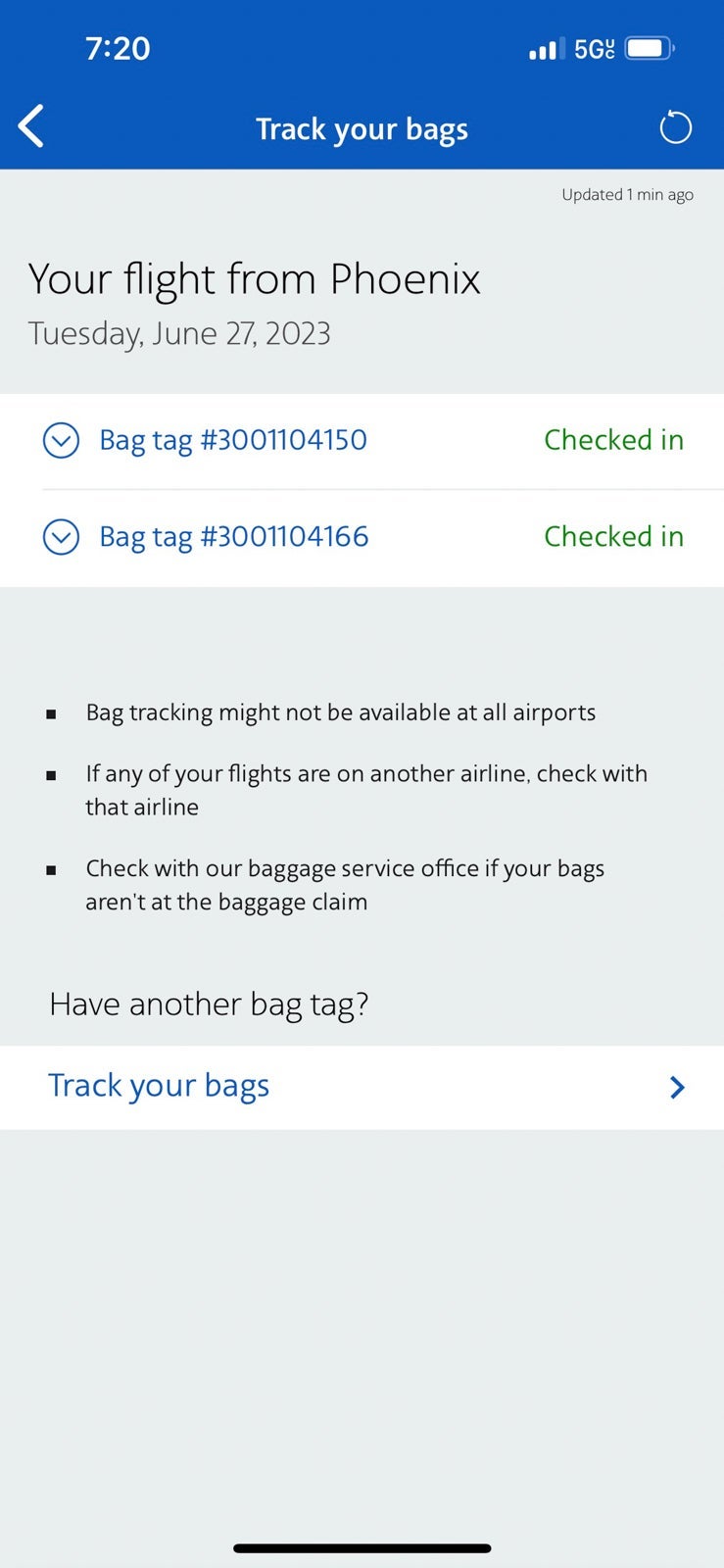
I usually fly American Airlines and while they do have bag tracking built into their app, I like the peace of mind of being able to see where my bags are.
On a recent trip, my husband's golf bag did not get unloaded upon arrival in Charlotte. Luckily, he was able to show the customer service agent at baggage claim where his AirTag was pinging the bag's location, and they sent someone to find his clubs. Without that AirTag, his golf trip could have been ruined.
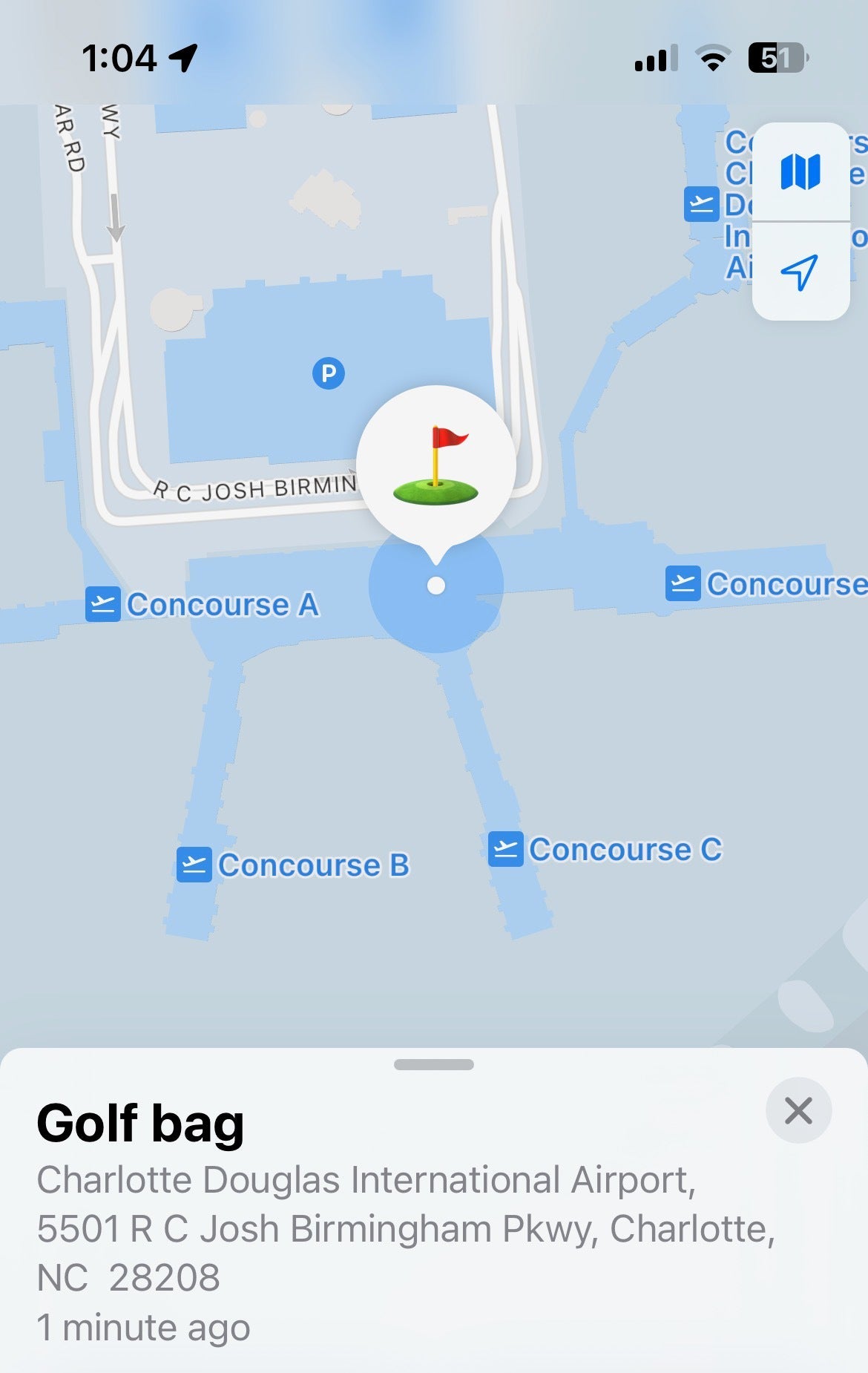
This instance confirmed that AirTags — and the massive network of iOS devices — can definitely help locate lost items.
Related: 6 travel-friendly features coming to Apple's newest iPhone software
Bottom line
At $29 per AirTag, it's easily one of Apple's most affordable devices. It can save you a lot of money, too.
Plus, you can currently score a four-pack for just $79.
Apple's competition — namely Tile — has had a similar product on the market for years now. However, it simply doesn't have Apple's huge network of iOS devices that can help find your lost items. The chance of your lost bag being next to an iPhone is much higher than a smartphone running the Tile app.
Also, the ability to ping your easy-to-lose items (keys, headphones, a small bag) and your luggage is a huge relief — especially since travel can be so unpredictable these days.
Related reading:
- What to do when your luggage is delayed or lost by an airline
- What to do if an airline damages your luggage
- Carry-on vs. checked bags: Which is the better choice?
- What it's really like to use Apple's new AirTags to track your luggage
- Which credit cards cover baggage delays?
Additional Reporting by Andrew Kunesh
TPG featured card

at Capital One's secure site
Terms & restrictions apply. See rates & fees.
| 5X miles | Earn 5X miles on hotels, vacation rentals and rental cars booked through Capital One Travel |
| 2X miles | Earn unlimited 2X miles on every purchase, every day |
Pros
- Stellar welcome offer of 75,000 miles after spending $4,000 on purchases in the first three months from account opening. Plus, a $250 Capital One Travel credit to use in your first cardholder year upon account opening.
- You'll earn 2 miles per dollar on every purchase, which means you won't have to worry about memorizing bonus categories
- Rewards are versatile and can be redeemed for a statement credit or transferred to Capital One’s transfer partners
Cons
- Highest bonus-earning categories only on travel booked via Capital One Travel
- LIMITED-TIME OFFER: Enjoy $250 to use on Capital One Travel in your first cardholder year, plus earn 75,000 bonus miles once you spend $4,000 on purchases within the first 3 months from account opening - that’s equal to $1,000 in travel
- Earn unlimited 2X miles on every purchase, every day
- Earn 5X miles on hotels, vacation rentals and rental cars booked through Capital One Travel
- Miles won't expire for the life of the account and there's no limit to how many you can earn
- Receive up to a $120 credit for Global Entry or TSA PreCheck®
- Use your miles to get reimbursed for any travel purchase—or redeem by booking a trip through Capital One Travel
- Enjoy a $50 experience credit and other premium benefits with every hotel and vacation rental booked from the Lifestyle Collection
- Transfer your miles to your choice of 15+ travel loyalty programs
- Top rated mobile app