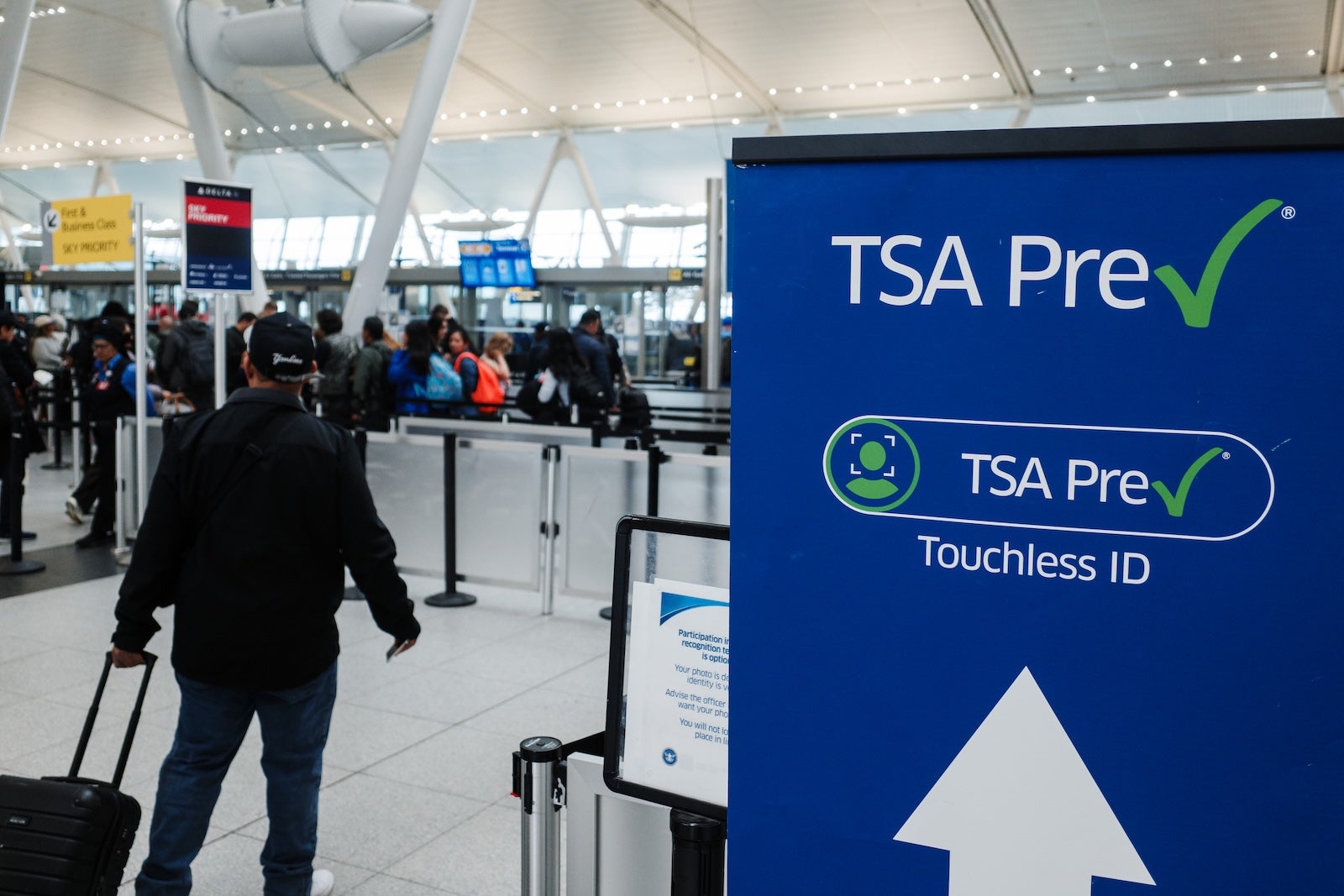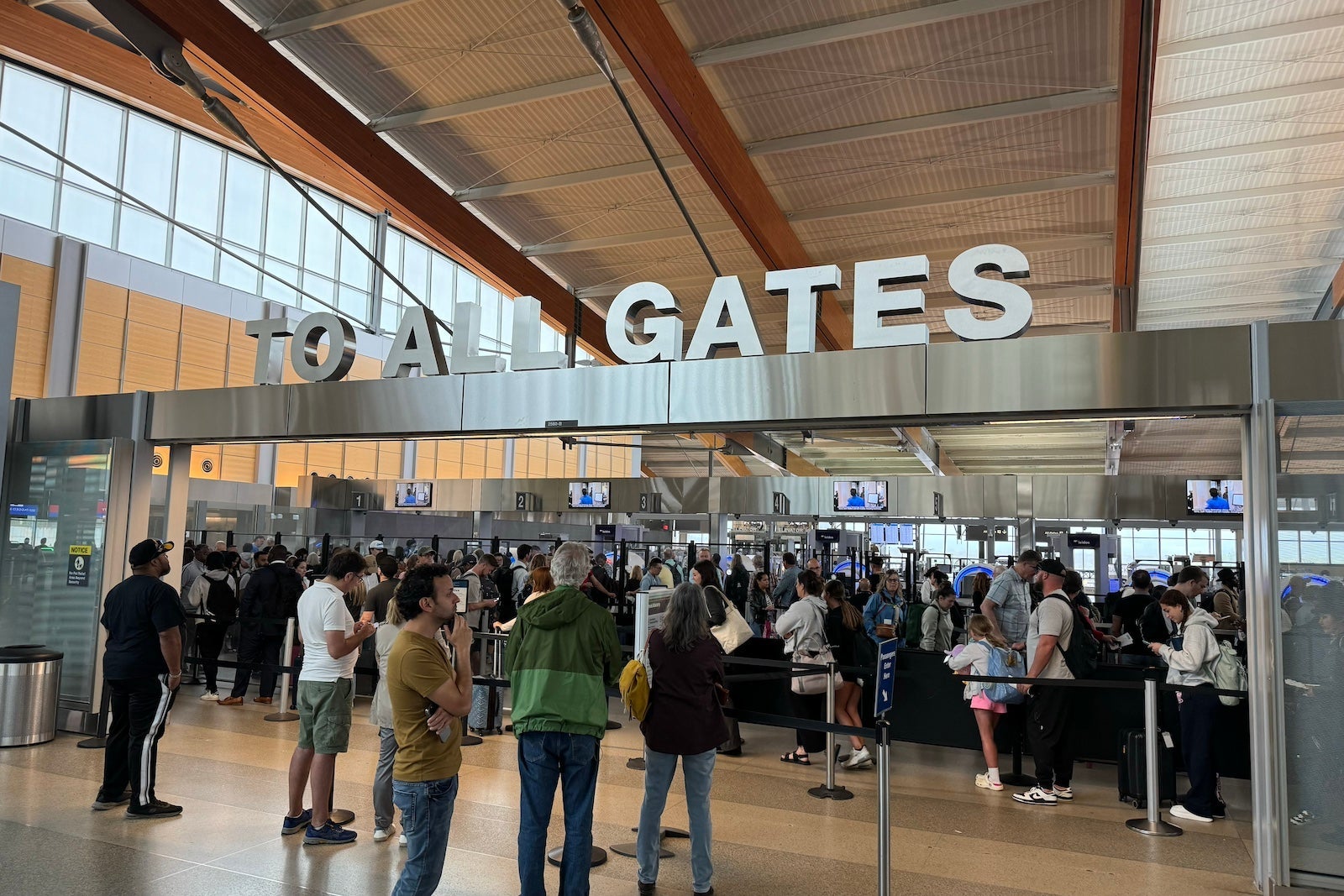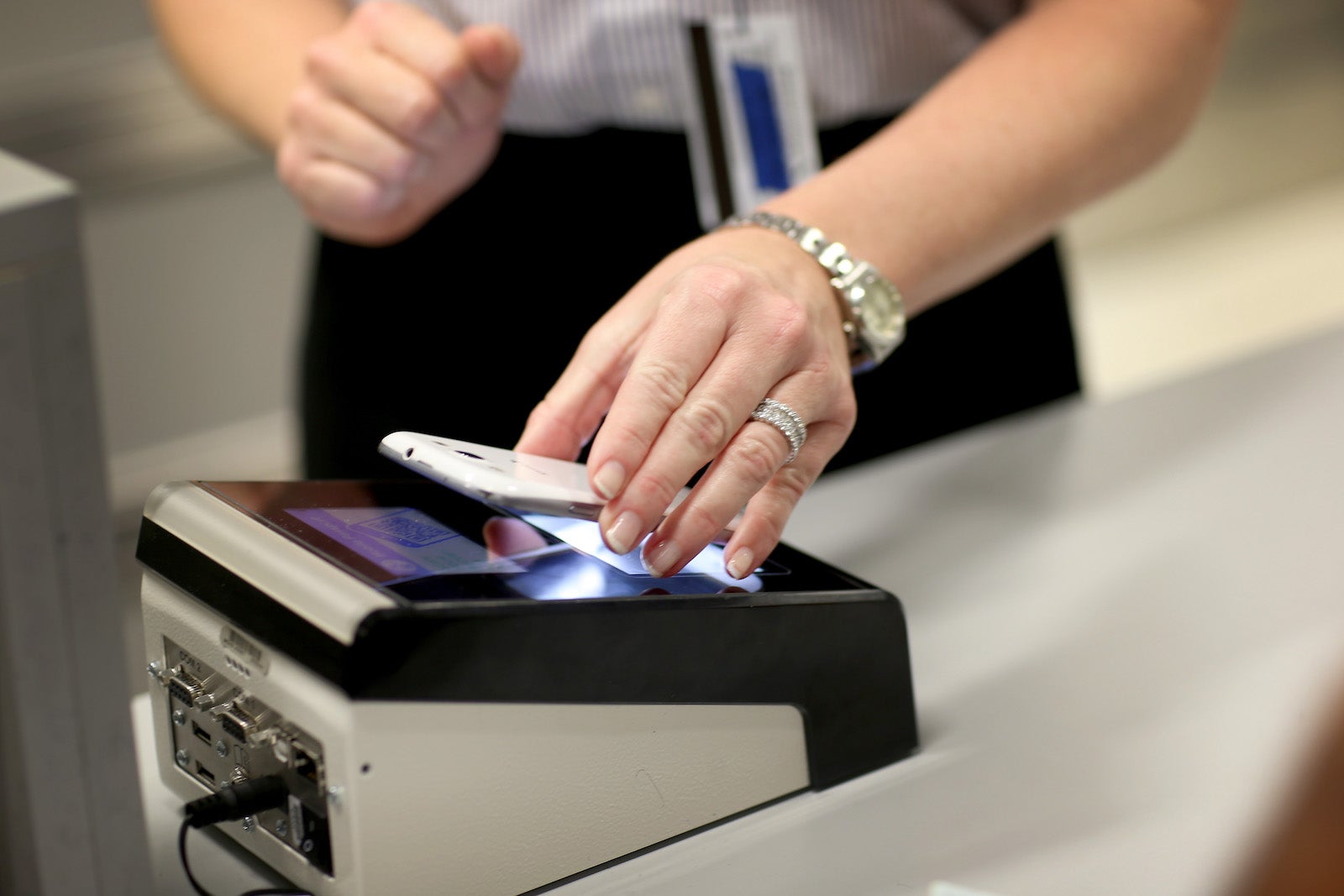

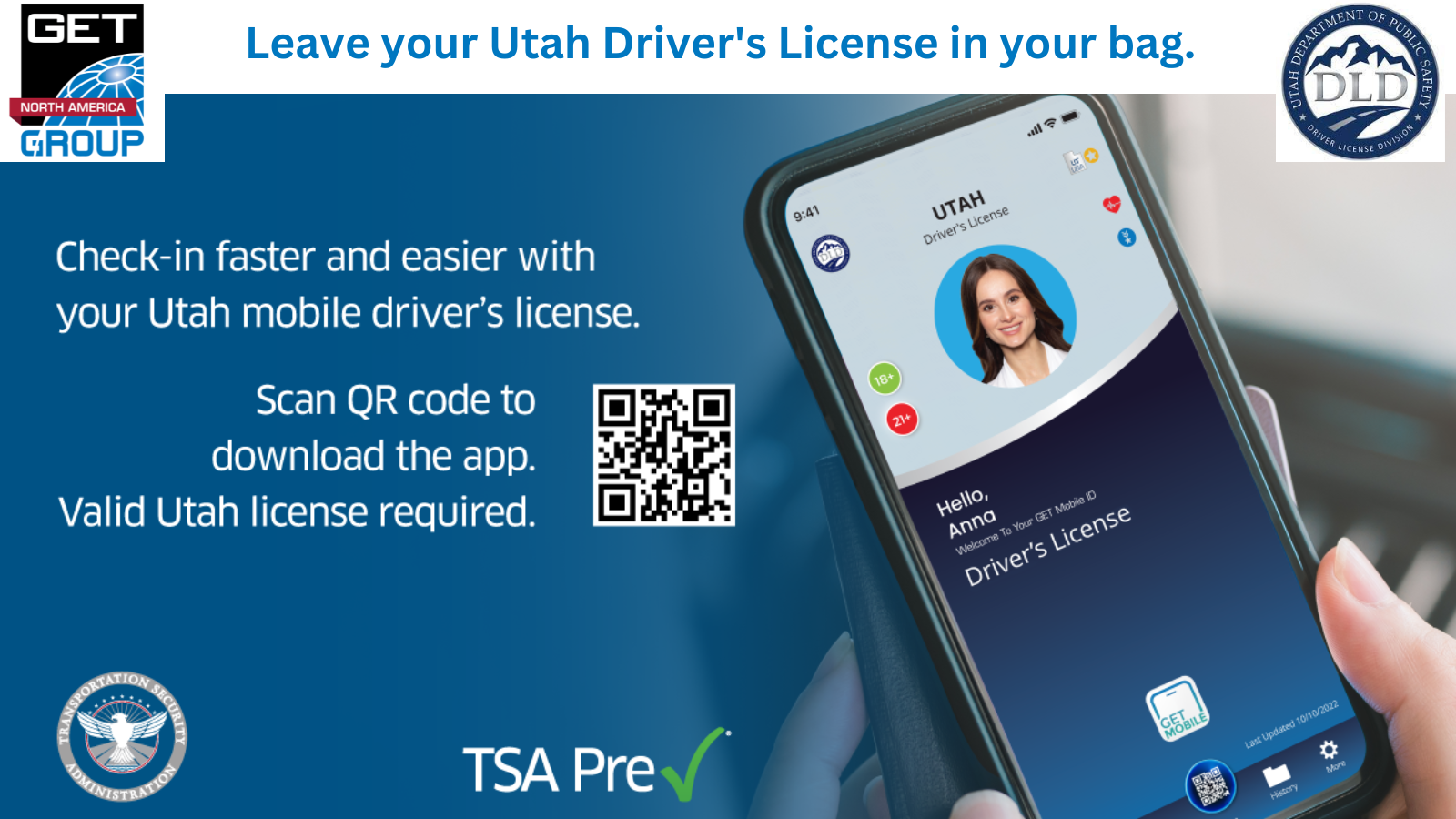
Utah ID holders can download a mobile ID via the GET Mobile App.
SLC joins several other U.S. airports where the TSA deems mobile driver's licenses sufficient for security purposes.
Though SLC is notable for being the first airport to allow mobile driver's licenses on both Apple iOS and Android operating systems, it joins 12 other airports already operating with technology for mobile driver's licenses limited to iOS devices:
- Phoenix Sky Harbor International Airport (PHX).
- Baltimore/Washington International Thurgood Marshall Airport (BWI).
- Ronald Reagan Washington National Airport (DCA).
- Dallas Fort Worth International Airport (DFW).
- Miami International Airport (MIA).
- Hartsfield-Jackson Atlanta International Airport (ATL).
- Denver International Airport (DEN).
- Gulfport-Biloxi International Airport (GPT).
- Harry Reid International Airport (LAS).
- Jackson-Medgar Wiley Evers International Airport (JAN).
- Los Angeles International Airport (LAX).
- Norman Y. Mineta San Jose International Airport (SJC).
But Utah stands out for being the first state to implement mobile driver's license technology on iOS devices and Androids via a third-party app that produces a readable QR code.
The project began in 2021 and is a joint effort between the Utah Department of Public Safety’s Driver License Division in collaboration with other state agencies and GET Group North America.
As an integral partner, TSA expects more states to continue working on expanding these types of programs to other airports to ensure TSA checkpoints' compliance, per a spokesperson.
This is good news for travelers with Utah IDs (or IDs from the states of the other participating airports) passing through SLC since anyone can download a mobile driver's license to use at TSA checkpoints.
Even so, the TSA advises travelers to always bring physical credentials in case something happens, whether that be due to technology or the user's device.
"Be sure you have your physical photo ID available if asked for it," a TSA spokesperson said. "There may be a circumstance where the TSA officer may need to verify the credential and you want to make sure you can produce it quickly and easily."
Tips for using mobile driver's licenses
To prepare to use a mobile ID for the first time, the TSA suggests downloading your mobile driver's license before arriving at the airport to familiarize yourself with the process. This includes reviewing directions online via state licensing agencies.
"Make sure that you have your mobile device ready to show the TSA officer performing travel document verification duties. If your mDL is in your Apple Wallet, make sure that you have your iOS device open to that screen and are ready to activate the wallet to allow access to your mDL," the TSA spokesperson said. "If you’re using an Android device, have the app open and ready to activate the unique QR code. Slowing down the line to verify your identity will cut down on the efficiency of the identity verification process."
If using a digital ID on an Apple device, add it to your Apple Wallet after authenticating your device and taking a photo.
Bottom line
In theory, showing a mobile ID instead of a physical ID should save travelers time when passing through TSA checkpoints. But remember, the ultimate time saver is having a membership to expedited security programs, namely TSA PreCheck and Clear.
Related reading:
- Key travel tips you need to know — whether you're a beginner or expert traveler
- The best travel credit cards
- The 18 best places to travel in 2023
- 6 real-life strategies you can use when your flight is canceled or delayed
- 8 of the best credit cards for general travel purchases
- 13 must-have items the TPG team can't travel without