Download this app before you head to the airport

Editor's Note
Surprises can be great. But outside of an unexpected first-class upgrade, most of us prefer to know what to expect when it comes to travel.
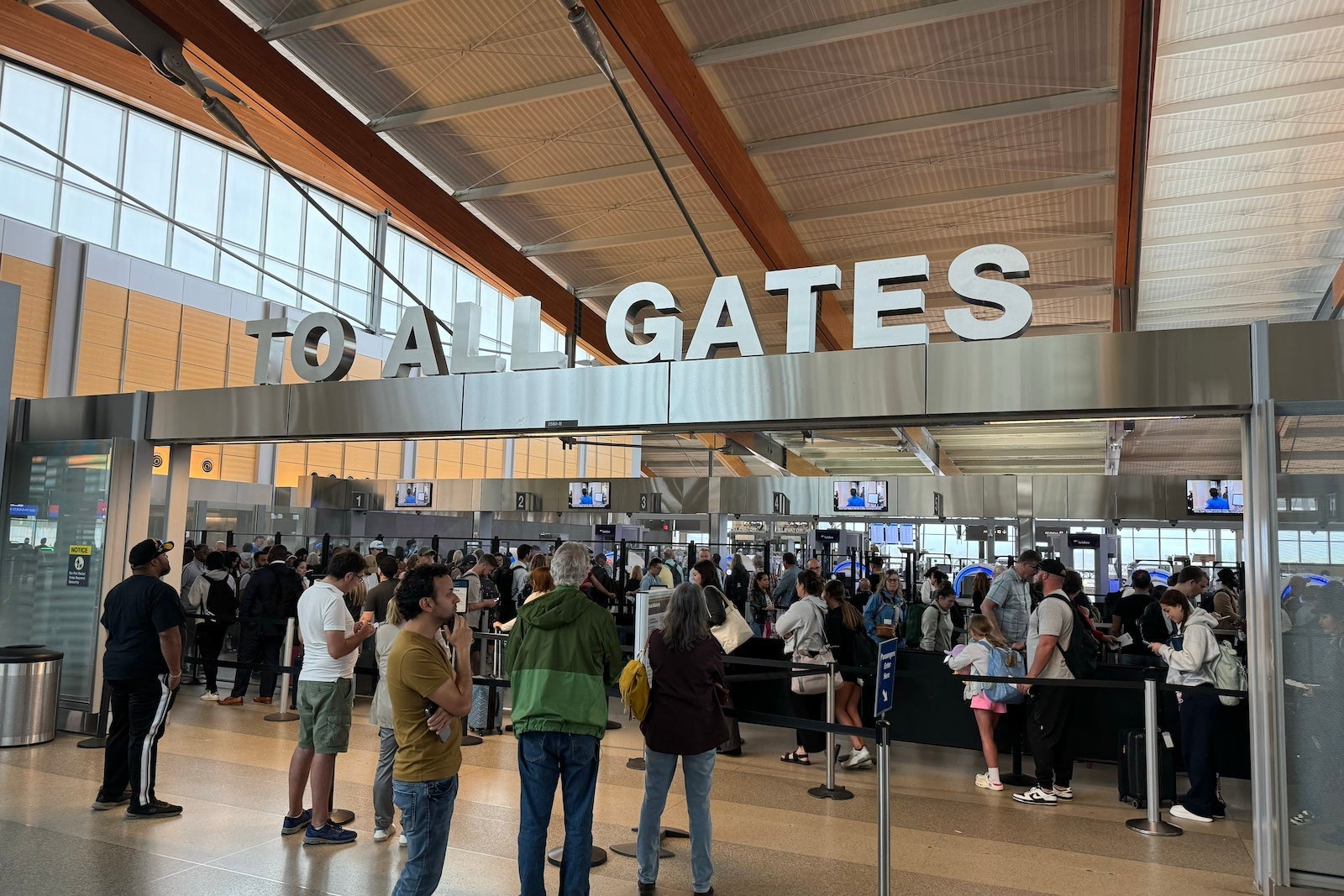
That's especially true when it comes to airport security wait times — particularly on the heels of a summer that saw the 10 busiest days ever recorded at Transportation Security Administration checkpoints.
Some of my most stressful airport experiences have involved arriving late to the airport for one reason or another and then standing in a security line watching precious minutes tick away.
Sure, this is where line-skipping programs like Clear and TSA PreCheck can be a lifesaver. They offer critical time savings, even as membership in the PreCheck program has exploded to record numbers.
But the TSA also offers another way to plan ahead and predict your security wait time — right on your smartphone.
Read more: Ways to get free or discounted TSA PreCheck, Global Entry and Clear
The MyTSA app
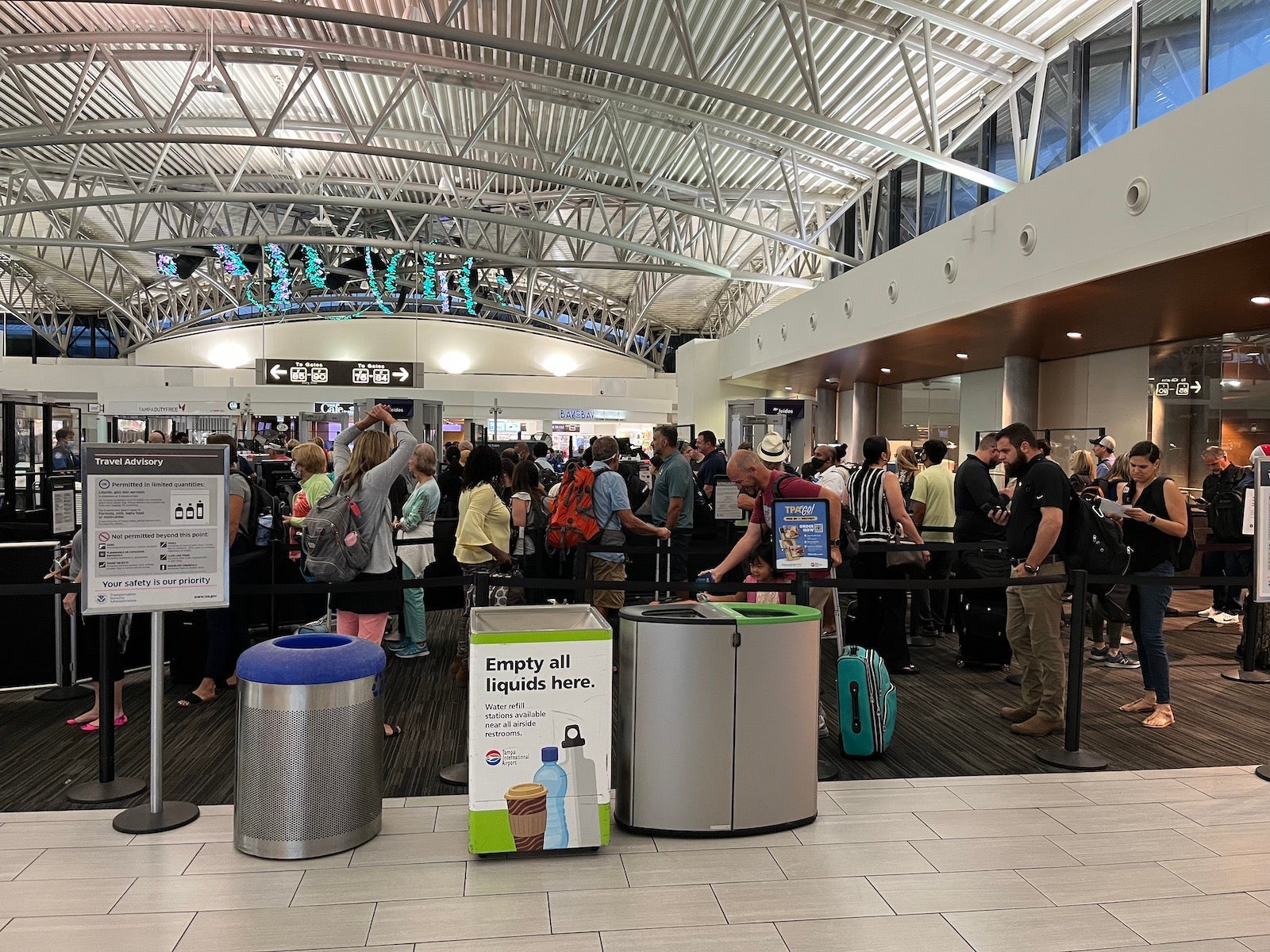
The TSA has a free mobile app you can download: the MyTSA app.
It displays current security wait times at checkpoints across the country. Plus, it predicts future wait times in the terminal you'll be visiting — down to the day and hour.
How to use the TSA app
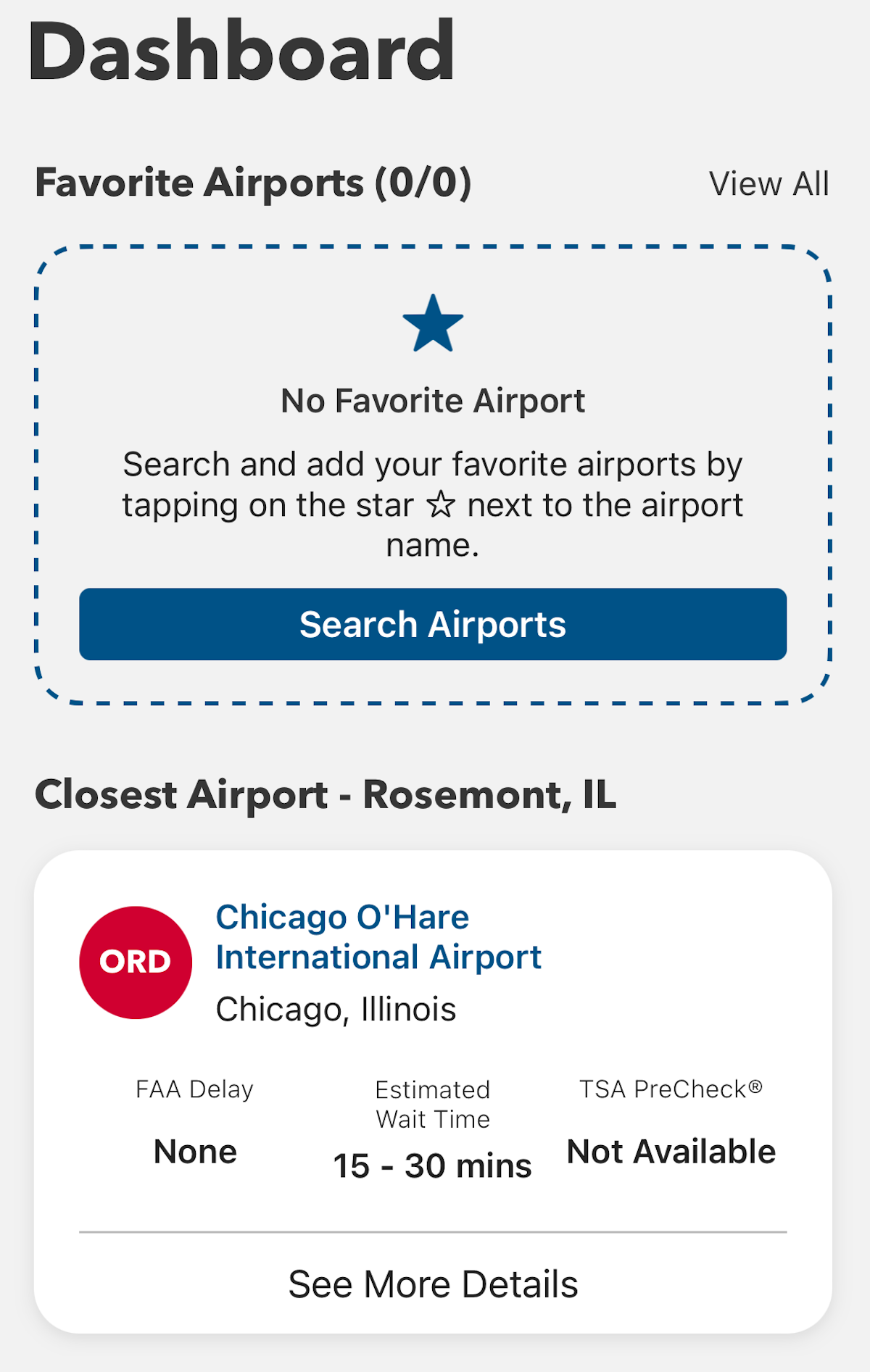
When you log in, you'll see a screen like the one below. It displays the airport you're closest to and what the current wait times are. At the time of writing, I was near Chicago's O'Hare International Airport (ORD), where wait times were between 15 and 30 minutes.

You can also add airports — such as the one closest to your home — to a list as a "favorite." In my case, that's Raleigh-Durham International Airport (RDU) in North Carolina. Wait times, as I search, are less than 15 minutes.
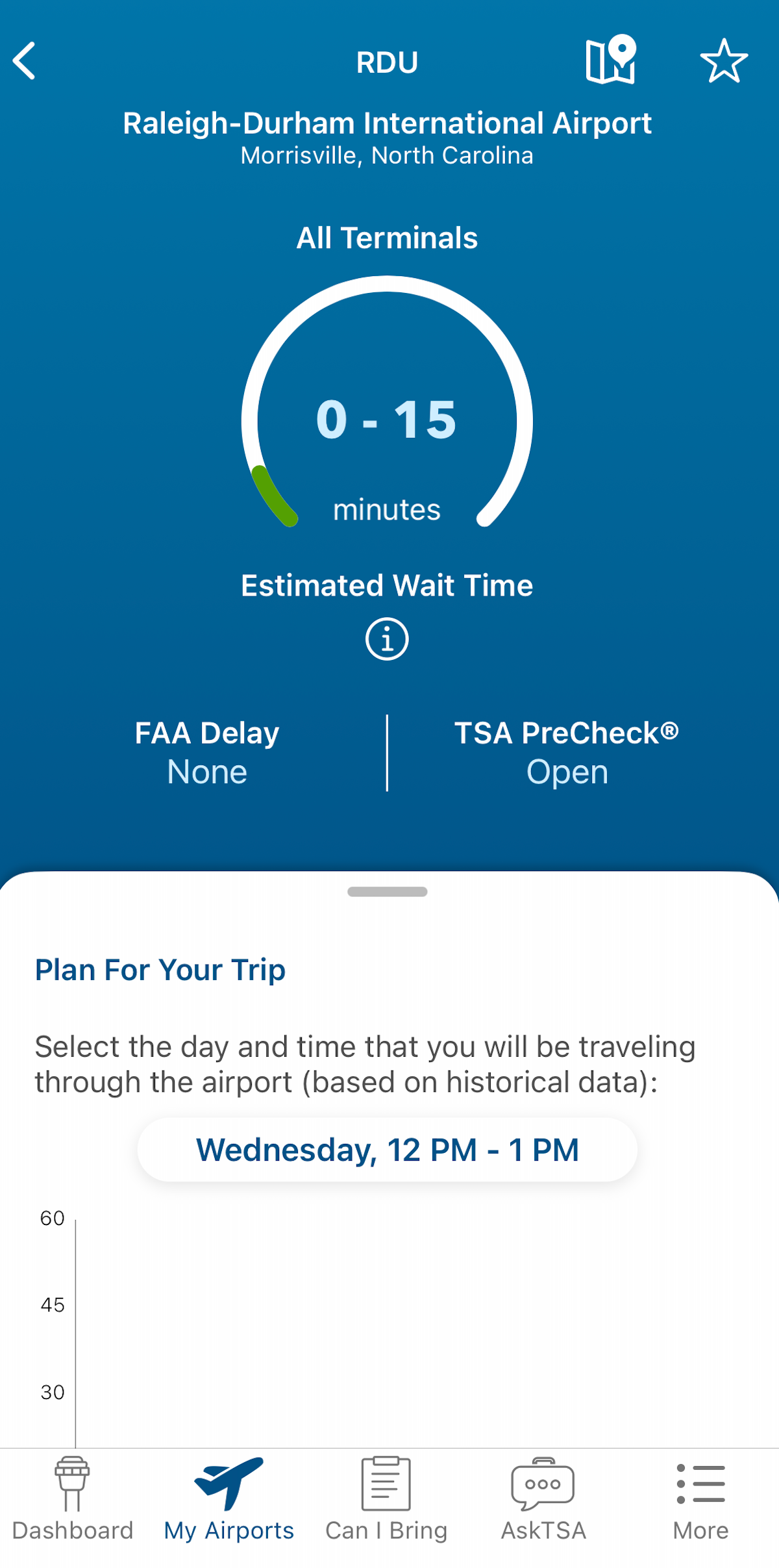
Plus, you can search any airport across the country.
I searched for New York City's LaGuardia Airport (LGA) and found wait times listed at an estimated 15 to 30 minutes.
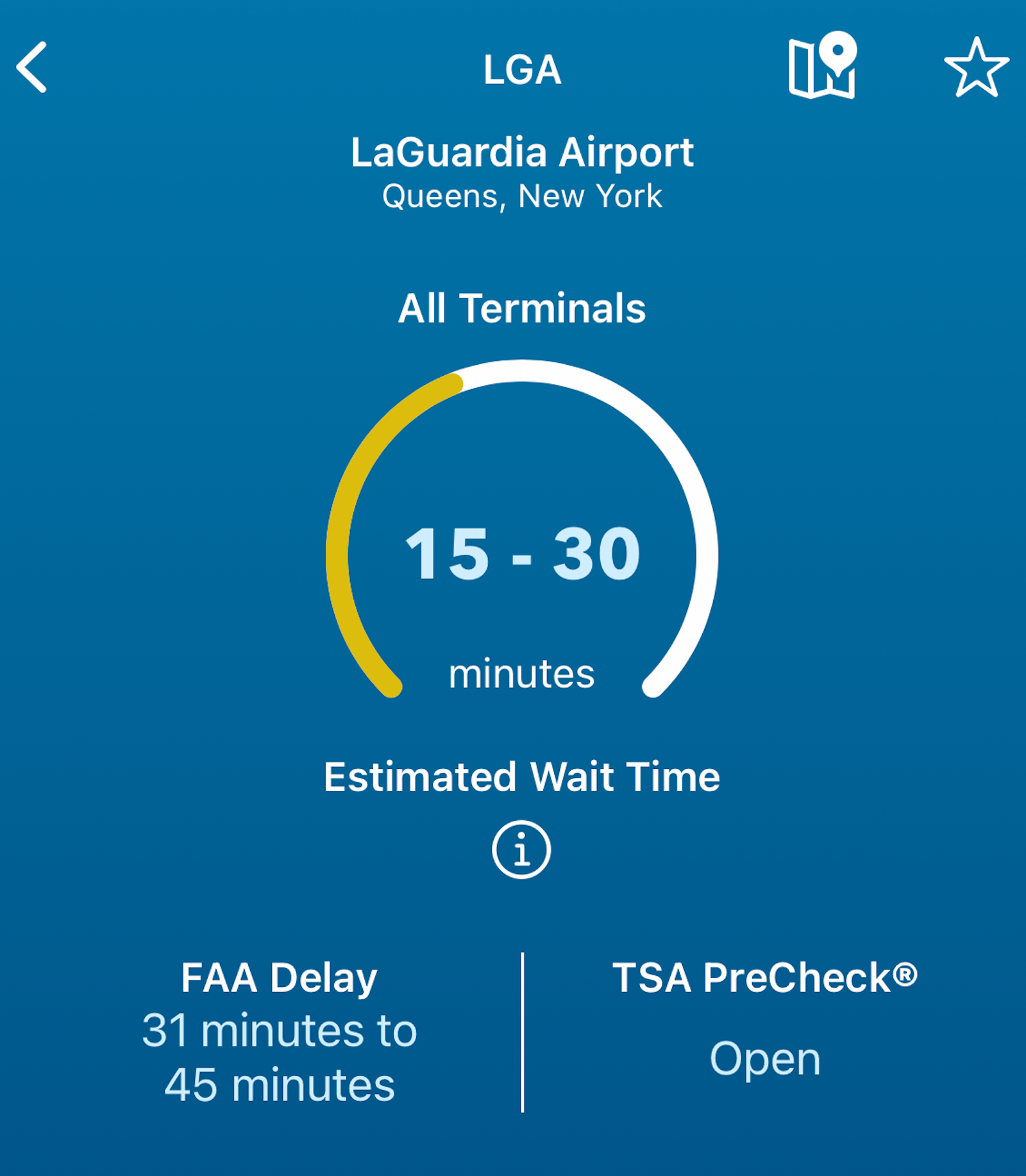
You can also whittle the information down to specific terminals, like Terminal C, where Delta Air Lines operates its LaGuardia hub.
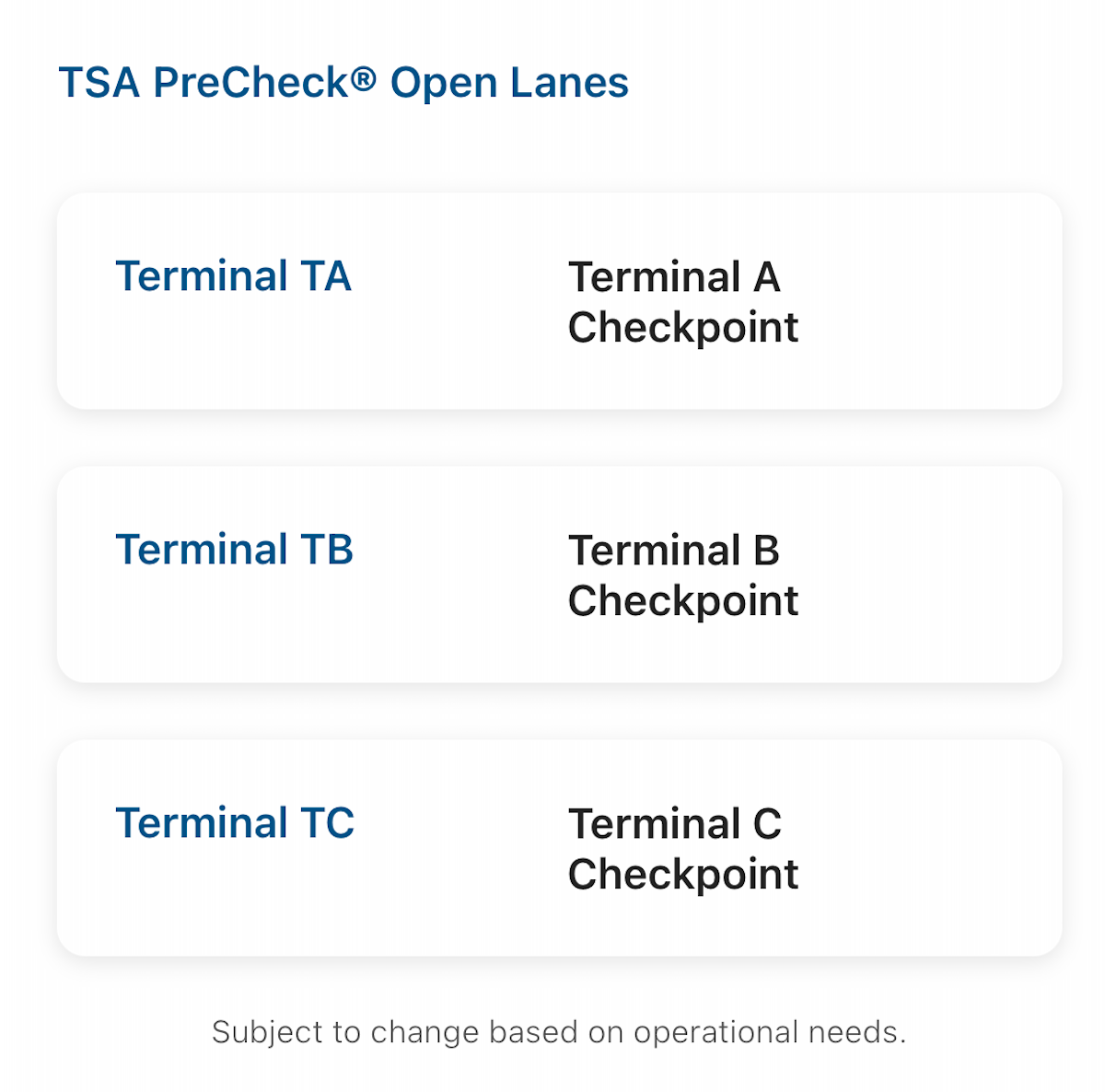
This app also shows whether a Federal Aviation Administration delay program is happening; this may not greatly affect security wait times, but it likely means flight delays are widespread.
Estimating future wait times
The app can also help you plan for estimated future wait times based on past data.
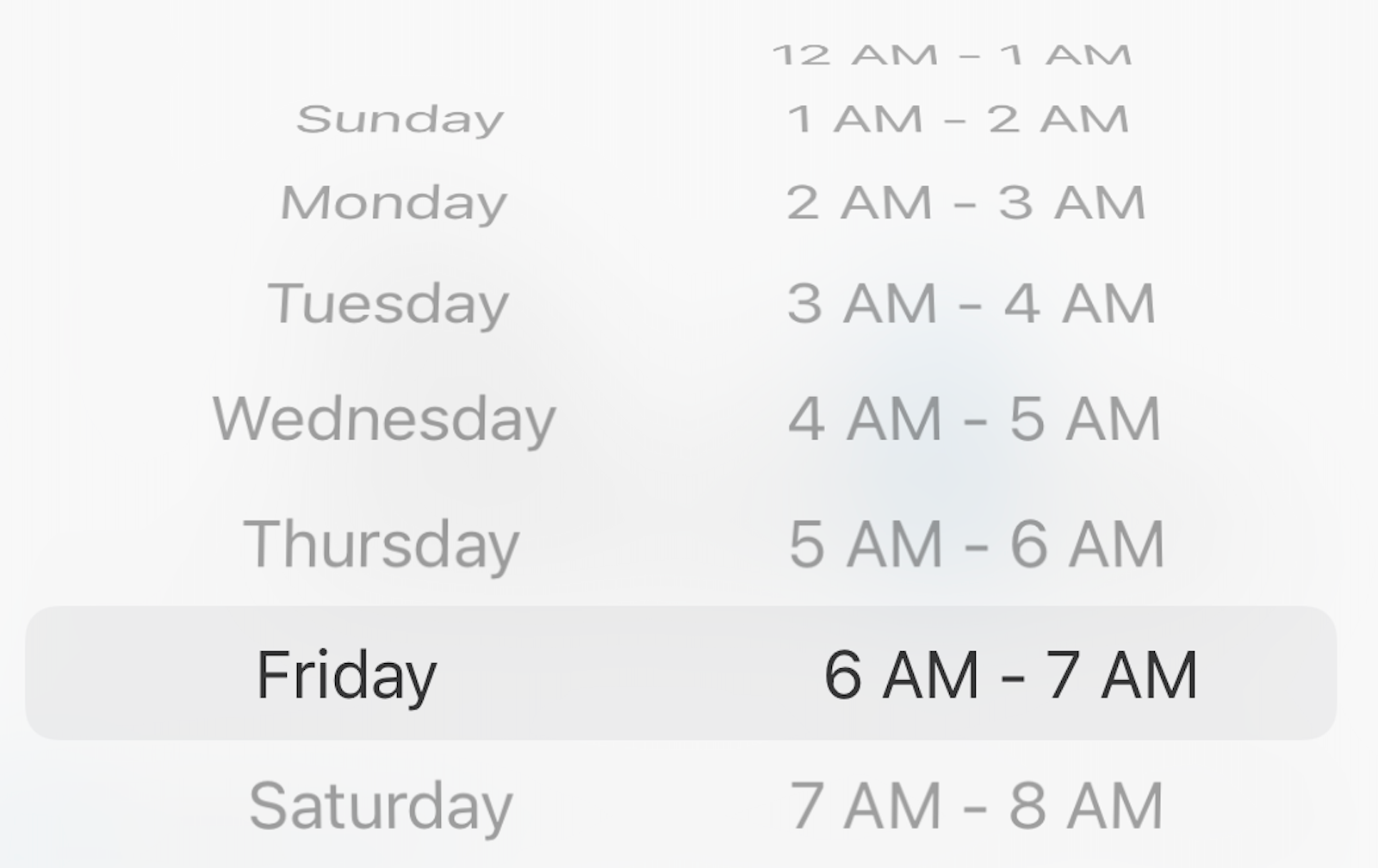
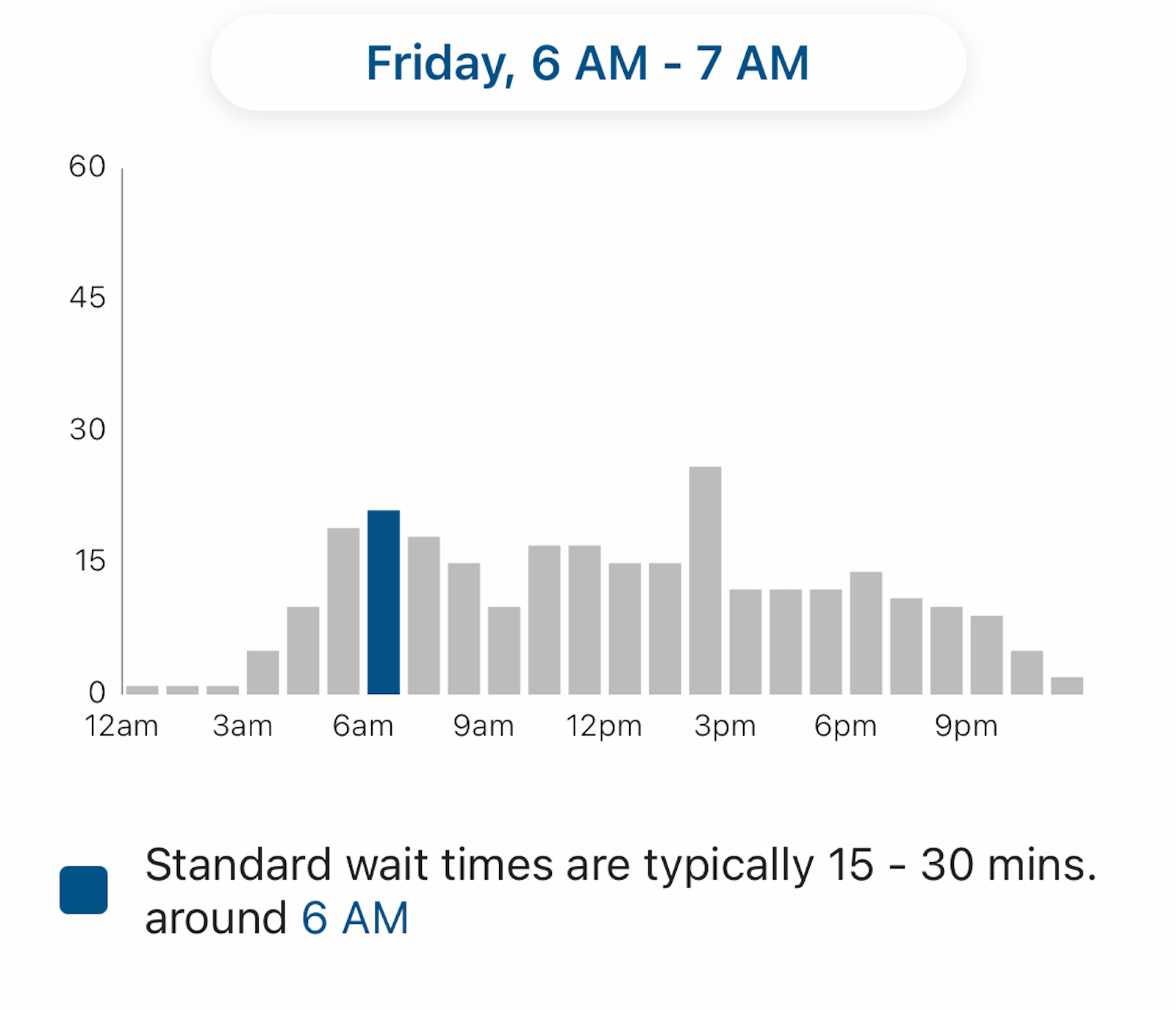
Let's say you're planning to fly out of LaGuardia in the morning on a Friday, often the busiest day of the week. You could use the app to see what LaGuardia's TSA checkpoints are typically like between 6 a.m. and 7 a.m. on a Friday.
It shows that waits are often 15 to 30 minutes during that time, with a longer wait time later in the afternoon.
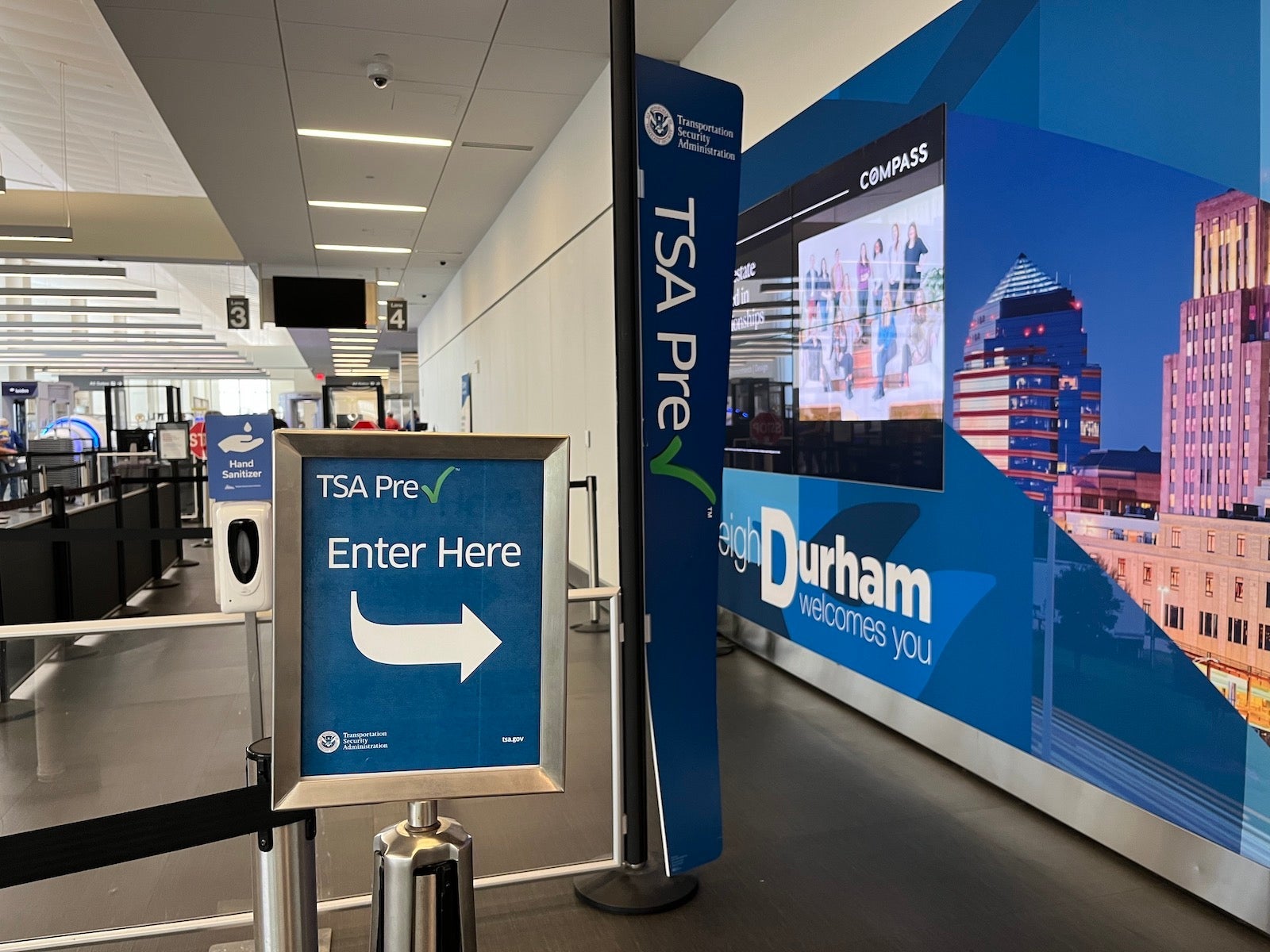
Keep in mind that if you have TSA PreCheck, your wait is almost certainly going to be shorter. As the app points out, most TSA PreCheck passengers (nationwide) wait five minutes or less.
Checking 3-1-1 compliance
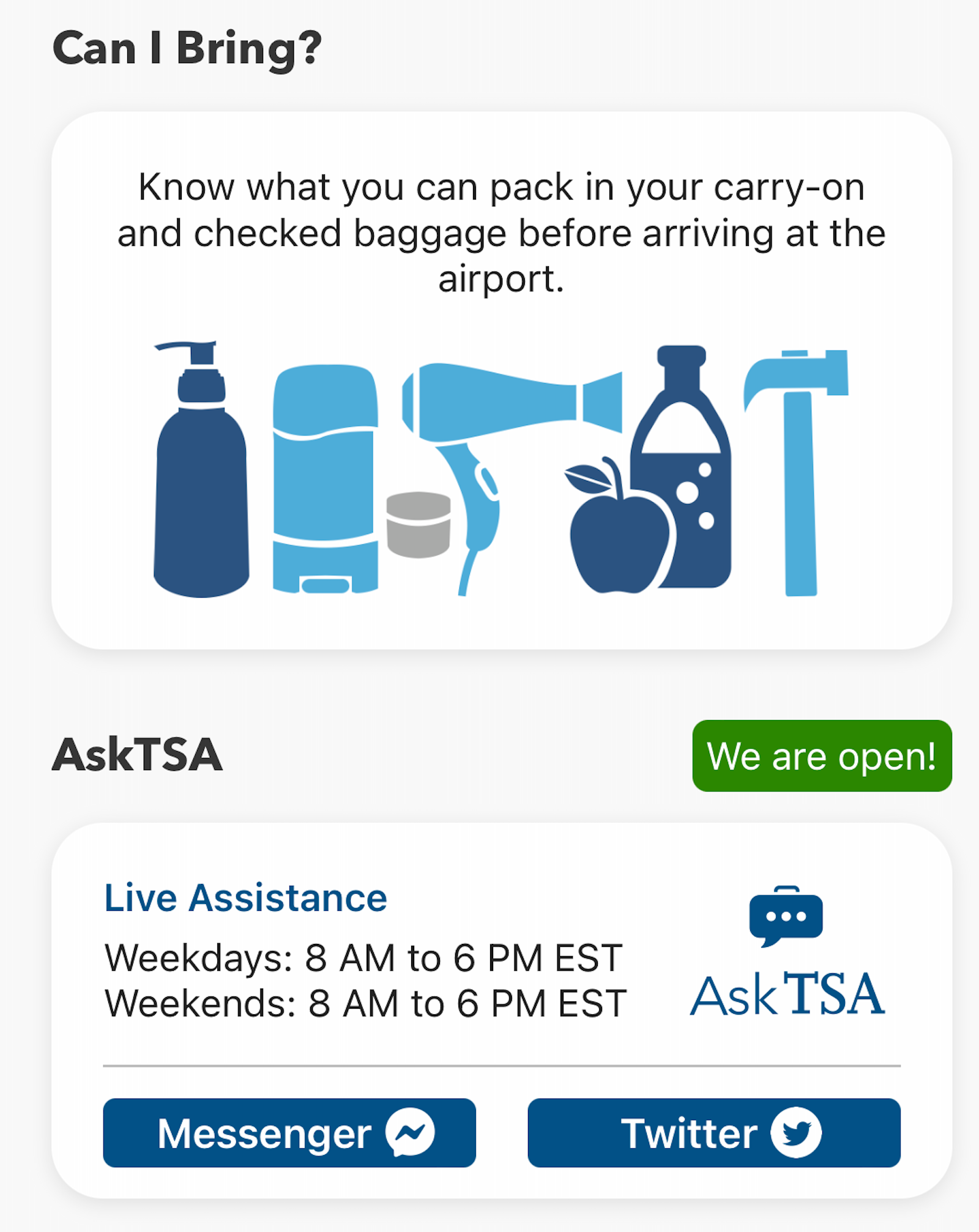
You can also use the app to double-check whether the items in your carry-on bag comply with the agency's rules for liquids and prohibited items.
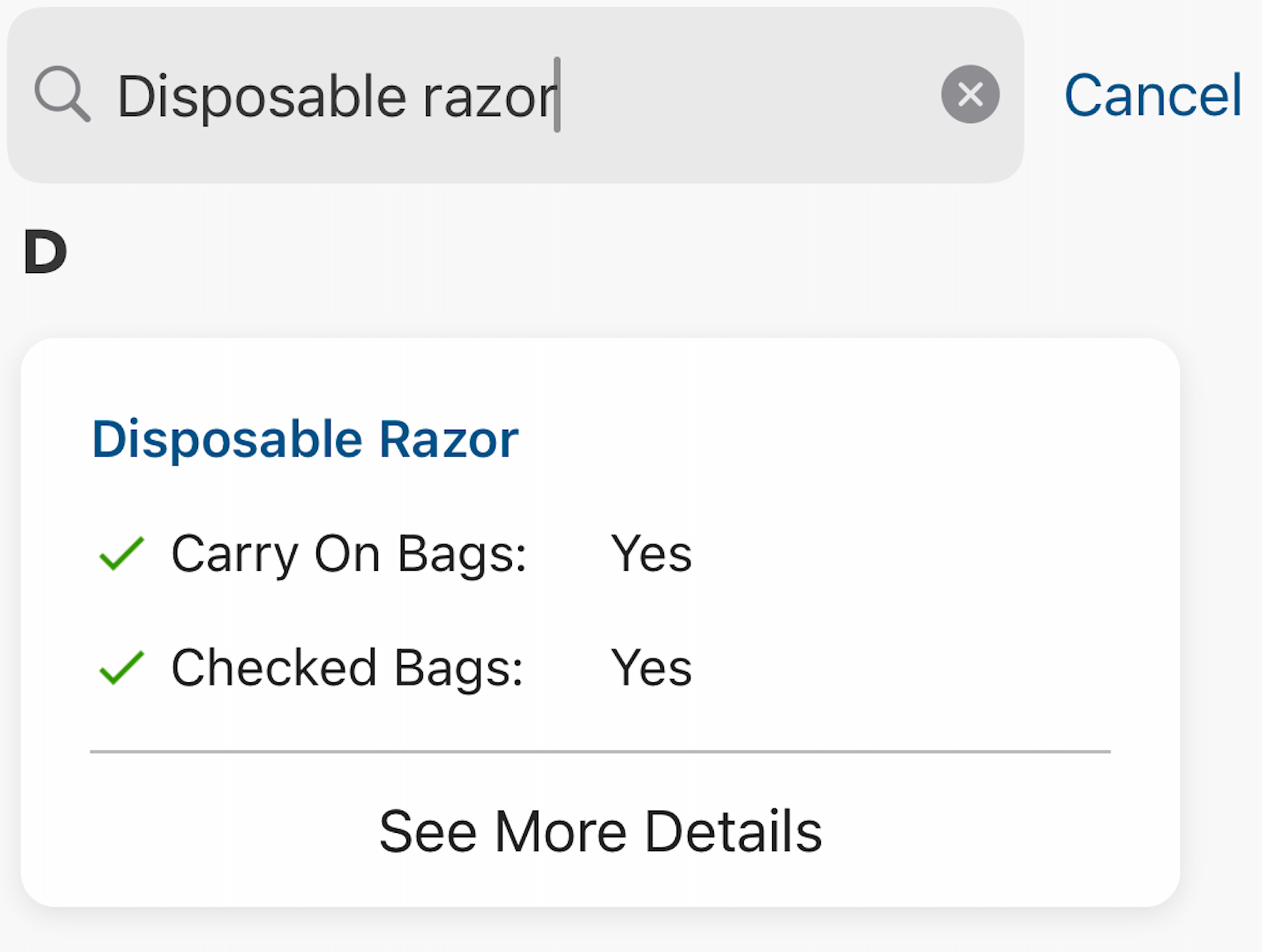
After my electric razor recently died, I felt compelled to double-check whether disposable razors are allowed in carry-on bags. I typed it into the search bar on the app and saw that I was clear to bring one.
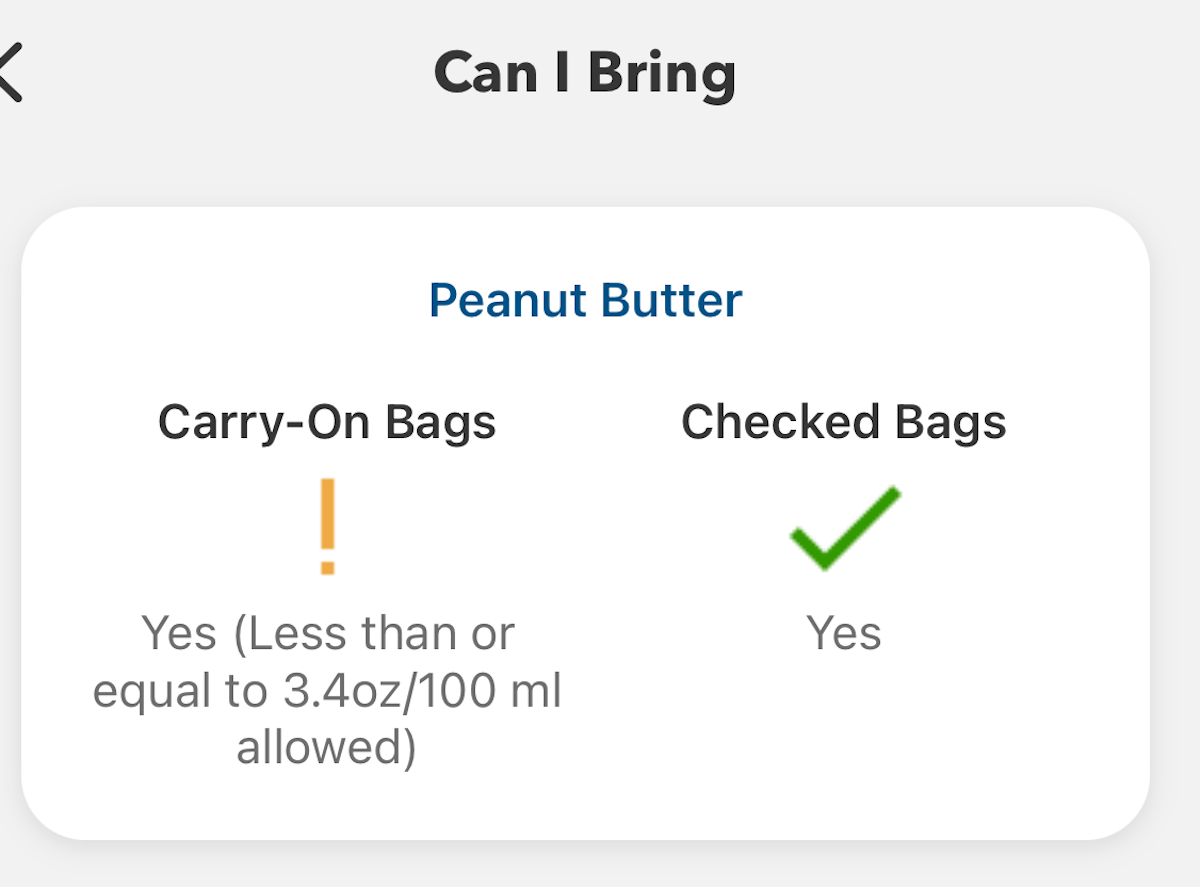
On the other hand, if you search for "peanut butter," you'll find that this is prohibited in quantities greater than 3.4 ounces.
Bottom line
Planning ahead is critical when it comes to air travel. The MyTSA app can help you see what security screening waits may lie ahead — among other useful features.
That — plus enrolling in time-saving programs like Clear and Global Entry or TSA PreCheck (and making use of application fee reimbursements offered by some travel credit cards) — can make the trip through security more predictable.
Related reading:
- Key travel tips you need to know — whether you're a beginner or expert traveler
- The best travel credit cards
- Where to go in 2024: The 16 best places to travel
- 6 real-life strategies you can use when your flight is canceled or delayed
- 8 of the best credit cards for general travel purchases
- 13 must-have items the TPG team can't travel without
TPG featured card

at Capital One's secure site
Terms & restrictions apply. See rates & fees.
| 5X miles | Earn 5X miles on hotels, vacation rentals and rental cars booked through Capital One Travel |
| 2X miles | Earn unlimited 2X miles on every purchase, every day |
Pros
- Stellar welcome offer of 75,000 miles after spending $4,000 on purchases in the first three months from account opening. Plus, a $250 Capital One Travel credit to use in your first cardholder year upon account opening.
- You'll earn 2 miles per dollar on every purchase, which means you won't have to worry about memorizing bonus categories
- Rewards are versatile and can be redeemed for a statement credit or transferred to Capital One’s transfer partners
Cons
- Highest bonus-earning categories only on travel booked via Capital One Travel
- LIMITED-TIME OFFER: Enjoy $250 to use on Capital One Travel in your first cardholder year, plus earn 75,000 bonus miles once you spend $4,000 on purchases within the first 3 months from account opening - that’s equal to $1,000 in travel
- Earn unlimited 2X miles on every purchase, every day
- Earn 5X miles on hotels, vacation rentals and rental cars booked through Capital One Travel
- Miles won't expire for the life of the account and there's no limit to how many you can earn
- Receive up to a $120 credit for Global Entry or TSA PreCheck®
- Use your miles to get reimbursed for any travel purchase—or redeem by booking a trip through Capital One Travel
- Enjoy a $50 experience credit and other premium benefits with every hotel and vacation rental booked from the Lifestyle Collection
- Transfer your miles to your choice of 15+ travel loyalty programs
- Top rated mobile app