
Since I do most of my shopping online, I have been using the digital wallet Masterpass by Mastercard, which allows you to store your credit card and then check out seamlessly — saving time and also allowing you to get added protections for your purchase. It's free to sign up, and most credit and debit cards are supported — even non-Mastercard products.
Here's how you can use it:
Step 1: Visit Masterpass.com and create and account for free.
Step 2: Add your credit cards and address.
Step 3: Shop online wherever Masterpass is accepted (including JetBlue.com and United.com).
Your purchase will be processed via Masterpass, but you receive all points / miles as if it were bought directly from the retailer. For example, when purchasing via JetBlue, the transaction will still be coded as an airline so you get a bonus if you're using a credit card with a travel or airline bonus.
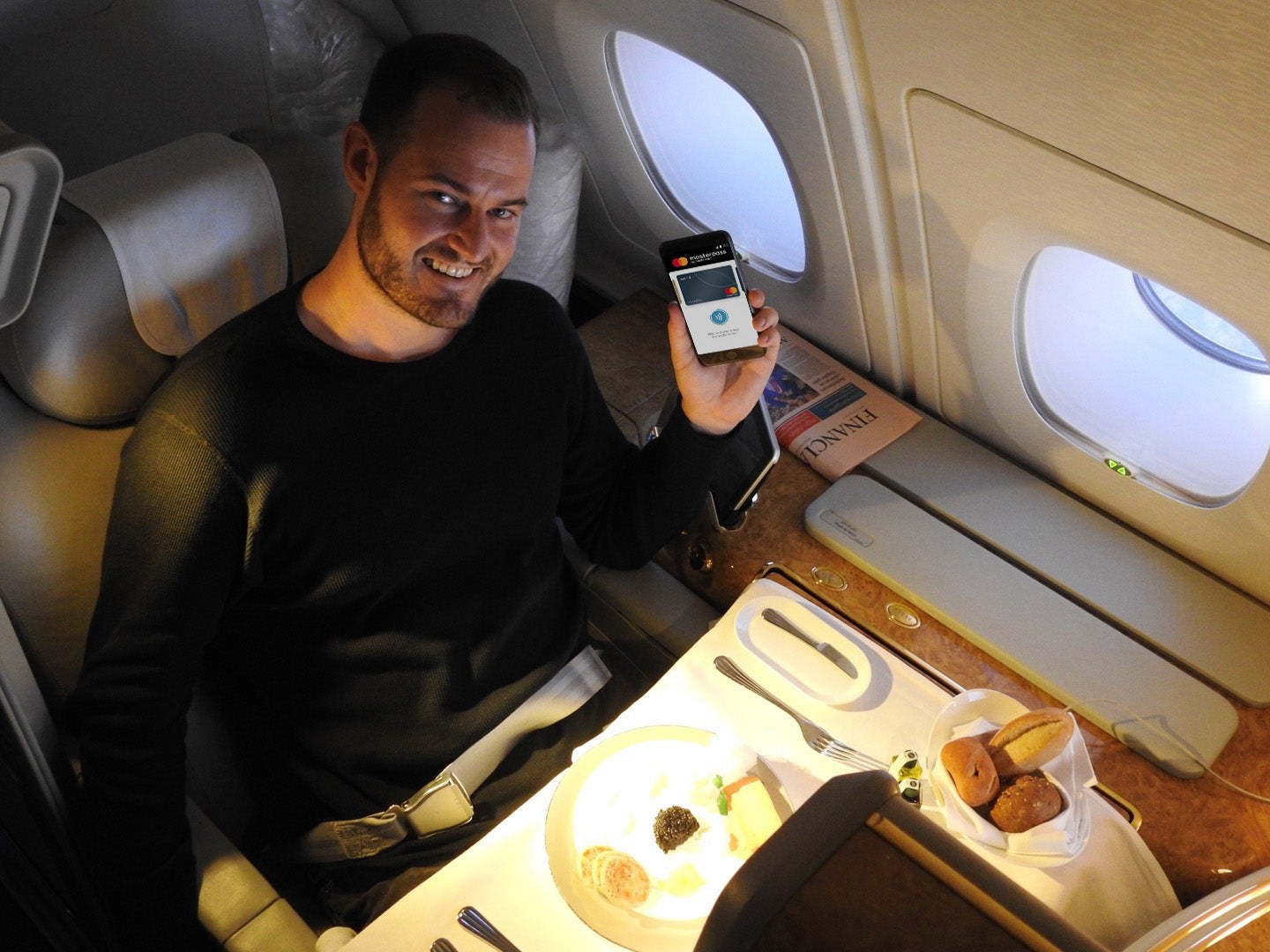
You can also sign up to get special offers for Masterpass users. If you have an Android phone, you can download the Masterpass app, which will let you swipe your phone at checkout at participating retailers — saving you the time for digging through your wallet for cards, and also adding protection. The NFC technology transmits a unique token, not your actual card number, adding an extra layer of protection.
Simply put, Masterpass is a free tool that saves time while shopping and gives extra purchase protection — a no brainer in my opinion.