Project Fi vs. Sprint Data Speed in Europe

Update: Some offers mentioned below are no longer available. View the current offers here.
After nearly a decade using Sprint as my cell phone carrier, my latest Sprint contract just expired. I've gotten rather poor service on Sprint — both in terms of reception and customer support — but the price I locked in years ago has been keeping me around. Now, the question is whether or not to switch. And, if so, which carrier I should switch to.
Up until recently, the obvious choice was T-Mobile, since the carrier offers free text and data overseas in 140+ countries and I often travel abroad. However, my wife Katie recently switched from T-Mobile to Google's Project Fi, and her experience has been excellent. Connecting to either GSM or CDMA service — depending on the country — has worked out much better than what she was able to get through her T-Mobile GSM-only phone.
Further complicating my decision, Sprint recently added free data and text overseas in many countries. So, before making a final choice, I decided to put two of my possibilities to the test: Sprint (on an LG G3) and Google's Project Fi (on a Nexus 5X) in Germany and Switzerland.
Test #1: Google Search in Frankfurt Airport
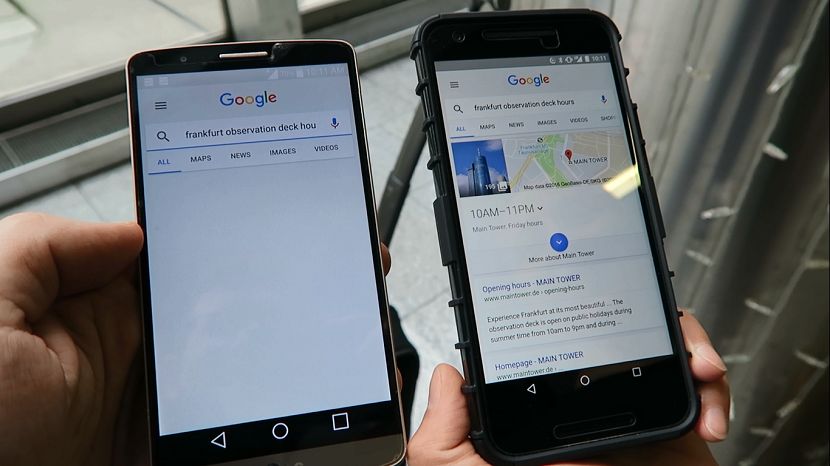
Our first test was soon after landing in Frankfurt Airport (FRA). While in the terminal, we put our phones side by side and started a Google search simultaneously. We both searched for "Frankfurt observation deck hours." Here are the results:
| Service | First Results | Fully Loaded |
|---|---|---|
Project Fi | 3 seconds | 3 seconds |
Sprint | 40 seconds | 47 seconds |
Test #2: Google Maps Search in the Frankfurt Airport Train Station
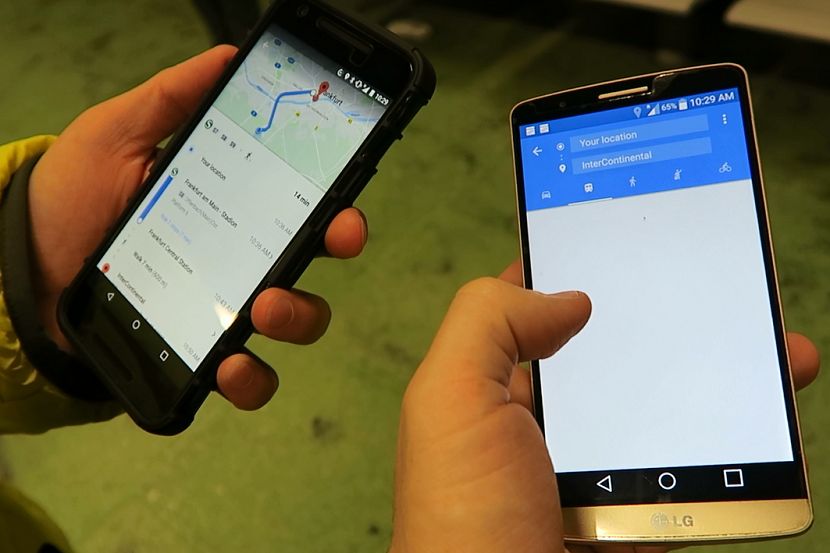
Next, we needed to get transit instructions to the InterContinental Frankfurt. We were both underground in the Frankfurt Airport train station, so we expected slower results. But, Google Maps doesn't seem to require much data, so we figured the results would be similar on Sprint and Project Fi.
| Service | Hotel Found on Map | Transit Directions Fully Loaded |
|---|---|---|
Project Fi | 5 seconds | 11 seconds |
Sprint | 8 seconds | 27 seconds |
Test #3: Google Search in Frankfurt

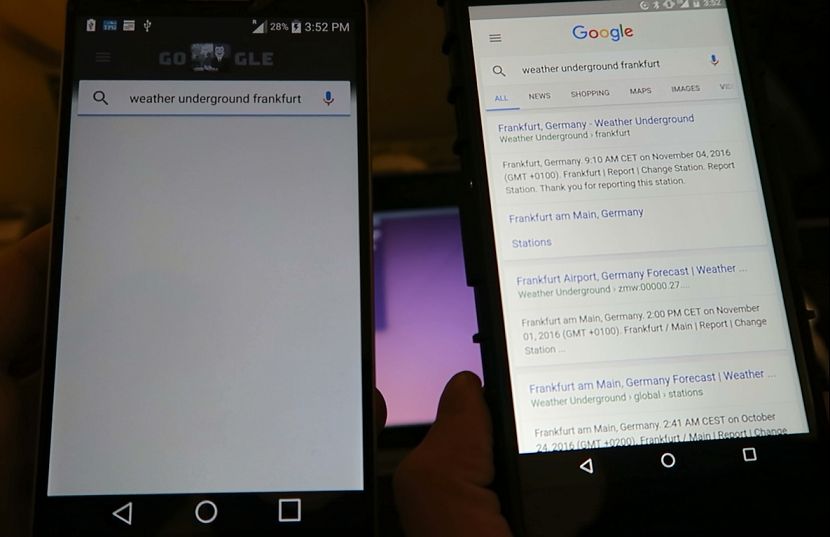
After checking in to our hotel, we wanted to look up the weather to see if we should bring a jacket when we headed back out. While both on cellular data, we Googled "weather underground Frankfurt."
| Service | Google Results Loaded | Website Fully Loaded |
|---|---|---|
Project Fi | 2 seconds | 8 seconds |
Sprint | 39 seconds | 202* seconds |
*Note that some graphics and images were still missing, even after the website stopped loading.
Test #4: The Points Guy Webpage in Zurich
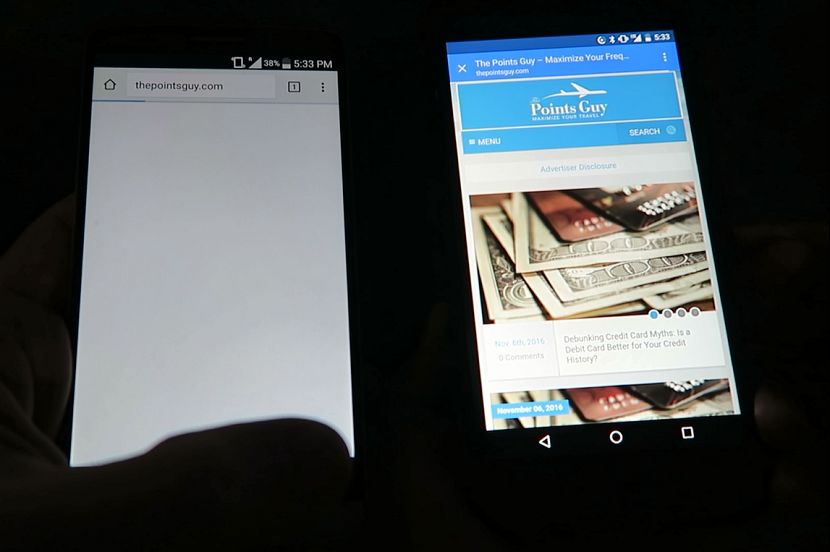
While we were in downtown Zurich, we wanted to check in to see the latest on TPG. So, we each typed in "thepointsguy.com" into our Chrome browsers and hit go. Again, there was no competition.
| Service | Text Loaded | Website Fully Loaded |
|---|---|---|
Project Fi | 2 seconds | 9 seconds |
Sprint | 18 seconds | >180 seconds |
After three minutes, I couldn't wait any longer and ended up clicking away.
Test #5: Google Maps Search in Zurich
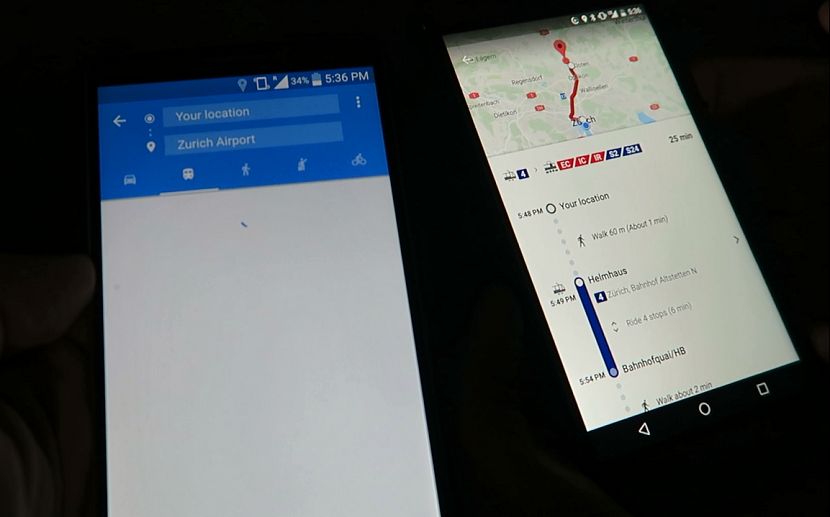
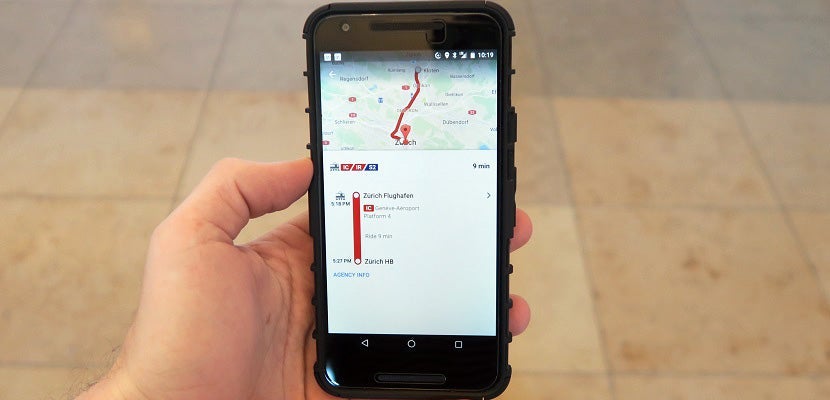
For our fifth and final test, we searched for Google Maps transit directions to the Zurich Airport. Since we had already done a few Google Maps searches, both of our phones were able to quickly find the airport in the seemingly cached map. But, actually loading directions is where Google Fi set itself apart.
| Service | Airport Found on Map | Transit Directions Fully Loaded |
|---|---|---|
Project Fi | 2 seconds | 8 seconds |
Sprint | 3 seconds | 19 seconds |
Conclusion
After traveling internationally for decades without a mobile internet connection, it's honestly great to have any kind of free data overseas. I think all of us international travelers appreciate that T-Mobile changed the game by offering free text and data in many countries. This raised the bar, forcing traditional carriers like Sprint to drop their punishing international text and data surcharges to compete.
As long as you don't need to load photo-intensive websites — and forget trying any sort of video — Sprint's 2G speeds are good enough for getting Google Maps directions and sending/receiving emails. It might be frustratingly slow at points, but it's eventually going to get the job done. However, if you're deciding between the two, Google's Project Fi is going to get the job done a lot quicker.
Plus, it might do so at a cheaper cost. Sprint is currently charging me $50 per month for unlimited text/data. Project Fi costs just $20 per month — or $15 per month if you join someone else's plan — before charging $10 per GB for data. So, I can get at least 3 GB of high-speed data anywhere in the world for the same cost as my current Sprint plan. The downside is that Google's Project Fi doesn't qualify for 5x on my Chase Ink Business Cash Credit Card, while Sprint does.
As someone who needs to stay connected while traveling, I think the choice is clear. I'll be switching over to Google Project Fi today.
How does your cell phone carrier work overseas?
TPG featured card

at Capital One's secure site
Terms & restrictions apply. See rates & fees.
| 5X miles | Earn 5X miles on hotels, vacation rentals and rental cars booked through Capital One Travel |
| 2X miles | Earn unlimited 2X miles on every purchase, every day |
Pros
- Stellar welcome offer of 75,000 miles after spending $4,000 on purchases in the first three months from account opening. Plus, a $250 Capital One Travel credit to use in your first cardholder year upon account opening.
- You'll earn 2 miles per dollar on every purchase, which means you won't have to worry about memorizing bonus categories
- Rewards are versatile and can be redeemed for a statement credit or transferred to Capital One’s transfer partners
Cons
- Highest bonus-earning categories only on travel booked via Capital One Travel
- LIMITED-TIME OFFER: Enjoy $250 to use on Capital One Travel in your first cardholder year, plus earn 75,000 bonus miles once you spend $4,000 on purchases within the first 3 months from account opening - that’s equal to $1,000 in travel
- Earn unlimited 2X miles on every purchase, every day
- Earn 5X miles on hotels, vacation rentals and rental cars booked through Capital One Travel
- Miles won't expire for the life of the account and there's no limit to how many you can earn
- Receive up to a $120 credit for Global Entry or TSA PreCheck®
- Use your miles to get reimbursed for any travel purchase—or redeem by booking a trip through Capital One Travel
- Enjoy a $50 experience credit and other premium benefits with every hotel and vacation rental booked from the Lifestyle Collection
- Transfer your miles to your choice of 15+ travel loyalty programs
- Top rated mobile app