Flying internationally? Here’s what you need to know about the Mobile Passport Control app


Editor's Note
Whether you're waiting for Global Entry approval or don't want to shell out $120 for an application fee, don't worry: There's still a convenient way to avoid the longest lines at U.S. Customs and Border Protection.
CBP offers a service called Mobile Passport Control. It's been around for about a decade, but remains a relatively unknown option for travelers.
Best of all, it's fast, free and doesn't require a lengthy screening process or interview.
All you have to do to use the service is download an app, fill out some personal information, snap a selfie and then proceed to a designated (usually much shorter) line once you reach passport control.
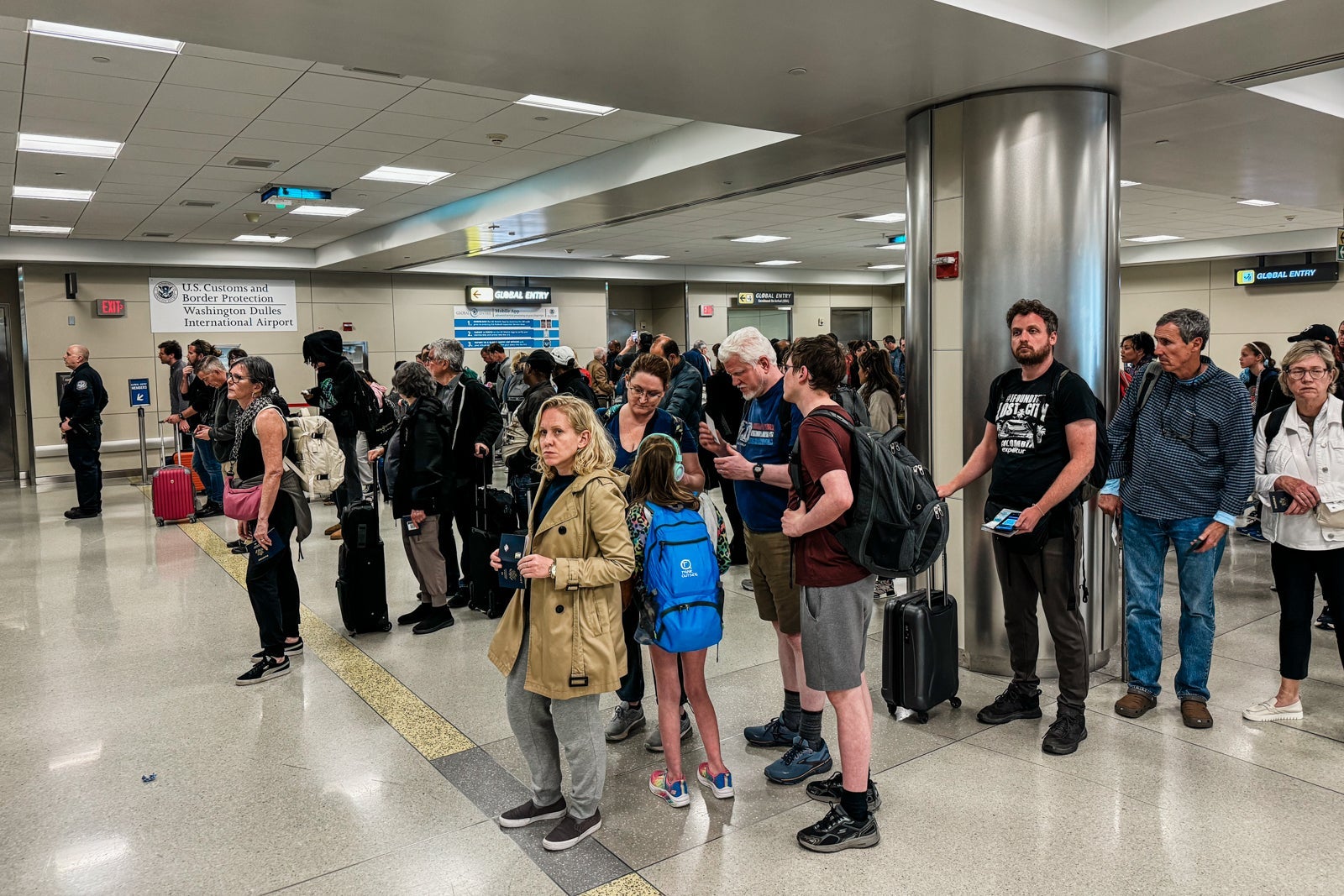
Mobile Passport Control is a great alternative if you're waiting on Global Entry approval or if you don't travel enough internationally to warrant the program's $120 application fee. It's also available to tons of travelers — many of whom may not know about it.
Count TPG contributor Melissa Klurman among the fans (and loyal users) of this entry-expediting program, which regularly helps her save time at customs.
Here's everything you need to know about Mobile Passport Control:
What's the difference between Global Entry and Mobile Passport Control?
Generally speaking, Mobile Passport Control isn't as fast as Global Entry — but it's faster than the regular lanes at customs. And, unlike Global Entry, it's free.
Global Entry
Global Entry is a paid program that allows travelers to expedite their trip through U.S. Customs and Border Protection ports of entry. Members submit an application and pay a fee, then undergo a screening interview. Once approved, they can proceed to the blue kiosks at customs for identity verification. The process often takes mere seconds.

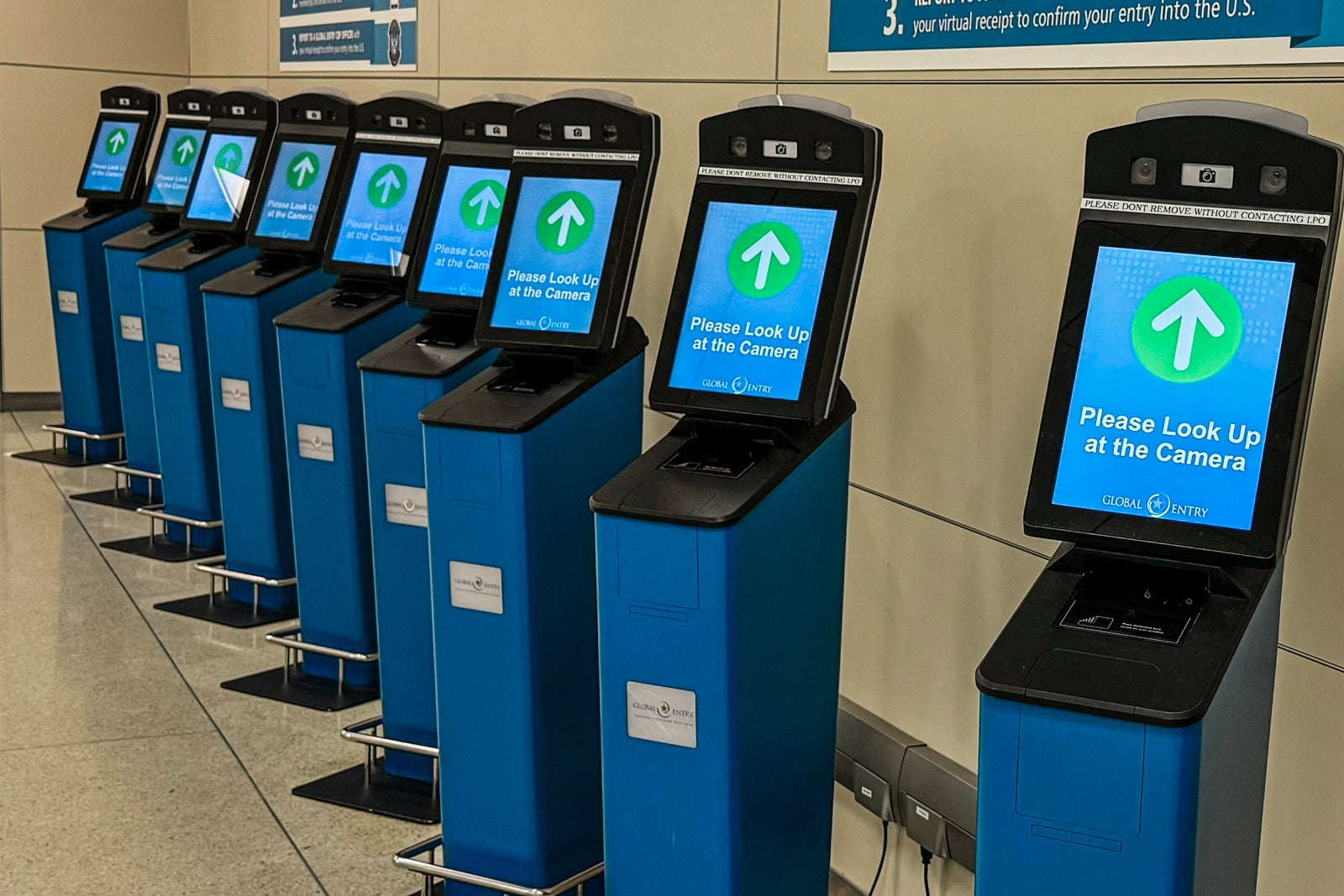
Global Entry members also get a Known Traveler Number that provides them access to TSA PreCheck lanes.
Applying for a five-year Global Entry membership comes with a $120 application fee — though many travel credit cards will help offset the cost.
Mobile Passport Control
Mobile Passport Control, on the other hand, is free and available to a wide range of travelers. After an international flight, you'll fill out your personal information and snap a selfie on the app. By submitting this information in advance, you'll be able to use a special, designated lane at customs once you're off the plane.
Though users won't clear customs as quickly as Global Entry members, it's still a surefire way to save time — particularly when the standard passport control lines are crowded.
Who can use Mobile Passport Control?
Mobile Passport Control is available to scores of travelers entering the U.S., according to CBP. This includes:
- U.S. citizens
- Lawful Permanent Residents
- Canadian B1/B2 visa holders
- Travelers from the 41 "visa-waiver" countries who have previously visited the U.S.
Which airports have Mobile Passport control?
The service is available at 53 sites, and you can use the service at 35 international airports in the U.S. It's also available at each of the 14 international preclearance facilities, such as Abu Dhabi's Zayed International Airport (AUH), Dublin Airport (DUB) and Toronto Pearson International Airport (YYZ).
You'll even find the service available as an option at four seaports: Miami, Palm Beach and Port Everglades in Florida, as well as San Juan in Puerto Rico.
How to use Mobile Passport Control
The first step to using Mobile Passport Control is to download the CBP MPC app from the Google Play Store or Apple App Store. Do this when you have Wi-Fi.
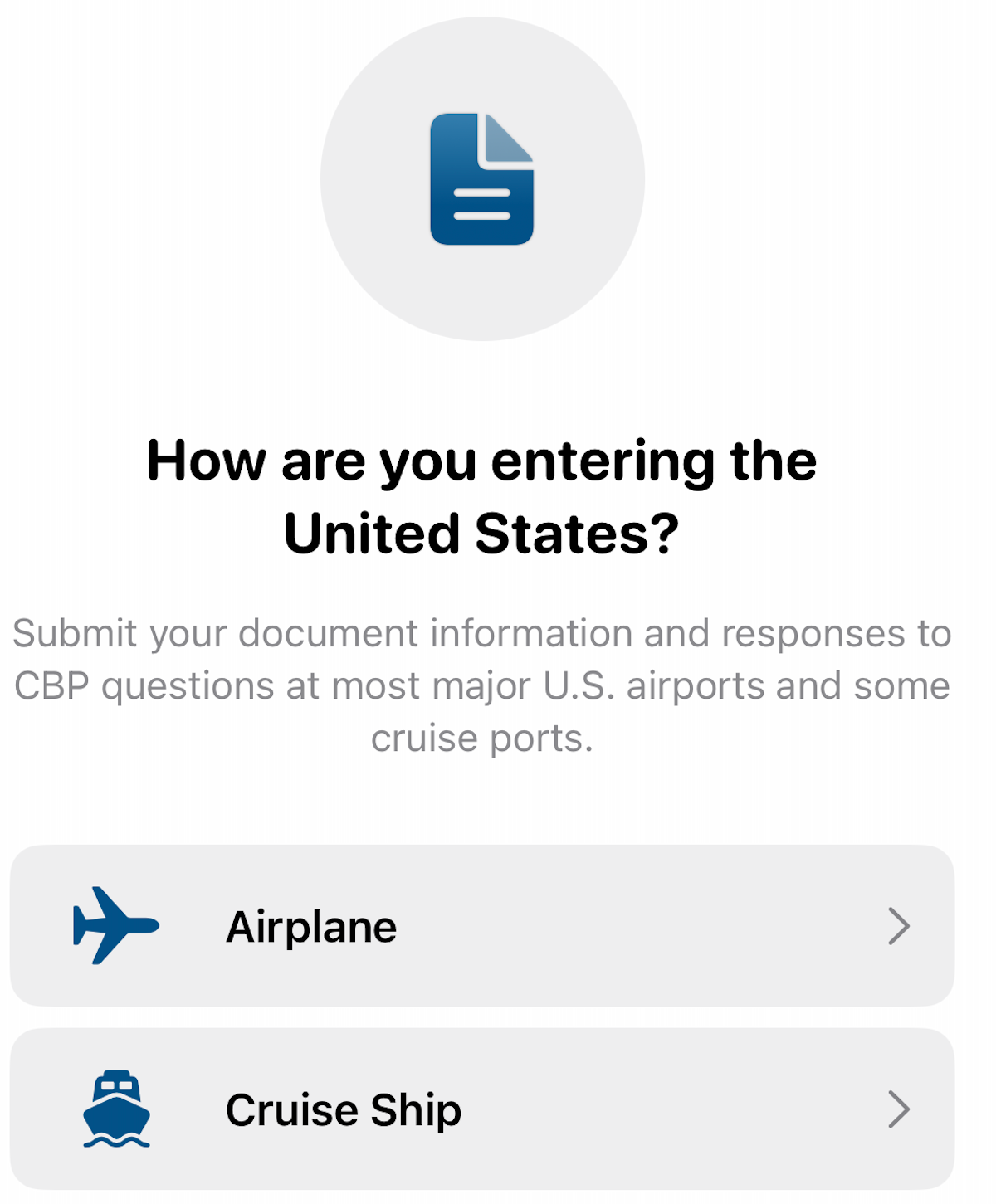
First, the app will ask you how you're entering the U.S. In most cases, that'll be by airplane.
Next up: What is your CBP port? That will be your arrival airport. Let's say you're flying into Boston Logan International Airport (BOS).
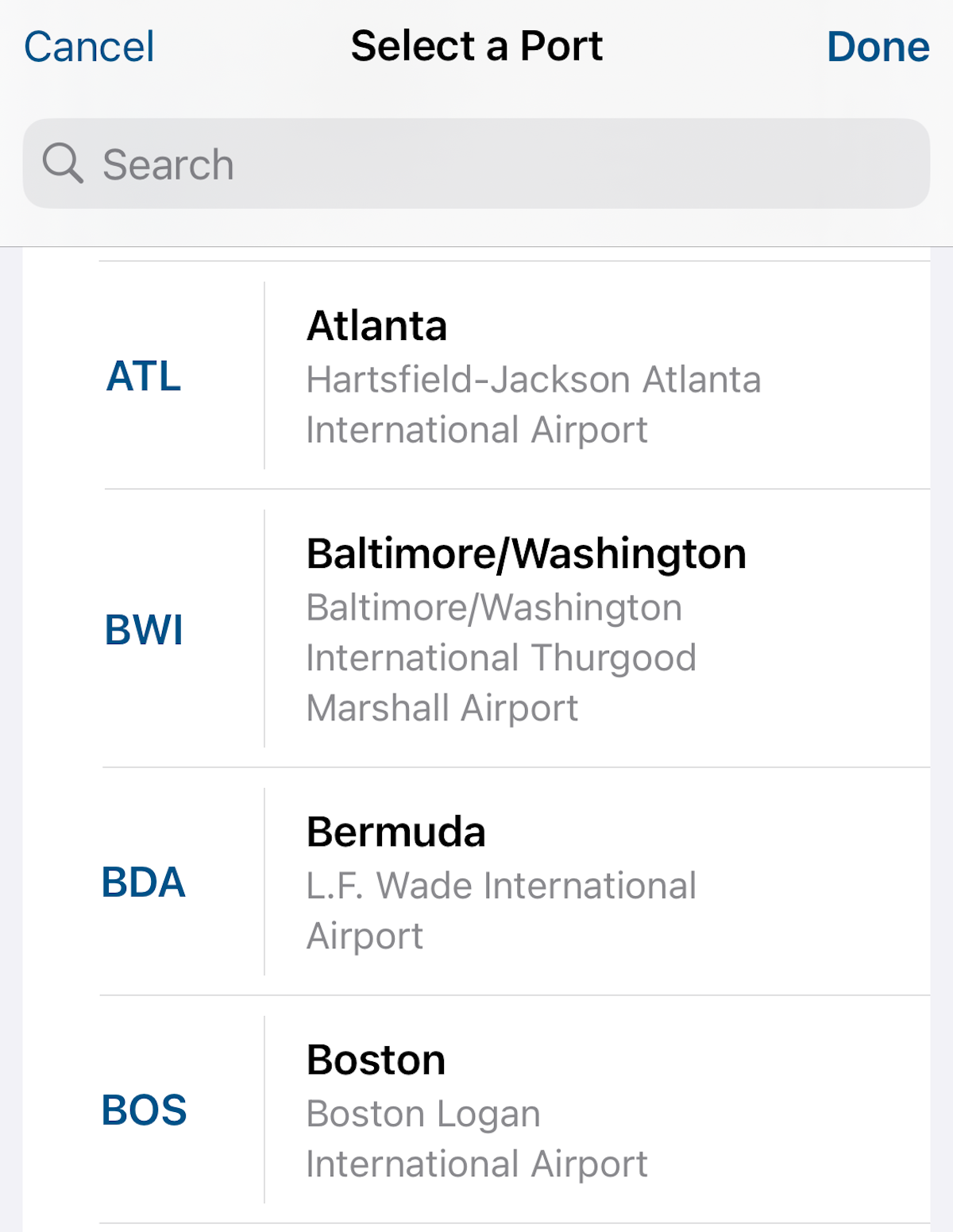
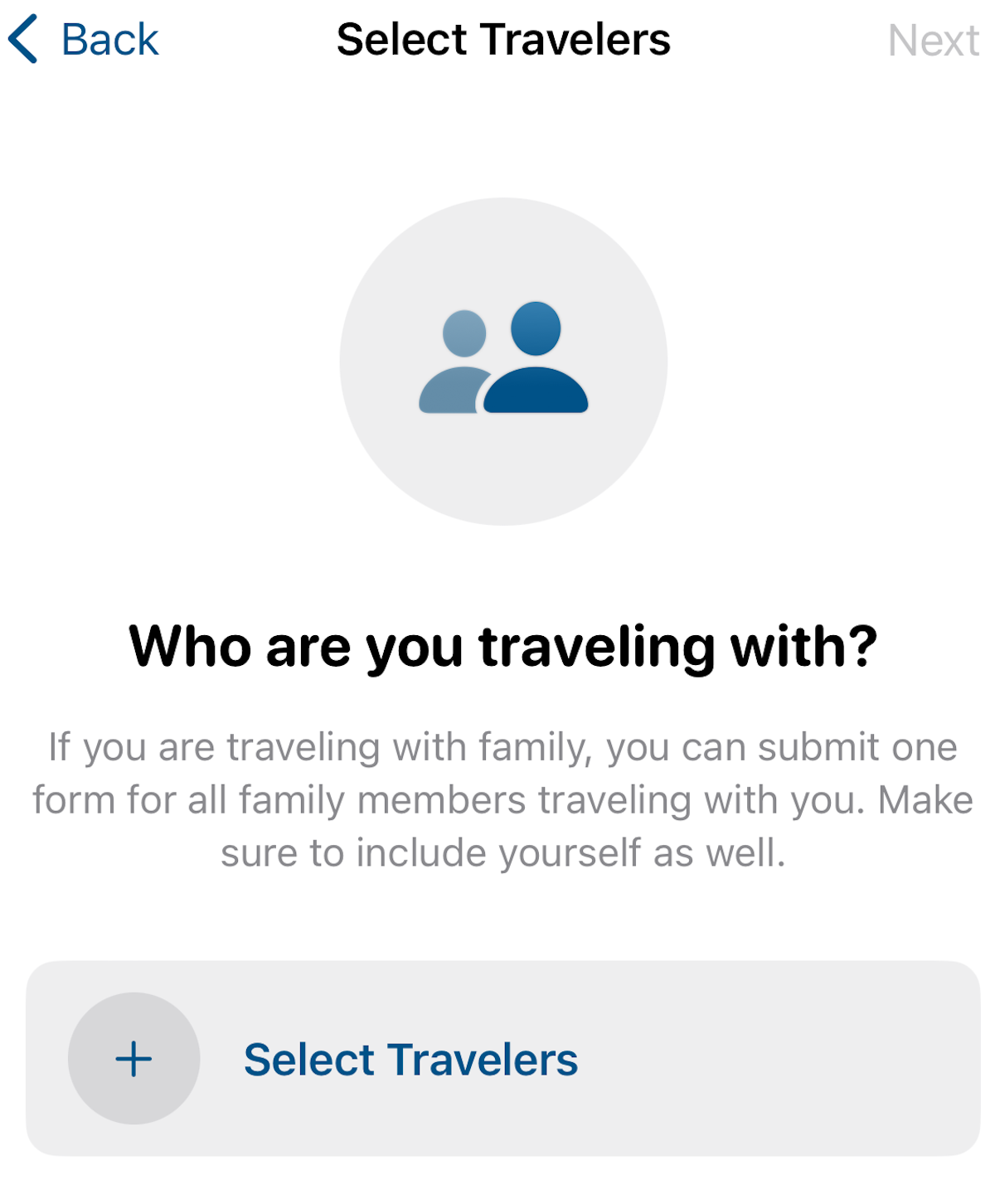
From there, you'll add travelers to your submission. The app now allows you to add up to 12 family members who are returning to the same household. Your best bet is to fill out your information and add each family member to your submission. You can do this all on one phone.
Next, you'll need to upload your travel documentation; for U.S. citizens, this is often a passport. You can scan it or enter the information manually.
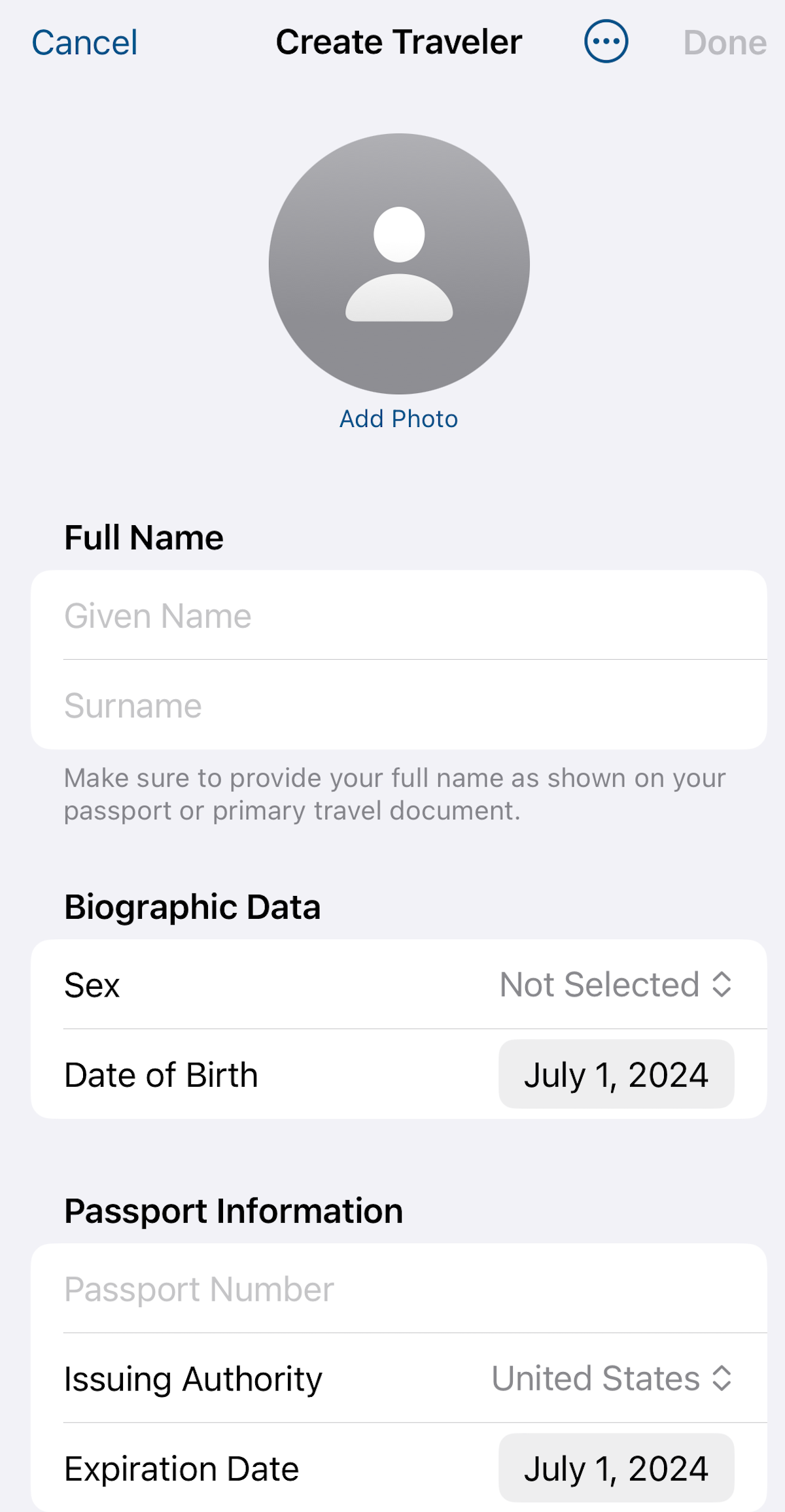
After entering the information, you'll add a selfie and repeat the process for each family member.
Once your application is submitted and you're off the plane, head to the designated MPC lanes at CBP facilities. When you reach an officer, one family member will need to step forward to have their photo taken. CBP uses this photo to pull up and process the application for every member of your traveling party for facial comparison purposes.
The agency says it typically deletes photos taken at its passport control facilities within a couple of days. Photos taken on your smartphone will remain on your device locally, the agency adds; they're not stored on CBP servers.
Is Mobile Passport Control better than Global Entry?
Global Entry is generally a faster option than Mobile Passport Control. However, its soon-to-be $120 fee isn't inconsequential, especially given the fact that Mobile Passport Control is completely free.
Plus, if you don't travel enough to warrant Global Entry, aren't eligible for it, or are still awaiting conditional approval, Mobile Passport Control is a great option to expedite your reentry into the U.S.
It's also a fantastic way to save time for families traveling together, since you can now add up to a dozen family members to one application.
Related reading:
TPG featured card

at Capital One's secure site
Terms & restrictions apply. See rates & fees.
| 5X miles | Earn 5X miles on hotels, vacation rentals and rental cars booked through Capital One Travel |
| 2X miles | Earn unlimited 2X miles on every purchase, every day |
Pros
- Stellar welcome offer of 75,000 miles after spending $4,000 on purchases in the first three months from account opening. Plus, a $250 Capital One Travel credit to use in your first cardholder year upon account opening.
- You'll earn 2 miles per dollar on every purchase, which means you won't have to worry about memorizing bonus categories
- Rewards are versatile and can be redeemed for a statement credit or transferred to Capital One’s transfer partners
Cons
- Highest bonus-earning categories only on travel booked via Capital One Travel
- LIMITED-TIME OFFER: Enjoy $250 to use on Capital One Travel in your first cardholder year, plus earn 75,000 bonus miles once you spend $4,000 on purchases within the first 3 months from account opening - that’s equal to $1,000 in travel
- Earn unlimited 2X miles on every purchase, every day
- Earn 5X miles on hotels, vacation rentals and rental cars booked through Capital One Travel
- Miles won't expire for the life of the account and there's no limit to how many you can earn
- Receive up to a $120 credit for Global Entry or TSA PreCheck®
- Use your miles to get reimbursed for any travel purchase—or redeem by booking a trip through Capital One Travel
- Enjoy a $50 experience credit and other premium benefits with every hotel and vacation rental booked from the Lifestyle Collection
- Transfer your miles to your choice of 15+ travel loyalty programs
- Top rated mobile app