Simple Google Chrome Extension Adds Legroom to Search Results


Tall passengers and premium cabin travelers rejoice! While Google Flights is already great for searching flights and finding new destinations, there's now an easy Google Chrome extension that makes searching Google Flights even easier.
Users of Google Flights know that the website displays helpful information about different flight options such as flight number, duration, legroom or business-class recline (lie-flat, angle-flat, recliner), Wi-Fi, power and in-flight entertainment options:
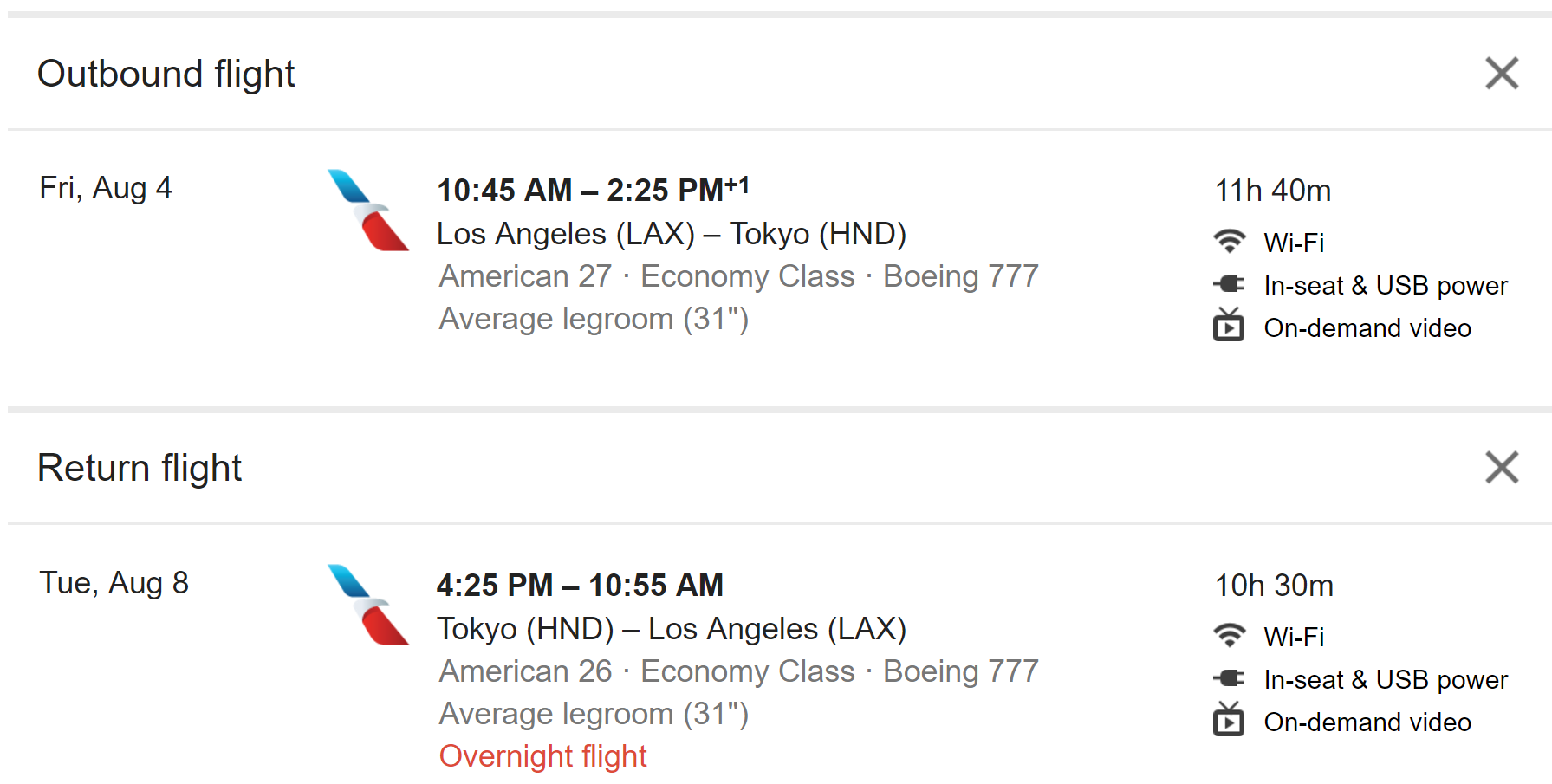
However, these options are only displayed once you select a particular flight option. Google Flights doesn't let you filter search results by these options or display these details in the search results.
While comprehensive filtering would be nice for those of us relying on Wi-Fi or power when we travel, a lot of travelers are just interested in the legroom from these results. Until the "SEAT Act" passes requiring minimum seat sizes on flights, there's going to continue to be notable differences between airlines. Low-cost carriers are going to push the limits of human flexibility while legacy carriers are being guilted into not going below 30 inches of pitch.
Now, rather than having to click on each individual flight option, a new Chrome extension will show you the legroom right in the search results:
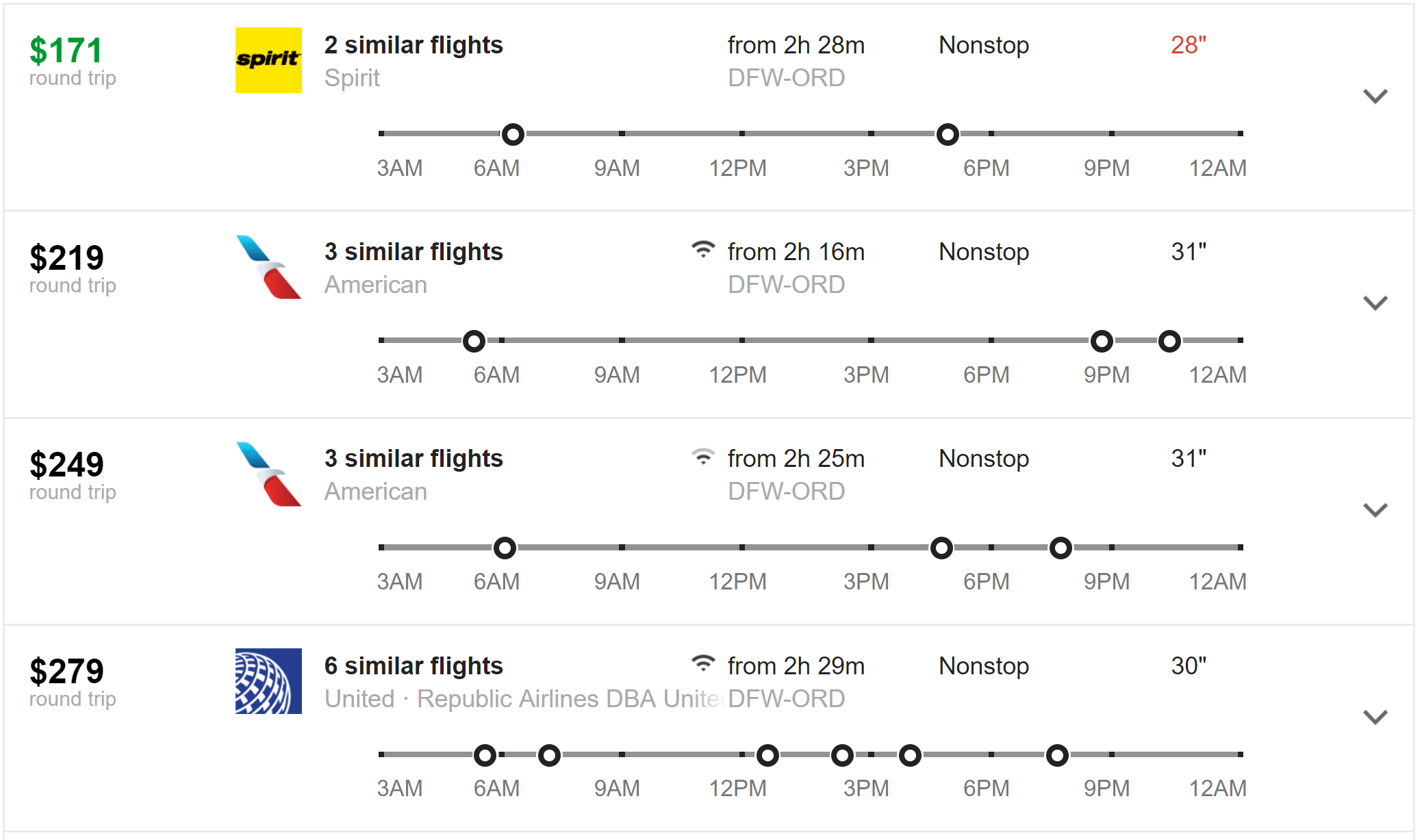
Here's how to set it up:
1. Open Chrome. (Unfortunately, this extension isn't available on other browsers)
2. Browse to the Legrooms for Google Flights extension install page
3. Click "Add to Chrome" and confirm

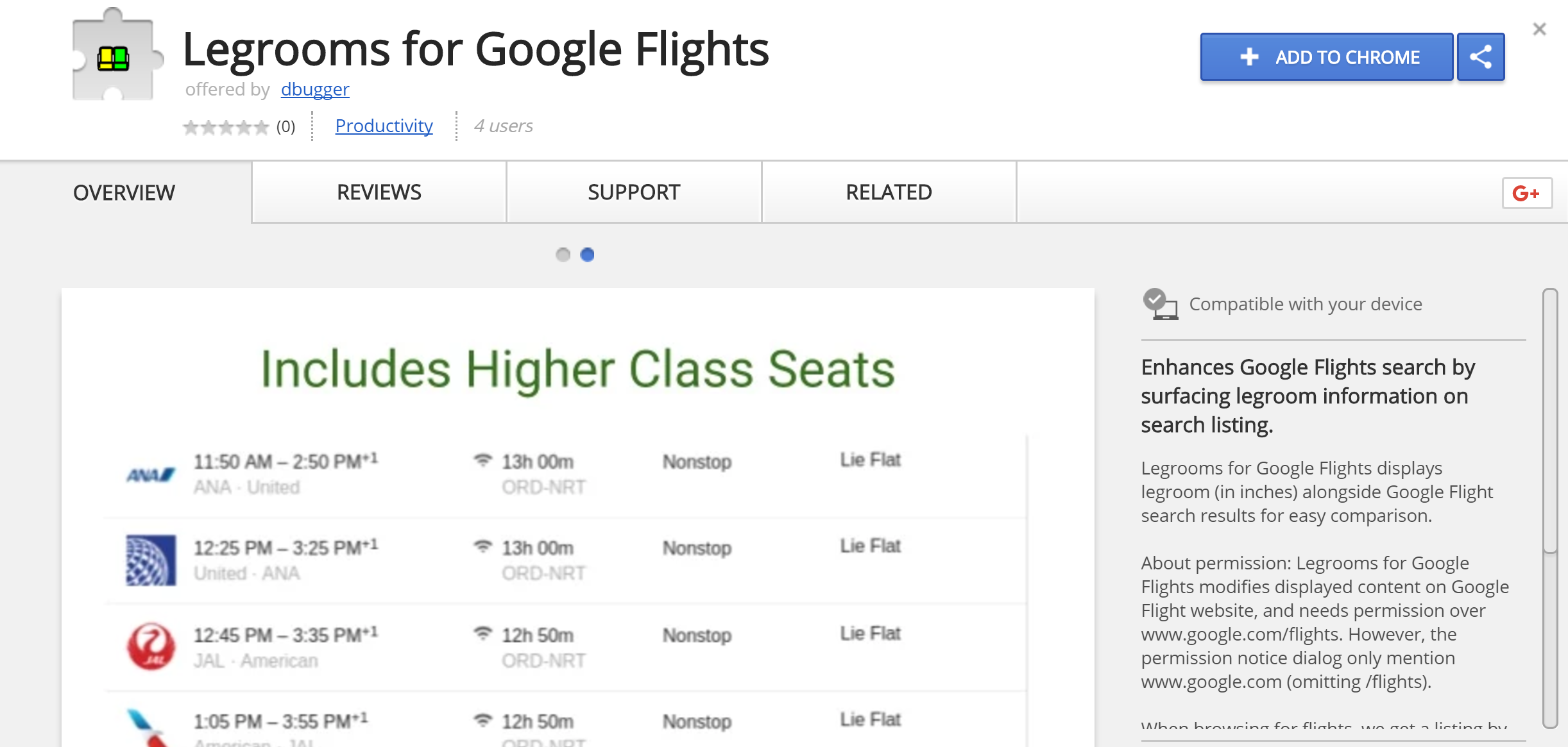
That's it! Now, open Google Flights and do a search to see the results. If you search for economy flights, seat pitch (the distance between seatbacks) will be displayed in the search results. For those unaware of the impact of a few inches, here are photos of the same 5 foot 11 inch tall man in seats ranging from 29 inches of pitch to 34 inches of pitch (28 inches of pitch wasn't filmed due to its cruelty).
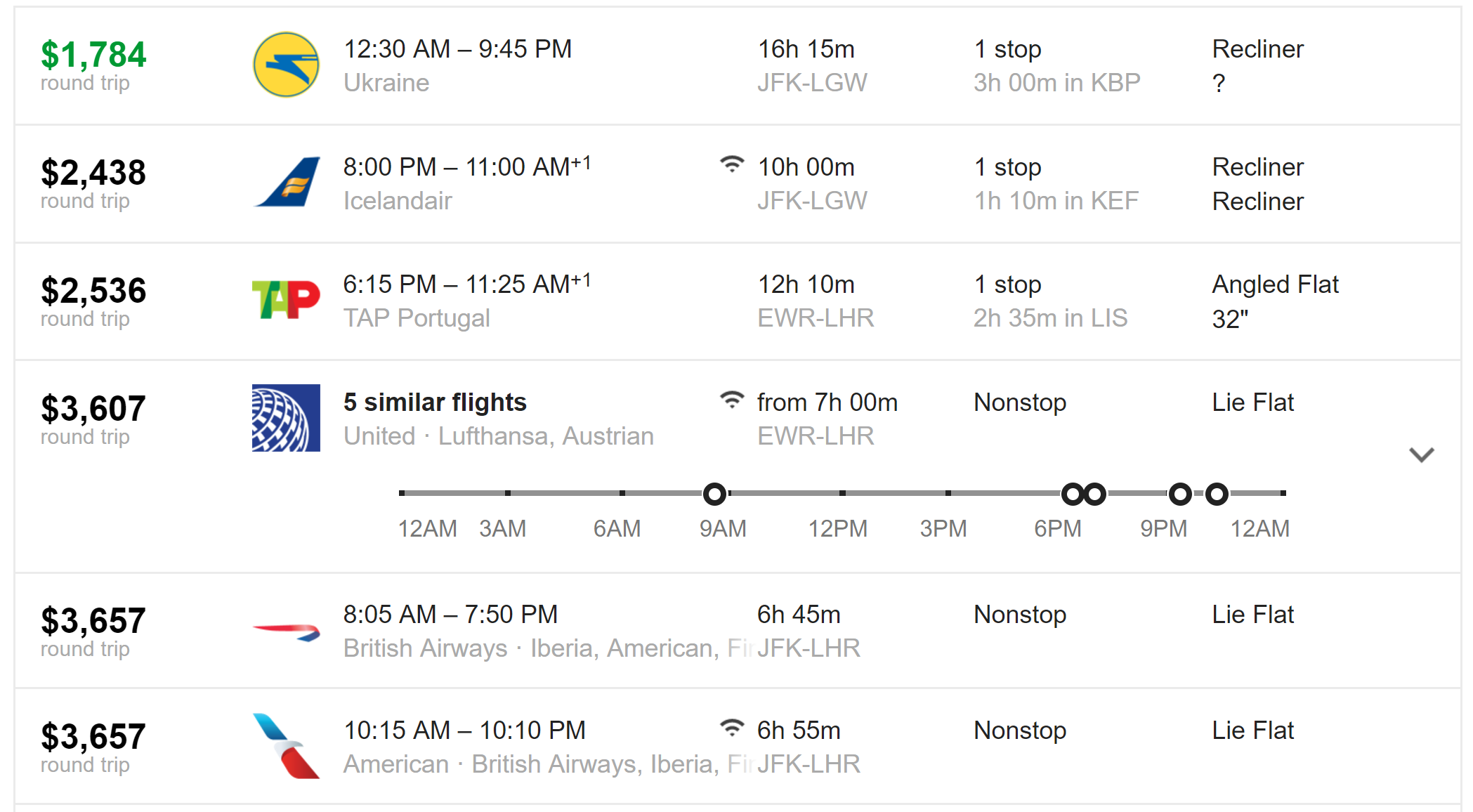
If you're searching Google Flights for business or first class, the Legroom for Google Flights extension will add the seat recline information to the initial search results. At a glance, this puts search results and vast price differences in perspective:
Bottom Line
For those of us that use Google Flights to search flight options, installing this extension is a no-brainer. While we hope that Google Flights will improve search result filtering (Google: basic economy filtering please!), for now it looks like we are going to have to rely on helpful tools like this to help fine-tune the flight search process.
TPG featured card

at Capital One's secure site
Terms & restrictions apply. See rates & fees.
| 5X miles | Earn 5X miles on hotels, vacation rentals and rental cars booked through Capital One Travel |
| 2X miles | Earn unlimited 2X miles on every purchase, every day |
Pros
- Stellar welcome offer of 75,000 miles after spending $4,000 on purchases in the first three months from account opening. Plus, a $250 Capital One Travel credit to use in your first cardholder year upon account opening.
- You'll earn 2 miles per dollar on every purchase, which means you won't have to worry about memorizing bonus categories
- Rewards are versatile and can be redeemed for a statement credit or transferred to Capital One’s transfer partners
Cons
- Highest bonus-earning categories only on travel booked via Capital One Travel
- LIMITED-TIME OFFER: Enjoy $250 to use on Capital One Travel in your first cardholder year, plus earn 75,000 bonus miles once you spend $4,000 on purchases within the first 3 months from account opening - that’s equal to $1,000 in travel
- Earn unlimited 2X miles on every purchase, every day
- Earn 5X miles on hotels, vacation rentals and rental cars booked through Capital One Travel
- Miles won't expire for the life of the account and there's no limit to how many you can earn
- Receive up to a $120 credit for Global Entry or TSA PreCheck®
- Use your miles to get reimbursed for any travel purchase—or redeem by booking a trip through Capital One Travel
- Enjoy a $50 experience credit and other premium benefits with every hotel and vacation rental booked from the Lifestyle Collection
- Transfer your miles to your choice of 15+ travel loyalty programs
- Top rated mobile app