SeatGuru is dead: Here are the best alternatives

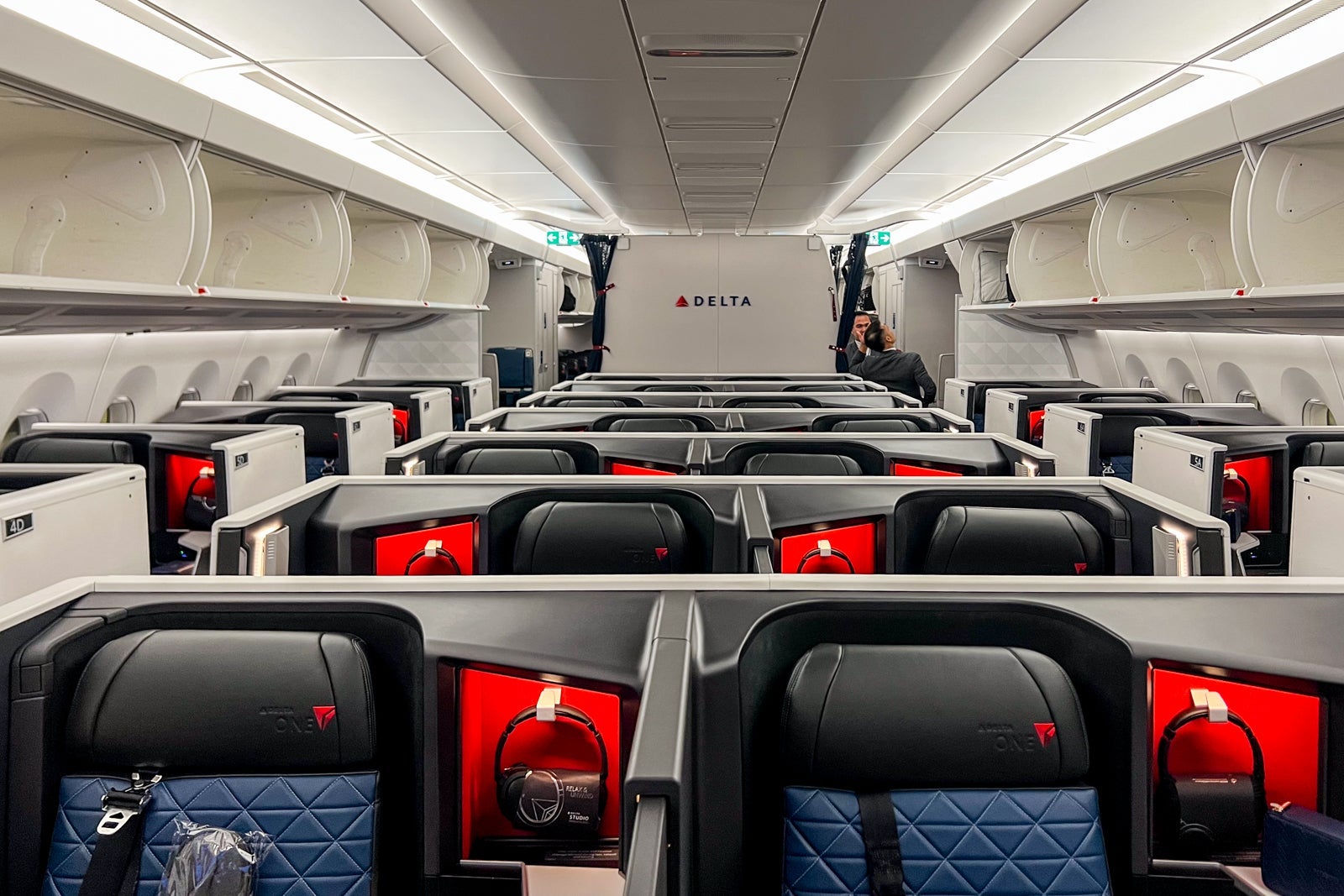
One of our favorite tools for information on the best airline seats is dead. SeatGuru was purchased by Tripadvisor back in 2007, in part due to its popularity with frequent flyers, who counted on the site for granular information on seats for most major airlines.
But Tripadvisor stopped investing in the site several years ago, and its usefulness has declined over time. Still, it was a go-to tool for me when I was trying to select seats in business class on upcoming flights, or at least find less-worse seats in coach.
So I was crushed to find this notice on my last search a few weeks ago.

Without any notice, Tripadvisor and its parent company Expedia shut the site down completely, redirecting users to Tripadvisor (which doesn't have interactive seat maps).
I loved all the features in SeatGuru, including the ability to find seat maps for various versions of most airplanes and even obscure airlines, the ability to see problematic seats (like those missing windows or that don't recline), and the colored maps that showed seats and areas to avoid or to pick.
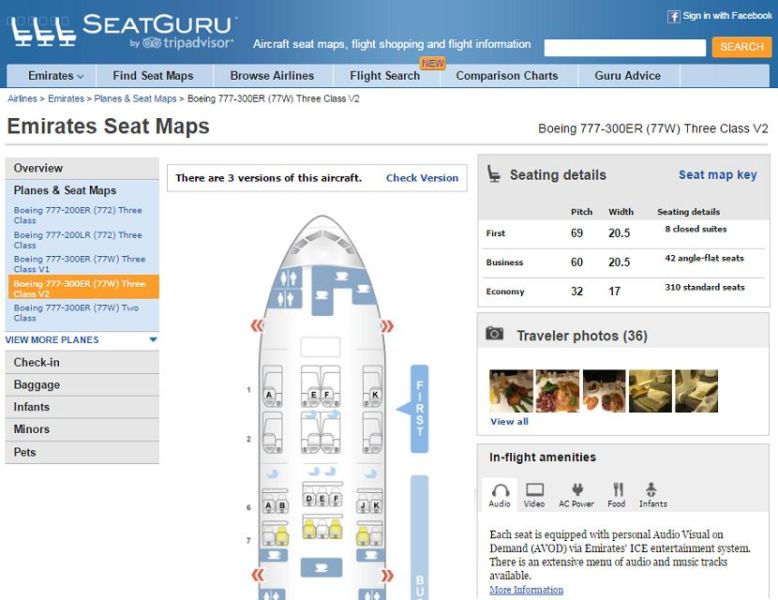
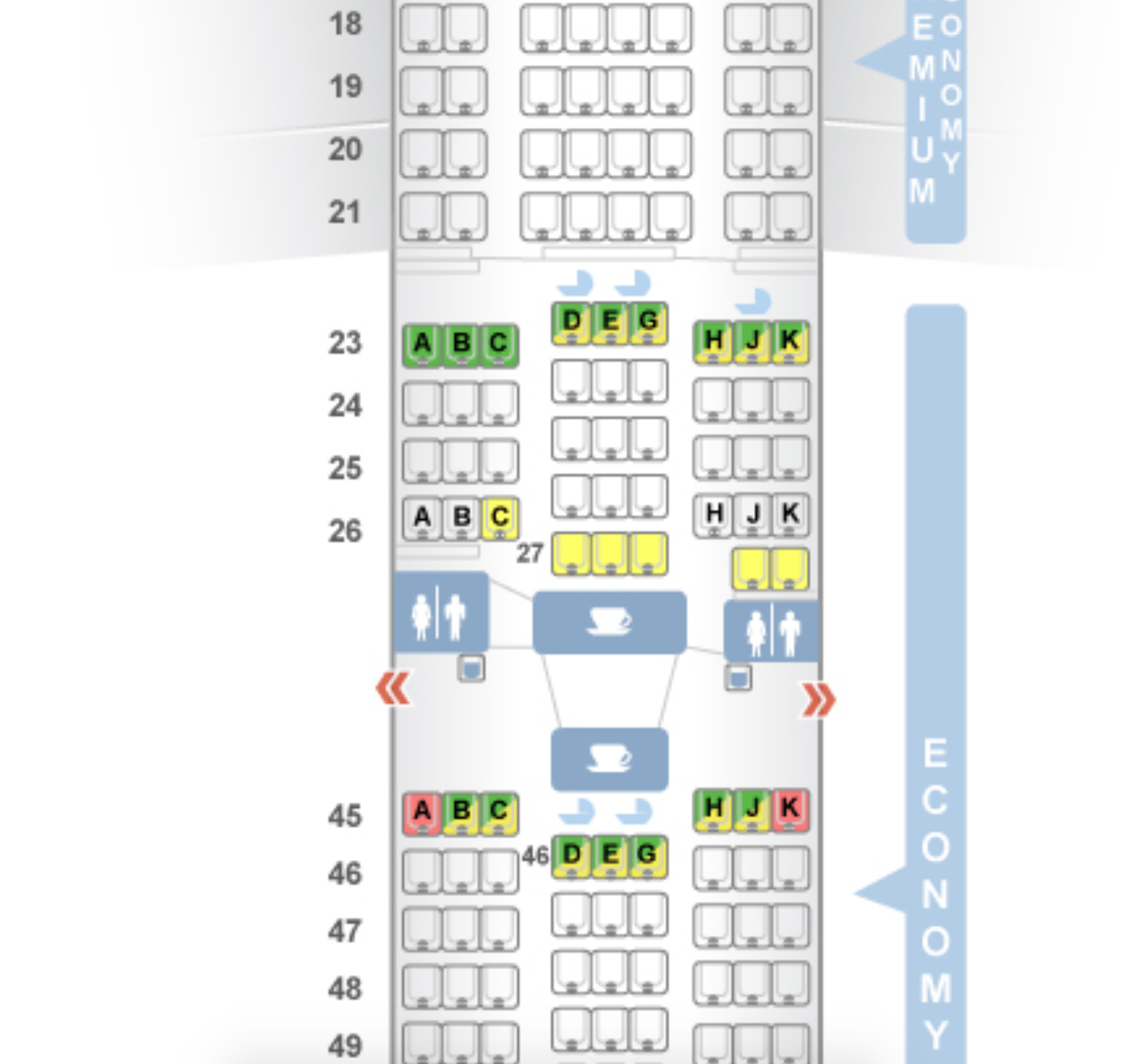
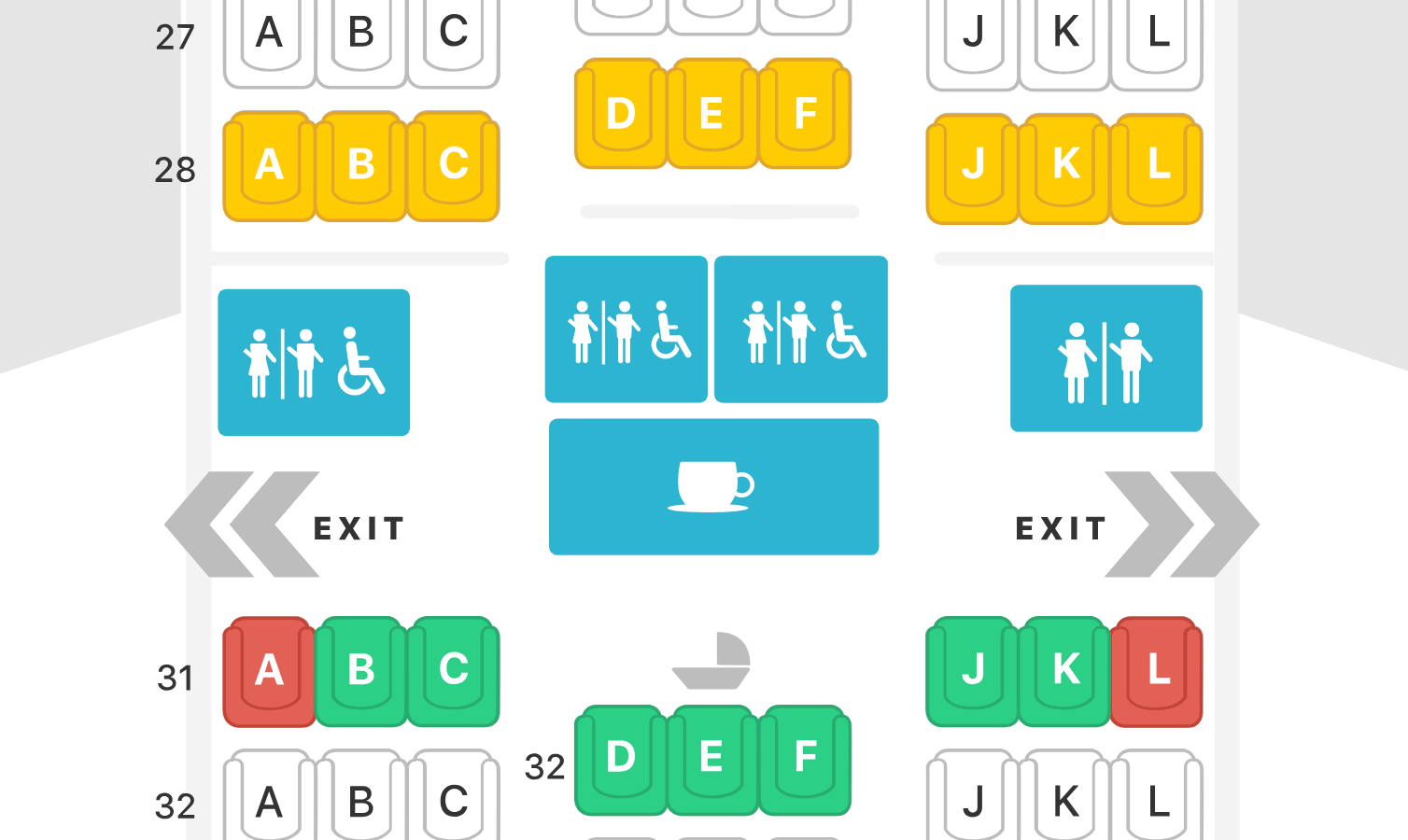
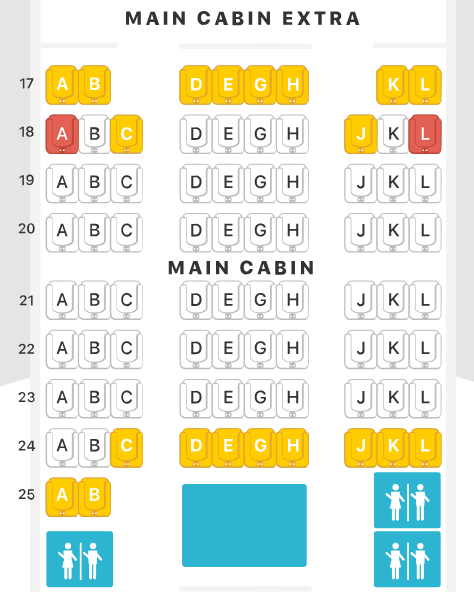
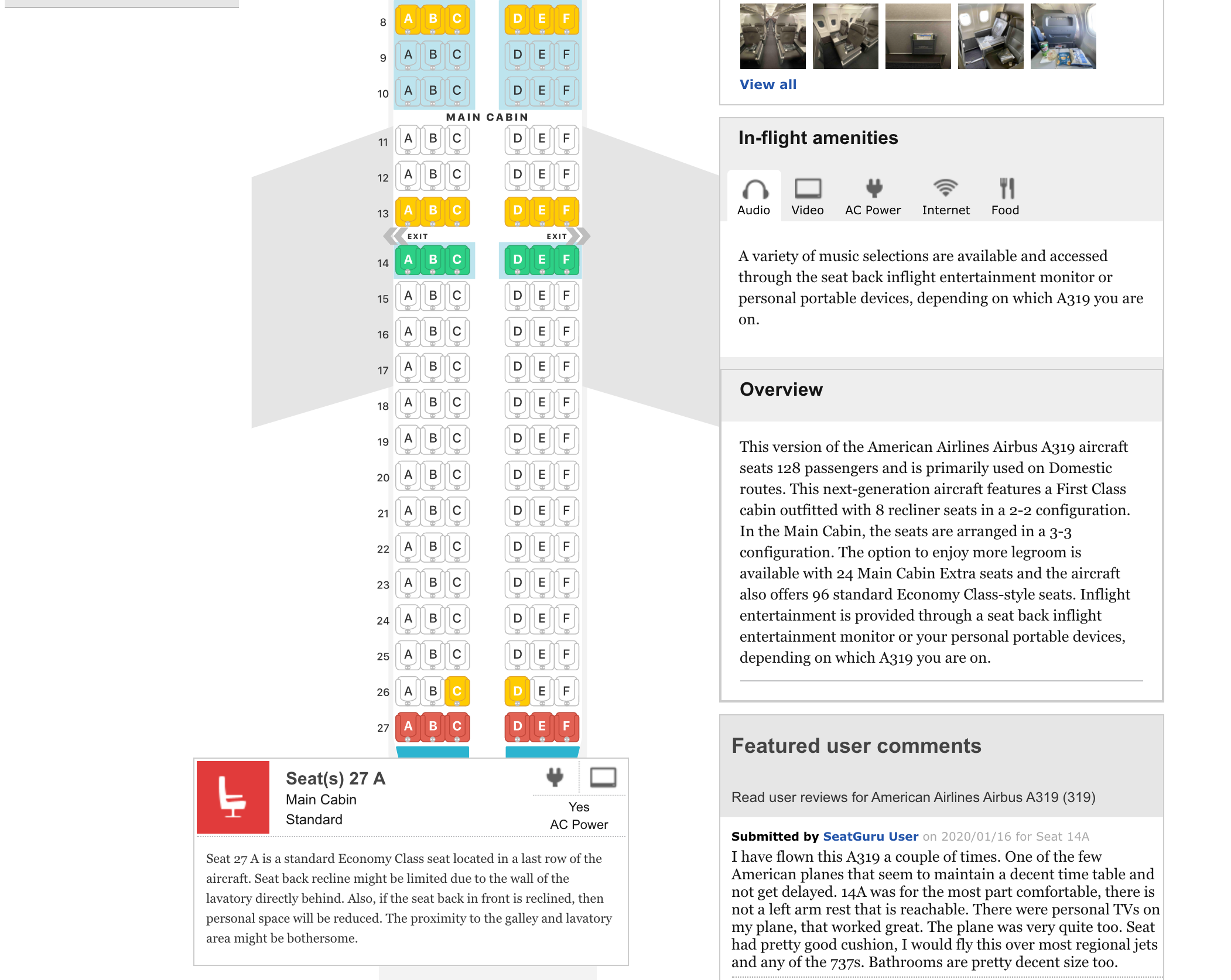
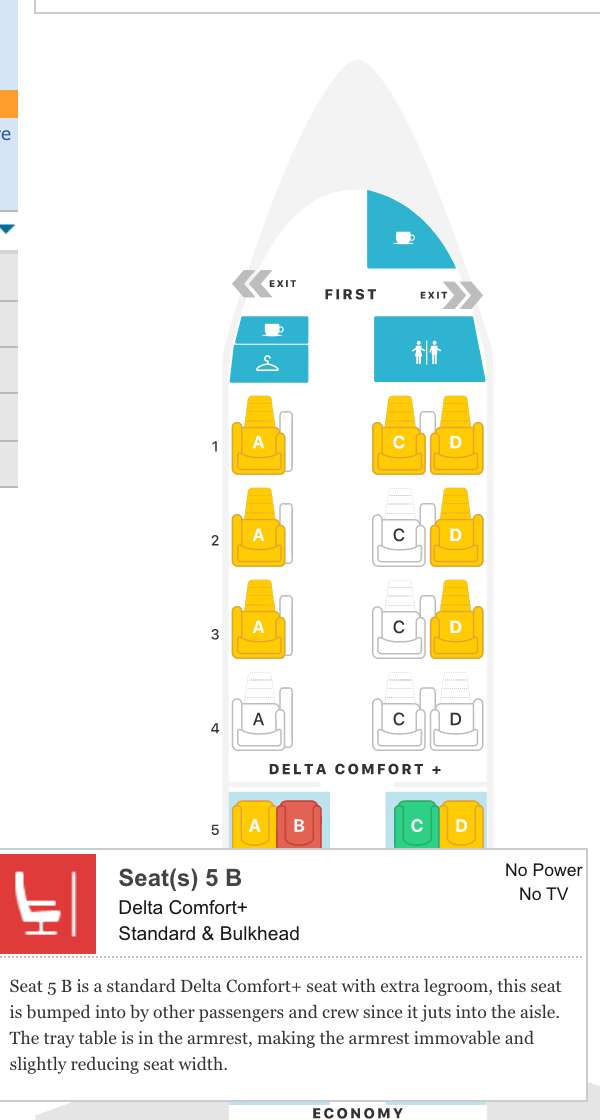
Sadly, Tripadvisor stopped investing in the site about five years ago, and the last new seat map was made in 2020. "She was on her last legs for a long time," TPG founder Brian Kelly told me in a TPG group chat discussing the news.
But there is some good news: There are several other contenders that can help you research airline seats.
SeatMaps is, in my opinion, the best of the bunch. TPG has its own tool for finding seat maps, of course. ExpertFlyer (owned by TPG parent company Red Ventures) is great, and the company is making a big investment in it right now.
Other TPGers swear by AeroLopa, although I find it less intuitive to use. There's also a new contender, SeatCompare.ai.

So what's the best choice for you? Here's a brief guide to each tool.
SeatMaps
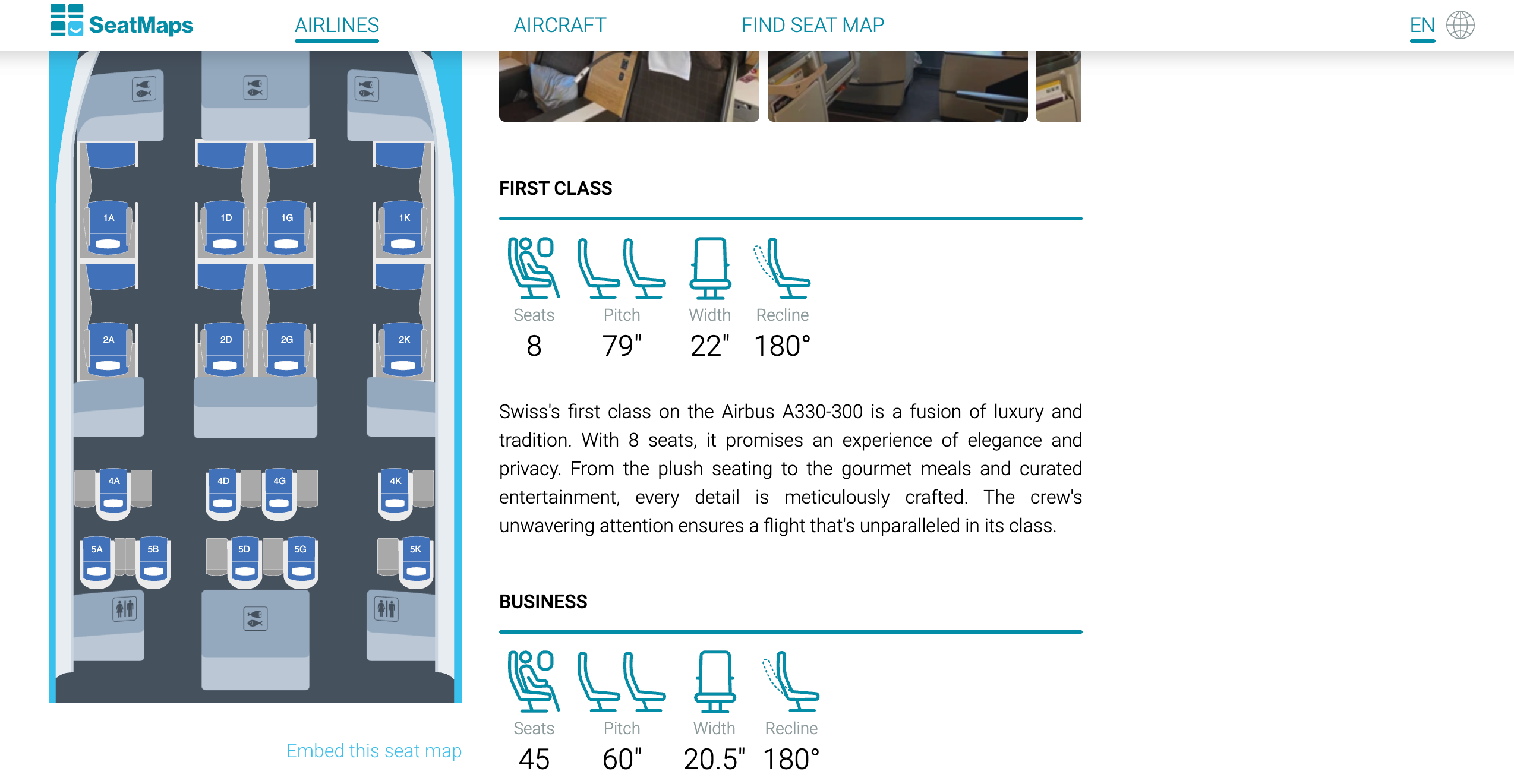
For me, the best new contender has been SeatMaps, which has some of the same features as SeatGuru (RIP). Here's a map showing business class on a Swiss A330 flight. As you can see, it suggests that a seat in business class — 9K — has a partial or missing window view, but comes with USB and AC power plugs and Wi-Fi.
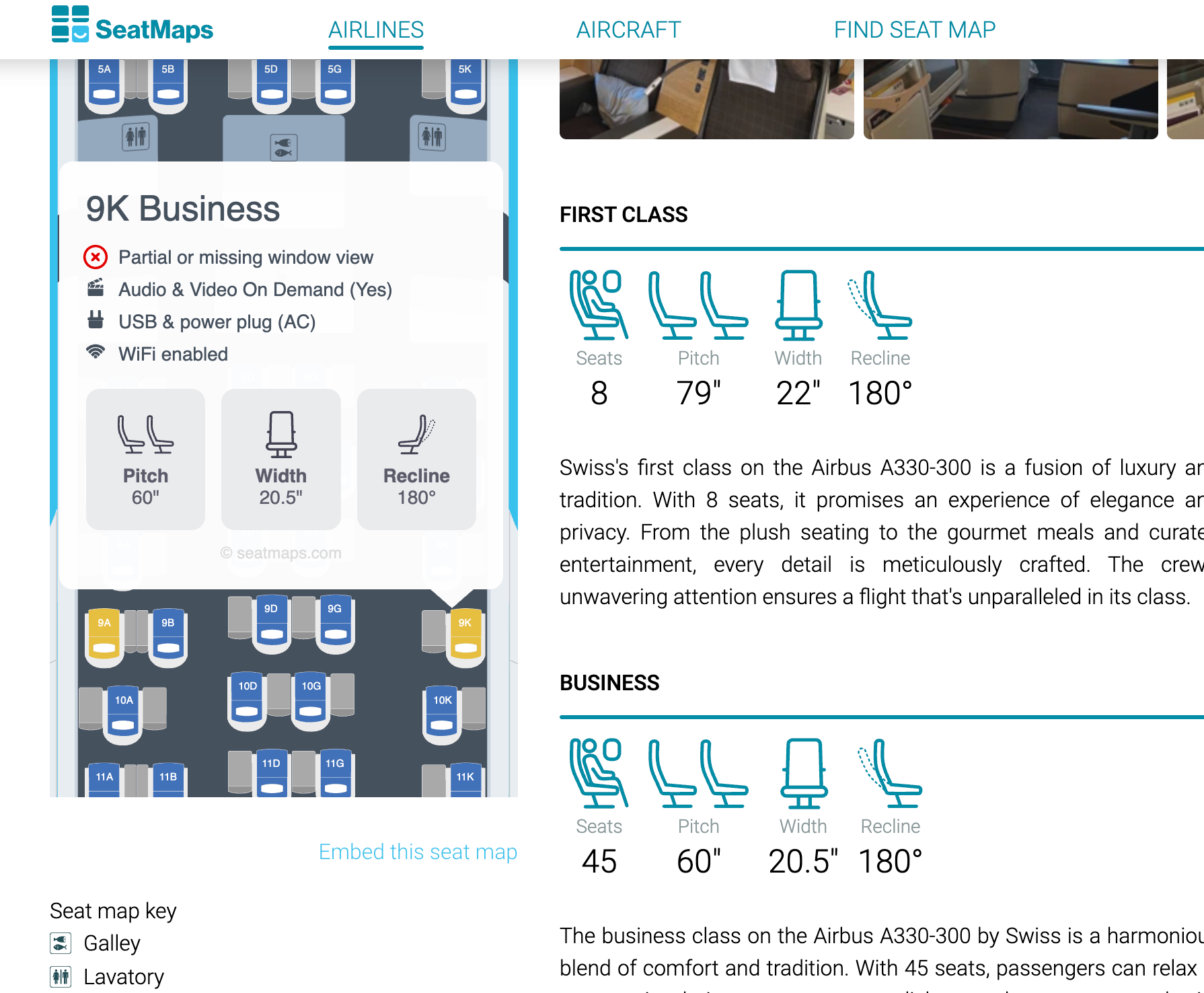
It also shows how many seats are in each cabin and the seat pitch, width and recline.
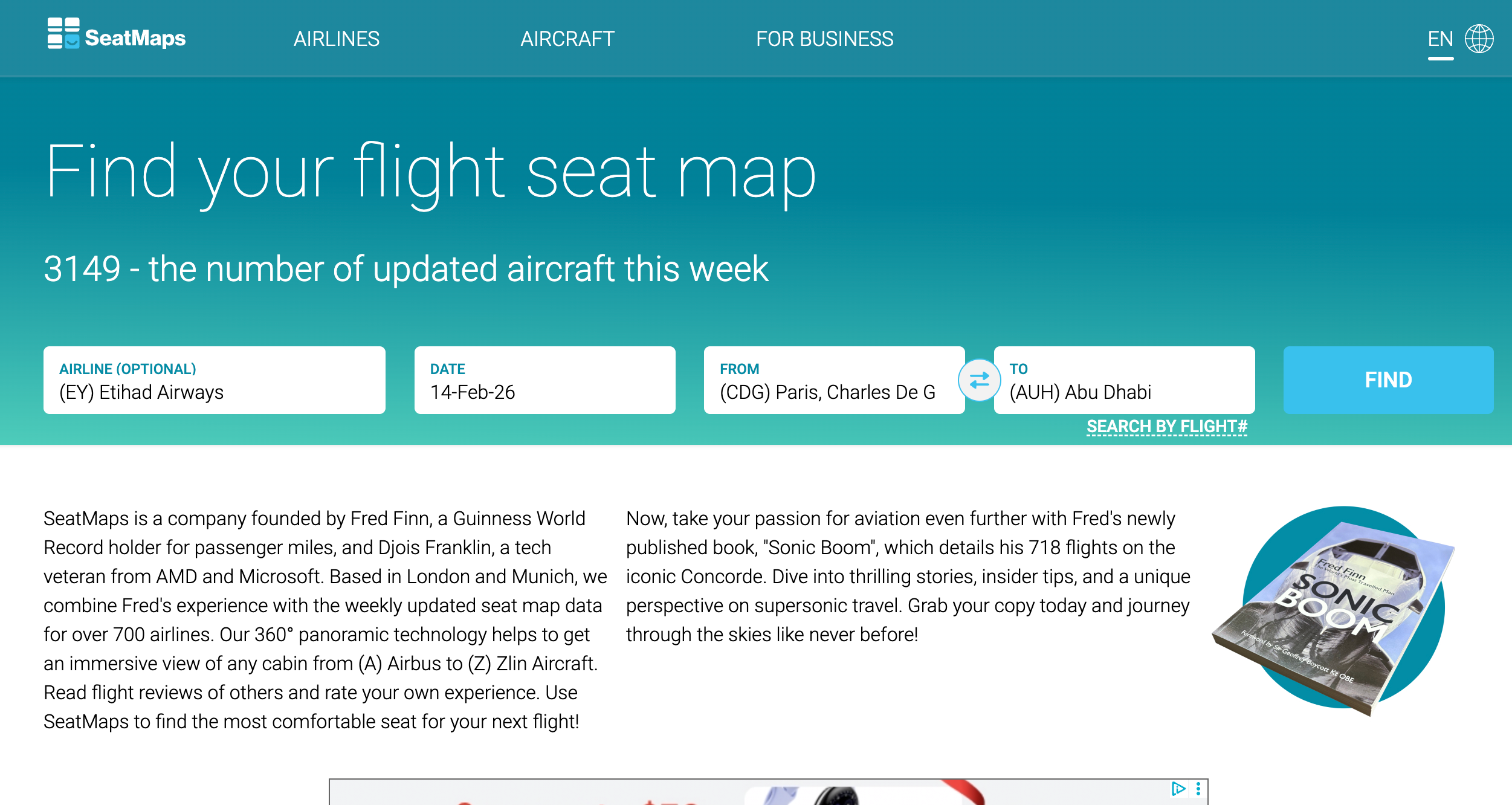
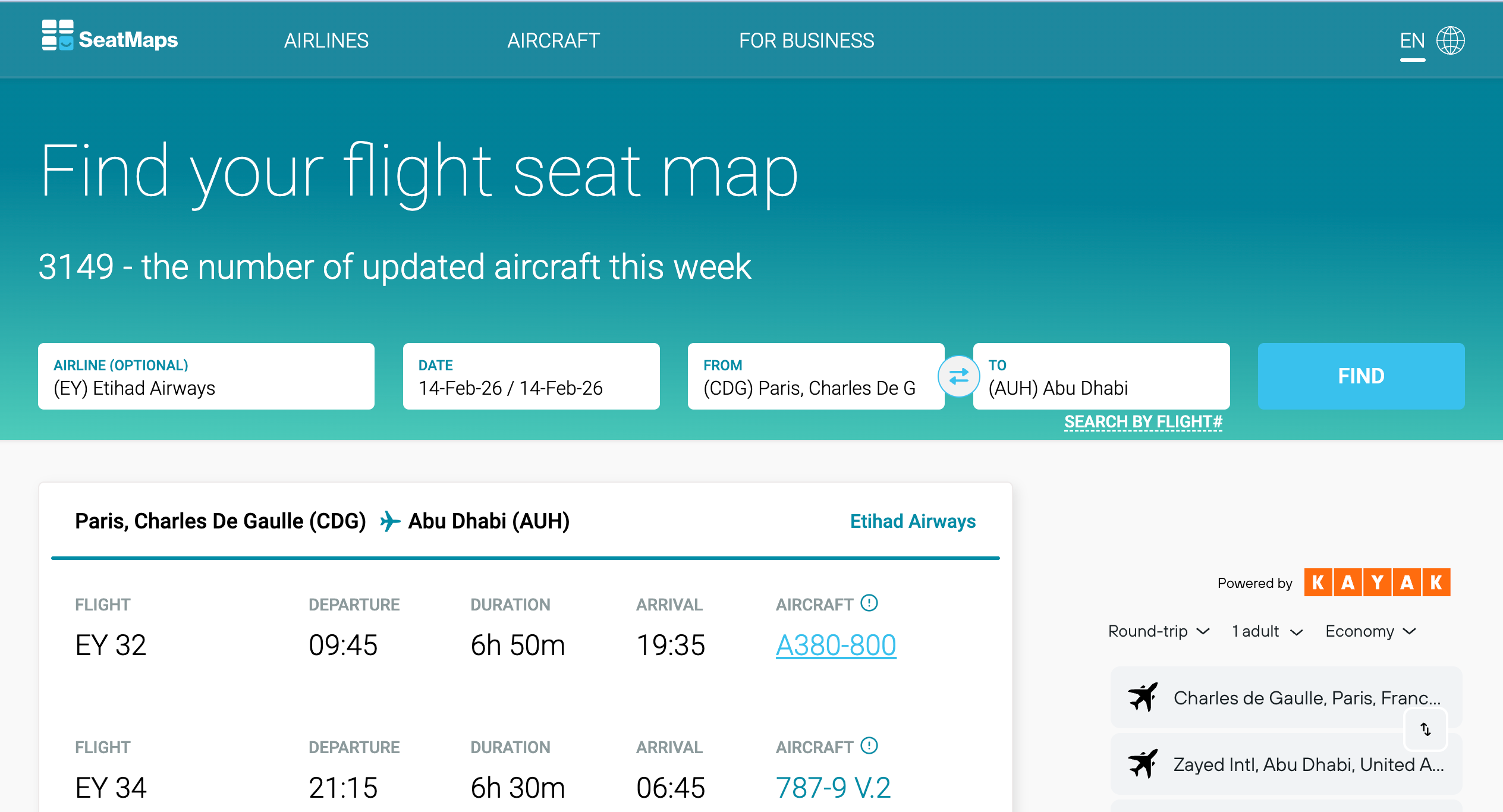
Here's a gallery of what it looks like to search for the seat details on an Etihad Airways Airbus A380. It's pretty straightforward (and helpful).
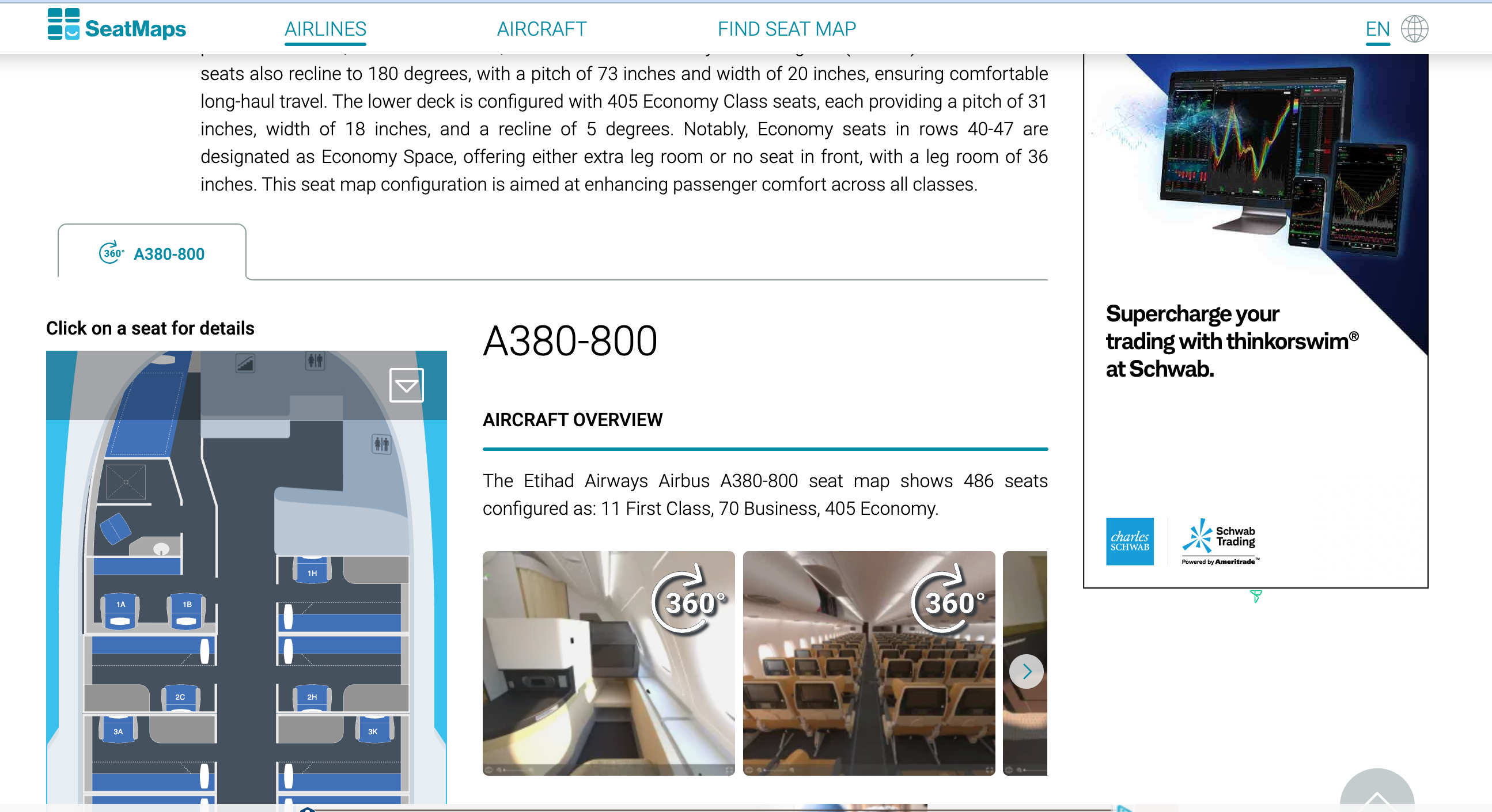
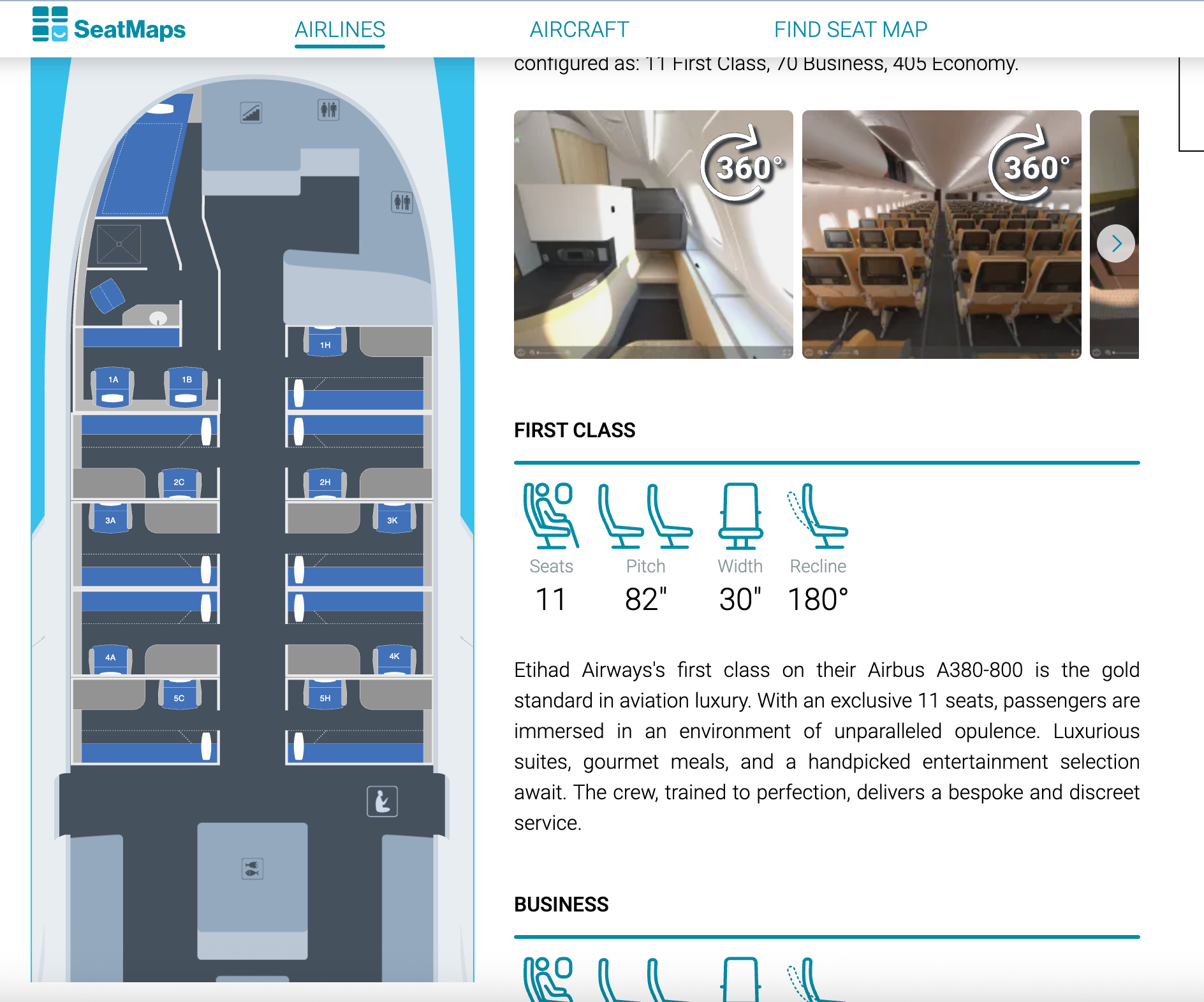
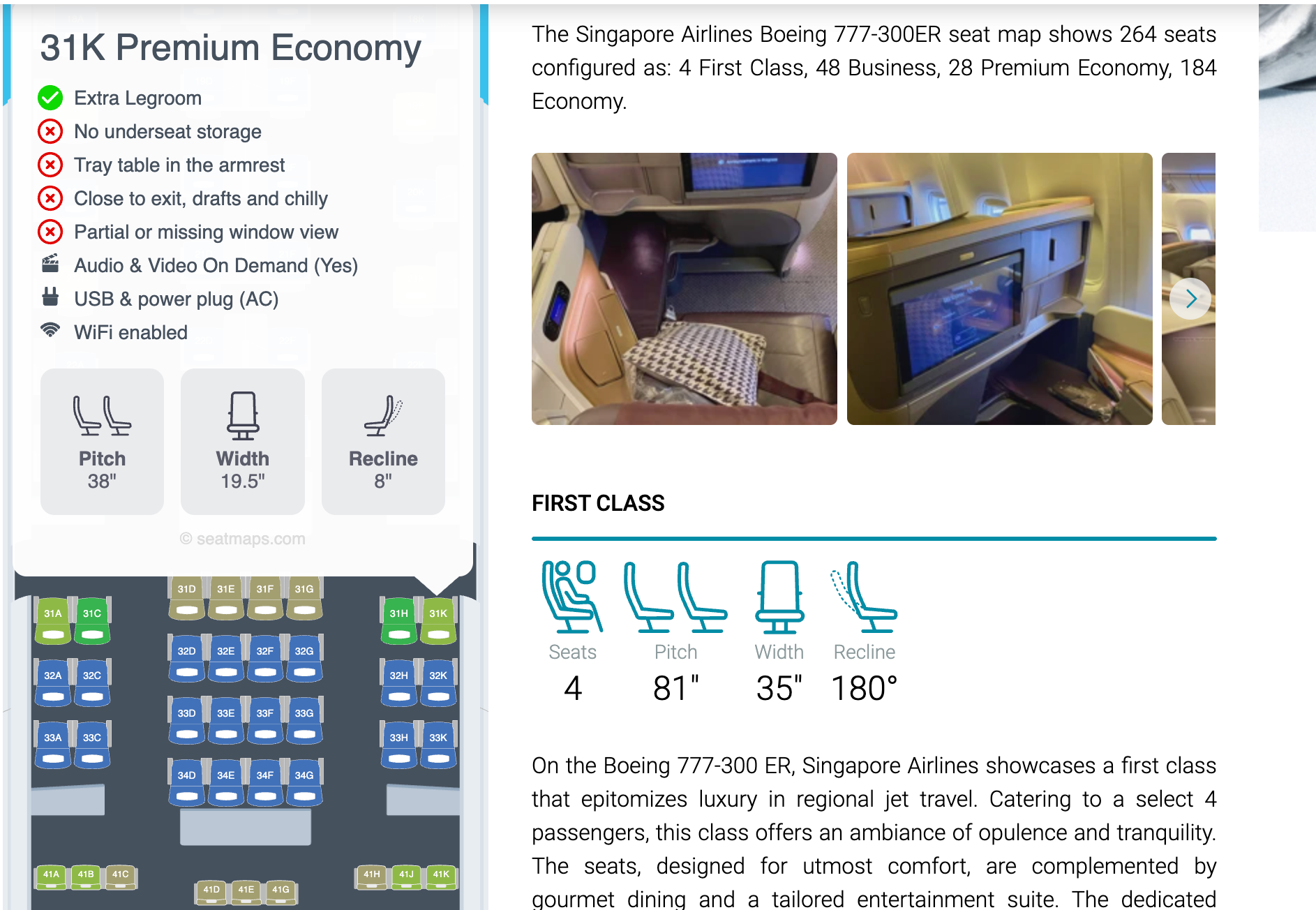
I also like some of the notes you get with SeatMaps, such as this one for Seat 31K in premium economy, which warns of drafts and the potential for getting cold during the flight.
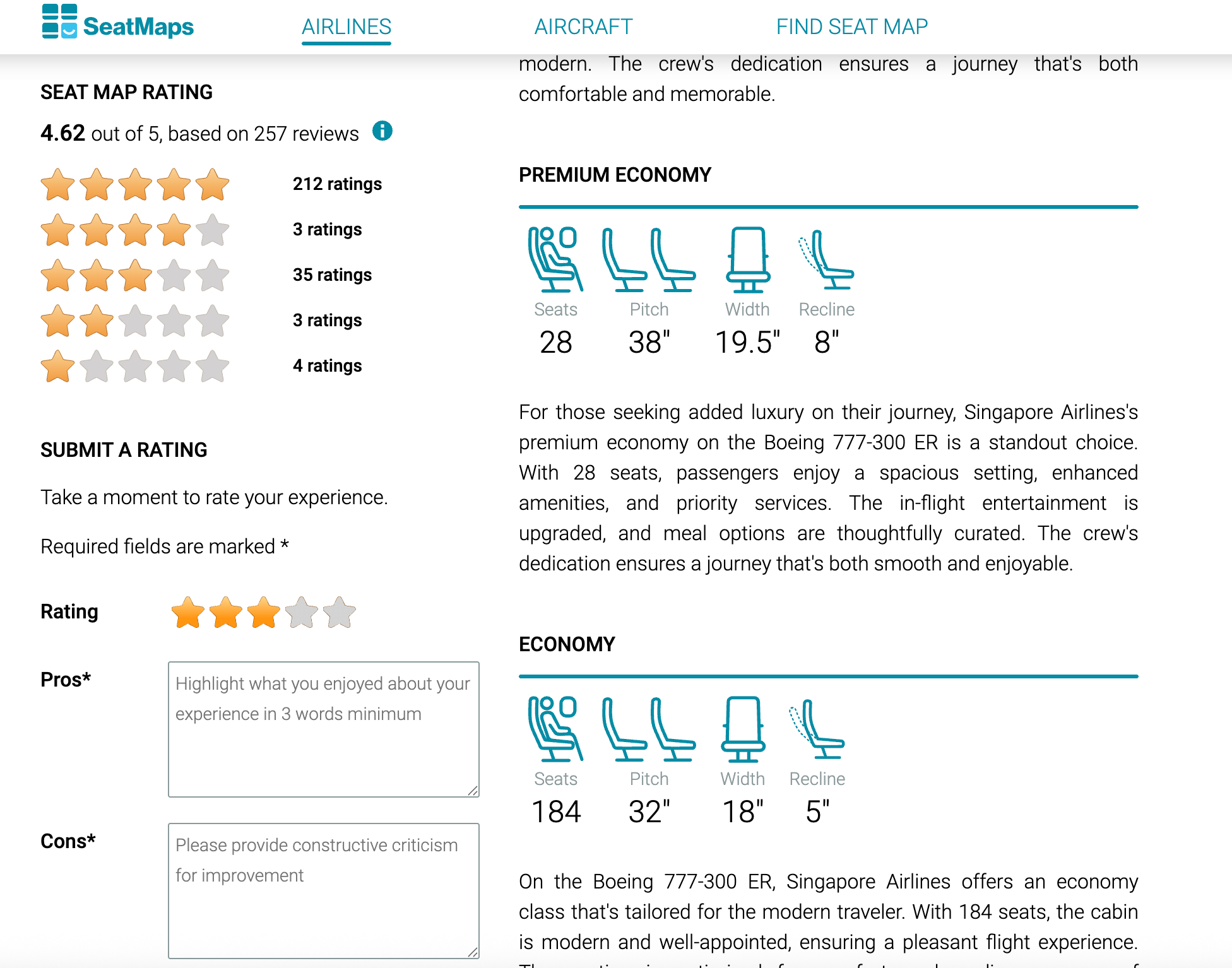
There are also sections for submitting your own rating, and you can see how many stars the website gives it.
Finally, there are also links to websites that offer reviews of the product.
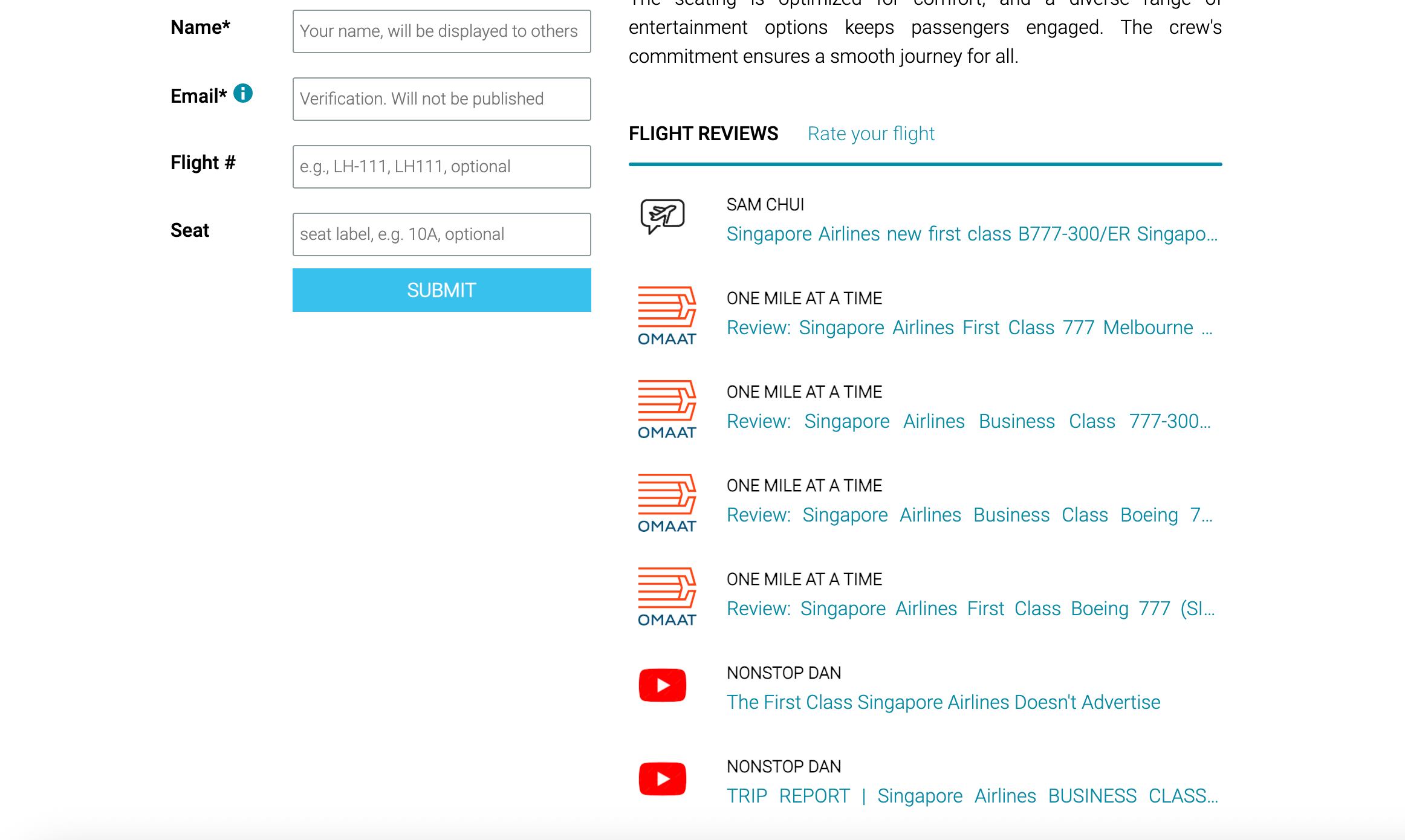
All in all, this is my favorite new tool for helping decide on seats and even for picking planes I want to fly on in the future.
AeroLopa
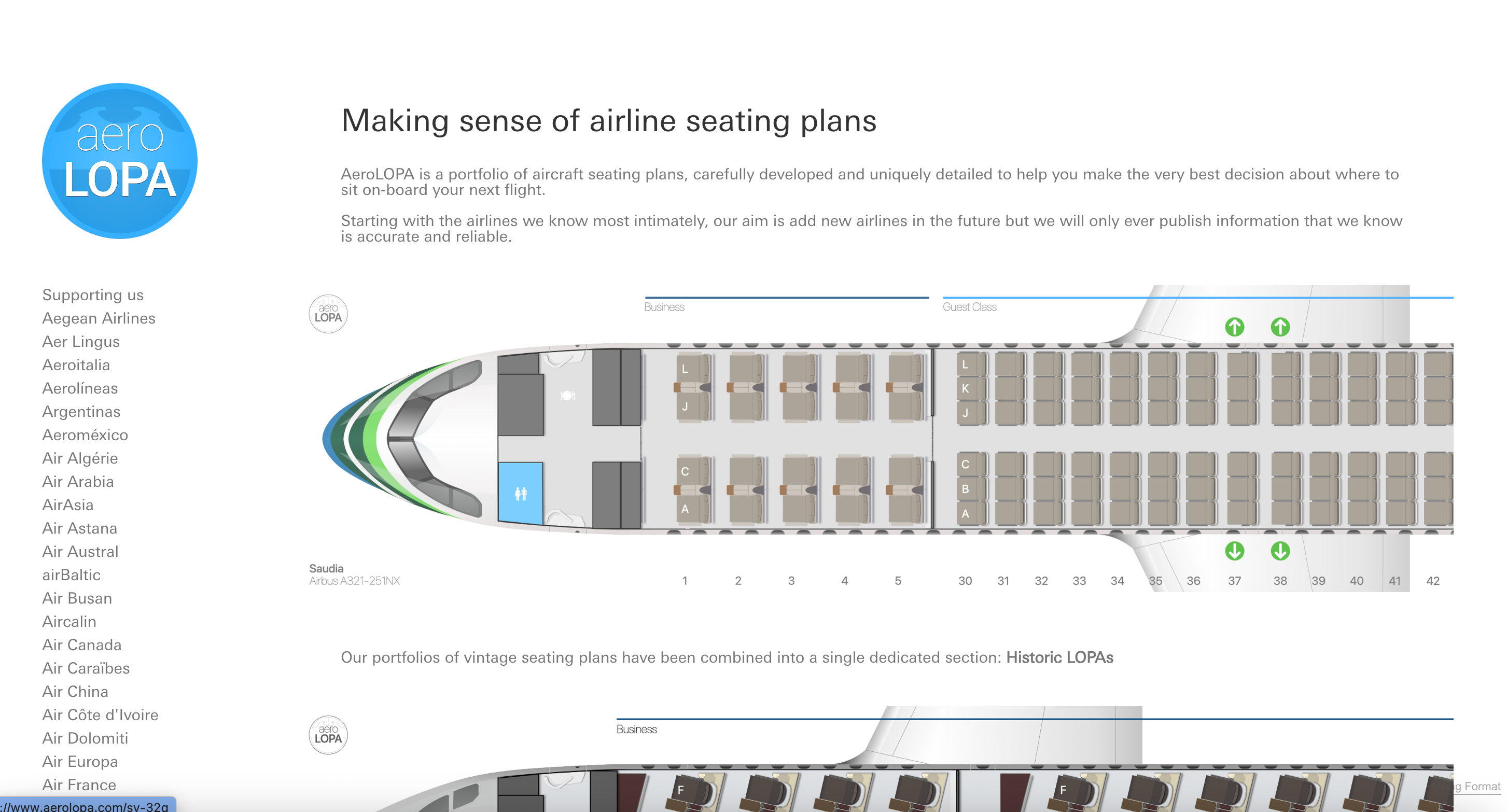
Many people at The Points Guy swear by AeroLopa for seat maps. While I agree that there are many interesting aspects to the site, I personally find it very challenging to locate what I'm looking for — specifically, seat maps.
You generally have to click on the airline you are looking for and then hunt for the model of the plane you are flying. Then you have to navigate to the actual model of your plane. As you can see, there are eight potential A380 types. You would need to compare the map in AeroLopa to the actual plane you are flying.
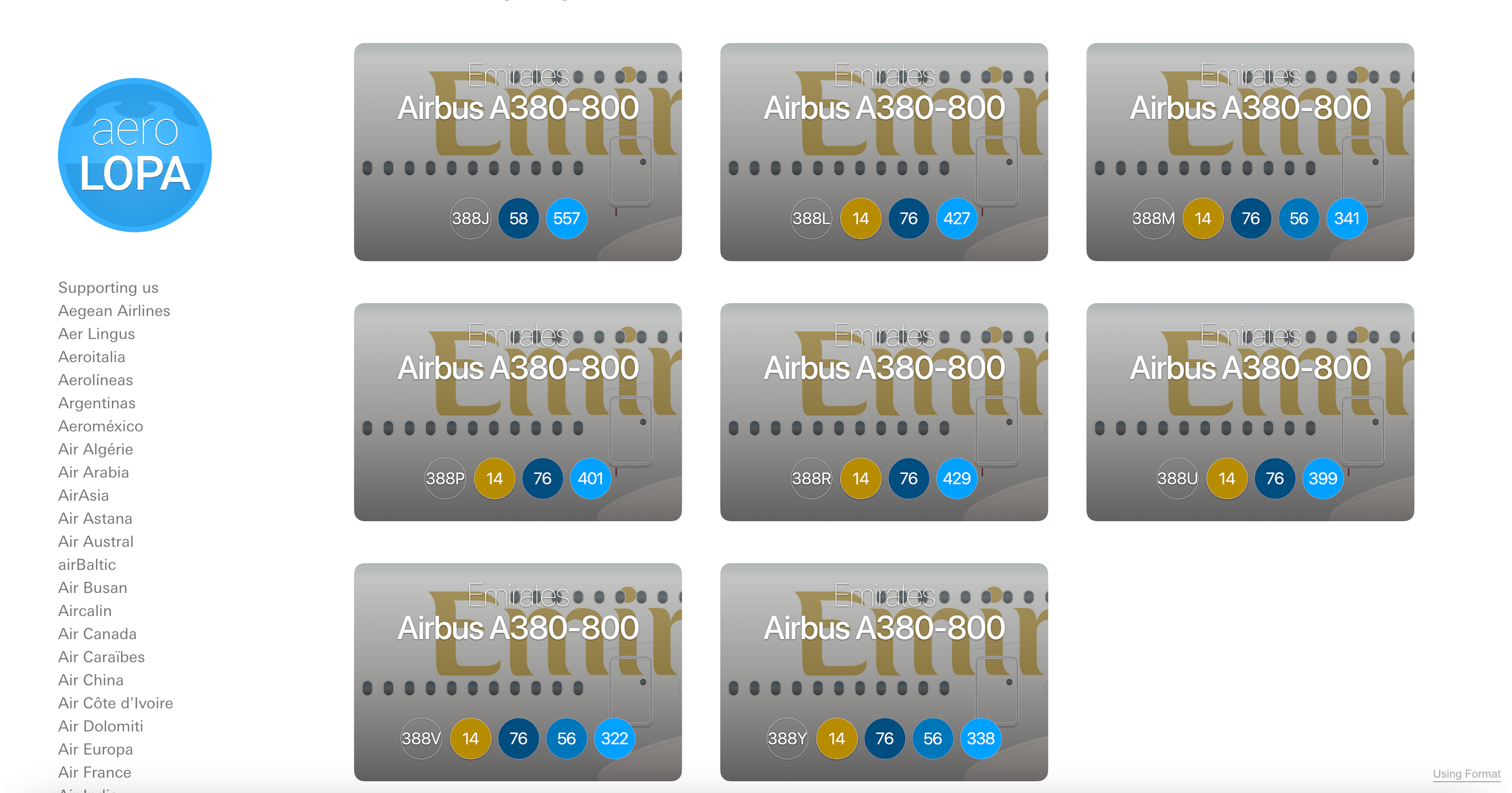
Here's an example of a seat map I was searching for that gave me fits. I was trying to figure out the seat map on an upcoming flight on Emirates. I clicked through to Emirates and then looked up the plane model via my record locator. I then had to pick from six different types of the 777-300.
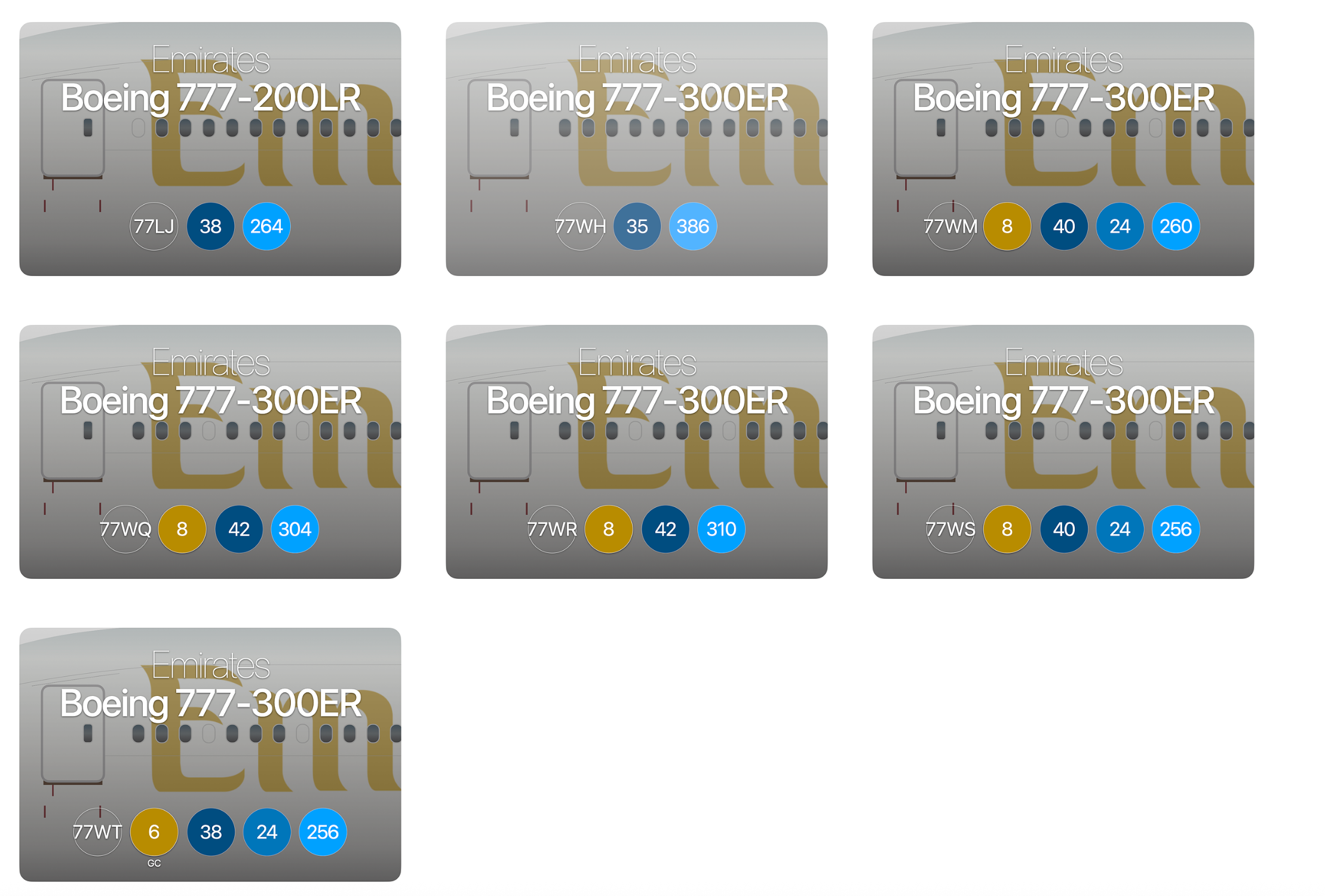
After I clicked through all six and compared the seat charts to my actual flight, I was finally able to identify a seat map that matched my upcoming flight. As you can see below, however, there are no color-coded notes to mark good or bad business-class seats. It's a very simple seat map.
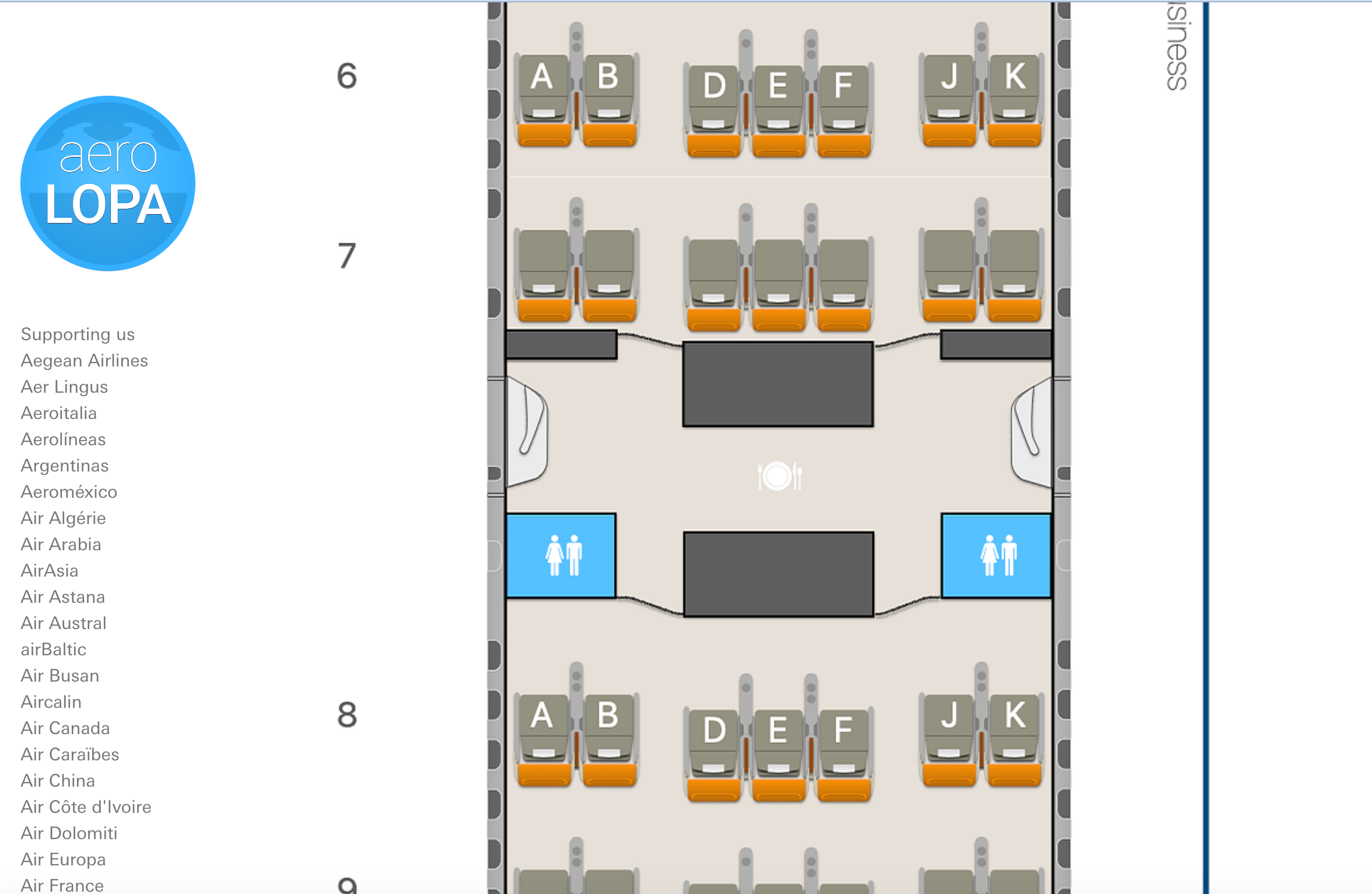
It was a frustrating user experience for me, but your mileage may vary.
I do like the bottom of the screen, where AeroLopa provides more information about the cabin.
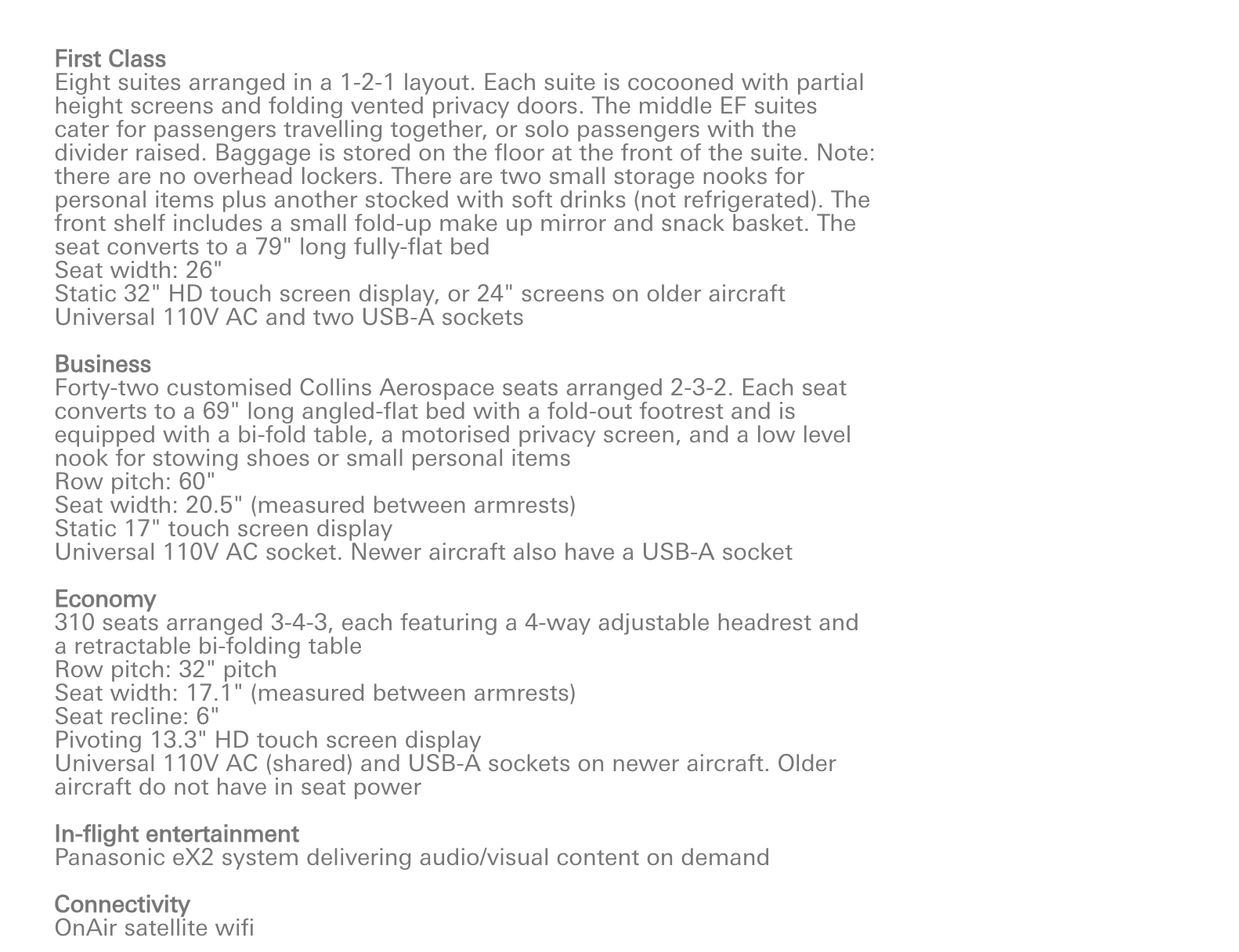
But the site just doesn't do as good a job with searching for seats. For me, that's a deal-breaker. But there's some potential good news for frequent flyers on the way. The company tells me that they are close to launching a new version with lots of new features that will be popular with readers.
ExpertFlyer
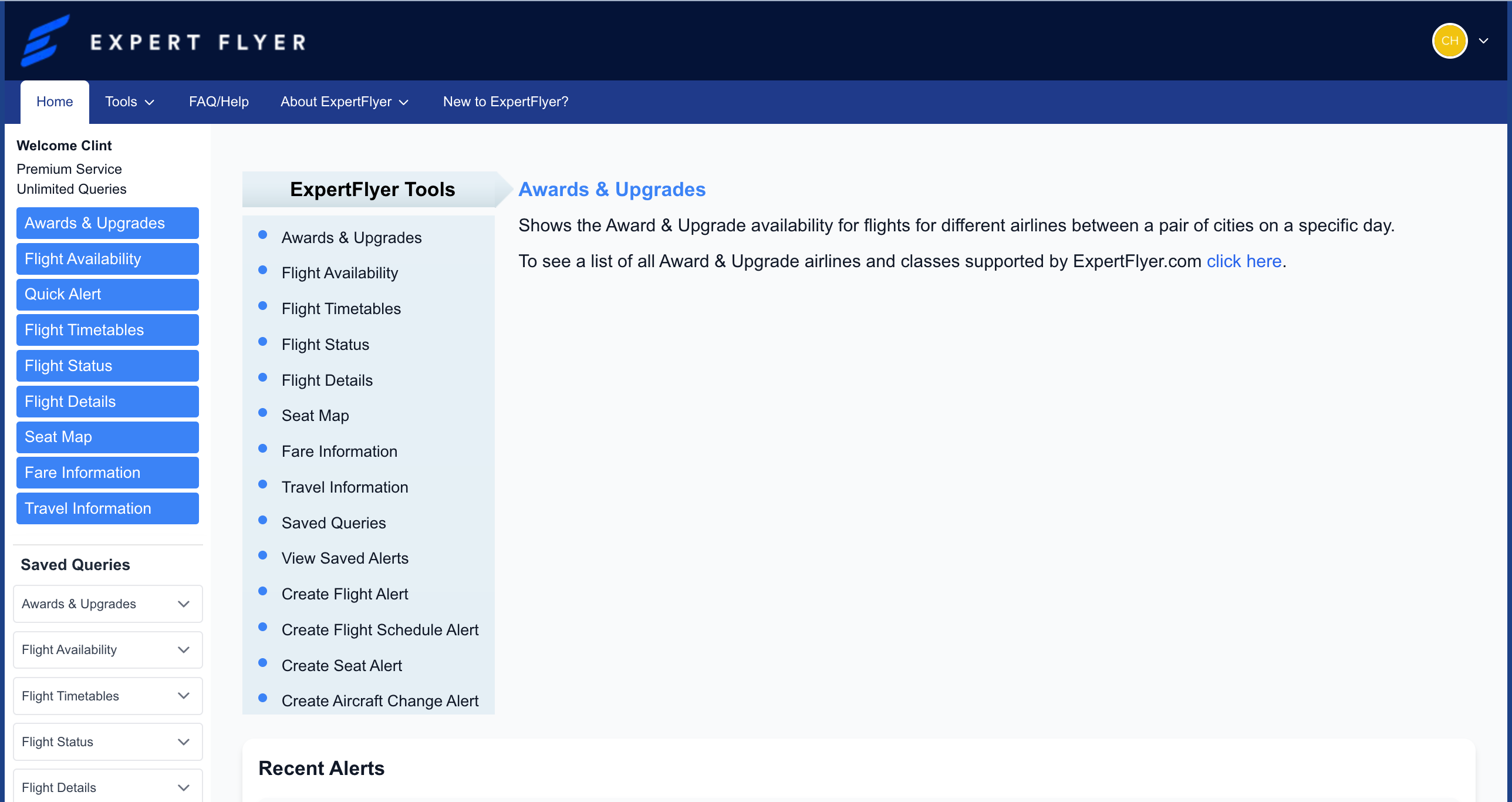
I'm a huge fan of ExpertFlyer (owned by TPG parent company Red Ventures). To be honest, I mostly use it to find award availability for business-class seats. You can even set flight alerts, so you'll be the first to know when new award availability opens up. I've used it to score rare business-class upgrade space on airlines like American Airlines.
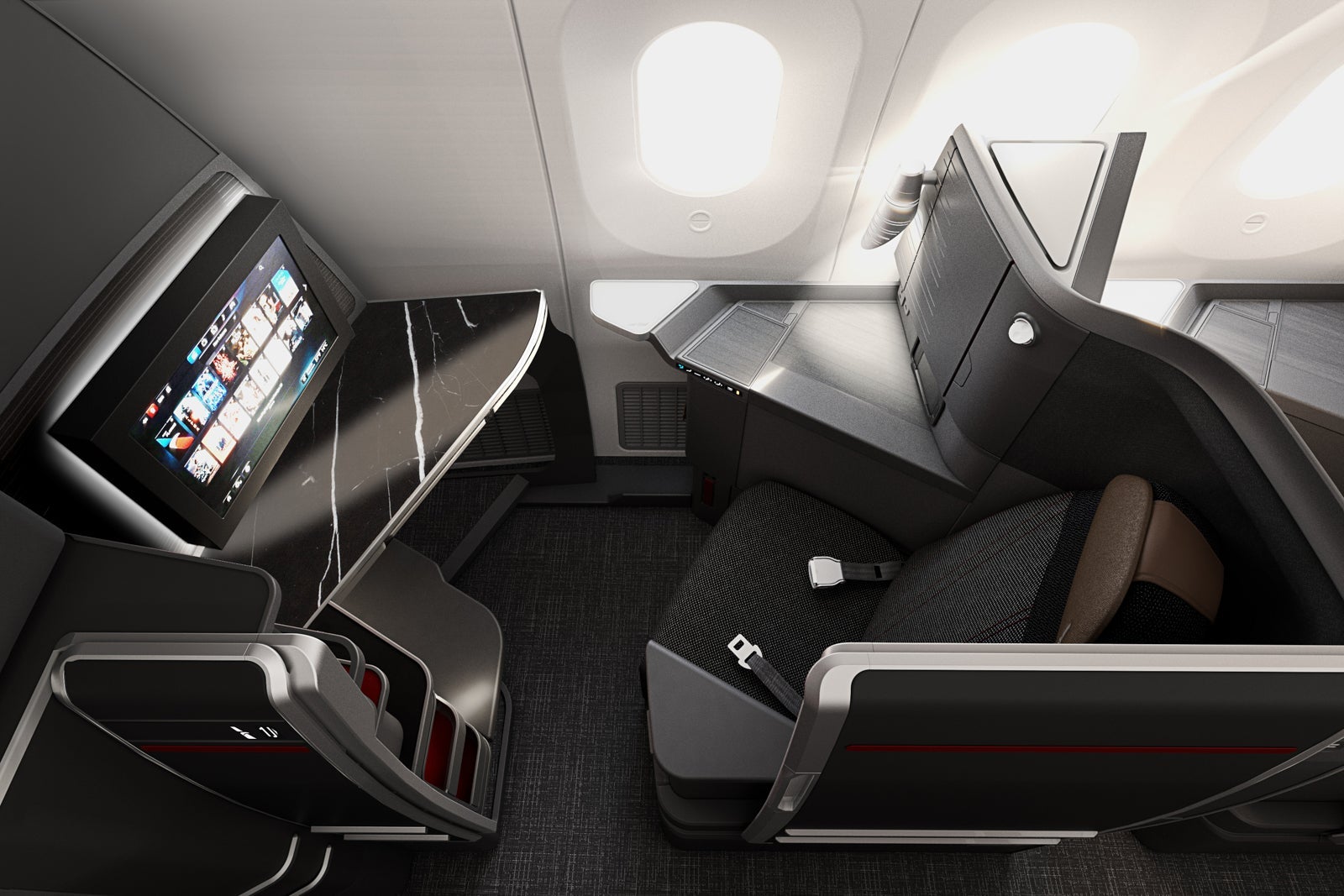
But ExpertFlyer also has seat maps. As you can see in the screenshots below, you can search by airline and flight number, and it will pull up an interactive map.
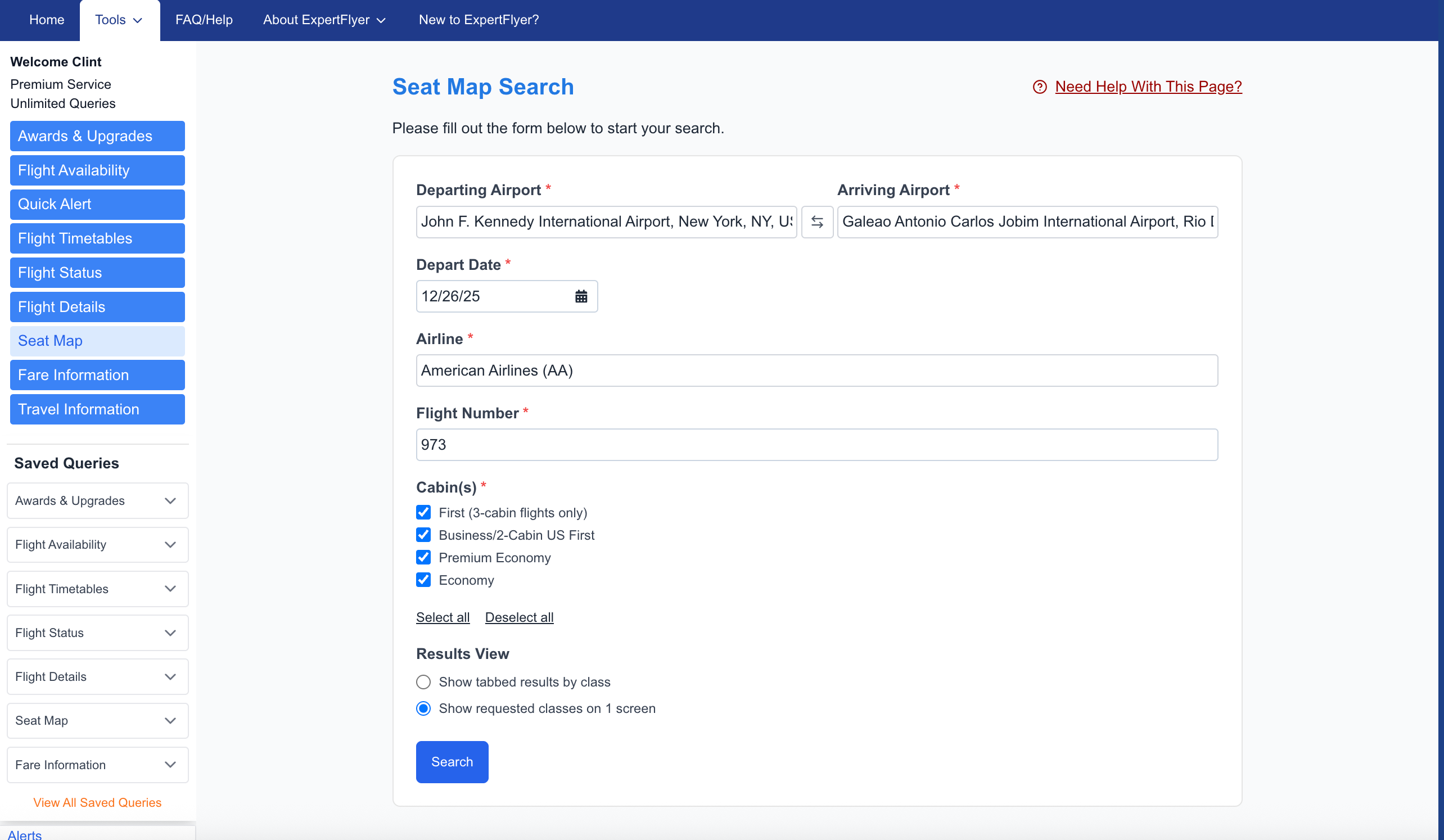
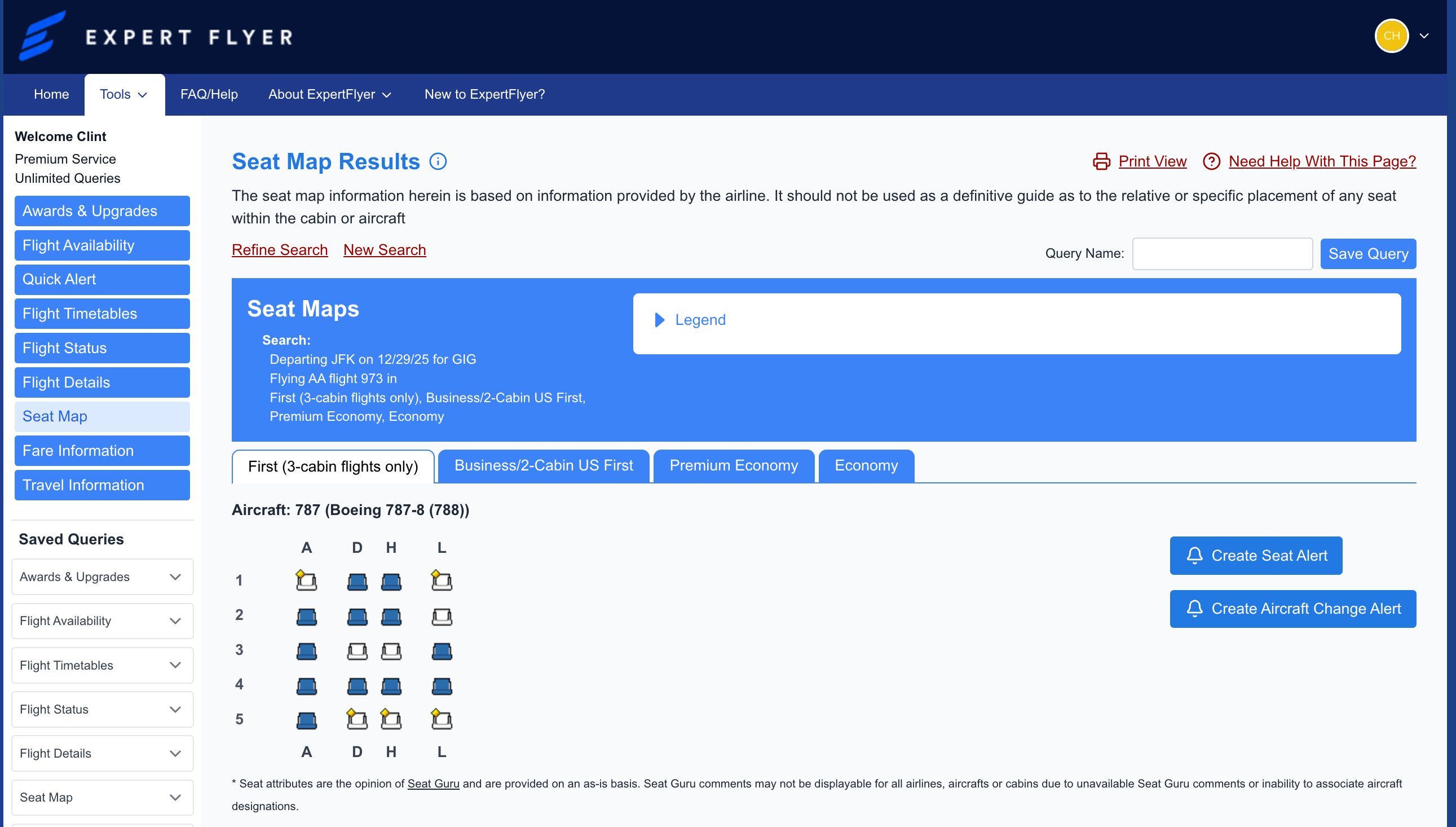
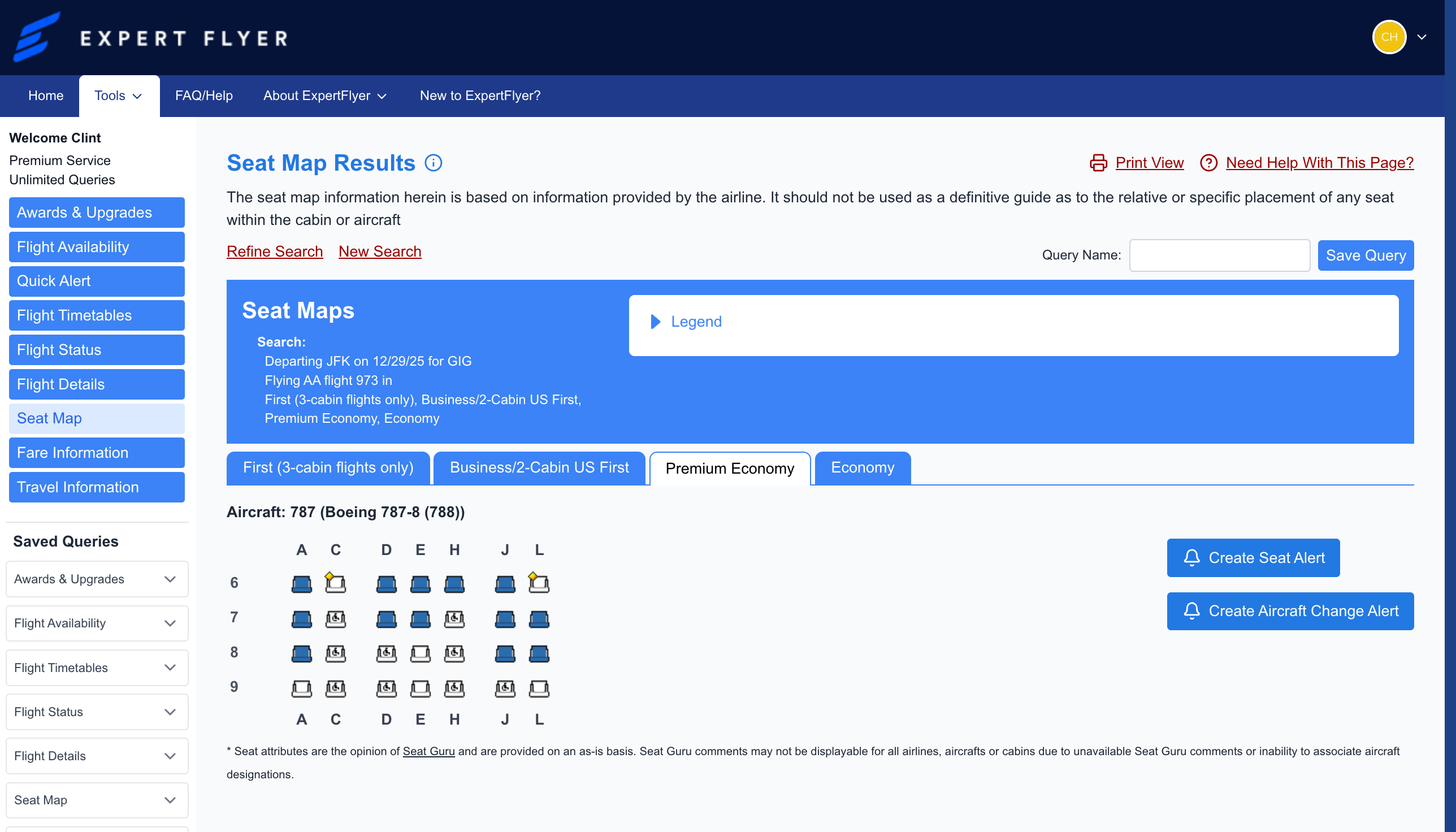
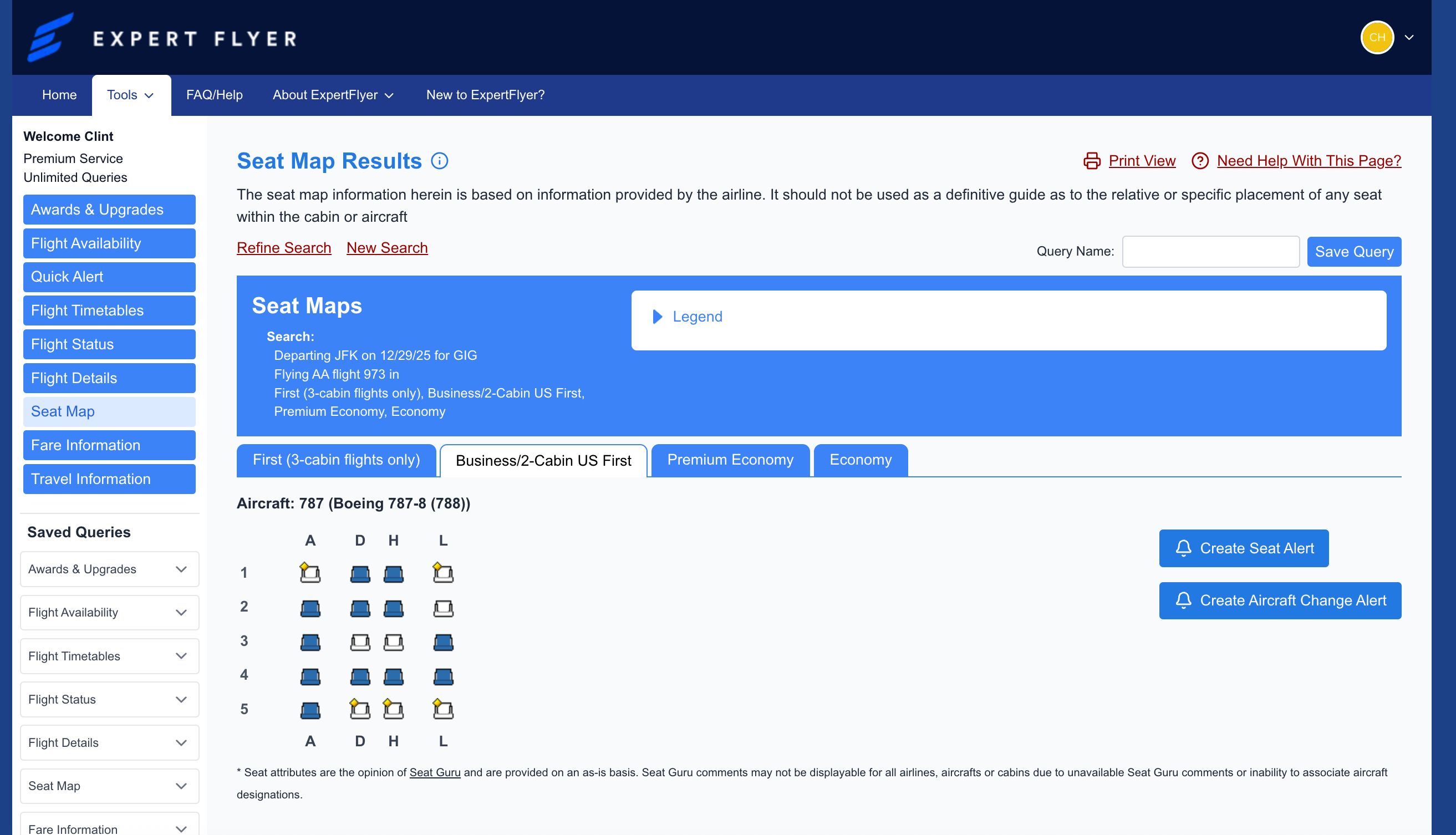
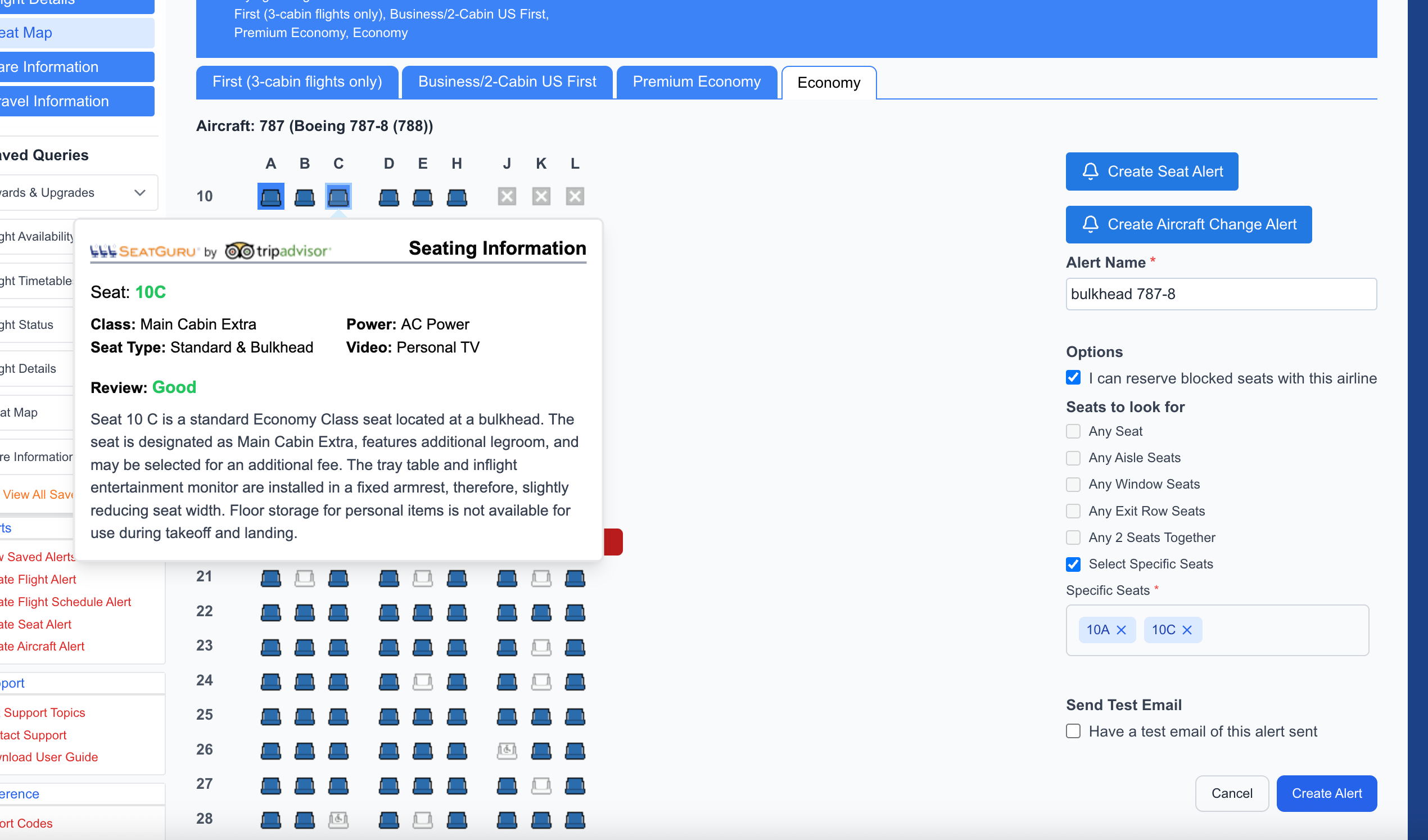
As you can see, ExpertFlyer also has cool features when you click on notes. It will warn you if a seat not a great choice. In this case, Seat 20L is a bad choice because of a protrusion from the exit door that reduces legroom.
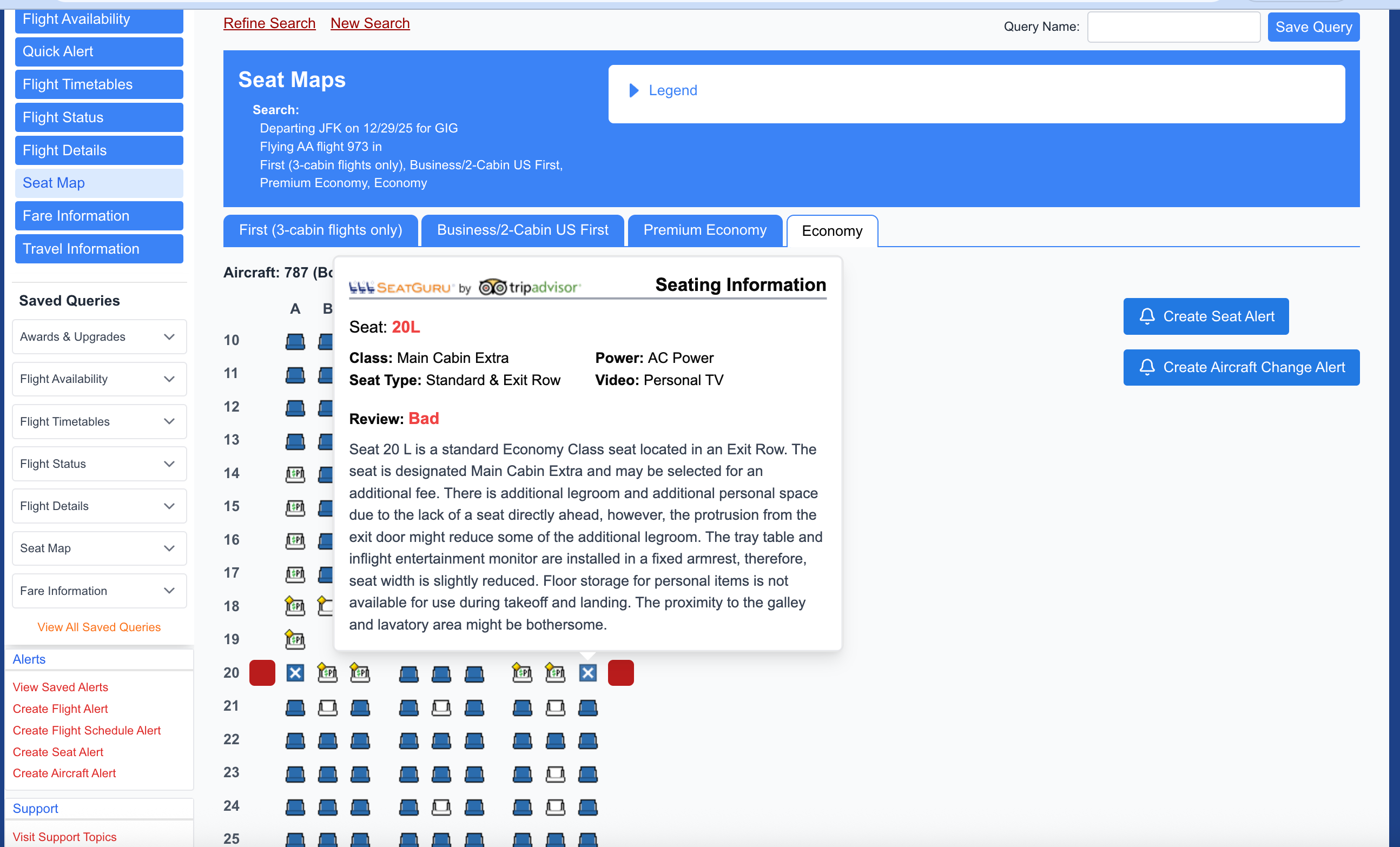
Here's another example: You might want to avoid Seat 5H because it's near the galley and lavatory.
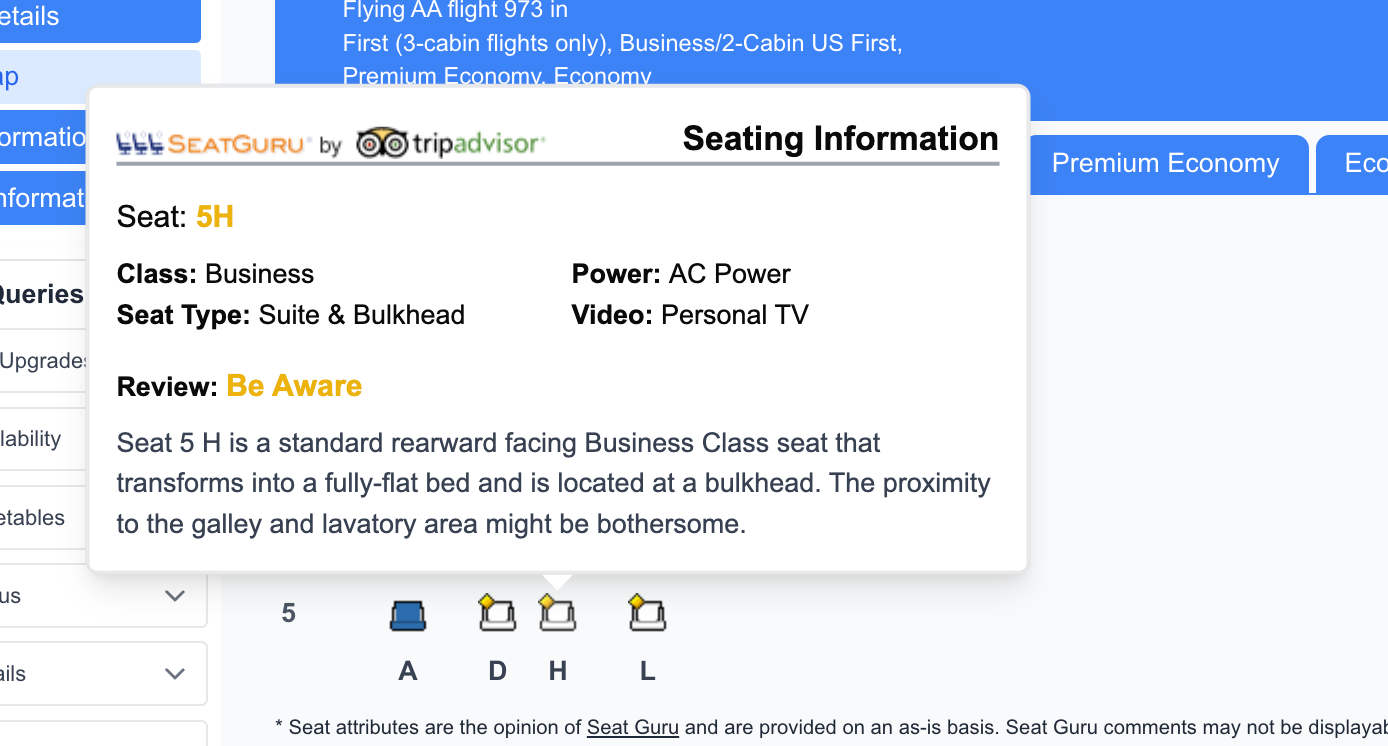
But ExpertFlyer also tells you when a particular seat is a good pick!
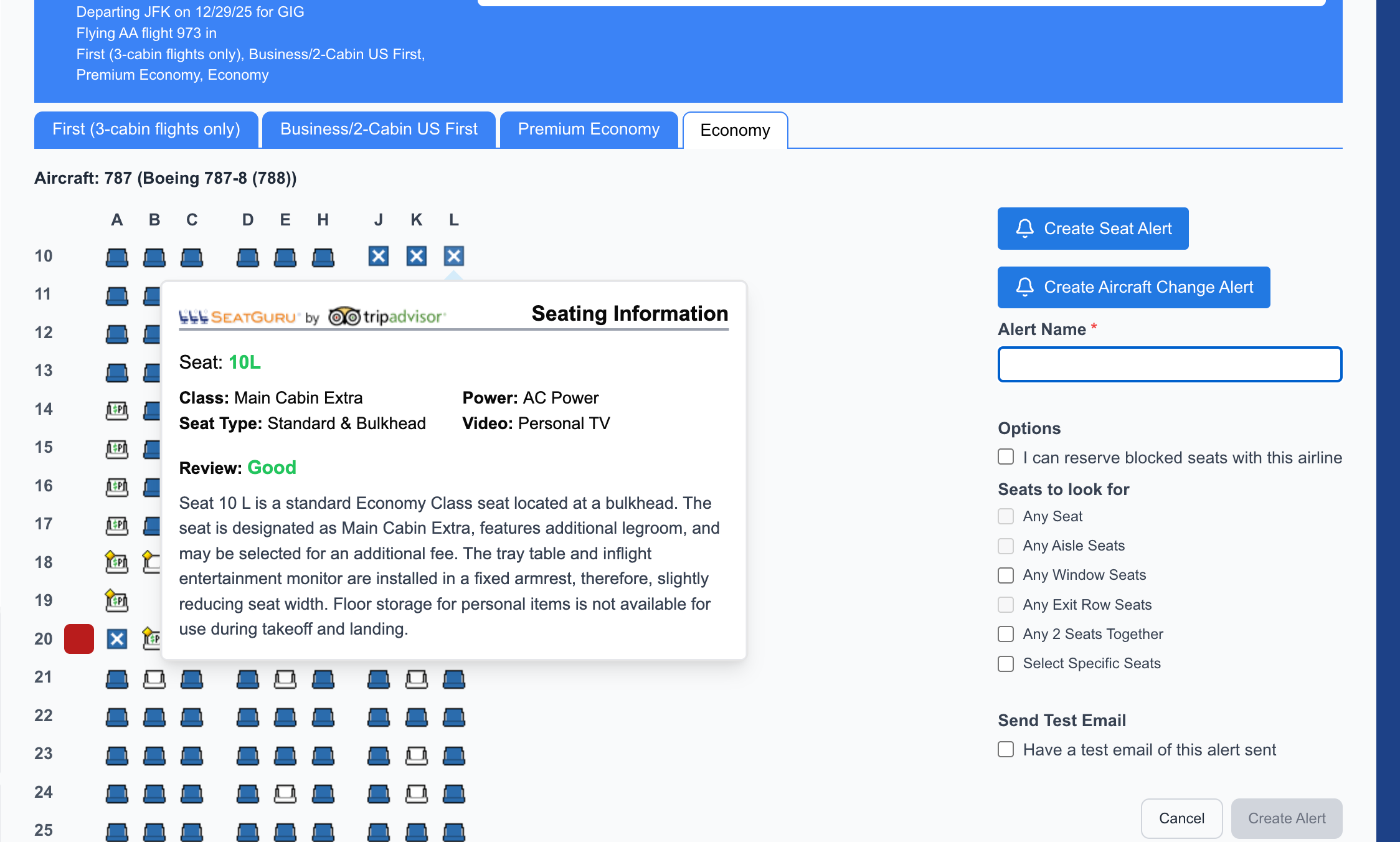
ExpertFlyer gets even better: It will notify you when seats open up that you have your eye on — even seats in the coach cabin with extra legroom or at the bulkhead. You can set an alert to be notified when a particular seat opens up, any exit-row seats, any window seats, any aisle seats or even two seats together. As you can see below, I set an alert to monitor two specific seats in the bulkhead row.
ExpertFlyer is known for finding seat availability, but it's also a great resource for evaluating seat quality.
SeatCompare.ai
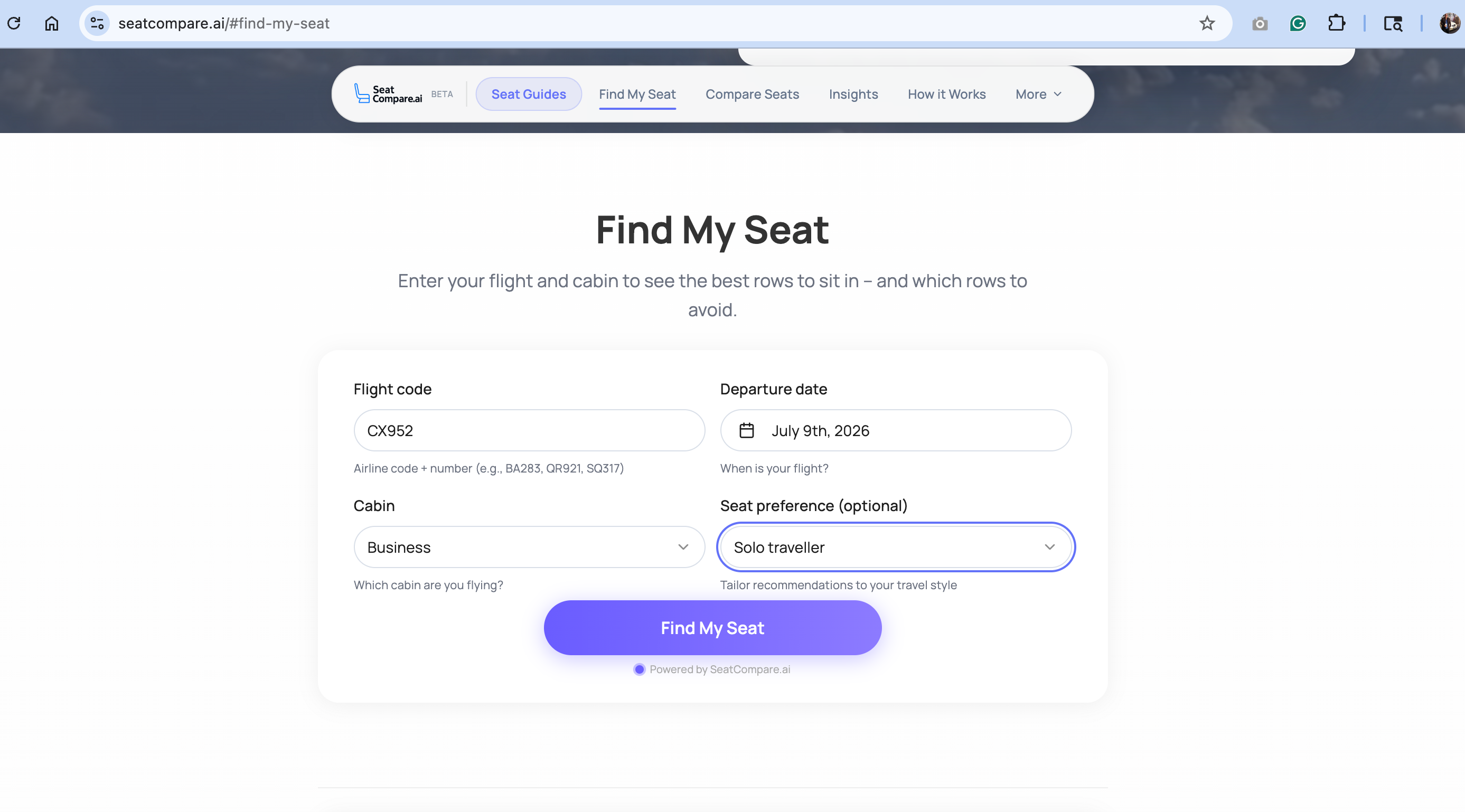
The newest entry in the battle over seat selection is SeatCompare.ai, which, as the name suggests, uses artificial intelligence to help you find a good seat. SeatCompare.ai is currently in beta testing, but says "we're adding more cabin data every week."
There's a lot this tool can't do — but it can find your flight, tell you what seats to avoid and help you find the best seats. Features like cabin configuration comparison are interesting. I'm also intrigued by the ability to receive notifications if your plane gets swapped (which can lead to unfortunate cabin downgrades).
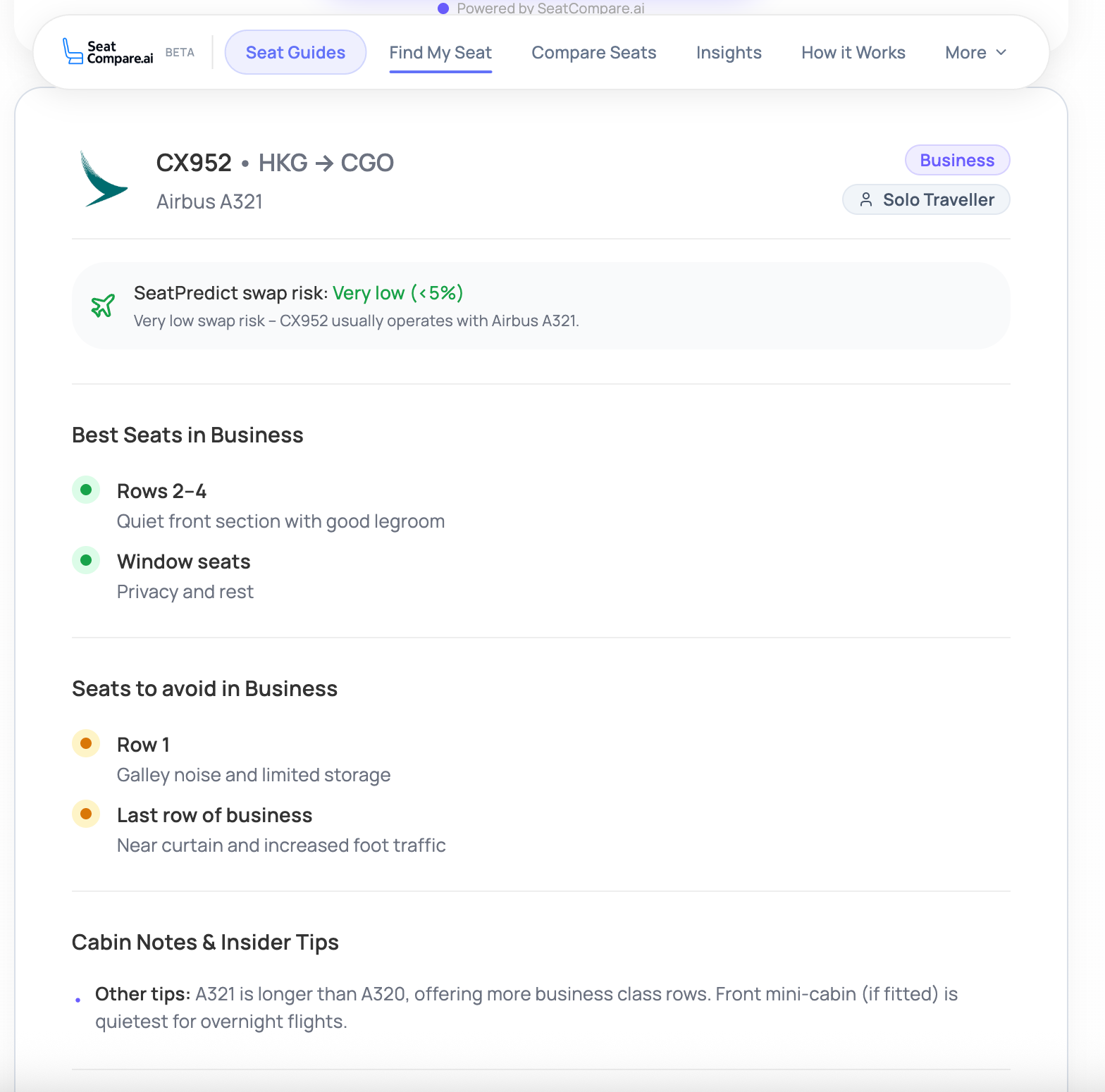
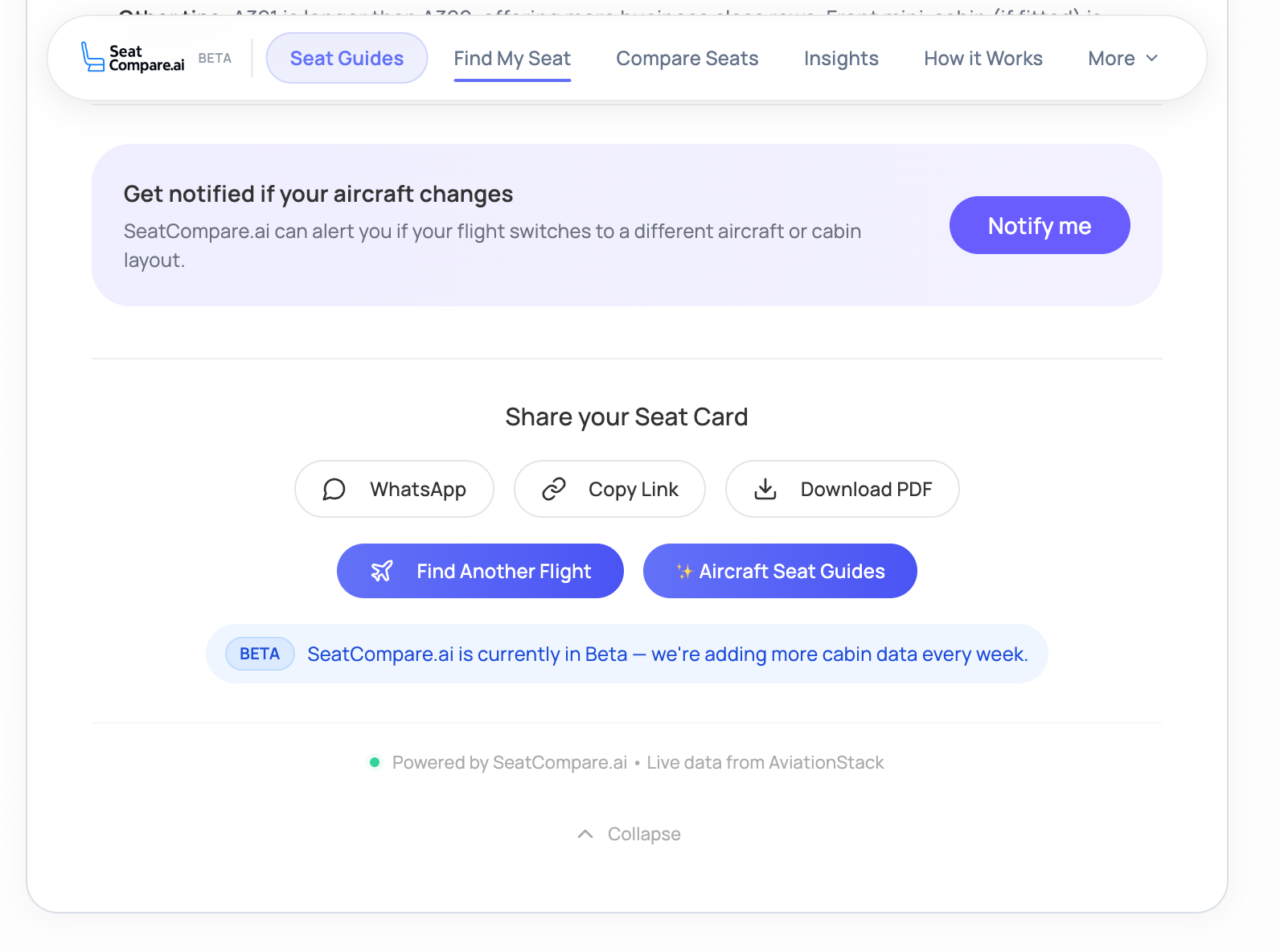
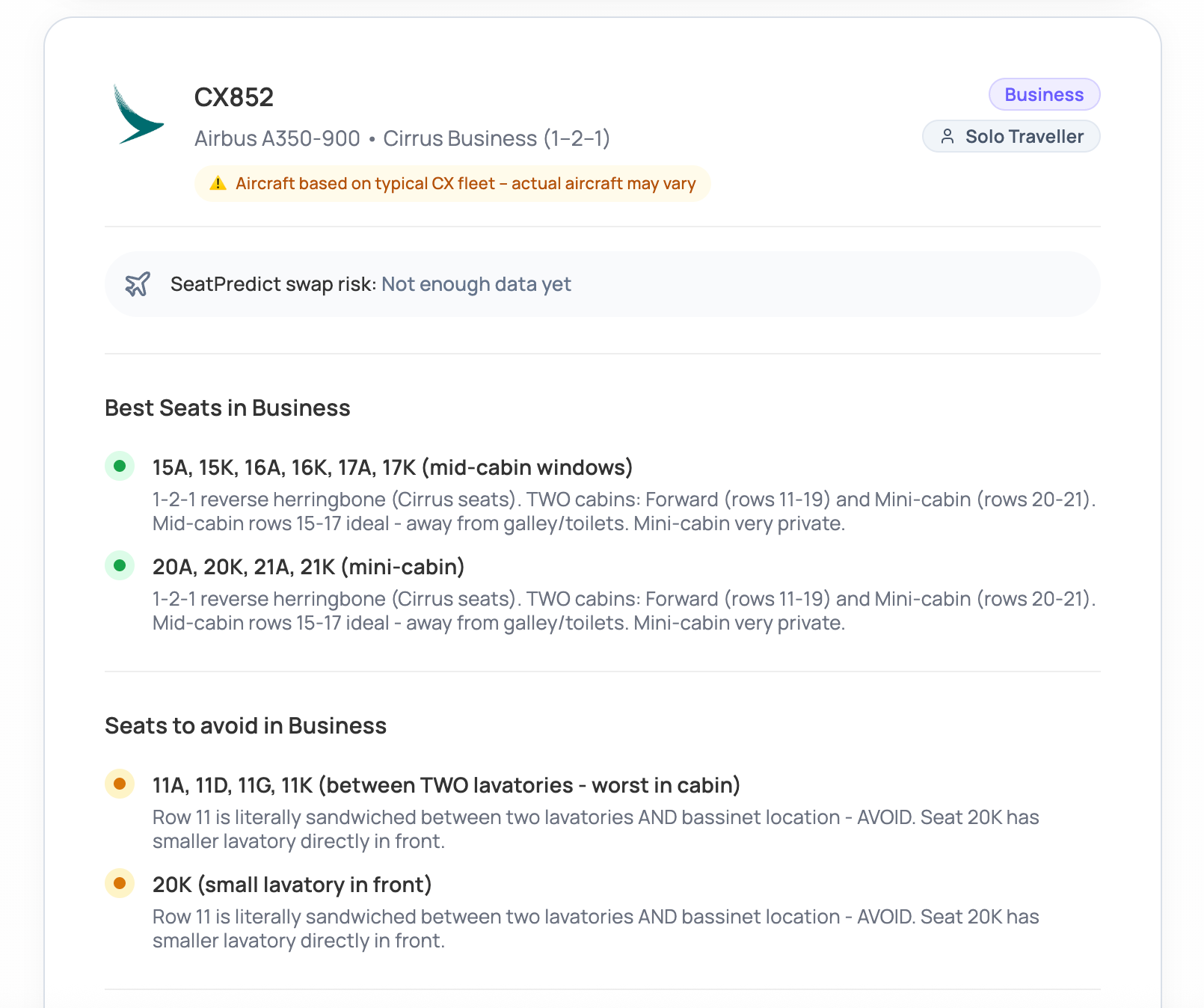
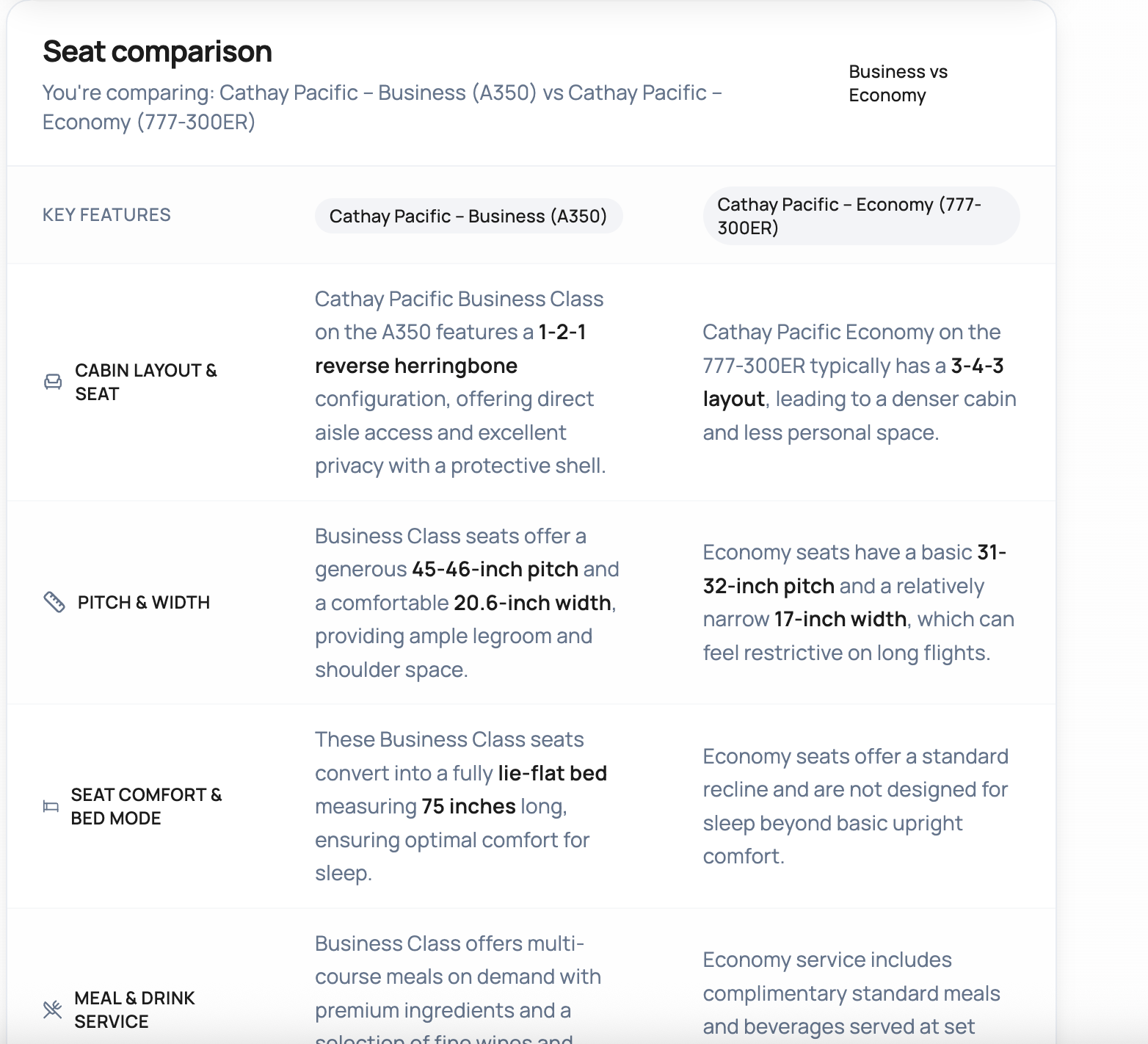
This tool is still not thorough enough to become my go-to, but it will be interesting to see how it develops over time.
SeatMaestro

I also took a look at SeatMaestro, which has some interesting features like seat reviews. The problem is that I found the site pretty buggy, and there were so many pop-up ads and loading screens that I found it nearly impossible to use. The search function didn't work, and I had to search by aircraft type.
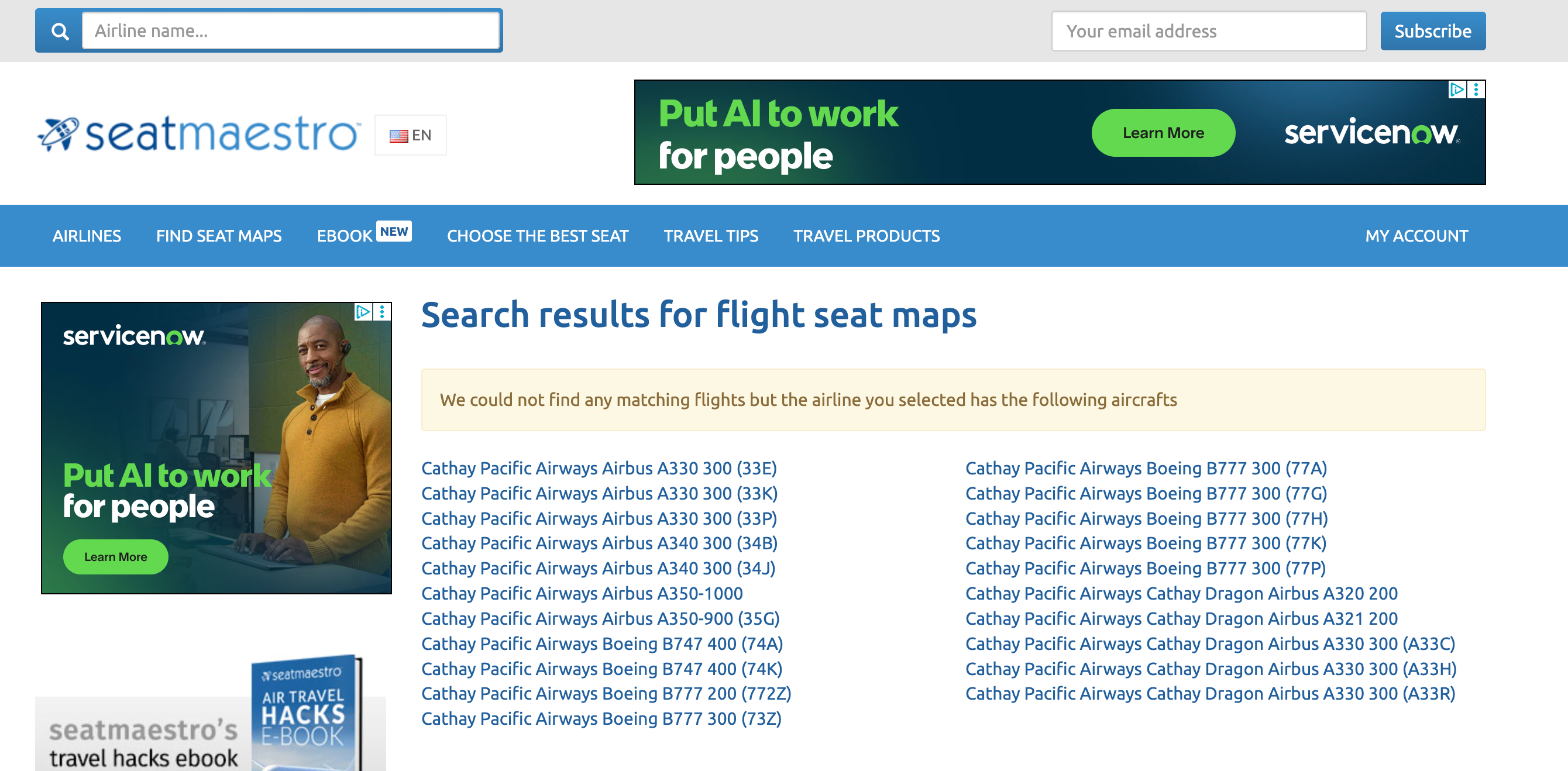
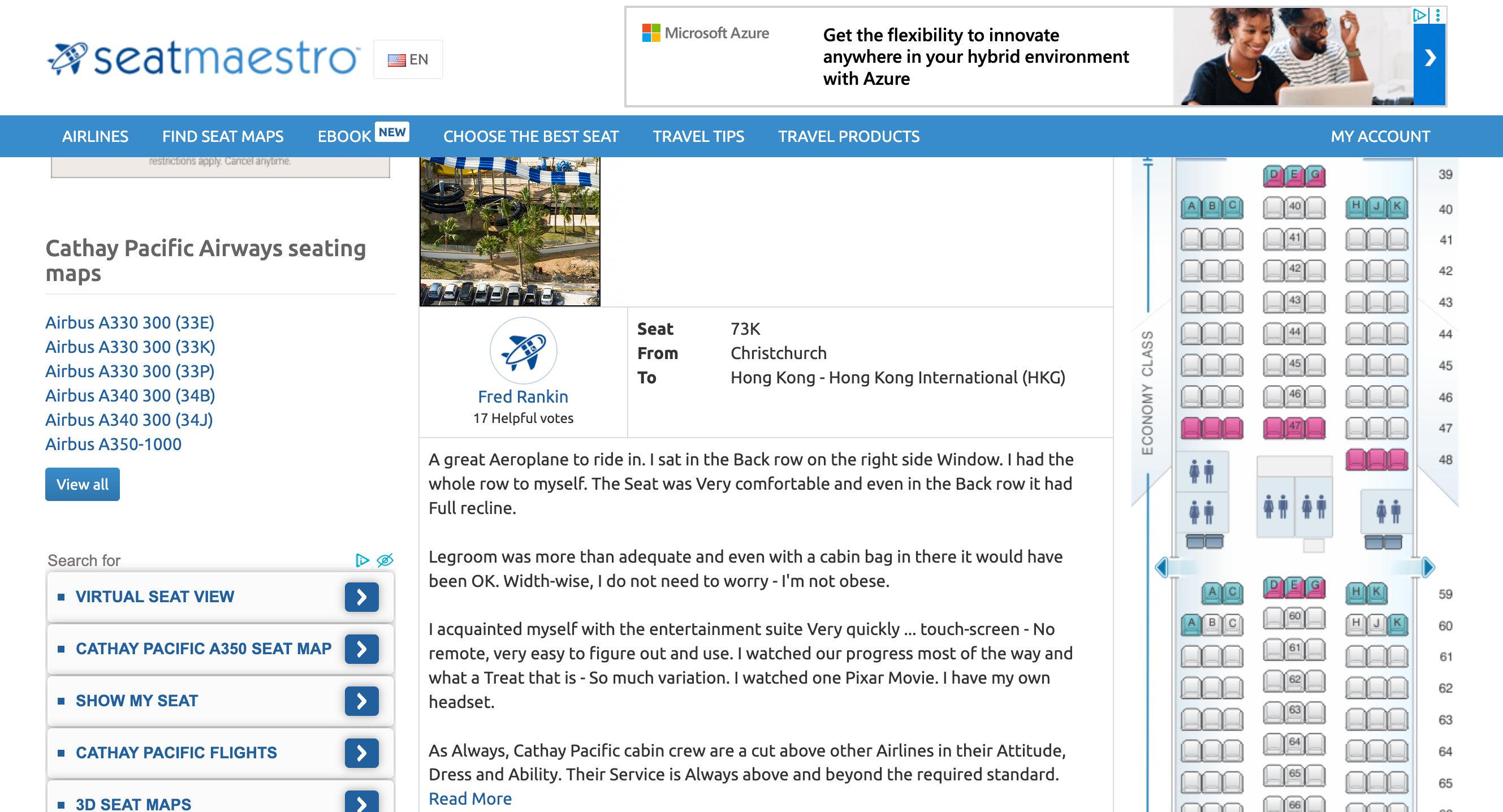
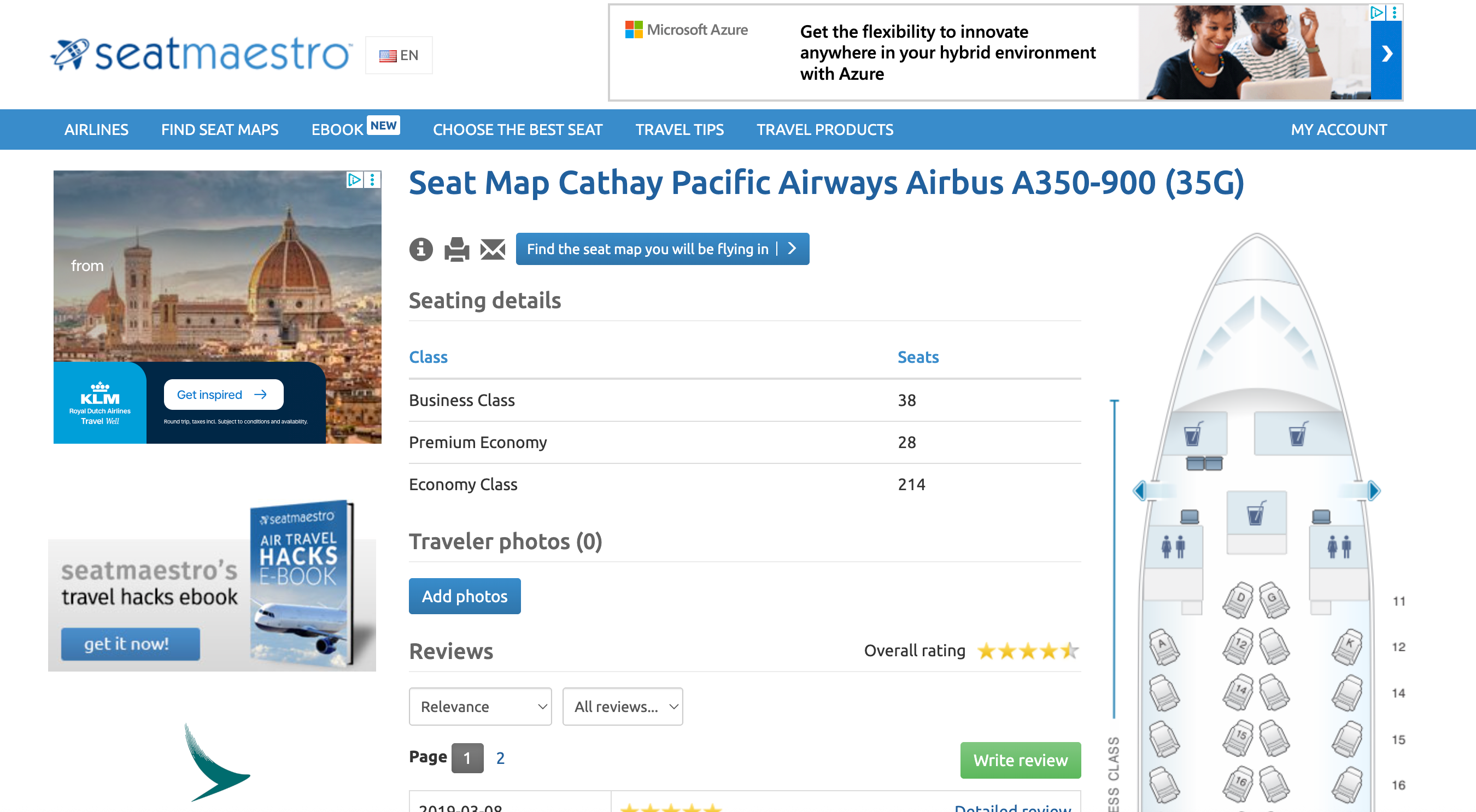
Once you finally find the seat map, there are color-coded indications of good or bad seats as well as user reviews, but it was the most irritating site I tried.

Maybe you'll have better luck than I did, but it was my least favorite of all the sites I explored.
Bottom line
There are some great alternatives to the now-gone SeatGuru. I particularly like ExpertFlyer and SeatMaps. It will be fun to see how this space progresses over time.
Related reading:
- TPG's 2026 travel trends report
- Key travel tips you need to know — whether you're a beginner or expert traveler
- The best travel credit cards
- 6 real-life strategies you can use when your flight is canceled or delayed
- 7 of the best credit cards for general travel purchases
- 13 must-have items the TPG team can't travel without