First look: 6 reasons Apple’s new MacBook Air might just be the ultimate travel laptop

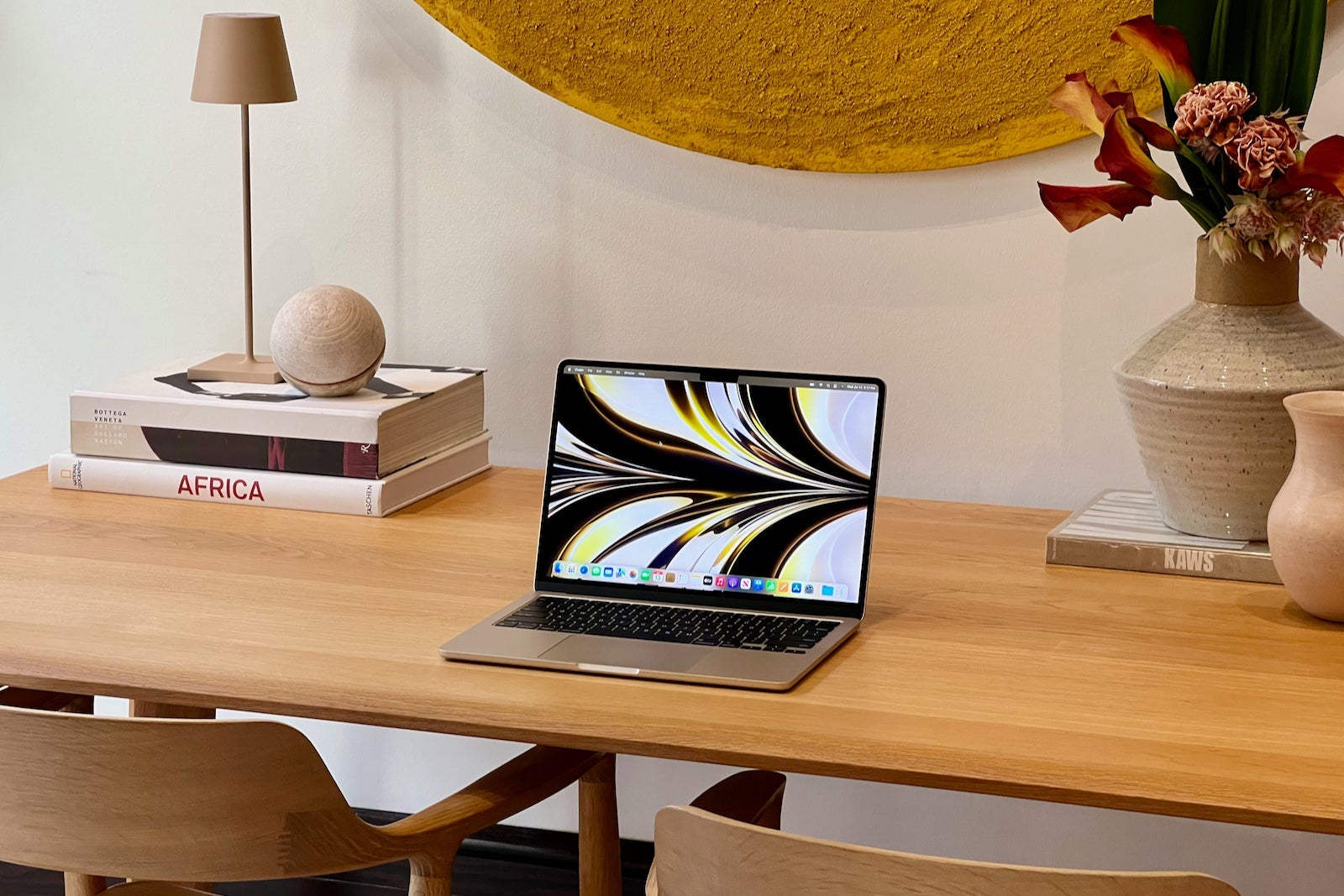
I'm always on the lookout for new technology that'll enhance the travel experience.
When Apple unveiled the new MacBook Air in early June, I immediately thought the device could become my go-to travel laptop.
With a revamped design focused on portability along with other improvements, the tech giant seemed to have built a computer that deserved a spot in my travel backpack.
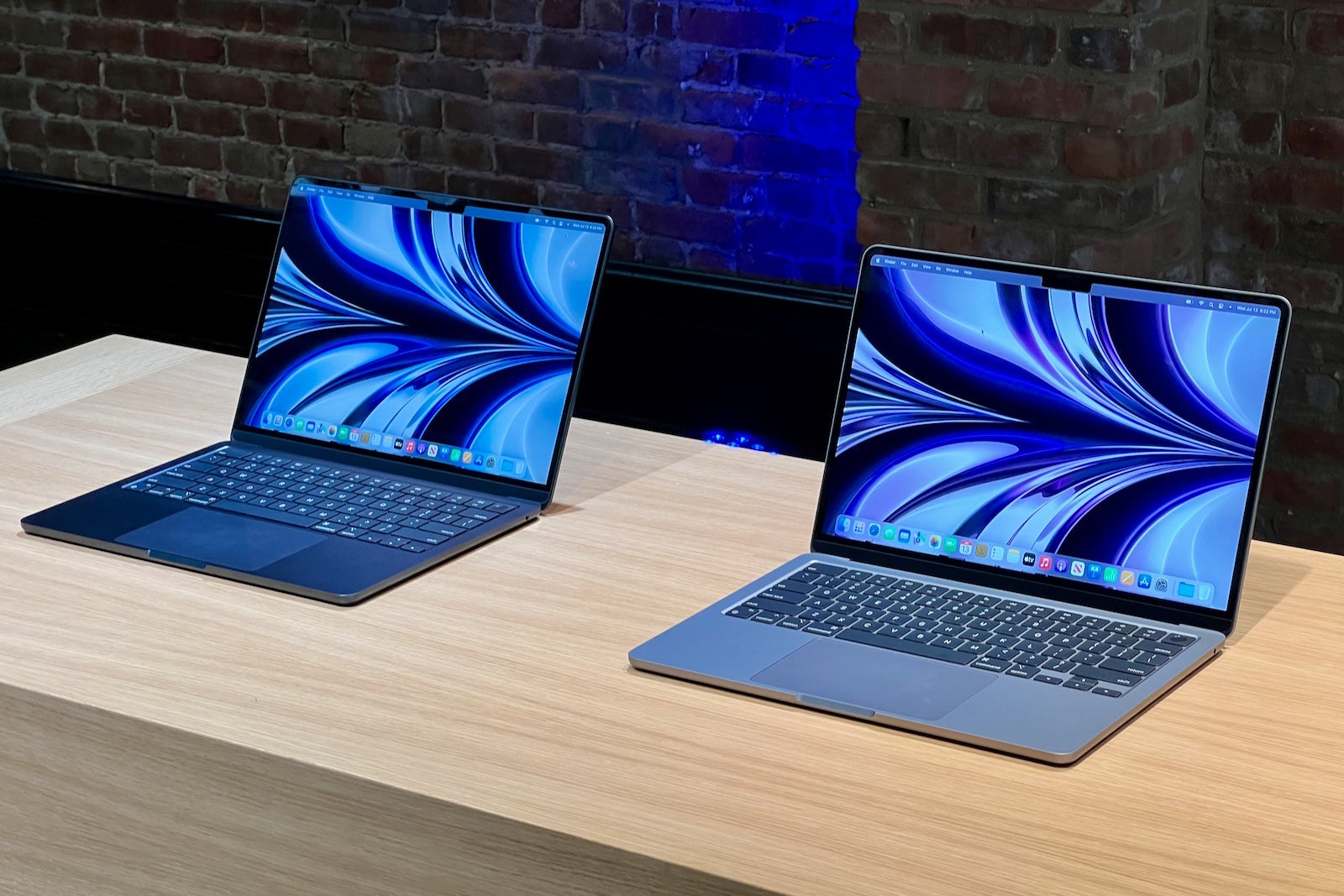
Nearly six weeks since the big (virtual) reveal, the computer is about to hit store shelves on Friday, July 15. I've been eager to put the device to the test, and if my first few hours with the new MacBook Air are any indication, it will become my new go-to when I travel. Here's why.
Design built on portability
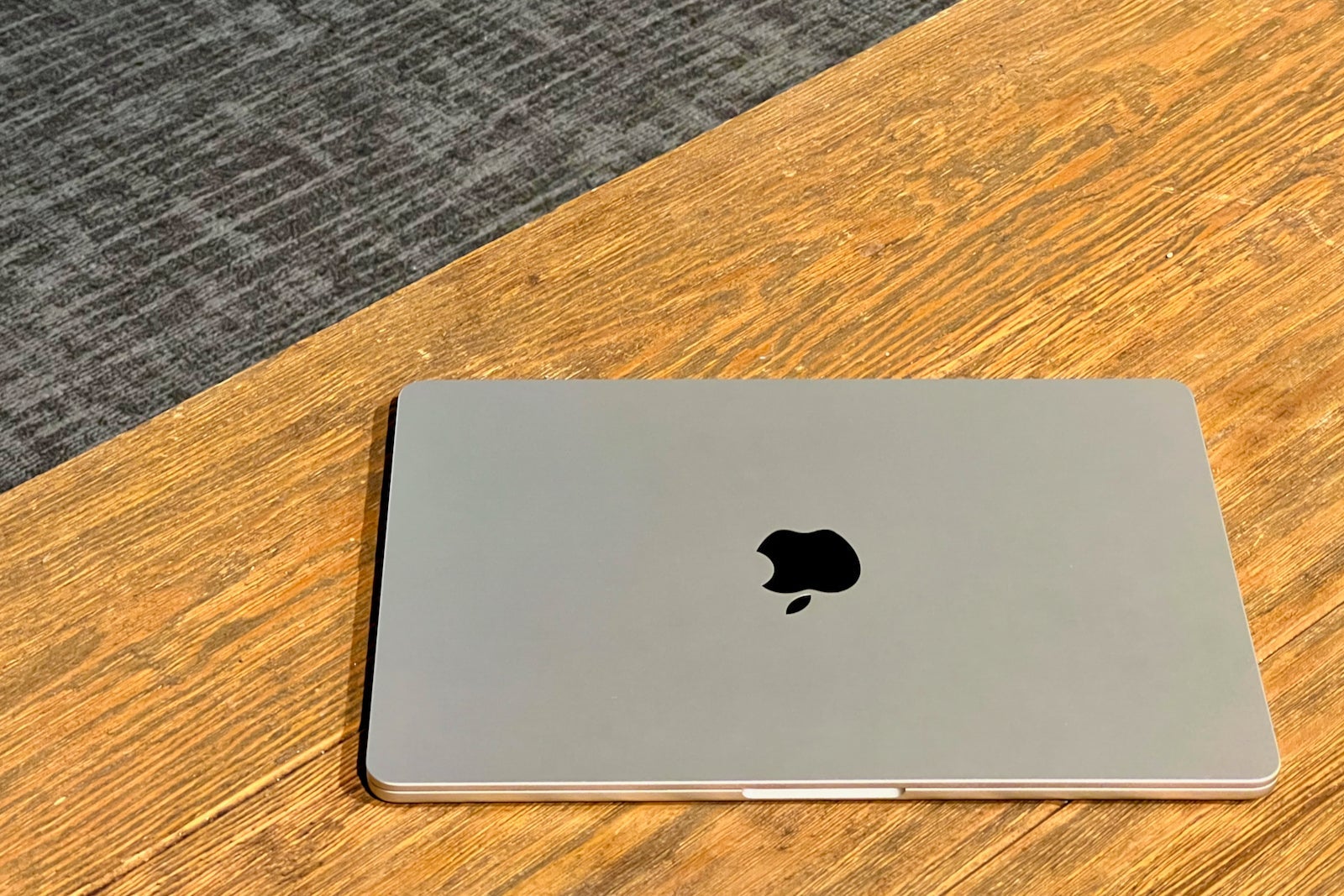
Headlining the changes to the latest MacBook Air is an all-new design. Gone are the days of the tapered wedge design, as the new model features a uniform all-aluminum enclosure that delivers an even lighter and more portable package than its predecessor.
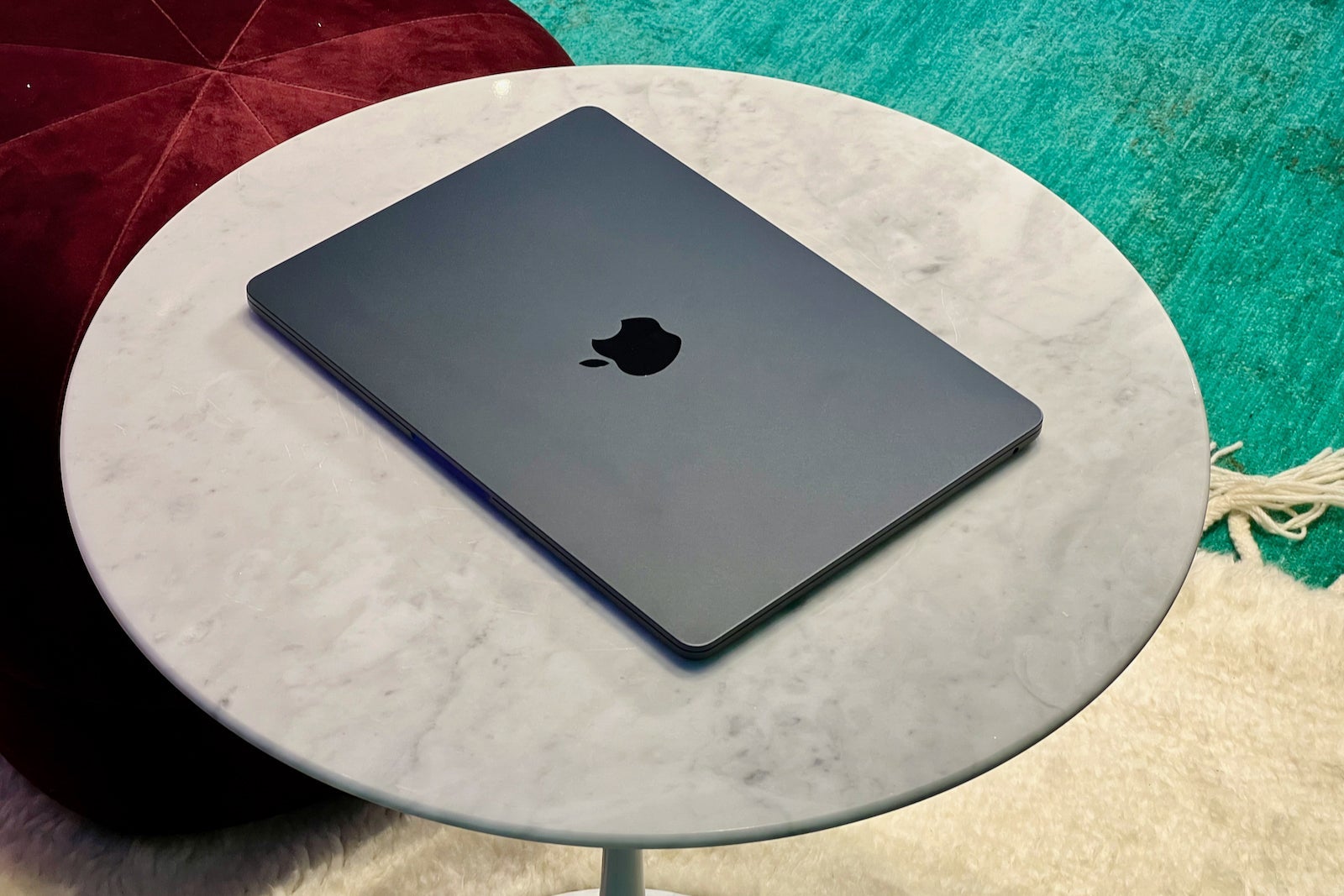
At just under half an inch thick, the MacBook Air is now one of Apple's thinnest laptops. It weighs 2.7 pounds, which is roughly equivalent to the 2020 MacBook Air (which remains available for sale for $999).
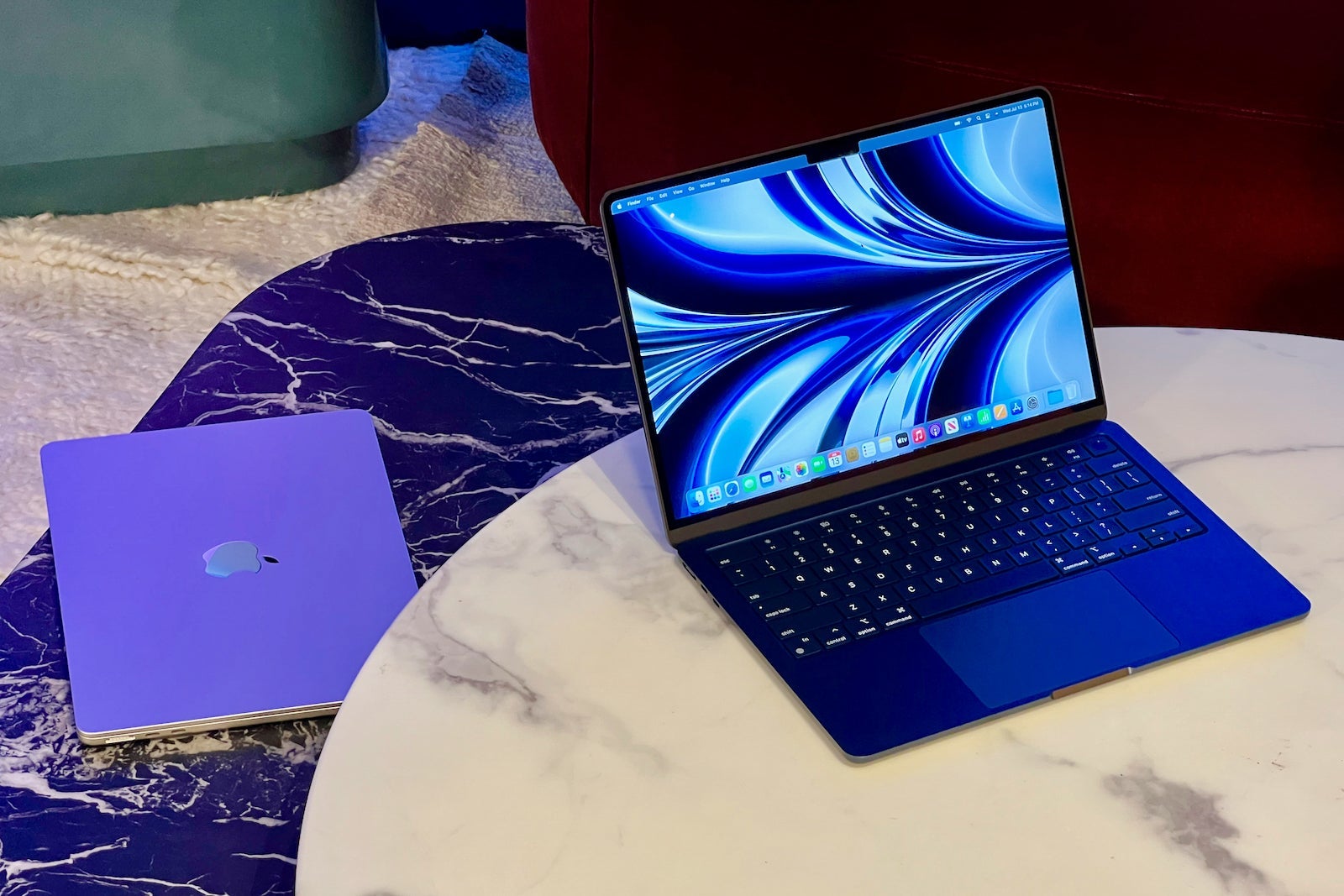
Holding the new computer in my hands, I could immediately feel the overall reduction in volume compared to the 2020 MacBook Air. The portability of the new Air was especially noticeable compared to the 13-inch MacBook Pro I typically use for work.
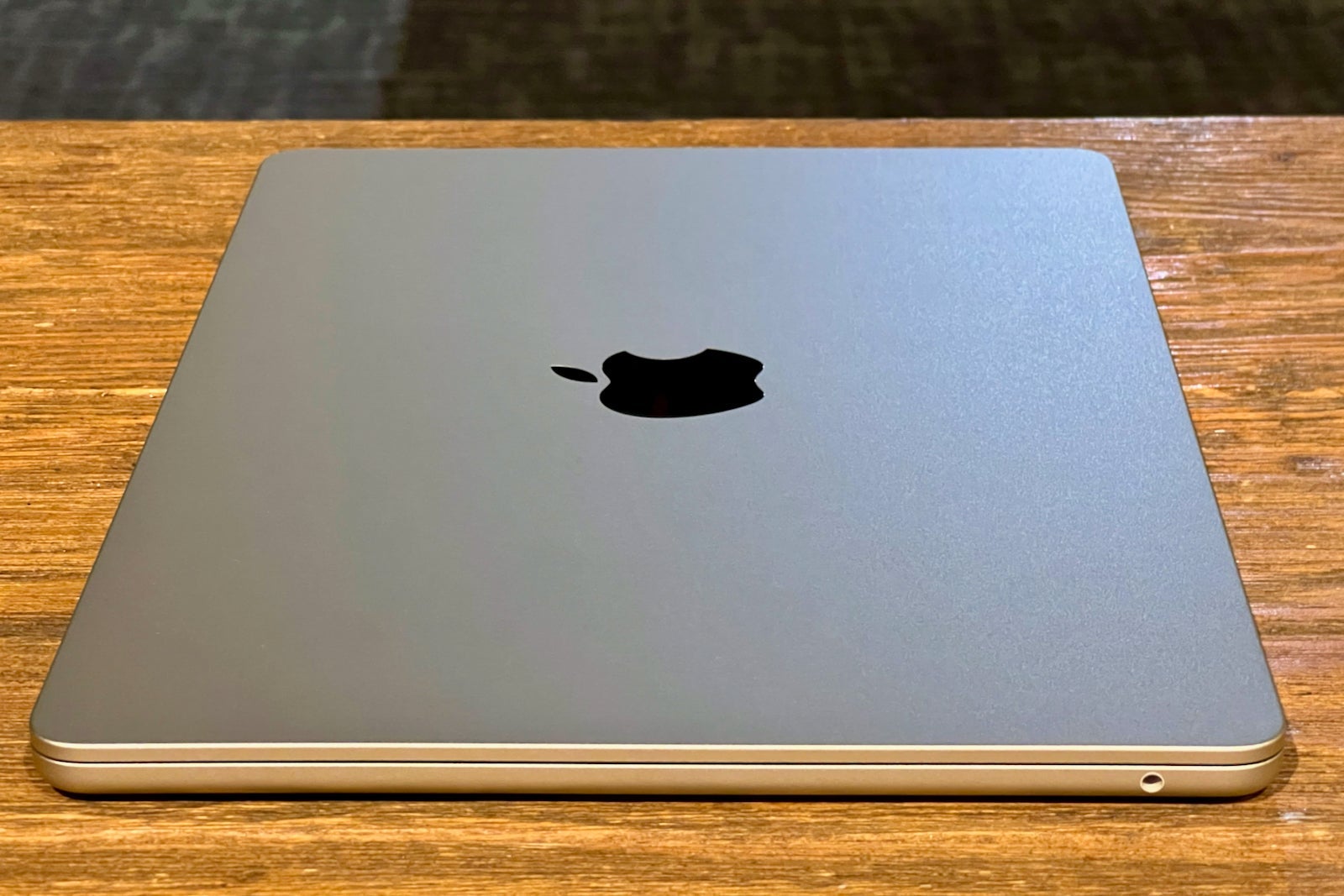
I found that the new design felt more substantial, but not at all heavier, than the previous tapered version. Though I haven't (yet) had the opportunity to take the computer on a trip, it's definitely be the computer I'd want to bring.
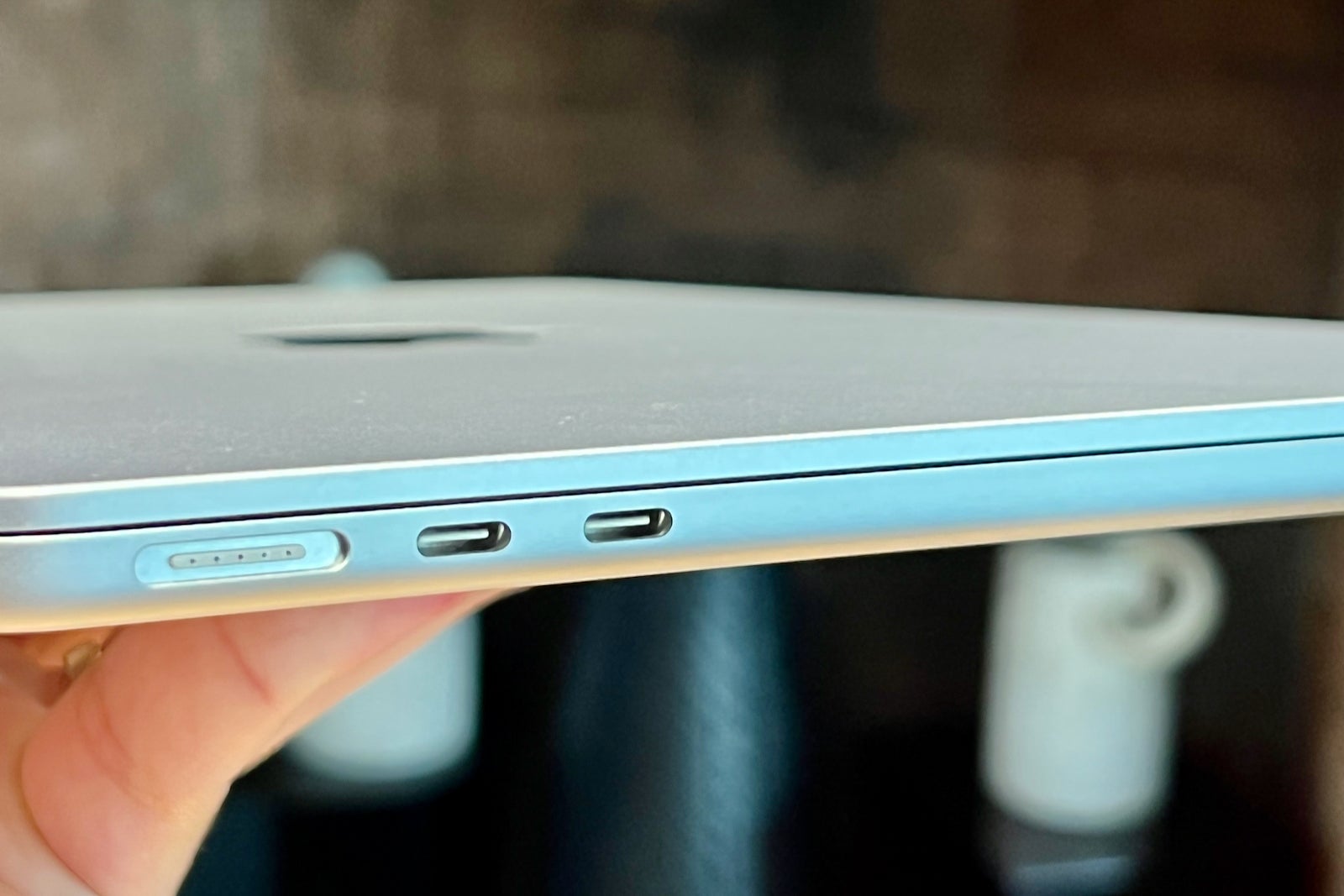
For one, I'm always looking for ways to lighten my travel backpack. Plus, the Air is portable enough that it can easily move from the security bin to the lounge to the tray table and then to the hotel room without it feeling unwieldy.

Note that the new Air isn't as compact as Apple's legacy 12-inch MacBook, but it gets close enough. Plus, it packs plenty of upgrades to make it a worthy contender for the top travel laptop.
MagSafe is back to prevent accidents
We've all been there. We're walking around the office, coffee shop or hotel lobby, and we accidentally trip over a wire.
If you tripped over the USB-C charging cable of the previous MacBook Air, odds are that the computer would go flying. But with the new model, you need not worry about accidentally walking into your charging cable.
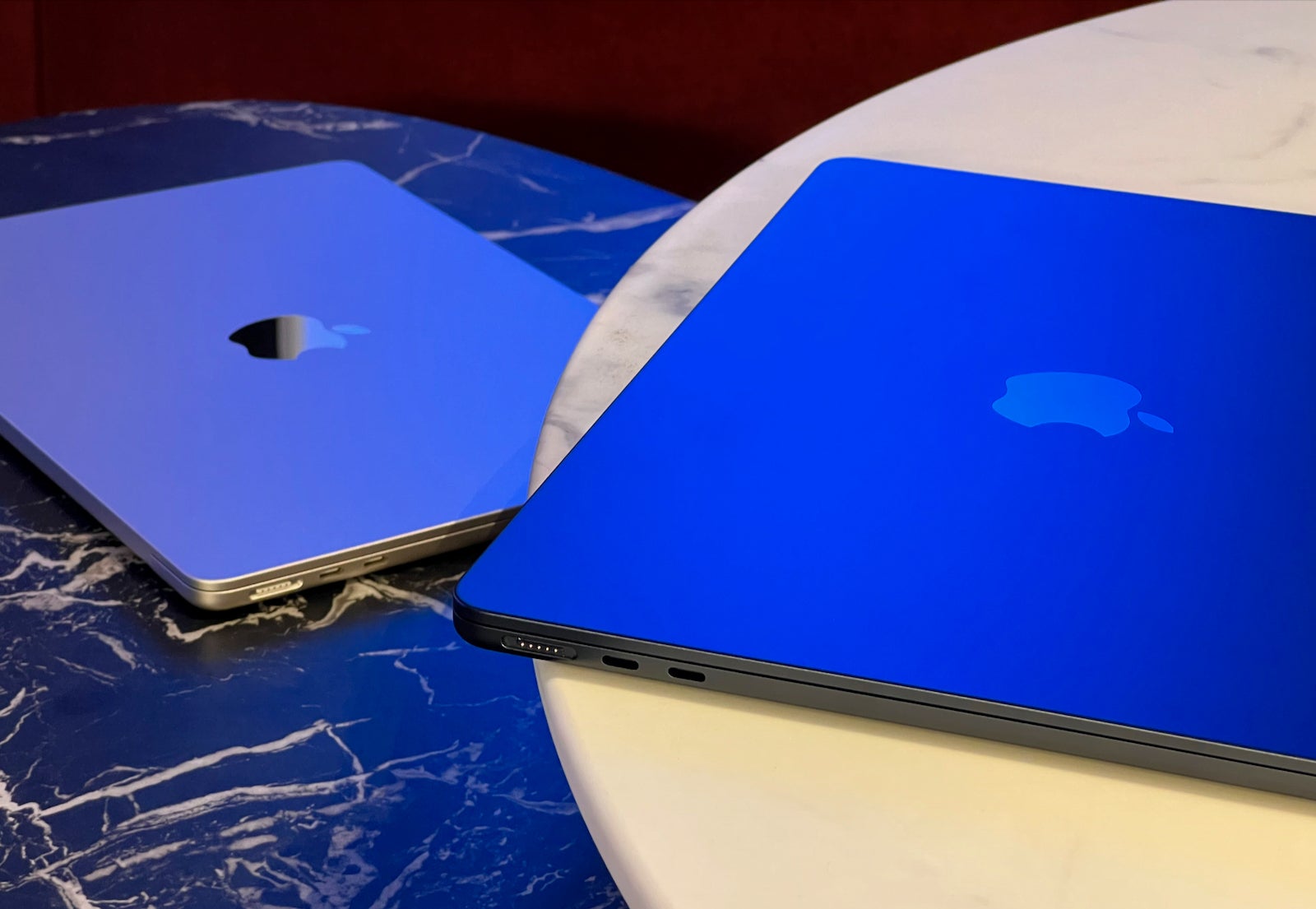
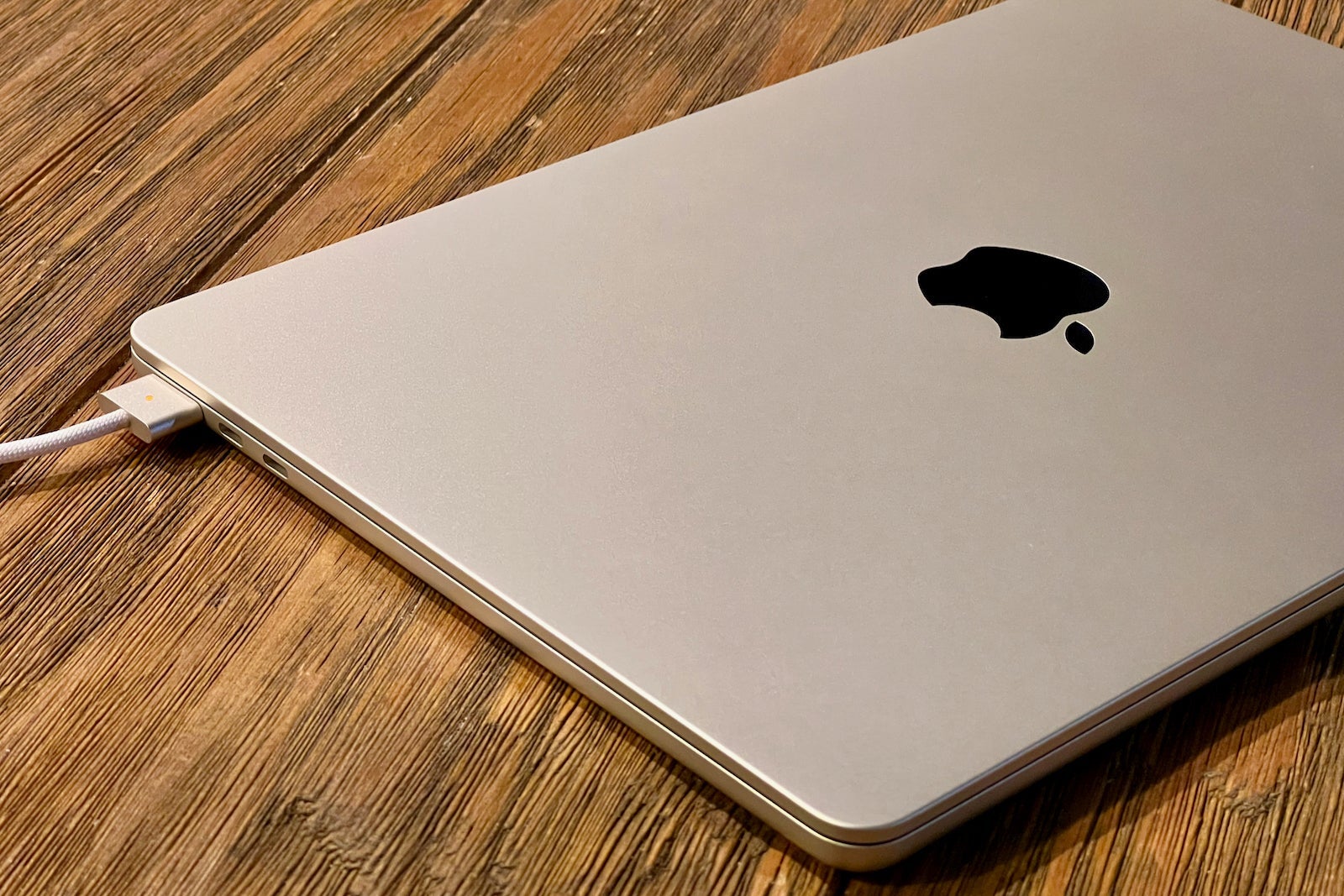
The latest Air reintroduces the popular MagSafe charging port and cable that magnetically snaps into place — and will quickly release if you (or anyone around you) accidentally pulls the cable.
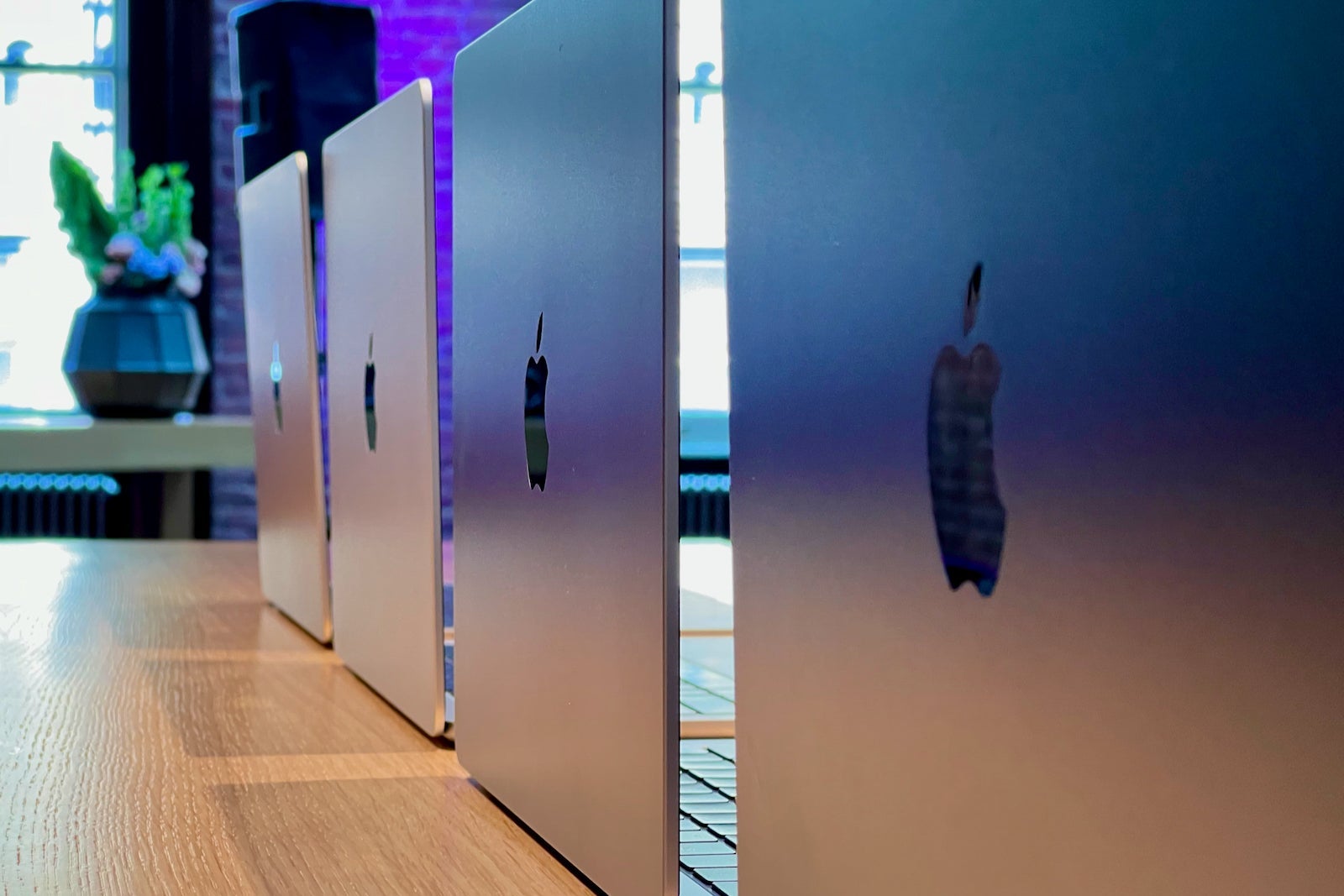
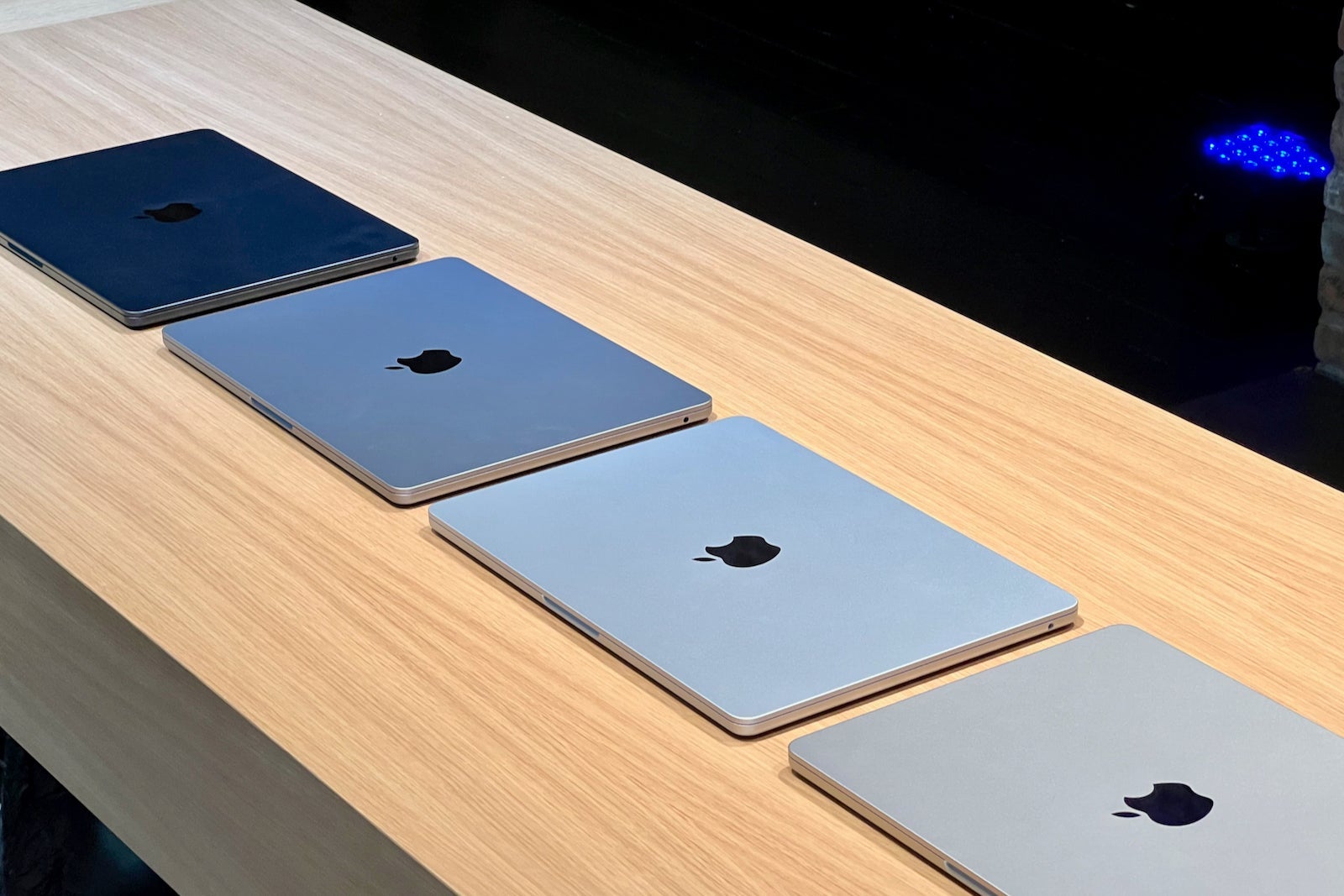
It's been a few years since I've used a MagSafe charging cable, but I'm thrilled that it's back. The braided cables are even color-coordinated to the four finishes for the MacBook Air: silver, starlight, space gray and midnight.
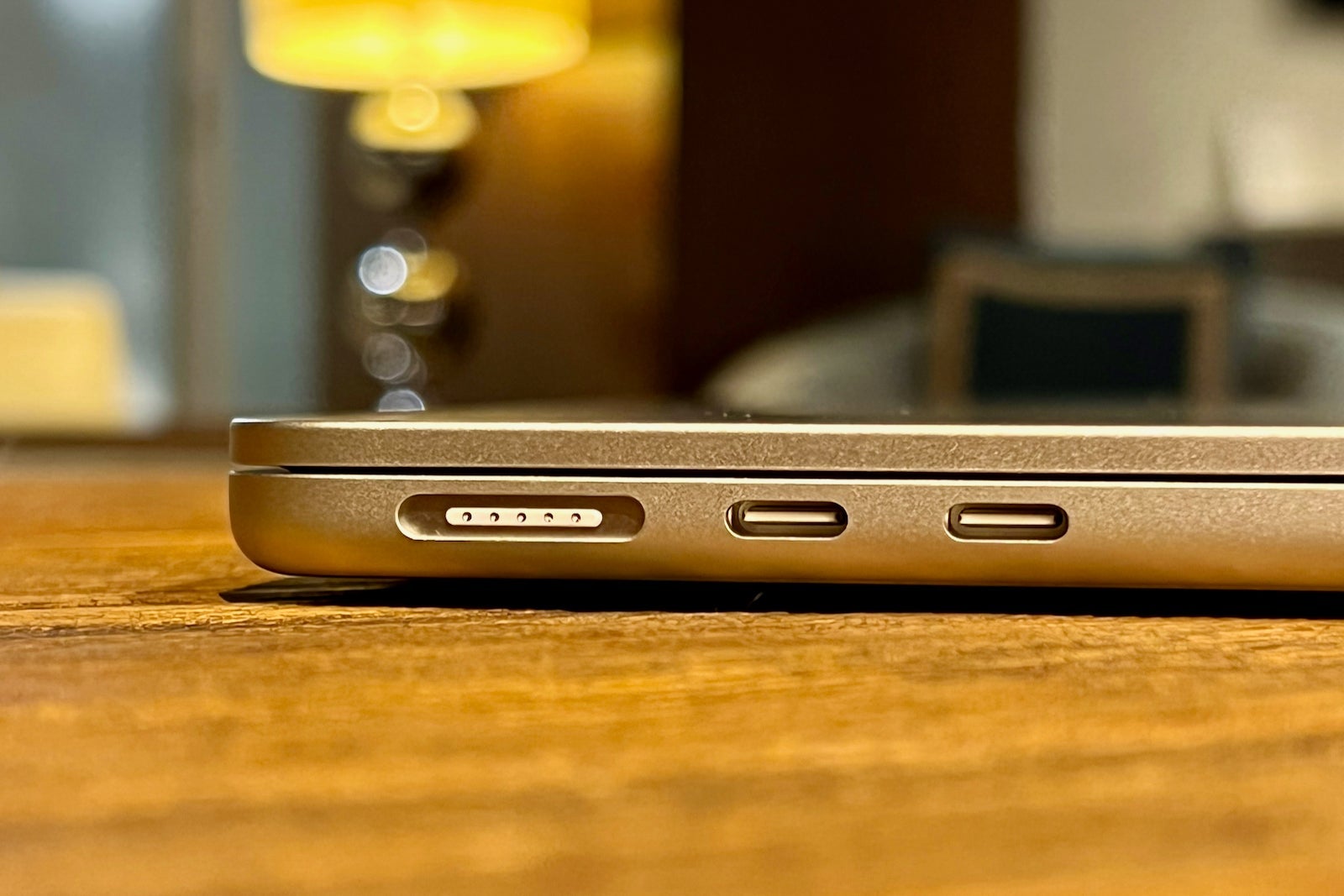
Along with the MagSafe port, Apple is also introducing a more travel-friendly way to charge your device. The more expensive $1,499 model includes a new compact 35W dual USB-C power adapter, and the charger is available as a $20 upgrade on the $1,199 base model.
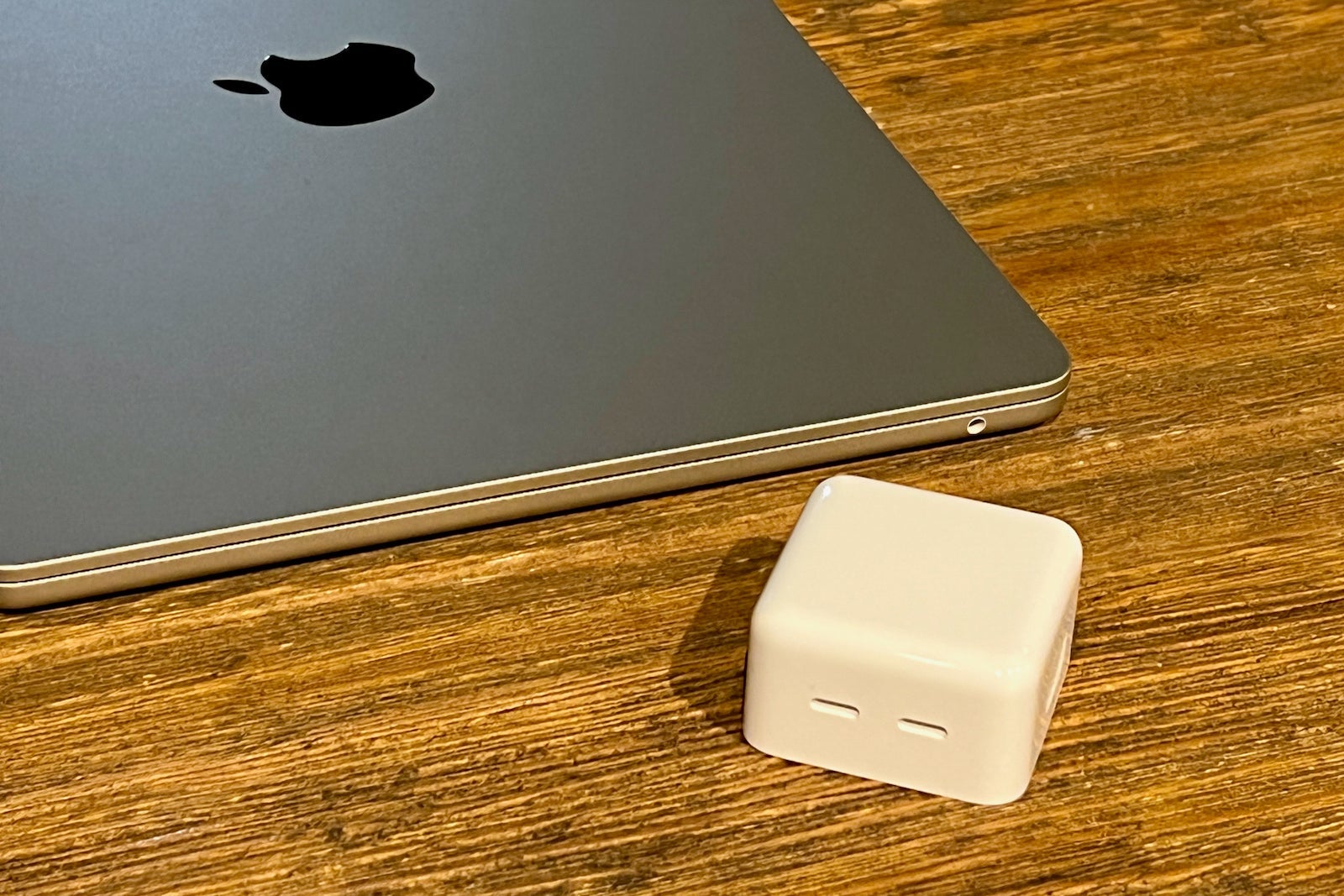
Though it's hard to get a sense of its size in marketing photos, I found the new brick to be much smaller and more compact than I had originally envisioned.
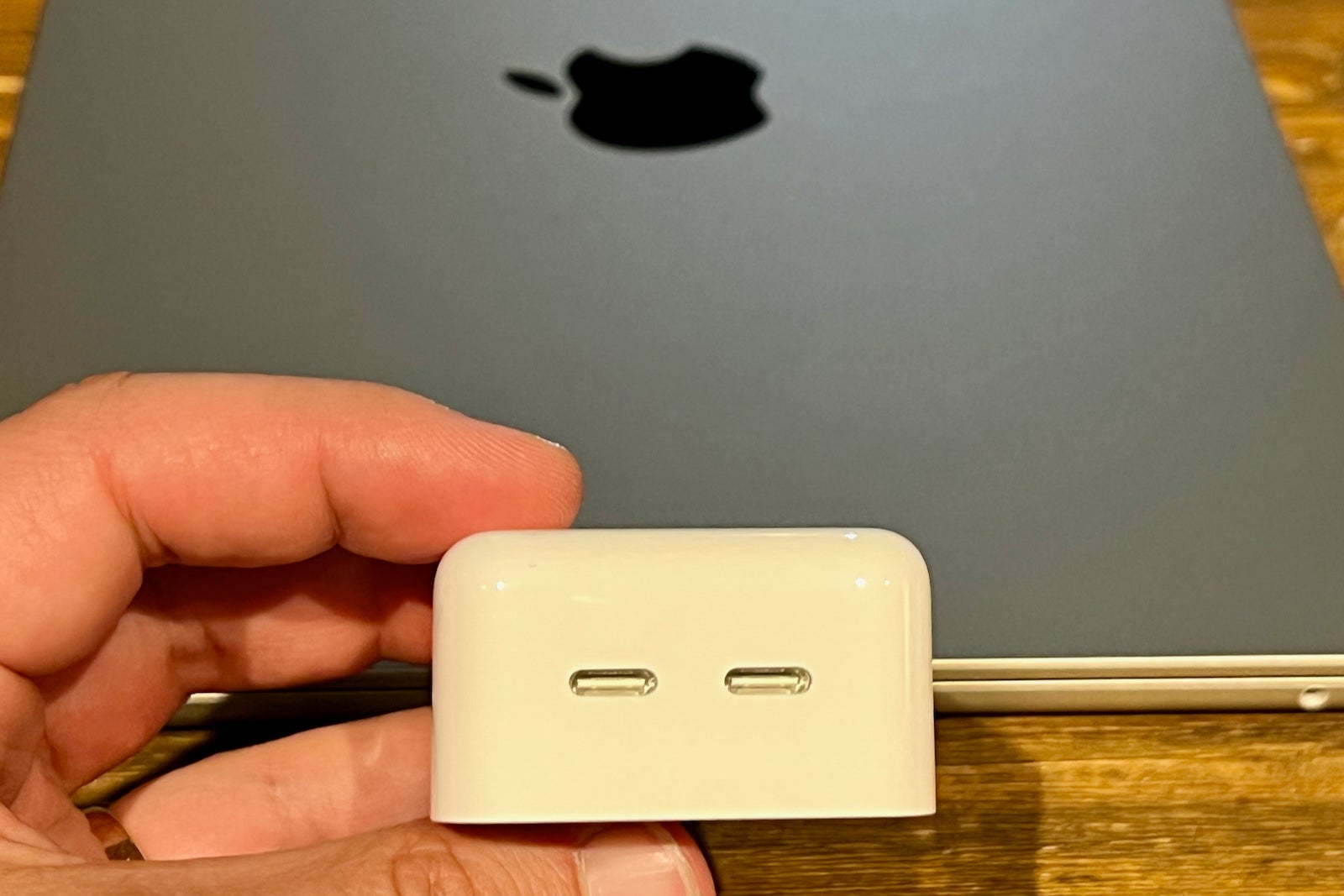
The dual-port charger means that you can carry one less charging brick in your bag, assuming that you can charge your second device using a USB-C cable (which includes the iPhone, Apple Watch and AirPods).
The new MacBook Air also supports fast charging, so if you have a larger 67W charging brick (possibly from an old MacBook Pro), you can get to 50% in just half an hour.
A full-size keyboard
When I'm traveling, I'm usually writing or editing stories for the site. I'm an especially heavy keyboard user, and it's exciting this is the first Air model to feature a full keyboard.
All the previous Air models had a smaller row of function keys, which I found hard to use when working in Excel or just trying to control the volume or brightness. I often preferred to travel with a larger device if it meant access to a complete keyboard.
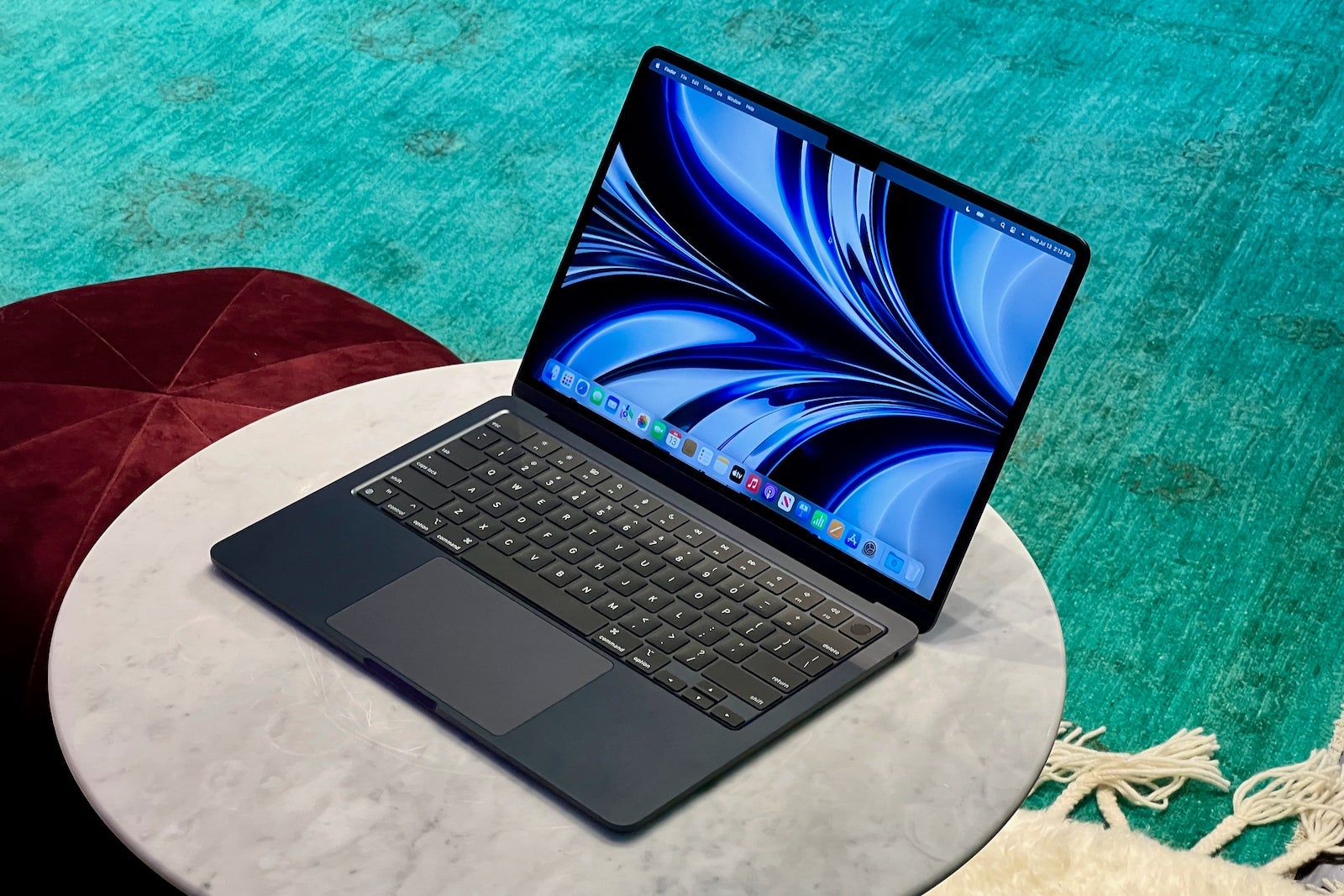
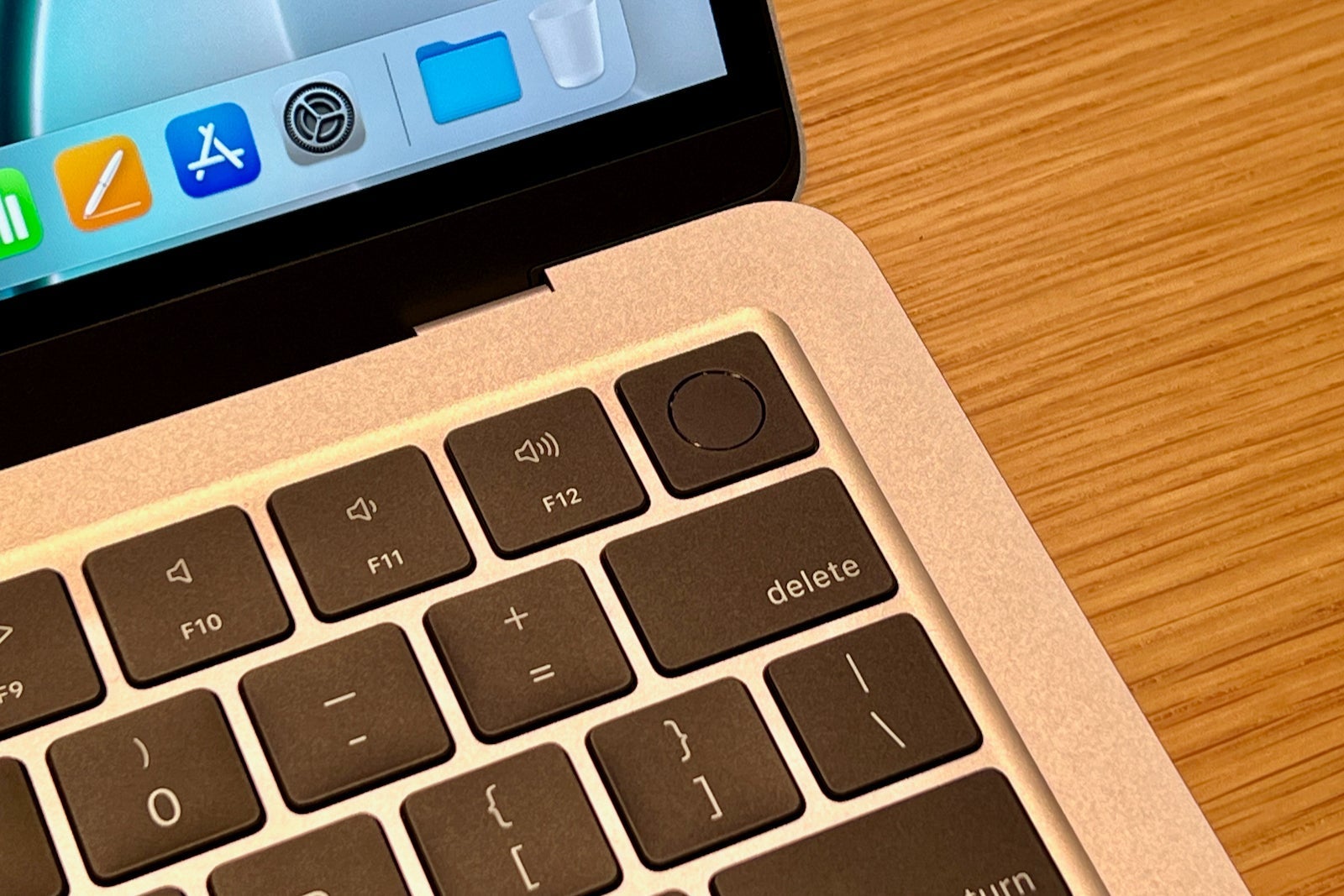
As with the 2020 version of the Air, the new model sports a backlit Magic Keyboard (as opposed to the butterfly mechanism that the tech giant used previously, which would frequently experience sticky and unresponsive keys.) But this model has a full row of standard-size function keys.
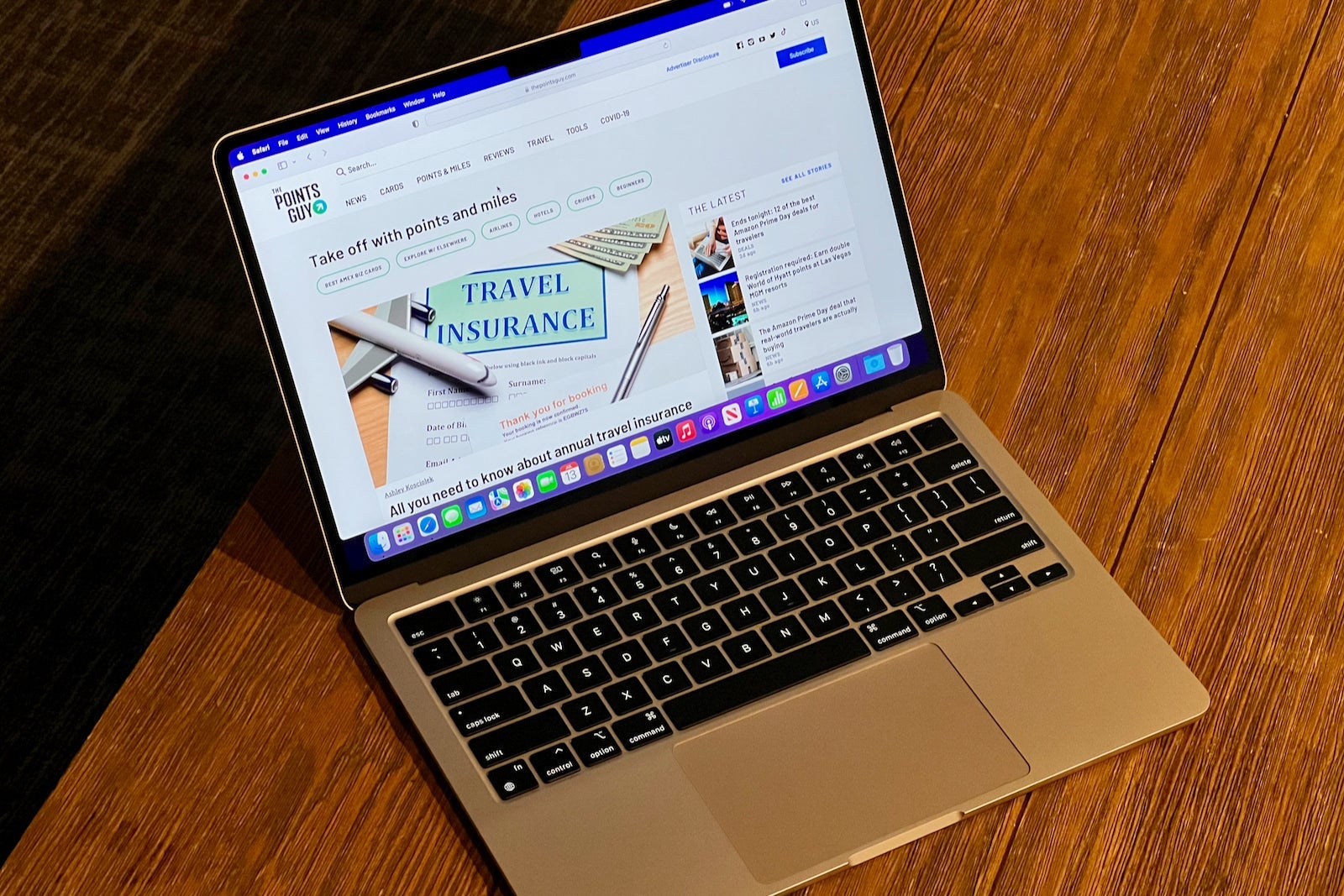
I typed much of this article using the new keyboard and found the large Force Touch trackpad and Touch ID button also made it easy to control and unlock the computer.
An all-trip battery life
The world's longest flight clocks in at just over 18 hours, and Apple claims its new Air can last that entire time playing videos without a single charge (something I'm looking forward to putting to the test in the coming weeks).
For travelers who have trouble finding power outlets on the road, the Air's impressive battery life should make it easy to use all day long without going out of your way to find an outlet.
Thanks to the introduction of Apple's silicon chips, the tech giant has been able to extend the battery life of its laptops to levels that were previously unheard of with Intel chips.
The 2020 version of the Air received high praise for its long battery life, and the 2022 version is poised to do the same — a big reason why travelers might consider buying one of these laptops.
Larger, brighter screen in a lighter package
The screen on Apple's latest Air measures 13.6 inches diagonally, up 0.3 inches from the previous generation computer. The tech company was able to make the screen larger by narrowing the bezels.
You'll also find a small notch cutout near the menu bar, which houses the upgraded camera and other small internal components. The notch hasn't bothered me much in the time I've already spent using the Air, since it blends with the menu bar.
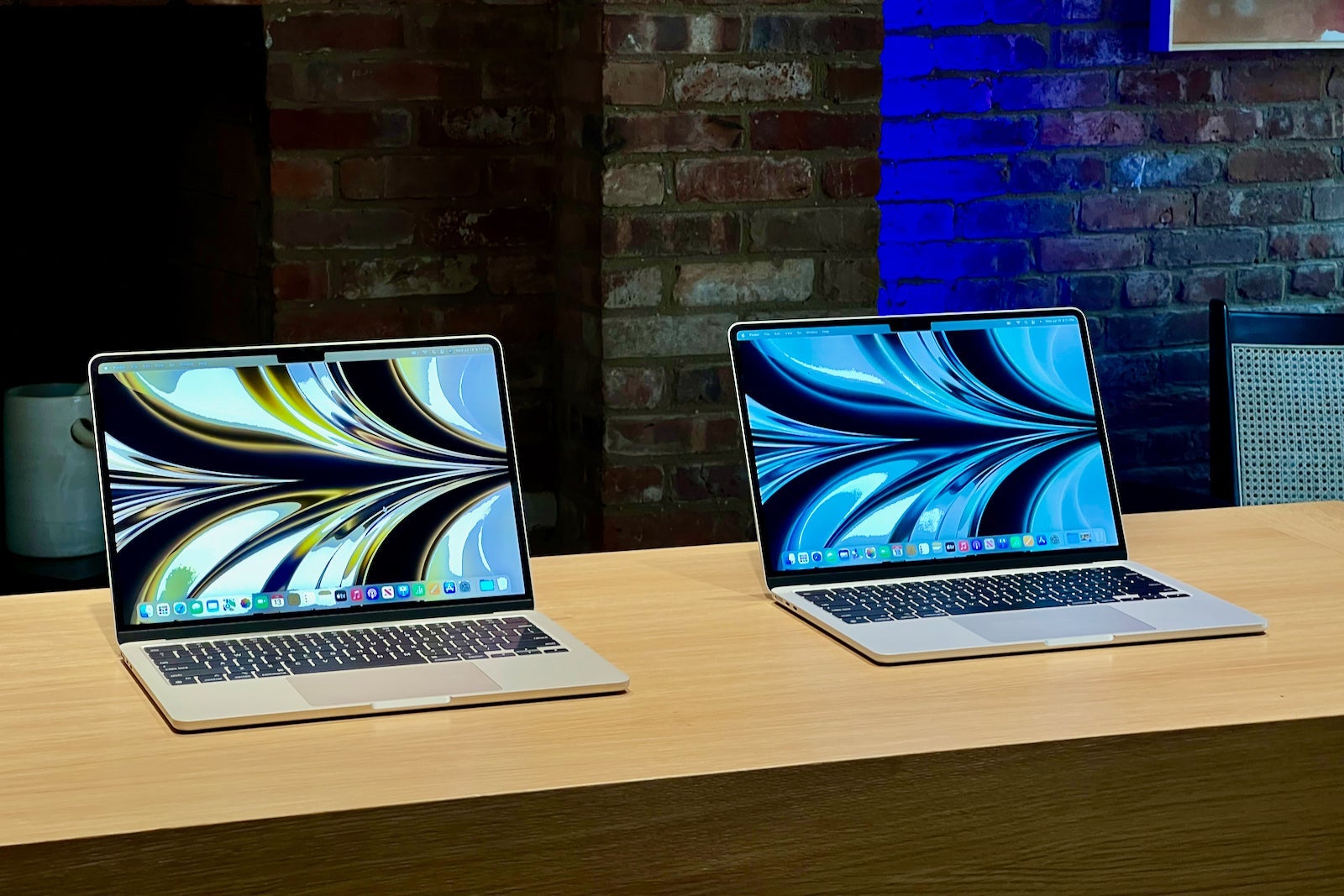
The larger screen still fits in the lighter MacBook Air, meaning you're getting more screen real estate without the computer being larger or bulkier.
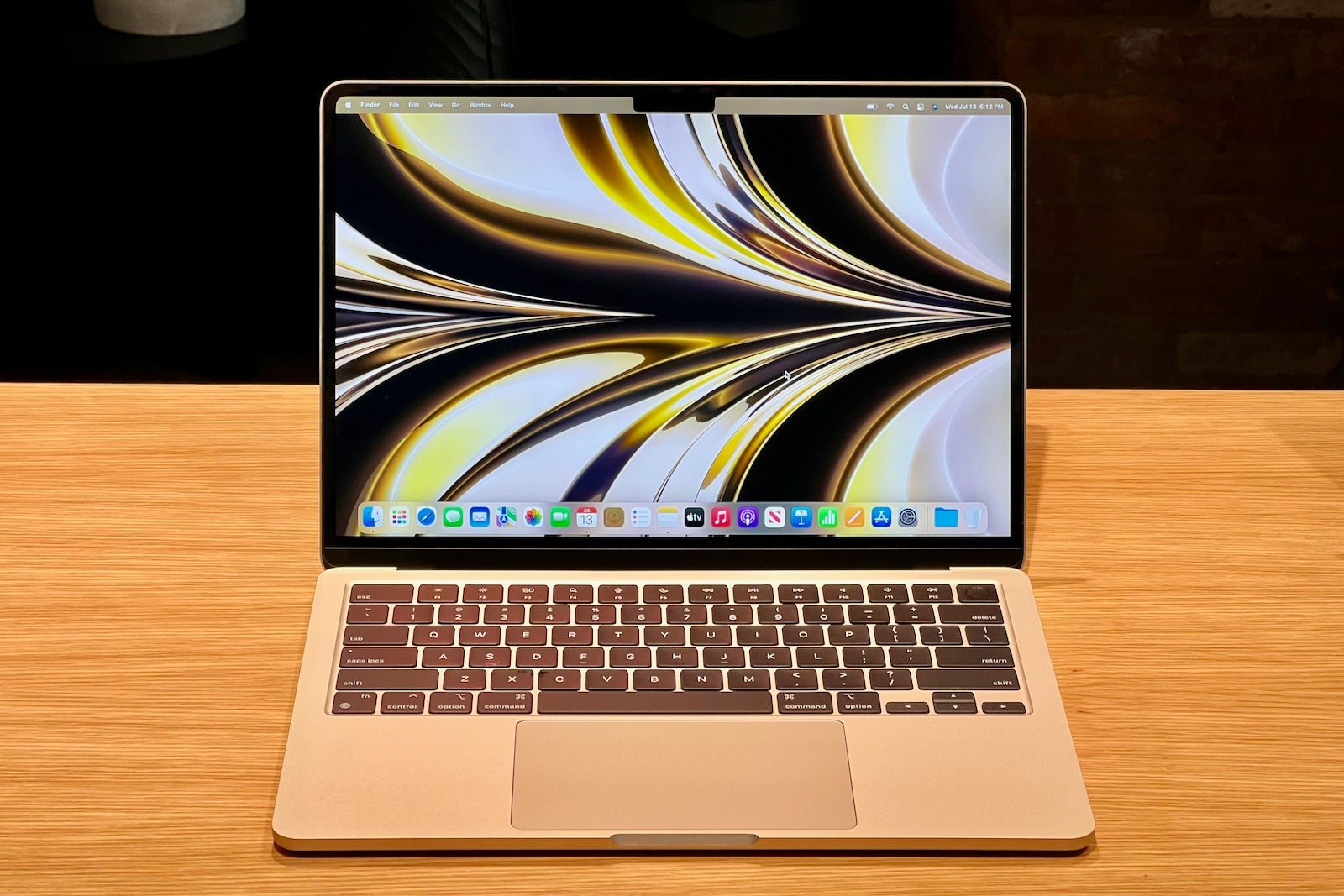
Another subtle but immediately noticeable improvement with the display is the increased brightness levels, which can be great when working on the go in light-drenched spaces, such as airports.
Performance for all your tasks
While I've only had a few hours to play around on the computer, I've already noticed a big improvement in performance.
In recent years, Apple has been transitioning its computers away from Intel processors to its proprietary silicon chips. This has enabled the tech giant to further integrate the hardware and software design process, bringing improved performance and better battery life to its entire laptop lineup.
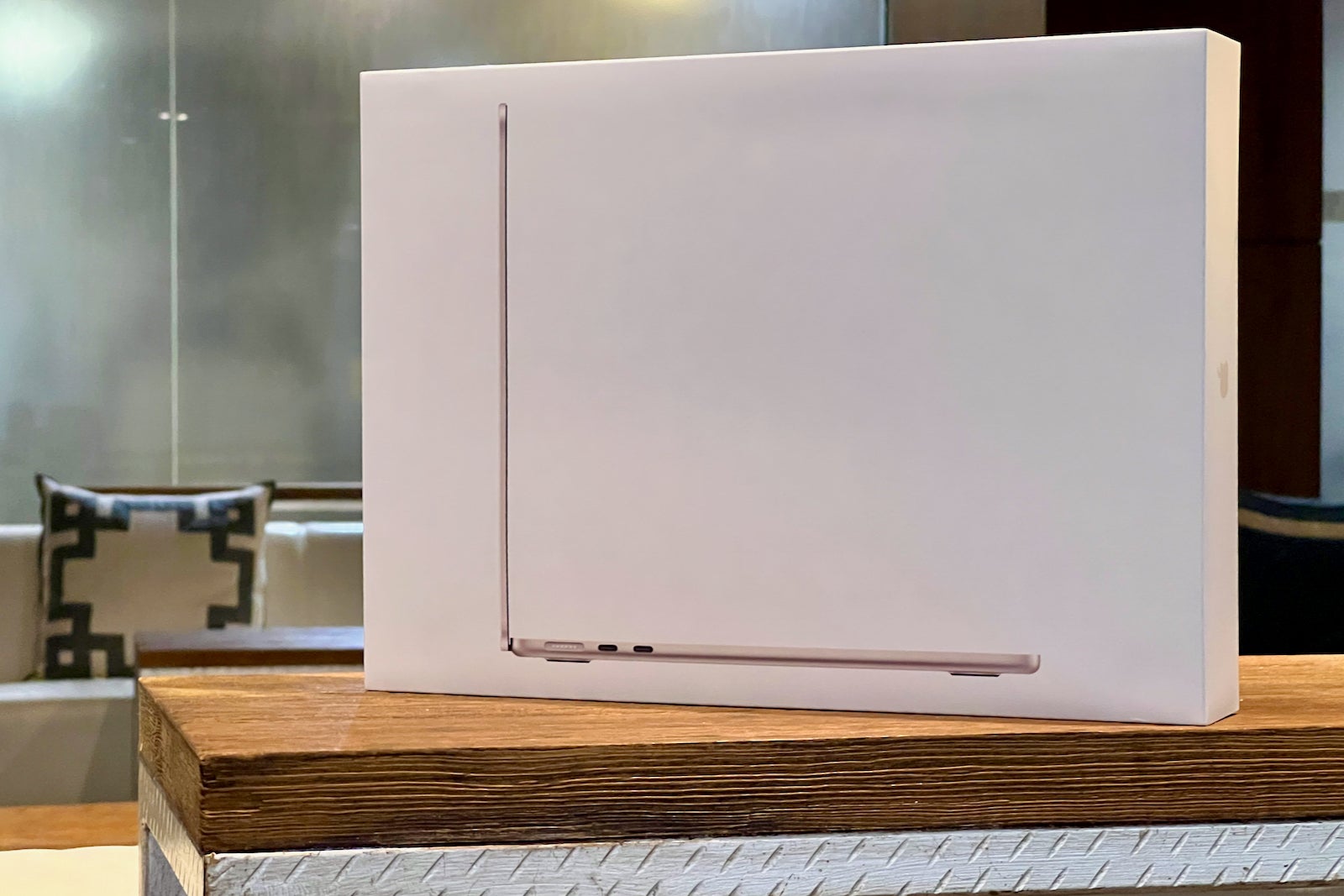
Along with the new MacBook Air (and updated 13-inch MacBook Pro), Apple is also debuting its latest M2 chip.
For those who were using Intel-based machines before (myself included), most tasks will immediately feel snappier. Opening apps, editing pictures and videos and writing lines of codes all feel like a breeze on the new Air.
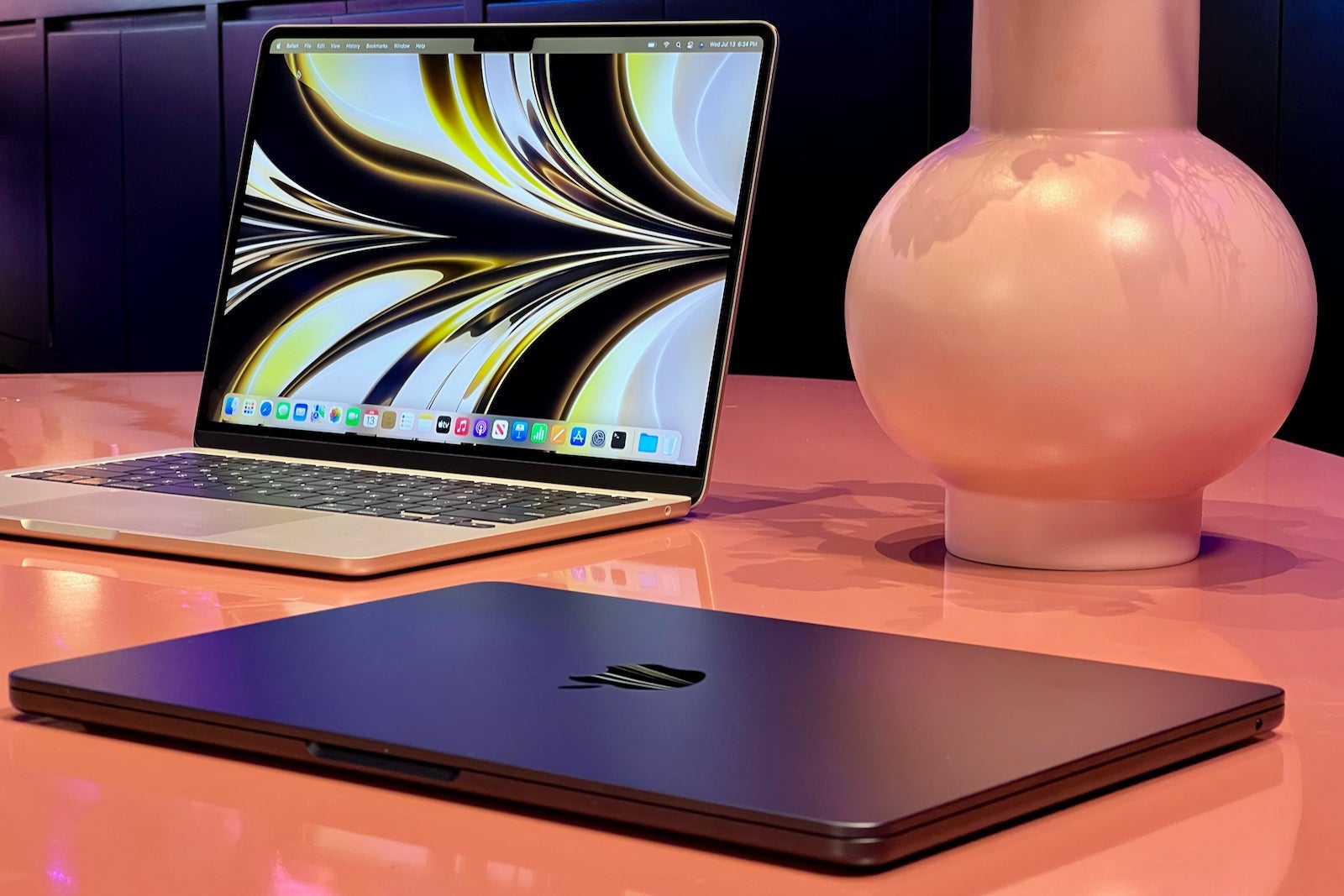
Plus, the Air continues to be a fanless computer, meaning that it'll stay completely silent, no matter what task you're working on. That's been the hardest thing to get used to so far, as my Intel-based MacBook Pro sometimes sounds like an airplane taking off. (The Air uses a heat sink to pull heat away from the processor instead.)
Bottom line
If you're a traveler who is already in the Apple ecosystem, the company's new MacBook Air should be high on your list when it's time to upgrade your computer.
The new, thinner and lighter design delivers incredible portability, and the laptop also packs a slew of improvements into the aluminum enclosure.
From all-day battery life to a larger, full-size keyboard, being productive on the go is poised to become easier with this new machine. Plus, with the return of MagSafe, if you (or a fellow traveler) accidentally trips over your charging cable, you won't need to worry about it damaging your device.
Of course, all the new tech comes at a cost: $1,199 for the entry-level model and $1,499 for the higher-end configuration, with build-to-order options getting even more expensive.
But, if you're looking to invest in a new everyday, travel-friendly laptop, this is certainly one to consider. And if you do purchase a new MacBook Air, be sure to use a credit card that includes purchase protection.
You may also want to wait for a shopping portal bonus on Apple.com (or another electronics retailer), but read the terms before you purchase because new products can sometimes be excluded.
TPG featured card

at American Express's secure site
Terms & restrictions apply. See rates & fees.
| 4X | Earn 4X Membership Rewards® points per dollar spent on purchases at restaurants worldwide, on up to $50,000 in purchases per calendar year, then 1X points for the rest of the year. |
| 4X | Earn 4X Membership Rewards® points per dollar spent at US supermarkets, on up to $25,000 in purchases per calendar year, then 1X points for the rest of the year. |
| 5X | Earn 5X Membership Rewards® points on prepaid hotel stays booked through AmexTravel.com or the Amex Travel App™. |
| 3X | Earn 3X Membership Rewards® points on flights booked through AmexTravel.com, the Amex Travel App™, or purchased directly from airlines. |
| 2X | Earn 2X Membership Rewards® points on prepaid car rentals booked through AmexTravel.com or the Amex Travel App™ and cruises booked and paid through AmexTravel.com. |
| 1X | Earn 1X Membership Rewards® point per dollar spent on all other eligible purchases. |
Pros
- Valuable dining and food-related credits
- Flexible rewards with airline and hotel transfer partners
- Multiple travel and purchase protections
- No foreign transaction fees
- Access to Amex Offers for additional savings (enrollment required)
Cons
- Not as useful for those living outside the U.S.
- Some may have trouble using Uber and other dining credits
- You may be eligible for as high as 100,000 Membership Rewards® Points after you spend $8,000 in eligible purchases on your new Card in your first 6 months of Card Membership. Welcome offers vary and you may not be eligible for an offer. Apply to know if you’re approved and find out your exact welcome offer amount – all with no credit score impact. If you’re approved and choose to accept the Card, your score may be impacted.
- Earn 4X Membership Rewards® points per dollar spent on purchases at restaurants worldwide, on up to $50,000 in purchases per calendar year, then 1X points for the rest of the year.
- Earn 4X Membership Rewards® points per dollar spent at US supermarkets, on up to $25,000 in purchases per calendar year, then 1X points for the rest of the year.
- Earn 5X Membership Rewards® points on prepaid hotel stays booked through AmexTravel.com or the Amex Travel App™.
- Earn 3X Membership Rewards® points on flights booked through AmexTravel.com, the Amex Travel App™, or purchased directly from airlines.
- Earn 2X Membership Rewards® points on prepaid car rentals booked through AmexTravel.com or the Amex Travel App™ and cruises booked and paid through AmexTravel.com.
- Earn 1X Membership Rewards® point per dollar spent on all other eligible purchases.
- Pay It® lets you tap in the American Express® App to quickly pay for small purchase amounts throughout the month and still earn rewards the way you usually do. Plan It® gives you the option to split up big purchases into equal monthly payments with a fixed fee. You’ll know upfront exactly how much you’ll pay.
- $120 Dining Credit: Earn up to a total of $10 in statement credits monthly when you pay with the Gold Card at Grubhub (including Seamless), Buffalo Wild Wings, Five Guys, The Cheesecake Factory, and Wonder. This can be an annual savings of up to $120. Enrollment required.
- $100 Resy Credit: Get up to $100 in statement credits each calendar year at over 10,000 qualifying U.S. Resy restaurants after you pay for eligible purchases with the American Express® Gold Card. That’s up to $50 in statement credits semi-annually. Enrollment required.
- $84 Dunkin' Credit: Earn up to $7 in monthly statement credits after you pay with the American Express® Gold Card at U.S. Dunkin’ locations. Enrollment required.
- $120 Uber Cash on Gold: Enjoy up to $120 in Uber Cash annually with your Gold Card. Just add your Card to your Uber account and you'll get $10 in Uber Cash each month to use on orders and rides in the U.S. when you select an Amex Card for your transaction.
- Enjoy complimentary Hertz Five Star® Status benefits like skipping the counter at select locations, adding an additional driver at no additional cost*, and vehicle upgrades**. Benefit enrollment and Hertz Gold+ registration are required. *Additional drivers must meet standard rental qualifications and must be a spouse or domestic partner to qualify as complimentary. Other additional drivers subject to fees. **Benefits are subject to availability and vary by location. Additional Hertz program Terms and Conditions including age restrictions apply.
- Book two nights or more with The Hotel Collection through AmexTravel.com or the Amex Travel App™ and receive a $100* credit towards eligible charges at over 1,400 upscale hotels worldwide. *Eligible charges vary by property.
- Book your travel through the Amex Travel App™ with added peace of mind – backed by American Express® service and support. Only for American Express® Card Members.
- Whenever you need us, we're here. Our Member Services team will ensure you are taken care of. From lost Card replacement to statement questions, we are available to help 24/7.
- No Foreign Transaction Fees.
- Annual Fee is $325.
- Terms Apply.