UK raises price for new travel authorization: Here’s a step-by-step guide to applying for an ETA

Editor's Note
As we've reported, you now need travel authorization to visit the United Kingdom.
The application for the new British electronic travel authorization opened back in November for travel this year, and several of us at TPG have already gone through the process. There are a few things to watch out for, but it's fairly straightforward overall.
Unfortunately, they've raised the price since I first wrote this article a few months ago. But you can follow these steps for a painless application process otherwise.
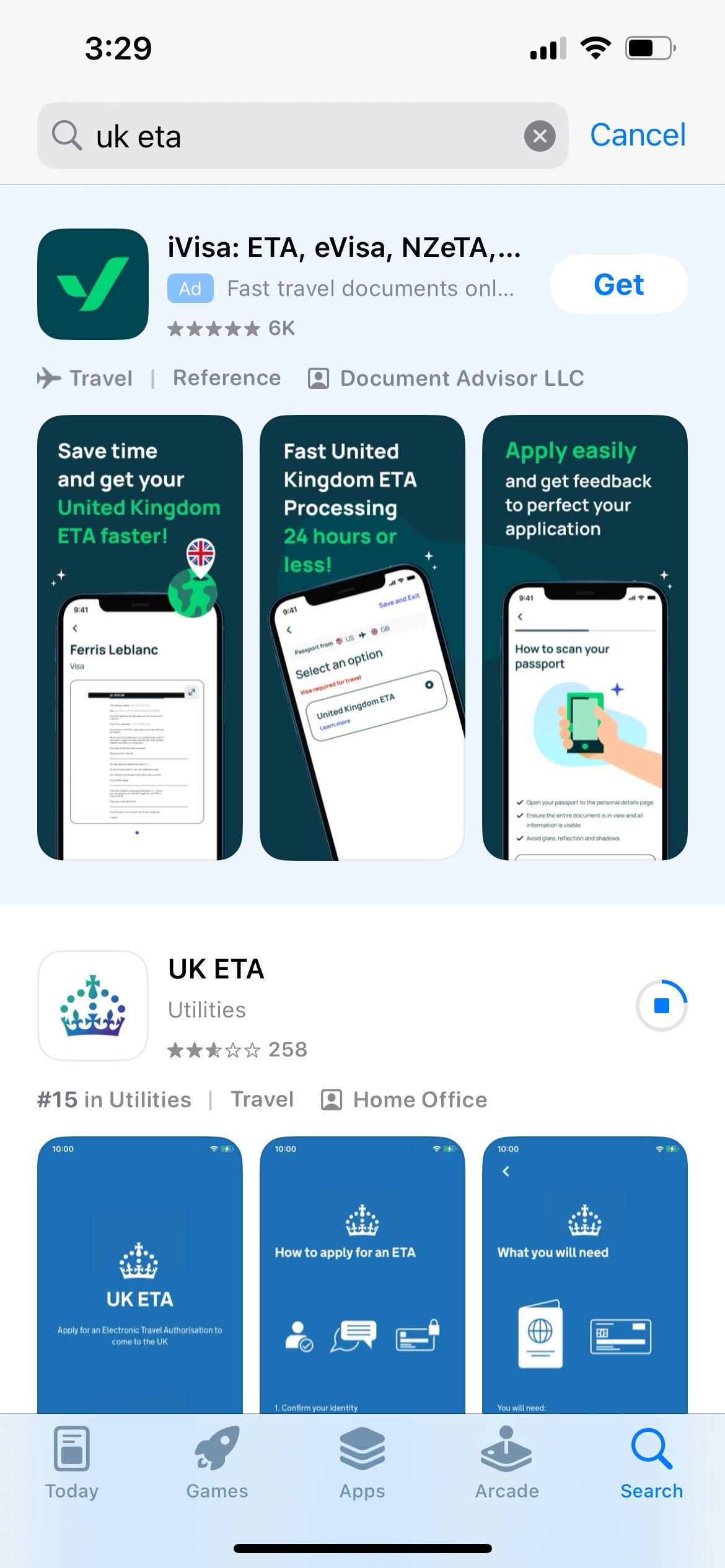
Download the UK ETA app
As the U.K. government website notes, the easiest way to apply is through the official government app, available for iOS and Android.
Be sure to only apply through the gov.uk website or the official app — other sites will "help" you apply but will charge you unnecessary fees. The ETA now costs 16 British pounds per person (about $21). When it was first unveiled, it was just 10 British pounds.
Note that if you cannot access the app for any reason, you can apply online. But in my case, I simply downloaded the app and applied right on my phone.
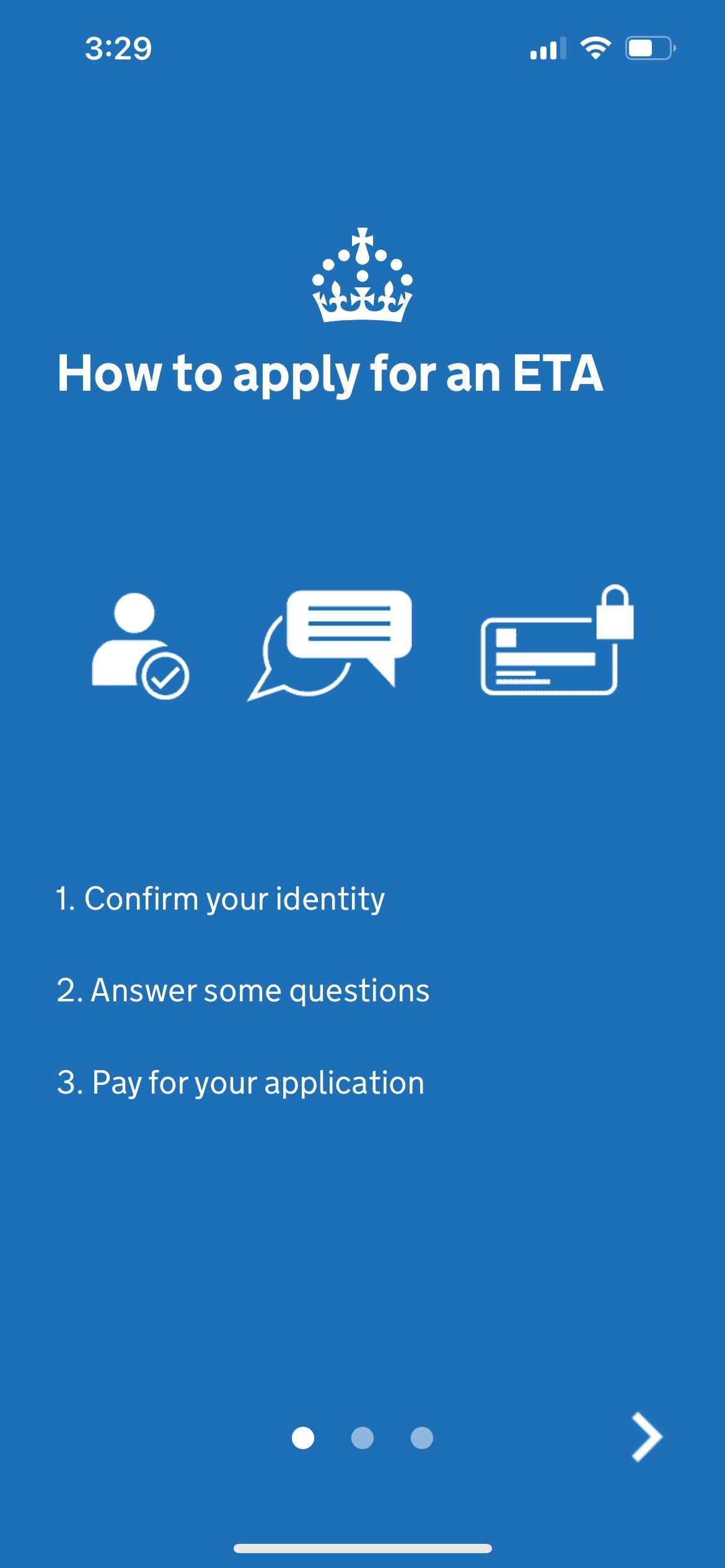
Once you open the app, it will walk you through the process. First, you'll need to submit an email and verify it with a six-digit code.
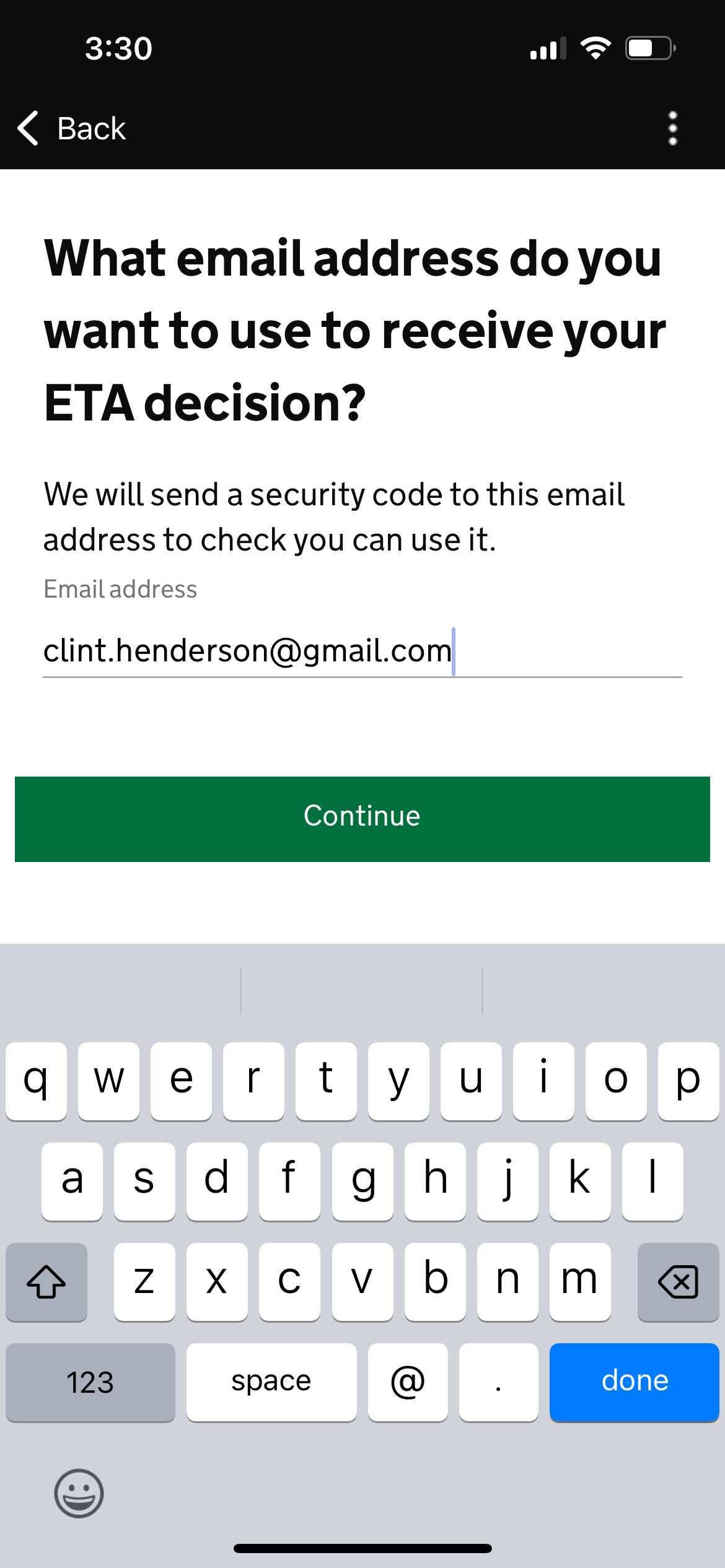
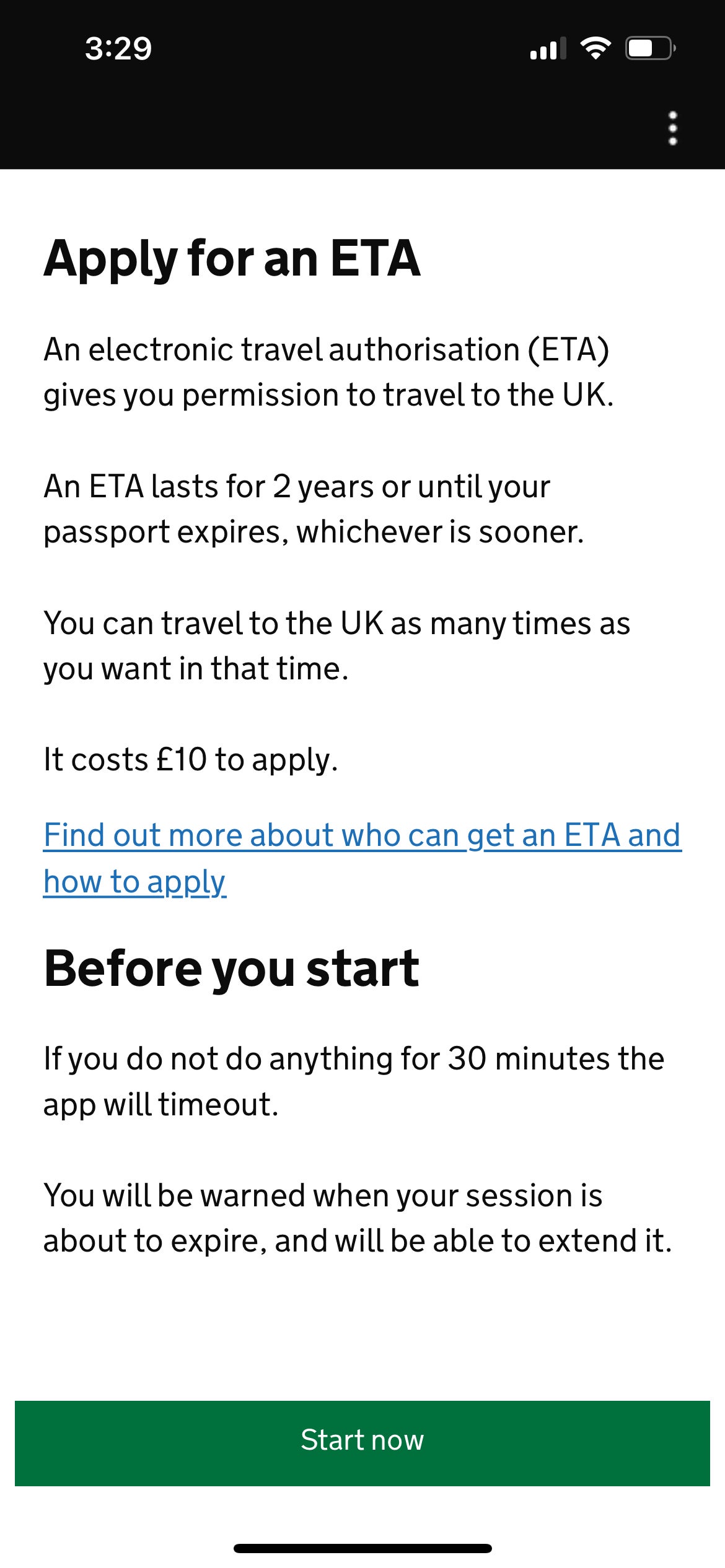
Once you've verified your phone number and email, you can move on to the trickier part.
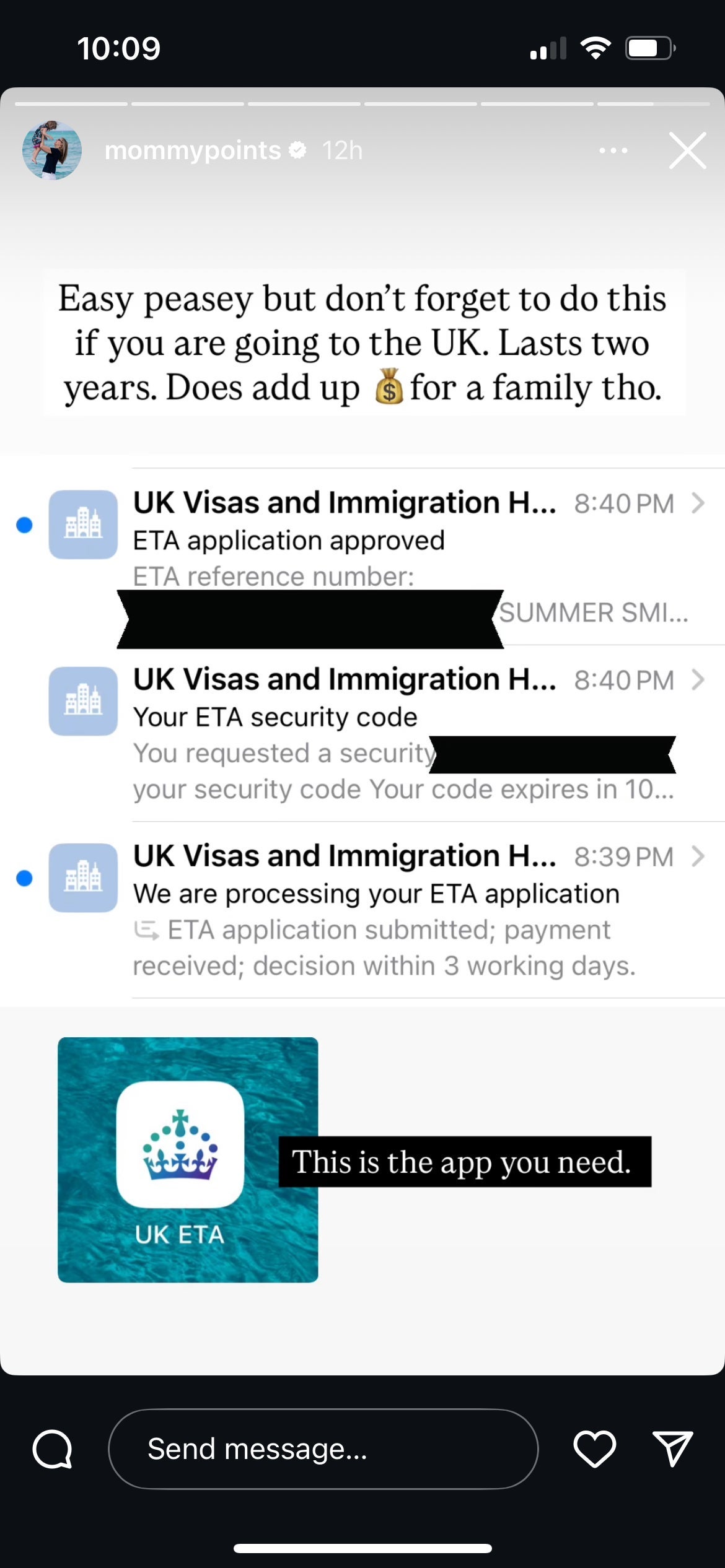
Using the app to photograph and scan your passport
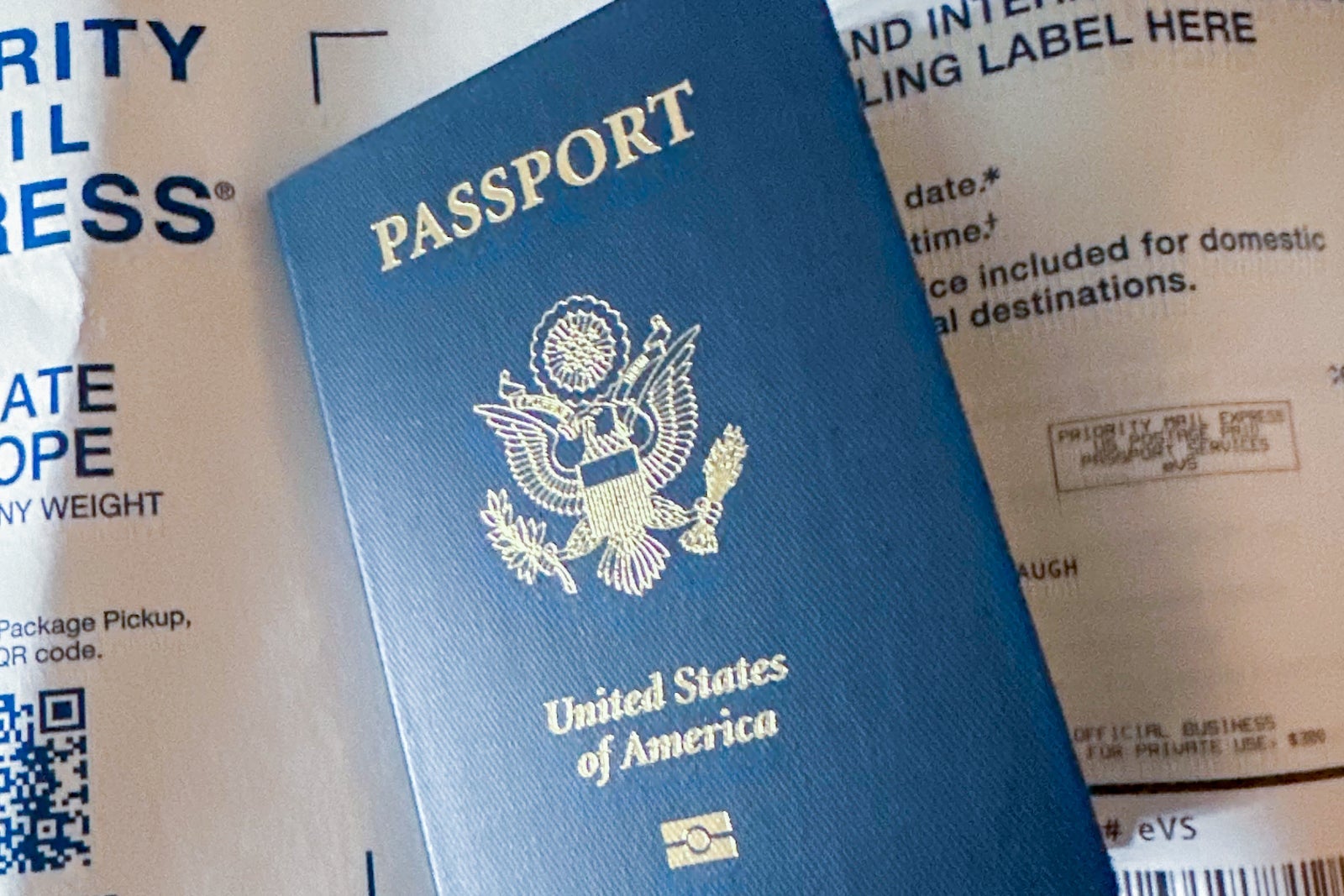
The next step is where some people get tripped up. You'll need to use the app to photograph your passport — and then scan the chip inside your passport, too.

That gold symbol on the front of the passport above means a microchip is embedded inside. (Don't worry if your passport doesn't have a biometric chip or you can't get it to scan; you can still get a travel authorization, but you'll need to do it online via the link provided earlier.)
Once you are done photographing your passport, the app will ask you to move your phone up and down over the front cover to scan the chip.
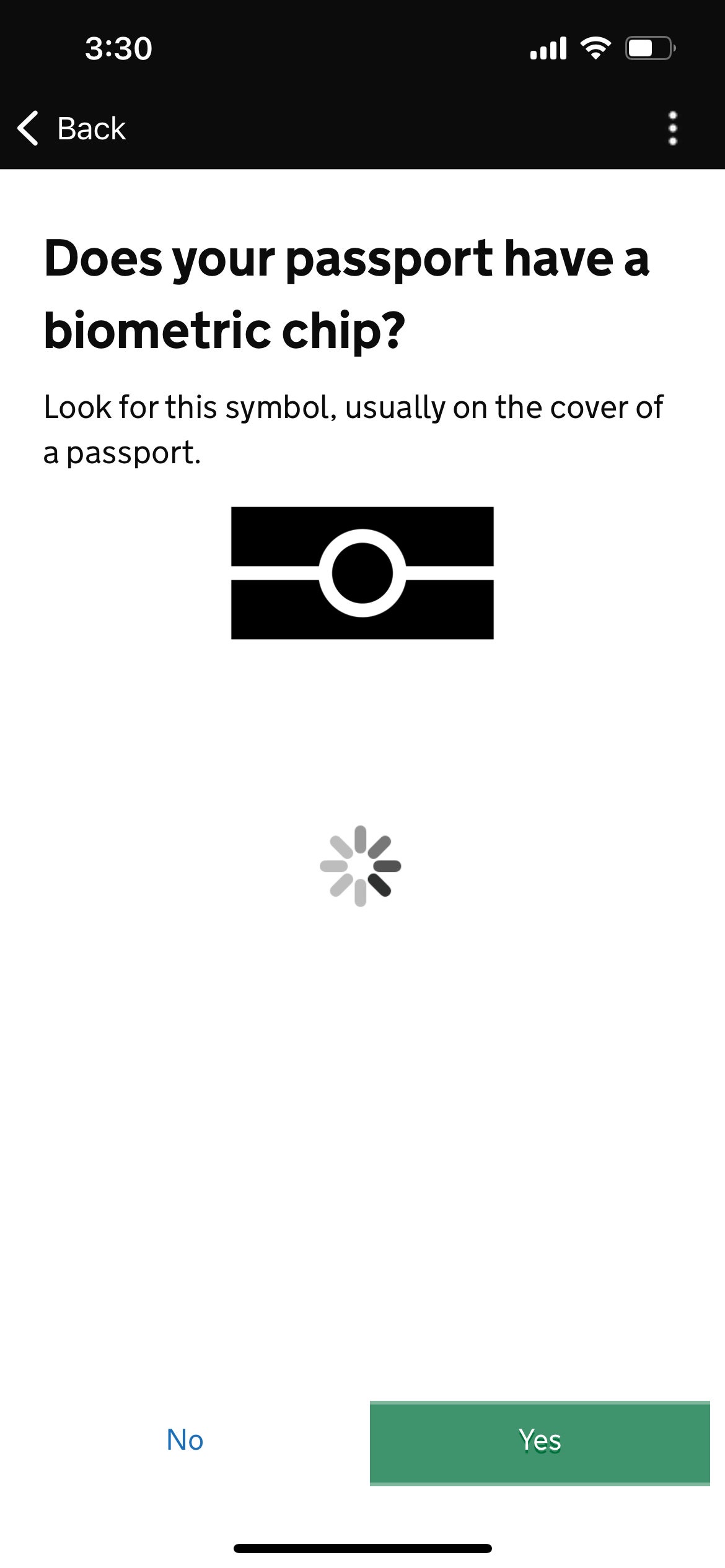
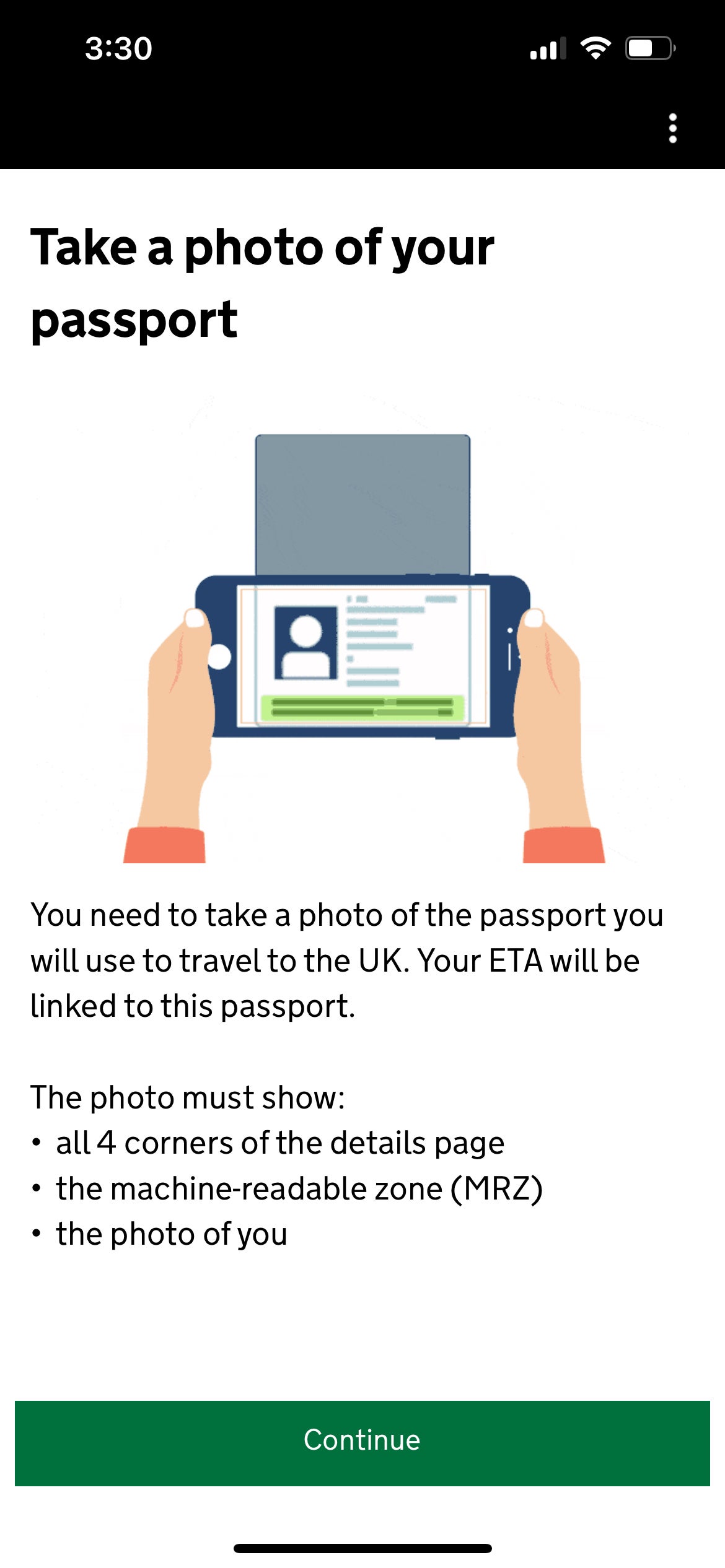
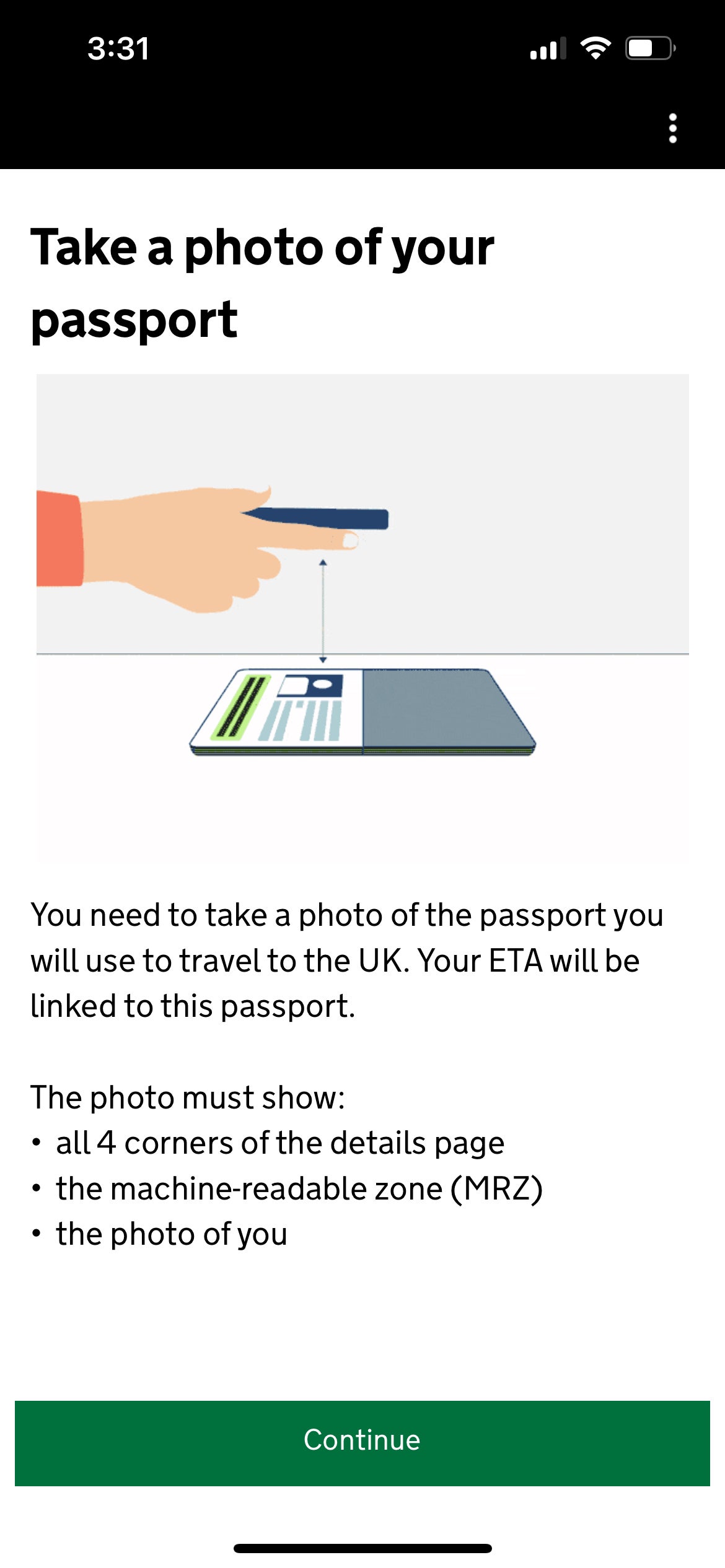
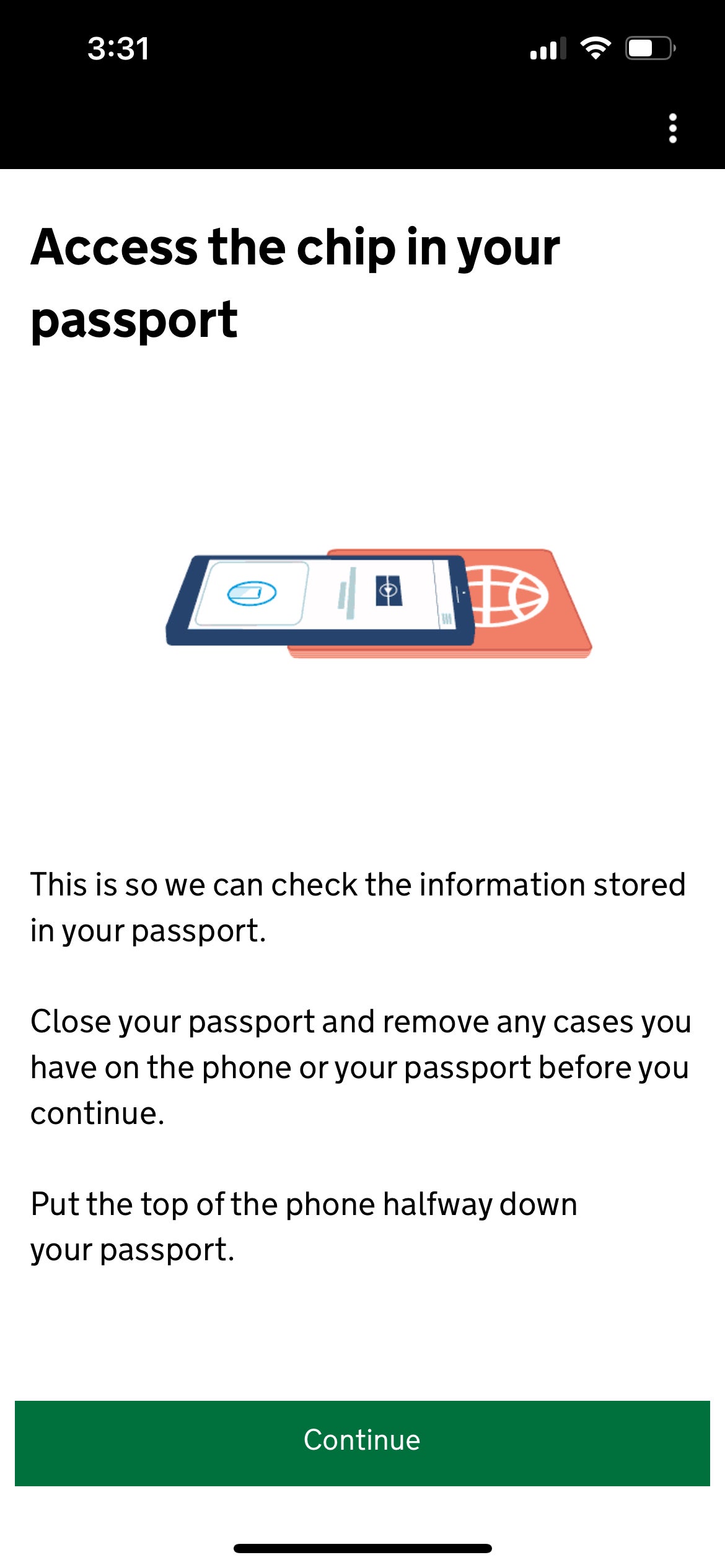
That didn't work at first for me. It didn't work at first for my colleague Lyndsey Matthews when she applied earlier this month either. "That was the trickiest part," Lyndsey said. "I finally got it to scan properly after four failed attempts. Pro tip: Take the case off your cellphone."
Thankfully, the app will at least tell you if it can't find the chip.
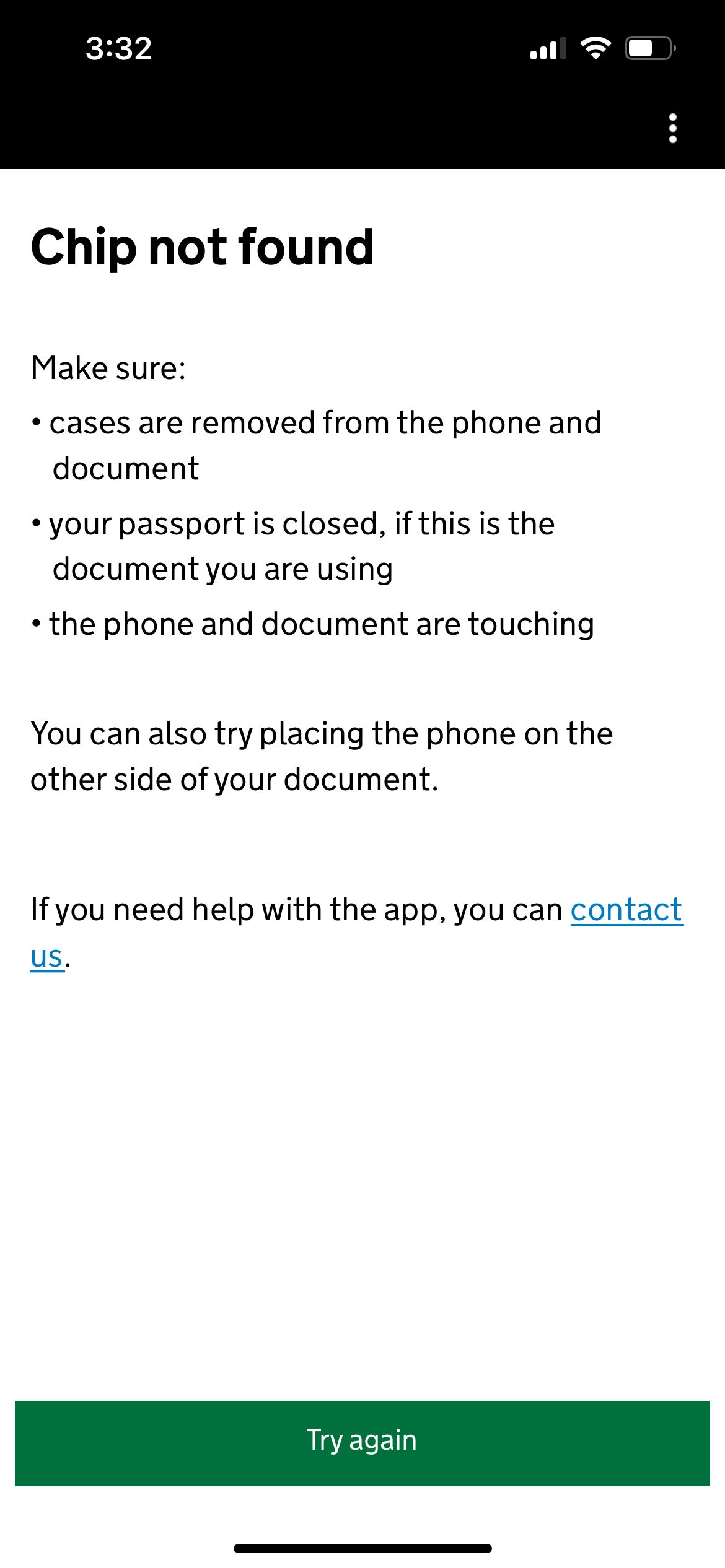
For me, it finally worked when I held my phone over the back of my passport. Apparently, in many U.S. passports, the electronic chip is actually inside the back cover, not the front.
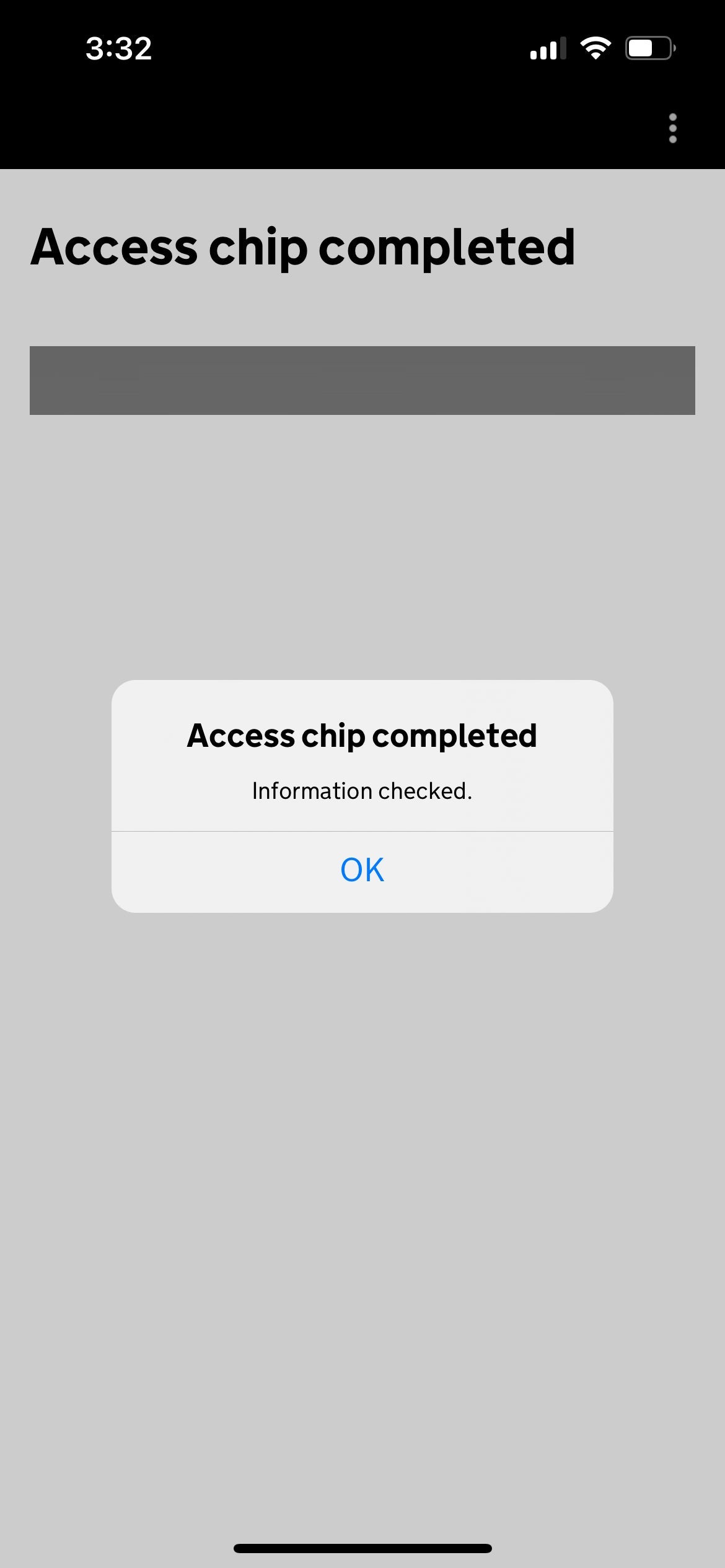
After this article was first published, reader Dennis Markham reported, "For both my travel partner and I, we were only successful scanning the chip from the color photo page inside the passport. The scan did not work from the front or back cover, nor from the black and white photo page (the one with the Passport Number and all the information)."
So you may have to try a few different ways to get the chip to scan.
Taking a photo for the travel authorization
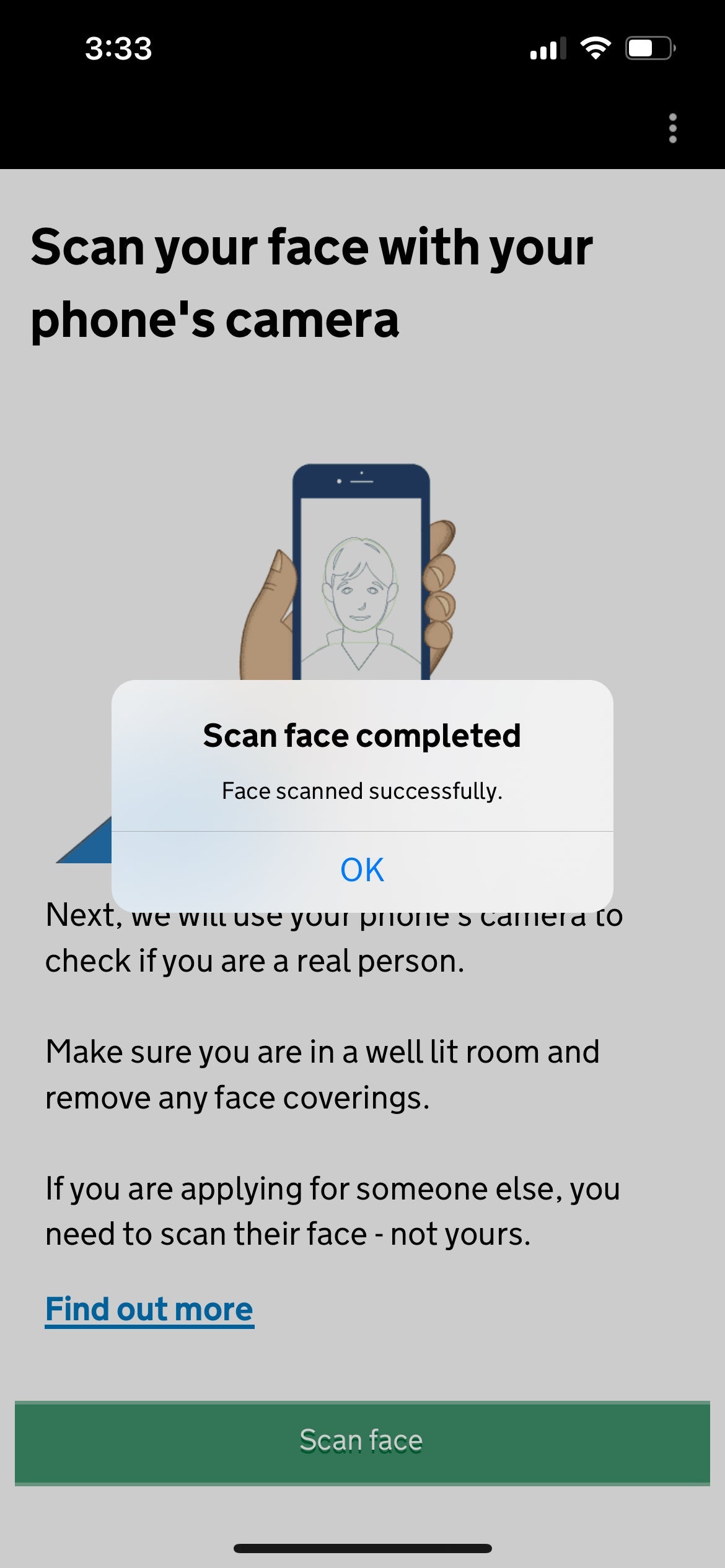
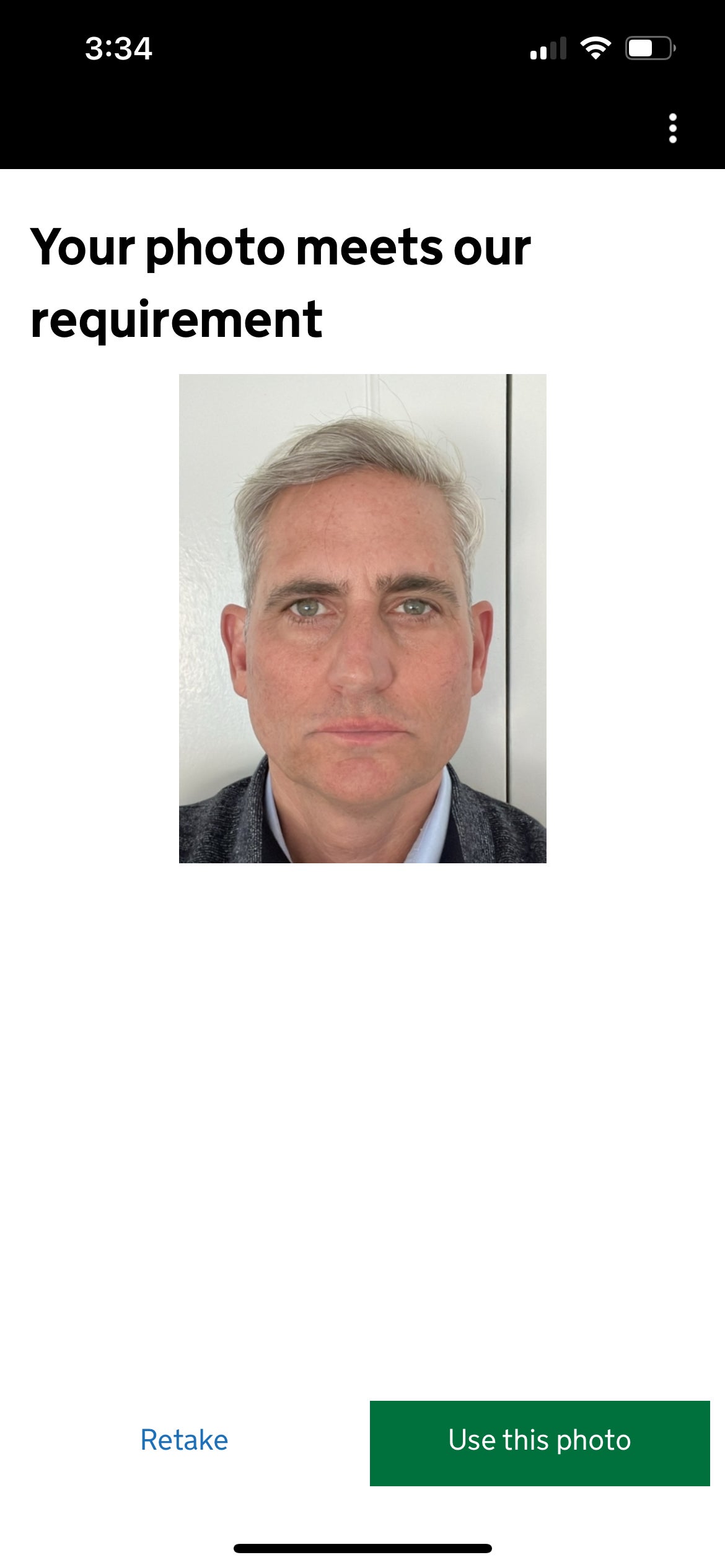
Next, you'll need to scan your face to prove you are a human, and then take a passport-style photo.
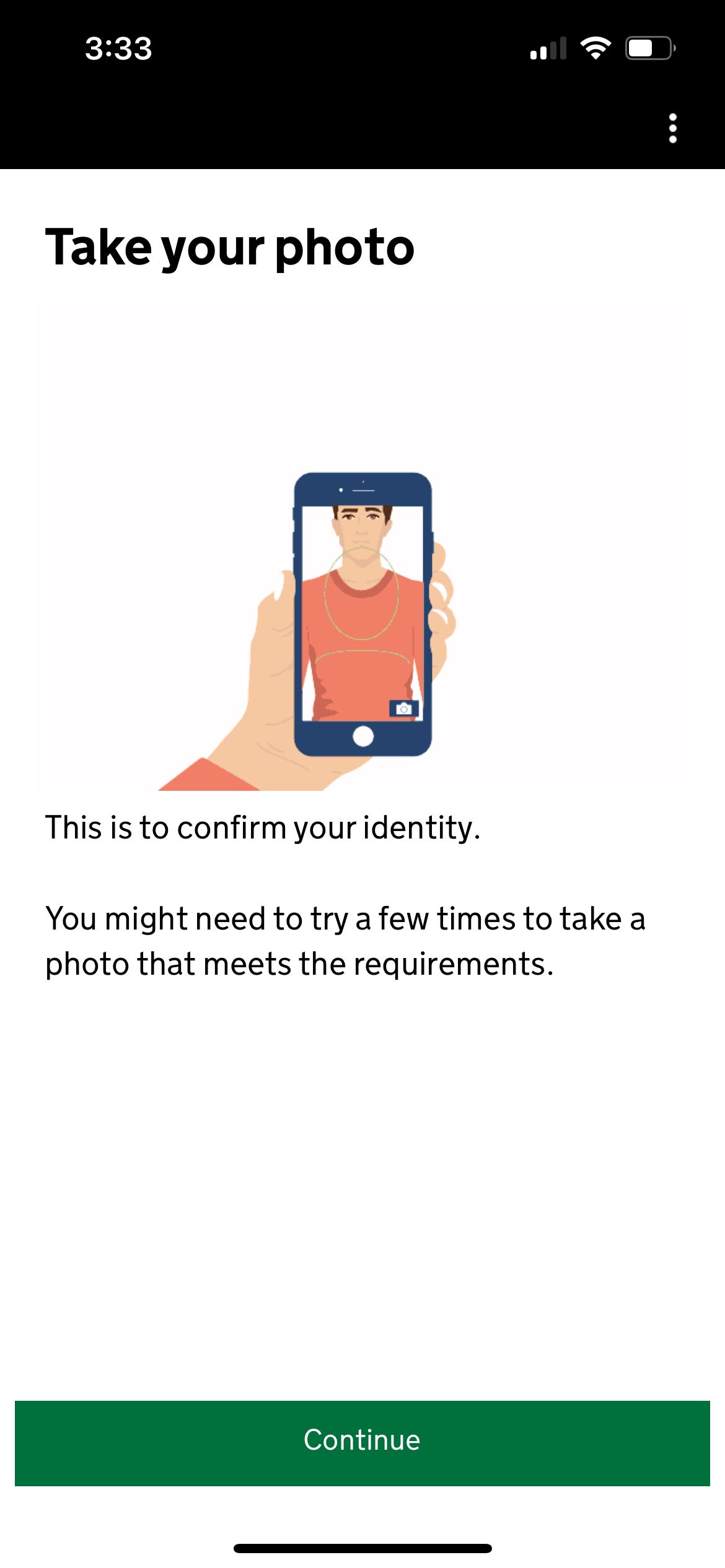
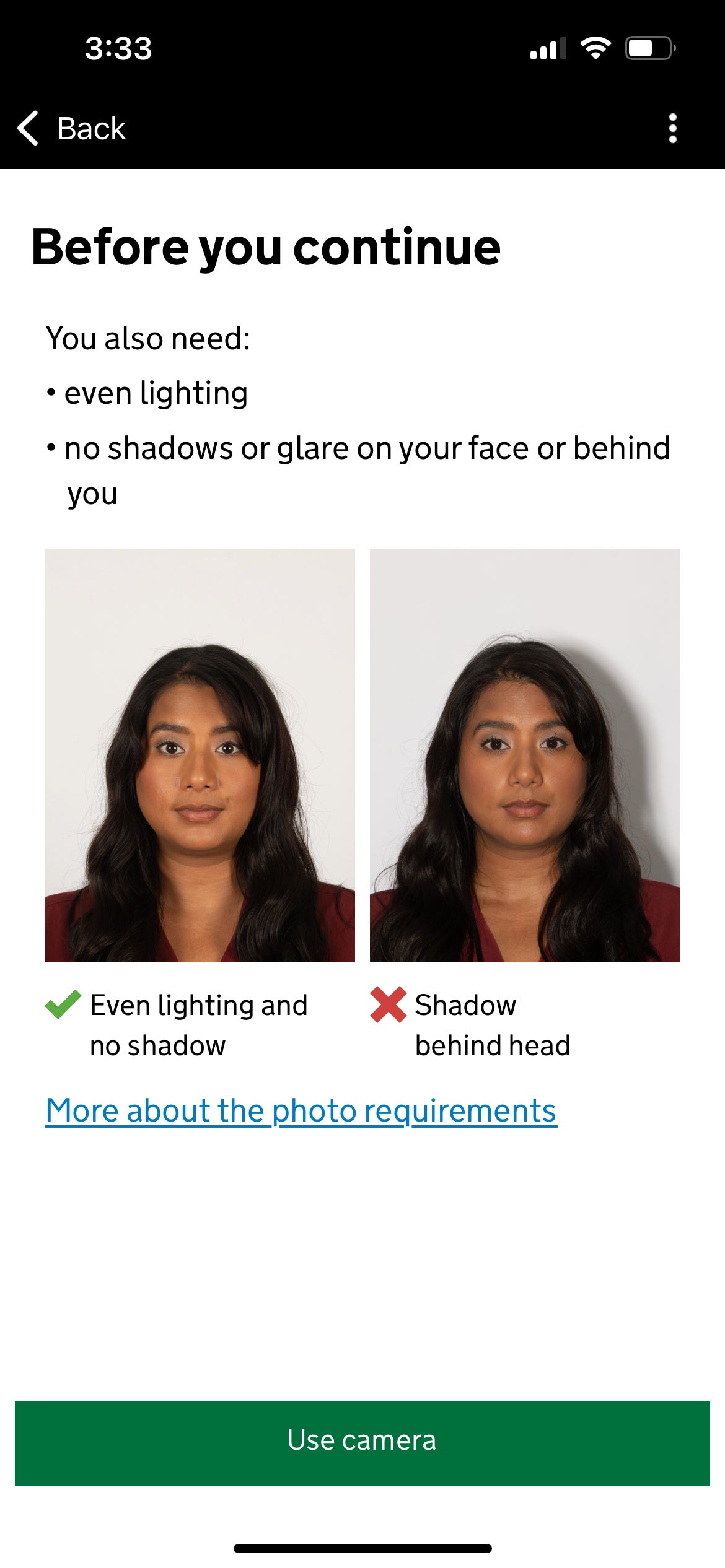
You'll need a plain white background with no shadows for this — something that trips a lot of folks up.
"I had to retake it three times to ensure no shadows were on my face and that the background was plain white," Lyndsey said.
I also had to retake my photo several times to get one to work. Some users report that turning on a selfie flash helps a great deal, too, though I didn't end up needing to go that far because I had direct sunlight on my face.
Answer a series of questions to complete the UK travel authorization application
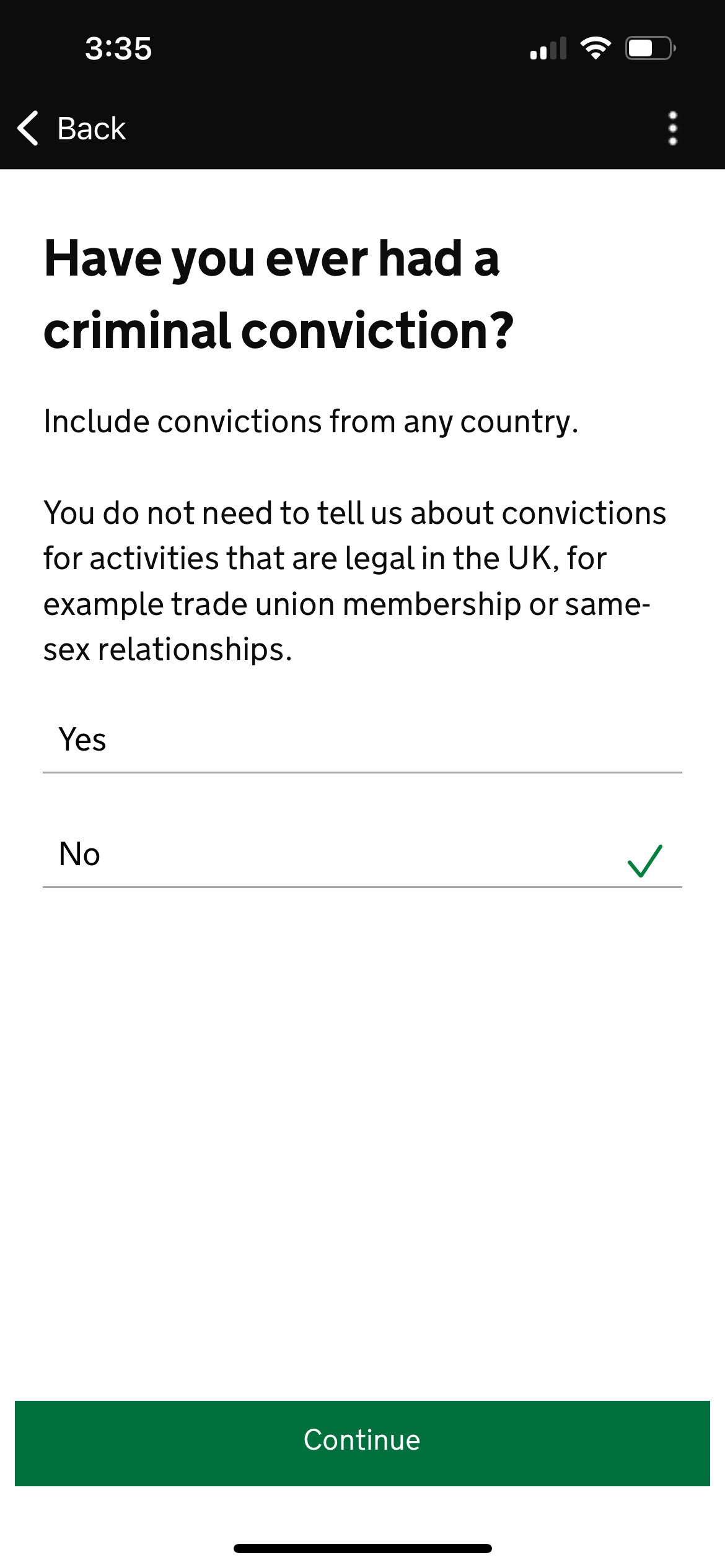
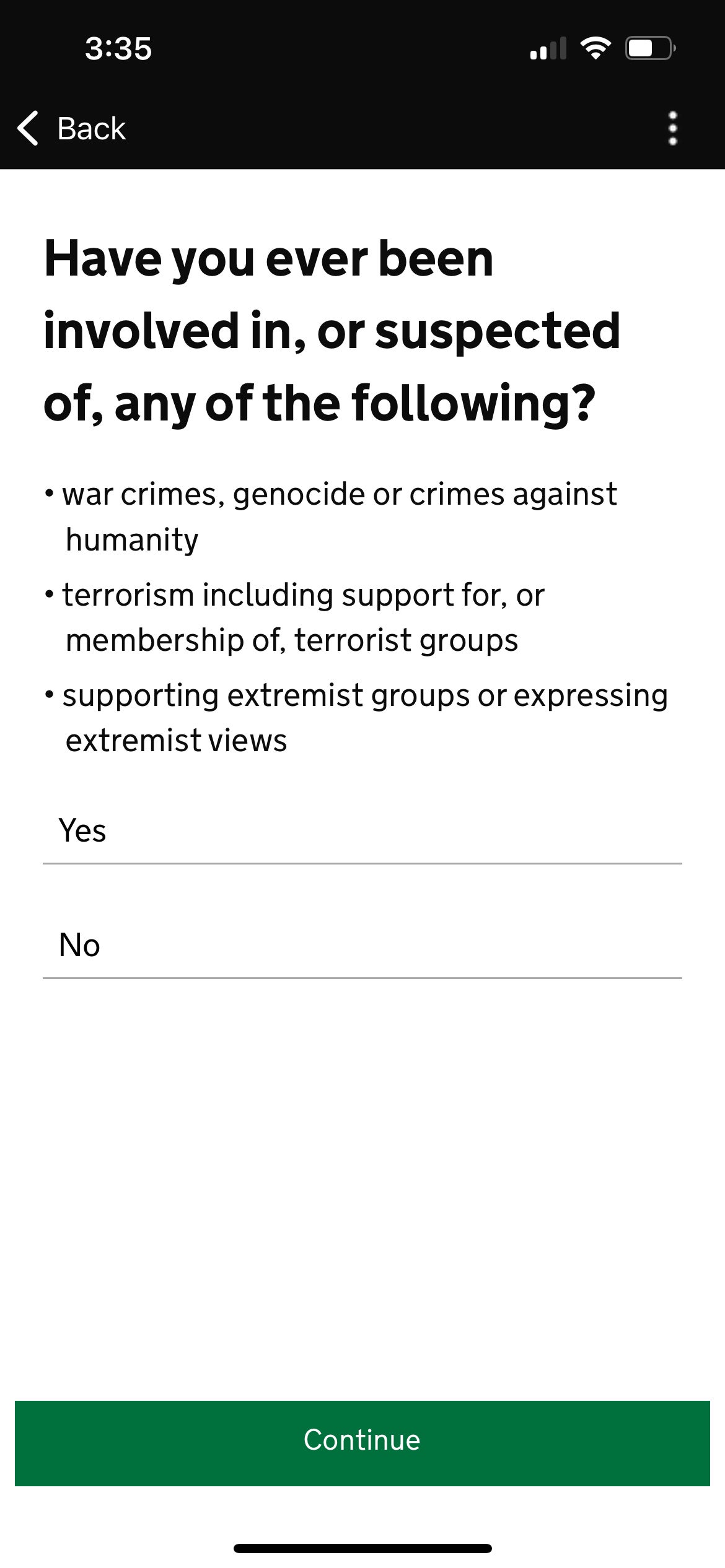
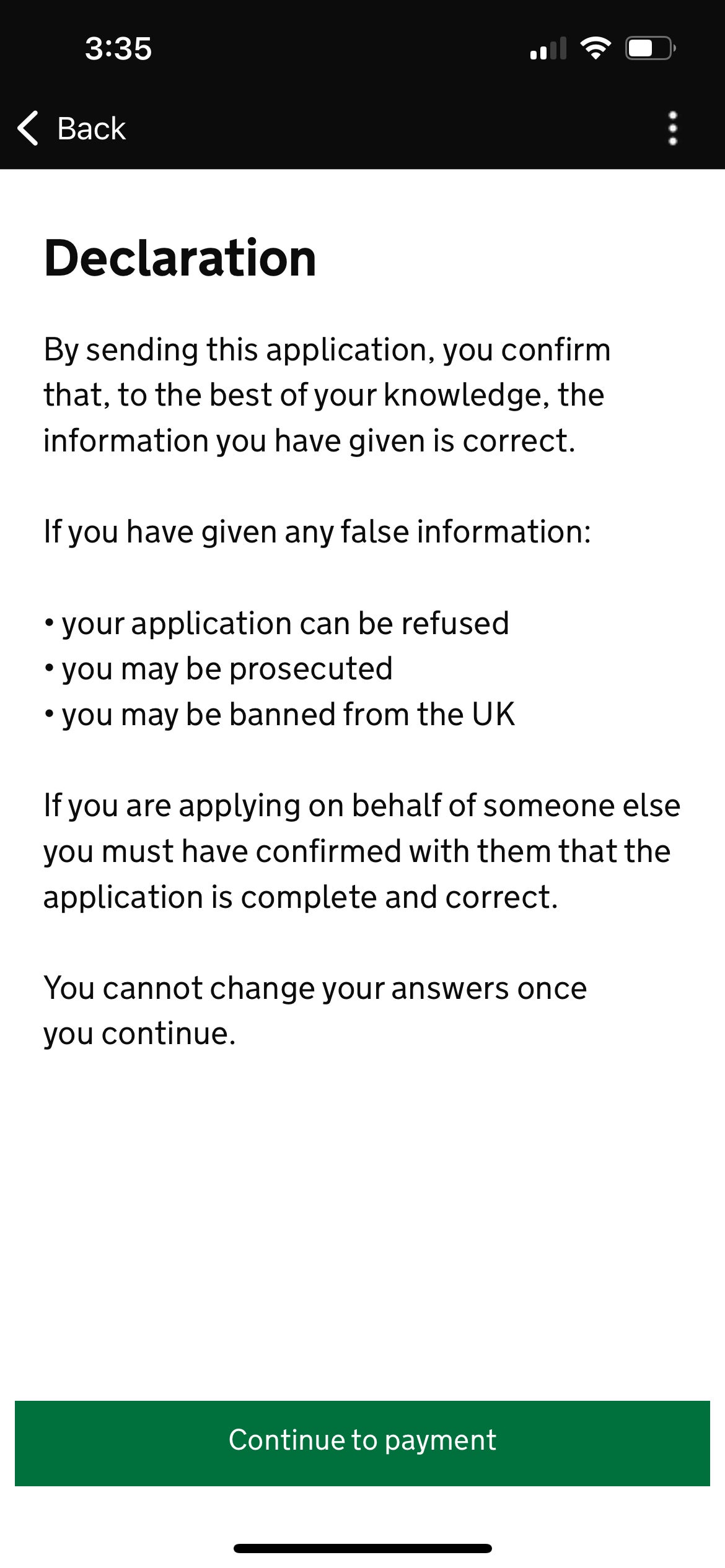
While you won't need to fill out any details about any upcoming trips, the app will ask for your home address, what you do for work, and whether you've been convicted or suspected of any crimes.
Payment for UK travel authorization
Next comes the payment screen. As you can see below, I ended up paying $12.73 for my application, but this was before the price went up to 16 British pounds, so I got a deal by signing up early. So did my colleague Lyndsey.
"I used Apple Pay through my Bilt Mastercard® and was charged $12.97," Lyndsey said. "You can also pay with Google Pay or a credit or debit card. Because I used my Bilt Mastercard on Feb. 1, I earned a Rent Day bonus of double the points on the application fee."
Note: Bilt cardholders must use the card five times each statement period to earn points; double points on Rent Day are capped at 1,000 points and exclude rent payments.
The information for the Bilt Mastercard has been collected independently by The Points Guy. The card details on this page have not been reviewed or provided by the card issuer.
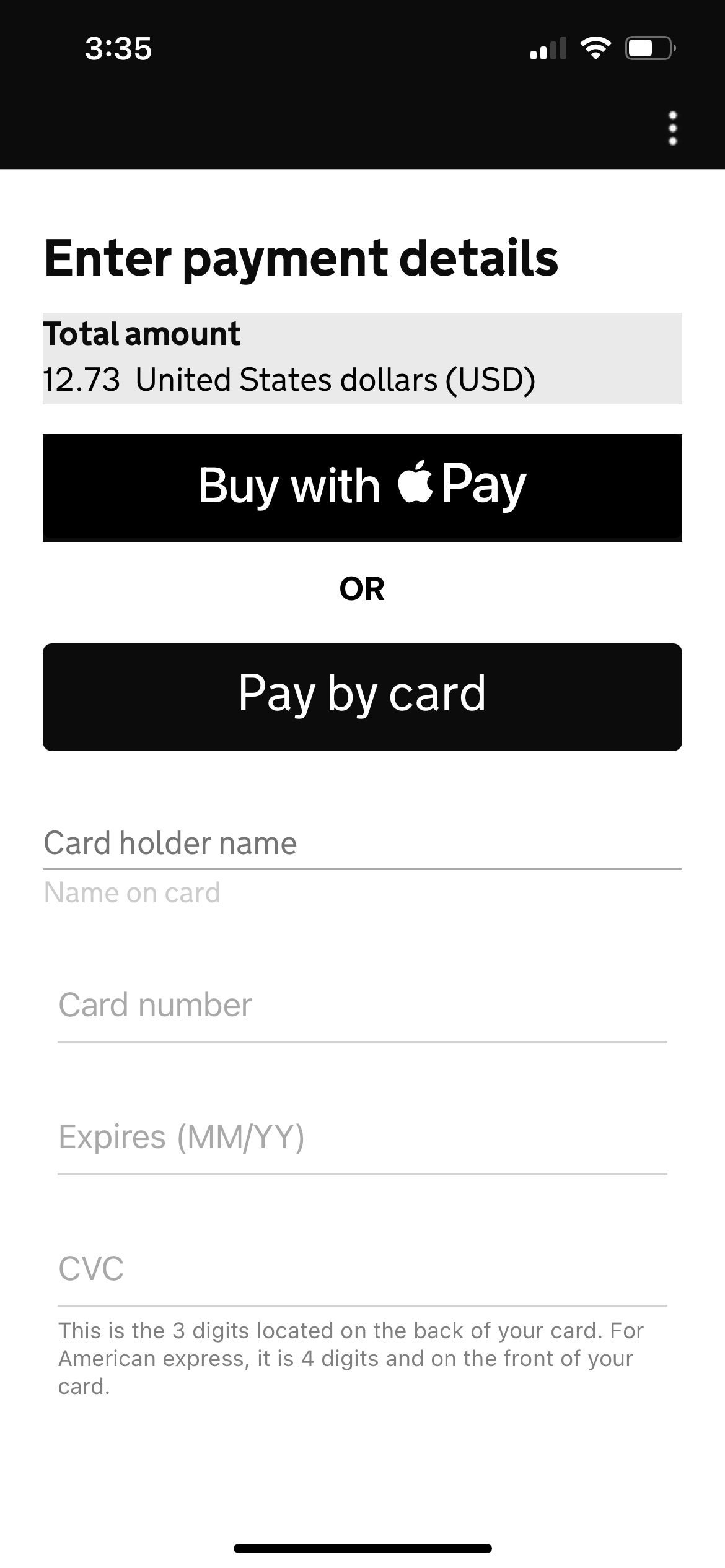
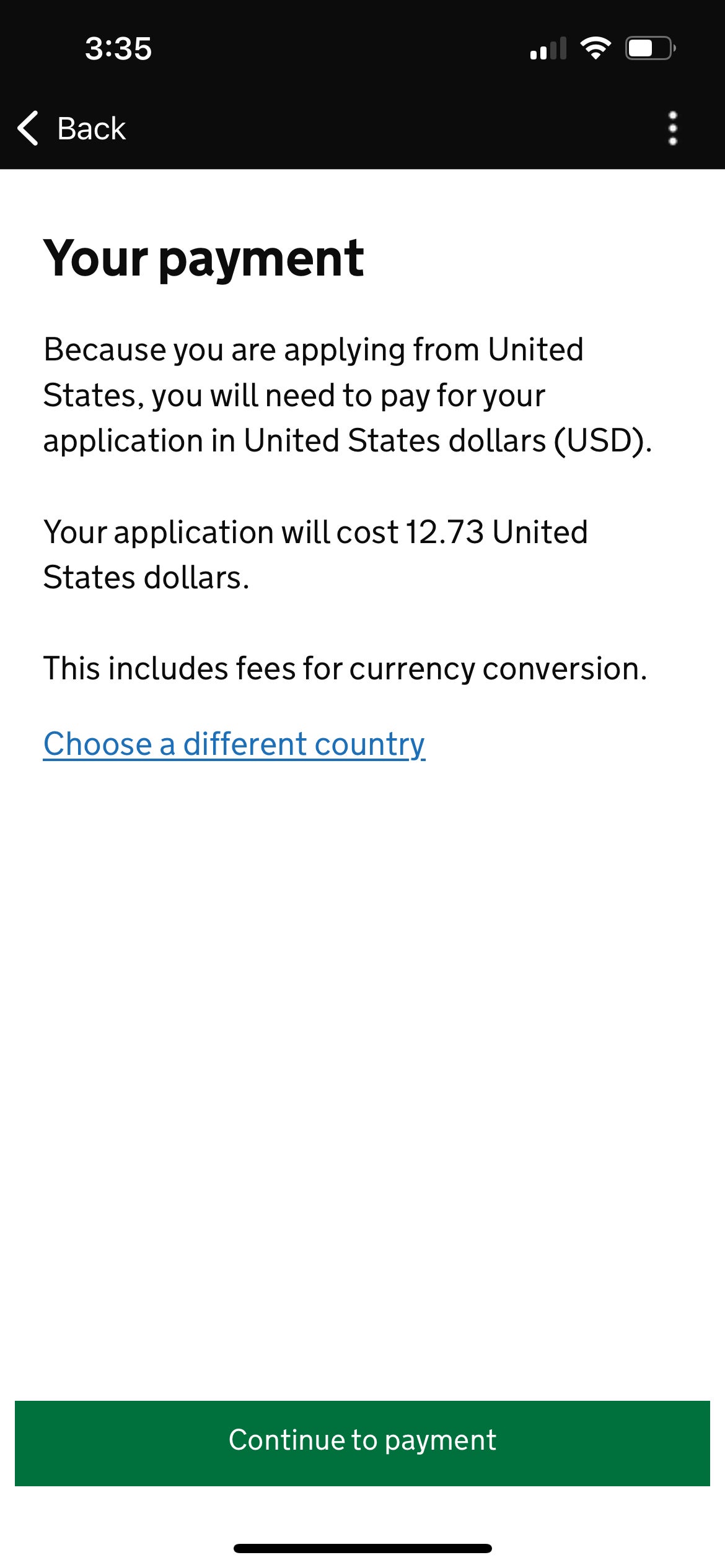
Once you've completed your payment, the app will display a successful application message with an ETA reference number.
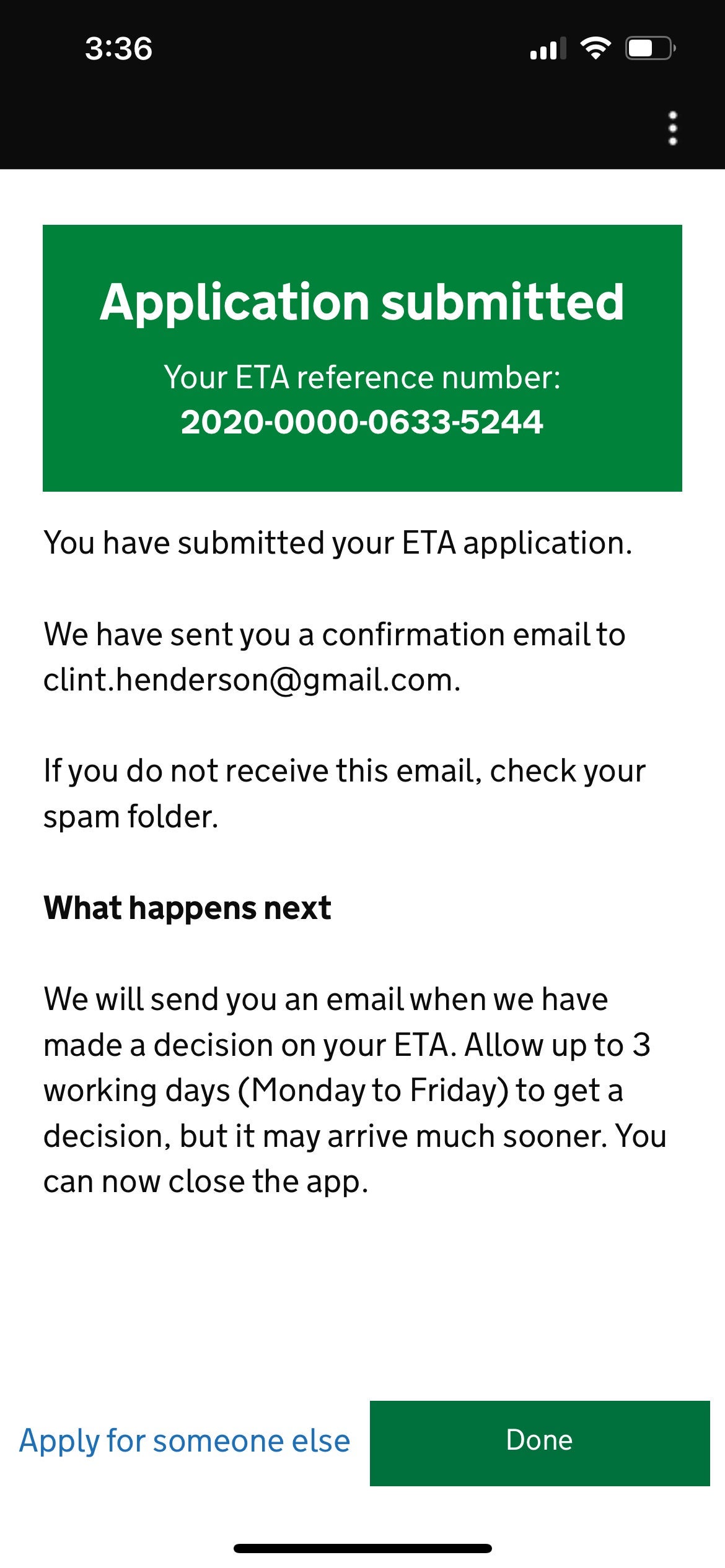
Most users should receive their authorization within minutes, but the U.K. government warns it can take up to three business days to obtain clearance, so it might be better to err on the side of caution and apply well ahead of your trip.
I got an email right away confirming my application was pending — and, one minute later, another email saying I'd been approved.
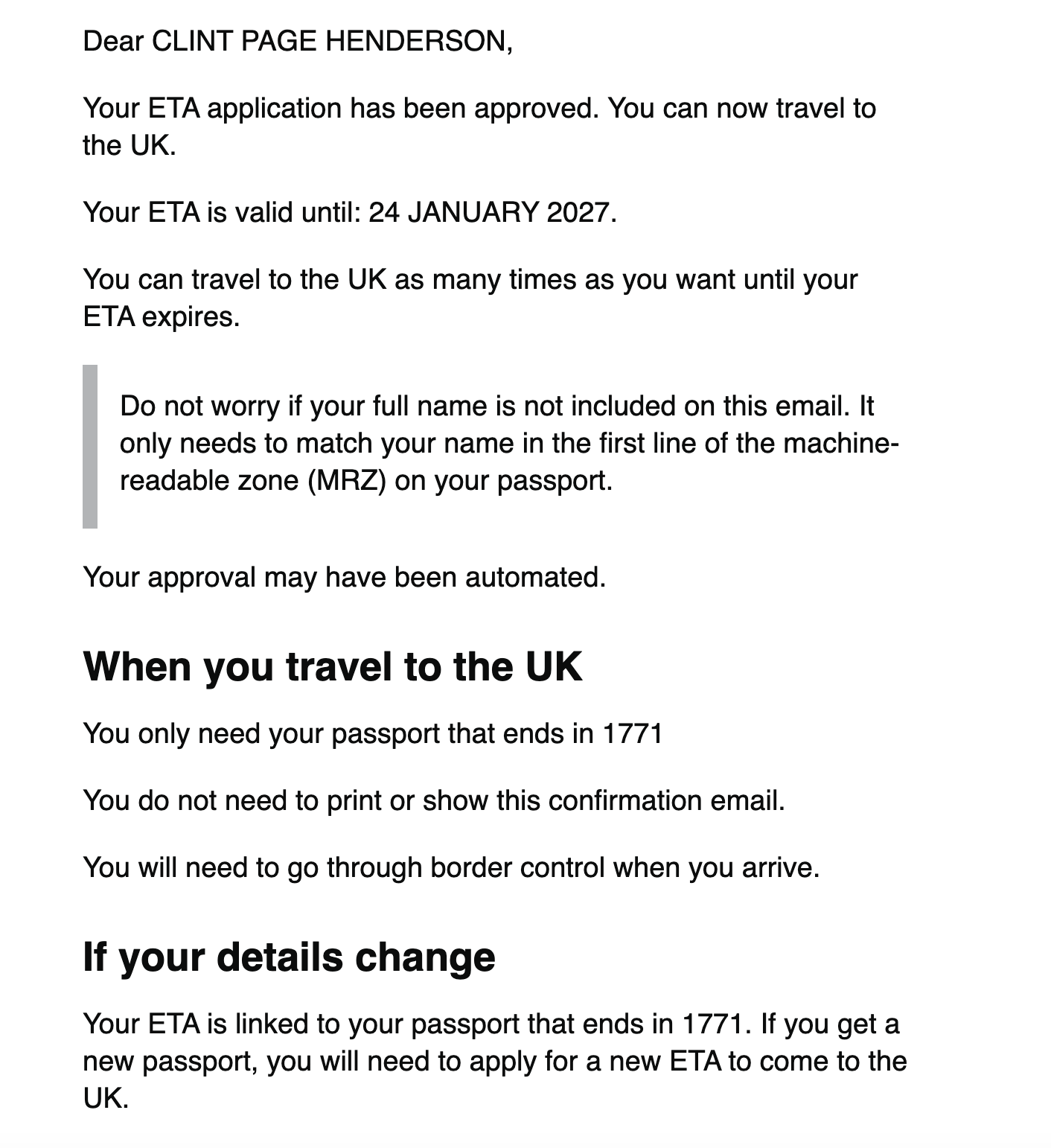
My colleagues Tanner Saunders and Lyndsey Matthews also received emails with their approvals in about three minutes. Look for emails from the UK Visas and Immigration Home Office to track your application.
"Since ETAs are linked to the passport you apply with, I didn't have to print anything," Lyndsey said. "When I landed at Heathrow, I proceeded through the ePassport gate like usual and was out of Terminal 3 to catch the Heathrow Express within five minutes."
The travel authorization is good for two years or until your passport expires, whichever is sooner. You can also travel to the U.K. as many times as you want on the same ETA.
Bottom line
The application process for the new U.K. travel authorization is fairly painless if you have a passing familiarity with technology. The extra expense and steps for visiting the U.K. may be annoying, but predictions of long lines and travel chaos at ports of entry have so far been overblown.
Hopefully, when the European Union rolls out its own version sometime this or next year, it will be equally straightforward.
Related reading:
TPG featured card

at Capital One's secure site
Terms & restrictions apply. See rates & fees.
| 5X miles | Earn 5X miles on hotels, vacation rentals and rental cars booked through Capital One Travel |
| 2X miles | Earn unlimited 2X miles on every purchase, every day |
Pros
- Stellar welcome offer of 75,000 miles after spending $4,000 on purchases in the first three months from account opening. Plus, a $250 Capital One Travel credit to use in your first cardholder year upon account opening.
- You'll earn 2 miles per dollar on every purchase, which means you won't have to worry about memorizing bonus categories
- Rewards are versatile and can be redeemed for a statement credit or transferred to Capital One’s transfer partners
Cons
- Highest bonus-earning categories only on travel booked via Capital One Travel
- LIMITED-TIME OFFER: Enjoy $250 to use on Capital One Travel in your first cardholder year, plus earn 75,000 bonus miles once you spend $4,000 on purchases within the first 3 months from account opening - that’s equal to $1,000 in travel
- Earn unlimited 2X miles on every purchase, every day
- Earn 5X miles on hotels, vacation rentals and rental cars booked through Capital One Travel
- Miles won't expire for the life of the account and there's no limit to how many you can earn
- Receive up to a $120 credit for Global Entry or TSA PreCheck®
- Use your miles to get reimbursed for any travel purchase—or redeem by booking a trip through Capital One Travel
- Enjoy a $50 experience credit and other premium benefits with every hotel and vacation rental booked from the Lifestyle Collection
- Transfer your miles to your choice of 15+ travel loyalty programs
- Top rated mobile app