Credit card writer Danyal Ahmed is an avid traveler, averaging about 100,000 aeronautical miles per year. He regularly applies that knowledge and his expertise in credit cards to his role as a credit card writer at TPG.
also contributed to this story
August 21, 2024 • 7 min read
The cards we feature here are from partners who compensate us when you are approved through our site, and this may impact how or where these products appear. We don't cover all available credit cards, but our analysis, reviews, and opinions are entirely from our editorial team. Terms apply to the offers listed on this page. Please view our advertising policy and product review methodology for more information.Editorial disclaimer: Opinions expressed here are the author's alone, not those of any bank, credit card issuer, airline or hotel chain, and have not been reviewed, approved or otherwise endorsed by any of these entities.
Comments
By commenting, you agree to our Community Guidelines to help create a positive space for conversation. The responses below are not provided or commissioned by the bank advertiser, our partners, or The Points Guy (“TPG”). They have not been reviewed, approved, or otherwise endorsed by any of these parties. All responses are submitted by individual contributors, and neither the bank advertiser, our partners, nor TPG are responsible for ensuring that all posts and/or questions are answered.
Related stories
Quick summary
Purchasing a computer can be an opportunity to earn valuable points, miles or cash back, as well as benefit from purchase protections and extended warranties offered by certain cards.
Where you buy your computer—online or in-store—can impact the rewards and protections you receive, so compare prices and offers across multiple retailers and brands.
Utilizing shopping portals and merchant-specific offers can help maximize savings and rewards on your purchase.
Selecting a card that aligns with your priorities, such as maximizing rewards, securing purchase protection or meeting a minimum spending requirement, is key.
What to consider
Some offers and elevated earning rates are subject to spending caps or may only apply at specific merchants or categories.
Purchase protection and extended warranty benefits vary by card and may have claim limits and coverage durations.
Certain shopping portal or merchant offers may be time-limited or require activation before use.
What you'll miss from the article
Detailed comparisons of shopping portals, retailer options and card benefits to help you maximize value on your next computer purchase.
Generated by AI with support from our editorial team.
Update: Some offers mentioned below are no longer available. View the current offers here.
Buying a computer is typically a big expense. Depending on your preferences and needs, you might spend anywhere from a couple hundred dollars to several thousand dollars.
While making this purchase can put a dent in your wallet, it can also be a good way to earn valuable points or miles and utilize purchase protection, extended warranties and other features offered by top travel rewards credit cards. Here are a few things to consider before your next computer purchase.
Factors to consider
There are two factors to consider when purchasing a computer and using a card that earns you rewards.
Where you are planning on purchasing the computer? Consider what retailer(s) you could purchase from, and weigh the pros of purchasing in-store versus online.
Which card are you planning on using? Will you prioritize the card with the best spending category, focus on hitting a minimum spending requirement to earn a new card's welcome bonus, or are you looking to reap the benefits of credit card purchase protections?
FRESHSPLASH/GETTY IMAGES
Take some time to consider each of the above so you're making a decision that factors in your top priorities. Keep in mind most purchases you are looking to make in-store can also be made online.
Deciding where to buy your computer
There are a large number of places to purchase computers from that take credit cards. The largest retailers of computers in the United States are the following:
Amazon
Walmart
Target
Newegg.com
Best Buy
Office Depot
Office Max
Costco
Many brands, including Apple, Dell, Google and Lenovo, also sell direct, so be sure to check their sites as well.
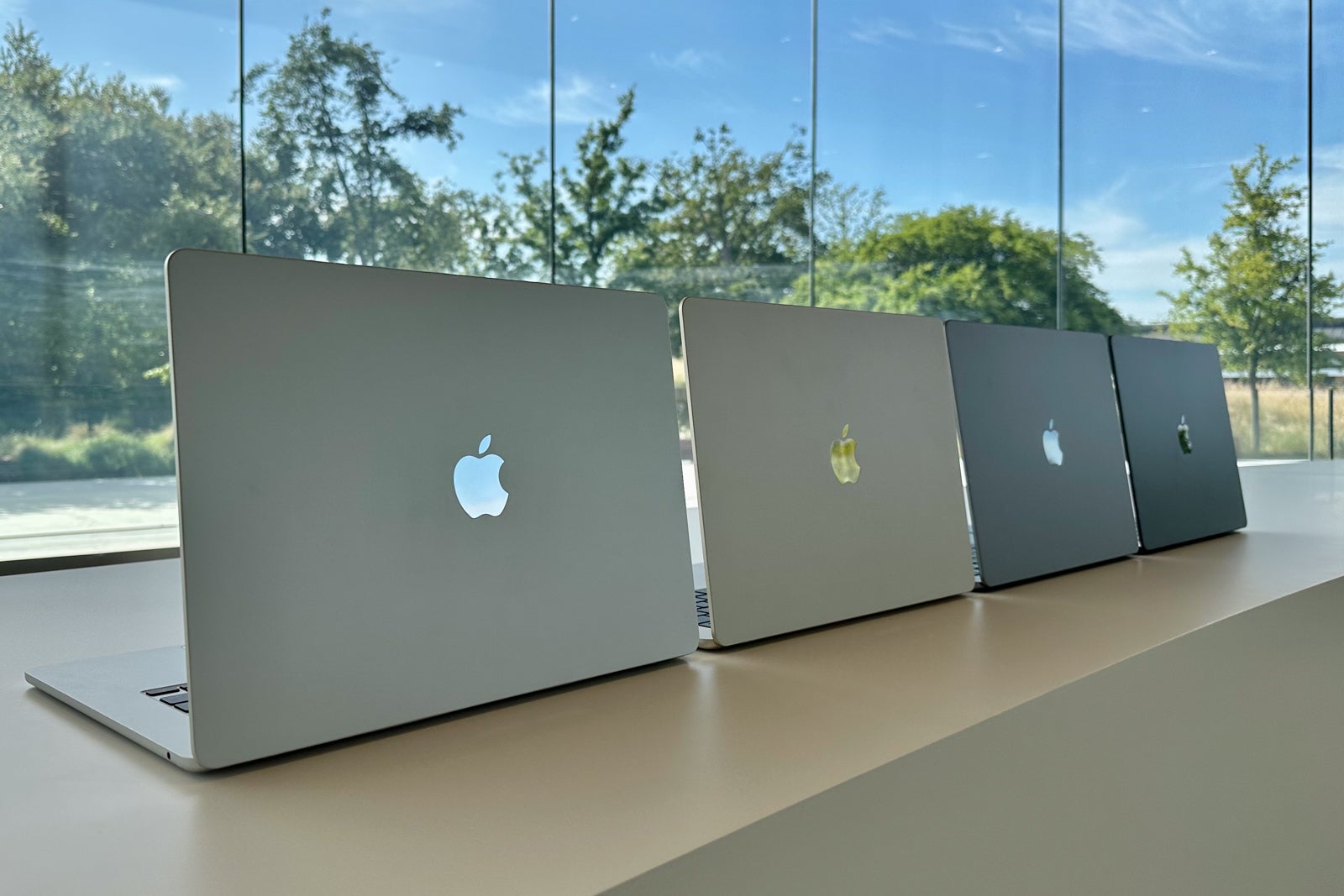
ZACH GRIFF/THE POINTS GUY
Once you find the perfect computer, be sure to search for it across multiple vendors, as you may find a variance in price. Also, each retailer could have a difference in the number of units in stock.
Utilize shopping portals
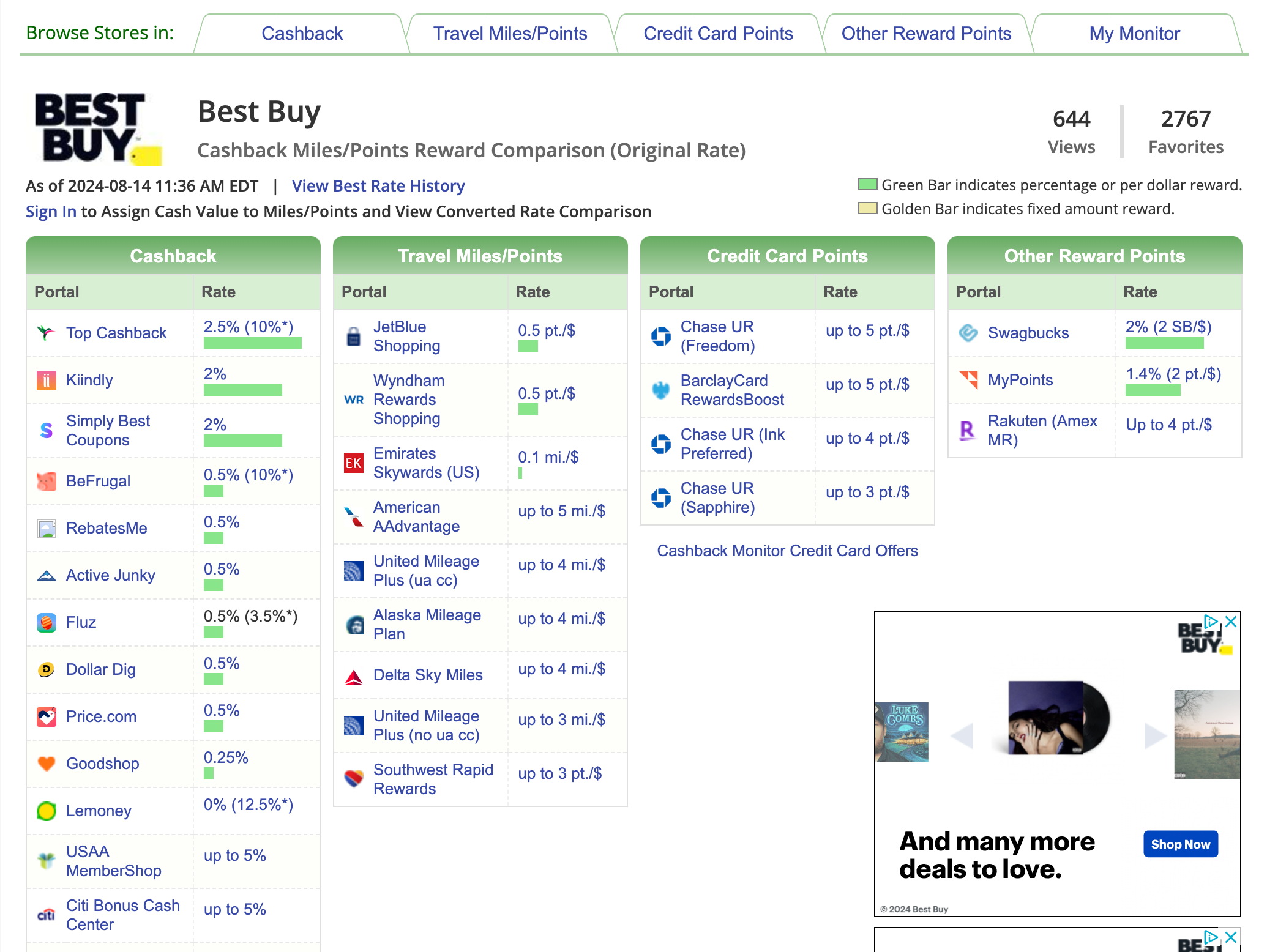
Cash-back and shopping portals can be your best friend when planning a computer purchase. CashBackMonitor is a great place to start — the site aggregates offers from cash-back and points shopping portals into one convenient screen. However, be sure to check the portals directly as well to verify the correct earning rate.
Lastly, if you're an American Express or Chase cardholder, be sure to check both Amex Offers andChase Offers, as you could be eligible for a discount or bonus points for spending a certain amount.
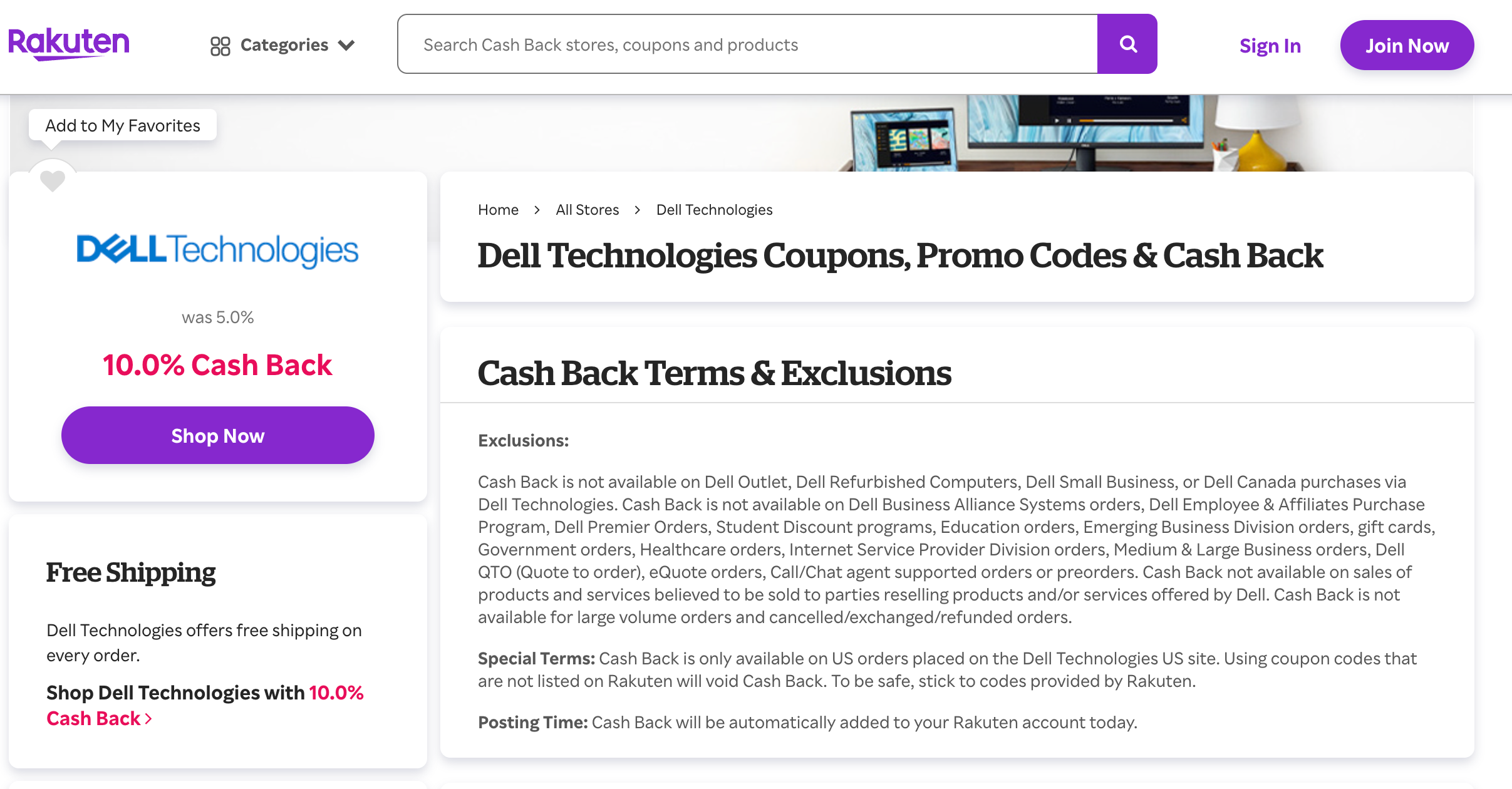
RAKUTEN.COM
As an example, let's say you decide to purchase a $1,500 Dell when your card has a 10% cash back offer and Rakuten is also offering 10% cash back on Dell purchases. That's already $300 in savings. Then, if you purchase your new computer with an American Express® Business Gold Card, you'll also earn 4 points per dollar spent, which will net you 6,000 American Express Membership Reward points (on the $1,500 purchase) worth $120, according to TPG's August 2024 valuations.
Selecting the right retailer for making your purchase and finding the right shopping portal are important steps in maximizing your purchase. However, picking the right credit card for this purchase can make an even larger difference in the hard cost and potential points earnings.
Choosing the right credit card
The "right" credit card will be the one that offers you what you value most: the highest return on your spending, purchase protection and/or extended warranty to keep your computer covered or the opportunity to meet a minimum spending requirement and lock in a sign-up bonus.
Cards that offer bonus rewards on computer purchases
Lastly, make sure you're aware of which bonus categories will earn you the most for your spending. Many cards offer bonus categories for the vendors mentioned above. Whether you're buying your computer from an office store, warehouse store or large retailer like Walmart, there's potential to earn extra points.
Here are some cards — many of them being business credit cards— that could help put some money back in your pocket and provide access to elevated earning rates when you make your next computer purchase.
Card
Earning Rate
Restrictions
Ink Business Cash® Credit Card (see rates and fees)
5% cash back (which can be converted to 5 points per dollar if you have a card that earns Ultimate Rewards points)
At office supply stores (and on internet, cable and phone services, on the first $25,000 spent in combined purchases each account year)
American Express® Business Gold Card
4 points per dollar spent
4 points per dollar spent apply to the first $150,000 in combined purchases from these two categories each calendar year purchases at US media providers for advertising in select media (online, TV, radio), U.S. purchases made from electronic goods retailers and software & cloud system providers, U.S. purchases at restaurants, including takeout and delivery, U.S. purchases at gas stations
Transit purchases including trains, taxicabs, rideshare services, ferries, tolls, parking, buses, and subways, monthly wireless telephone service charges made directly from a wireless telephone service provider in the U.S.
The Blue Business® Plus Credit Card from American Express
2 points per dollar spent
On the first $50,000 spent each year (then 1 point per dollar spent thereafter)
Chase Freedom Unlimited® (see rates and fees)
1.5% cash back (which can be converted to 1.5 points per dollar spent if you have a card that earns Ultimate Rewards points)
Purchase protection and extended warranty
Keep in mind the coverages and extended warranties a credit card can provide — these can come in especially handy for a new computer.
Purchase protection benefits vary widely depending on the card — see our full guide for more info. But we'll take one example using a card that also offers a solid return on spending at office supply stores: the Ink Business Cash. This card offers purchase protection for up to 120 days against damage or theft, up to $10,000 per claim and up to $50,000 per account.
Extension of the manufacturer's warranty by two years, with total coverage not exceeding seven years from the purchase date
If an extended warranty is purchased, Citi's coverage begins at the expiration of that warranty
Coverage up to $10,000
These benefits can come in handy if your computer starts having issues.
Meet minimum spending requirements for a new card
A large purchase like a new computer can help you reach a minimum spending requirement for a credit card sign-up bonus. So if you've just opened a new card, consider using it to pay for your new tech. And if you're looking for a good travel rewards card, check out our recommendations.
Bottom line
A large purchase like a computer can sometimes be a tough pill to swallow, but it can be less painful when taking your time to maximize points, miles and potential cash back options. Be sure to check shopping portals and merchant offers before choosing the right card to purchase your new laptop.
By commenting, you agree to our Community Guidelines to help create a positive space for conversation. The responses below are not provided or commissioned by the bank advertiser, our partners, or The Points Guy (“TPG”). They have not been reviewed, approved, or otherwise endorsed by any of these parties. All responses are submitted by individual contributors, and neither the bank advertiser, our partners, nor TPG are responsible for ensuring that all posts and/or questions are answered.