4 Tips for When You Check Your Electronic Devices
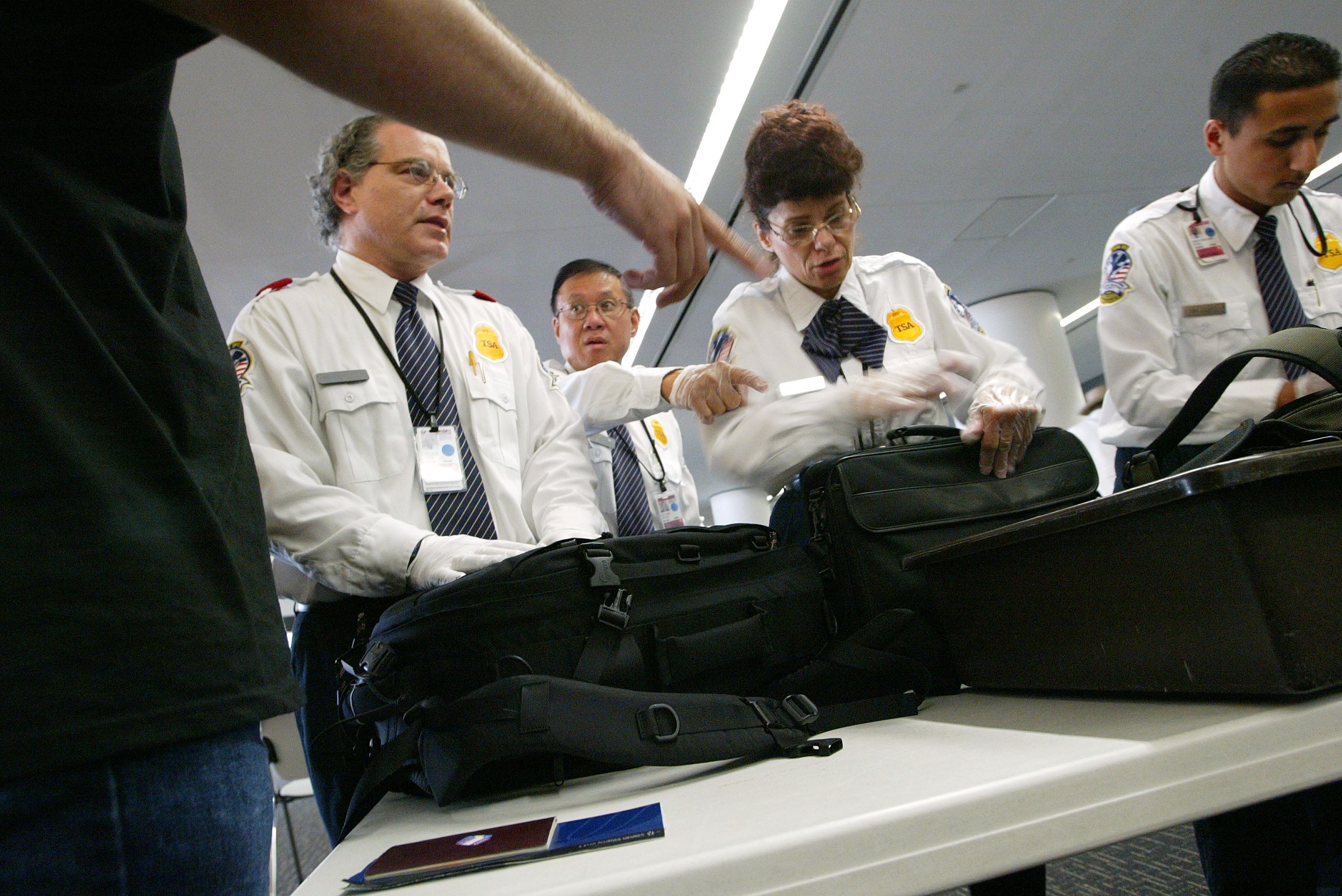
For many people, travel is already stressful enough. As of this week, it's become a lot more complicated too, in the wake of the Department of Homeland Security (DHS) and Transportation Security Administration's (TSA) new electronics ban, which changed the rules surrounding carry-on devices on flights to the US from 10 airports in eight countries, including major hubs like Istanbul and Dubai, among others. While the ban, which seemed to happen in an instant, has left travelers with loads of questions — some of which we've already attempted to answer — the biggest query seems to be: What's the best way to ensure that checked devices make it to their destination safely and securely? Here are four tips for making that happen.
1. Lock Your Devices
Even if you're only traveling from your front door to the nearest Starbucks, it's always a smart idea to lock your electronic devices — be it a smartphone, tablet or laptop — to protect the security of whatever information you have on said devices.
Danny O'Brien, International Director of the Electronic Frontier Foundation — a nonprofit organization dedicated to defending people's civil liberties in an increasingly digital world — wrote this week that the ban has "provoked a growing sense of insecurity among personal and business travelers flying between America, the Middle East and Turkey, and rightly so." It was also recently reported that US Customs and Border Protection searched more individuals' electronic devices in February than it had in all of 2015 — and that was in full view of the devices' owners.
Though the DHS went on record with TPG to state that data wouldn't be collected from checked devices, that hasn't allayed travelers' fears about losing contact with their devices — particularly those who use airtime as work time, or keep little ones in tow busy with a tablet. While just how far a traveler will go to secure the data on his or her device will vary based on its level of confidentiality, the easiest and most important first step every traveler should take is to lock each and every one of his or her devices with a password. But don't stop there.
"Don't just lock: encrypt," O'Brien told TPG. "In modern phones and laptops this can happen automatically when you set a long passcode, but not always. Check your devices user guide or ssd.eff.org. On Macs, it's called FileVault, on Windows, it's BitKeeper. An encrypted device is much harder for others to read than a device that just asks for a password or other code to unlock."
And, whatever you do, keep a copy of the device's password in a safe place — not on a Post-It on the device itself!

2. Track Your Luggage
Protecting the security of your data is one thing. Packing a device into a suitcase that never reaches you is another problem altogether. Though the airlines recently celebrated a record low for the number of bags they mishandled in 2016, lost luggage does happen. And neither you, nor your laptop, want to be one of the unlucky few. Fortunately, there's a pretty simple solution for locating wayward bags: luggage trackers.
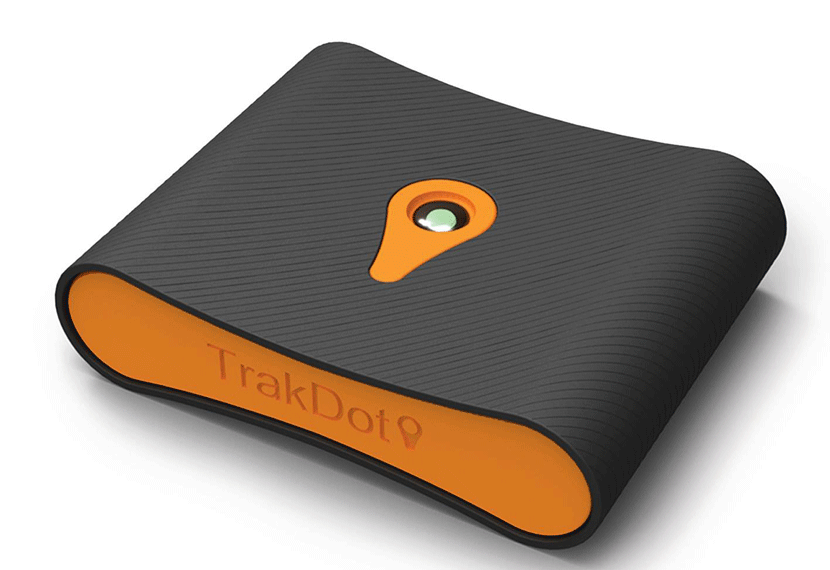
These GPS-like devices keep an eye on your belongings when they leave your sight, and while they won't prevent your bag from flying to LaGuardia while you're landing in JFK, these tiny devices can often be quicker to locate a missing item than an airline can. We've highlighted the pros and cons of a couple of them, which retail for around $50 apiece, as well as the Okoban luggage tag, which uses the SITA/IATA WorldTracer program — the same global system airlines use to find lost bags — to keep track of where your wandering weekender went.
3. Pack Your Suitcase Carefully
That the TSA is one half of the power behind the new electronics ban is ironic, considering the agency's past recommendation to flyers that electronics "should be packed in carry-on luggage because they are typically fragile, expensive and more prone to breaking if transported in checked baggage." But times change, and so do the rules. And since there's no point in arguing the mandate, you'll just have to do the best you can and be sure that you pack your bag as carefully as possible to ensure that your electronics are not damaged.

Brad John, co-founder of New York's Flight 001 travel store, told CNN that when it comes to packing electronics, "No solution is going to be perfect," but suggests that a protective, padded sleeve in which to store your devices and a hard-shell suitcase can all add additional layers of protection. If you're packing any liquids, John advises taking extra care to secure them in a leak-proof plastic bag if they're going to now be in the same bag as your precious pieces of technology.
4. Secure Your Bag
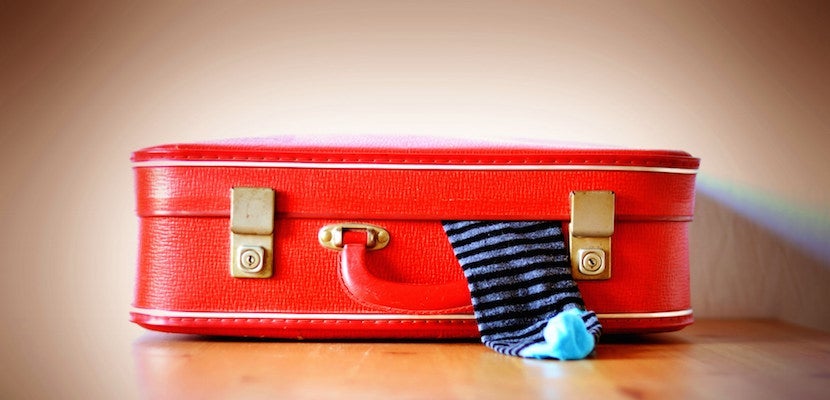
You've locked your devices, slapped on a tracker and carefully packed everything into a heavy-duty suitcase or aluminum roller bag — all that's left to do is to secure the luggage itself. The easiest way to do that? With a TSA-approved lock. If you want to layer on more security from there, you can always wrap your bag in plastic — several major airports have machines that will do this for you, though technically the TSA has every right to cut through it to open up your bag if it deems it necessary. Still, peace of mind — and the ability to see if your bag was tampered with — both have their own value.
You could also try placing a "Fragile" sticker onto the suitcase, though most travel experts — and baggage handlers — admit that this probably won't make a difference. Travel insurance won't do much good if your electronics are lost or damaged either; CNN reports that Allianz limits insurance cover for damage to electronics to just $500, while World Nomads will pay a maximum of $1,500 for a damaged or stolen item.
TPG featured card

at American Express's secure site
Terms & restrictions apply. See rates & fees.
| 4X | Earn 4X Membership Rewards® points per dollar spent on purchases at restaurants worldwide, on up to $50,000 in purchases per calendar year, then 1X points for the rest of the year. |
| 4X | Earn 4X Membership Rewards® points per dollar spent at US supermarkets, on up to $25,000 in purchases per calendar year, then 1X points for the rest of the year. |
| 5X | Earn 5X Membership Rewards® points on prepaid hotel stays booked through AmexTravel.com or the Amex Travel App™. |
| 3X | Earn 3X Membership Rewards® points on flights booked through AmexTravel.com, the Amex Travel App™, or purchased directly from airlines. |
| 2X | Earn 2X Membership Rewards® points on prepaid car rentals booked through AmexTravel.com or the Amex Travel App™ and cruises booked and paid through AmexTravel.com. |
| 1X | Earn 1X Membership Rewards® point per dollar spent on all other eligible purchases. |
Pros
- Valuable dining and food-related credits
- Flexible rewards with airline and hotel transfer partners
- Multiple travel and purchase protections
- No foreign transaction fees
- Access to Amex Offers for additional savings (enrollment required)
Cons
- Not as useful for those living outside the U.S.
- Some may have trouble using Uber and other dining credits
- You may be eligible for as high as 100,000 Membership Rewards® Points after you spend $8,000 in eligible purchases on your new Card in your first 6 months of Card Membership. Welcome offers vary and you may not be eligible for an offer. Apply to know if you’re approved and find out your exact welcome offer amount – all with no credit score impact. If you’re approved and choose to accept the Card, your score may be impacted.
- Earn 4X Membership Rewards® points per dollar spent on purchases at restaurants worldwide, on up to $50,000 in purchases per calendar year, then 1X points for the rest of the year.
- Earn 4X Membership Rewards® points per dollar spent at US supermarkets, on up to $25,000 in purchases per calendar year, then 1X points for the rest of the year.
- Earn 5X Membership Rewards® points on prepaid hotel stays booked through AmexTravel.com or the Amex Travel App™.
- Earn 3X Membership Rewards® points on flights booked through AmexTravel.com, the Amex Travel App™, or purchased directly from airlines.
- Earn 2X Membership Rewards® points on prepaid car rentals booked through AmexTravel.com or the Amex Travel App™ and cruises booked and paid through AmexTravel.com.
- Earn 1X Membership Rewards® point per dollar spent on all other eligible purchases.
- Pay It® lets you tap in the American Express® App to quickly pay for small purchase amounts throughout the month and still earn rewards the way you usually do. Plan It® gives you the option to split up big purchases into equal monthly payments with a fixed fee. You’ll know upfront exactly how much you’ll pay.
- $120 Dining Credit: Earn up to a total of $10 in statement credits monthly when you pay with the Gold Card at Grubhub (including Seamless), Buffalo Wild Wings, Five Guys, The Cheesecake Factory, and Wonder. This can be an annual savings of up to $120. Enrollment required.
- $100 Resy Credit: Get up to $100 in statement credits each calendar year at over 10,000 qualifying U.S. Resy restaurants after you pay for eligible purchases with the American Express® Gold Card. That’s up to $50 in statement credits semi-annually. Enrollment required.
- $84 Dunkin' Credit: Earn up to $7 in monthly statement credits after you pay with the American Express® Gold Card at U.S. Dunkin’ locations. Enrollment required.
- $120 Uber Cash on Gold: Enjoy up to $120 in Uber Cash annually with your Gold Card. Just add your Card to your Uber account and you'll get $10 in Uber Cash each month to use on orders and rides in the U.S. when you select an Amex Card for your transaction.
- Enjoy complimentary Hertz Five Star® Status benefits like skipping the counter at select locations, adding an additional driver at no additional cost*, and vehicle upgrades**. Benefit enrollment and Hertz Gold+ registration are required. *Additional drivers must meet standard rental qualifications and must be a spouse or domestic partner to qualify as complimentary. Other additional drivers subject to fees. **Benefits are subject to availability and vary by location. Additional Hertz program Terms and Conditions including age restrictions apply.
- Book two nights or more with The Hotel Collection through AmexTravel.com or the Amex Travel App™ and receive a $100* credit towards eligible charges at over 1,400 upscale hotels worldwide. *Eligible charges vary by property.
- Book your travel through the Amex Travel App™ with added peace of mind – backed by American Express® service and support. Only for American Express® Card Members.
- Whenever you need us, we're here. Our Member Services team will ensure you are taken care of. From lost Card replacement to statement questions, we are available to help 24/7.
- No Foreign Transaction Fees.
- Annual Fee is $325.
- Terms Apply.