7 useful apps to organize and store travel photos


If you're stuck at home with no travel plans in the near future, you can guide all that bubbling wanderlust into something productive. If you're anything like us at TPG, you have thousands of travel photos on your phone and computer. These may or may not be organized, categorized, backed up or put into albums.
Here's a list of our favorite apps to store and organize your shots, making them easier to view, share and print — keeping those fabulous travel memories alive.
Dropbox
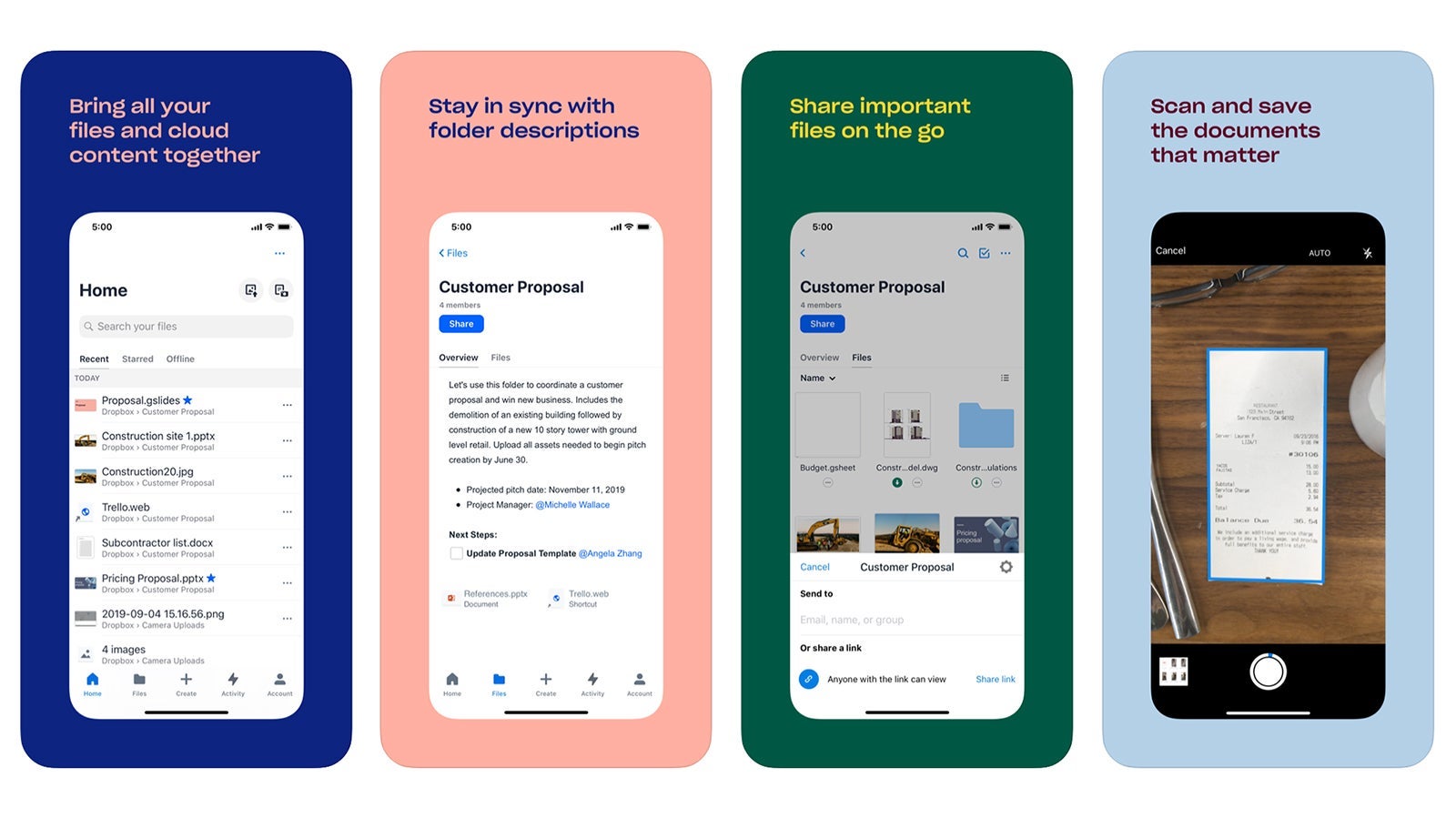
The Dropbox app is all-encompassing — you can use it to save all your photos and have certain folders and files available offline on your phone and synced to your computer. Sharing is easy -- just invite others to view your photos by sharing the folder via email. You can also set the app to automatically upload every photo you take. If you have a business account, you can connect your personal account with it. 2GB of space is offered for free, and paid plans are available for more space.
Download for free on Apple and Google Play.
Google Photos
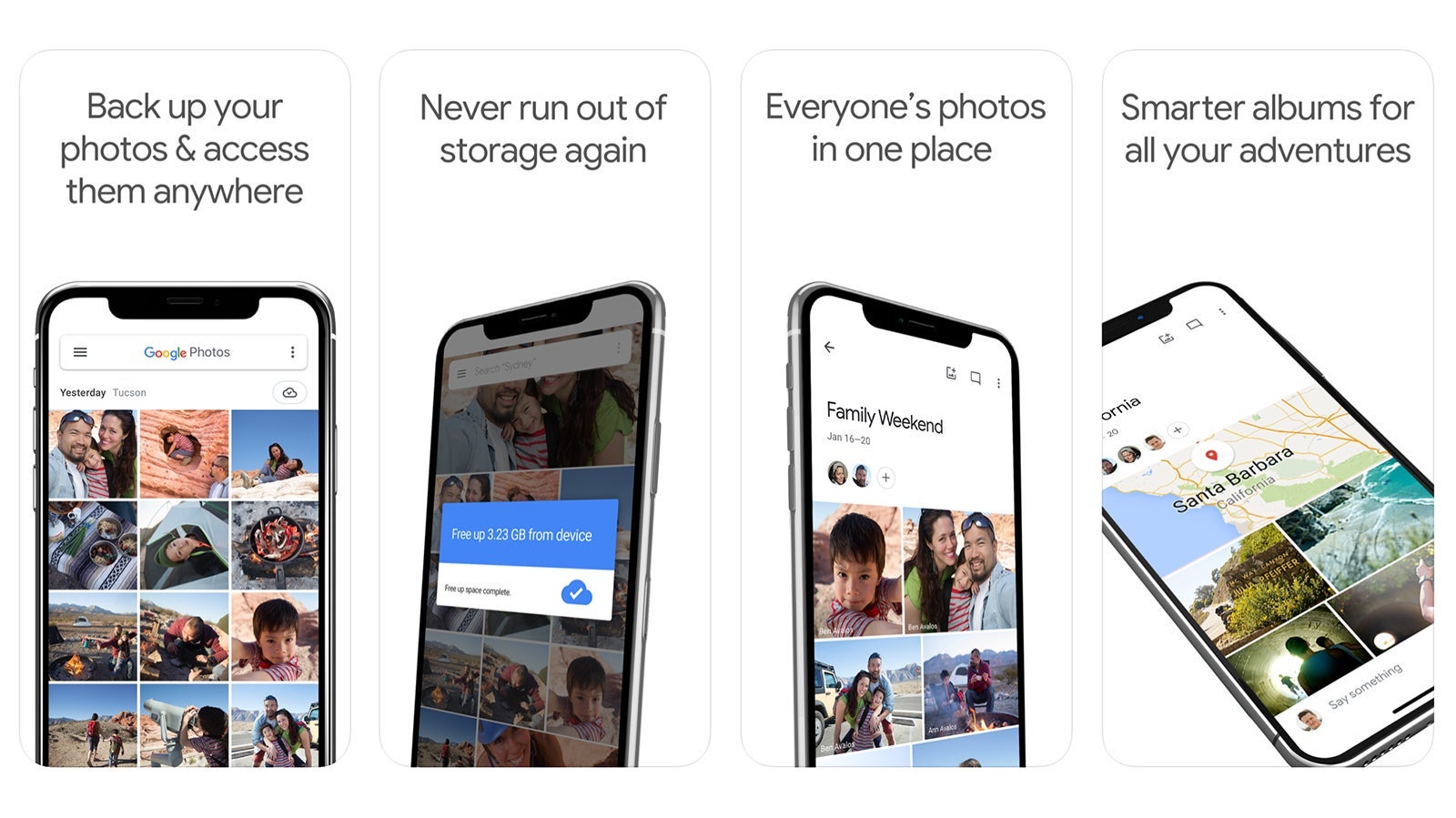
Google Photos is ideal if you want to create specific albums for many different trips, places or events. It's similar to Dropbox in that you can set it to automatically upload all the photos you take and you can share specific albums with others. The app can be set to upload any shots you've snapped on your phone, or also use it to take photos from a camera you've put on a desktop or laptop computer. If you love using Google Docs, Google Drive, Gmail and Google Sheets, this app integrates seamlessly with all of them, making it easy to share photos (and documents) across the board. Rate plans through GoogleOne are available if you need more space (backing up photos, mail and drive) but if you're willing to limit the resolution of your photos (16mp) and videos (1080p HD) you'll get free unlimited storage.
Download for free on Apple and Google Play.
Tripcast
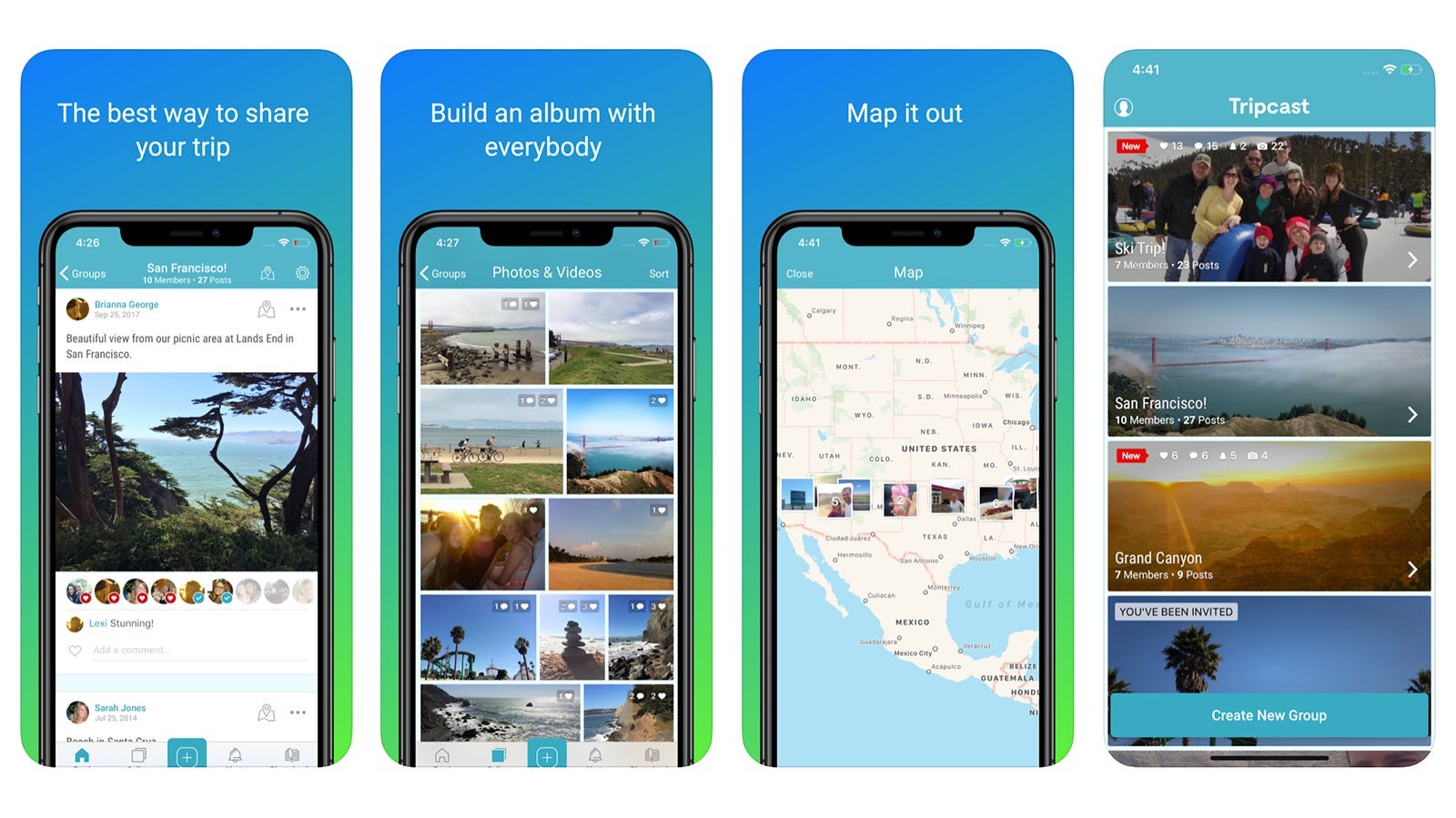
If you're traveling in a group and want to share photos, or it's important that family and friends back home are updated on the play-by-plays of your adventures, Tripcast is the app for you. With an easy-to-use photo map feature, you can track your photos by place, and everyone on your trip can upload to the same album. Once you get home, you can easily download all of your (and everyone else's) photos for safekeeping and offline access. Although the app feels a bit like social media, it's private, sharing your memories only with the people that you allow to access.
Download for free for Apple and Google Play.
Amazon Photos
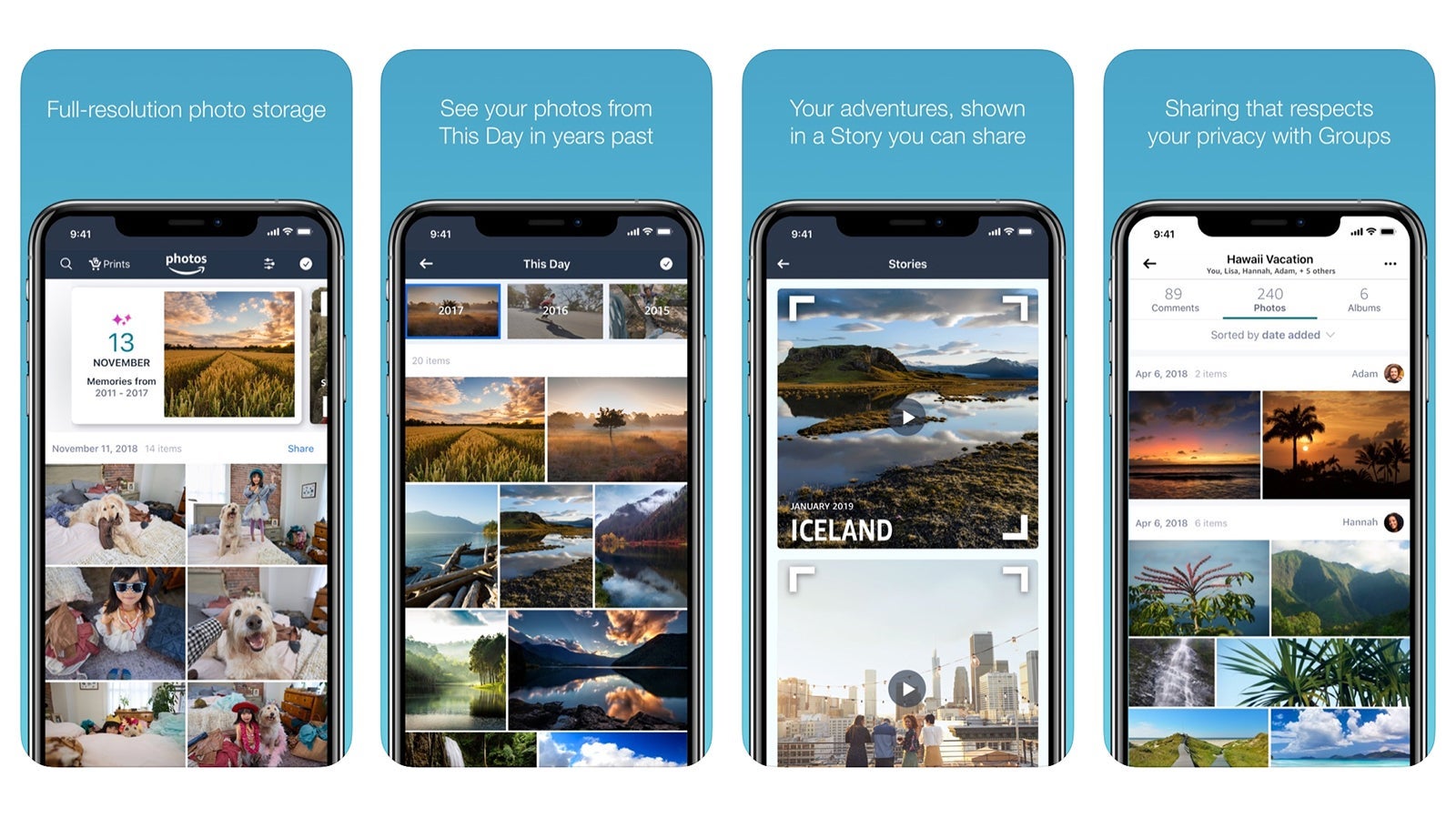
If you have an Amazon Prime account, you can get unlimited photo storage with Amazon Photos as a benefit of your yearly membership. Although you'll only get 5GB of space for videos, this isn't a bad deal, as the $119 annual fee (more if you pay month-to-month) comes with this as well as a variety of other benefits like movie streaming and free shipping. The app could also be worth it for serious photographers, as it allows you to store not only JPEG files but also raw images. Keep in mind, that if you cancel your membership, you'll lose this perk (and your photos), so this app is best for those who plan to have Amazon Prime indefinitely.

Download for free for Apple and Google Play and then enter your Prime login information to access your account.
Related: The best credit cards for Amazon purchases
iCloud
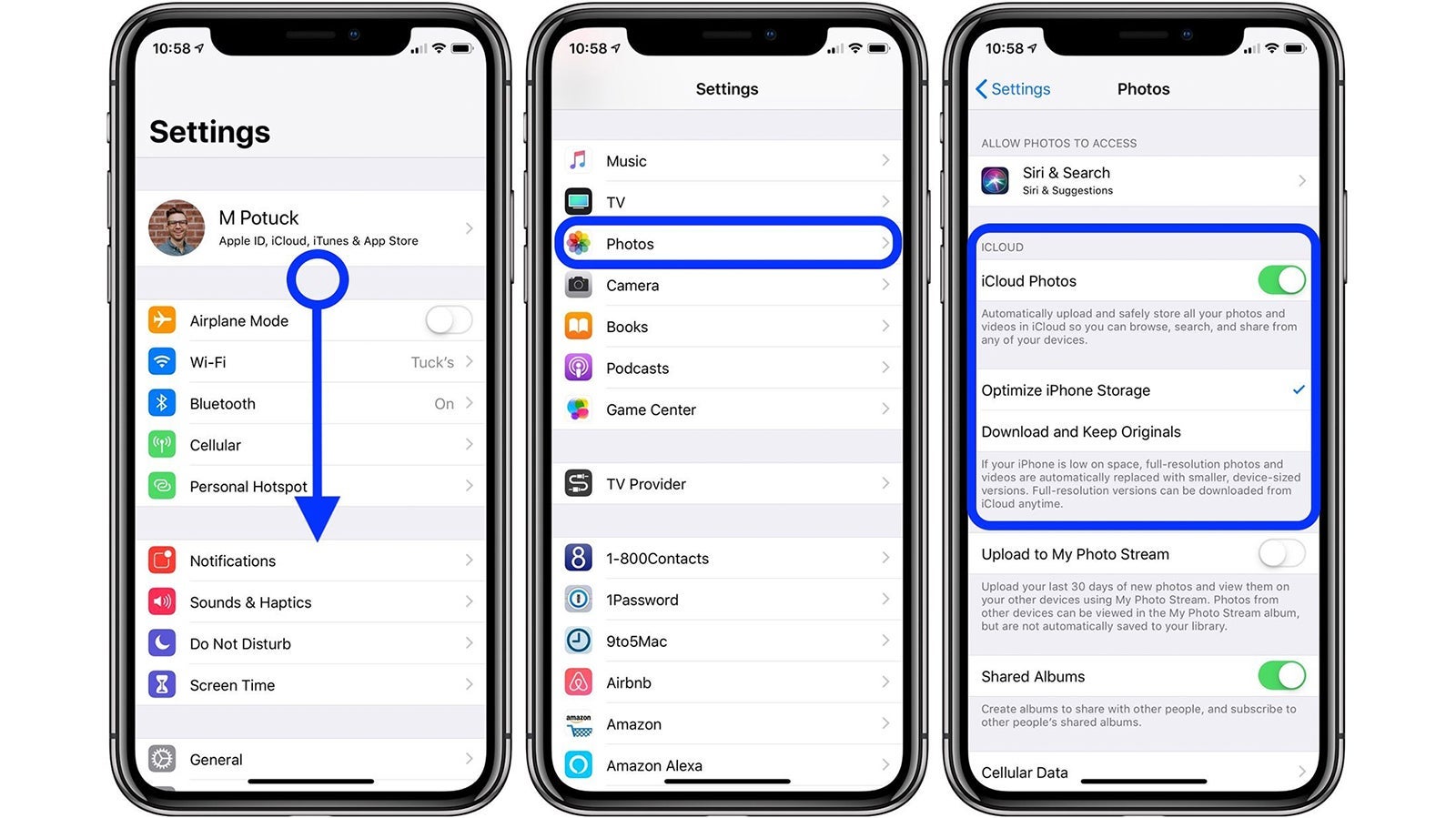
Diehard Apple users should consider using iCloud, which automatically uploads and syncs your photos and files between all of your Apple devices -- iPhones, iPads and MacBooks. If you're someone who constantly upgrades to the newest iPhone, iCloud will make these transfers easy, backing up all your important files and transferring them to the new device. The first 5GB are free with iCloud, and paid plans start at 50GB, with options for 200GB or 2TB (these last two plans you can share with your family).
Look for iCloud on your iPhone, iPad or Mac under settings.
Microsoft OneDrive
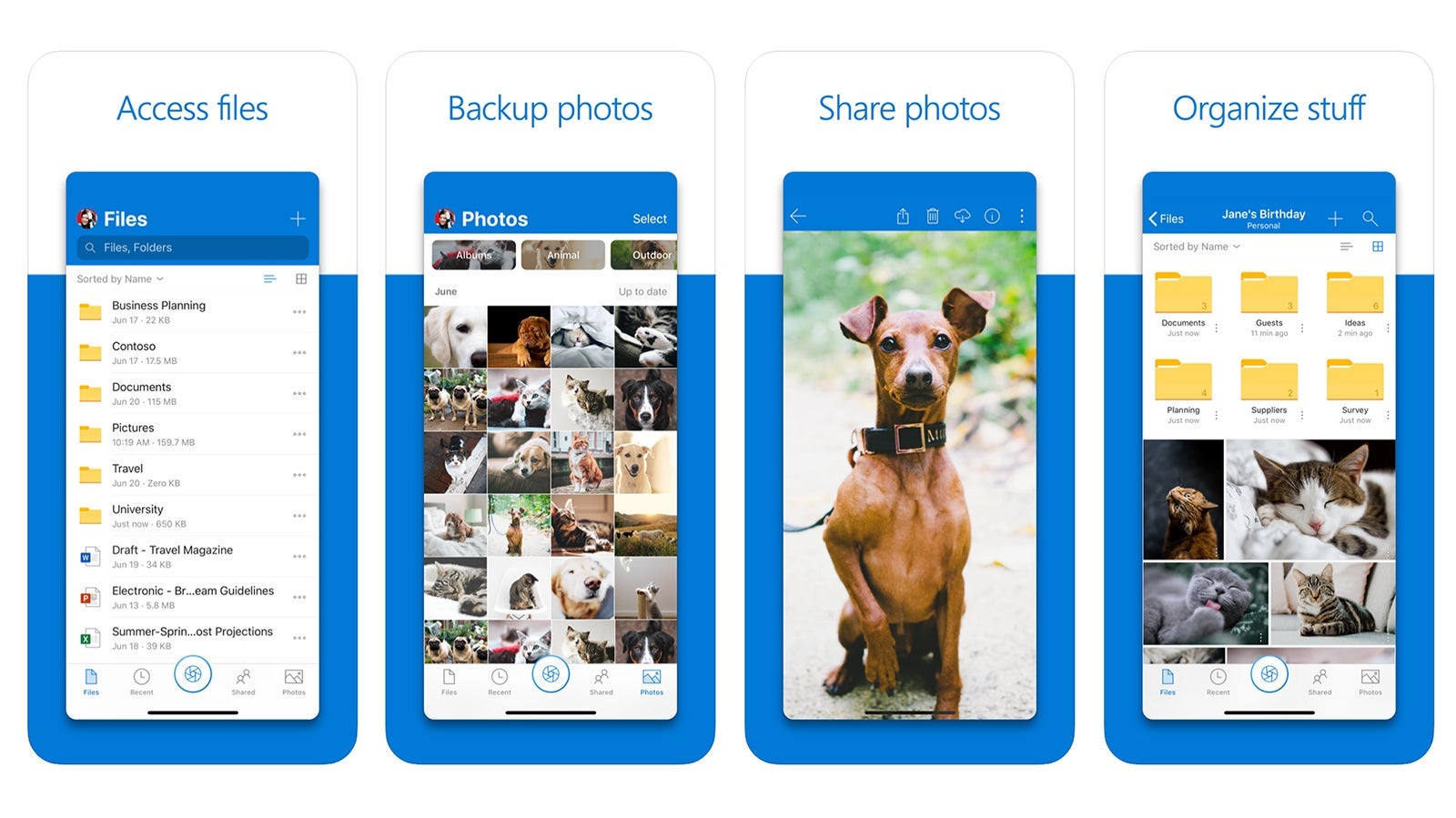
With both business and personal/home plans, OneDrive syncs all of your documents and photos between your computer, tablet and phone. Those who love to use Microsoft Office in addition to organizing photos will find that OneDrive integrates well with all of the Office apps. Get 5GB of photo storage for free or 100GB for $1.99 per month. For those wanting Office, too, pricing starts at $69.99 for 1TB of space plus Office apps such as Outlook, Word, Excel and PowerPoint, as well as Skype.
Download for free on Apple Store or Google Play.
Snapfish
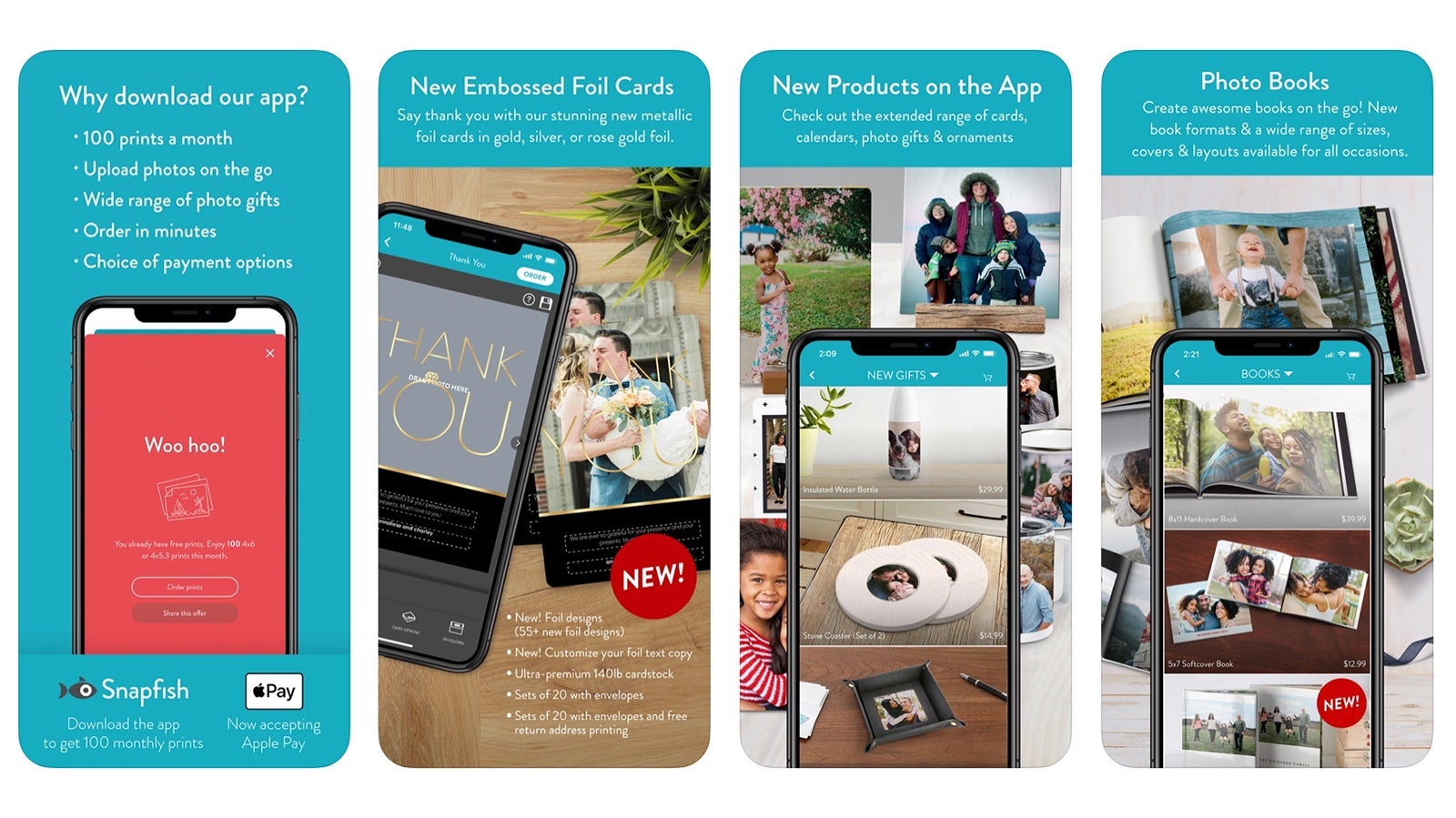
Snapfish is best for those who want to also print their photos, offering 100 free prints per month (but plan to pay for shipping). You can also link your social media accounts to upload photos from them, as well as create photo gifts, books, calendars and more. Although the app offers unlimited storage (each image must be150MB or less), it's best for selective photo storage, since your photos must be manually uploaded, though you can upload several at a time. Automatic uploading isn't an option, and the app doesn't offer video storage.
Download for free on Apple Store or Google Play.
Bottom line
With lots of time at home these days and likely over the coming weeks now is the ideal chance to get your photos in order -- imagine the sense of satisfaction!
(Featured photo by Brad Fickeisen/Unsplash)
TPG featured card

at Capital One's secure site
Terms & restrictions apply. See rates & fees.
| 5X miles | Earn 5X miles on hotels, vacation rentals and rental cars booked through Capital One Travel |
| 2X miles | Earn unlimited 2X miles on every purchase, every day |
Pros
- Stellar welcome offer of 75,000 miles after spending $4,000 on purchases in the first three months from account opening. Plus, a $250 Capital One Travel credit to use in your first cardholder year upon account opening.
- You'll earn 2 miles per dollar on every purchase, which means you won't have to worry about memorizing bonus categories
- Rewards are versatile and can be redeemed for a statement credit or transferred to Capital One’s transfer partners
Cons
- Highest bonus-earning categories only on travel booked via Capital One Travel
- LIMITED-TIME OFFER: Enjoy $250 to use on Capital One Travel in your first cardholder year, plus earn 75,000 bonus miles once you spend $4,000 on purchases within the first 3 months from account opening - that’s equal to $1,000 in travel
- Earn unlimited 2X miles on every purchase, every day
- Earn 5X miles on hotels, vacation rentals and rental cars booked through Capital One Travel
- Miles won't expire for the life of the account and there's no limit to how many you can earn
- Receive up to a $120 credit for Global Entry or TSA PreCheck®
- Use your miles to get reimbursed for any travel purchase—or redeem by booking a trip through Capital One Travel
- Enjoy a $50 experience credit and other premium benefits with every hotel and vacation rental booked from the Lifestyle Collection
- Transfer your miles to your choice of 15+ travel loyalty programs
- Top rated mobile app