Why the new iPhone 15 and 15 Pro are game changers for travelers


Sometimes, the smallest changes can make the biggest impact.
And that's especially the case with Apple's brand-new iPhone 15 and 15 Pro smartphones, which debuted last week at the tech giant's "Wanderlust" press event.
Now that the devices are available for sale in stores and online, you're probably wondering if this is the year to upgrade.
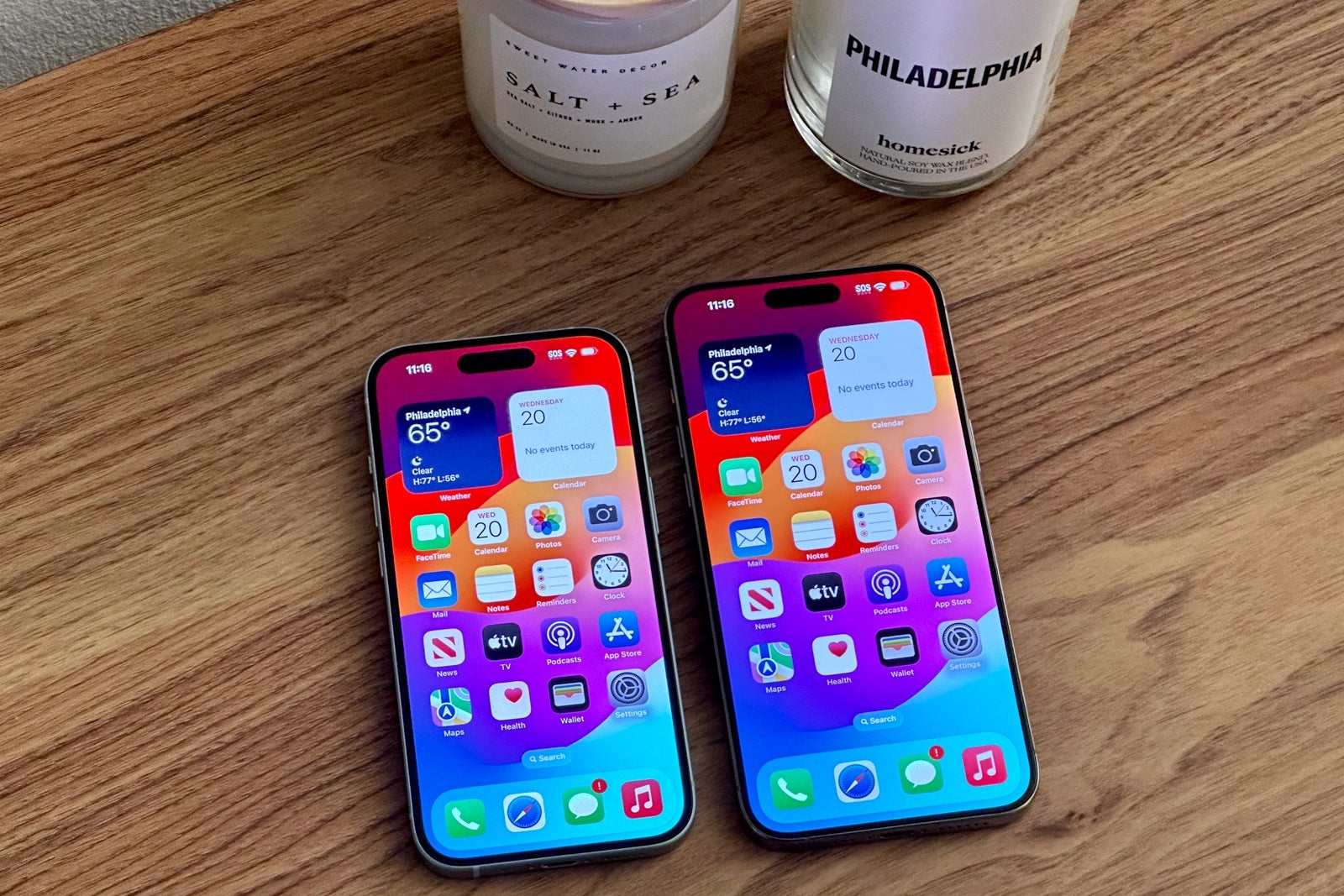
As a road warrior, I'm always looking for devices that will upgrade my travel experience. After a few days of testing the new phones, I can confidently say that the iPhone 15 family will undoubtedly improve the way I get around.
Despite retaining the same general aesthetic as recent generations, this year's iPhone lineup packs some small but mighty updates that should make this the smartphone of choice for many travelers.
Here's why.
2-way USB-C charging
It all starts with how you actually charge the new iPhones.
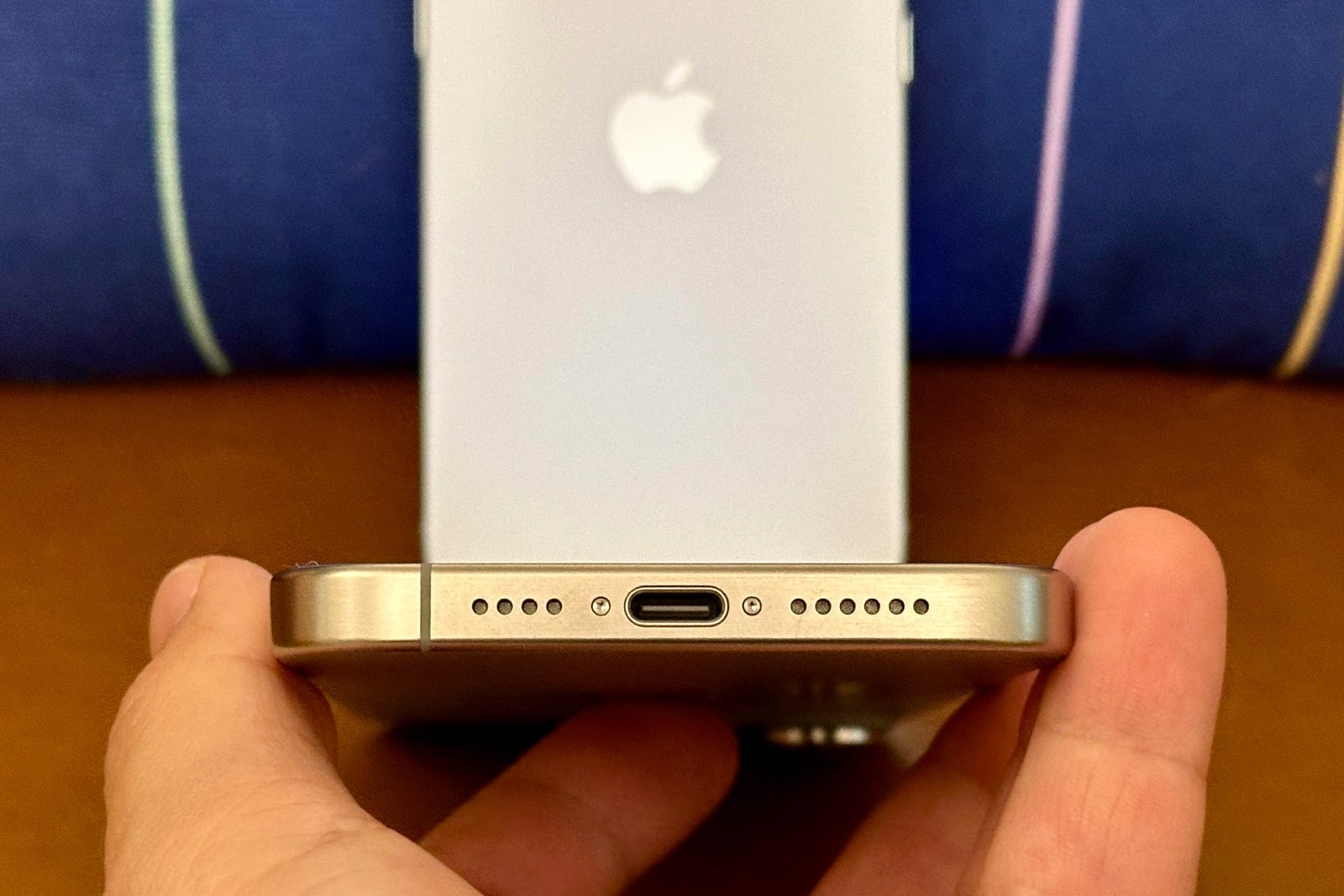
Over the last decade, you've probably become very familiar with Apple's proprietary Lightning port at the bottom of every iPhone. This year, however, the tech giant has officially retired the Lightning connection in favor of USB-C.
This universal standard is far more ubiquitous globally and has countless benefits for travelers.

For one, it means you'll no longer need to carry multiple charging cables for all your devices. The swap to a USB-C port means your iPhone, iPad and Mac (and many other non-Apple devices) can all now be charged with a single USB-C charging cable — no more separate cable required just to power your iPhone.
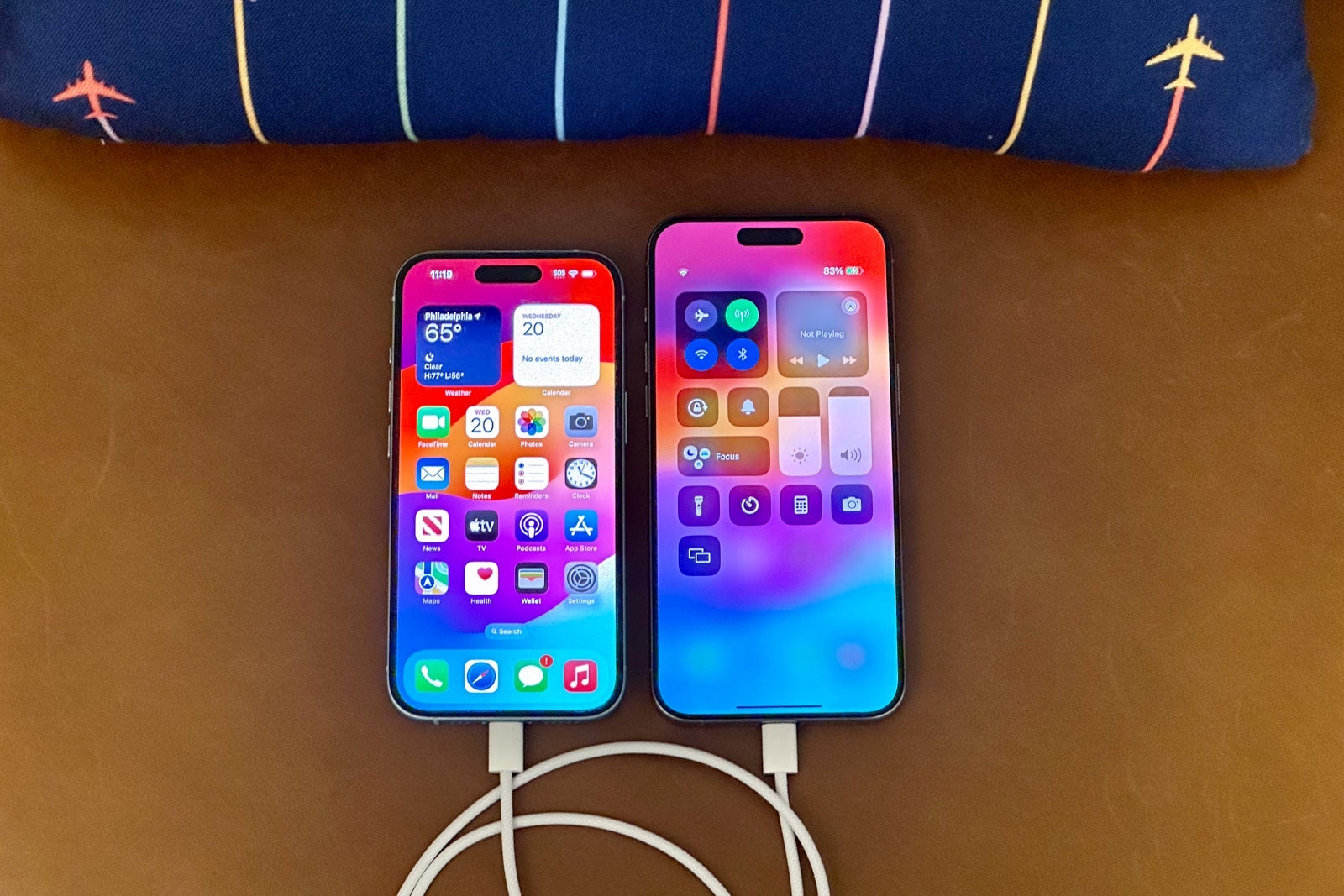
Moreover, since USB-C is the new industry standard charging port, you should have no problem finding one of these cables on the go if you forget to pack one. (And don't worry, each new iPhone includes a stylish white braided USB-C charging cable in the box).
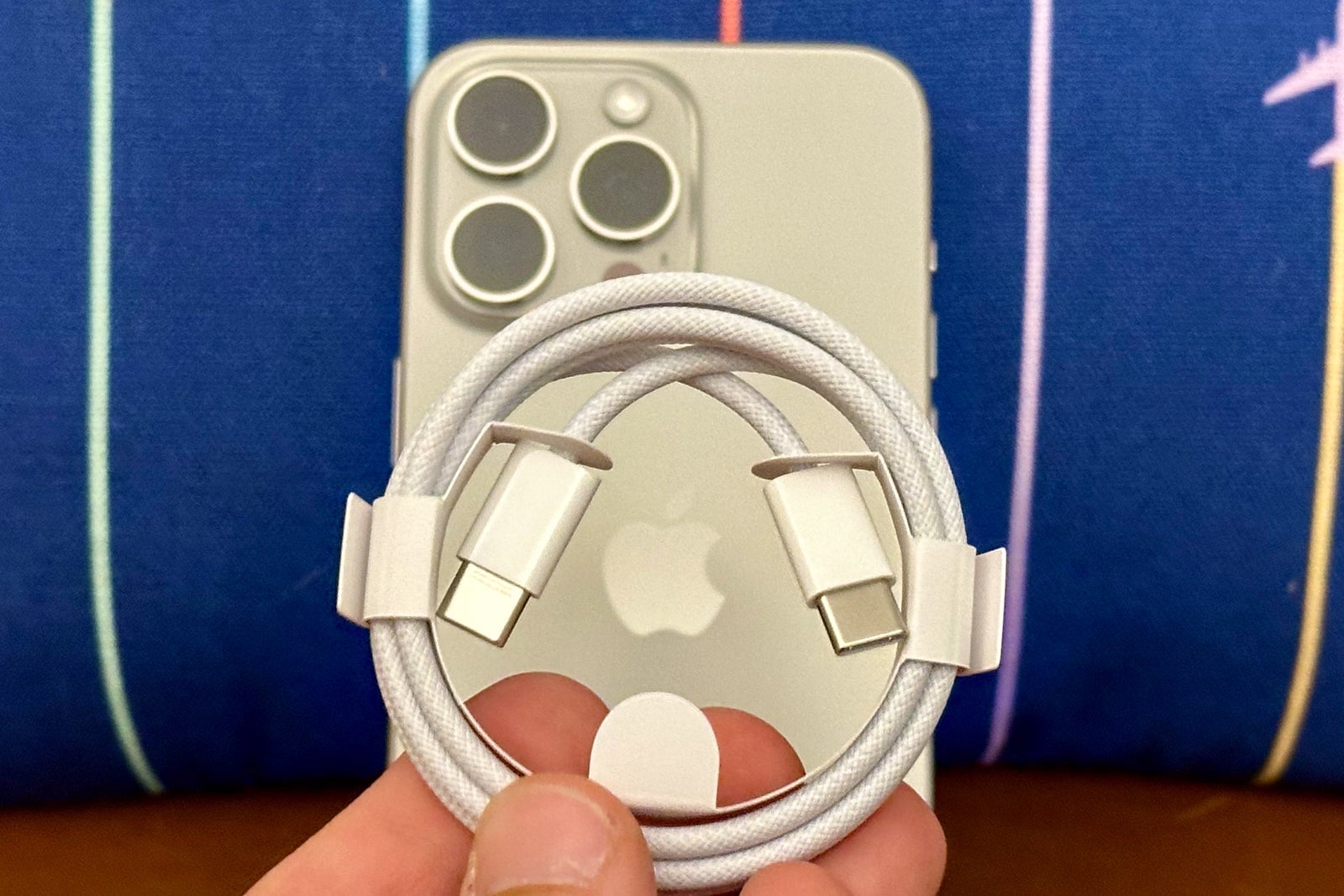
The switch to USB-C has already helped reduce cable clutter in my backpack, but it gets even better.
With the introduction of USB-C, you can now use your iPhone to charge other small devices, including the second-generation AirPods Pro with a USB-C port, an Apple Watch or even another iPhone, as well as some smaller third-party devices, too.
Of course, charging other devices will eat up your iPhone battery — I lost about 10% of charge to deliver 25% of charge to my Apple Watch — but being able to use my primary smartphone as a battery pack is a very helpful "insurance policy" against my other devices dying.
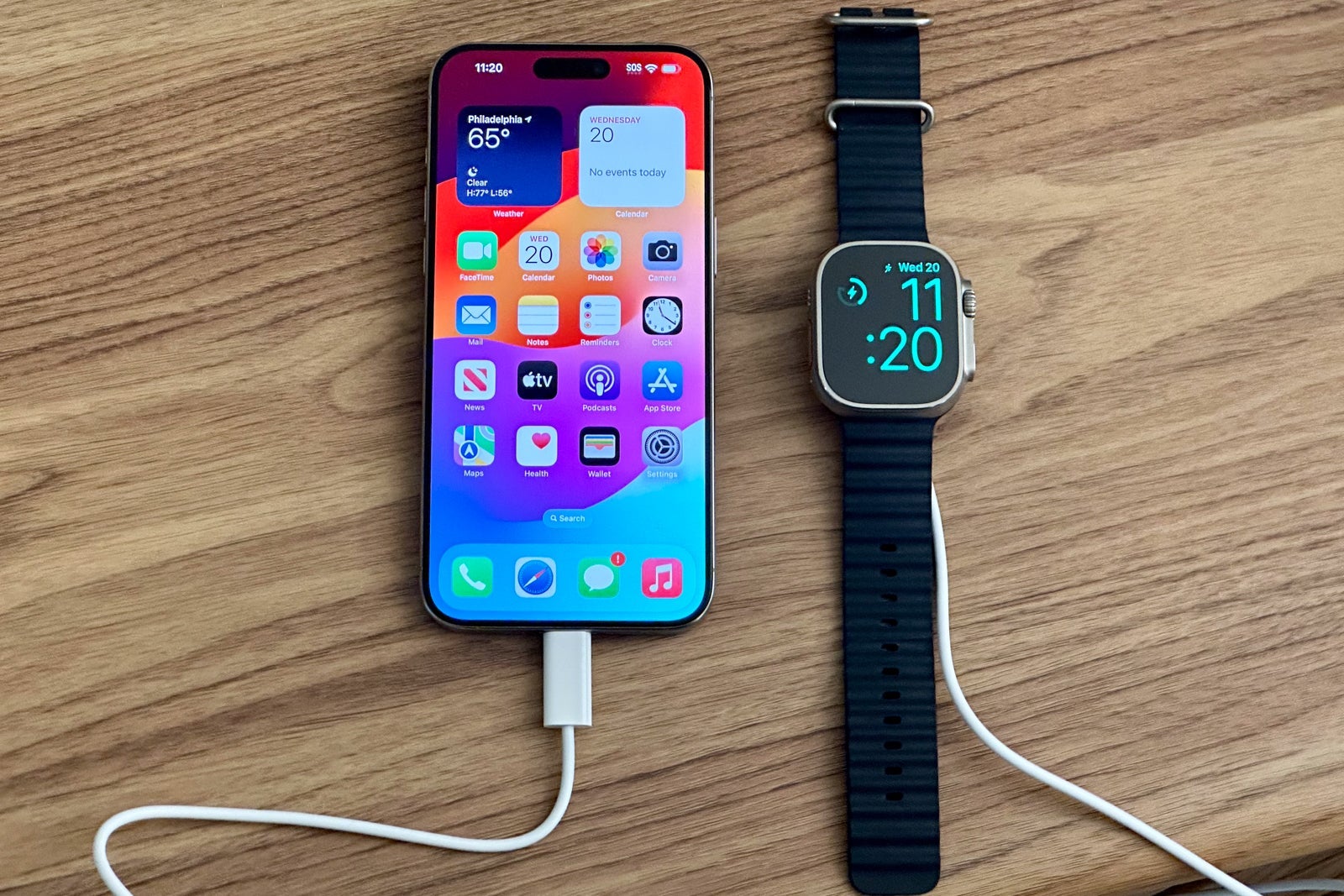
The switch to USB-C also speeds up data transfers and supports sharing to external displays, some features that many pro-level users will appreciate.
A handful of Apple products still use the Lightning port (including the AirPods Max and some iPads), but as the company fully transitions to USB-C, travelers have lots to get excited about.
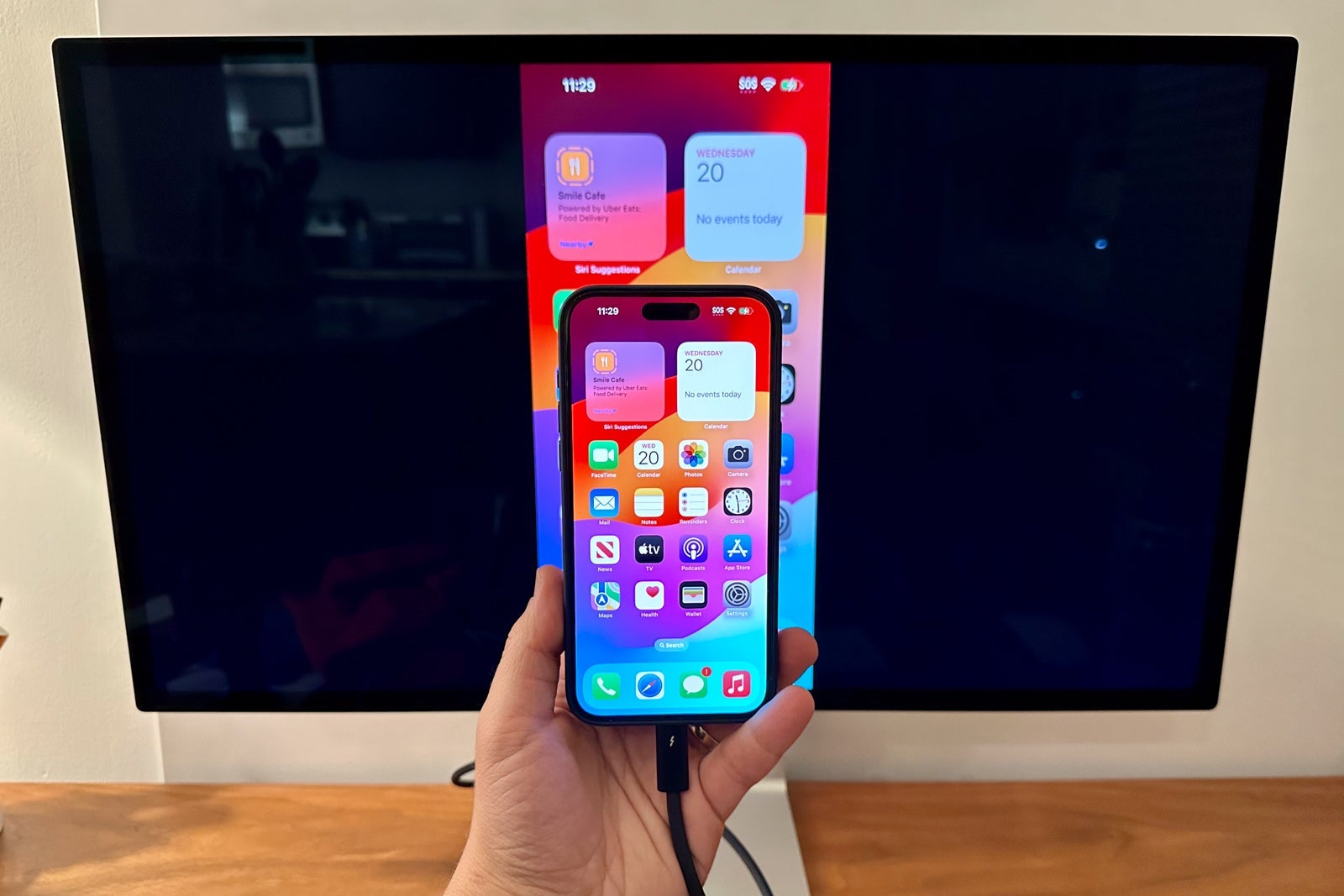
This small change at the bottom of every iPhone unlocks much more power — no pun intended — for every traveler with an iPhone 15.
Action Button for easier access
Until now, every iPhone model has shipped with a ring/silent switch. But if you're anything like me, your iPhone stays on silent all day long, essentially turning this little switch into a small space for dust to collect.
With the iPhone 15 Pro and iPhone 15 Pro Max, Apple introduced an all-new Action Button (similar to what's found on the Apple Watch Ultra) instead of the ring/silent switch.
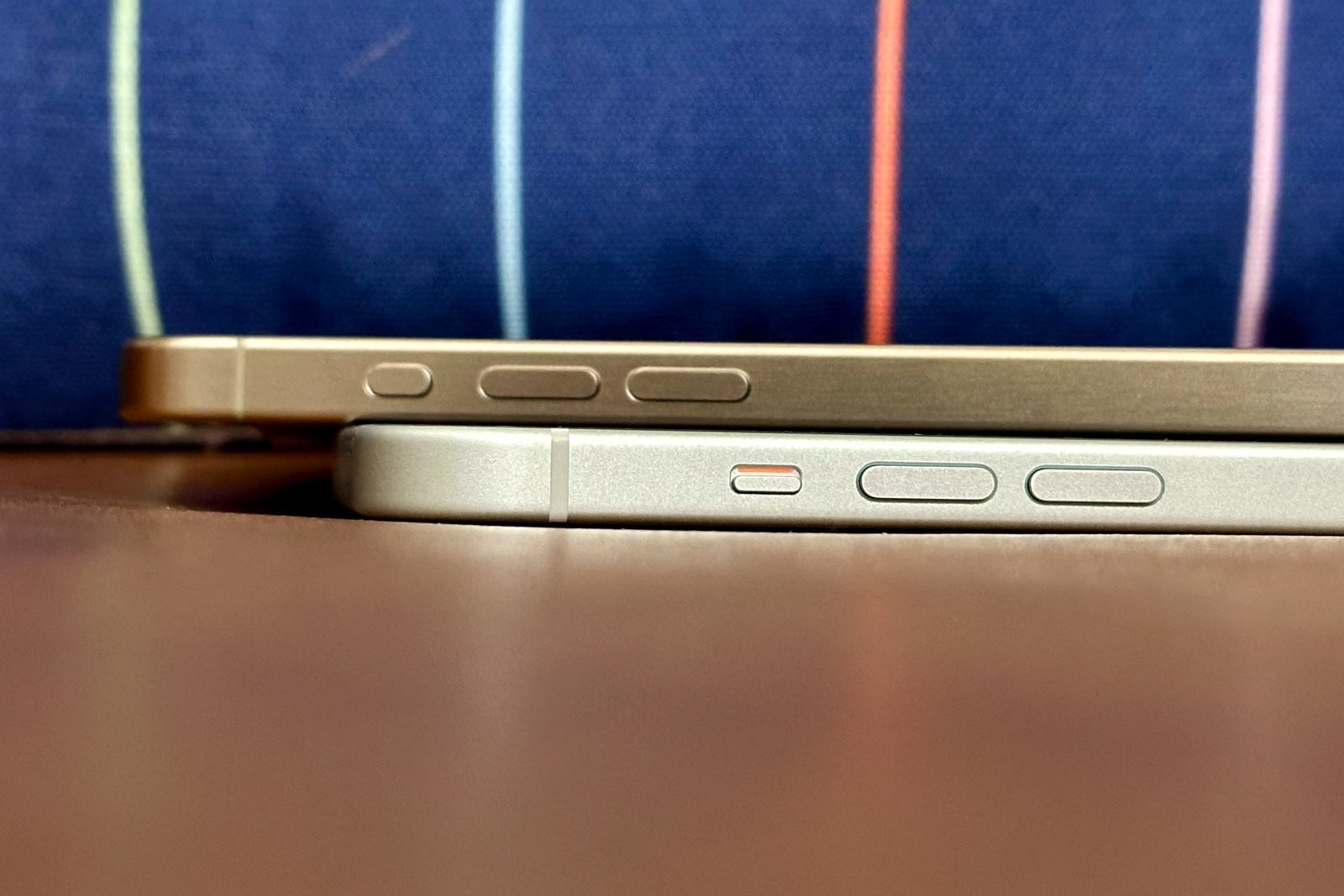
As part of the change, you now have nearly unlimited options for what this switch can do. You can program the Action Button during initial setup and in the settings app. Apple provides a handful of popular preprogrammed functions, including opening the camera, turning on the flashlight and recording a voice memo.
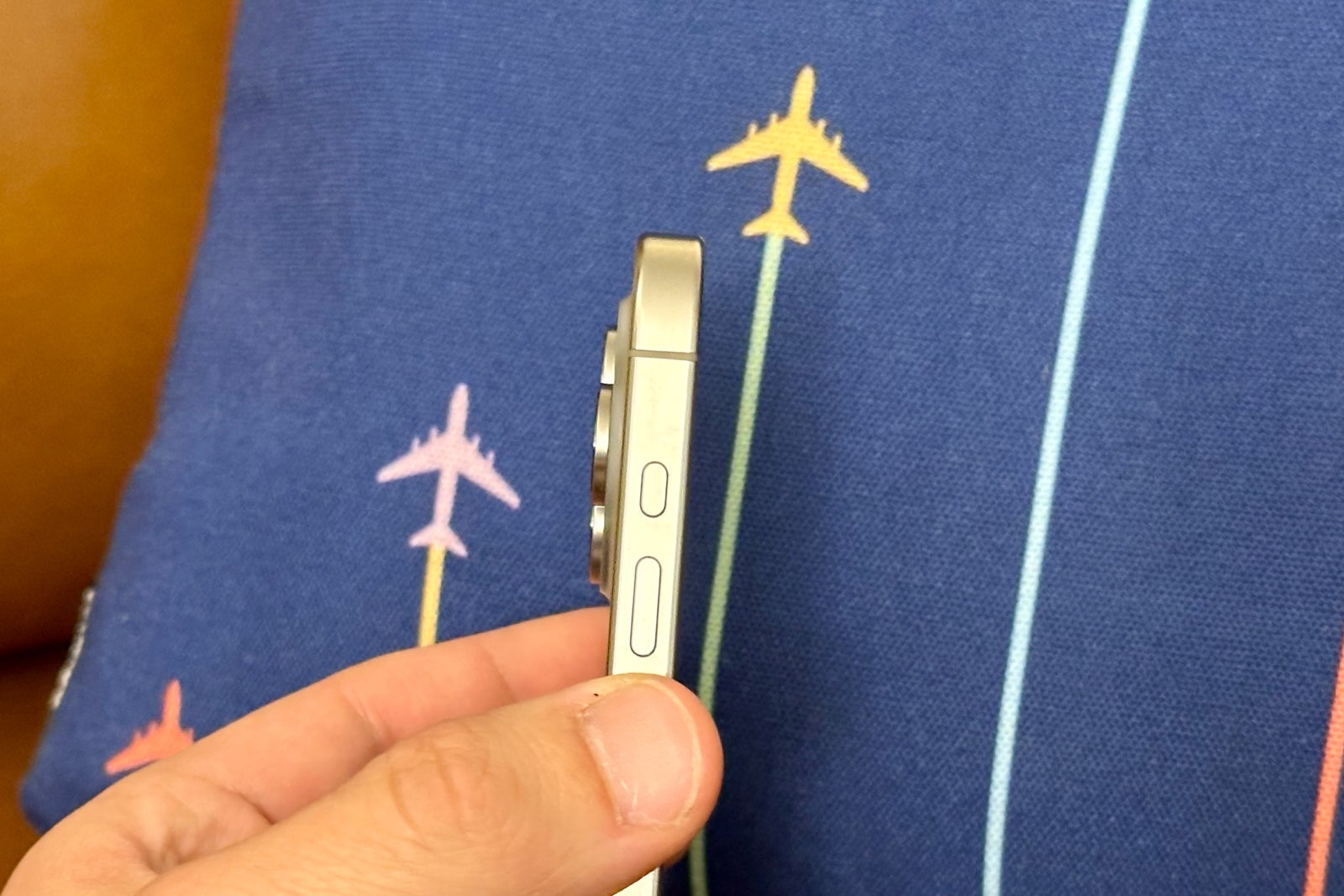
I experimented with using the Action Button to open the camera, and I found this to be the fastest way possible to grab a shot while on the go.
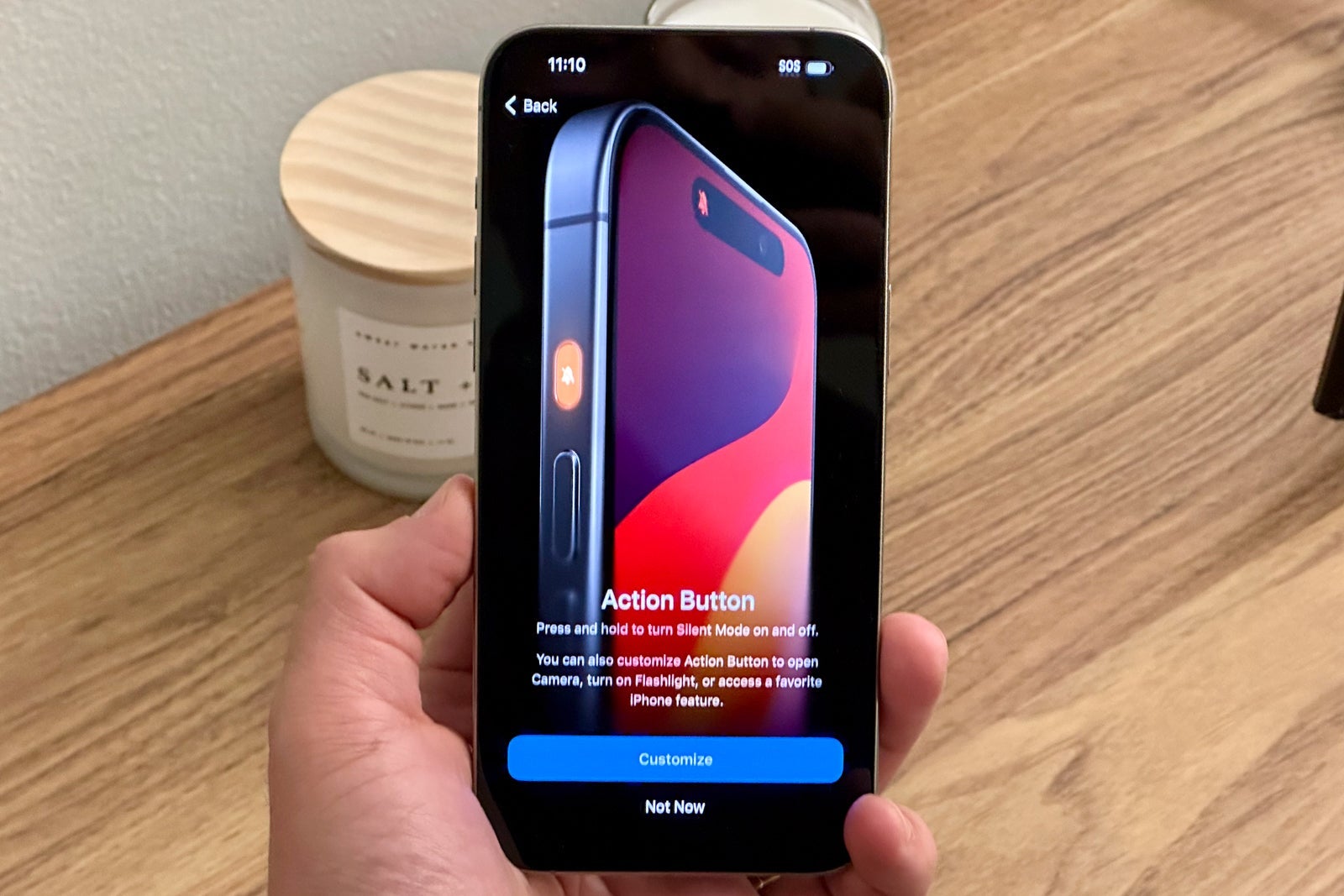
Unless you're like me and always snapping pictures while you're traveling, you may want to use this button for something else, such as checking your flight status.
The great news is that there are nearly infinite customization options through the Shortcut app. You can set it to open your favorite airline app or start a timer for when boarding begins. And, since it's entirely powered by software, you can change the function as frequently as you'd like.
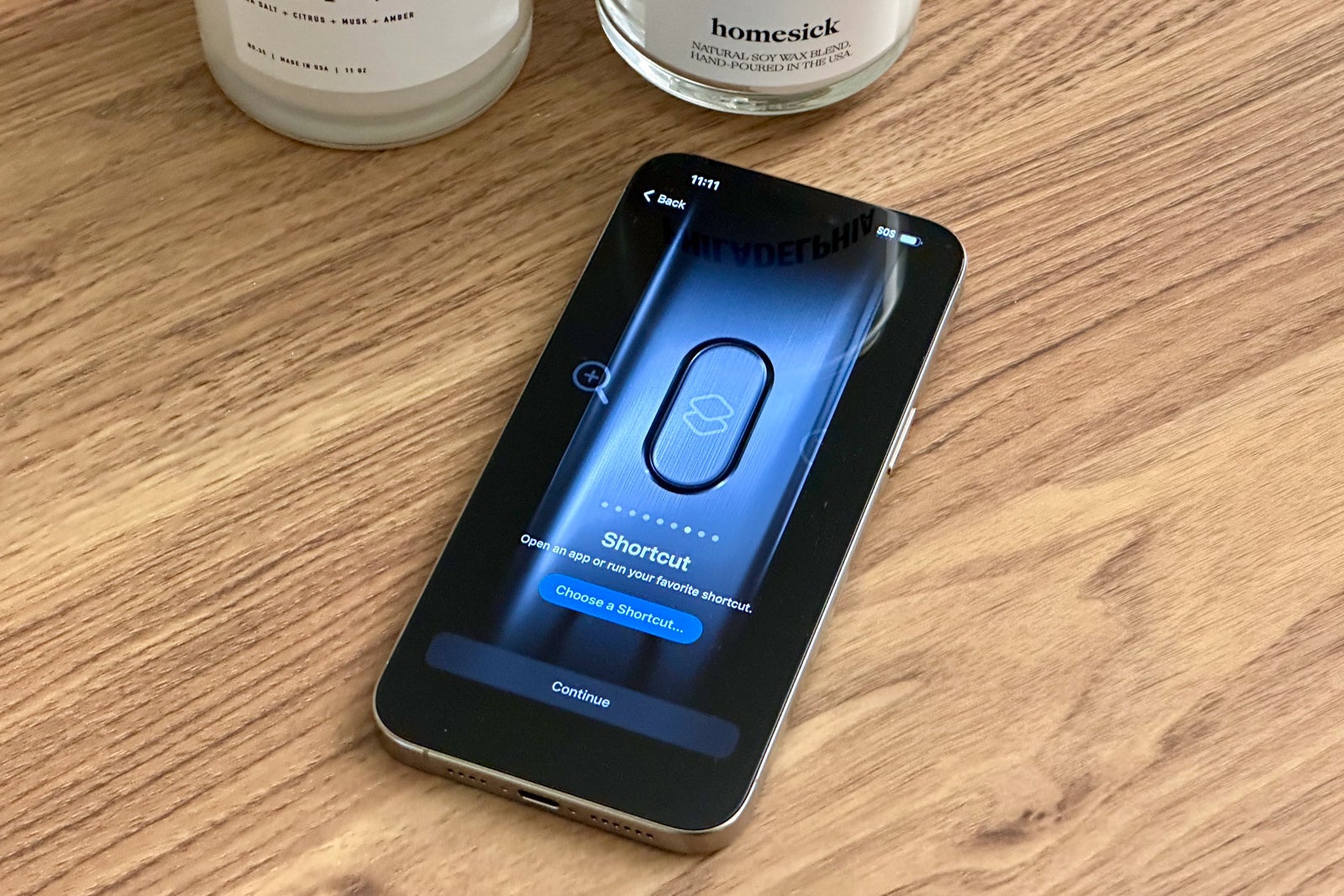
Another small change with powerful implications for travelers.
Dynamic Island on all iPhones
Last year, Apple introduced the Dynamic Island on the iPhone 14 Pro and iPhone 14 Pro Max, and this year, every single iPhone 15, including the base models, features this new island "destination."
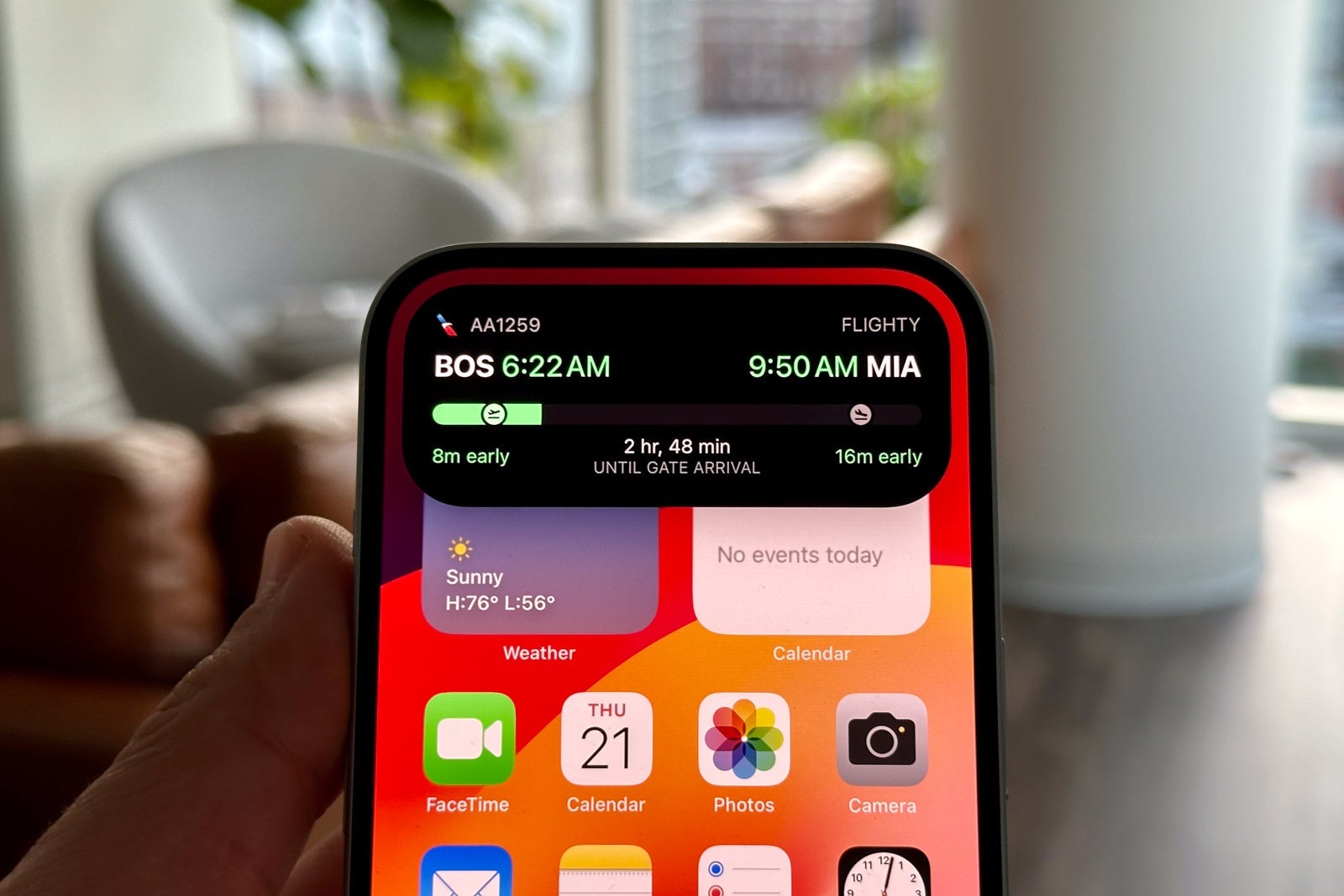
While the tech giant has created some helpful first-party notifications for this pill-shaped cutout, several third-party developers have taken this experience to the next level, especially for travelers. From keeping track of your flight status with United Airlines or Flighty to getting a live countdown until your Uber or Lyft arrives, the Dynamic Island has helped make life on the road more efficient.
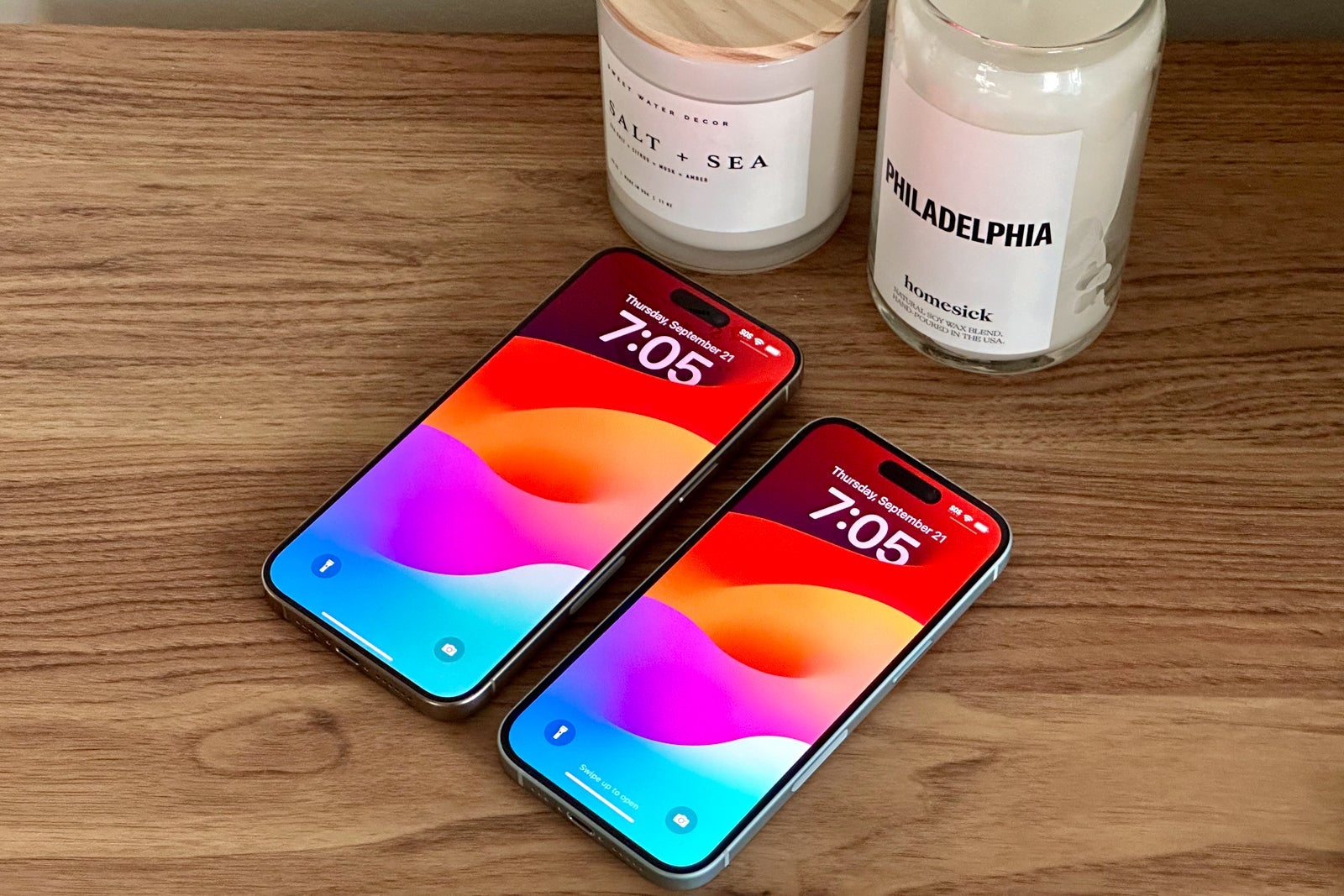
By bringing the Dynamic Island to the entire iPhone 15 family, Apple's most affordable new smartphones are more powerful than ever before.
Portability and durability
Both the iPhone 15 and iPhone 15 Pro models received a travel-friendly redesign this year.
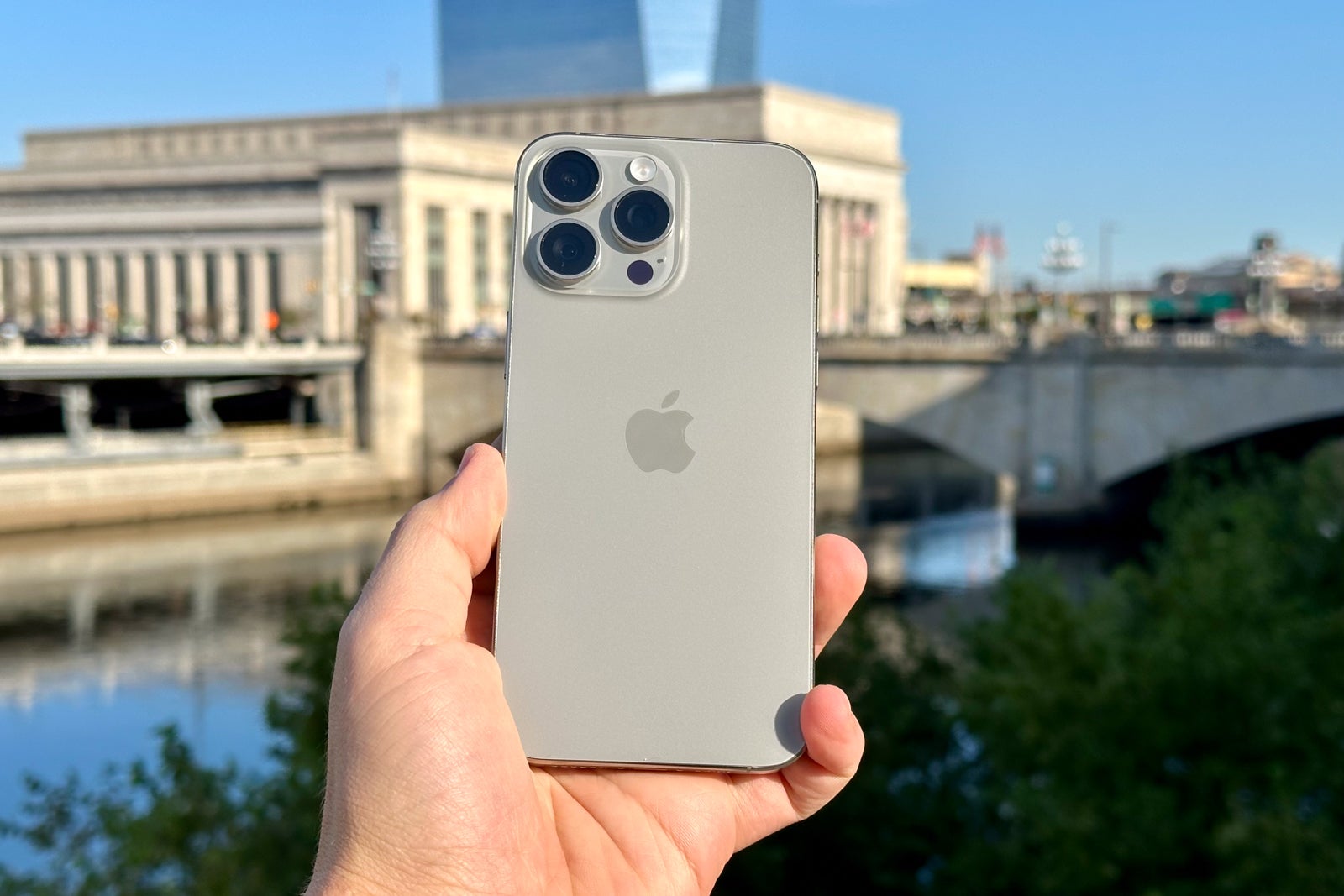
Most notably, the Pro models are now made from titanium. When this was first announced, I wasn't really sure how the Pro models would feel in my hand and pocket, but after just a few days, there's no going back.
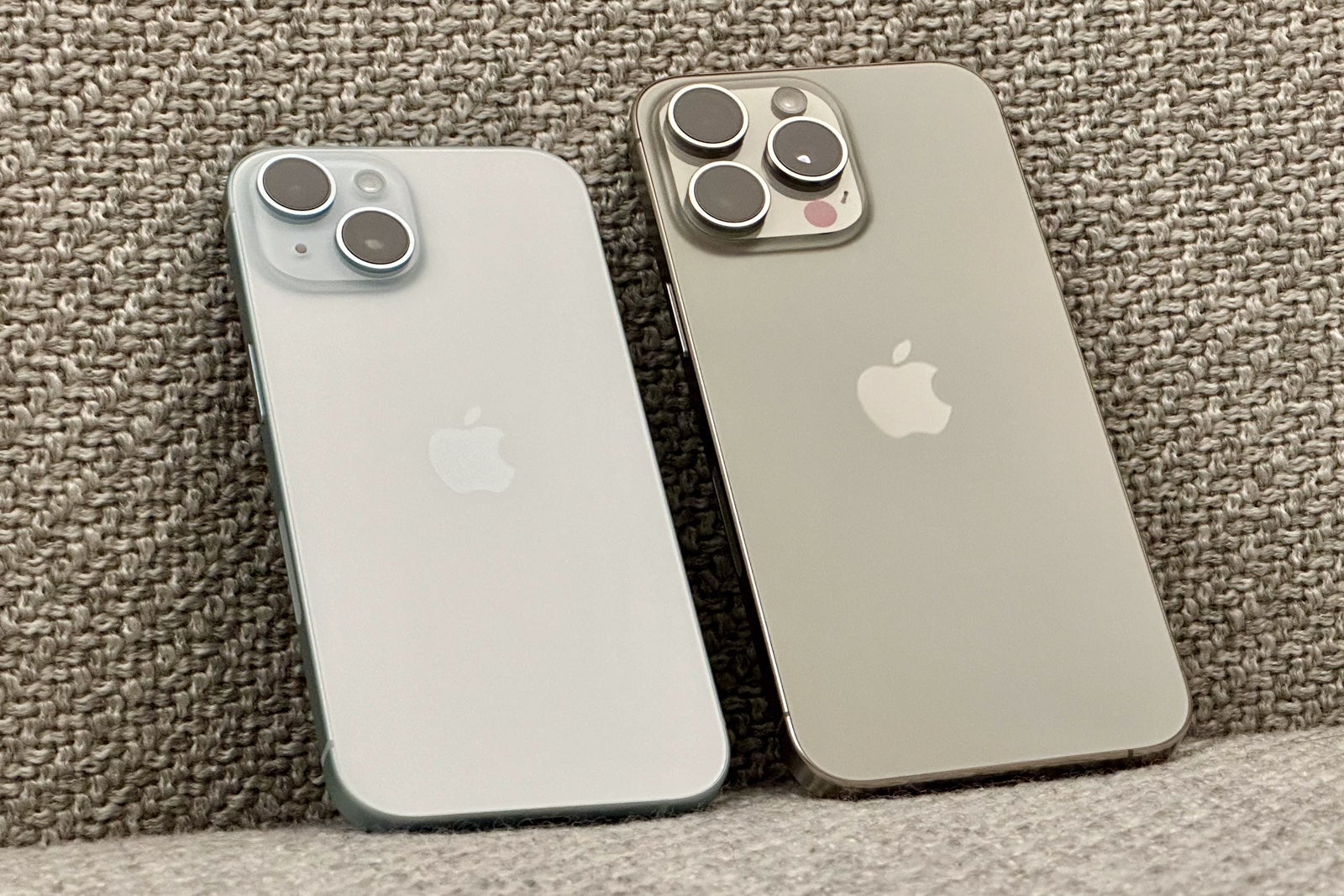
Not only are these the lightest Pro models Apple has ever made (definitely noticeable from the moment I picked them up), but the thinner borders also help make my content pop across the entire front face of the phone. Plus, the rounded edges feel better in my hand than the previous models.
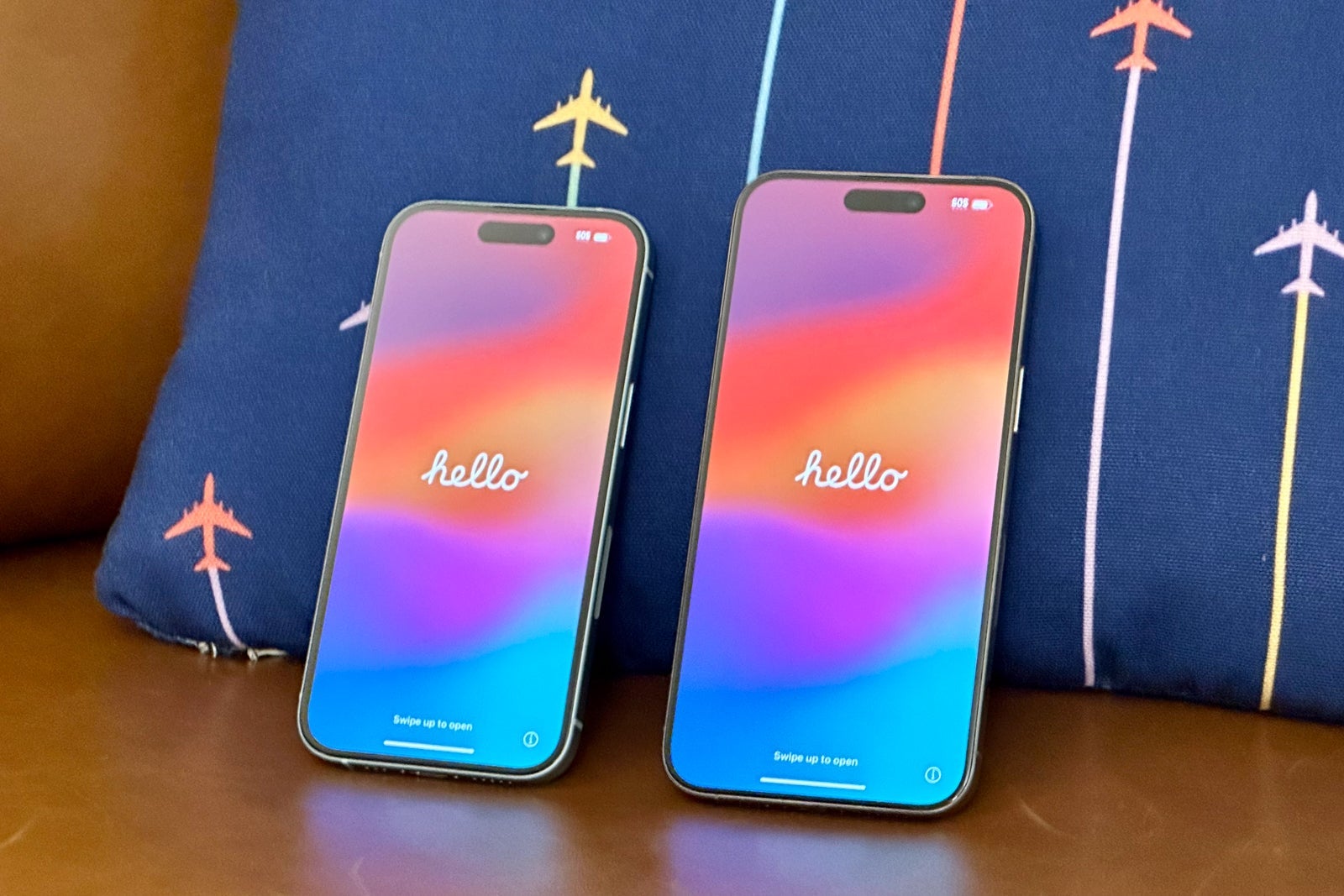
Of course, the shift to titanium should also bring some notable durability improvements to these devices — a key feature for frequent travelers who are always on planes and trains. I haven't dropped my phone yet, but the titanium design should, in theory, mean that it won't damage as easily as an older phone. (If it does get damaged, the good news is that the new back enclosure can now be fixed for between $169 and $199, relative to the much higher $449 to $549 out-of-pocket repair cost on last year's models.)
As a whole, the iPhone 15 family feels more premium than before. The back glass now embeds the color into a single piece of glass and has rounded edges.
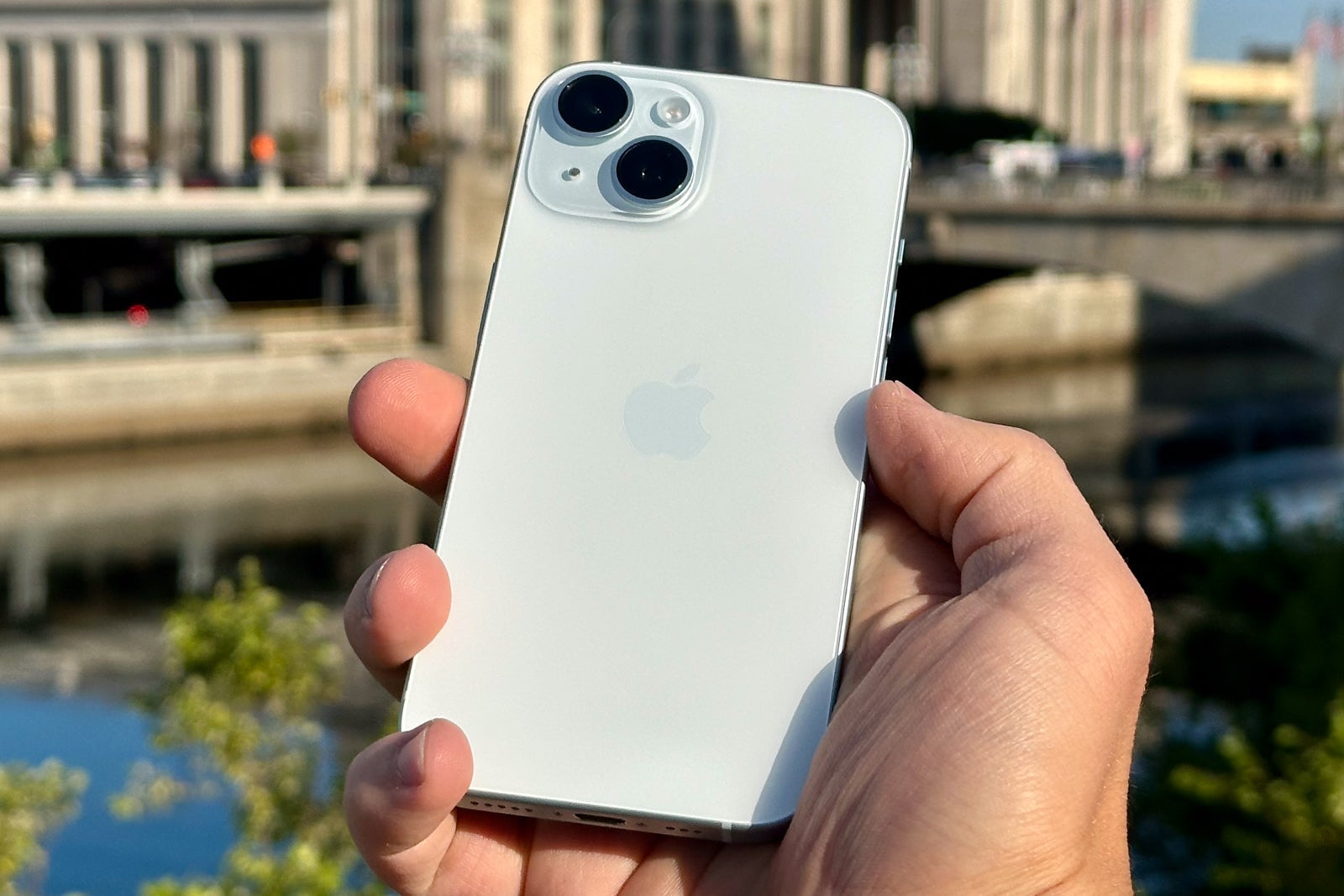
While Apple has taken a big step forward in the iPhone design, the same can't necessarily be said for the company's new first-party cases, some of which are now made from a proprietary so-called FineWoven material that replaces the leather cases Apple used to sell.
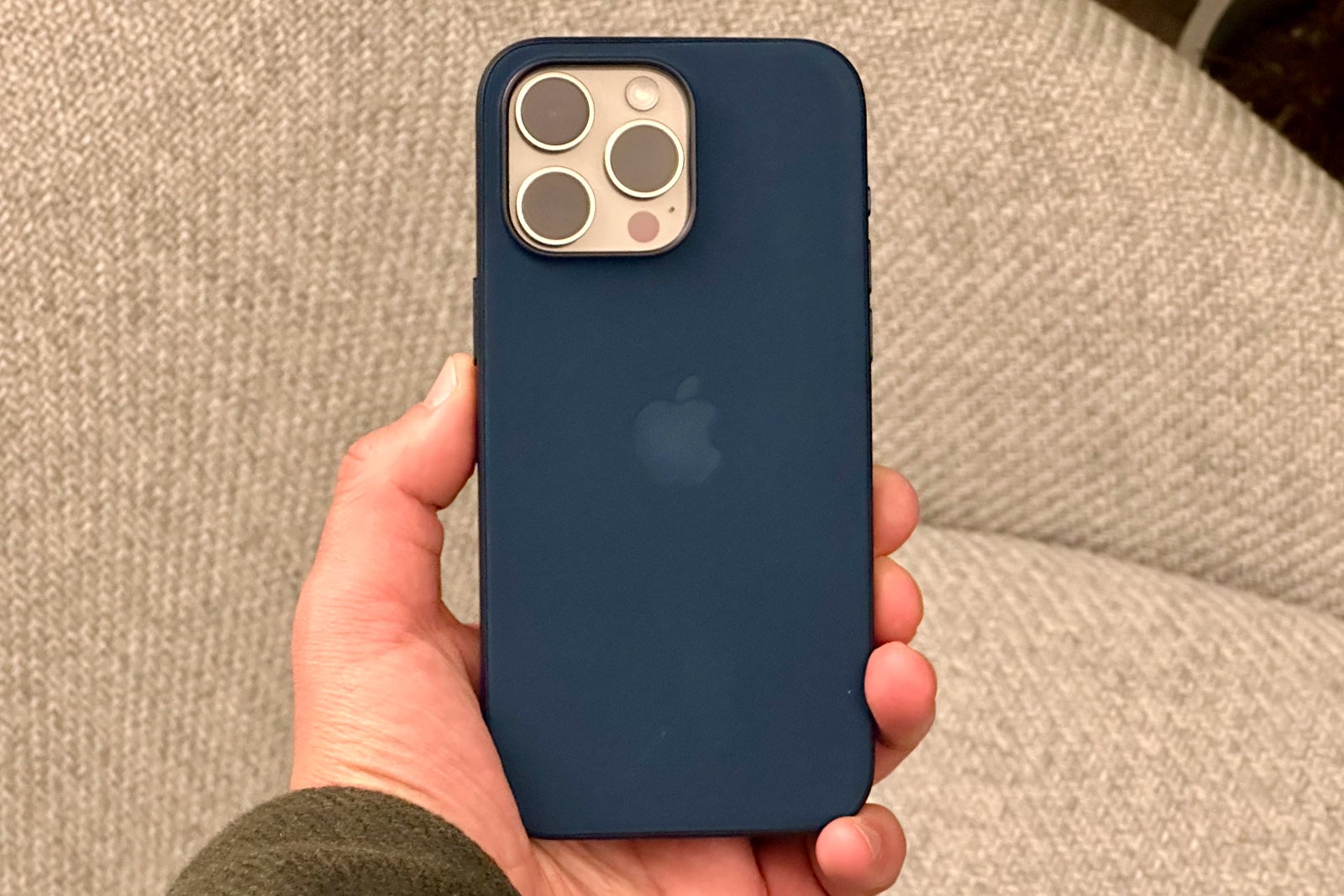
In my testing, I found that the case quickly showed lots of smudges and nicks from fingerprints. I'd recommend ordering an Apple-branded silicone case instead (or just heading to Amazon for something more affordable).
Satellite connectivity gets more powerful
The iPhone 15 family takes satellite connectivity to the next "stratosphere." In addition to the existing Emergency SOS via satellite service, the iPhone 15 introduces roadside assistance in the U.S.
I don't currently own a car, but I am a frequent renter, especially when I'm traveling to national parks. I love the outdoors, which means I often go places without cell service.
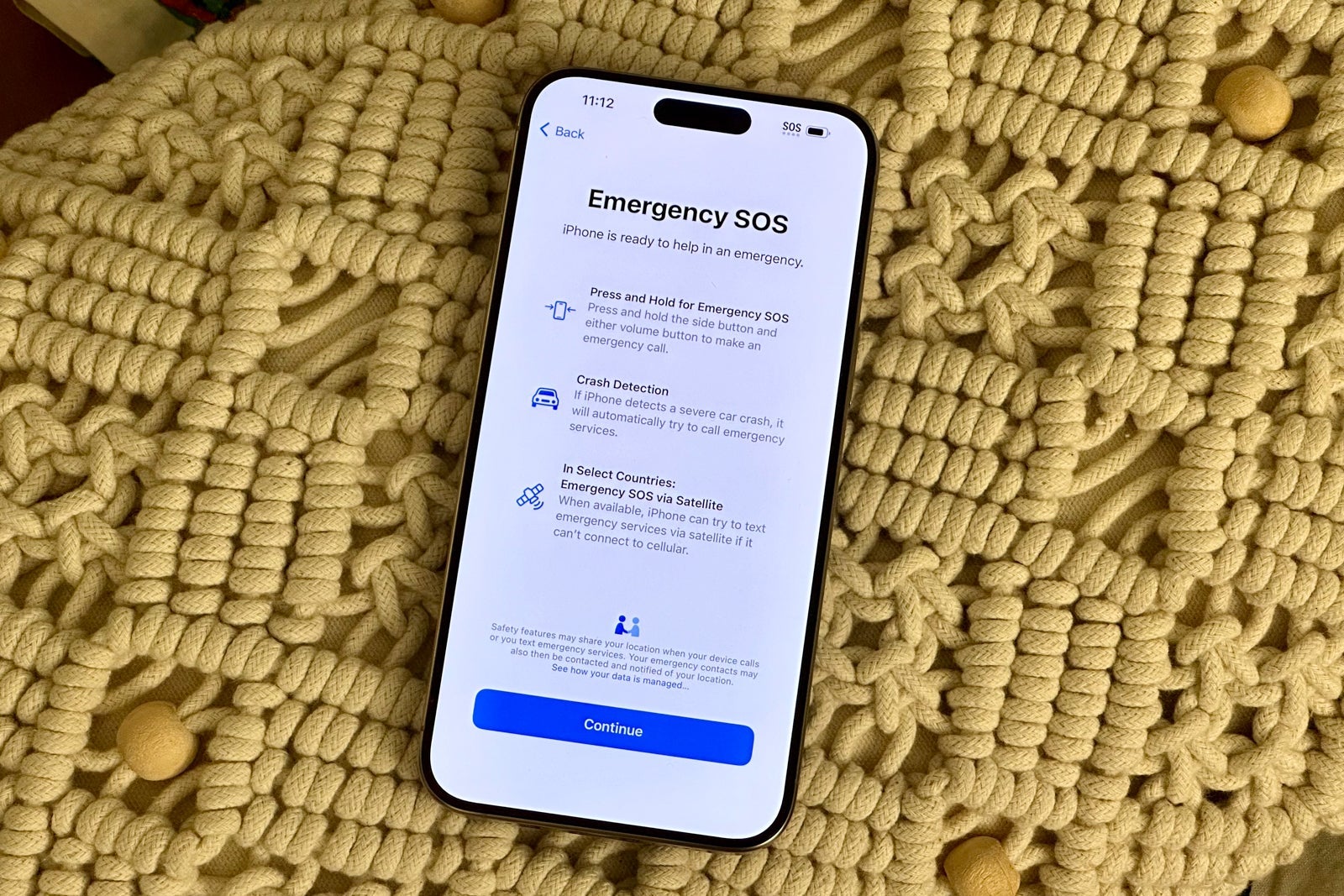
In the past, that meant I was entirely off the grid if something bad happened. But with satellite connectivity on the iPhone 15 family, I will be reassured that I can contact help if needed.
With the new roadside assistance feature, you can connect with AAA if something goes wrong with your car, even if you don't have cell service. (This service is free for AAA members and can be purchased on a one-time basis by nonmembers.)
I hope to never use this feature, but it's good to know it's there if something goes wrong.
The good news is that you don't necessarily need to upgrade to take advantage of this service. Every iPhone 14 features satellite connectivity and can also connect to the roadside assistance service as of Friday.
Camera boosts
As they say, the best camera is the one that's with you, and for many travelers, that's a smartphone.
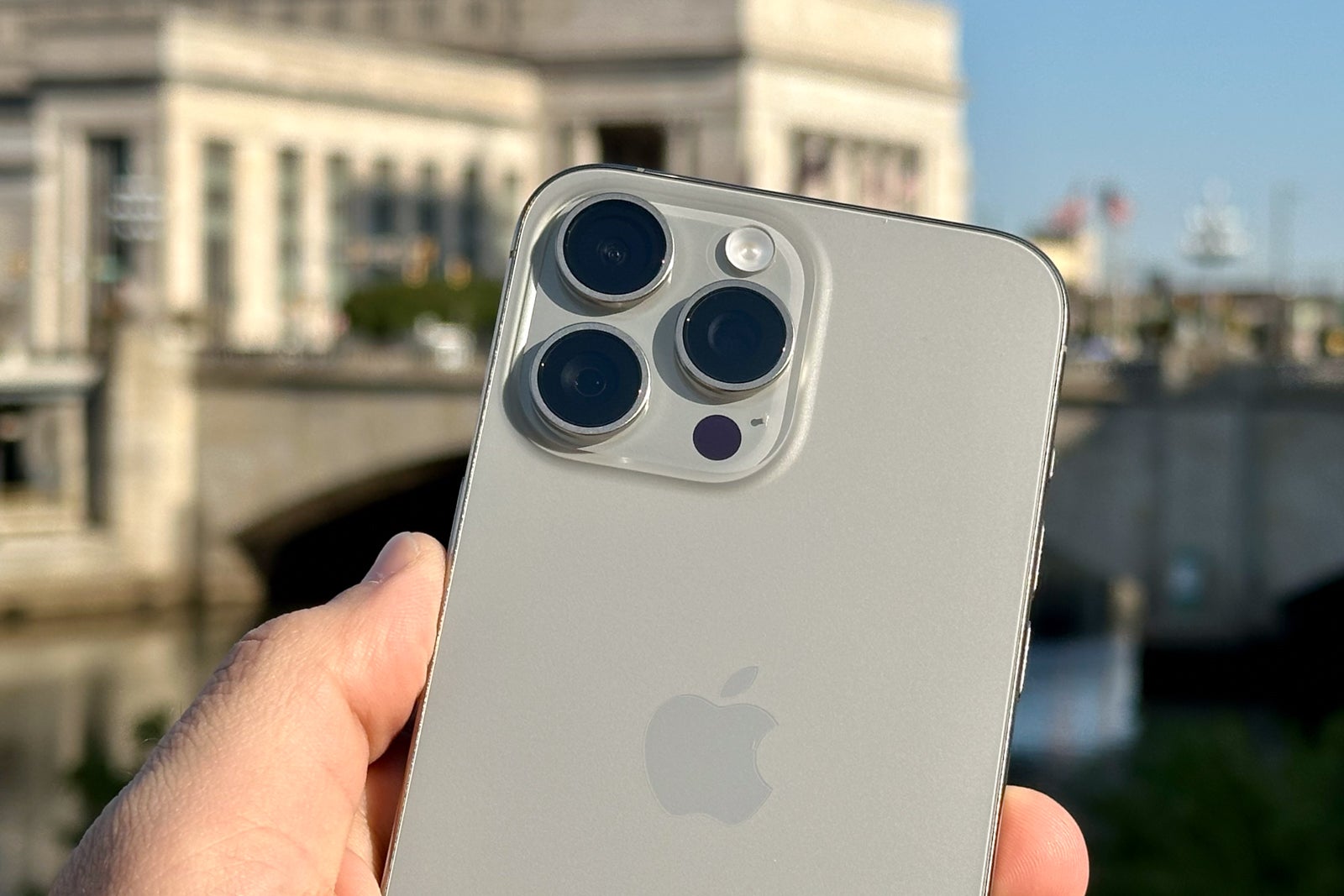
This year, Apple brought some serious camera upgrades to both the iPhone 15 and 15 Pro. While I haven't yet been on the road to put them to the test, my initial impressions are that this might just be the biggest leap forward yet.
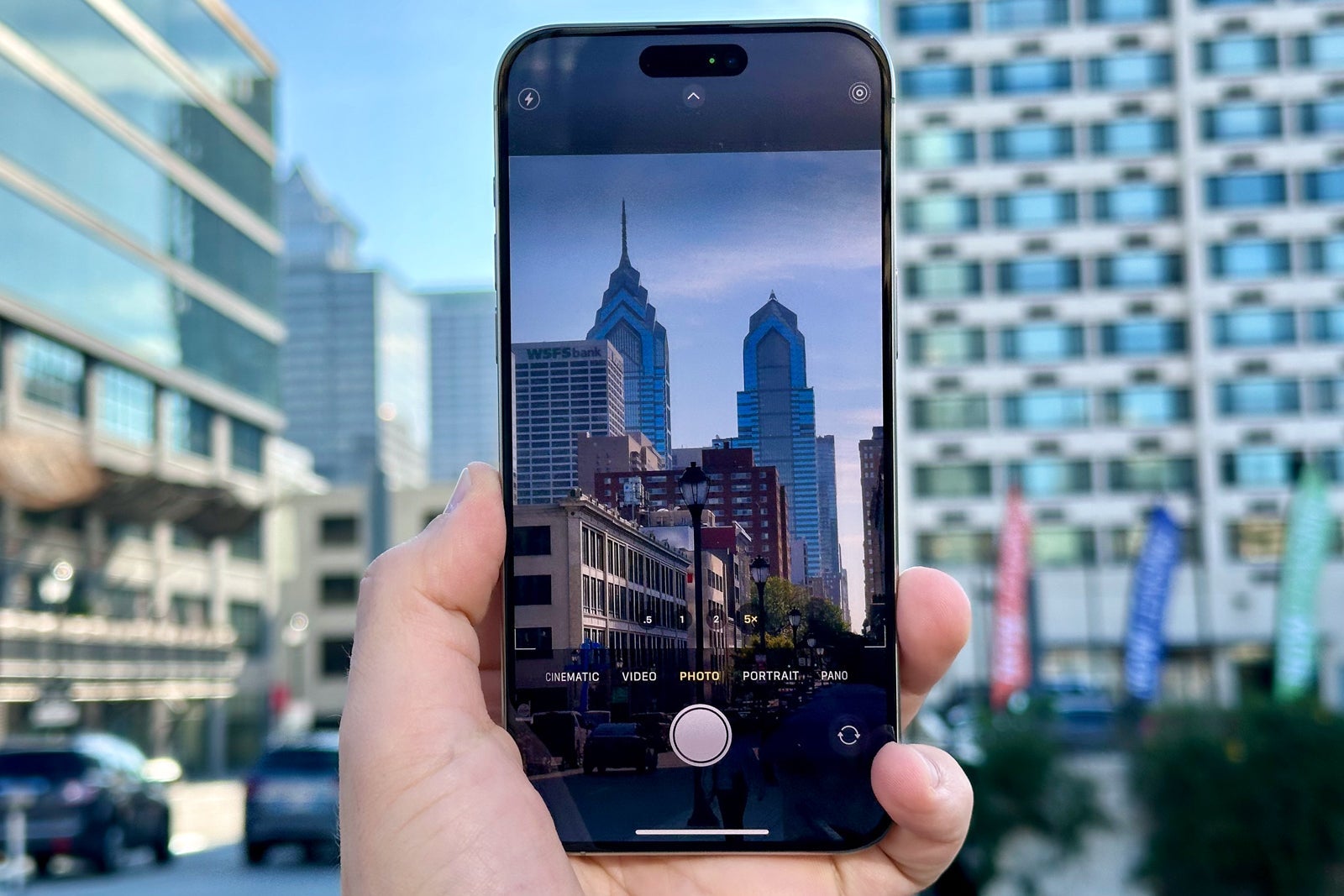
Not only do the phones include a range of new lens options — a whopping seven choices on the iPhone 15 Pro models — but they also feature upgrades to the software that processes images.
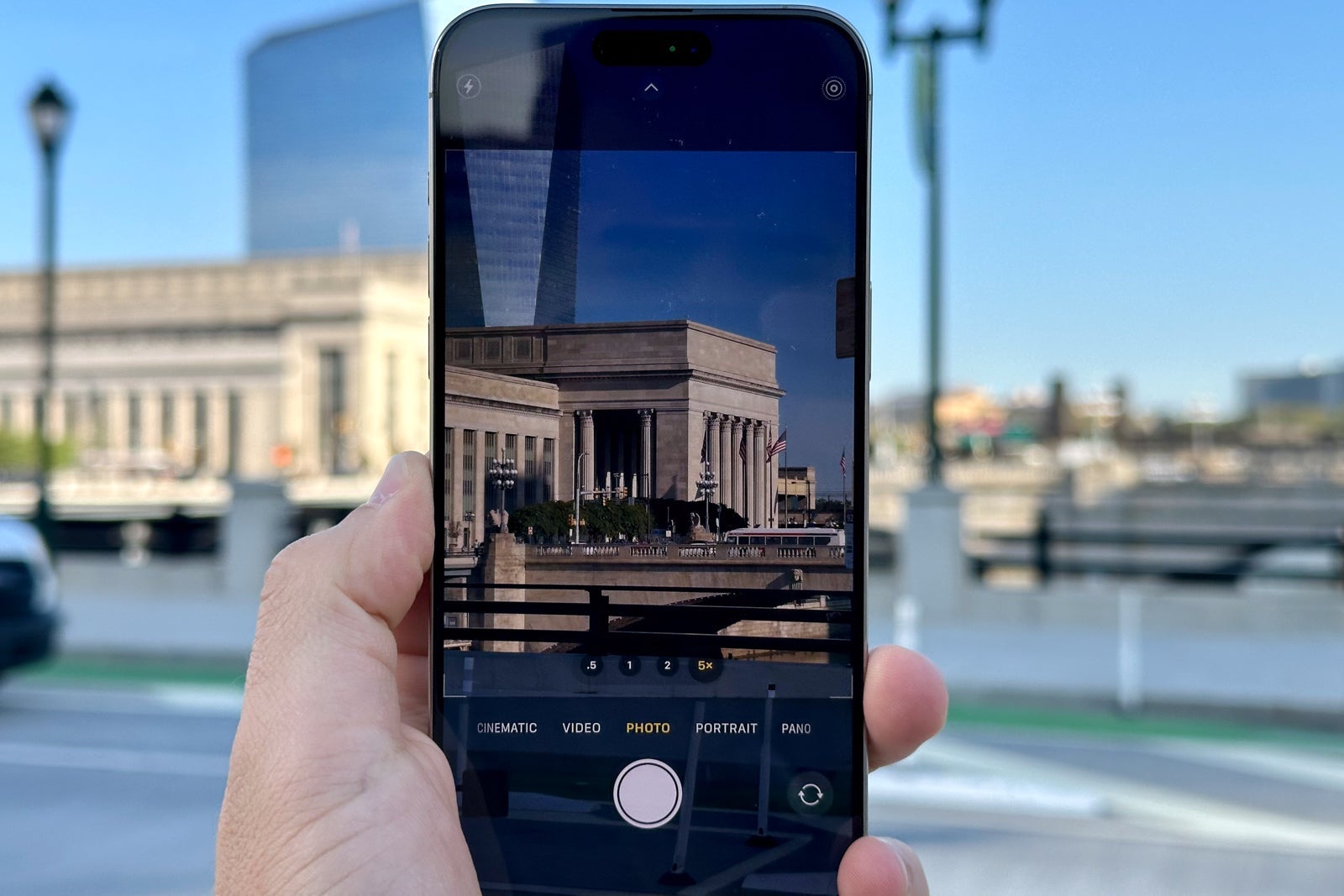
I've already seen some noticeable boosts in low-light photography, which will be great for airplane cabins and hotel room tours taken at night.
Future-proof technology
There are no two ways about it: Upgrading your phone is a significant investment. However, these new devices are packed with technologies that shouldn't become outdated in just a few months.
Perhaps the most exciting one is a new Ultra Wideband chip. This technology tells you how close you are to an AirTag or a friend you follow on Find My Friends.
The new chip enables up to three times the range, which means that finding your friend or loved one (who also uses a new iPhone) at a loud concert or crowded airport will be easier.
Other tech upgrades include Wi-Fi 6E (on the iPhone 15 Pro) and the second-generation Qi wireless charging standards for both models — two technologies that are slowly becoming more popular.
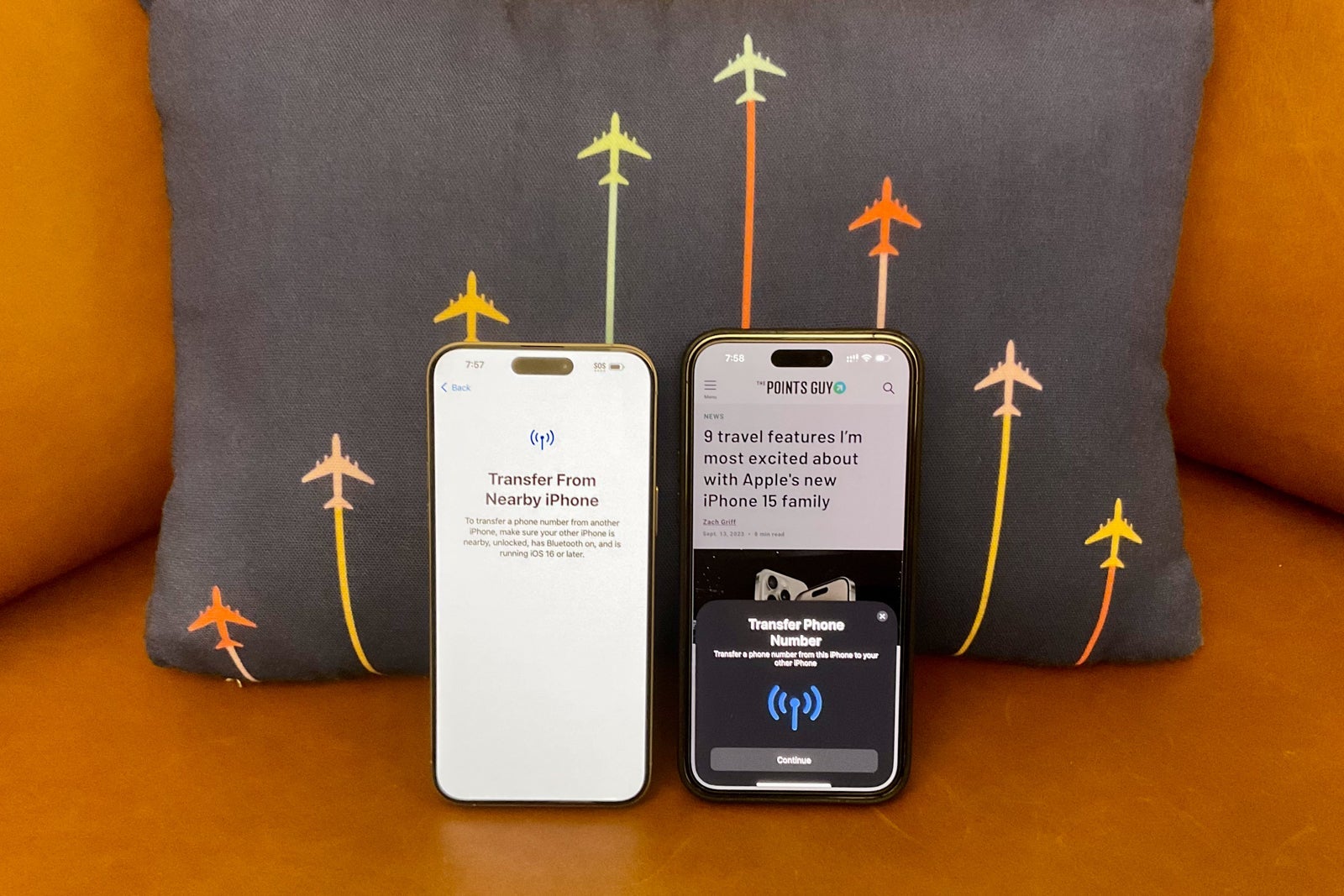
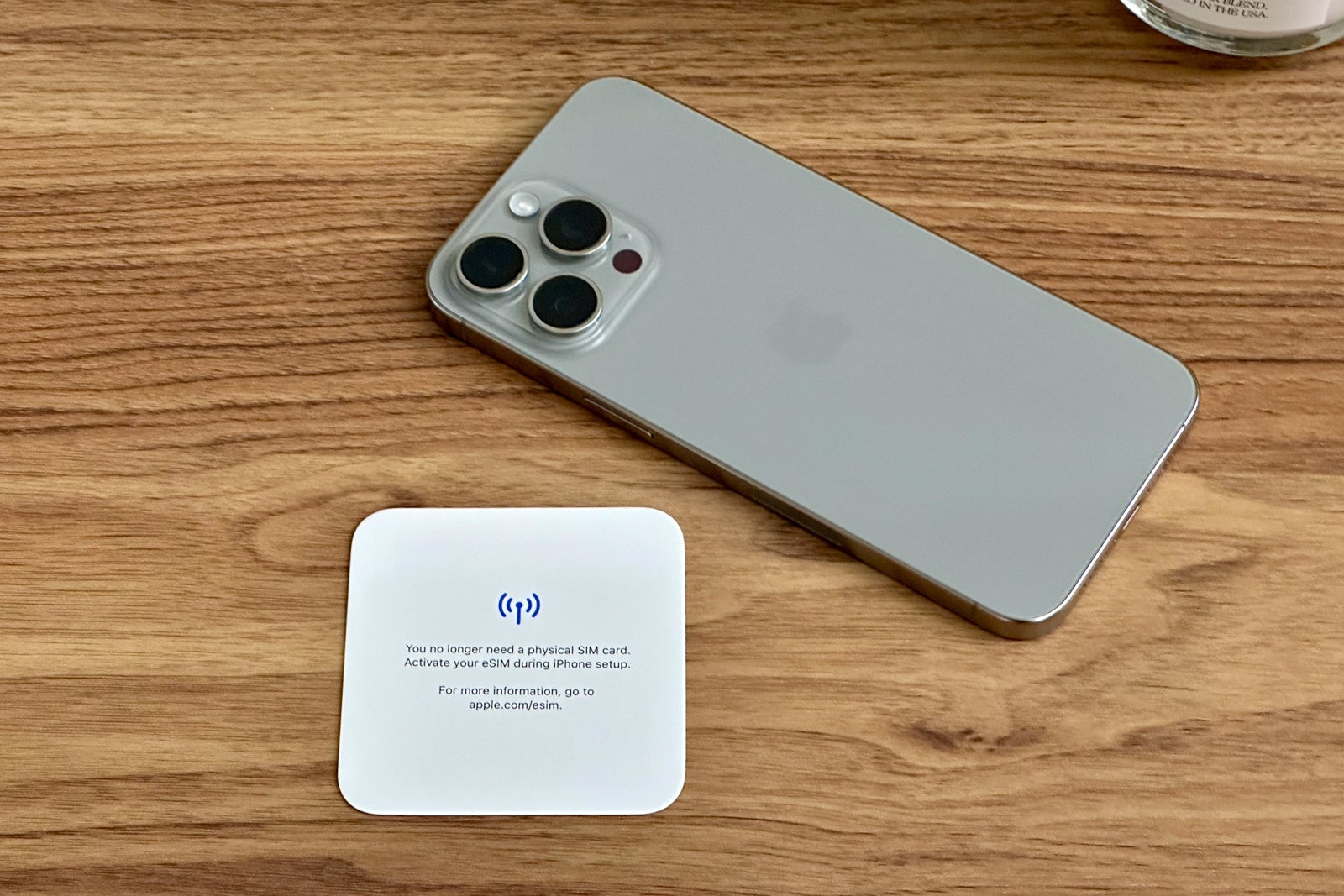
Just like last year, iPhone 15 models exclusively support eSIM (or embedded SIM cards), which means that connecting to your cell provider is done exclusively via software on the phone — a major change that Apple debuted last year.
IOS 17 upgrades
Along with the new hardware come some software improvements in the form of iOS 17, which was released to all recent iPhone users on Monday.
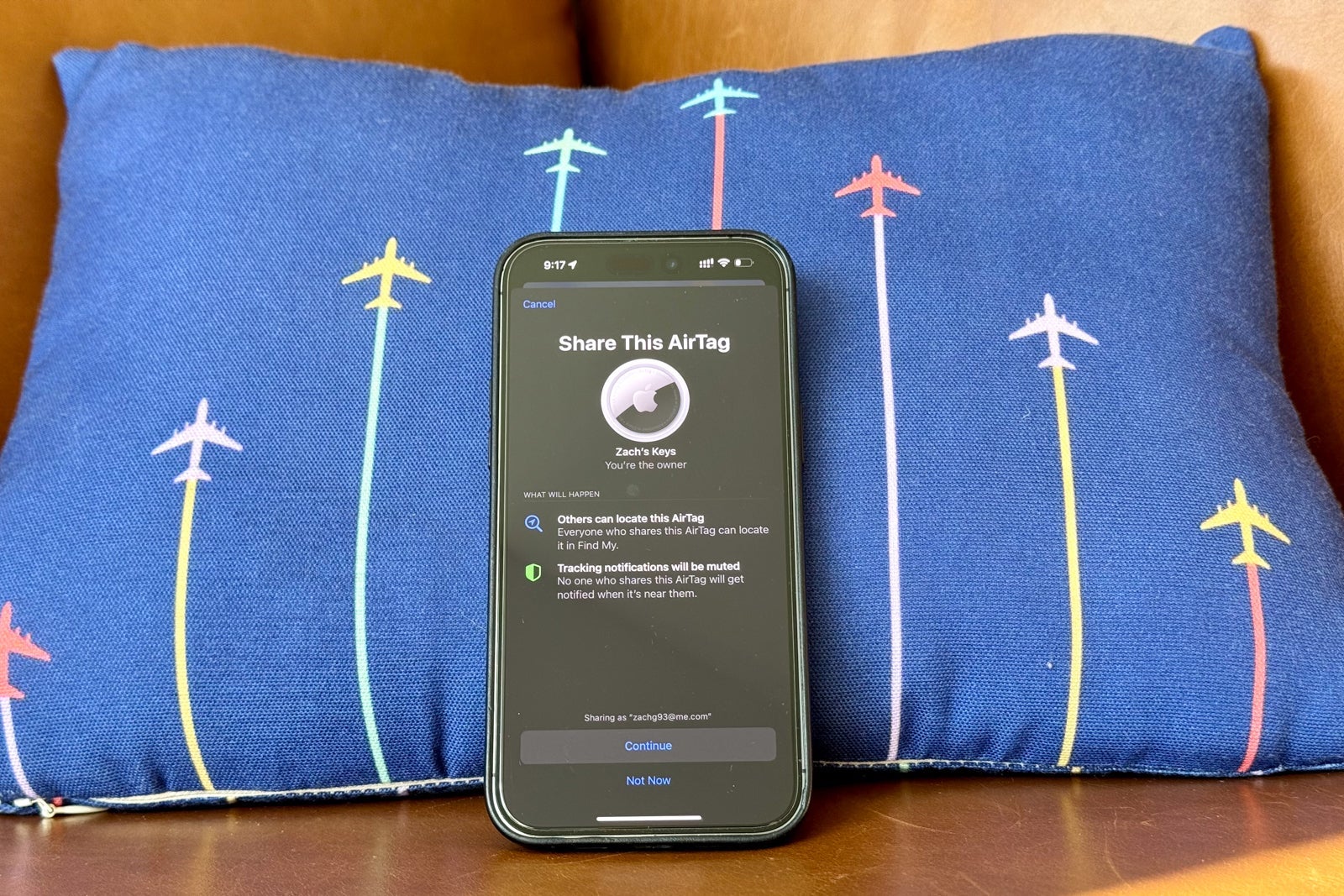
The software includes some travel-friendly features that I've already incorporated into my routine, including standby mode, Live Voicemail, check-in and shared AirTags.
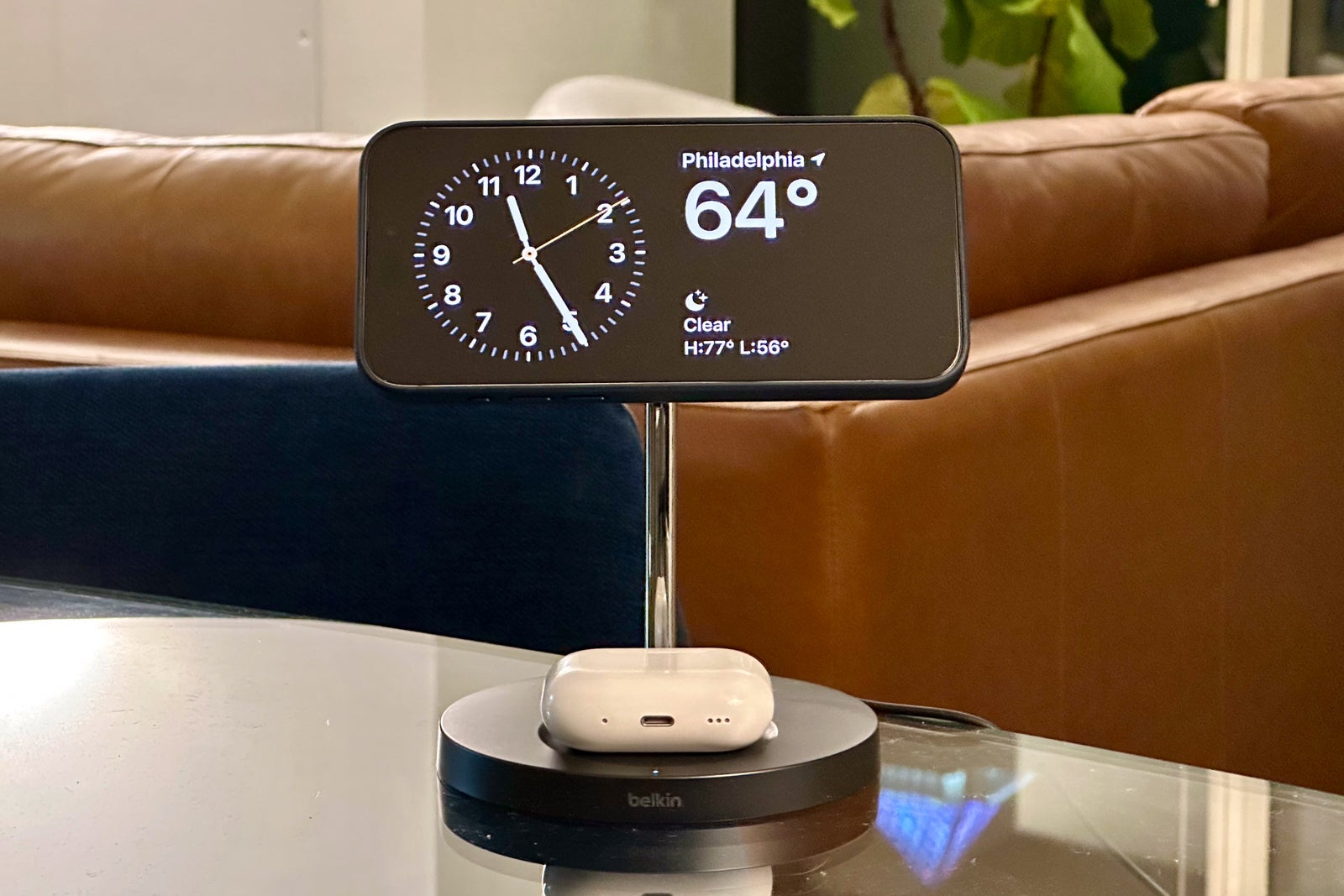
Standby mode essentially replaces the traditional alarm clock. It allows you to dock your phone in the horizontal orientation and view the time, weather and any other essential information while the phone charges overnight.
In the above photo, I'm using Belkin's 2-in-1 wireless charger stand, which works perfectly for standby mode.
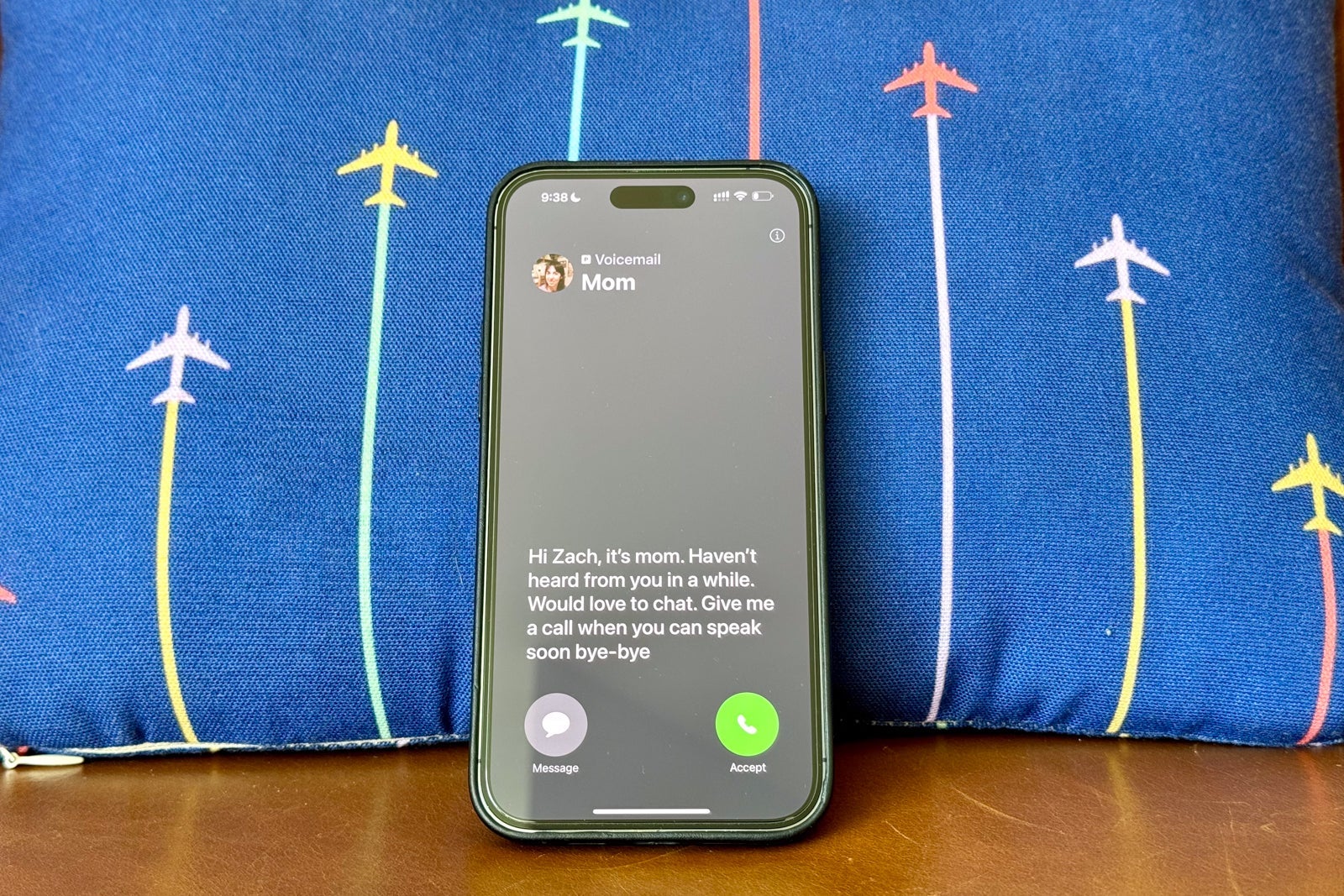
Meanwhile, Live Voicemail is a game changer for me when I'm busy on the road. When I send calls to voicemail, it automatically transcribes the message in real time. If I notice that it's something urgent, I can still pick up the phone without missing the call.
Note that this feature uses cellular data; additional calling rates may apply if you're roaming.
Check-in lets my friends and family set automatic geofences to alert me when they get home, and sharing AirTags means that multiple people can track the same suitcase or backpack during the journey.
Bottom line
Smartphones have become an essential part of travel, and Apple's brand-new iPhone 15 family takes this experience to the next level.
In fact, three of the physically smallest changes pack major upgrades for those who are always on the move. This includes the all-new USB-C charging port, which can even charge other small devices, the Action Button on the Pro-level models and the Dynamic Island on the entry-level iPhone 15s.
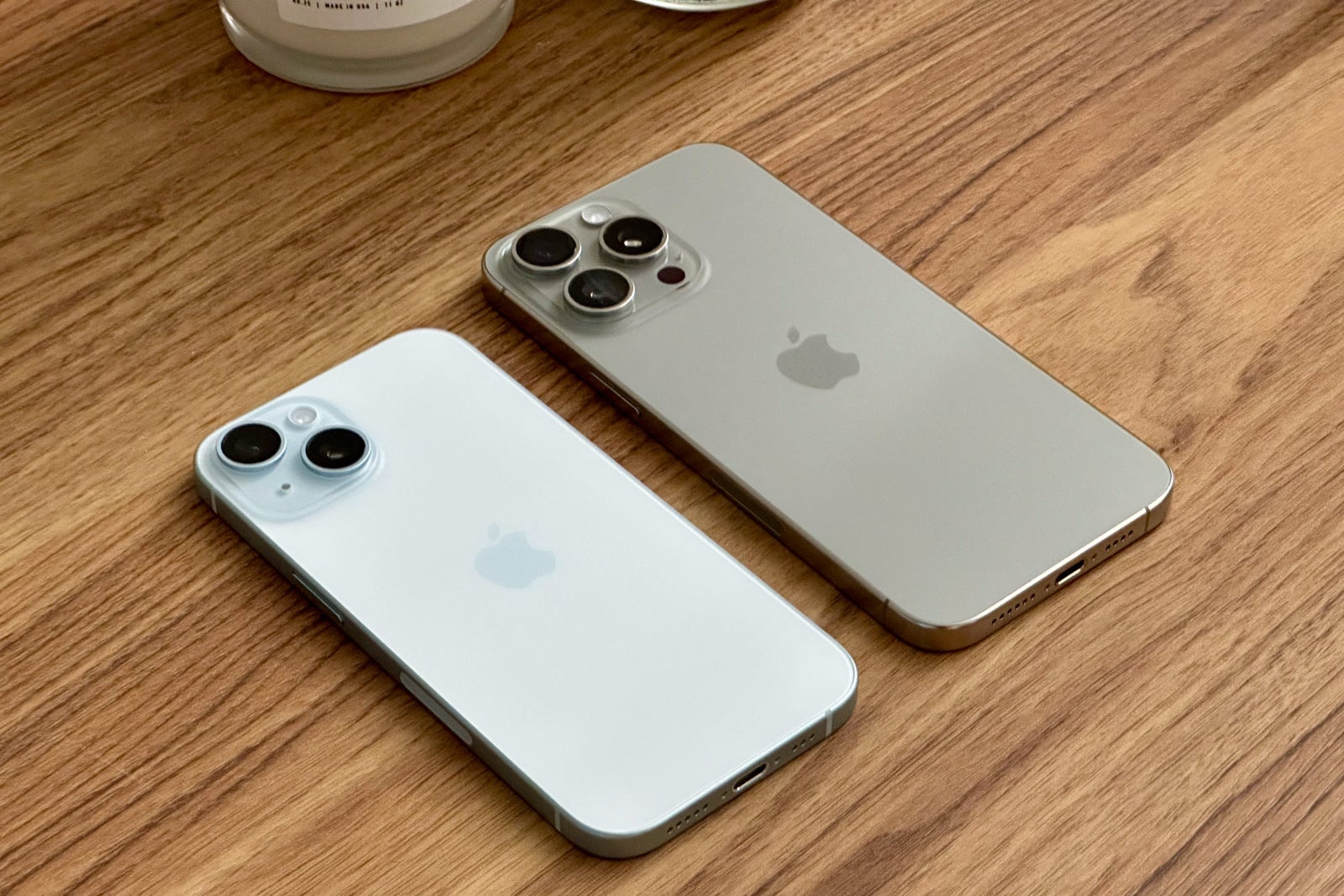
Combined with a new design on both models, along with serious camera upgrades and some future-forward technologies, these are Apple's best travel-friendly phones yet.
If you're still on the fence about upgrading, this might just be the year to do it, especially if you're carrying around an iPhone 13 or earlier.
TPG featured card

at Capital One's secure site
Terms & restrictions apply. See rates & fees.
| 5X miles | Earn 5X miles on hotels, vacation rentals and rental cars booked through Capital One Travel |
| 2X miles | Earn unlimited 2X miles on every purchase, every day |
Pros
- Stellar welcome offer of 75,000 miles after spending $4,000 on purchases in the first three months from account opening. Plus, a $250 Capital One Travel credit to use in your first cardholder year upon account opening.
- You'll earn 2 miles per dollar on every purchase, which means you won't have to worry about memorizing bonus categories
- Rewards are versatile and can be redeemed for a statement credit or transferred to Capital One’s transfer partners
Cons
- Highest bonus-earning categories only on travel booked via Capital One Travel
- LIMITED-TIME OFFER: Enjoy $250 to use on Capital One Travel in your first cardholder year, plus earn 75,000 bonus miles once you spend $4,000 on purchases within the first 3 months from account opening - that’s equal to $1,000 in travel
- Earn unlimited 2X miles on every purchase, every day
- Earn 5X miles on hotels, vacation rentals and rental cars booked through Capital One Travel
- Miles won't expire for the life of the account and there's no limit to how many you can earn
- Receive up to a $120 credit for Global Entry or TSA PreCheck®
- Use your miles to get reimbursed for any travel purchase—or redeem by booking a trip through Capital One Travel
- Enjoy a $50 experience credit and other premium benefits with every hotel and vacation rental booked from the Lifestyle Collection
- Transfer your miles to your choice of 15+ travel loyalty programs
- Top rated mobile app