ConfirmID rollout: Here's what it's like going through TSA with no ID

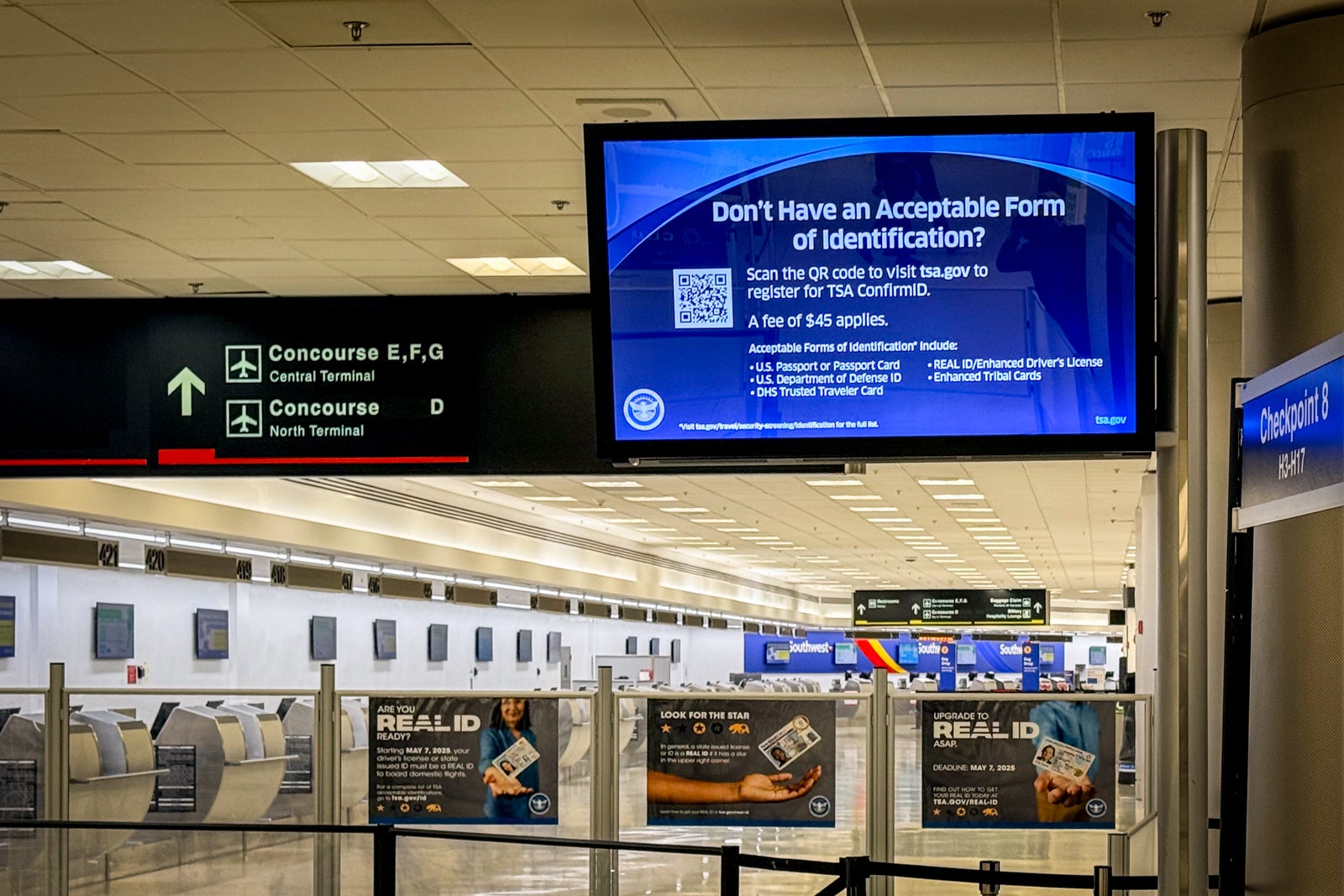
Can you go through security screening without an ID? Yes, you can. I just did it at Miami International Airport (MIA), and it was actually fairly painless (aside from the $45 it cost to make it happen).
I'm writing this story airside at MIA after going through security, not only without a Real ID, but without any form of photo ID at all. This comes the same week the Transportation Security Administration rolled out its new ConfirmID program for those without a Real ID-compliant form of identification.
We wanted to test out the new system, and I can attest that it really works.
As we've been reporting, the TSA is now charging travelers $45 to pass through checkpoints if they arrive without valid identification. It's just one part of a push to get more folks to enroll in Real ID. The U.S. Department of Homeland Security now requires American travelers to carry a Real ID (or another acceptable, approved form of ID) for domestic airport travel.
That means that only driver's licenses and state-issued IDs that are Real ID compliant — the current national standard — and a few other acceptable IDs now meet the requirements to pass through TSA checkpoints.
While enforcement of Real ID requirements officially rolled out in May, there's now a work-around for those who show up without an acceptable ID: TSA agents pull you aside for secondary screenings and to verify your identity. That's the process I followed this morning ahead of my flight to Newark Liberty International Airport (EWR).
Now, as of Feb. 1, those without a compliant ID will need to register with the TSA's ConfirmID program before approaching the security line and pay a $45 fee.
Here's what the process is like.
Register ahead of time
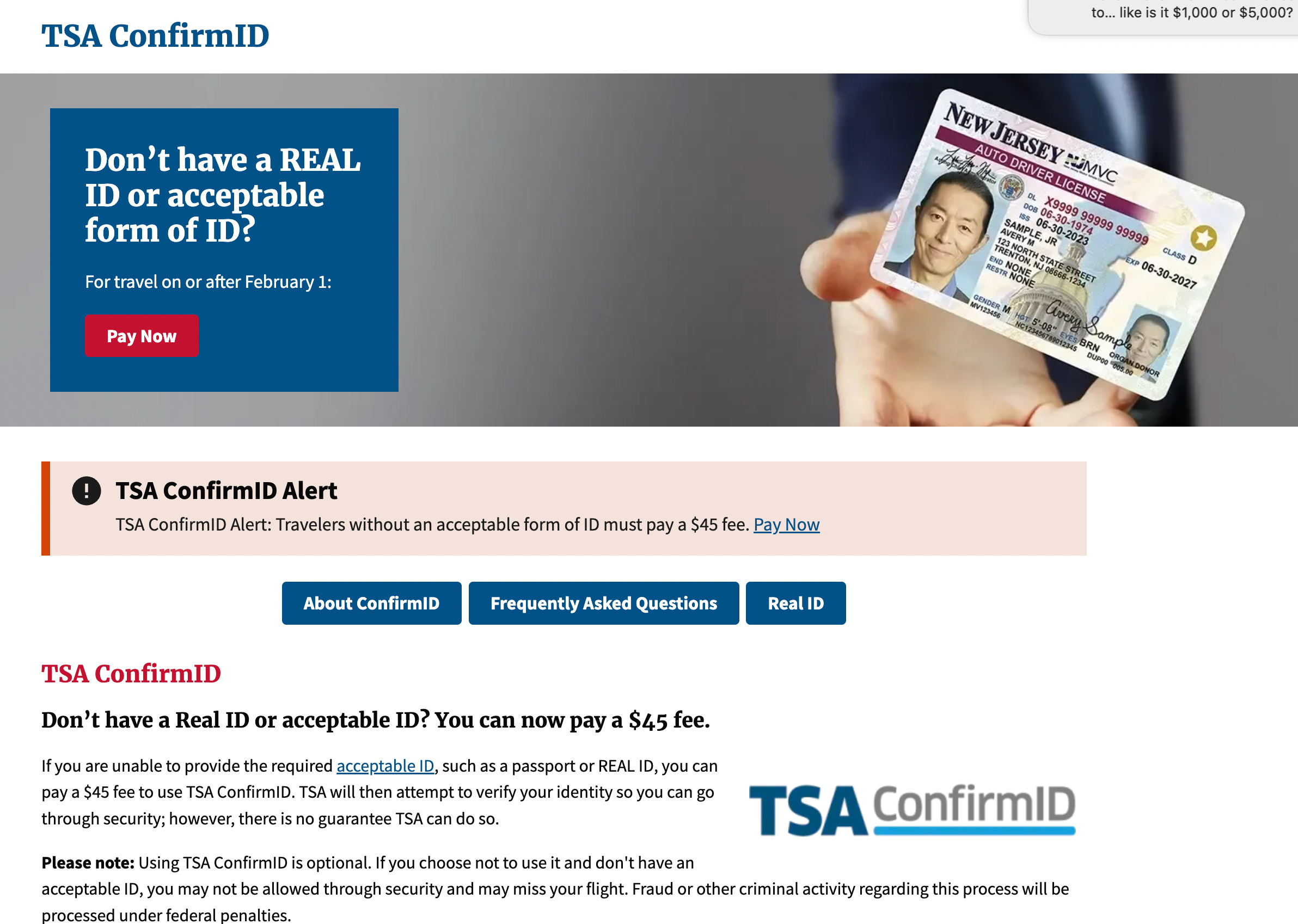
I began the process by going to the TSA ConfirmID website. It will take you to the Pay.gov website to register and pay your $45 fee, as shown in the gallery below.

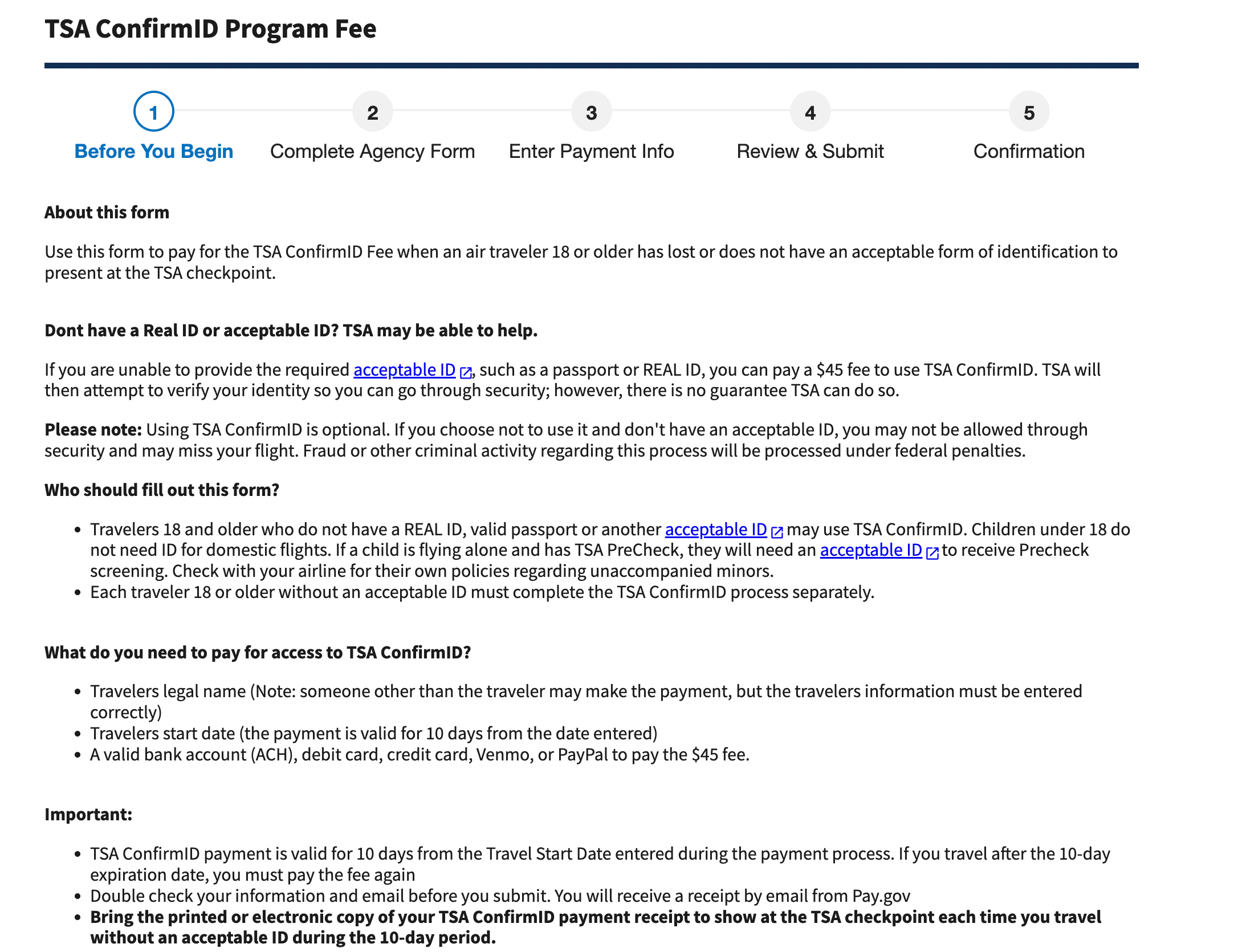
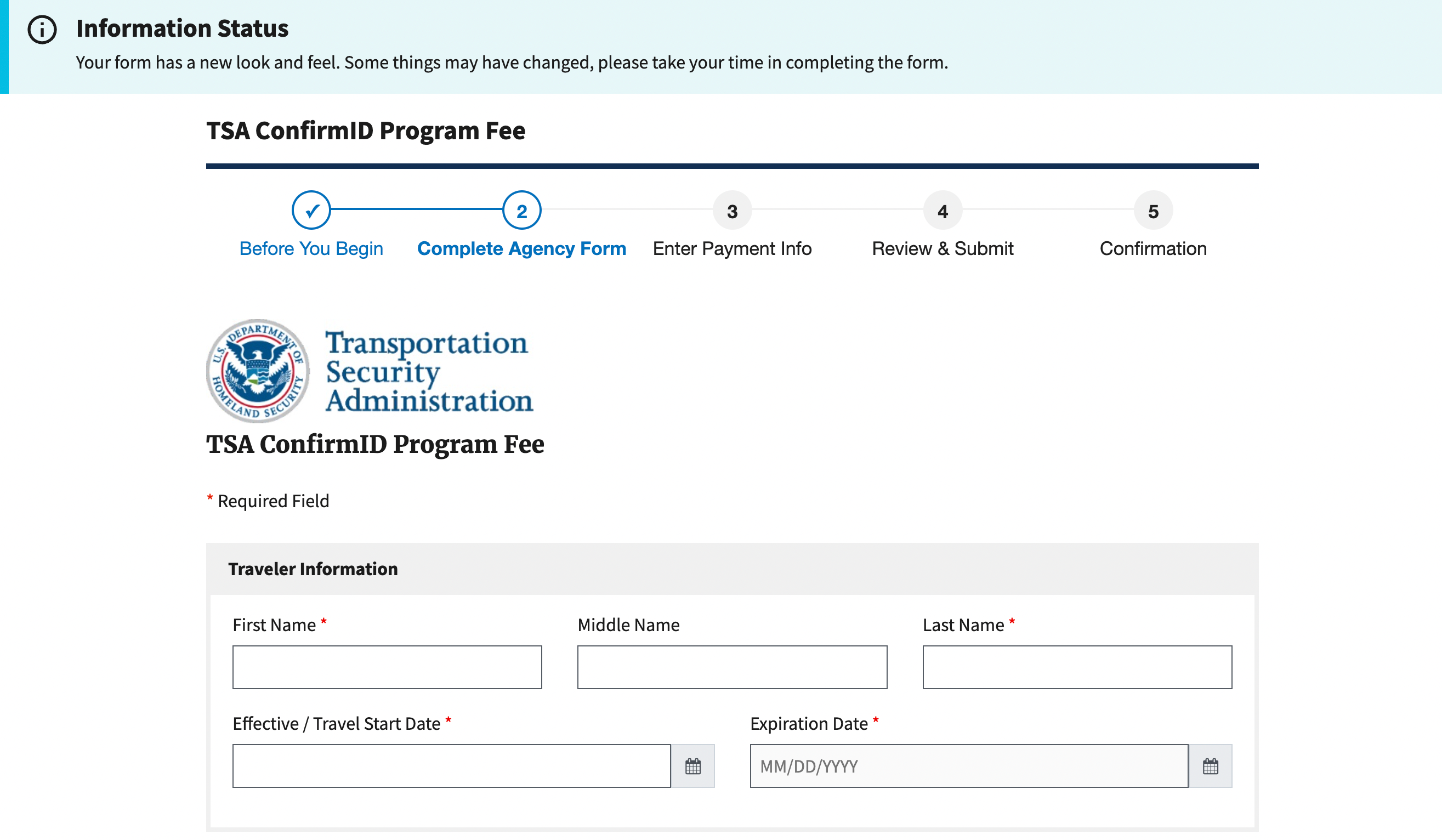
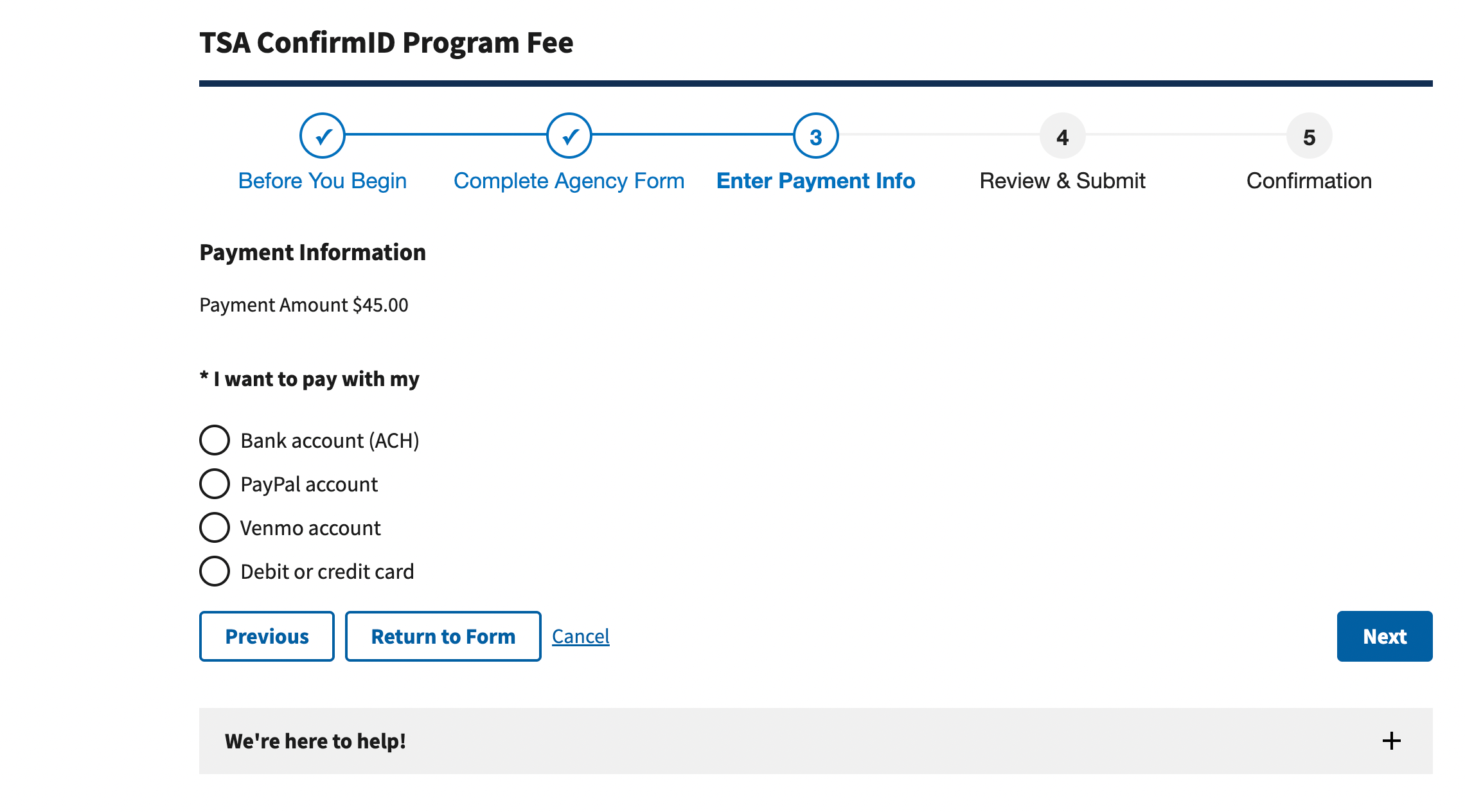
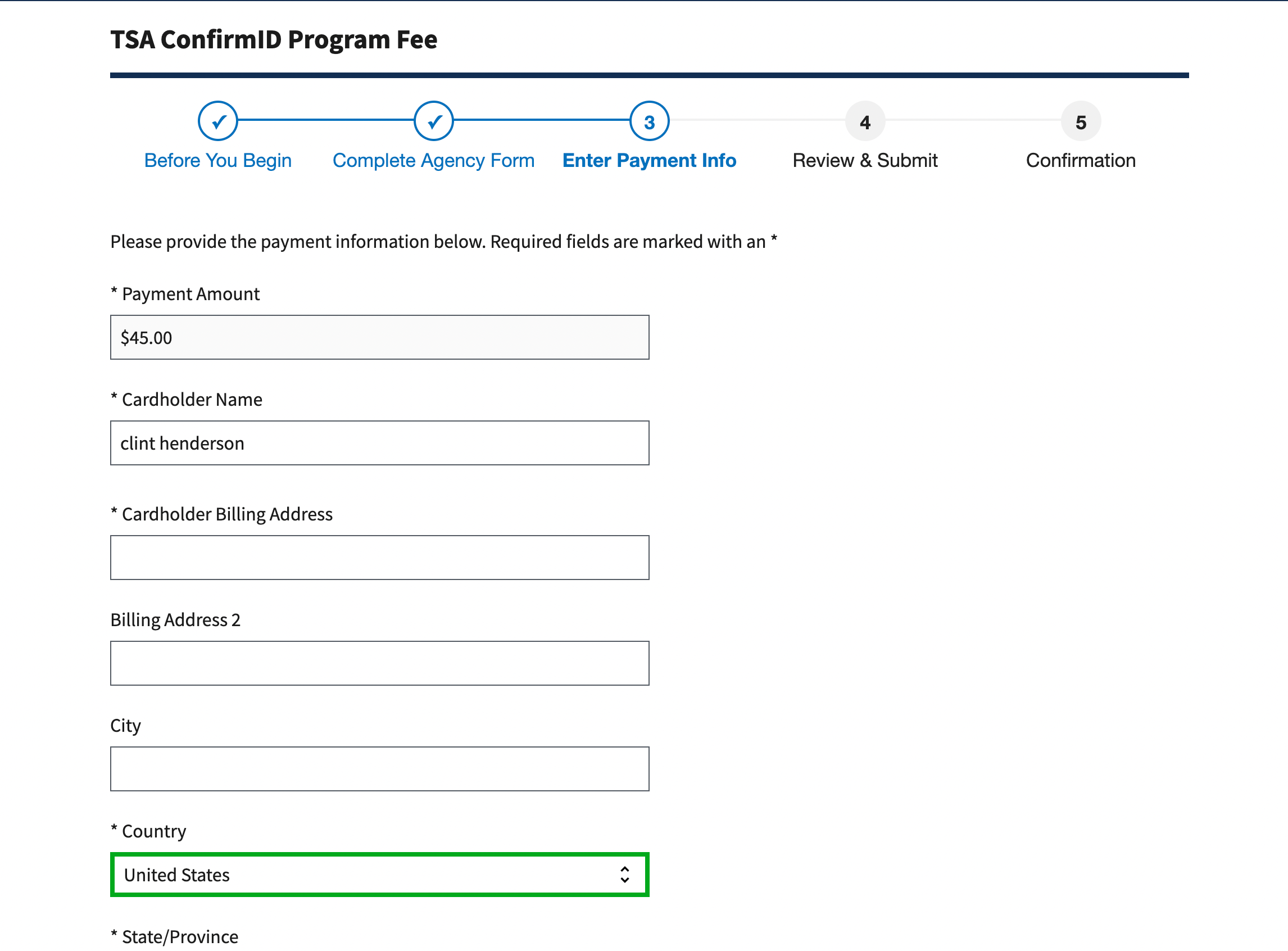
You'll need to put in your name, address and other contact details, as well as your travel date and payment method. Once you've entered your payment method, you'll receive an emailed receipt showing all your details, including the dates of validity, a Pay.gov tracking ID and an agency tracking ID. It's very fast; I received an email receipt in about five minutes. Note that the receipt is good for 10 days, even if you have multiple trips through security.
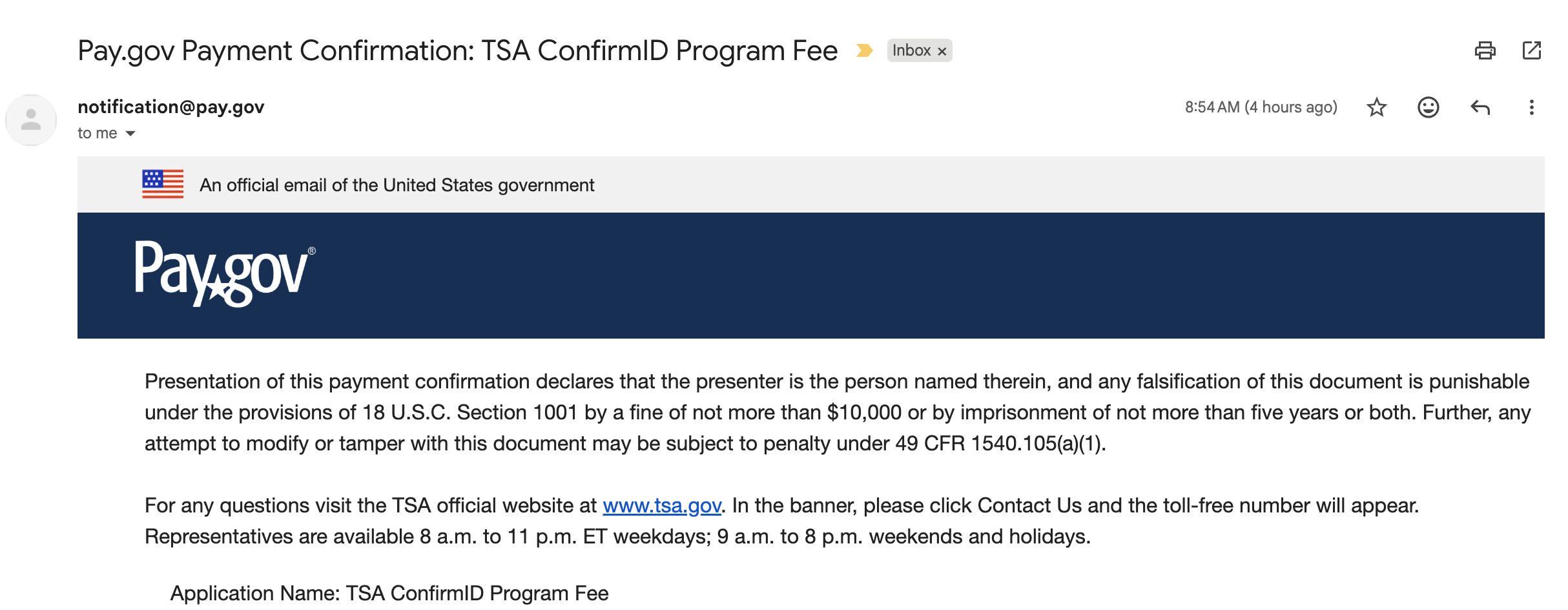
Once I had the email confirming I had paid the fee, I was off to security.
Expect extra screening at TSA
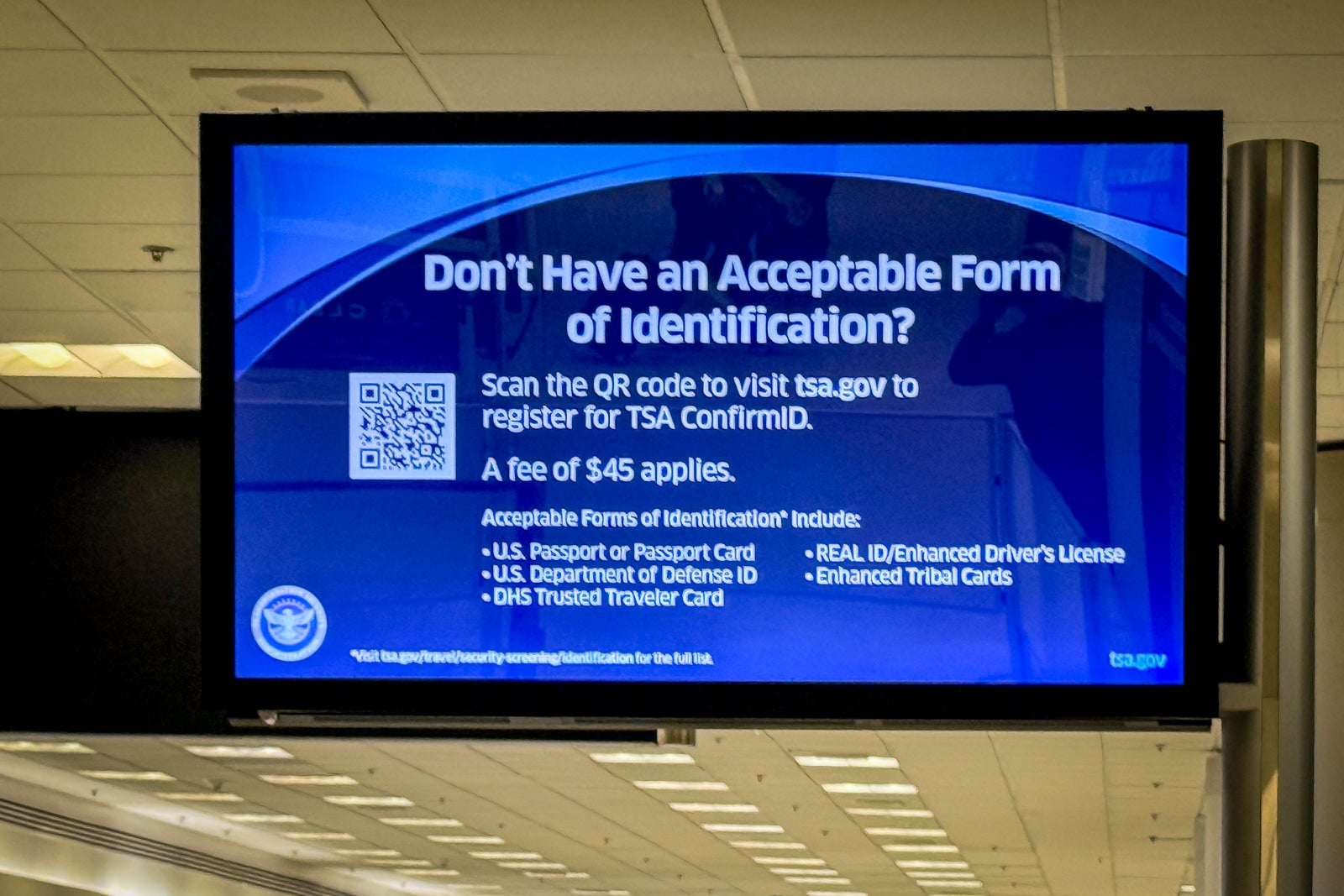
I ended up going through the checkpoint for the H gates, which was pretty busy as I joined the regular security line. Once I got to the TSA agent — after waiting about 10 minutes — I explained that I had a ConfirmID receipt in lieu of a photo ID. He called a supervisor and had me wait off to the side near the Clear lane. I only had to wait about four minutes before a supervisor called me over. He had a special laptop and had me fill out an identification verification form that included my flight record locator, home address and date of birth. After looking me up in his system, he asked me a series of questions only I could answer (previous addresses and that sort of thing).
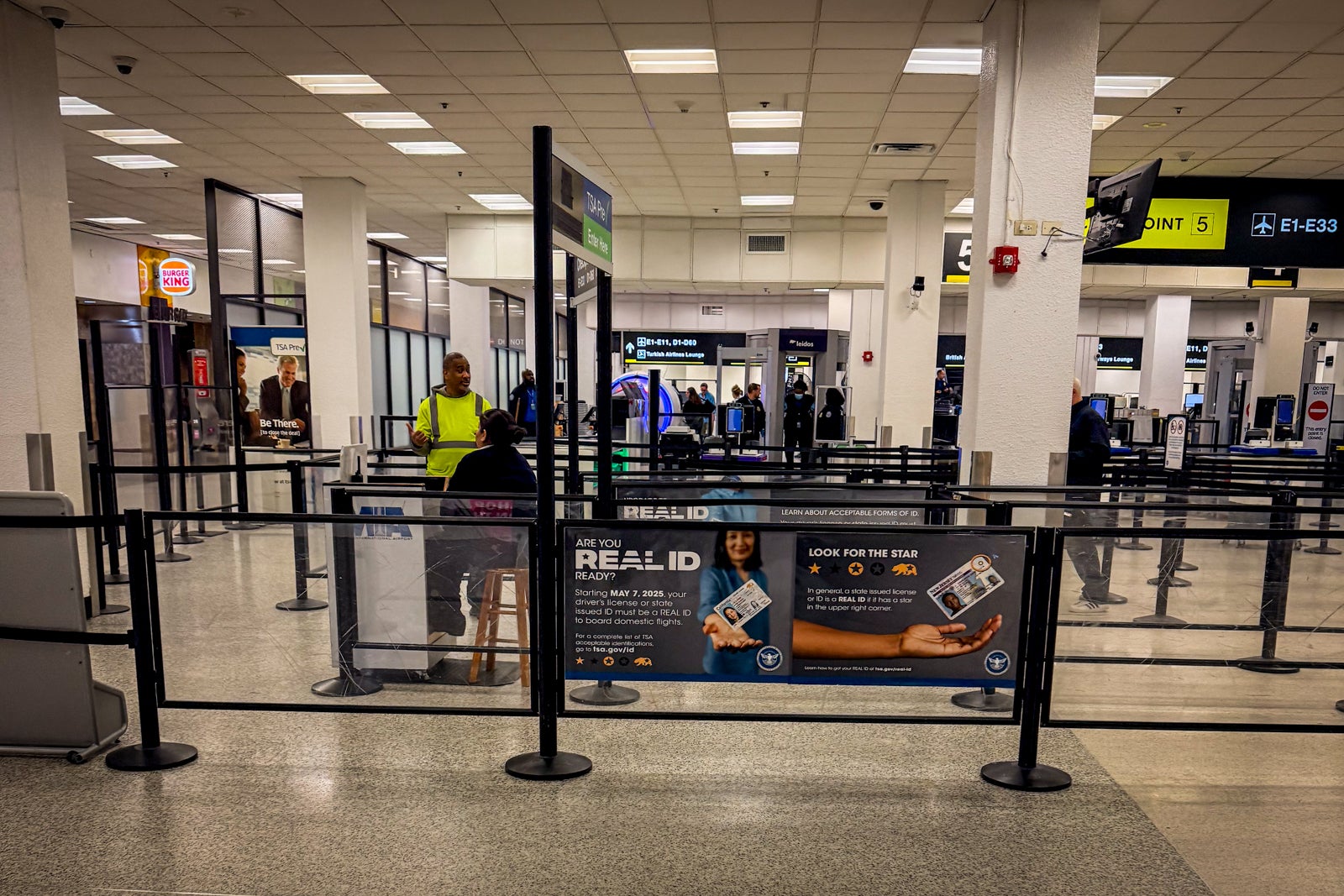
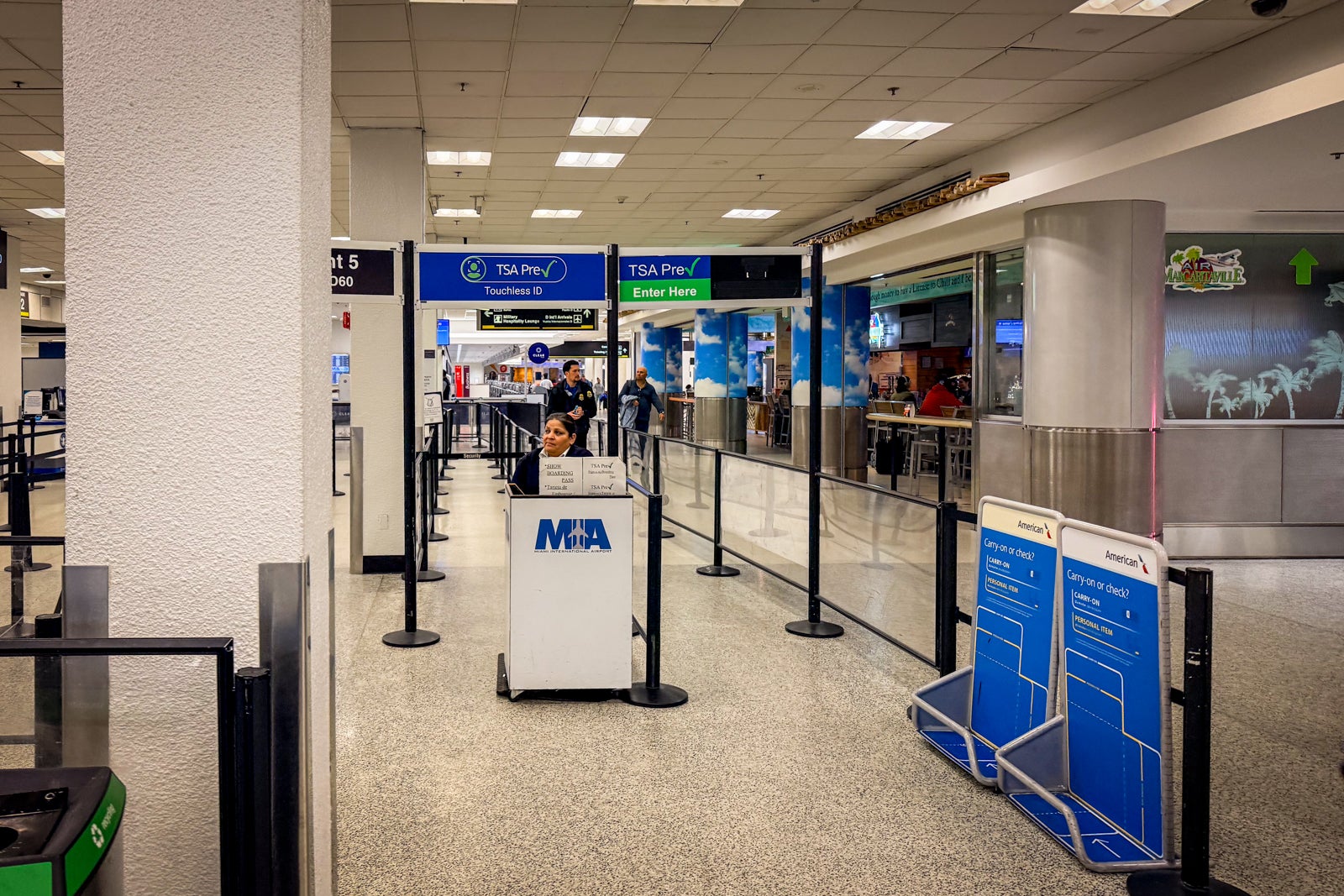
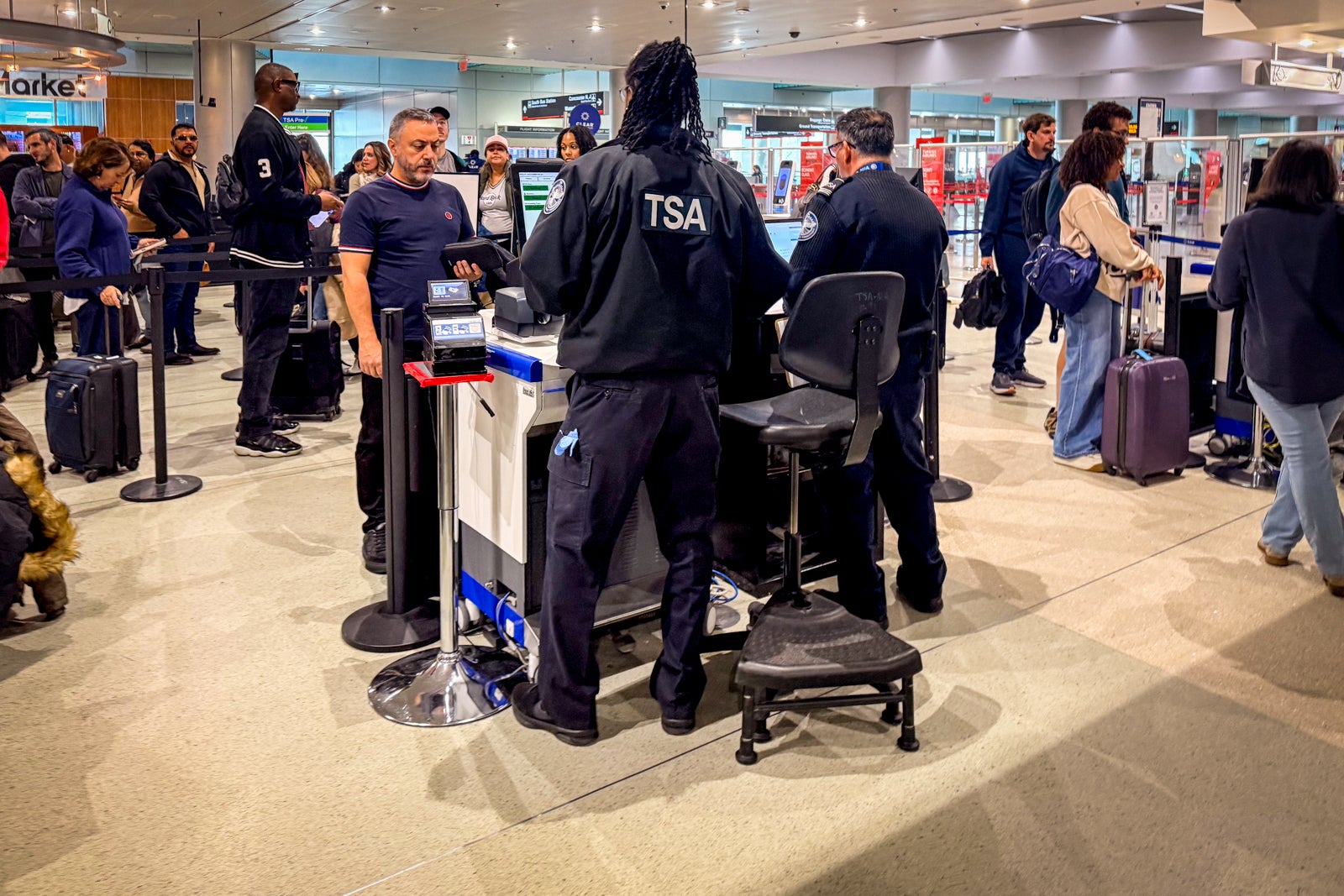
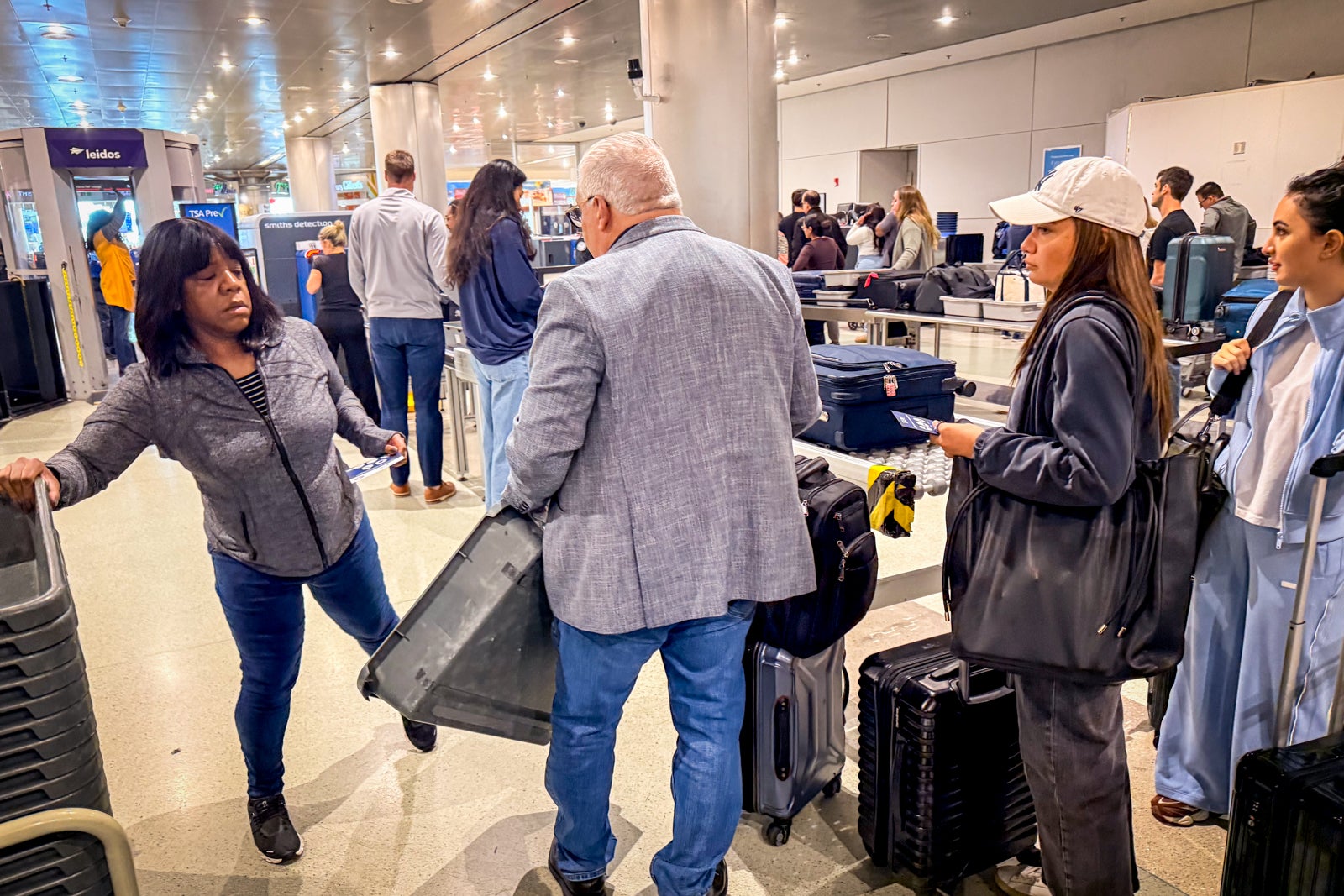
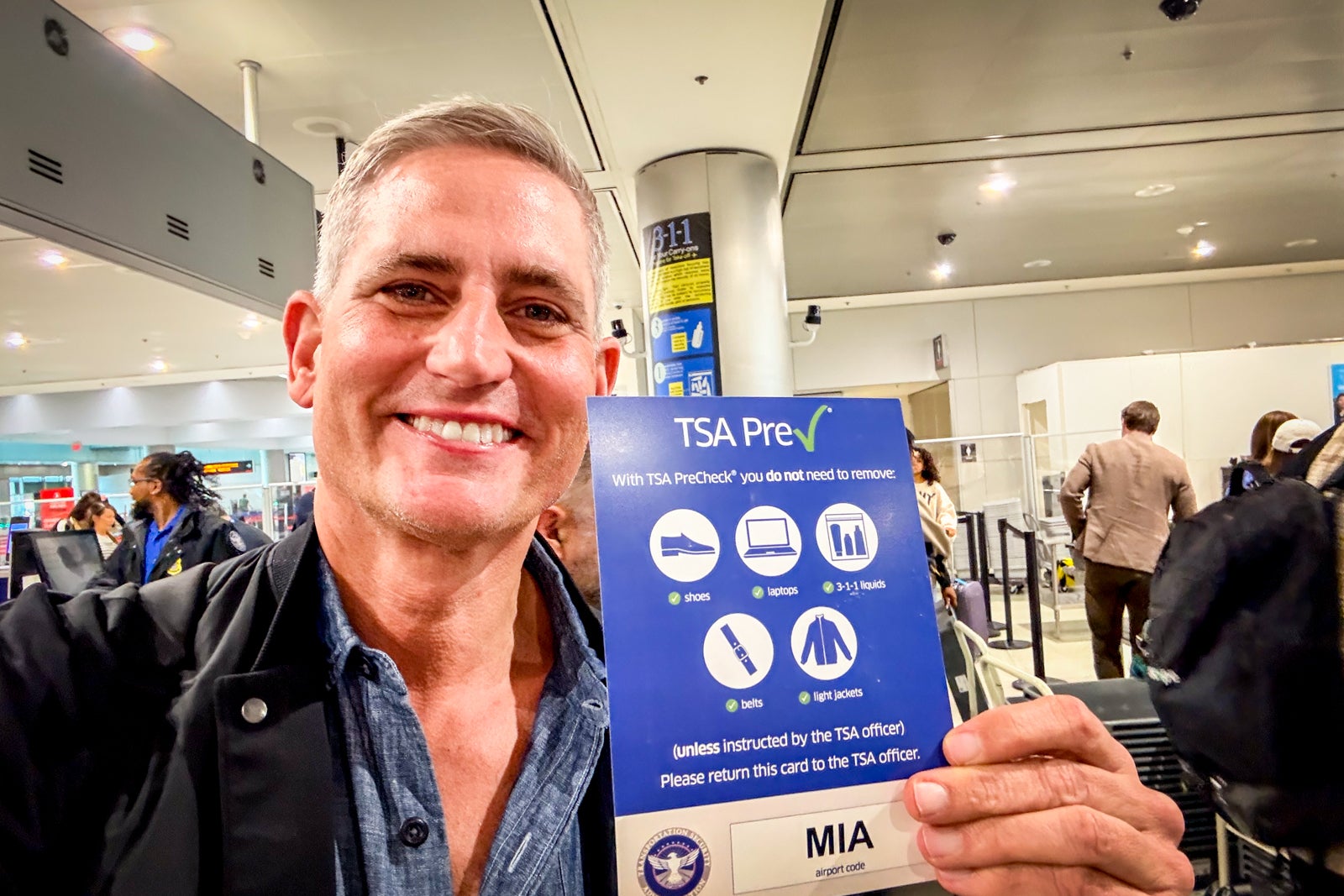
Once that was done, he handed me a TSA PreCheck flyer and sent me on my way to the TSA PreCheck line. The whole process took about 25 minutes. It was fairly painless, and the agents were friendly and didn't seem too bothered by the new steps.
Bottom line
I am thrilled that the rollout of this new system has gone so well. The only slight irritation is being out $45, but that's a small price to pay to know I can still get through security if I ever lose my Real ID-compliant driver's license on a trip.
Don't worry if you don't yet have a Real ID-compliant identification card. The agency also accepts a passport, a Global Entry card or military identification — but it's probably time to get one so you don't have to pay an extra $45.
The TSA estimates that 94% of passengers already have acceptable identification, so hopefully, you are one of those travelers.
Related reading: