This Southwest App Tells You If Your Bag Fits in the Overhead Bin

Southwest just launched a cool new bag-sizing feature within its app, and TPG decided to test it out. Unlike its KLM counterpart, the bag sizer is available for any interested traveler, even without a booked flight.
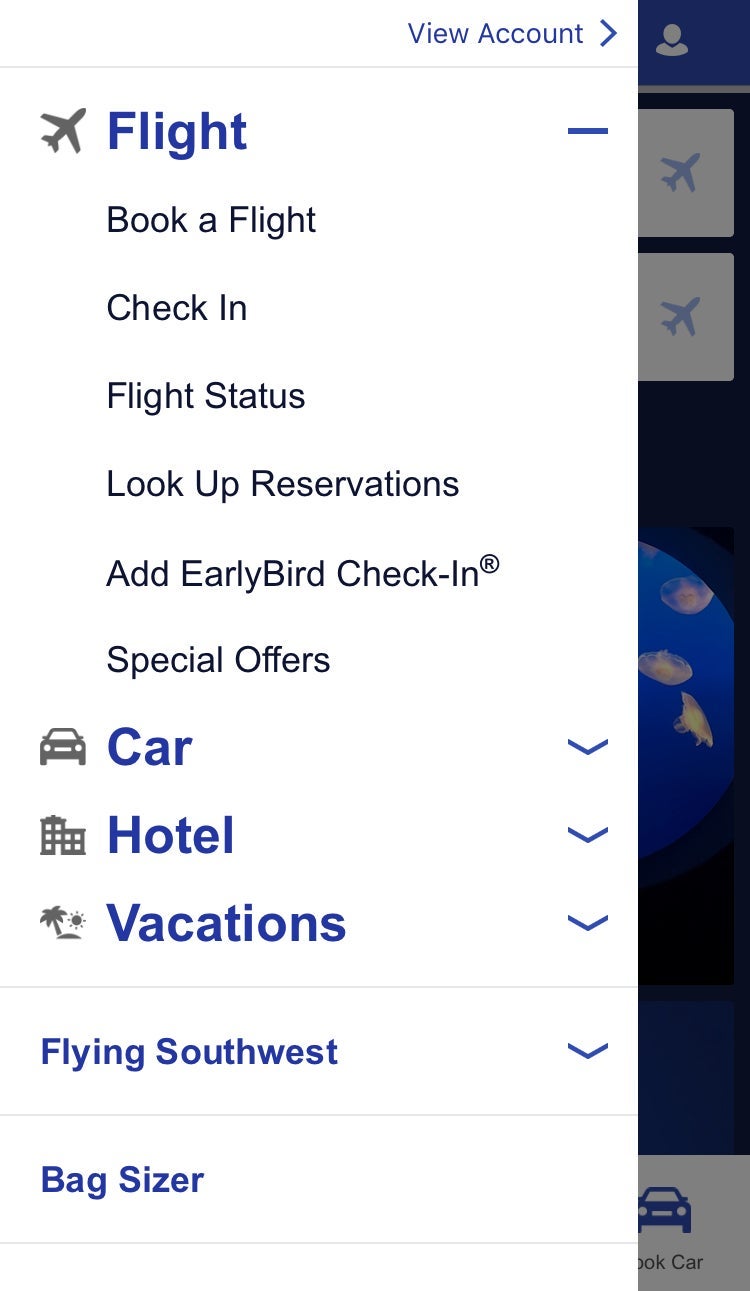
The feature is accessible from the app's main menu button at the top left of the app screen. "Bag Sizer" is located toward the bottom of the menu underneath all the urgent information for booked reservations.
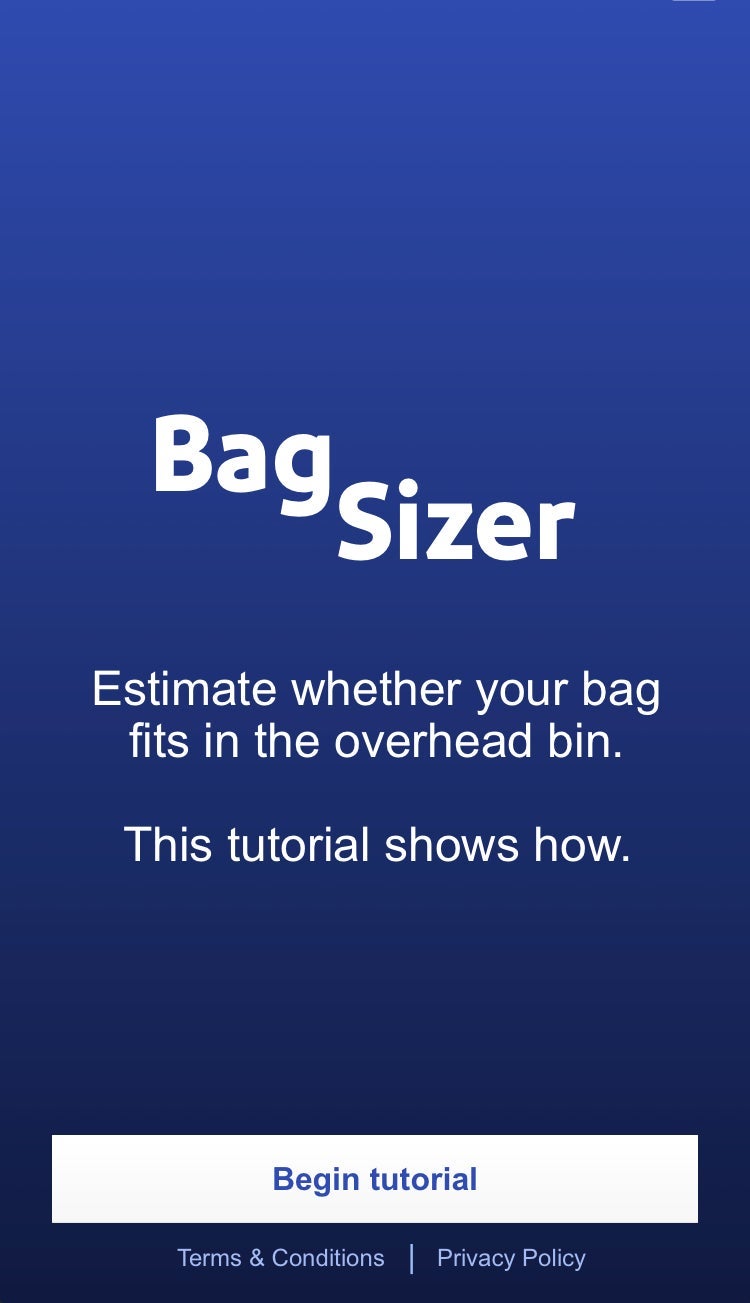
Once you fire up the feature, it offers a tutorial for first-time users. After your first try, the feature goes directly into camera mode to save you some time.
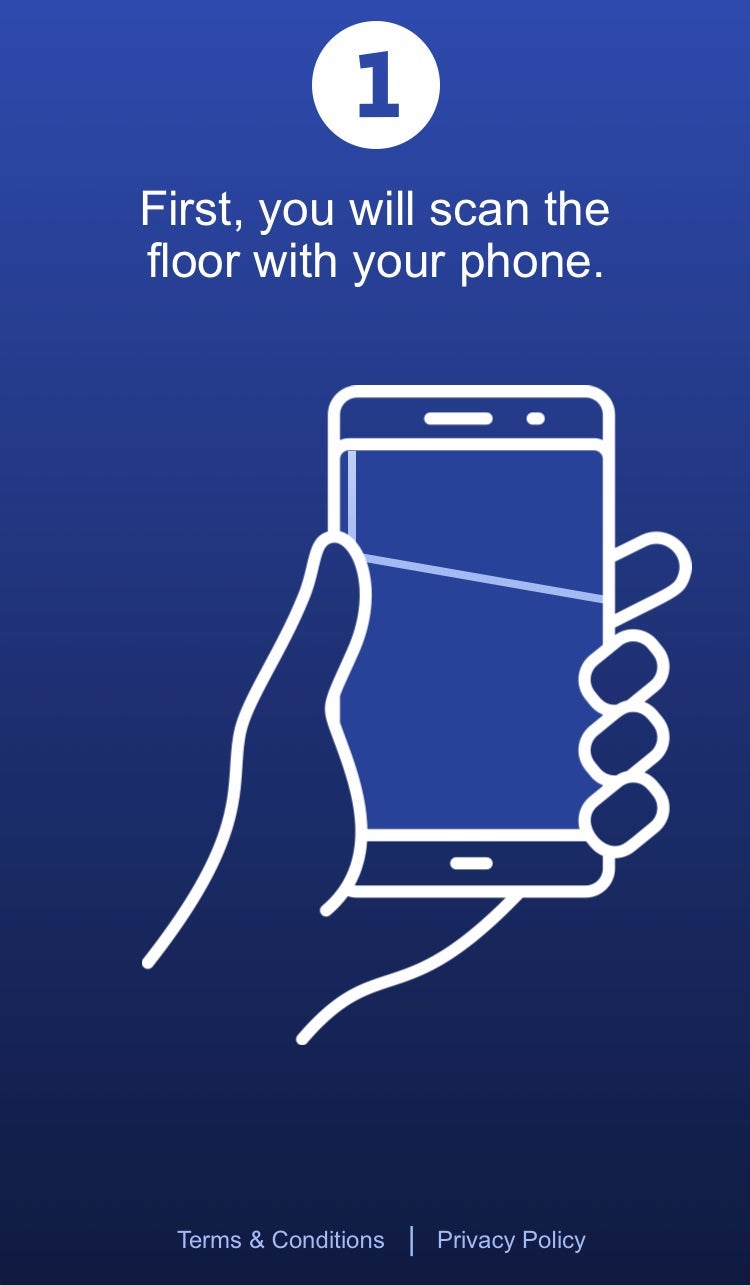
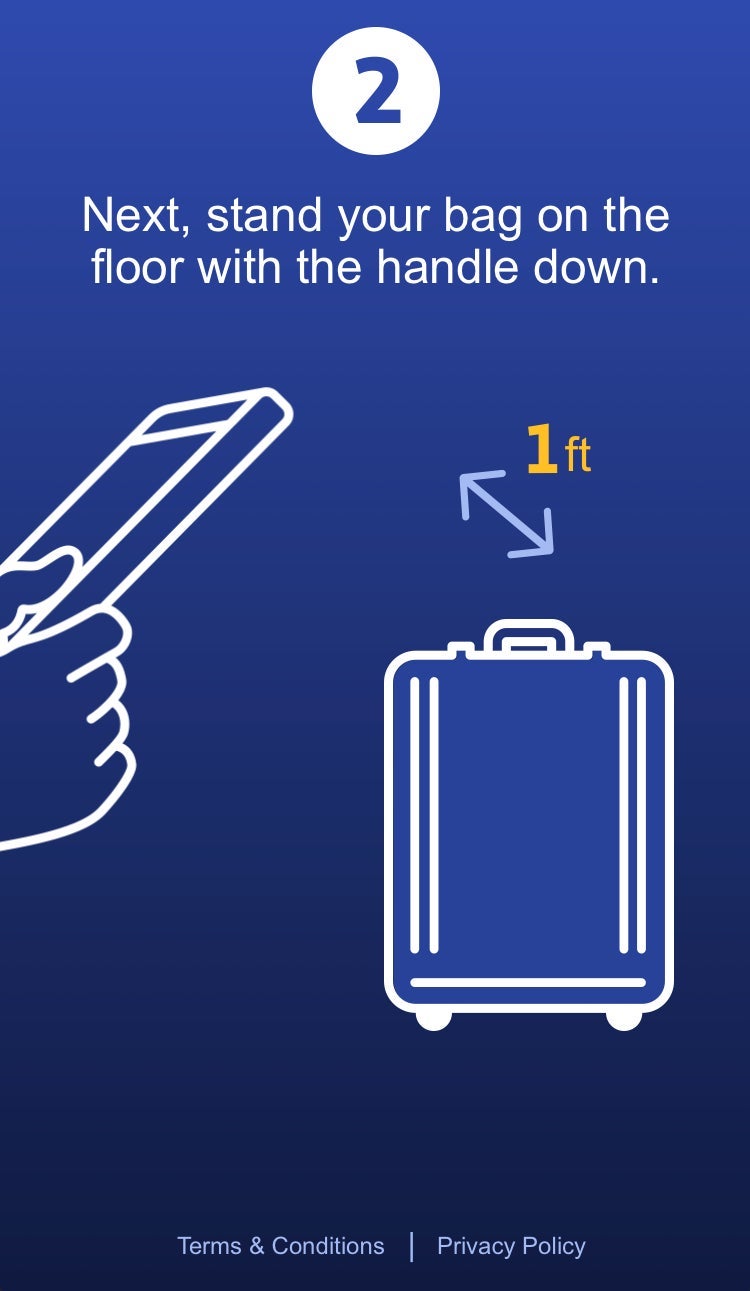
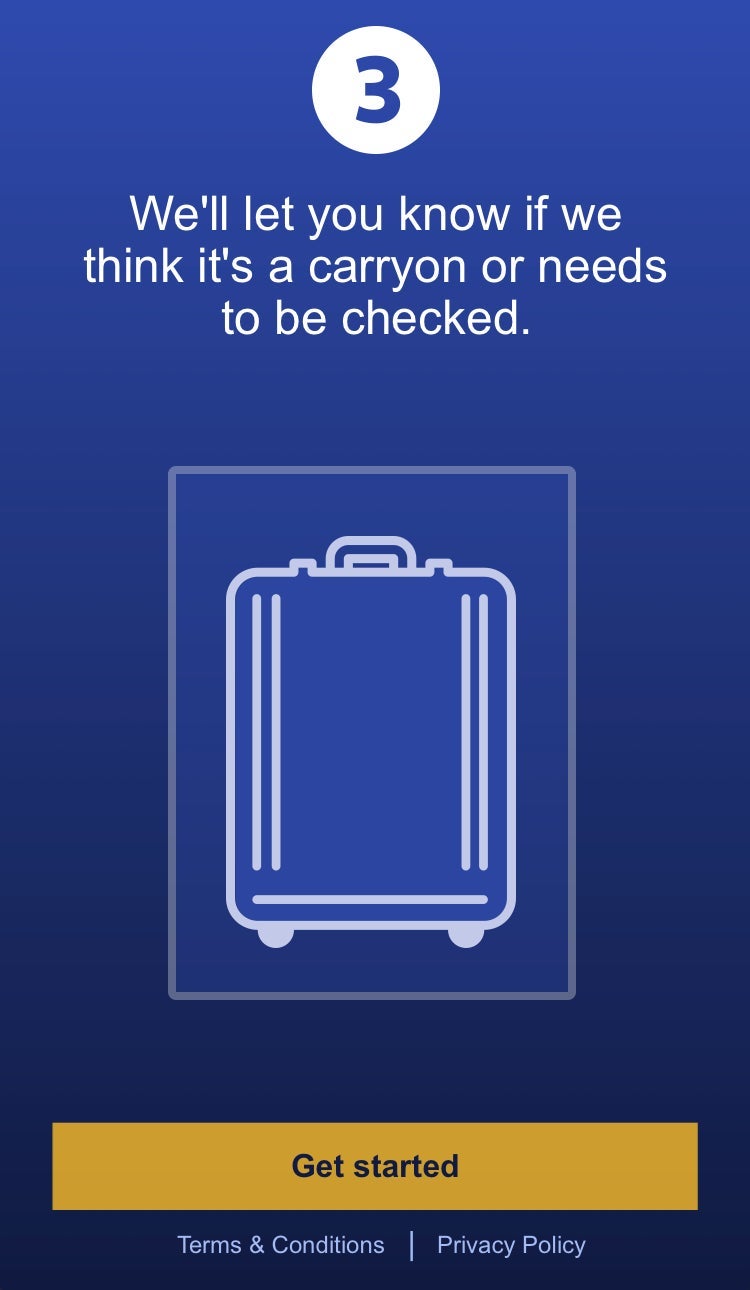
There's a very straightforward tutorial, similar to the ones offered by KLM and Kayak. You first scan the floor, then the bag so the app can assess the approximate size.
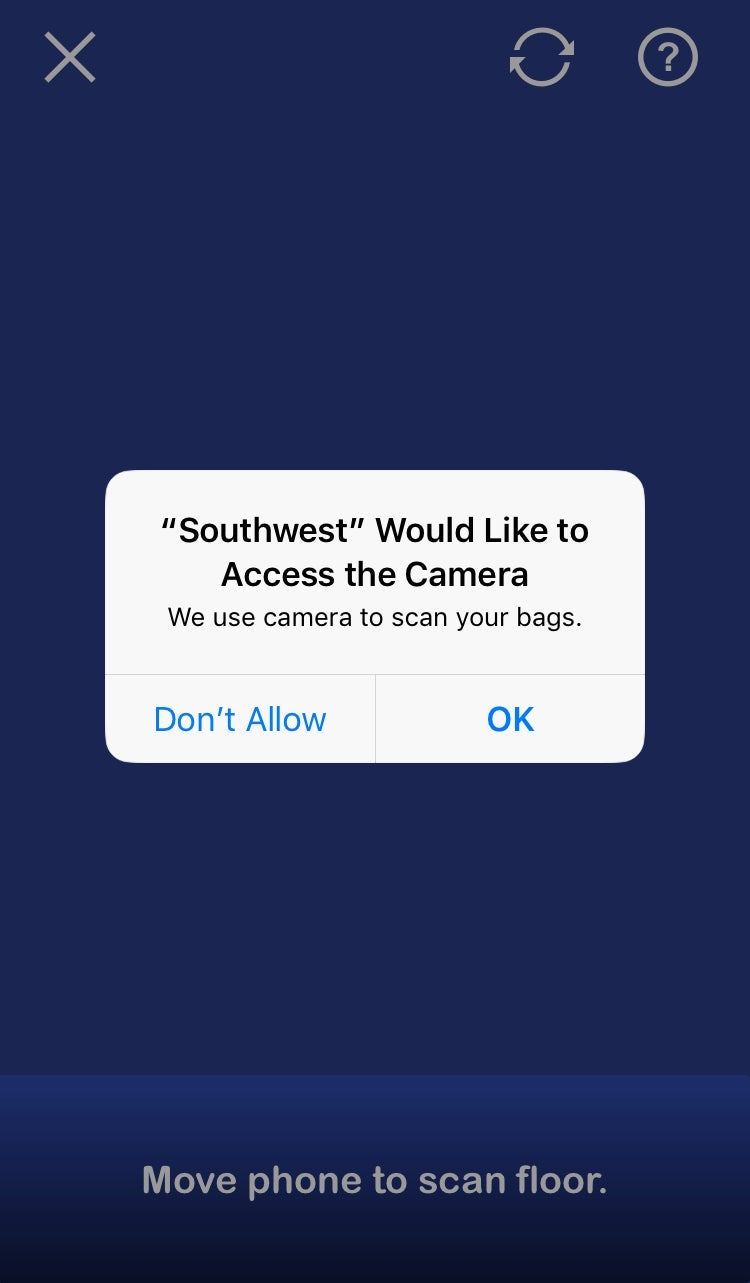
As with any good app, Southwest politely asks for camera access before launching the virtual sizer.
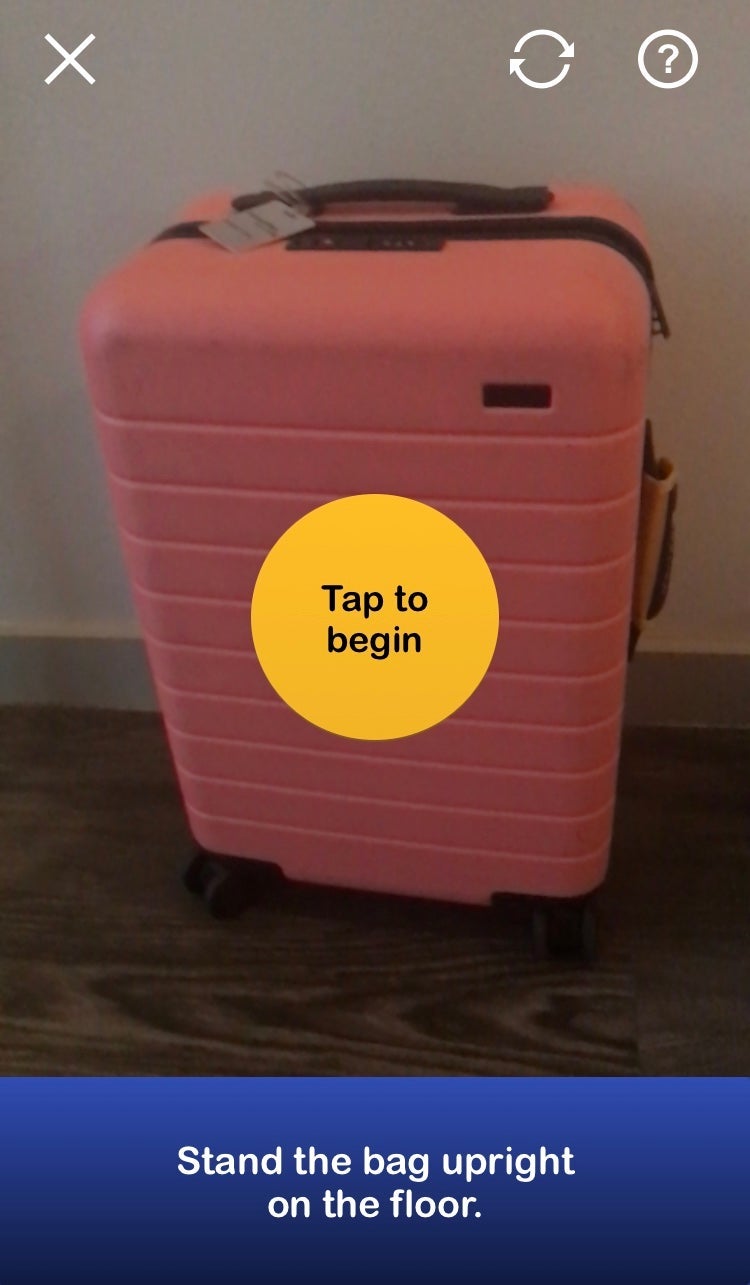
As with the last two virtual bag sizers TPG tested, we opted to test an AWAY carry-on suitcase, which is known to fit carry-on guidelines on virtually any carrier.
If you happened to miss the tutorial the first time around, the app still offers helpful guidance at the bottom of the screen to walk you through the very simple process.
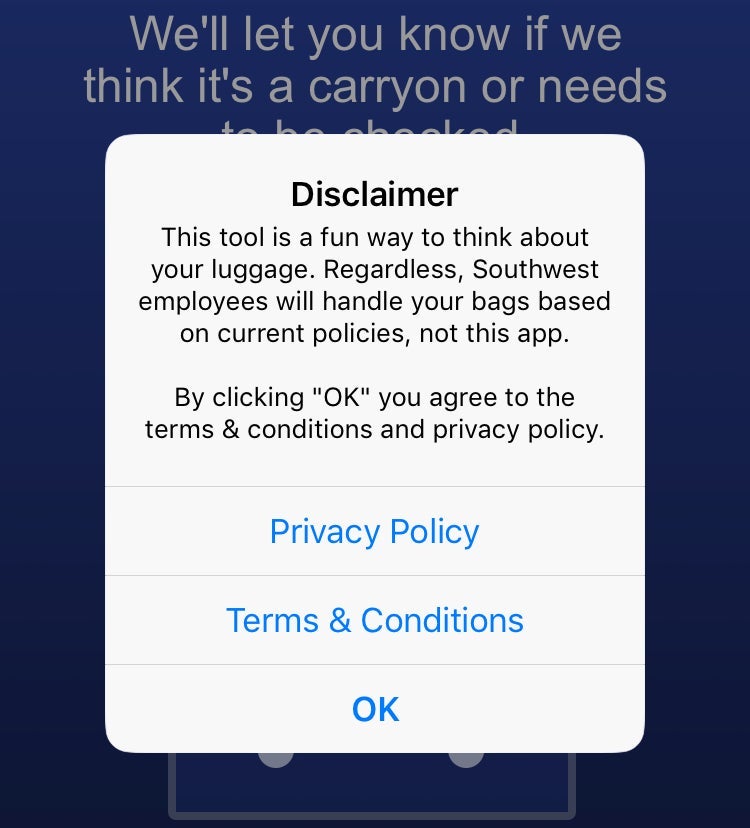
There's a playful disclaimer reminding travelers that Southwest employees are the final arbiters of carryon bag size - not the virtual app.
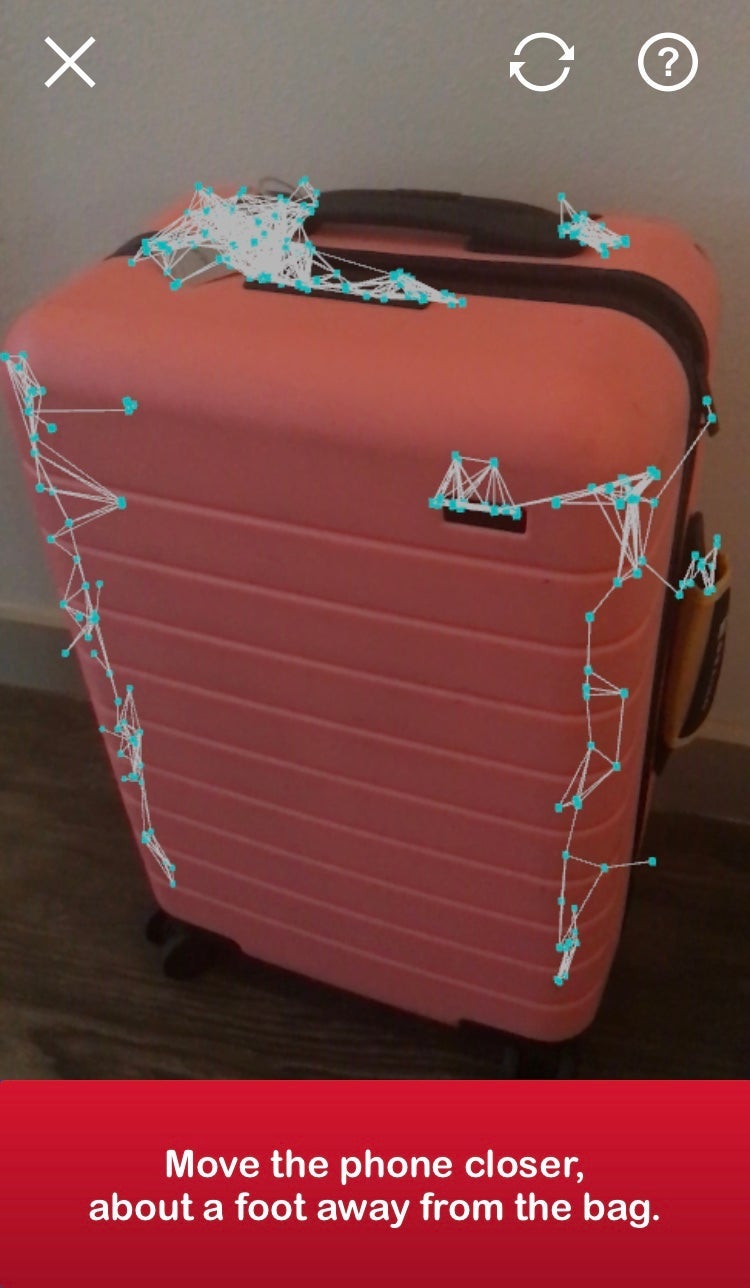
This was the most effective virtual screener I've tested yet – this one had no issue picking up on the suitcase's accurate size, and with relative speed, too.

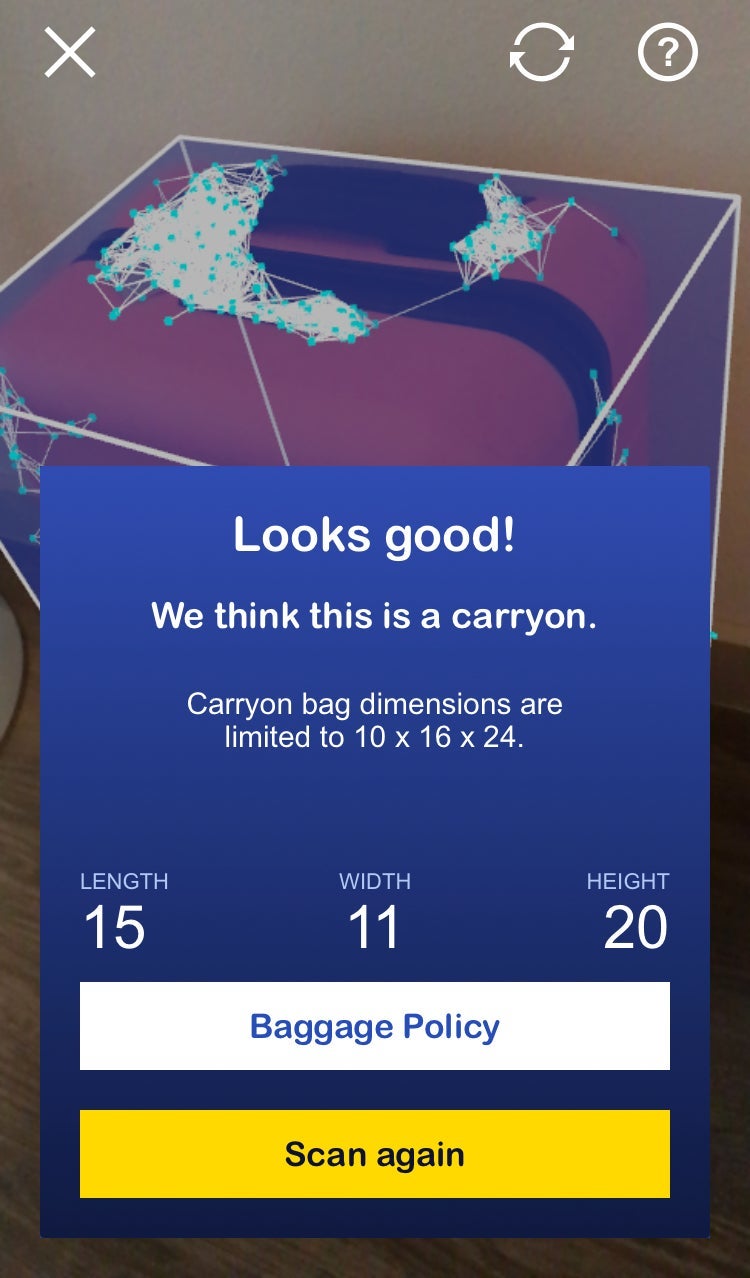
Just a few seconds in, the bag was scanned and the Magical Sorting Hat Southwest app had made its sizing determination.
All in all, this was my favorite virtual bag-measuring feature yet. The system is quick, easy to use, and very intuitive and the functionality makes a lot of sense. Furthermore, I don't fly KLM often or utilize Kayak enough to justify keeping either app on my phone just for the sizing tool, whereas I use Southwest at least once a month on average. I'll definitely keep this function in my back pocket – literally – for my next trip.
TPG featured card

at Capital One's secure site
Terms & restrictions apply. See rates & fees.
| 5X miles | Earn 5X miles on hotels, vacation rentals and rental cars booked through Capital One Travel |
| 2X miles | Earn unlimited 2X miles on every purchase, every day |
Pros
- Stellar welcome offer of 75,000 miles after spending $4,000 on purchases in the first three months from account opening. Plus, a $250 Capital One Travel credit to use in your first cardholder year upon account opening.
- You'll earn 2 miles per dollar on every purchase, which means you won't have to worry about memorizing bonus categories
- Rewards are versatile and can be redeemed for a statement credit or transferred to Capital One’s transfer partners
Cons
- Highest bonus-earning categories only on travel booked via Capital One Travel
- LIMITED-TIME OFFER: Enjoy $250 to use on Capital One Travel in your first cardholder year, plus earn 75,000 bonus miles once you spend $4,000 on purchases within the first 3 months from account opening - that’s equal to $1,000 in travel
- Earn unlimited 2X miles on every purchase, every day
- Earn 5X miles on hotels, vacation rentals and rental cars booked through Capital One Travel
- Miles won't expire for the life of the account and there's no limit to how many you can earn
- Receive up to a $120 credit for Global Entry or TSA PreCheck®
- Use your miles to get reimbursed for any travel purchase—or redeem by booking a trip through Capital One Travel
- Enjoy a $50 experience credit and other premium benefits with every hotel and vacation rental booked from the Lifestyle Collection
- Transfer your miles to your choice of 15+ travel loyalty programs
- Top rated mobile app