Kayak Launches Virtual Bag Measurement App Feature


Errrrbody's getting into the augmented reality bag scan game. A couple of weeks ago, we wrote about KLM's new AR feature, which allows you to use a camera phone coupled with the KLM app to check if your bags will qualify as carry-on luggage. The problem with that tool, however, was that 1) you can only access the feature through an existing KLM booking and 2) the measurements obviously are calibrated for KLM restrictions alone.
Fortunately, Kayak has come to the rescue with a universal bag measurement tool that bypasses both of the concerns above.
In order to utilize this handy feature, you'll first have to download the Kayak app. You don't need to sign in to Kayak or connect your account; just go directly to the bottom left on the home screen and select "Search." Scroll down to the bottom of the page until you see a button that says "New bag measurement tool."
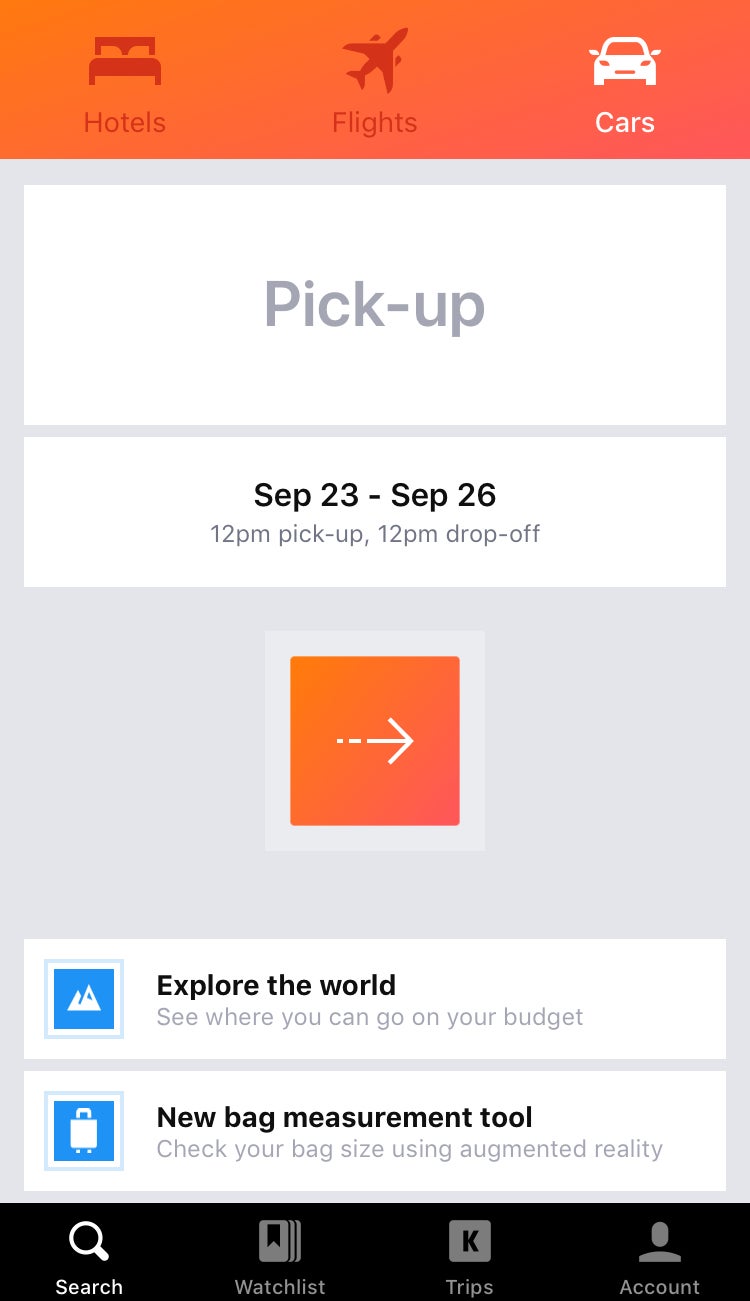
From here, you'll click on the button and be guided through a series of steps, complete with helpful pop-ups.
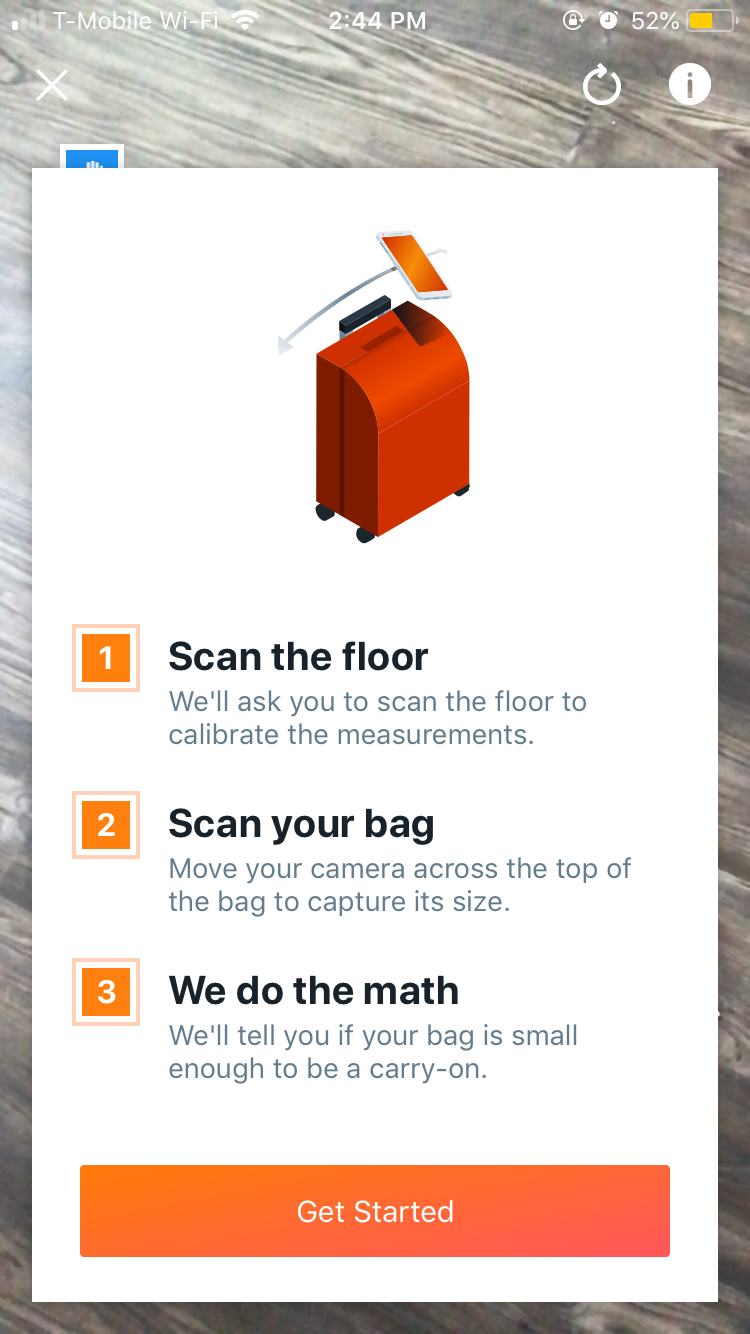
The first step is to scan the floor so the app can get a sense of distance and perspective.

After that, the camera needs to scan the bag you want to carry on. Once again, I brought out my trusty Away carry-on – the smaller suitcase size, which, according to the Away website, measures 21.7" x 13.7" x 9".
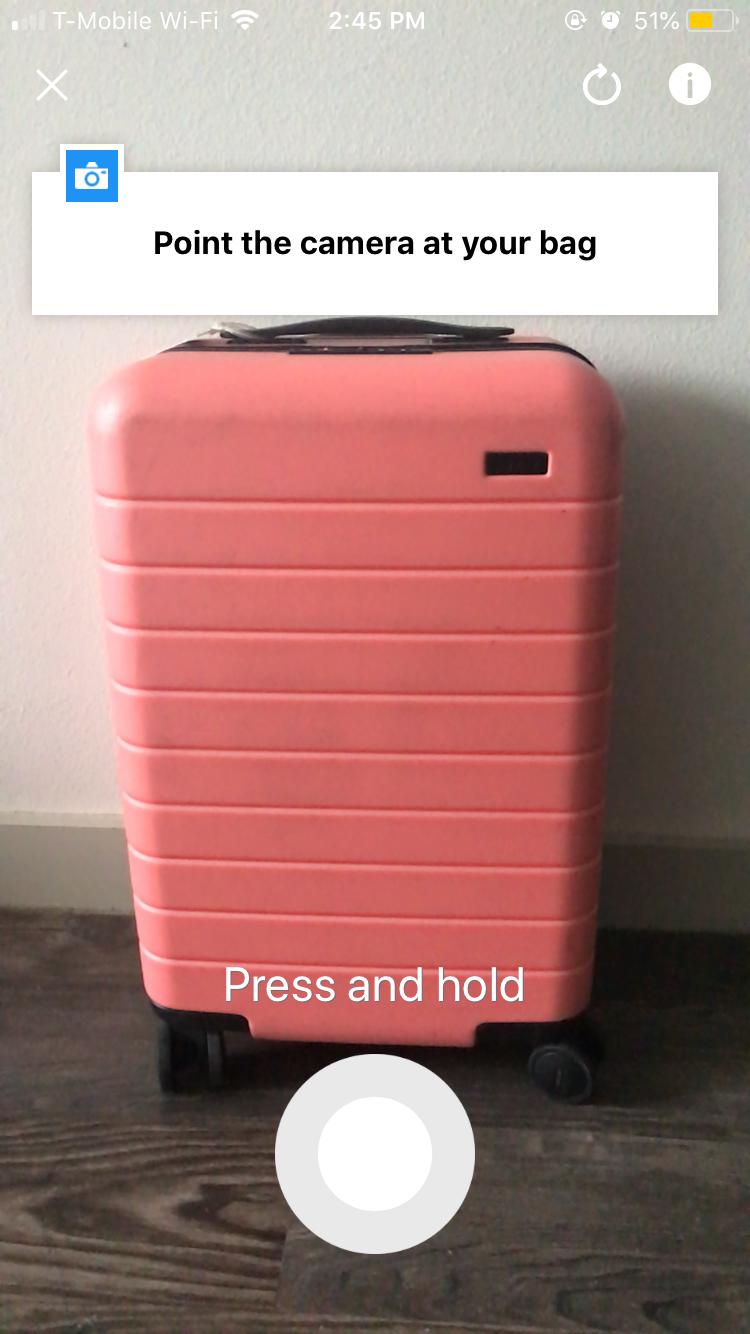
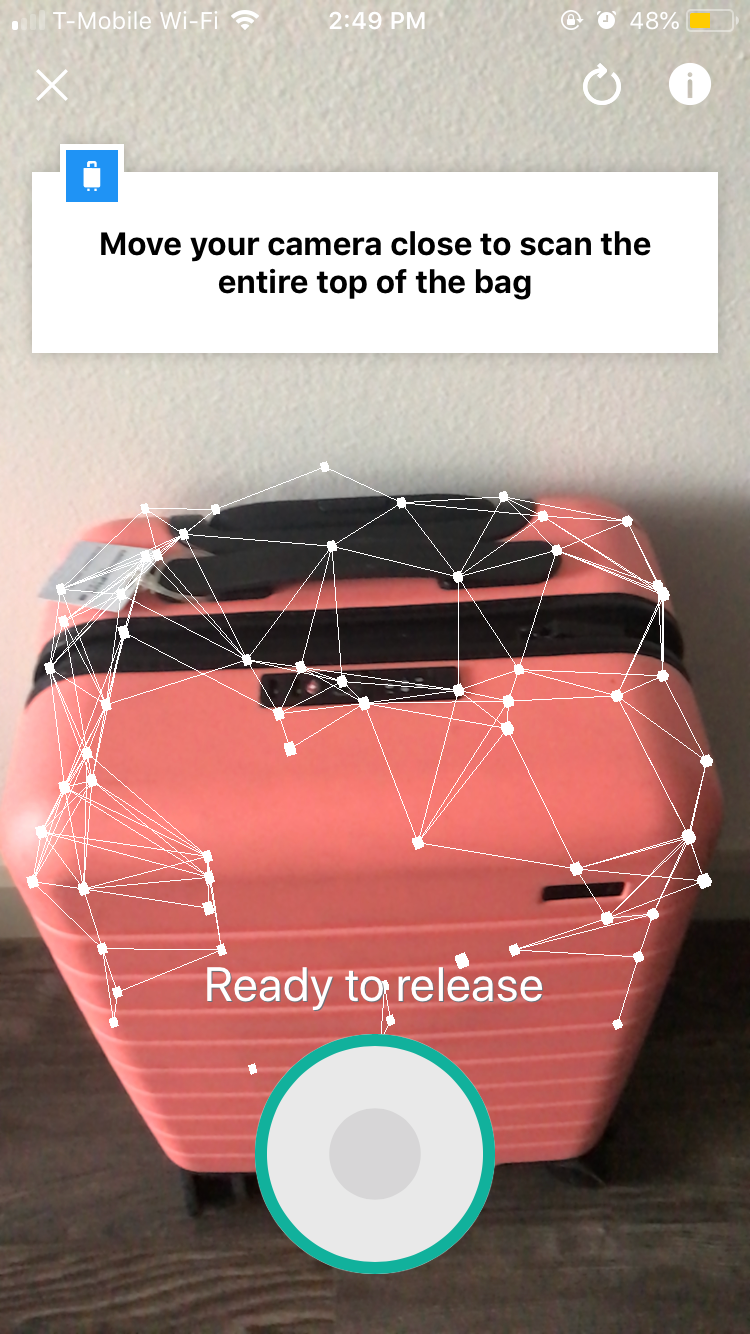
Unlike the KLM feature, which works off of a single photo, the Kayak app requires that you press and hold down on the camera button while scanning the top of the bag for size.
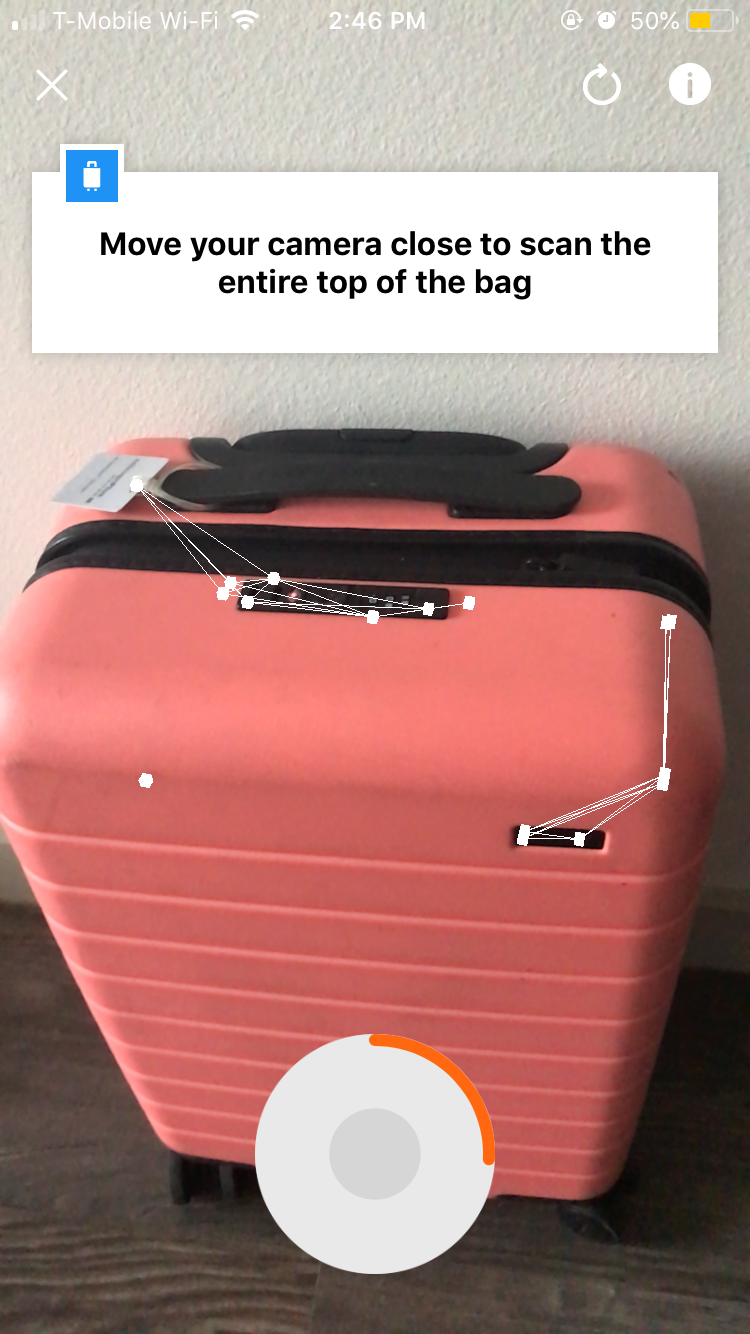
Sometimes, it takes a little bit of moving the camera over the bag for all of the dots to "connect" properly.
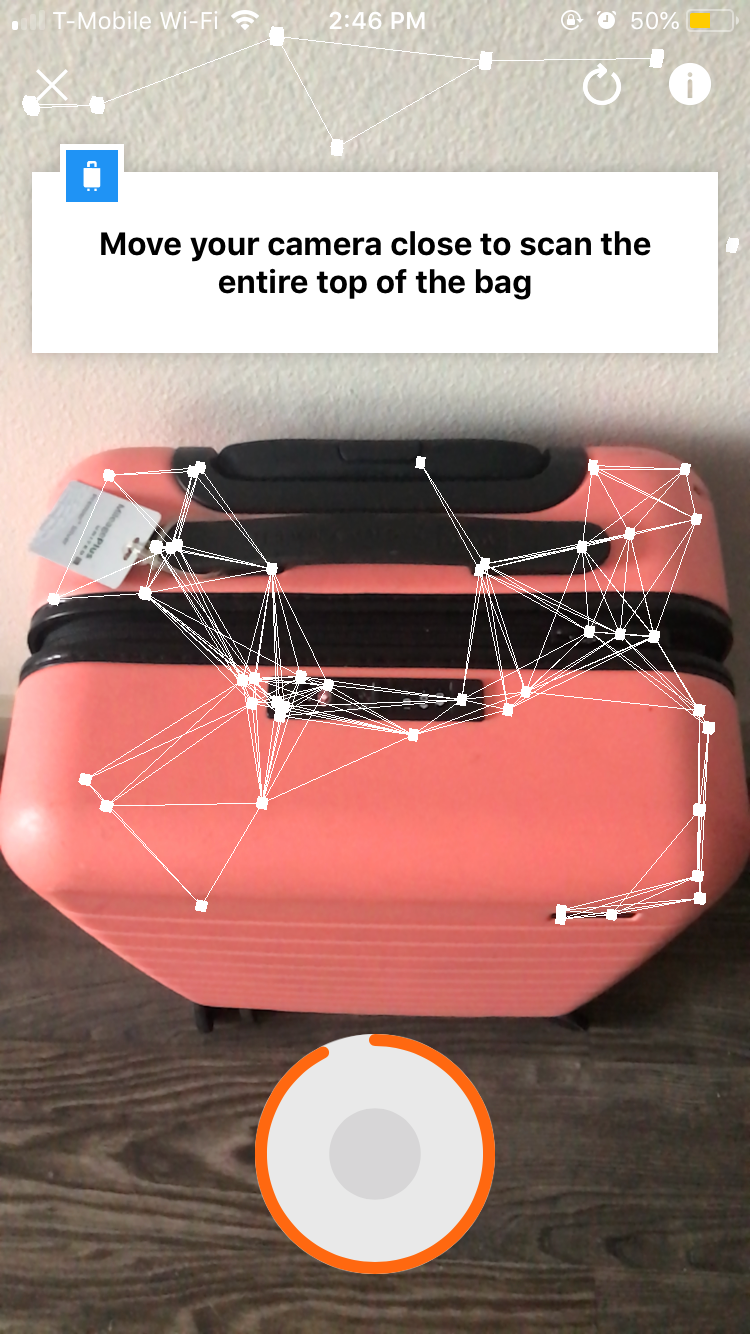
However, the app can be a little finicky. For instance, it picked up on points against my wall, even though the suitcase is noticeably different in color and shape than the wall.

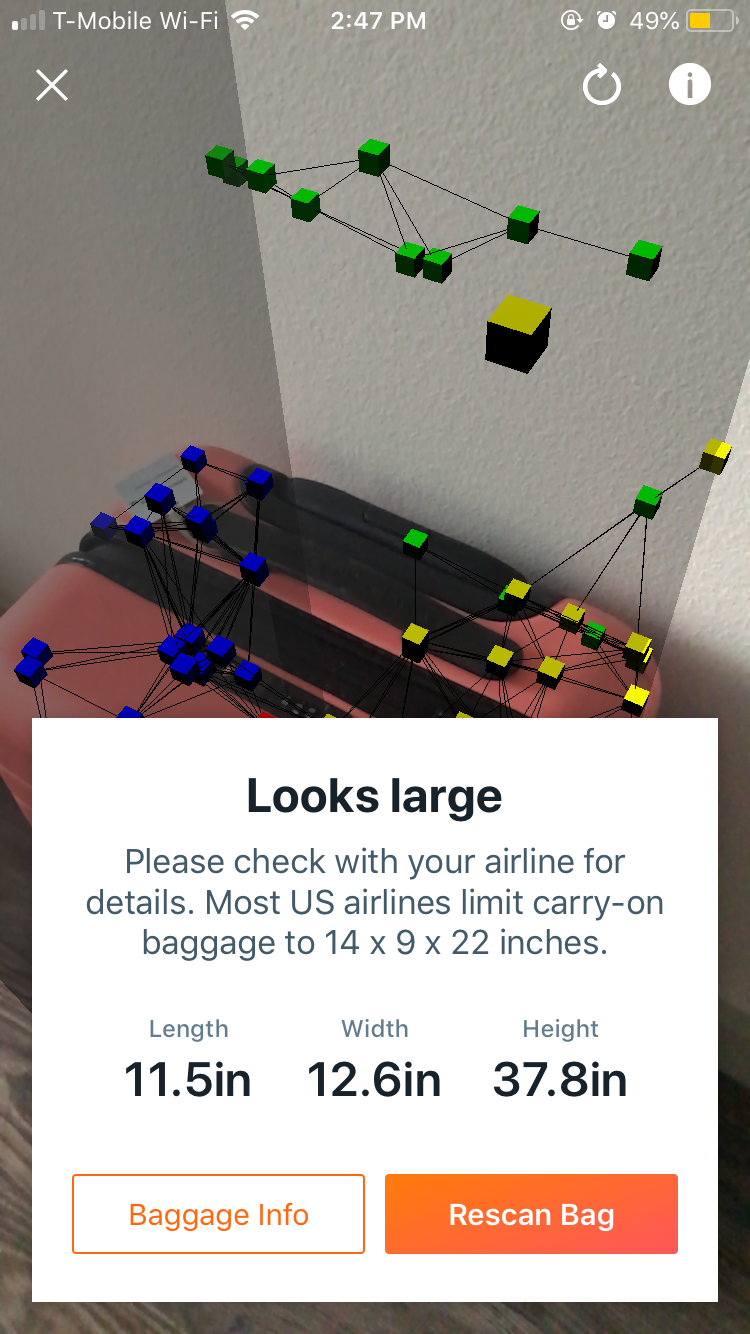
I decided to try again, a few more times. The trick seems to be to stand as still as possible and move the phone over the suitcase in a gentle panning motion, resisting the urge to "scan" the whole thing from different angles.
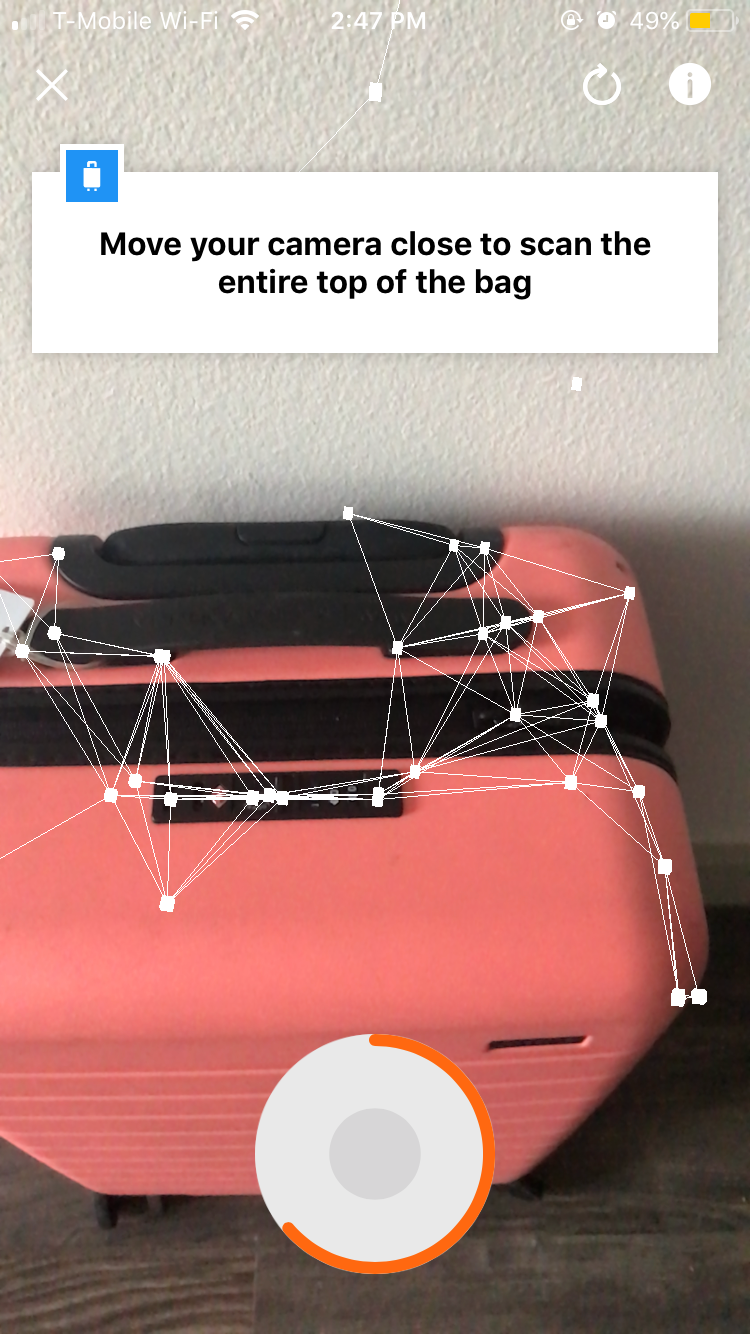
Even with my newfound realization, I still managed to over-scan the bag.
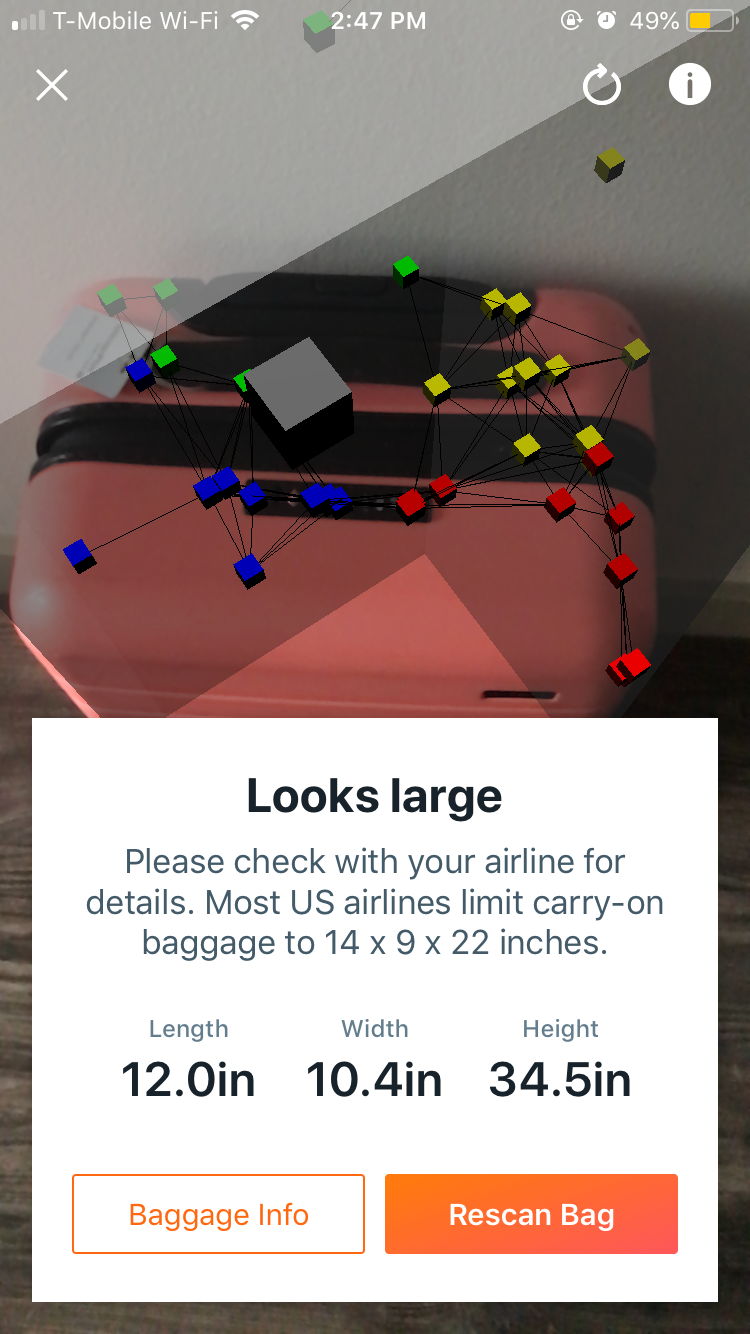
The third time still wasn't quite the charm, as the camera began picking up on the textured details on the suitcase front. But the connected dots looked very closely correlated with the suitcase outline, and I figured the bag surely would scan correctly this time around.
Alas, the app still didn't the size correctly the last time around, although it came far closer to the actual dimensions (which, for reference again, are 21.7" x 13.7" x 9").
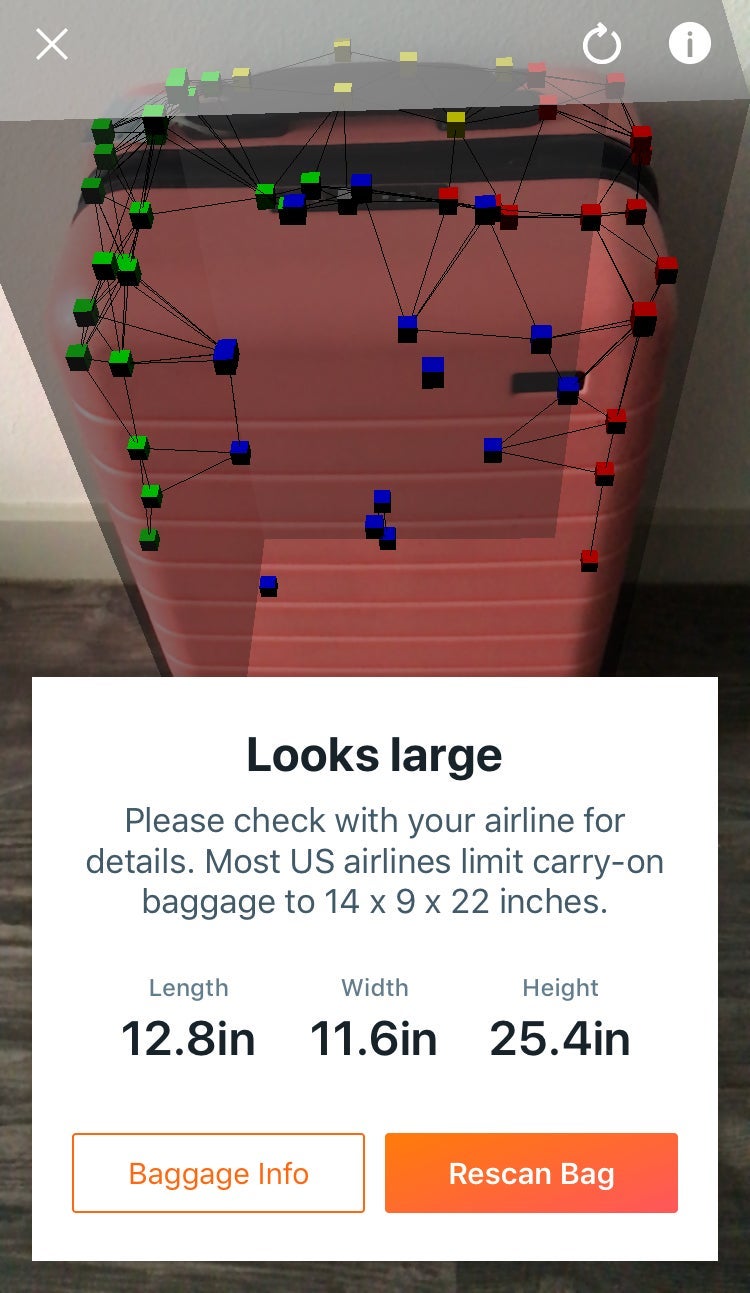
All in all, Kayak definitely has the right idea here. However, the tool is not nearly as accurate as it should be, which is probably the reason you need it in the first place. We would not recommend relying on this feature to back up your heated argument at the check-in desk or the gate, but at least it's available for an overall assessment if you need it.
TPG featured card

at Capital One's secure site
Terms & restrictions apply. See rates & fees.
| 5X miles | Earn 5X miles on hotels, vacation rentals and rental cars booked through Capital One Travel |
| 2X miles | Earn unlimited 2X miles on every purchase, every day |
Pros
- Stellar welcome offer of 75,000 miles after spending $4,000 on purchases in the first three months from account opening. Plus, a $250 Capital One Travel credit to use in your first cardholder year upon account opening.
- You'll earn 2 miles per dollar on every purchase, which means you won't have to worry about memorizing bonus categories
- Rewards are versatile and can be redeemed for a statement credit or transferred to Capital One’s transfer partners
Cons
- Highest bonus-earning categories only on travel booked via Capital One Travel
- LIMITED-TIME OFFER: Enjoy $250 to use on Capital One Travel in your first cardholder year, plus earn 75,000 bonus miles once you spend $4,000 on purchases within the first 3 months from account opening - that’s equal to $1,000 in travel
- Earn unlimited 2X miles on every purchase, every day
- Earn 5X miles on hotels, vacation rentals and rental cars booked through Capital One Travel
- Miles won't expire for the life of the account and there's no limit to how many you can earn
- Receive up to a $120 credit for Global Entry or TSA PreCheck®
- Use your miles to get reimbursed for any travel purchase—or redeem by booking a trip through Capital One Travel
- Enjoy a $50 experience credit and other premium benefits with every hotel and vacation rental booked from the Lifestyle Collection
- Transfer your miles to your choice of 15+ travel loyalty programs
- Top rated mobile app