Frontier drops customer service calling, but does its online chat work?

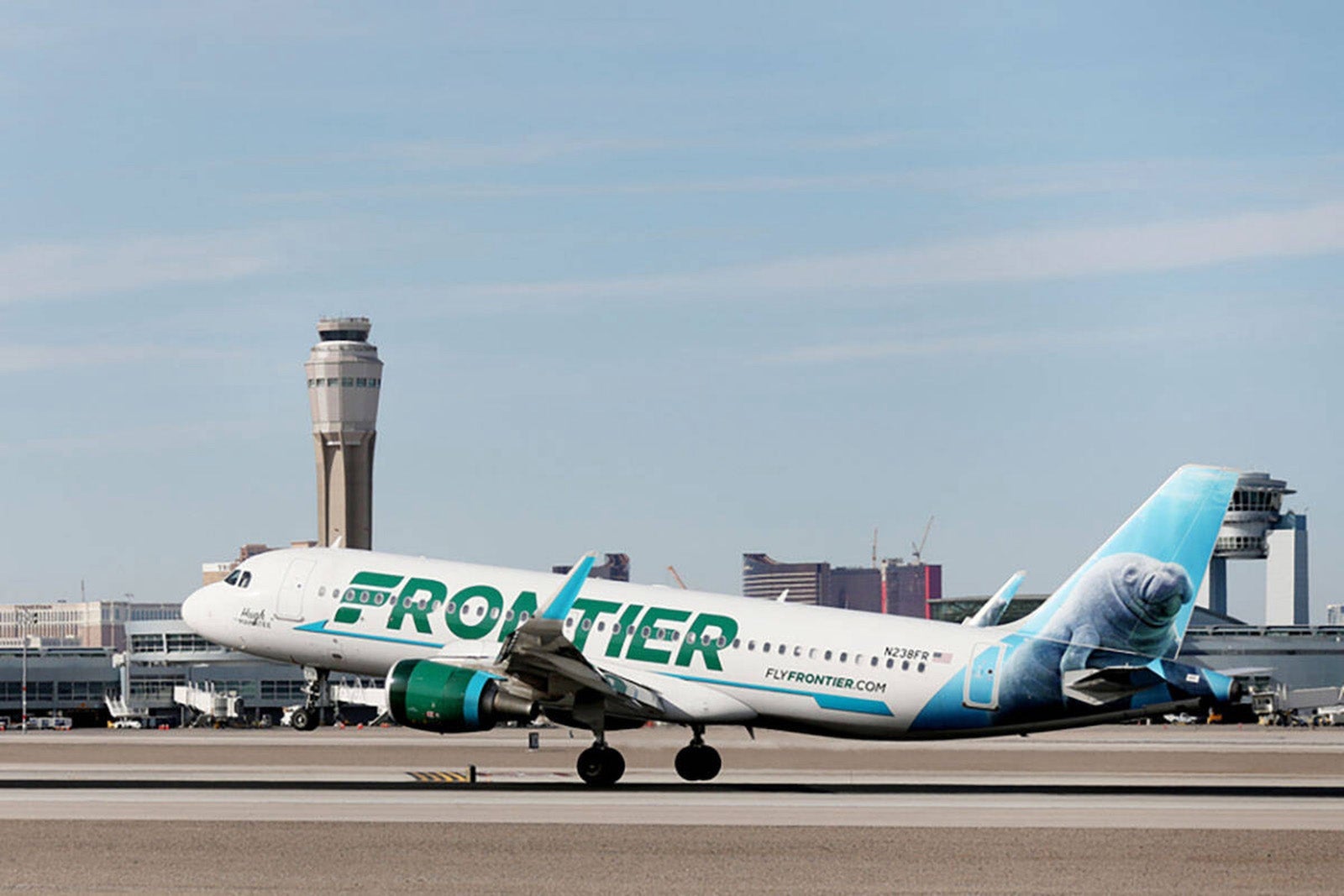
In case you missed it, Frontier Airlines became the latest low-cost carrier to do away with phone-based customer service last month.
Before, Frontier flyers could call a traditional customer service line to get help with issues such as reservations, cancellations or lost bags. Now, flyers needing assistance must either use a 24-hour live chat available on the airline's website, reach out on social media channels, send an email or file a written complaint, per the airline.
To test out Frontier's new online customer service portal, I put on my investigative reporter hat and bought a cheap one-way ticket for a flight I didn't intend to take. Then, I tried out the online chat feature to inquire about adding a seat assignment to my booking.
I purchased a one-way flight in February from Chicago's O'Hare International Airport (ORD) to Hartsfield-Jackson Atlanta International Airport (ATL) for $19 for the base fare only; I didn't select seats or add baggage — both of which cost extra with Frontier.
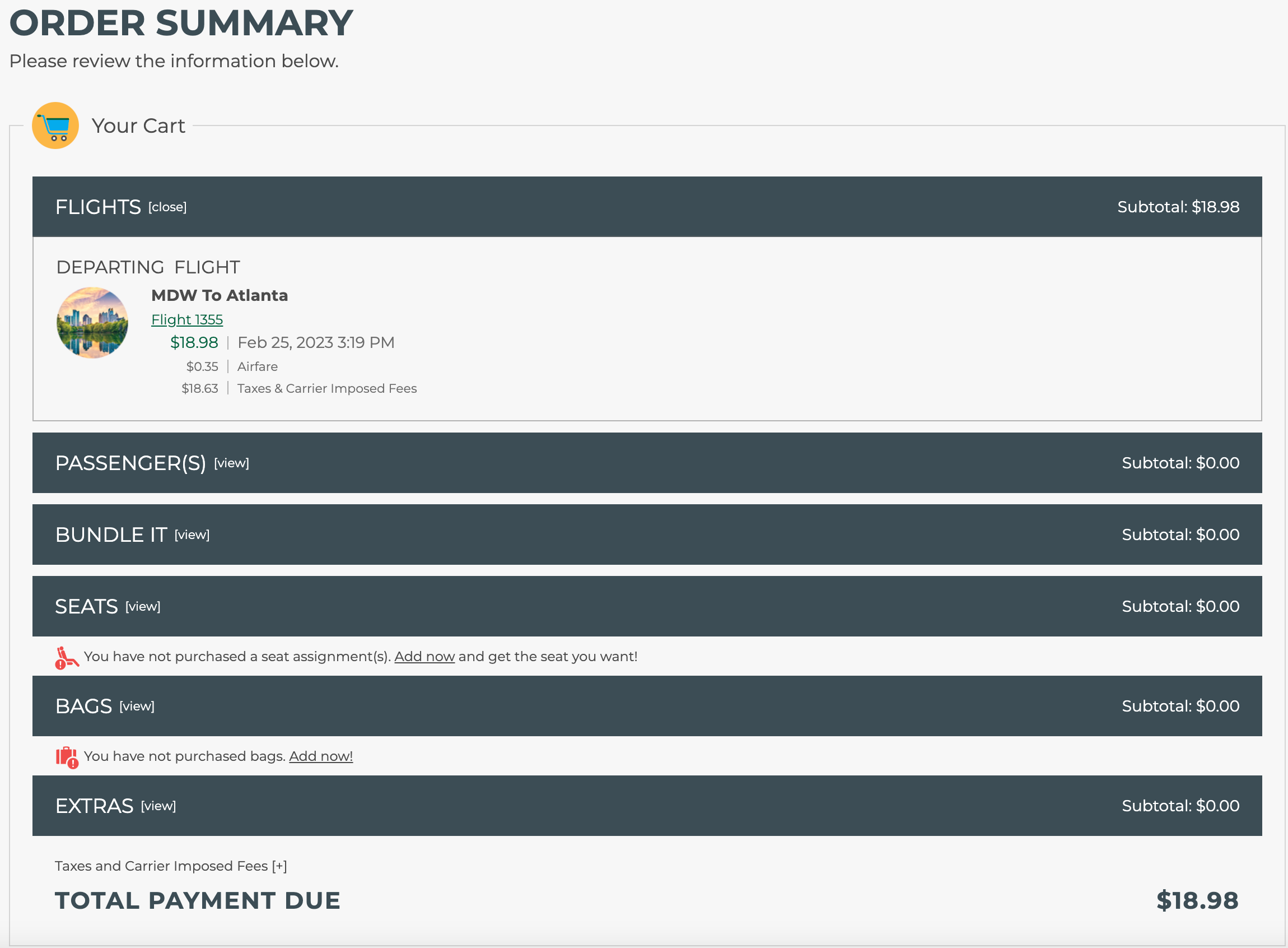
I chatted with a customer service agent online to ask how much it would be to select a seat through the representative. After that, I again turned to the online portal to cancel my flight.
How to use Frontier's online chat service
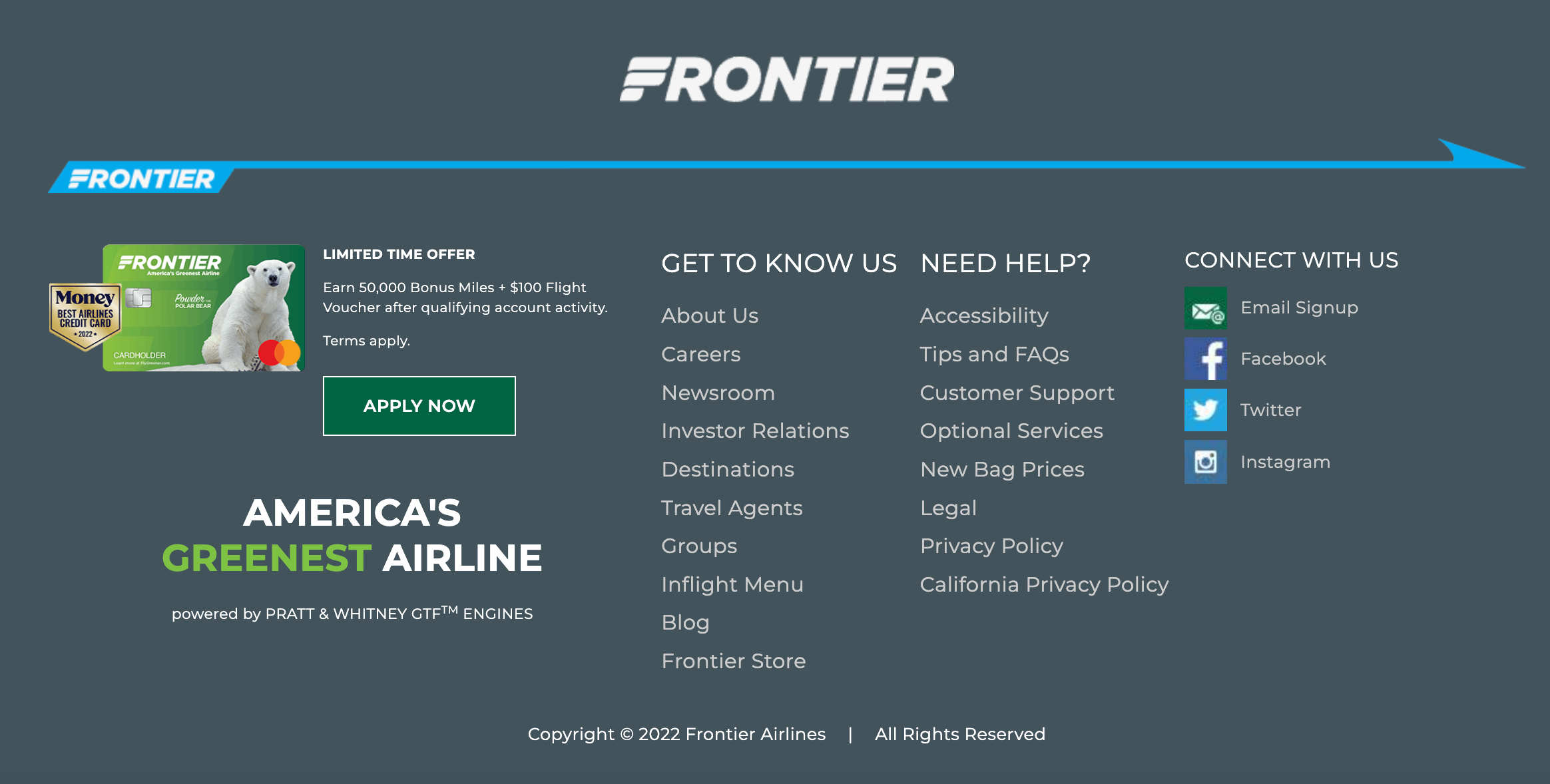
To locate the online customer service tool, scroll all the way down to the bottom of Frontier's homepage. Find the "Need Help?" section, then click "Customer Support."
From there, click "Let's Chat" to get a chat window to open.
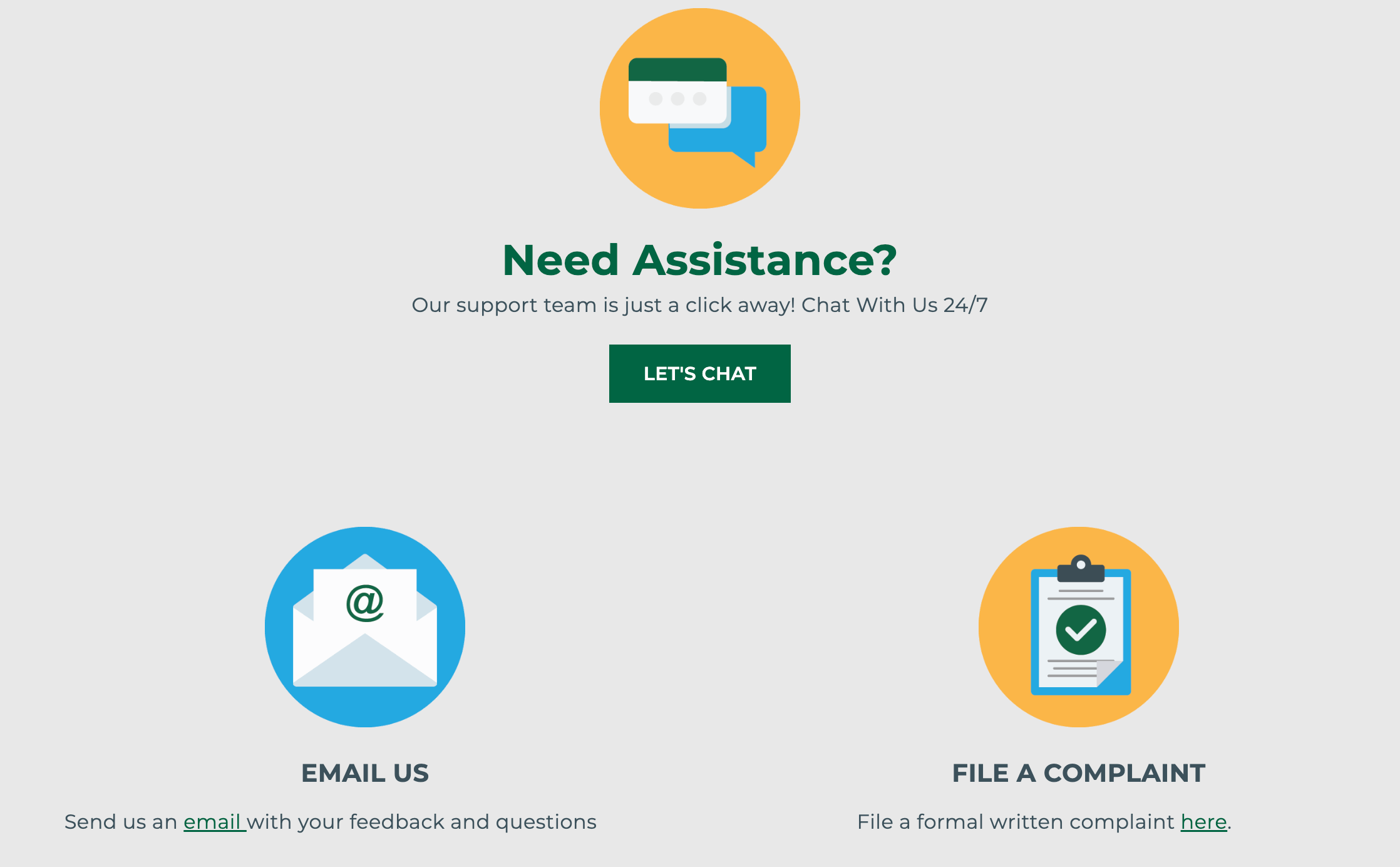
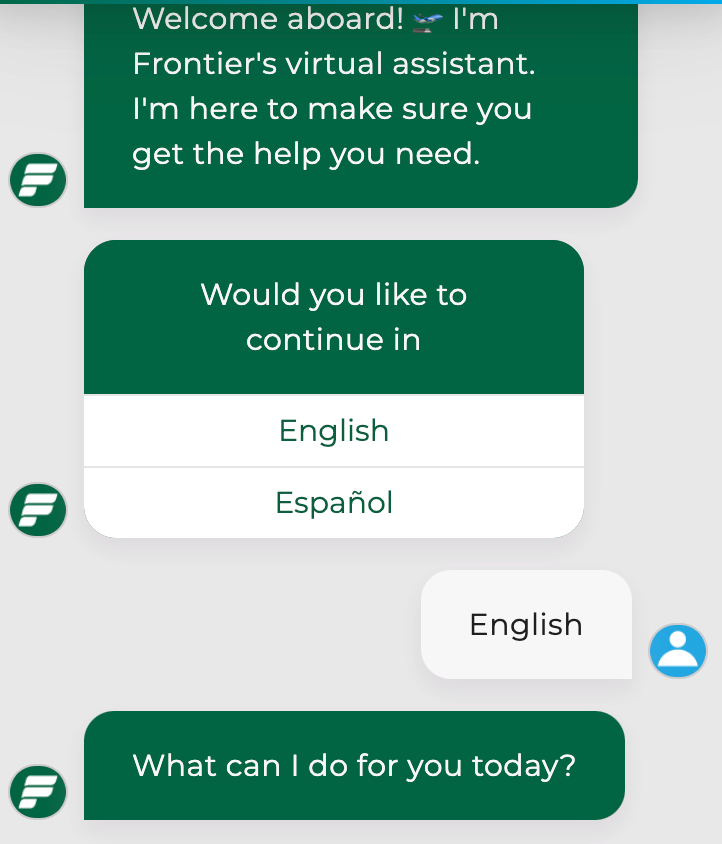
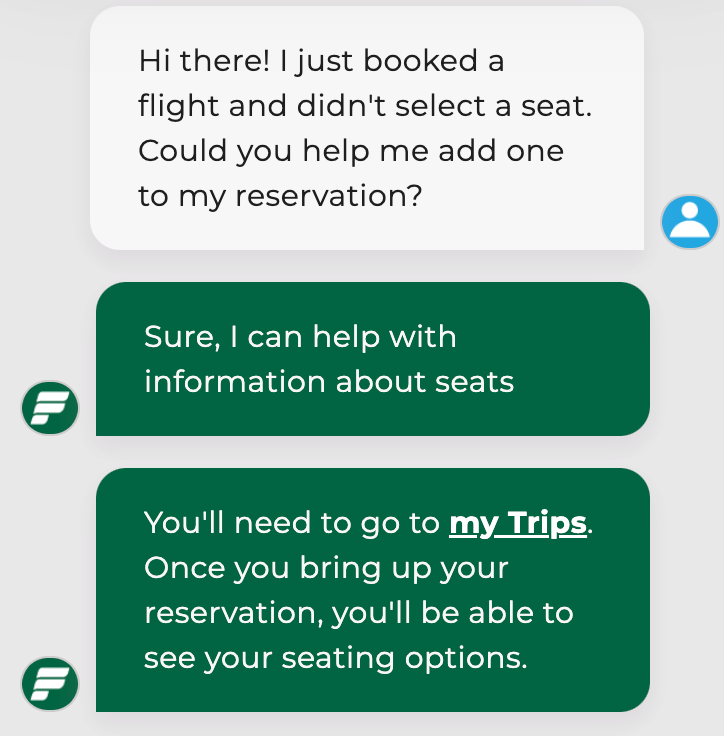
After starting the chat at approximately 1:06 p.m., I selected English as my language preference (you can also select Spanish) and inquired about adding a seat to my existing reservation.
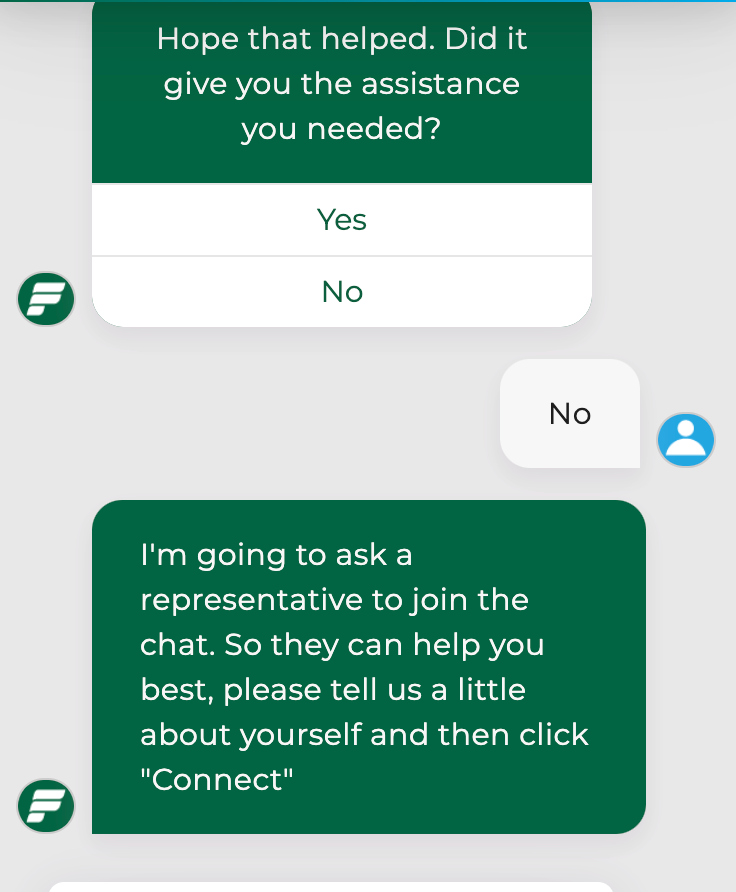
It was clear that I was speaking to a bot at this point because it immediately directed me to pick a seat from their website. When it asked if that resolved the issue, I said "No," and it told me I would be connected to a customer service representative. However, it warned that they were "experiencing longer wait times than normal" and that the chat may be delayed as a result.

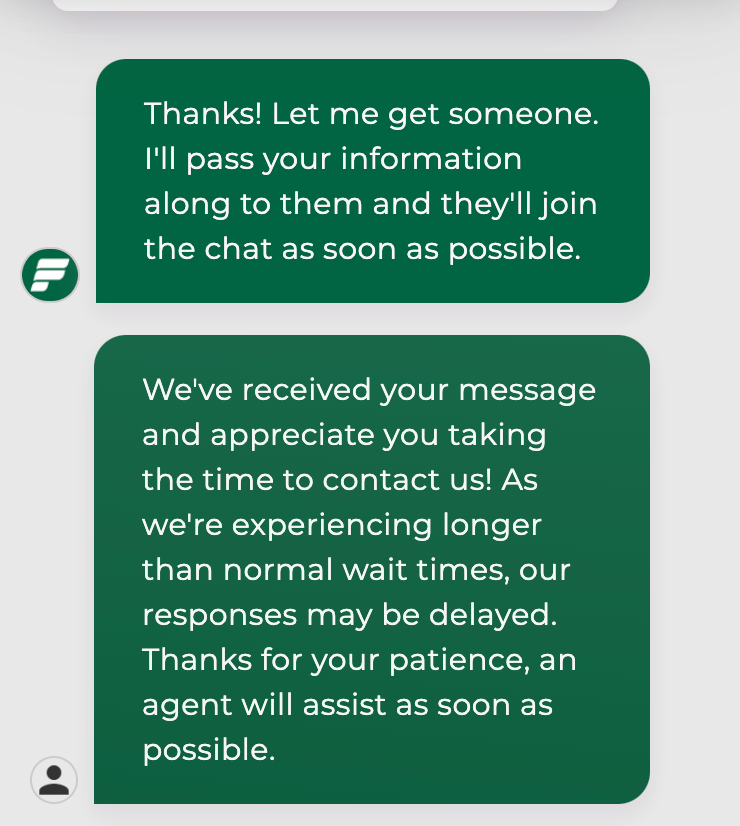
Even so, I was connected with an agent, Dyana, in three minutes. I asked if she could add a seat to my reservation and how much it would cost.
She informed me that the price of adding a seat through a representative might be different than the price of doing it online myself. I asked her to specify the prices, at which point the chat was disabled at 1:17 p.m.
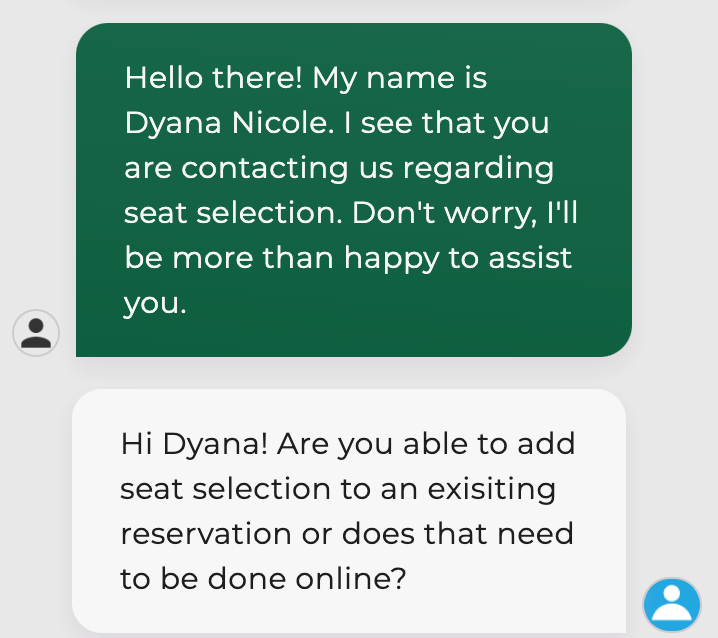
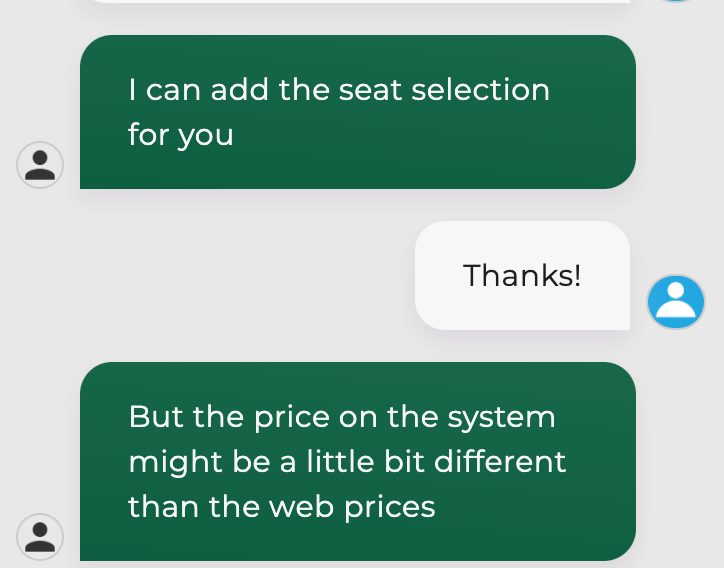
I immediately restarted the chat and was connected to a second agent at 1:20 p.m. I entered my same query and specifically requested a breakdown of seats by pricing. It took about 40 minutes in total to receive that information.
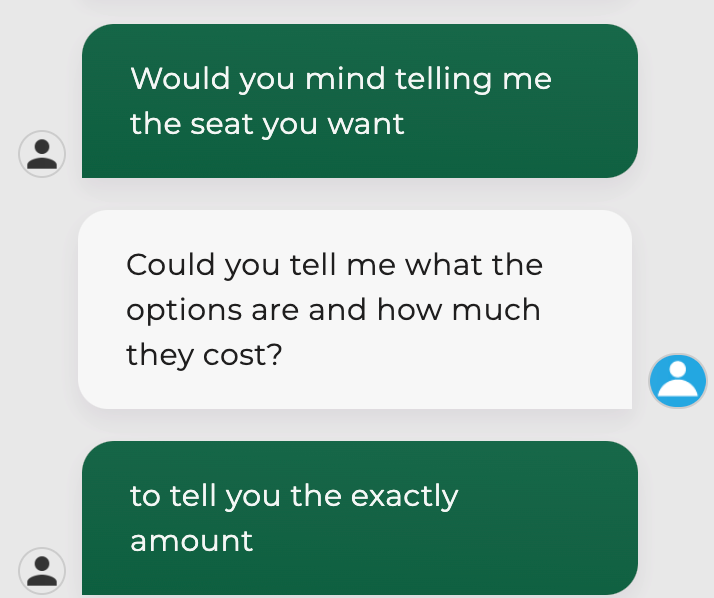
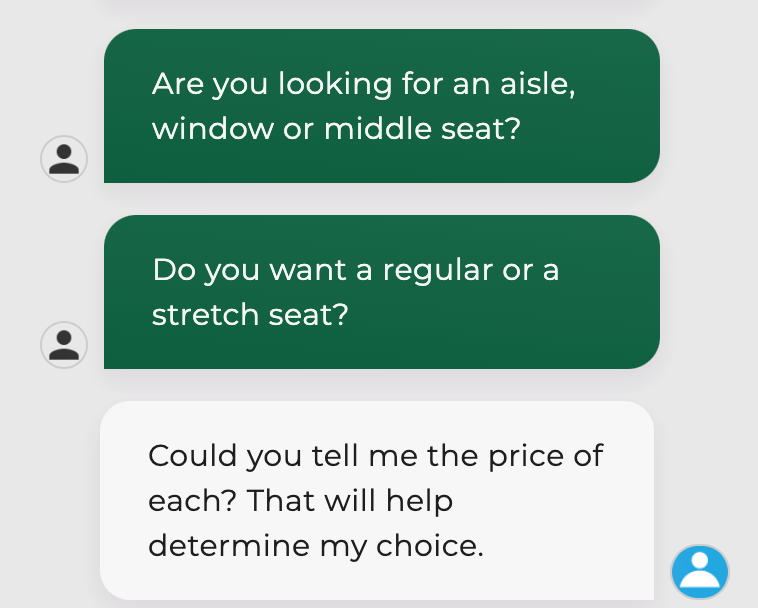
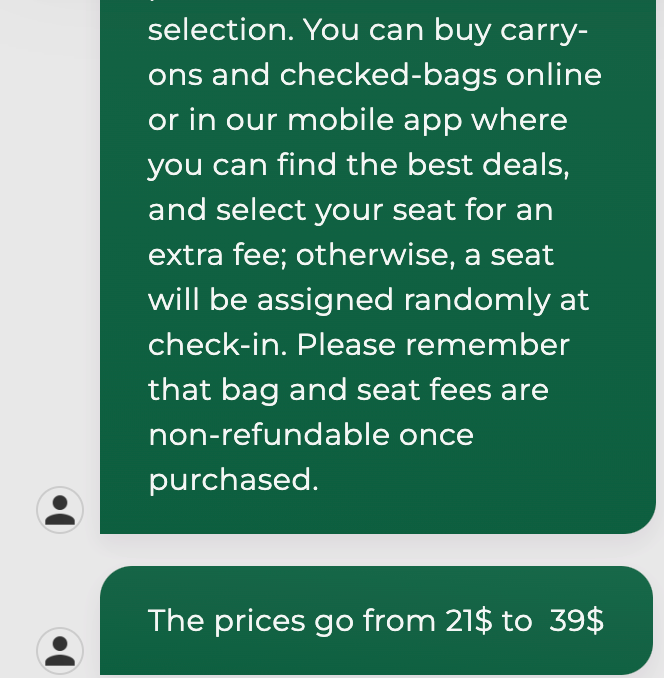


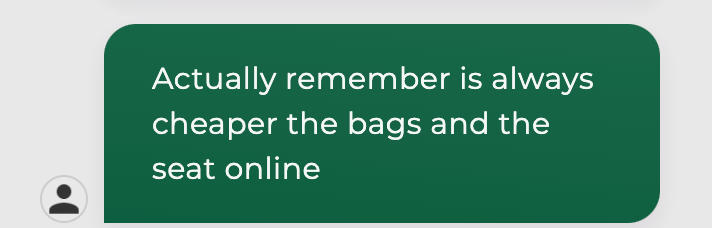
Ultimately, she told me it would be cheaper to book a seat online myself versus doing so through her, so we ended the chat there.
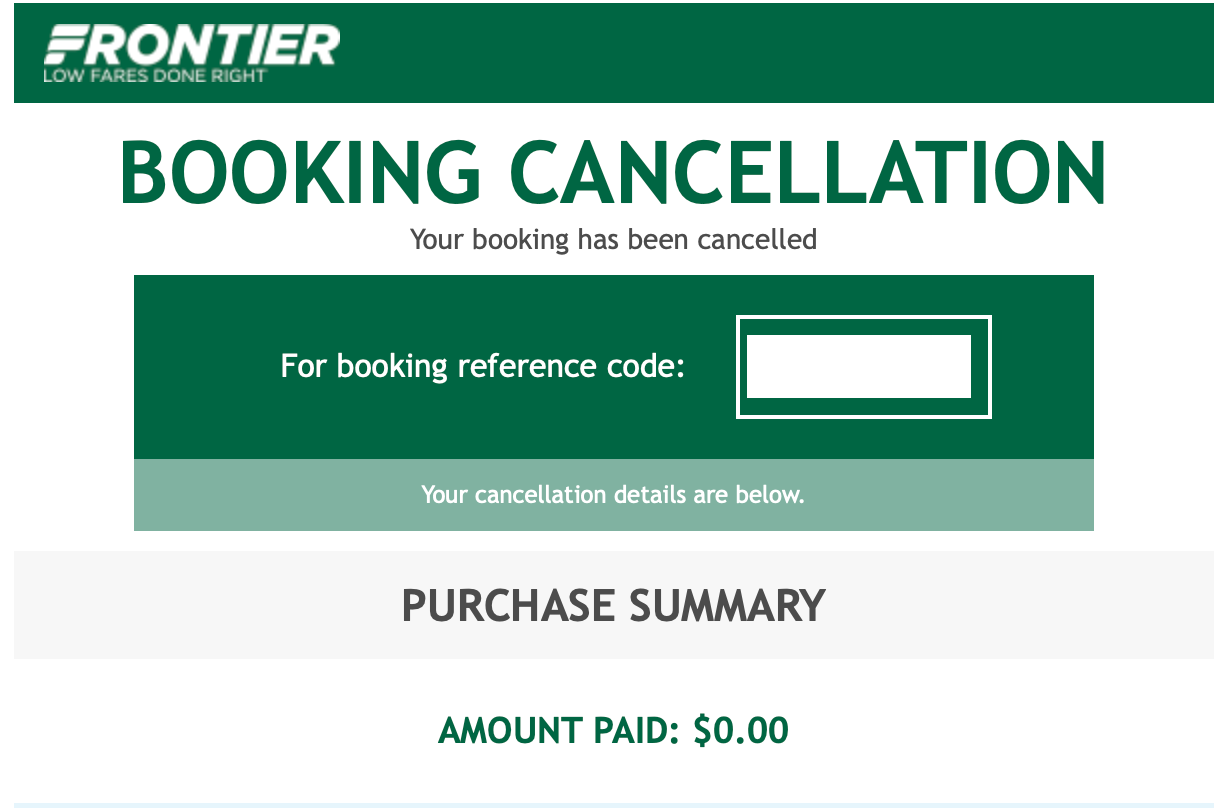
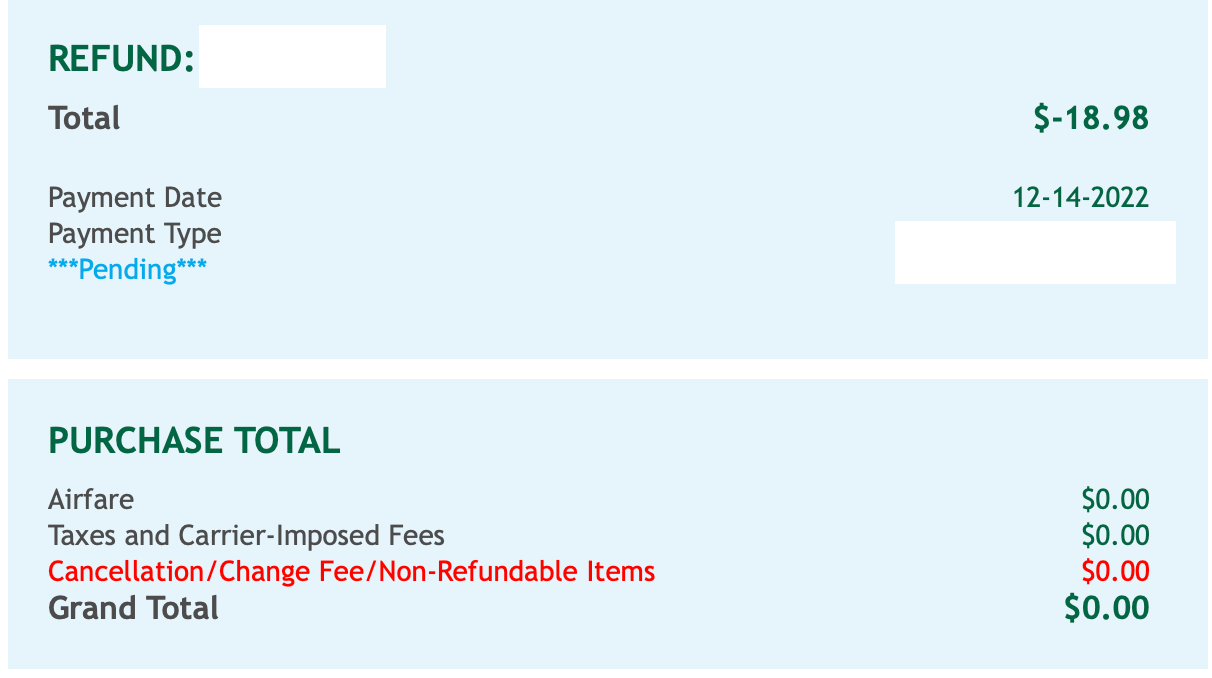
On Dec. 14, I returned to the customer service center, this time to cancel my flight. Though I expected a delay similar to my first interaction, it only took Jasmine — the customer service agent who responded to my message — 24 minutes to complete the transaction and send a confirmation email.
For the sake of this story, a few other staffers also tried the new online chat system. Their results were mixed.
TPG reporter Melissa Klurman tried the chat feature through the website and via the Frontier App. She was unable to connect with either portal. "If it seems too good to be true, it usually is," she said.
Picking seats and canceling was a slow process for TPG managing news editor Clint Henderson, though he at least managed to reach customer service. Though they were quick to respond via chat, it took a lot longer than it would've to talk to someone by phone. For context, he tried this during regular business hours on a Friday in December.
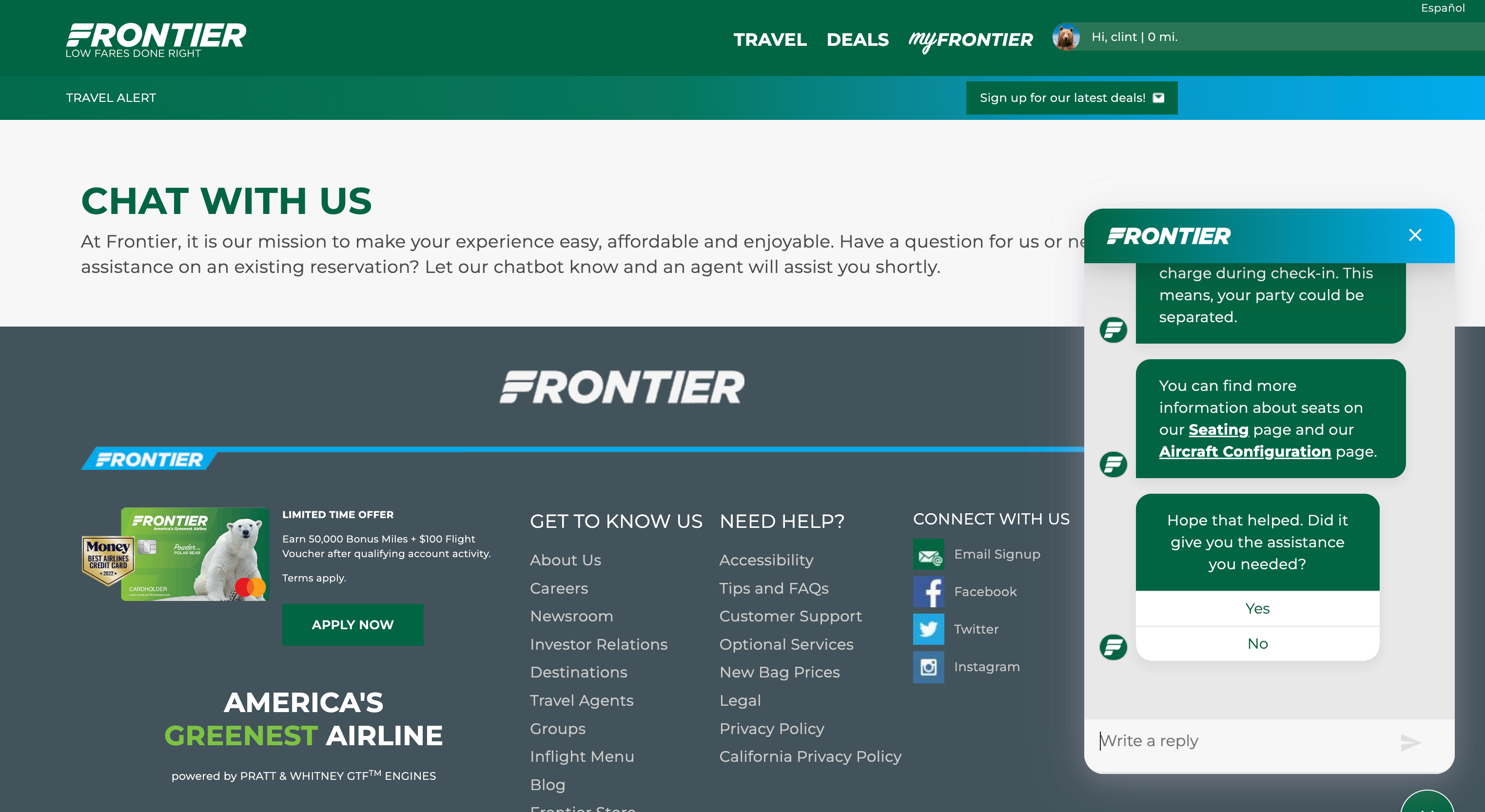
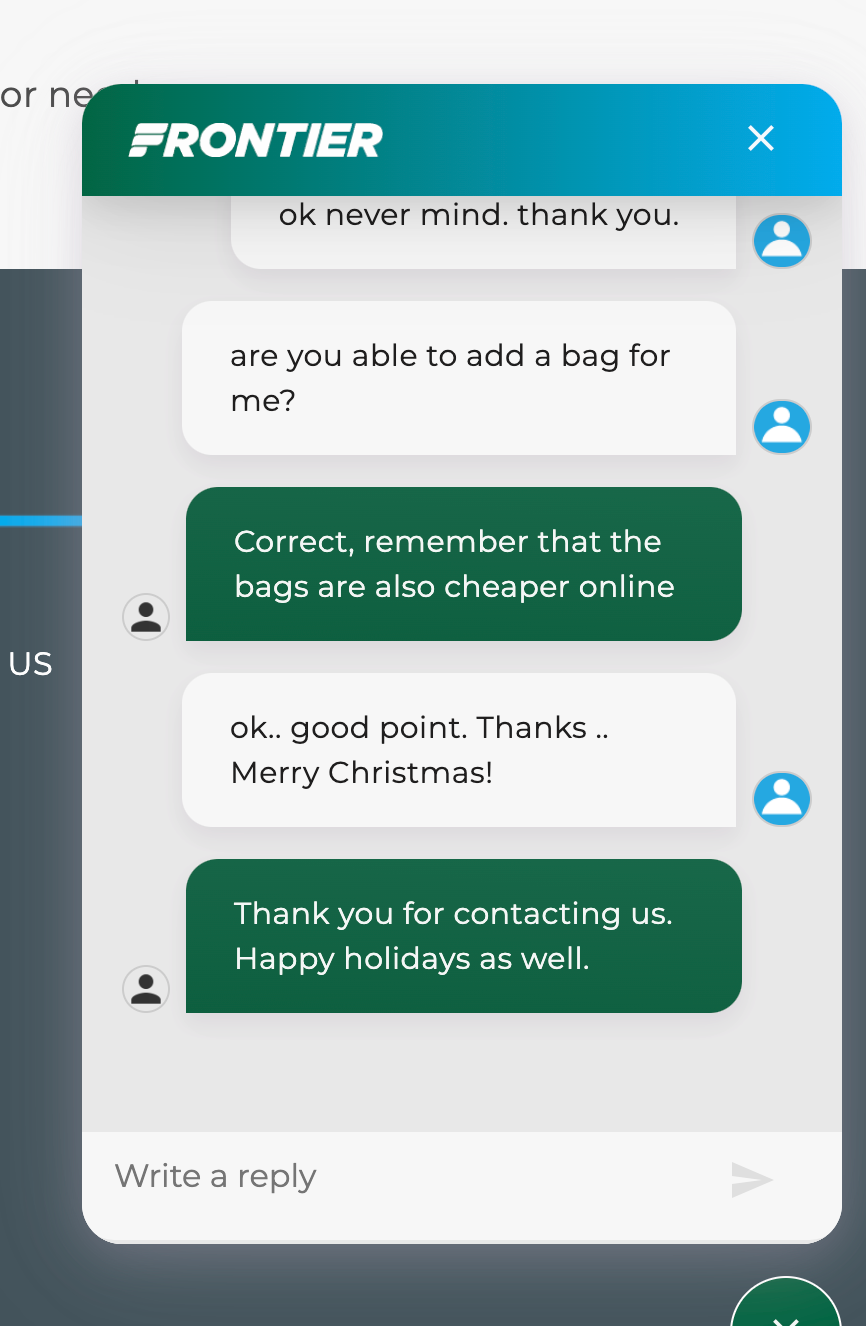
The first chat started out well, and the agent offered to sell an aisle seat using the card on file. However, when Clint asked a follow-up question about the cost of doing so online versus through the chat service, the agent went silent for about eight minutes; eventually, the agent confirmed that it would "most likely be cheaper [to do so] online."
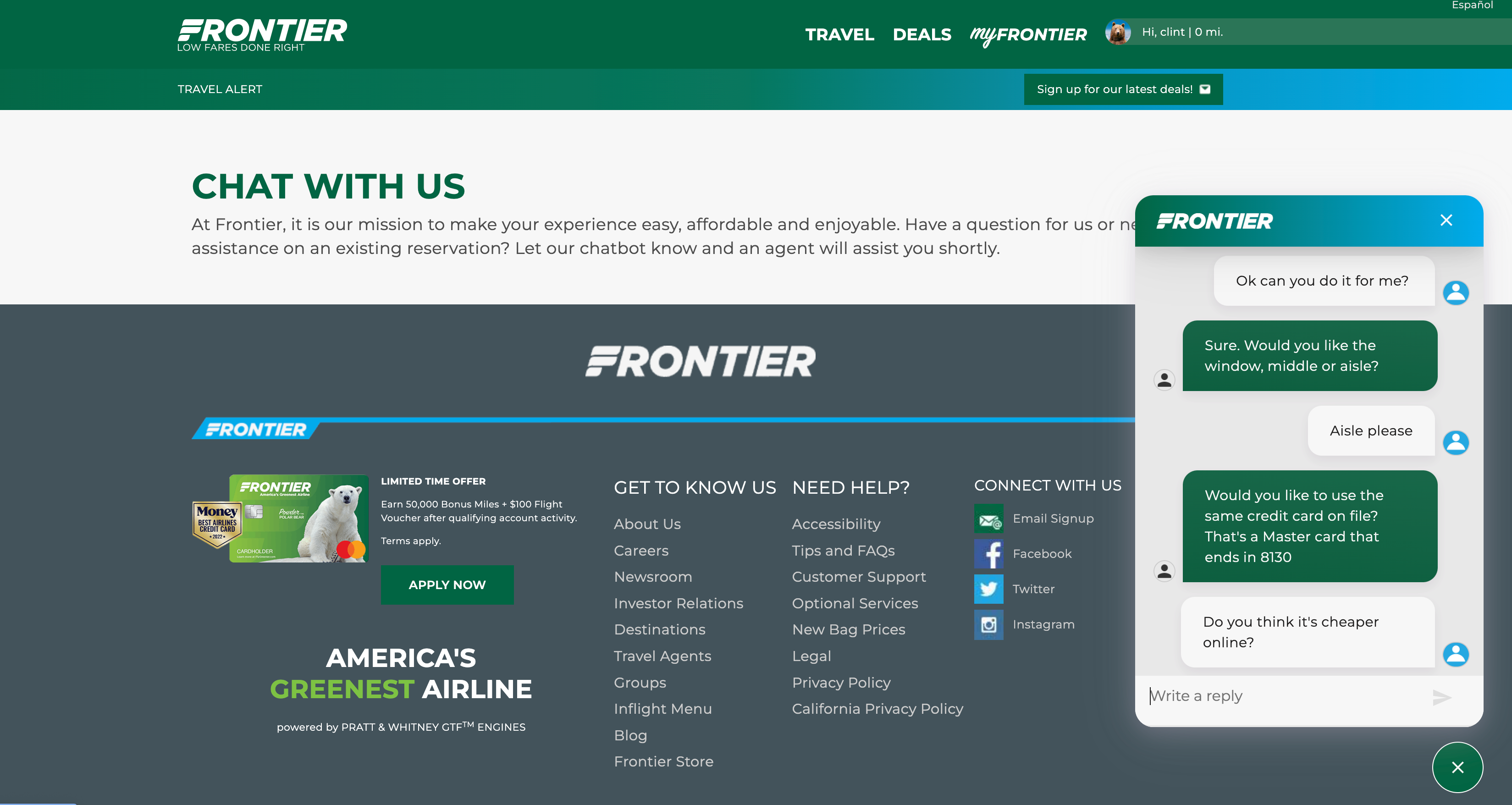
Though his follow-up question received a faster response, the 10-minute chat online would have taken significantly less time to carry out by phone.
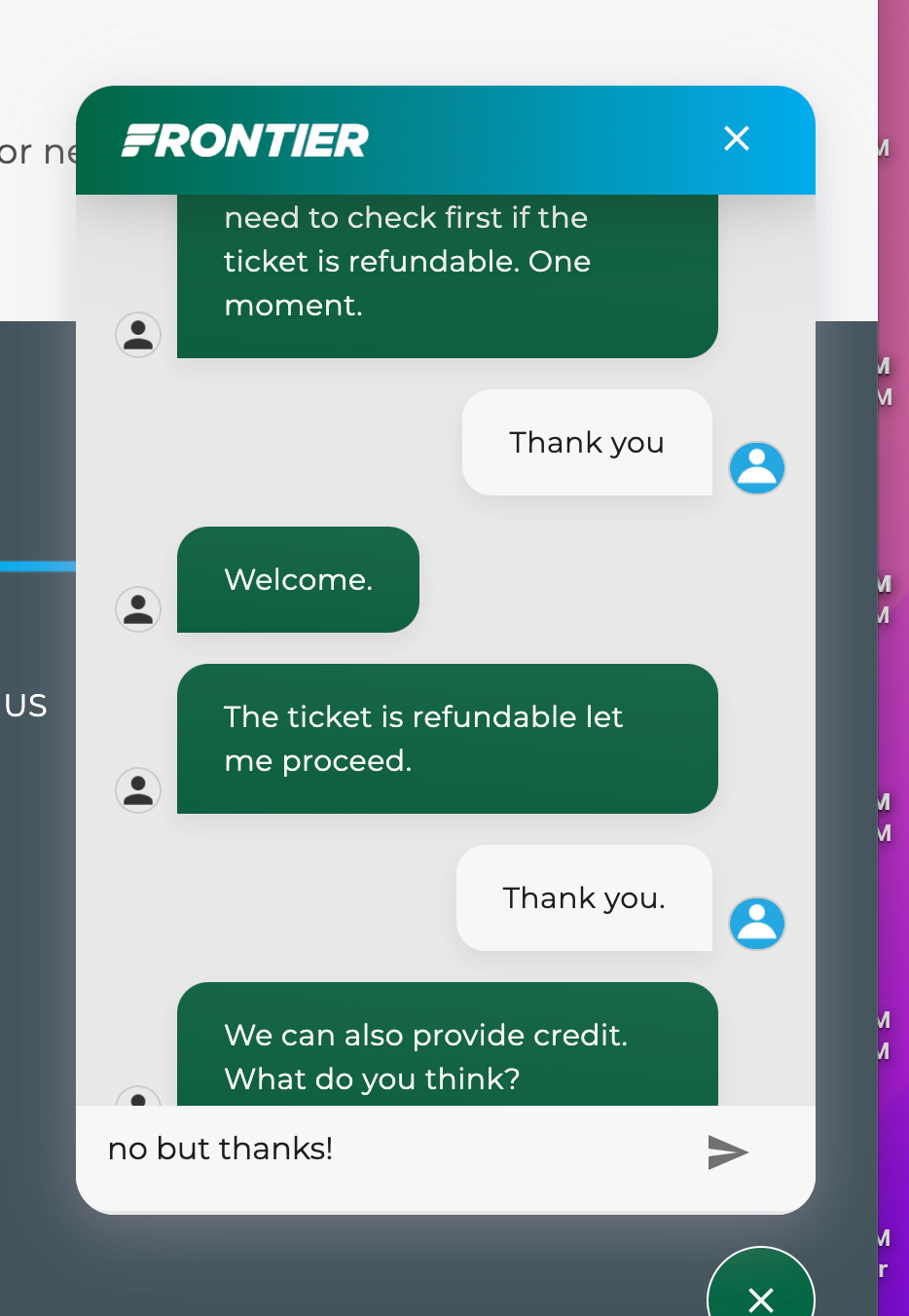
Clint started a second chat just a few minutes later to cancel a booking, and he received an answer within a minute. The agent asked why he needed to cancel, to which he said he could no longer travel. The agent then said they needed to make sure the ticket was refundable. When the agent confirmed it was, he was issued a refund. All in all, the second chat took roughly seven minutes.
"I was pretty impressed with the chat as these things go," Clint said. "It's a bit annoying how long everything takes via chat, but they were able to help me at least. My big fear is that during irregular operations, the chat might not be as robust or able to handle a lot of calls at once."
Bottom line
Based on this experience with Frontier's new online customer service chat feature, I would advise Frontier flyers to attempt to solve problems independently before chatting with a customer service agent online.
The entire interaction took nearly an hour to communicate information I already knew — that booking Frontier seats and adding baggage online was cheaper and easier to do myself. So, it's easier to follow the instructions online rather than waste time asking a question.
Even though my second interaction was much quicker than the first, canceling my flight online would have saved me more time.
You could also consider paying $10 one-way to add on Airport Agent Assistance during the booking process to ensure you have access to a gate agent. You can also add this service at the airport, but it'll cost more than it would online.
For more pressing issues, such as flight delays or cancellations, you are unfortunately at the mercy of the other customers also waiting for service. However, you could try reaching out to the airline via social media.
TPG featured card

at American Express's secure site
Terms & restrictions apply. See rates & fees.
| 4X | Earn 4X Membership Rewards® points per dollar spent on purchases at restaurants worldwide, on up to $50,000 in purchases per calendar year, then 1X points for the rest of the year. |
| 4X | Earn 4X Membership Rewards® points per dollar spent at US supermarkets, on up to $25,000 in purchases per calendar year, then 1X points for the rest of the year. |
| 5X | Earn 5X Membership Rewards® points on prepaid hotel stays booked through AmexTravel.com or the Amex Travel App™. |
| 3X | Earn 3X Membership Rewards® points on flights booked through AmexTravel.com, the Amex Travel App™, or purchased directly from airlines. |
| 2X | Earn 2X Membership Rewards® points on prepaid car rentals booked through AmexTravel.com or the Amex Travel App™ and cruises booked and paid through AmexTravel.com. |
| 1X | Earn 1X Membership Rewards® point per dollar spent on all other eligible purchases. |
Pros
- Valuable dining and food-related credits
- Flexible rewards with airline and hotel transfer partners
- Multiple travel and purchase protections
- No foreign transaction fees
- Access to Amex Offers for additional savings (enrollment required)
Cons
- Not as useful for those living outside the U.S.
- Some may have trouble using Uber and other dining credits
- You may be eligible for as high as 100,000 Membership Rewards® Points after you spend $8,000 in eligible purchases on your new Card in your first 6 months of Card Membership. Welcome offers vary and you may not be eligible for an offer. Apply to know if you’re approved and find out your exact welcome offer amount – all with no credit score impact. If you’re approved and choose to accept the Card, your score may be impacted.
- Earn 4X Membership Rewards® points per dollar spent on purchases at restaurants worldwide, on up to $50,000 in purchases per calendar year, then 1X points for the rest of the year.
- Earn 4X Membership Rewards® points per dollar spent at US supermarkets, on up to $25,000 in purchases per calendar year, then 1X points for the rest of the year.
- Earn 5X Membership Rewards® points on prepaid hotel stays booked through AmexTravel.com or the Amex Travel App™.
- Earn 3X Membership Rewards® points on flights booked through AmexTravel.com, the Amex Travel App™, or purchased directly from airlines.
- Earn 2X Membership Rewards® points on prepaid car rentals booked through AmexTravel.com or the Amex Travel App™ and cruises booked and paid through AmexTravel.com.
- Earn 1X Membership Rewards® point per dollar spent on all other eligible purchases.
- Pay It® lets you tap in the American Express® App to quickly pay for small purchase amounts throughout the month and still earn rewards the way you usually do. Plan It® gives you the option to split up big purchases into equal monthly payments with a fixed fee. You’ll know upfront exactly how much you’ll pay.
- $120 Dining Credit: Earn up to a total of $10 in statement credits monthly when you pay with the Gold Card at Grubhub (including Seamless), Buffalo Wild Wings, Five Guys, The Cheesecake Factory, and Wonder. This can be an annual savings of up to $120. Enrollment required.
- $100 Resy Credit: Get up to $100 in statement credits each calendar year at over 10,000 qualifying U.S. Resy restaurants after you pay for eligible purchases with the American Express® Gold Card. That’s up to $50 in statement credits semi-annually. Enrollment required.
- $84 Dunkin' Credit: Earn up to $7 in monthly statement credits after you pay with the American Express® Gold Card at U.S. Dunkin’ locations. Enrollment required.
- $120 Uber Cash on Gold: Enjoy up to $120 in Uber Cash annually with your Gold Card. Just add your Card to your Uber account and you'll get $10 in Uber Cash each month to use on orders and rides in the U.S. when you select an Amex Card for your transaction.
- Enjoy complimentary Hertz Five Star® Status benefits like skipping the counter at select locations, adding an additional driver at no additional cost*, and vehicle upgrades**. Benefit enrollment and Hertz Gold+ registration are required. *Additional drivers must meet standard rental qualifications and must be a spouse or domestic partner to qualify as complimentary. Other additional drivers subject to fees. **Benefits are subject to availability and vary by location. Additional Hertz program Terms and Conditions including age restrictions apply.
- Book two nights or more with The Hotel Collection through AmexTravel.com or the Amex Travel App™ and receive a $100* credit towards eligible charges at over 1,400 upscale hotels worldwide. *Eligible charges vary by property.
- Book your travel through the Amex Travel App™ with added peace of mind – backed by American Express® service and support. Only for American Express® Card Members.
- Whenever you need us, we're here. Our Member Services team will ensure you are taken care of. From lost Card replacement to statement questions, we are available to help 24/7.
- No Foreign Transaction Fees.
- Annual Fee is $325.
- Terms Apply.