Apple’s emergency satellite service is free for another year — here’s how to use it

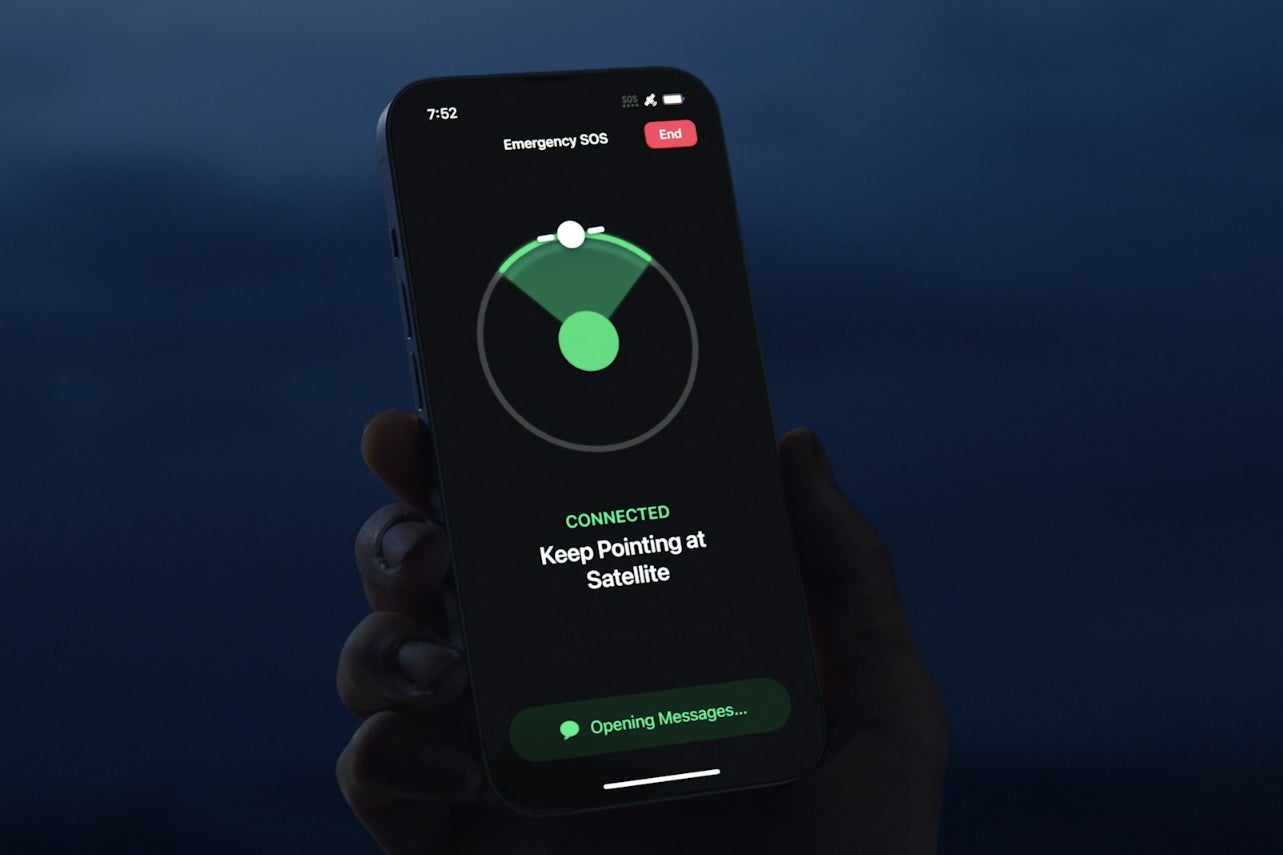
Editor's Note
If something goes wrong when you're off the grid, getting help is just a tap away on Apple's latest devices.
Apple announced last week that it would make Emergency SOS via Satellite free for another full year for iPhone 14 users.
Originally, the service was only supposed to be free for two years after activating your eligible iPhone 14, but Apple has extended that window for iPhone 14 users to three years.
Any iPhone 15 users who recently purchased one of the new devices will have two years from the time of activation to use the Emergency SOS service without a charge.
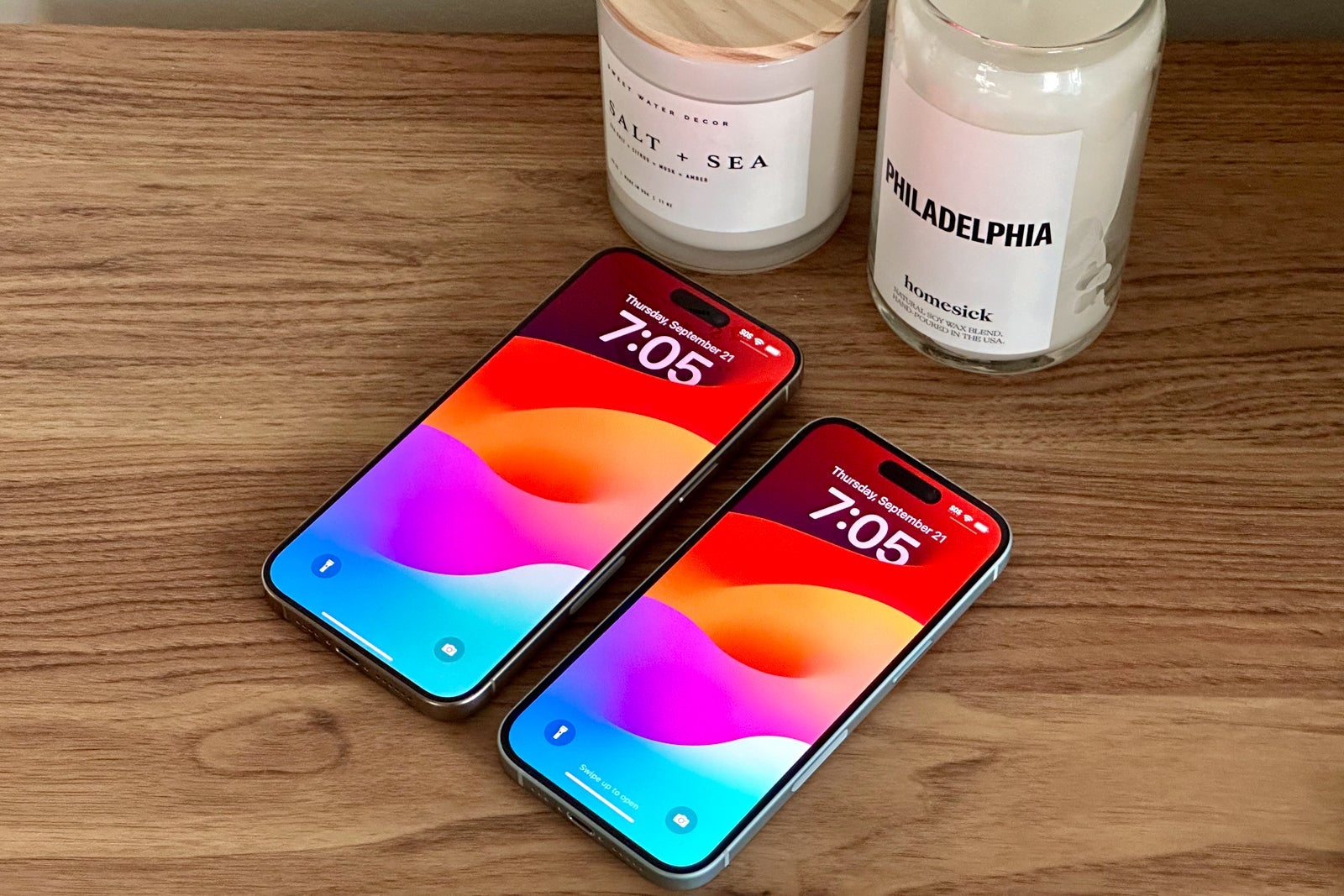
Emergency SOS via Satellite requires any iPhone 14 or 15 model that's running iOS 16.4 or later. This includes the following phone models:
- iPhone 14
- iPhone 14 Plus
- iPhone 14 Pro
- iPhone 14 Pro Max
- iPhone 15
- iPhone 15 Plus
- iPhone 15 Pro
- iPhone 15 Pro Max
Related: Why the new iPhone 14 Pro is a game changer for travelers
The service works regardless of where you purchased your device, even if satellite connectivity hasn't (yet) launched in your home country. The only exceptions are iPhones purchased in mainland China, Hong Kong and Macau, as well as a few other countries listed here.
Unfortunately, older Apple smartphones won't be able to communicate with satellites. The required communications hardware was only added to the iPhone 14 (and 15) lineup.

Satellite service is available in the following countries:
- Australia
- Austria
- Belgium
- Canada
- France
- Germany
- Ireland
- Italy
- Luxembourg
- The Netherlands
- New Zealand
- Portugal
- Spain
- Switzerland
- United Kingdom
- United States
While I'll run through a step-by-step guide to using the feature below, two very important use cases could come in handy for many travelers.
Getting help when you don't have cellular or Wi-Fi connection
Traditionally, if you didn't have access to a cellphone signal or a Wi-Fi network, your smartphone would be completely disconnected from people back home.
But, with the addition of satellite connectivity, all you need is a clear view of the sky and some patience to get in touch with help. (Establishing a strong satellite connection can sometimes take a few minutes.)
Whether you're camping somewhere remote, driving through backcountry roads or hiking in a national park, your iPhone 14 or 15 will be able to communicate with first responders using satellites in the case of an emergency.

Upload your location when you are off the grid
Even if you don't need emergency help, Apple's new satellite service can help reassure loved ones back home that everything is OK.
While you can't make calls or send text messages using Apple's satellite connectivity, you can upload your current location to the Find My app when you're off the grid. This feature should be especially useful for those exploring remote locations or those trekking outdoors who want to provide location updates to friends and family members.
To help power the feature, Apple is investing hundreds of millions of dollars in Globalstar, a multinational satellite service based in Covington, Louisiana. When you activate the feature, you'll connect to one of the company's 24 satellites in low-Earth orbit that are traveling at speeds of approximately 16,000 mph.
The service is free for two years starting when any new iPhone 15 model is activated. (Apple extended the free window for iPhone 14 users, so those devices activated prior to Nov. 15, 2023, will enjoy three years of free satellite connectivity.)
Note that your two-year timer won't begin until the service goes live in your home country, even if you use the feature while traveling abroad to a country where it is already activated.
Apple hasn't yet announced how much the feature will cost after the free introductory period ends.
Related: Which is the best credit card for Apple purchases?
How to use Apple's Emergency SOS via Satellite
One of the best ways to prepare for an emergency is to run through the steps of what you'd do in case disaster strikes.
Apple built a demo of the new satellite connectivity feature directly into the settings app to do that. Just scroll down to the Emergency SOS settings and tap "Try Demo" at the bottom to practice using the feature.
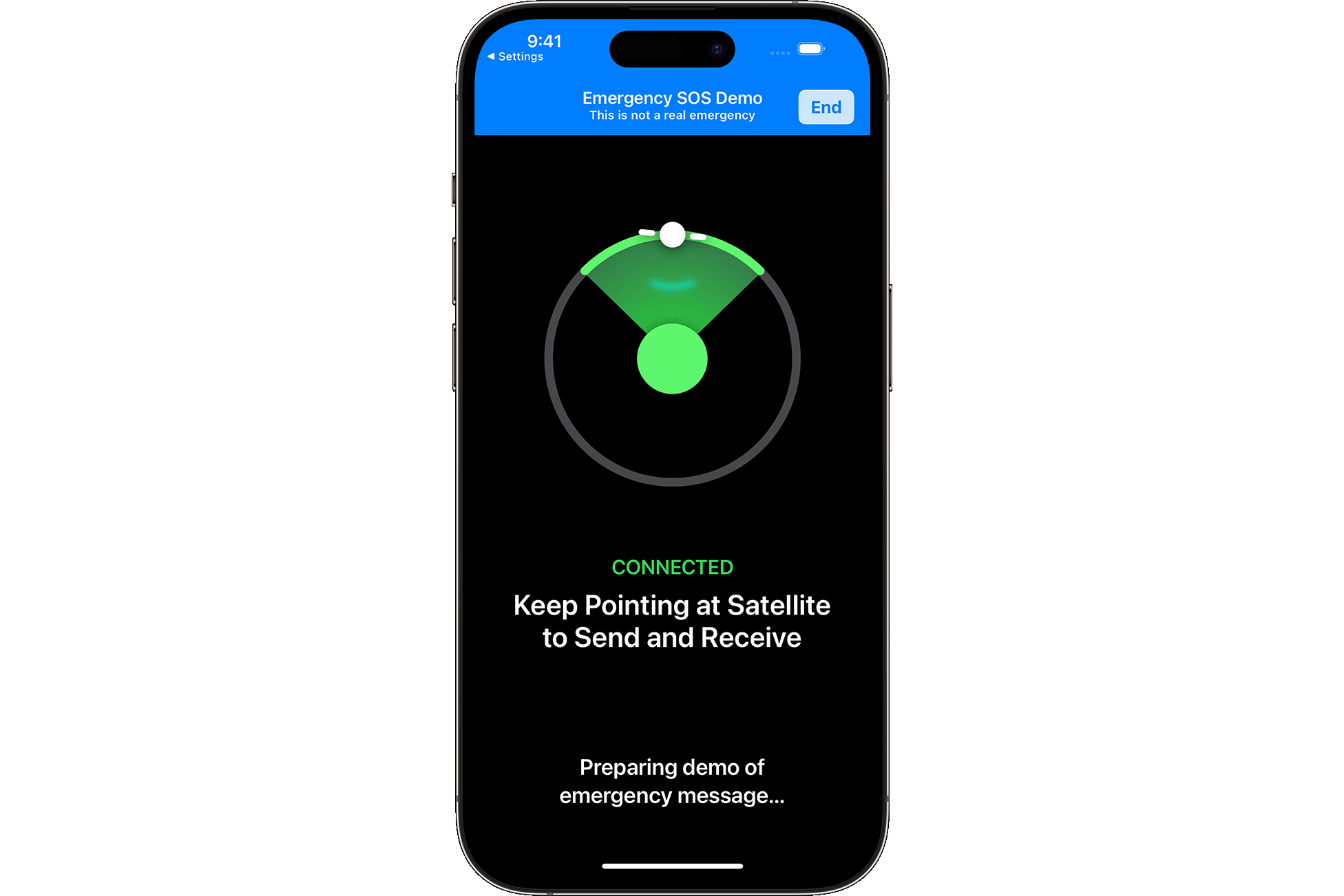
This is also where you can select your emergency contacts who'll get notified if you use this feature in a real emergency.
If something happens when you're off the grid, try dialing the emergency services phone number in the country in which you're traveling. (That's 911 in the U.S. and Canada, 112 in France and Germany, and 999 or 112 in Ireland and the U.K.)
If you don't have enough service to make the call, a button on the bottom right of the screen will appear to start a conversation with emergency service via text.
You'll then be prompted to report an emergency and complete a short questionnaire sent to first responders.
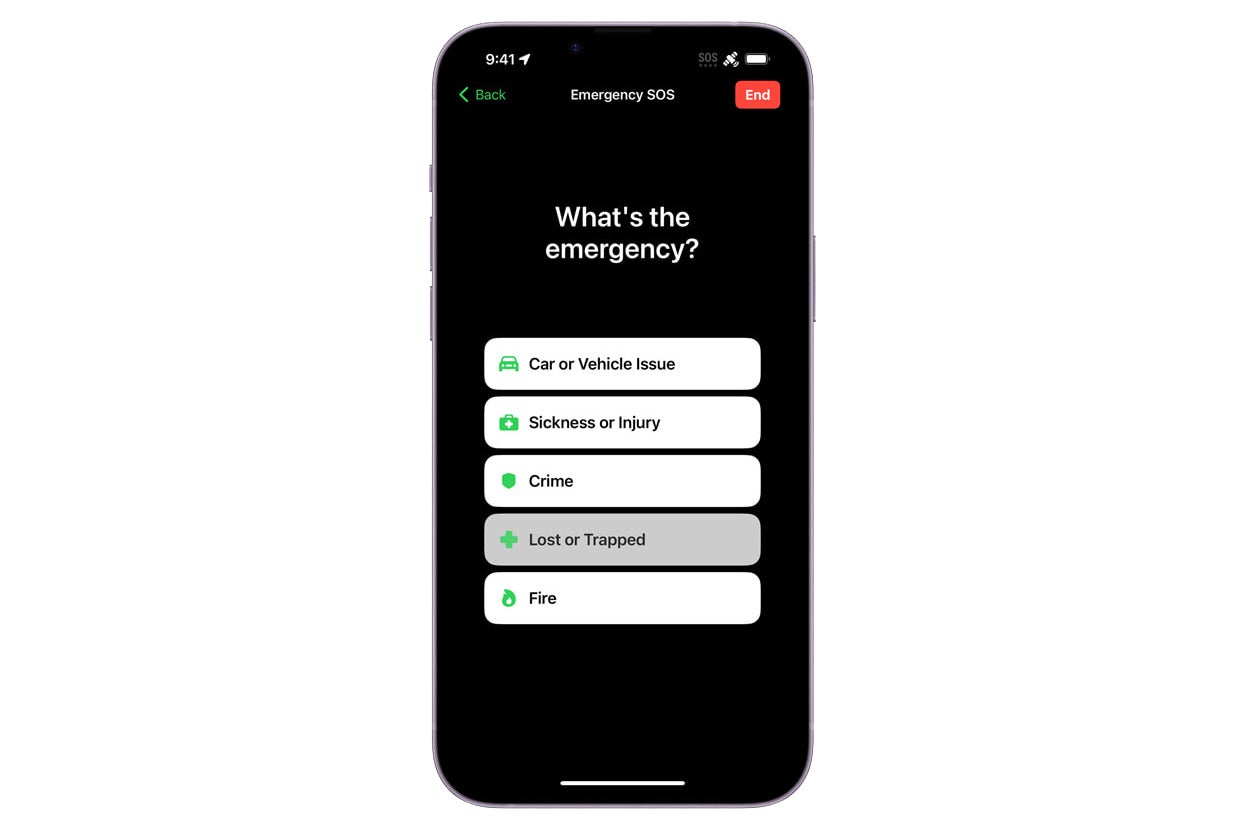
You'll also be asked if you'd like to notify your emergency contacts. Critical health information, including your medical ID, your location (including elevation) and your remaining iPhone battery life will be shared once your message is sent.
Your iPhone will guide you to connect to a satellite, which might require turning left or right or moving away from thick foliage if possible. Note that satellite service may not work if you're located above 62 degrees latitude, which includes northern parts of Canada and Alaska.
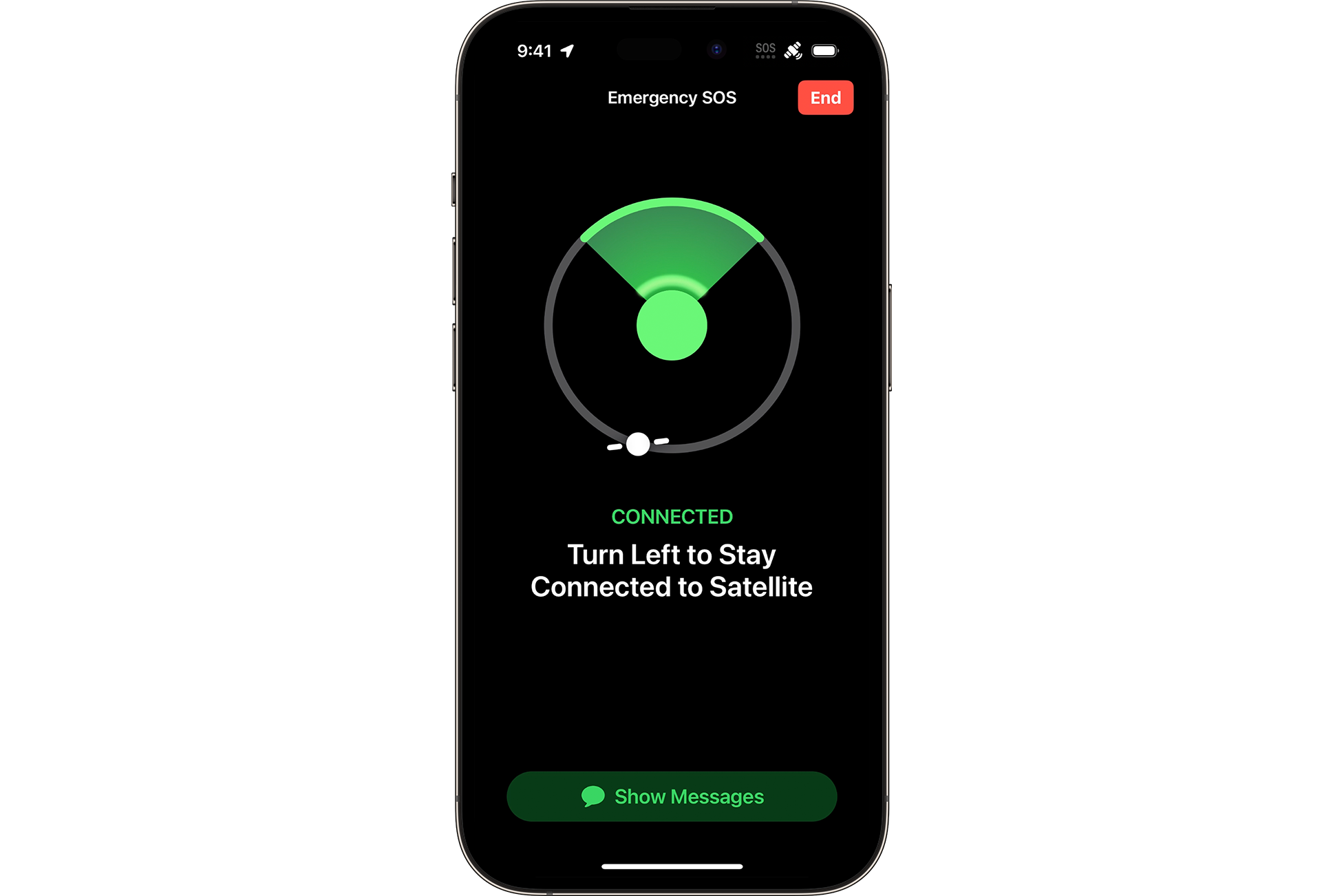
Once connected, you may receive additional follow-up messages from first responders, depending on your situation.
Related: 11 travel must-haves with Apple's new iPhone 14, AirPods Pro, Series 8 Watch
If you aren't experiencing an emergency but are trying to update your friends and family with your location, you can open the Find My app and tap the "Me" button at the bottom right of the screen.
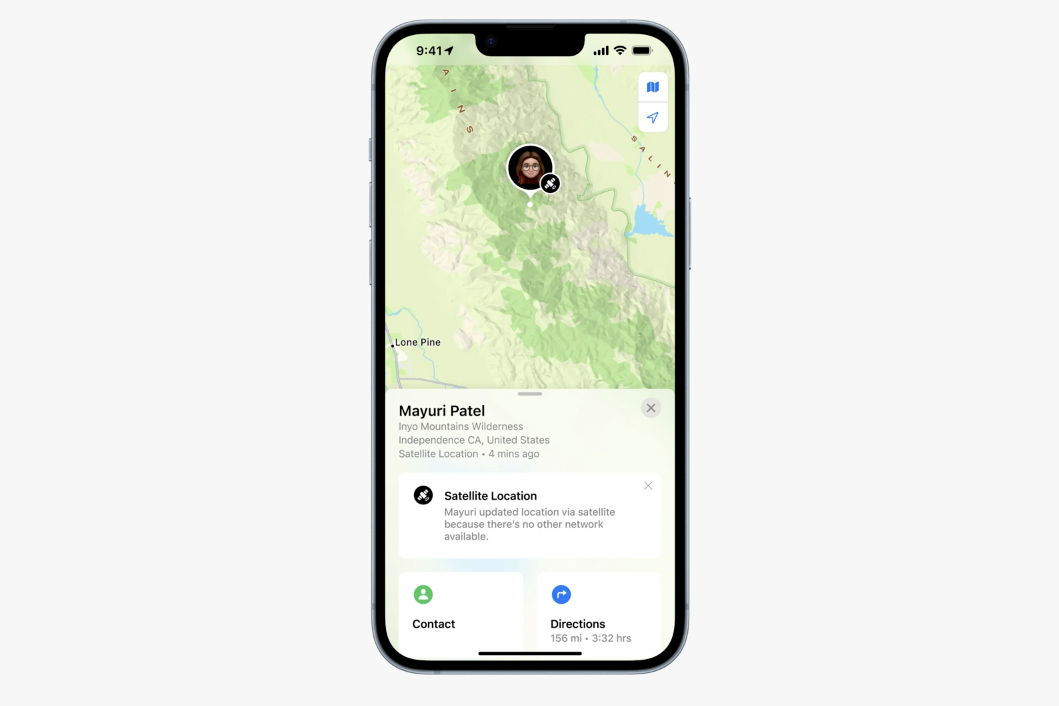
Tap "Send my Location" under the satellite banner, then follow the on-screen instructions.
When connecting via satellite, you can only update your location once every 15 minutes. Note that you won't be able to see your friend's location unless you're connected to a cellular or Wi-Fi network.
For more information and details on using the service, read Apple's detailed step-by-step guide to Emergency SOS via Satellite.
How to use Apple's Roadside Assistance via Satellite
This year, Apple introduced another safety-related satellite feature dubbed Roadside Assistance via Satellite.
This service, which is currently only available in the U.S., connects you to AAA roadside assistance when you aren't in the range of a cellular network.
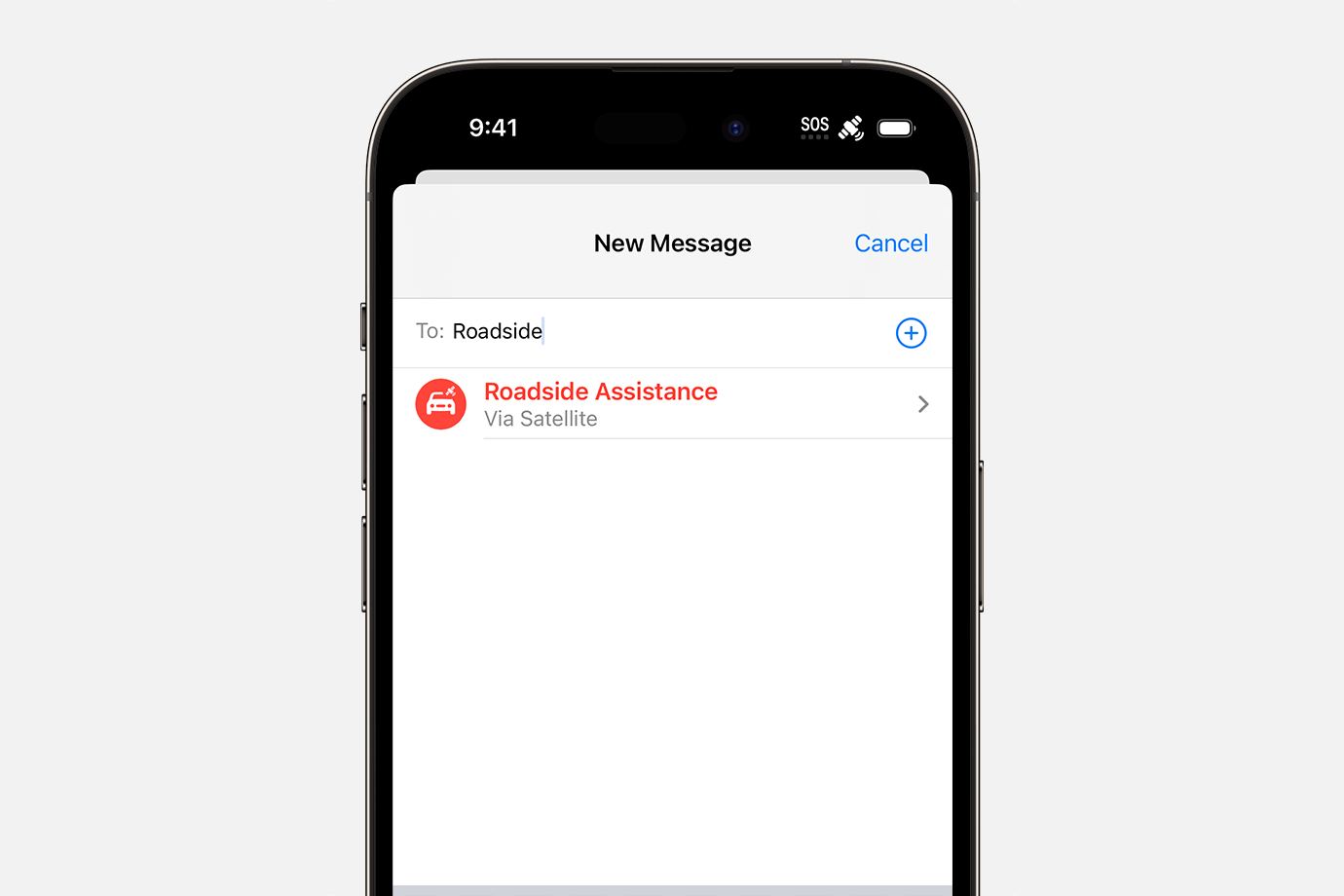
Roadside Assistance via Satellite works on all iPhone 14 and iPhone 15 models running iOS 17 or later. Satellite connectivity service is free for two years after activating your iPhone, but note that separate AAA service charges may apply for non-AAA members. (Service pricing will be provided before help is dispatched.)
To use Roadside Assistance via Satellite, open Messages and type "Roadside." A screen will pop up with instructions on connecting to a satellite to request help.
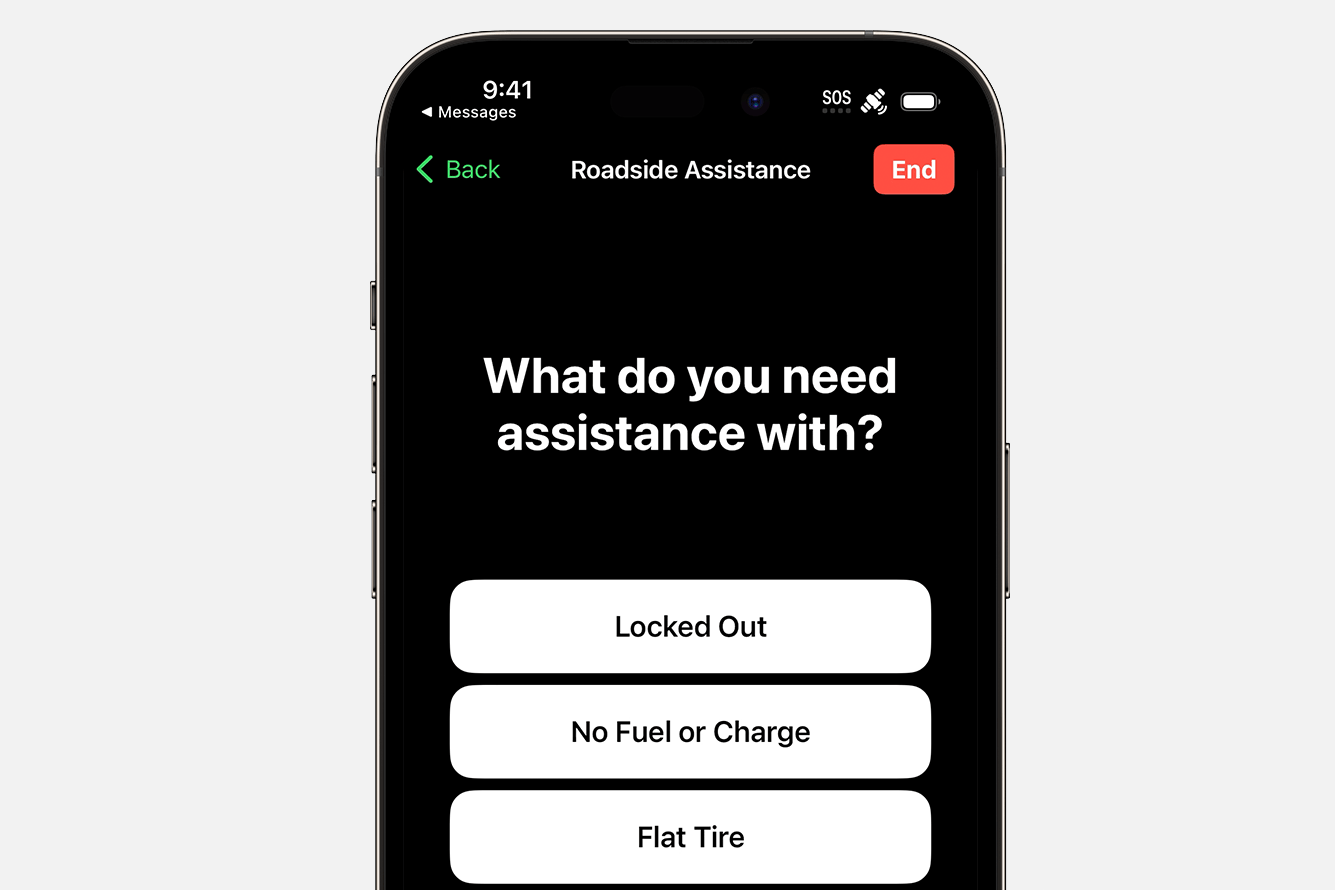
Alternatively, you can also call 911 and choose to be connected either to emergency services or to AAA.
Related reading:
- Key travel tips you need to know — whether you're a beginner or expert traveler
- The best travel credit cards
- Where to go in 2024: The 16 best places to travel
- 6 real-life strategies you can use when your flight is canceled or delayed
- 8 of the best credit cards for general travel purchases
- 13 must-have items the TPG team can't travel without
TPG featured card

at Capital One's secure site
Terms & restrictions apply. See rates & fees.
| 5X miles | Earn 5X miles on hotels, vacation rentals and rental cars booked through Capital One Travel |
| 2X miles | Earn unlimited 2X miles on every purchase, every day |
Pros
- Stellar welcome offer of 75,000 miles after spending $4,000 on purchases in the first three months from account opening. Plus, a $250 Capital One Travel credit to use in your first cardholder year upon account opening.
- You'll earn 2 miles per dollar on every purchase, which means you won't have to worry about memorizing bonus categories
- Rewards are versatile and can be redeemed for a statement credit or transferred to Capital One’s transfer partners
Cons
- Highest bonus-earning categories only on travel booked via Capital One Travel
- LIMITED-TIME OFFER: Enjoy $250 to use on Capital One Travel in your first cardholder year, plus earn 75,000 bonus miles once you spend $4,000 on purchases within the first 3 months from account opening - that’s equal to $1,000 in travel
- Earn unlimited 2X miles on every purchase, every day
- Earn 5X miles on hotels, vacation rentals and rental cars booked through Capital One Travel
- Miles won't expire for the life of the account and there's no limit to how many you can earn
- Receive up to a $120 credit for Global Entry or TSA PreCheck®
- Use your miles to get reimbursed for any travel purchase—or redeem by booking a trip through Capital One Travel
- Enjoy a $50 experience credit and other premium benefits with every hotel and vacation rental booked from the Lifestyle Collection
- Transfer your miles to your choice of 15+ travel loyalty programs
- Top rated mobile app