How to claim missing Frontier miles


Frontier Miles are often considered the best ultra-low-cost carrier miles, largely due to the airline's predictable award chart and solid elite status program. If you recently took a Frontier Airlines flight and didn't receive mileage credit, it's in your best interest to claim the miles to use for future travel. This could happen if you forgot to add your Frontier Miles number to a reservation or if you weren't a member at the time of travel.
Thankfully, Frontier Airlines makes it easy to retroactively claim missing miles. In this article, we'll look at the requirements for claiming missing Frontier miles and the actual process for claiming them. Let's get started!
For more TPG news delivered each morning to your inbox, sign up for our daily newsletter.
[table-of-contents /]
Requirements for claiming missing Frontier Miles
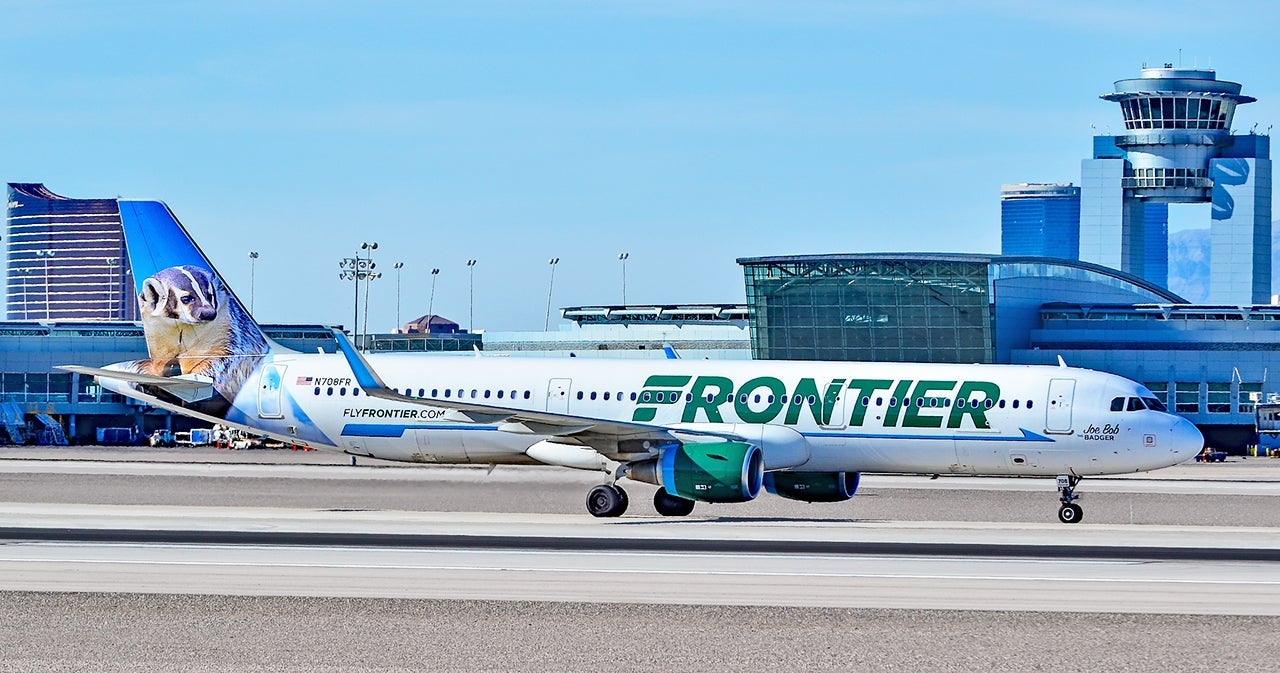
Frontier Airlines has one of the most relaxed policies for retroactively claiming missing miles. You can claim mileage for flights flown in the past 180 days even if you weren't a member at the time of flying. This means that if you took a Frontier flight last month and today signed up for a Frontier account, you're eligible to have the missing miles credited to your account.
You'll have to wait three or more days before you can claim miles for a completed flight. Once you submit a request for mileage credit, the miles will post to your account within 48 hours. In practice though, I've found that Frontier credits these miles within 24 hours of request.
Related: Everything you should know before flying Frontier Airlines
How to claim missing Frontier Miles
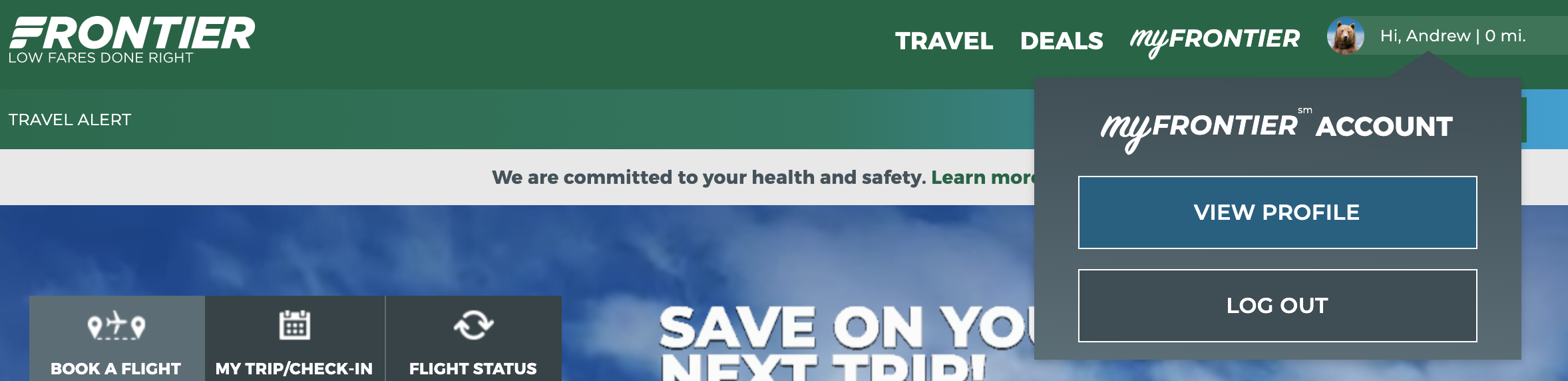
The process for claiming missing Frontier Miles is simple. Head over to the Frontier website and sign in to your account. Then, click on your name at the upper right-hand corner of the screen and select "View Profile" from the drop-down menu. This will take you to your Frontier Miles account page.
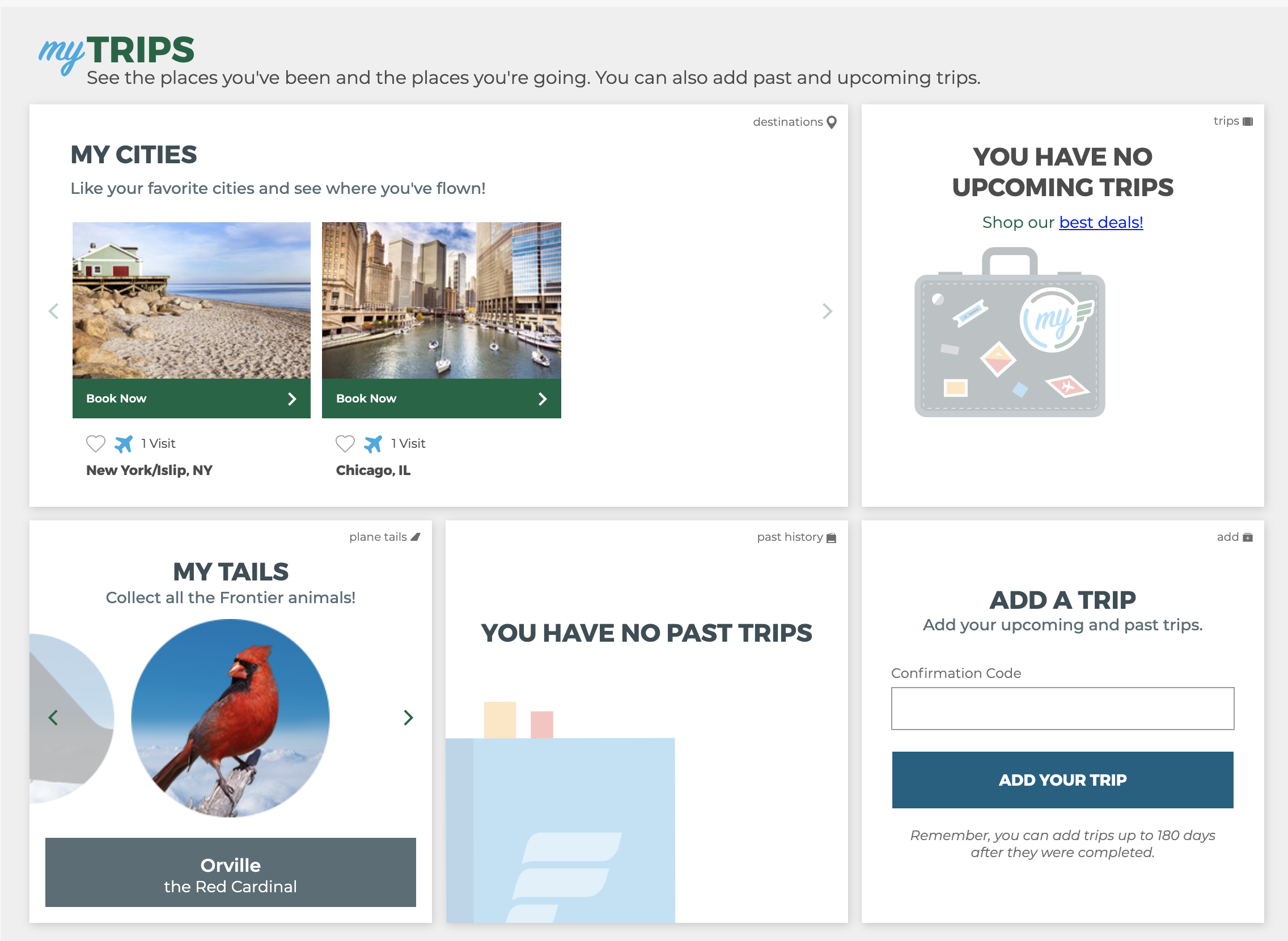
Scroll to the center of the page and look for the "Add a Trip" header. Enter your flight's confirmation code in the text box underneath the header and click the "Add your trip" button. You can find your trip's confirmation code on the email receipt for your flight. Alternatively, you can call Frontier to retrieve your confirmation code if you can't find the receipt.

If the Frontier Airlines website is able to find your flight, the miles will appear in your account shortly after you request miles. In some cases, however, the website might not be able to find your flight. This usually happens if the name on your account isn't identical to the name on the ticket. If this happens to you, fill out the missing miles request form on the Frontier Airlines website. You'll need both your confirmation code and ticket number to request — both of these can be found on your flight receipt.
Related: How to retroactively credit flights to your frequent flyer account
Bottom line
In this article, we showed you how to claim missing Frontier miles. Bookmark this page and refer to it the next time a Frontier flight doesn't credit to your account. This ensures that you'll never leave miles on the table and will inch you closer to your next award ticket. Safe travels!
Feature photo by robert cicchetti/Shutterstock
TPG featured card

at Capital One's secure site
Terms & restrictions apply. See rates & fees.
| 5X miles | Earn 5X miles on hotels, vacation rentals and rental cars booked through Capital One Travel |
| 2X miles | Earn unlimited 2X miles on every purchase, every day |
Pros
- Stellar welcome offer of 75,000 miles after spending $4,000 on purchases in the first three months from account opening. Plus, a $250 Capital One Travel credit to use in your first cardholder year upon account opening.
- You'll earn 2 miles per dollar on every purchase, which means you won't have to worry about memorizing bonus categories
- Rewards are versatile and can be redeemed for a statement credit or transferred to Capital One’s transfer partners
Cons
- Highest bonus-earning categories only on travel booked via Capital One Travel
- LIMITED-TIME OFFER: Enjoy $250 to use on Capital One Travel in your first cardholder year, plus earn 75,000 bonus miles once you spend $4,000 on purchases within the first 3 months from account opening - that’s equal to $1,000 in travel
- Earn unlimited 2X miles on every purchase, every day
- Earn 5X miles on hotels, vacation rentals and rental cars booked through Capital One Travel
- Miles won't expire for the life of the account and there's no limit to how many you can earn
- Receive up to a $120 credit for Global Entry or TSA PreCheck®
- Use your miles to get reimbursed for any travel purchase—or redeem by booking a trip through Capital One Travel
- Enjoy a $50 experience credit and other premium benefits with every hotel and vacation rental booked from the Lifestyle Collection
- Transfer your miles to your choice of 15+ travel loyalty programs
- Top rated mobile app