From 'fart mode' to battery woes: 5 things I learned from my first Tesla rental

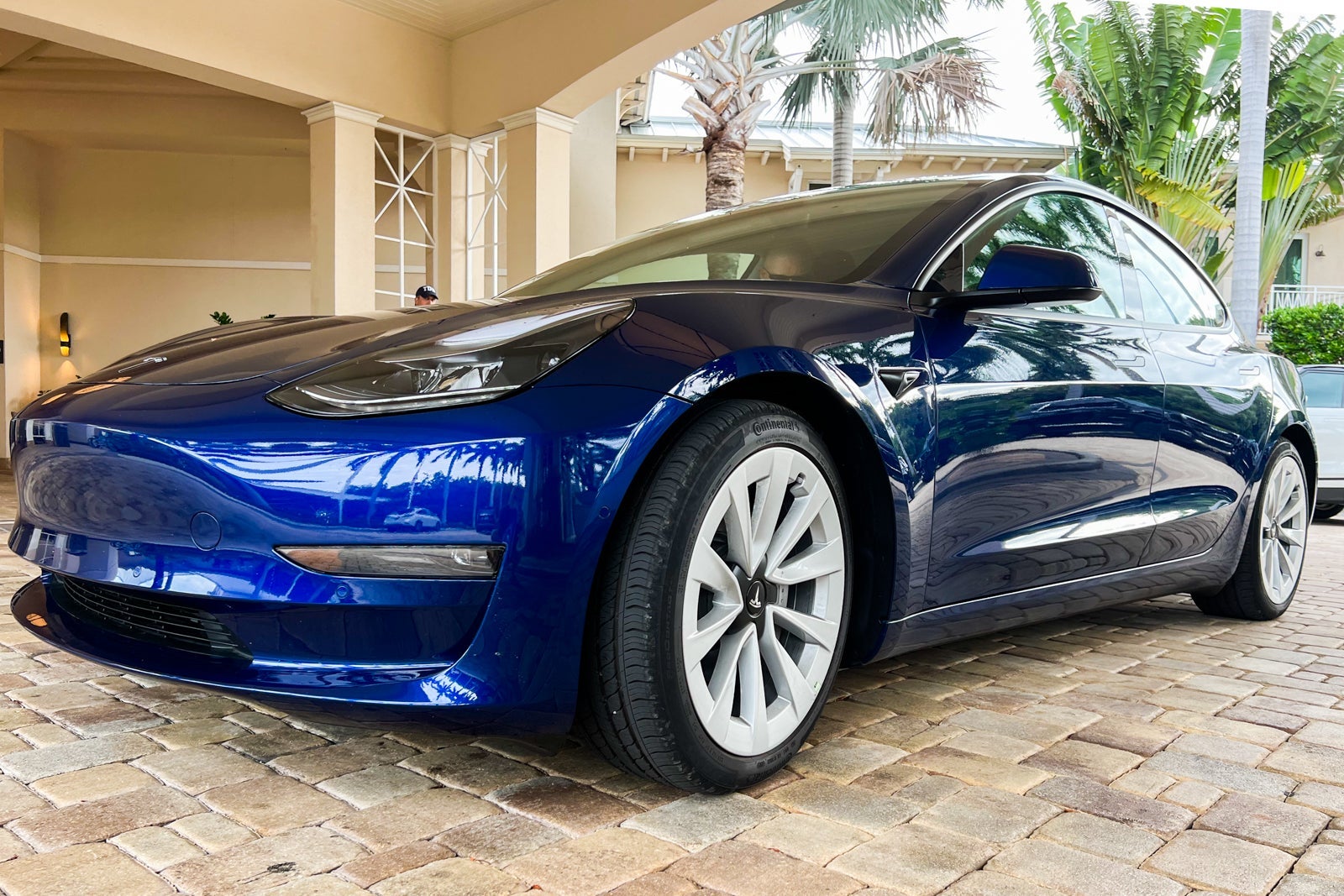
The car was farting with every turn we made.
When we arrived at the charging station we found through an internet search, it turned out to be just a locked fence. We were sweating in the Florida heat with the air conditioner on low in an attempt to conserve what battery we had left.
To say there was a learning curve with our first Tesla rental would be, as they say, an understatement.
Back home in Texas, I drive a gas-guzzling GMC Yukon Denali, but I have aspirations of one day introducing an electric or hybrid vehicle to our family's driveway. What better way to test out the EV lifestyle than by renting a Tesla while on vacation ... right?
You can now rent certain Tesla models from Hertz for a price that's comparable to your standard sedan rate. So, I wanted to find out if someone who has never so much as touched a Tesla (me) could feasibly rent one without too much hassle.
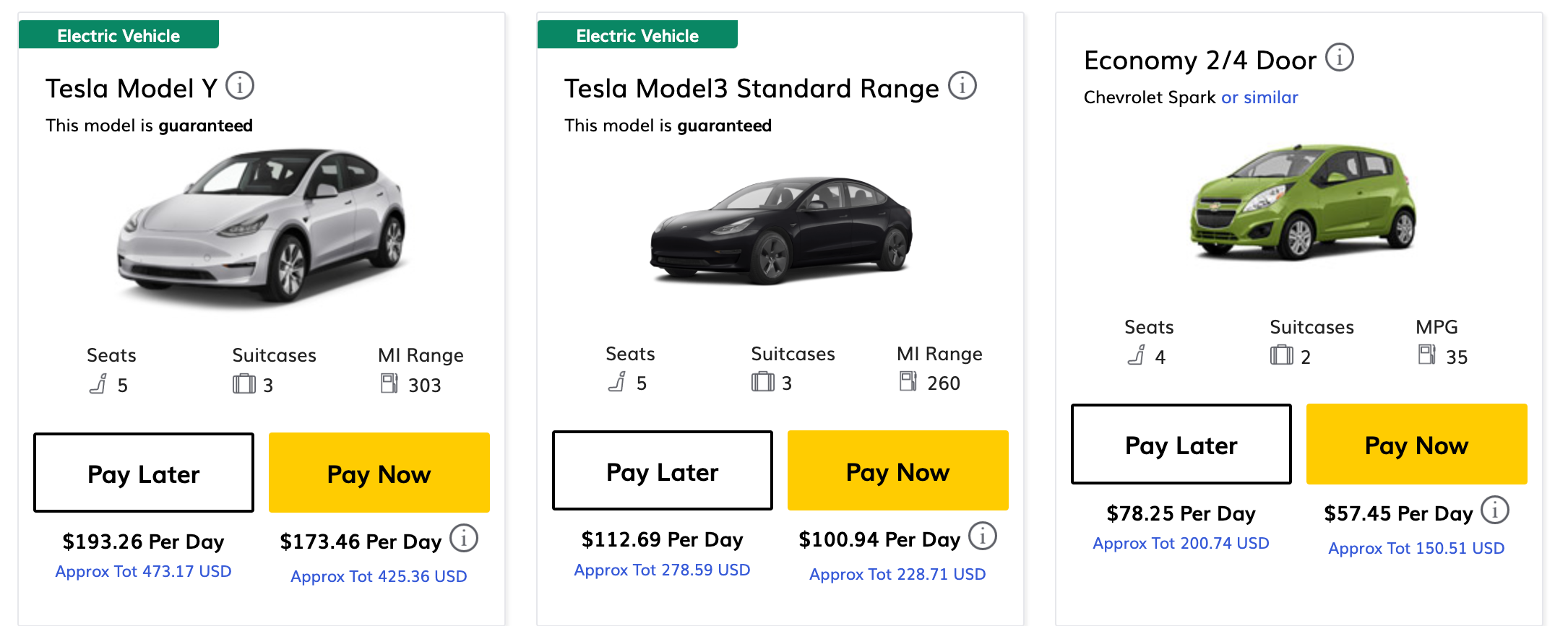
TPG points and miles editor (and EV owner), Andrew Kunesh, recently rented a Tesla from Hertz and had a great experience. Can you expect the same outcome, I wondered, when you don't come in with that level of knowledge?
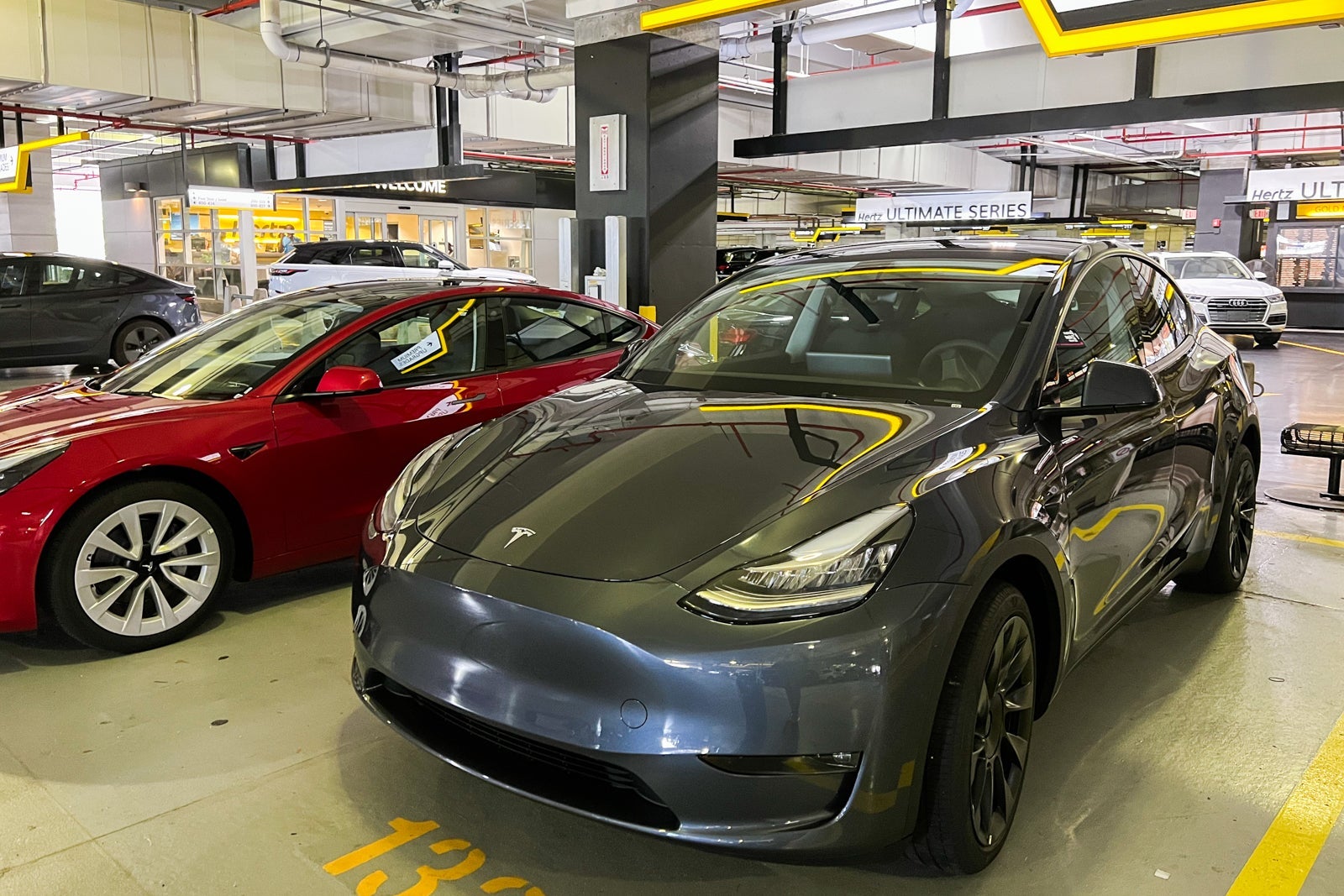
My kids certainly learned how to activate the car's fart mode — which made a fart noise every time I pressed the turn signal — and Caraoke without any trouble. But, more essential tasks on our Tesla-powered Florida road trips proved to be a touch more challenging.
Here's what happened when I rented a Tesla without knowing much about them, as well as some things to note so you don't make the same mistakes I made.
How do I turn this thing on?
You know you're in trouble when you're sitting in the car in the rental car parking garage asking Google how to turn the car on.

In fairness, the Hertz employee was happy enough to teach us some quick basics. However, that was mostly me nodding and trying to absorb the information instead of actually understanding what he said.
With that crash course behind me, I still had no idea how to turn the car on when he walked away. It wasn't unlike that feeling when you're handed your first baby only to wonder, "So, what exactly do I do next?"
I'm not so old-school as to expect a physical key, but unlike on our vehicles at home, there also wasn't a button. Instead, you put the key on the cupholder area and put your foot on the brake to turn on the car.
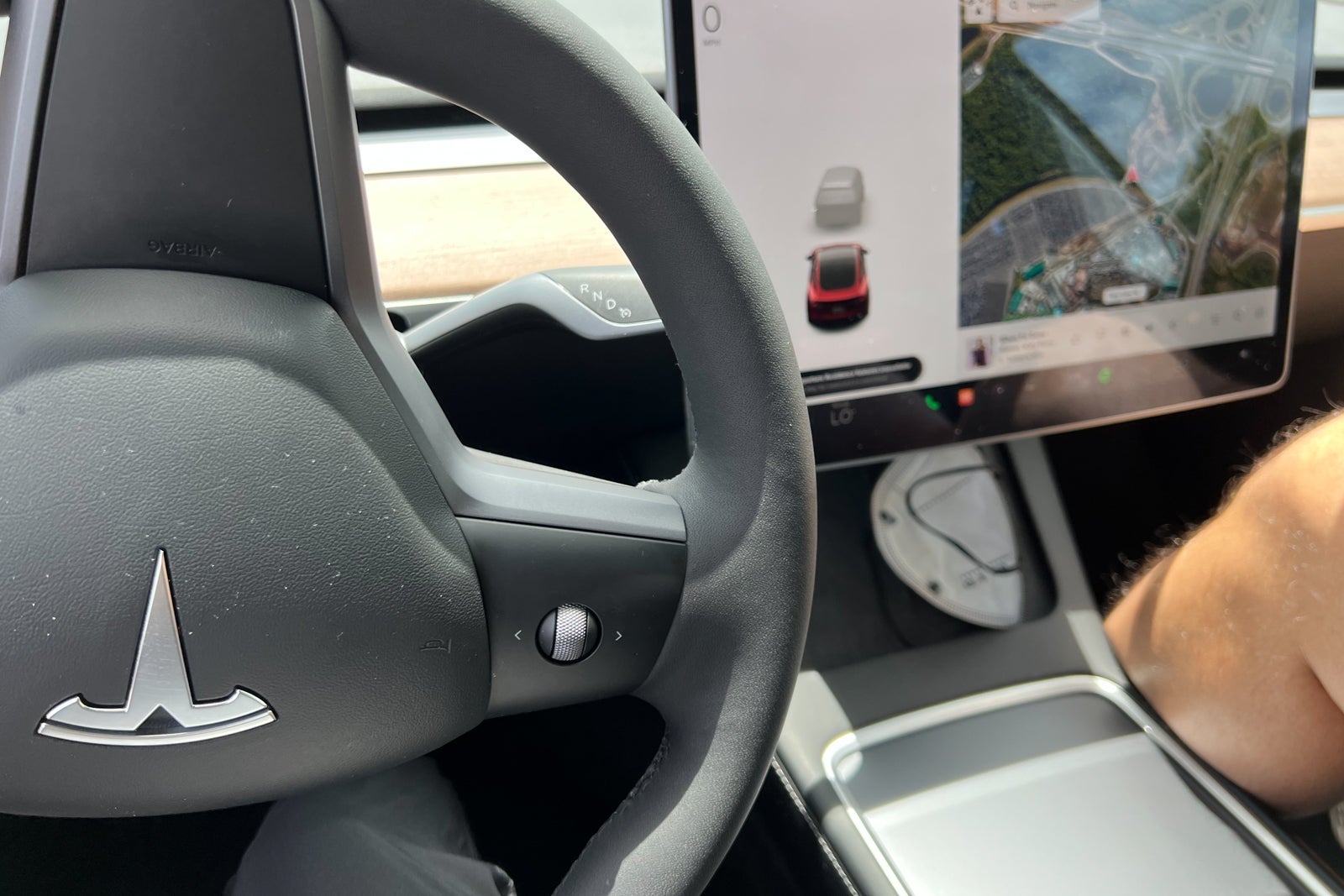
Is that intuitive? No, absolutely not.
Honestly, that was a theme of the whole experience. I'm sure you can get used to all of Tesla's quirks relatively quickly, but at the beginning, it's similar to learning how to operate a car for the very first time.
There are buttons for almost everything
While there was no push start to power up the Tesla, almost everything else required a button, dial or selection on the computer screen. You even use a button to open the door instead of just grabbing the handle. (Yes, it's possible to open the door using the handle, but the car doesn't like it — and it will tell you so.)
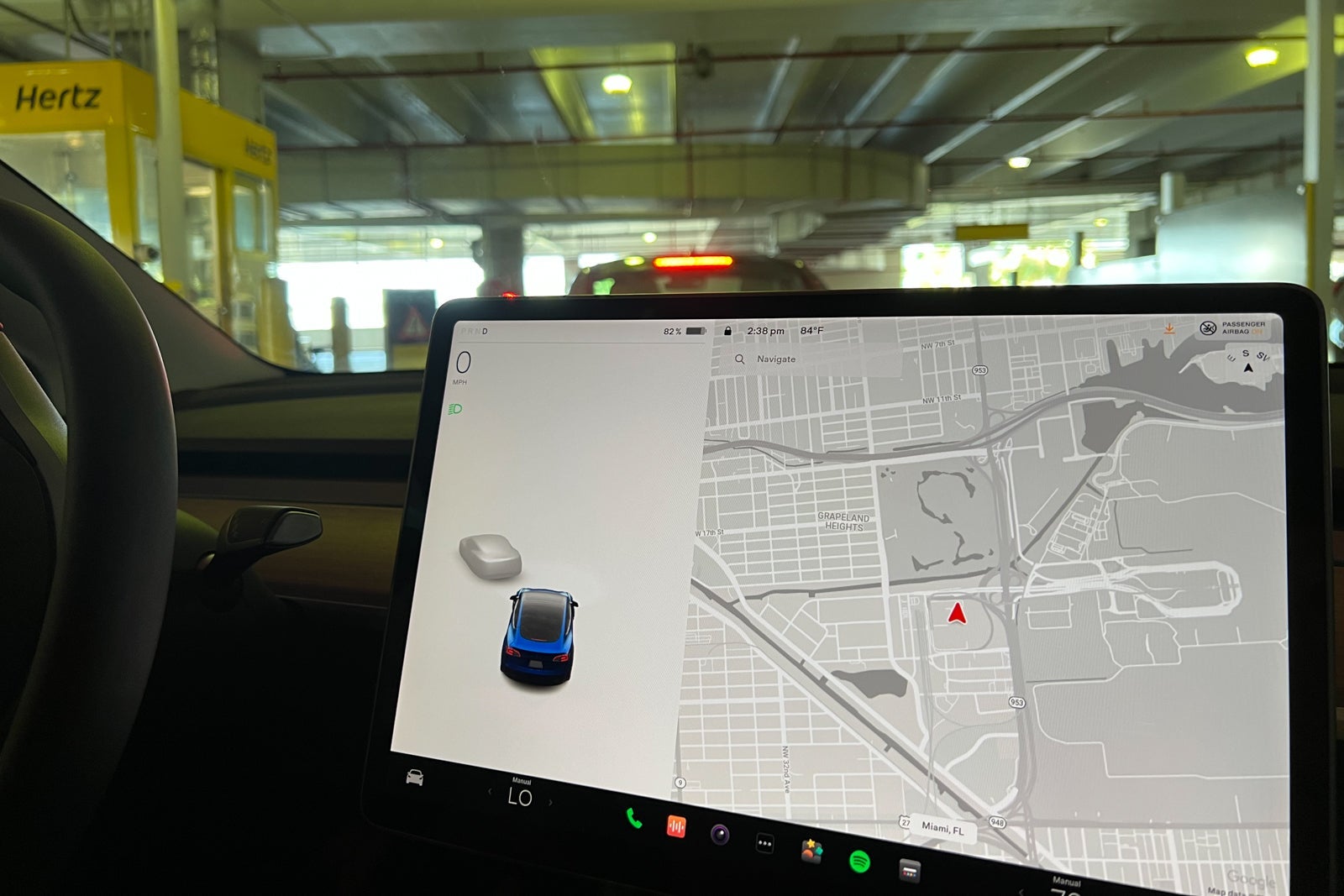
Even the air-conditioner and glove box are operated by the computer screen. So, don't expect to just flip a switch to adjust something while cruising down the highway, as you do in most other vehicles.
It took days to figure out how to actually get cool air on the first try. And by that I mean we eventually realized which area on the screen to frantically swipe at. However, we never really came to understand the true order of operations when trying to cool things down or conserve battery.
Charging (usually) isn't free
Tesla owners who have read this far in the story are probably both embarrassed by my ignorance and shocked that there are still mere suburban mortals with no functional knowledge of the EV ecosystem. But, here we are.
I'll admit that as a temporary Tesla driver, I was surprised to learn that charging isn't free.
In my mildest of defenses, supercharging used to be included with Tesla purchases, so I didn't totally make up the idea of it being free. However, here in the modern era, charging is usually going to cost you — even on Tesla's own network of Superchargers.
When we stopped in Florida City to use the Supercharger next to Sonny's BBQ, we learned a few lessons. While we had figured out by this point that charging wasn't going to be free, we had no idea how to pay.
We plugged in the car, went inside for lunch and hoped for the best. The fact that the computer screen's battery displayed green and looked like it was charging before we walked away seemed promising, though we had no idea who was paying the "Tesla fairy" for this power boost.
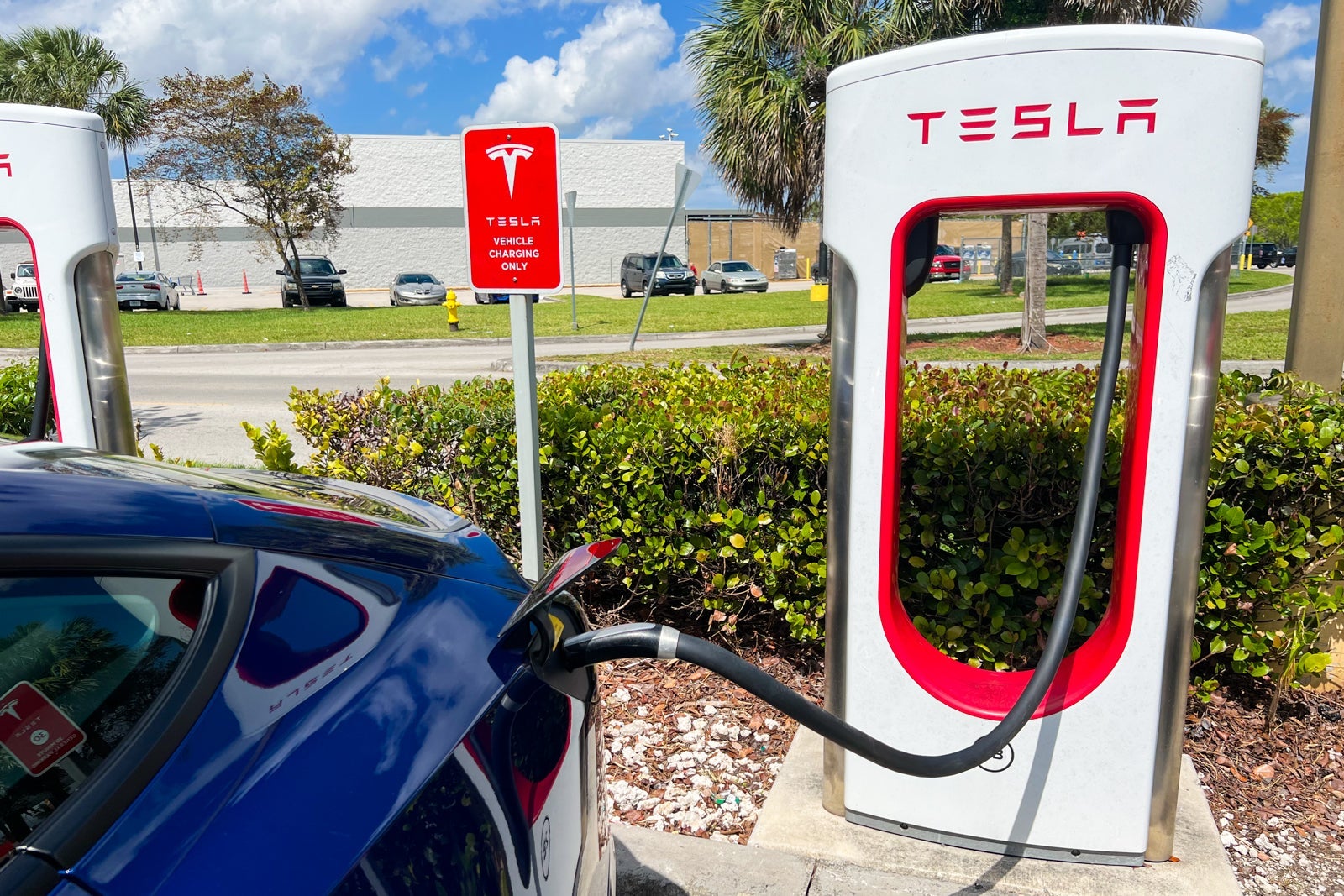
While we enjoyed our brisket and sandwiches, the car enjoyed a recharge of its own — though only up to 80%.
When we got back, the display in the car revealed the charge had cost around $17 — but $13 of that was from us taking too long in the restaurant. It charged more for leaving the car sitting on the charger (even though it quit charging at 80%) than it did for the charge itself.
Given the barbecue-adjacent location, I assumed you were supposed to go in and eat while the car charged, but apparently, it'll cost you if the car finishes its meal before you do.
On the positive side, we learned that Hertz already had the car set up with the network of Tesla Superchargers, so it passed the charging fee directly to our reservation with no added convenience surcharges. That explained how the car started charging without us doing anything beyond plugging it in.
However, if you venture to another network of chargers (we didn't), you'll likely need to set up a different app with its own payment method.
Related: Ultimate guide to taking a road trip in an electric vehicle
Not all hotels have chargers
We actually rented a Tesla twice before writing this first-timer story. This is mostly because on the first trip, I learned the hard way that not all hotels — even the brand new ones — provide chargers.
Our first Tesla rental experience happened on a trip to Walt Disney World. We arrived at the new Star Wars-themed hotel only to learn there were no chargers at that property. They were scattered around the Disney theme park lots, but there were none at the actual hotel. We didn't drive enough on that trip to truly need a charge, so we skipped it in favor of getting the full Star Wars experience.
While on our second rental in the Florida Keys, one of our hotels did have a charging station; a total game-changer.
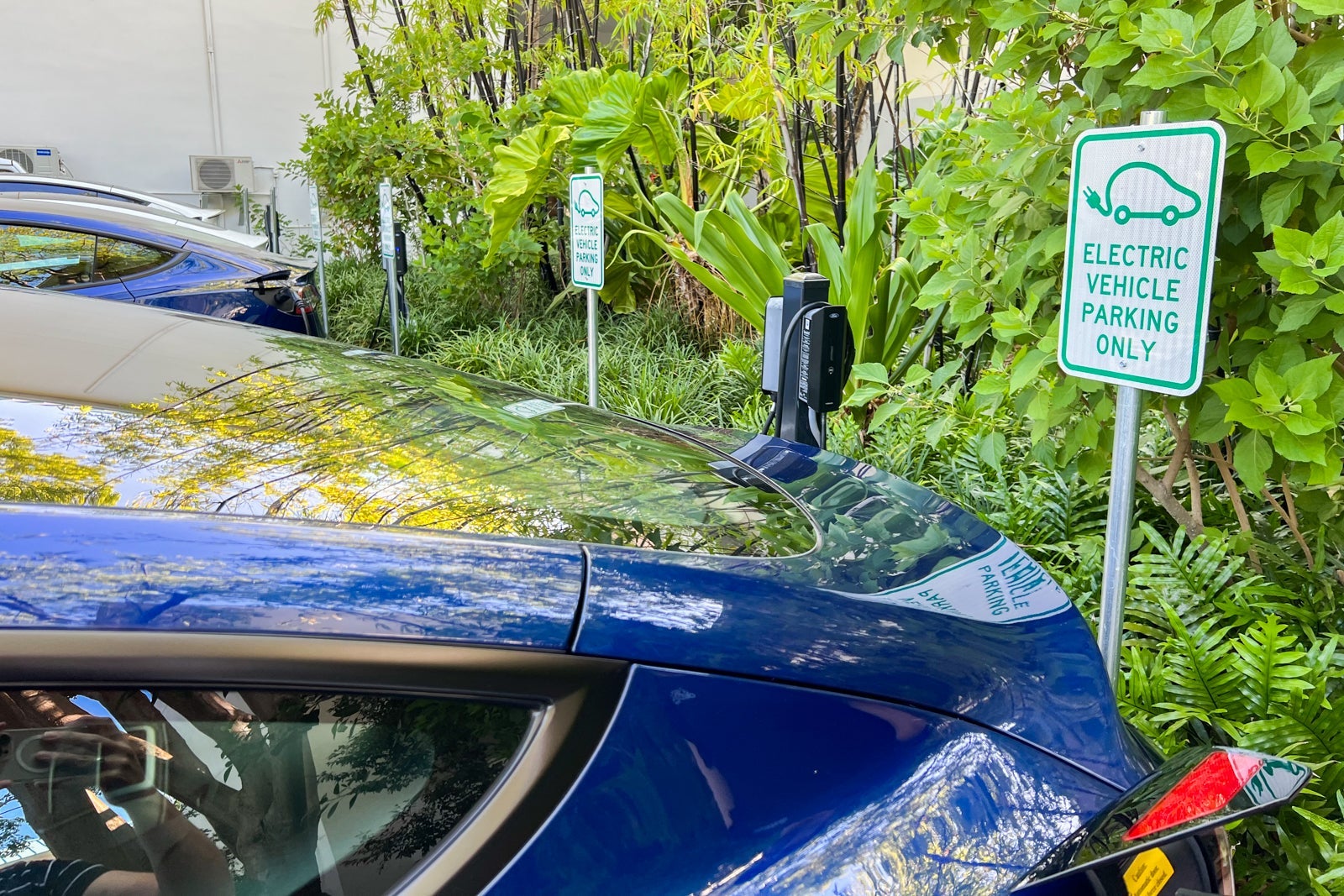
If you're going to rent a Tesla, you need a plan for charging — if your hotel has chargers, that's a plus. The website PlugShare is useful for scouring options if you haven't yet locked in your hotel.
In this case, the overnight charging at the hotel was free; you just needed to dig the adapter out of the bag located in the trunk. (The trunk is not to be confused with the "frunk," located in the front of the car.)
Finding a charger can be stressful
Blame the liberal use of the air-conditioner or an occasional heavy foot on the accelerator, but watching the battery percentage drop as we drove was stressful — especially when we weren't sure where we could get our next charge.
There weren't any Superchargers near our destination in the Florida Keys, according to our research. When we searched Google for another network of chargers in the area, the map took us to something called a "Tesla Destination Charger" which was located in what looked like a locked junkyard.
It's stressful enough when you see your phone battery ticking away without a charger at the ready, but when it's your entire car with your family in it, it's a new level of electronic panic.
Bottom line
When we weren't panicked about finding a place to charge, the Tesla we rented was certainly fun to drive. Plus, it has some serious "get up and let's go" energy. (Just be prepared for the car to start braking as soon as you take your foot off the pedal.)
Additionally, on our three-night trip from Miami to the Florida Keys, we spent a grand total of $4 on charging — if you don't count the $13 in idle fees we racked up while finishing our barbecue sandwiches.
That's a heck of a deal considering current gas prices. I imagine the savings only increase the longer the road trip.
However, driving a Tesla rental without much preparation had its challenges. I advise you to invest some time watching YouTube tutorials before jumping in the driver's seat.
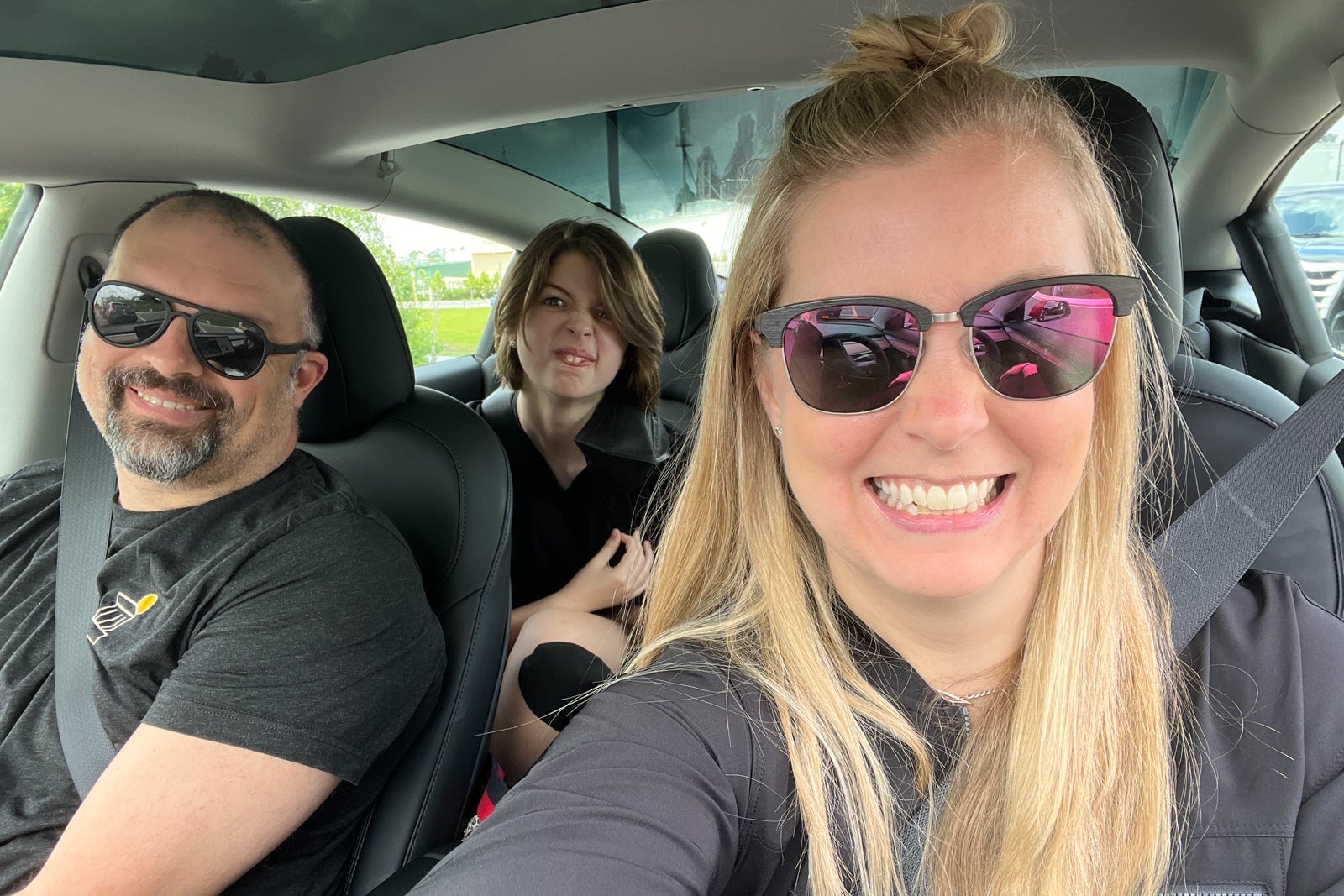
Otherwise, you may also end up sitting in a car that's playing music and farting (with your kids laughing hysterically at it and at you), as you frantically Google how to get the show on the road.
TPG featured card

at Capital One's secure site
Terms & restrictions apply. See rates & fees.
| 5X miles | Earn 5X miles on hotels, vacation rentals and rental cars booked through Capital One Travel |
| 2X miles | Earn unlimited 2X miles on every purchase, every day |
Pros
- Stellar welcome offer of 75,000 miles after spending $4,000 on purchases in the first three months from account opening. Plus, a $250 Capital One Travel credit to use in your first cardholder year upon account opening.
- You'll earn 2 miles per dollar on every purchase, which means you won't have to worry about memorizing bonus categories
- Rewards are versatile and can be redeemed for a statement credit or transferred to Capital One’s transfer partners
Cons
- Highest bonus-earning categories only on travel booked via Capital One Travel
- LIMITED-TIME OFFER: Enjoy $250 to use on Capital One Travel in your first cardholder year, plus earn 75,000 bonus miles once you spend $4,000 on purchases within the first 3 months from account opening - that’s equal to $1,000 in travel
- Earn unlimited 2X miles on every purchase, every day
- Earn 5X miles on hotels, vacation rentals and rental cars booked through Capital One Travel
- Miles won't expire for the life of the account and there's no limit to how many you can earn
- Receive up to a $120 credit for Global Entry or TSA PreCheck®
- Use your miles to get reimbursed for any travel purchase—or redeem by booking a trip through Capital One Travel
- Enjoy a $50 experience credit and other premium benefits with every hotel and vacation rental booked from the Lifestyle Collection
- Transfer your miles to your choice of 15+ travel loyalty programs
- Top rated mobile app