Flight Review: Virgin Australia Hamilton Island – Sydney in Economy

So far in my series on my trip to Australia with TPG Managing Editor Eric, I've covered how I used miles to book my award ticket, my flight from LAX-MEL in United GlobalFirst, the day I spent wine-tasting out in the Yarra Valley, a restaurant review roundup of all the fantastic places we ate in the city, my review of the Westin Melbourne, flying Jetstar to Hamilton Island, and my review of the Reef View Hotel on Hamilton Island. Here's my review of the flight down to Sydney for the final leg of my trip.
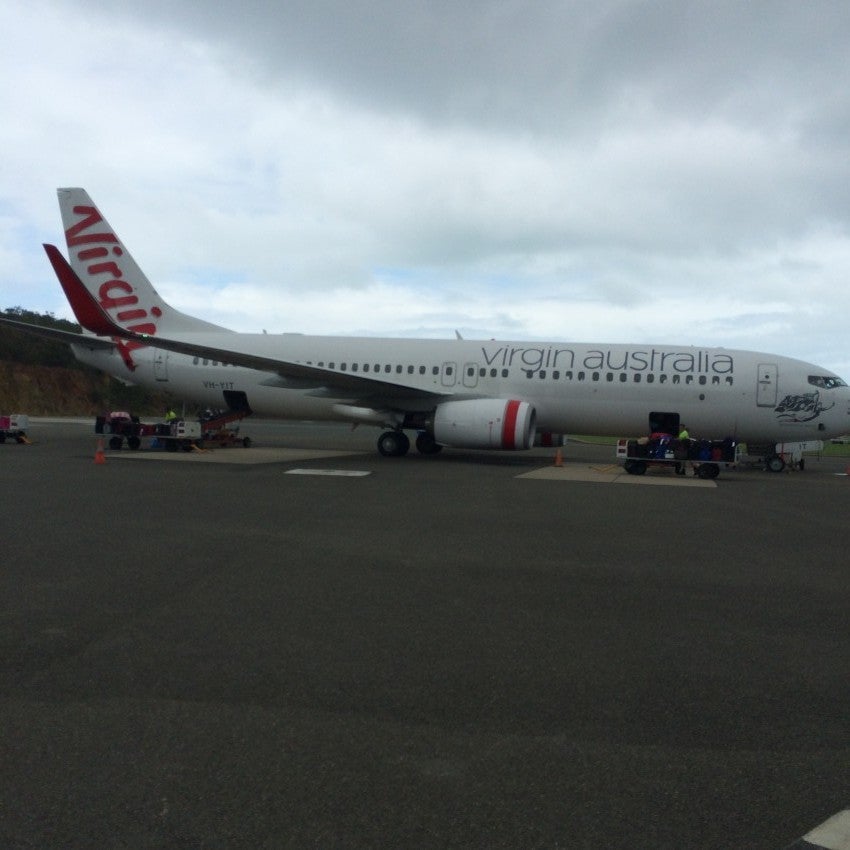
After a couple of great days scuba diving on the Great Barrier Reef (more on that in a future post), it was time to head down to Sydney for the final few days of my first trip to Australia. While I had flown Qantas's budget airline partner Jetstar to Hamilton Island, for the flight down to Sydney, I booked Virgin Australia instead. That's because the flights were basically the same price, but Jetstar's left 1:50pm and arrived in Sydney at 5:10pm, while Virgin's left at 11:50am and got in at 3:10pm so I'd have a bit more time to settle in before evening plans.
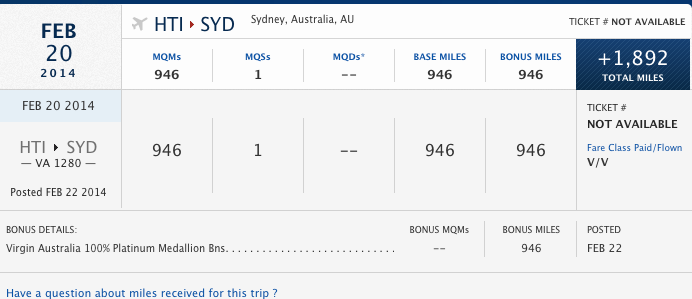
Not only that, but I could also earn Delta SkyMiles and MQM's (but not MQD's since I booked directly through Virgin's site rather than booking through Delta). The flight was 946 miles and thanks to my Medallion bonus, I earned a total of 1,892 miles.
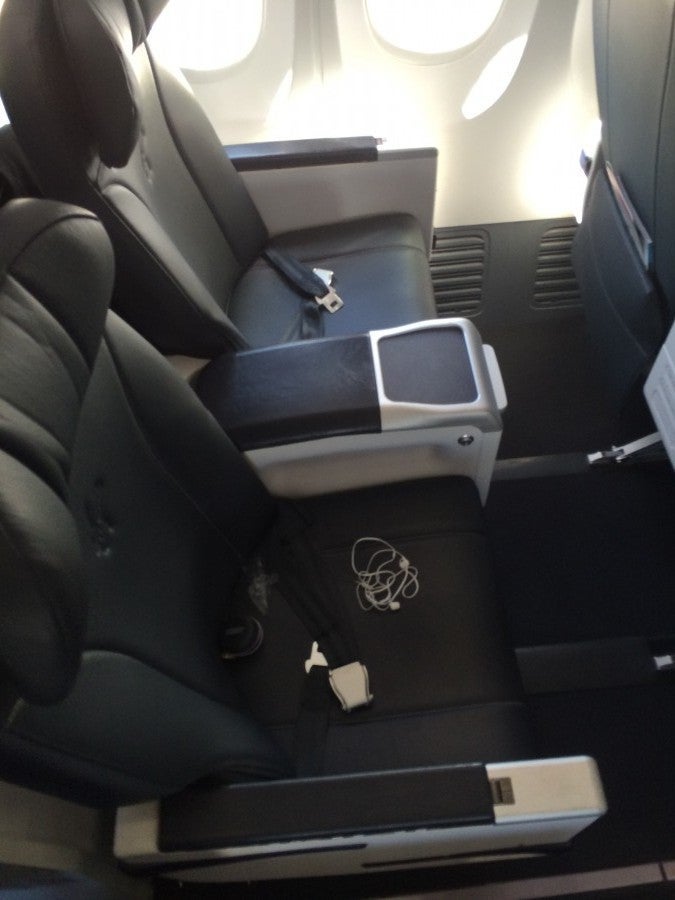
I paid $219 AUD ($196 USD). Getting a confirmed seat in the Exit Row (which I needed because a regular economy seat just wasn't going to cut it for my 6'7" frame) would have cost an extra $35 AUD ($30), however, I was just able to call up and request it because of my Platinum status, and for his flight the following day, Eric was able to use his Silver Medallion status to snag an Exit Row seat for free at check-in.
Both our fares included a checked bag, and Eric actually had to check his carry on because it weighed more than 7 kgs. We're still not sure why since the overhead bins are normal-size, but he wasn't given a choice.
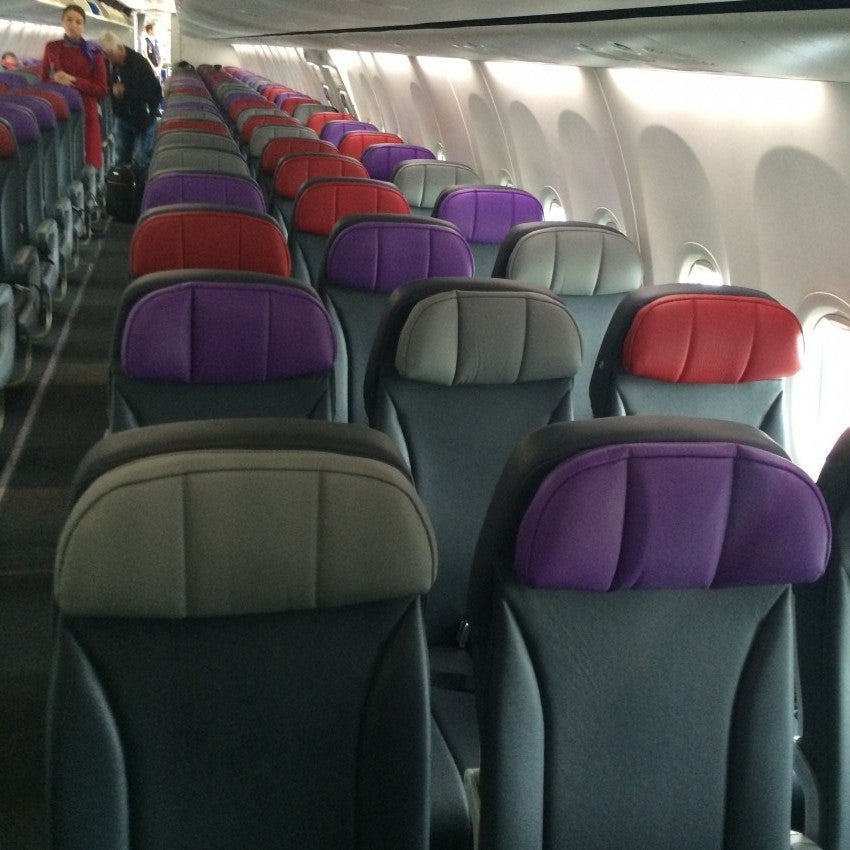
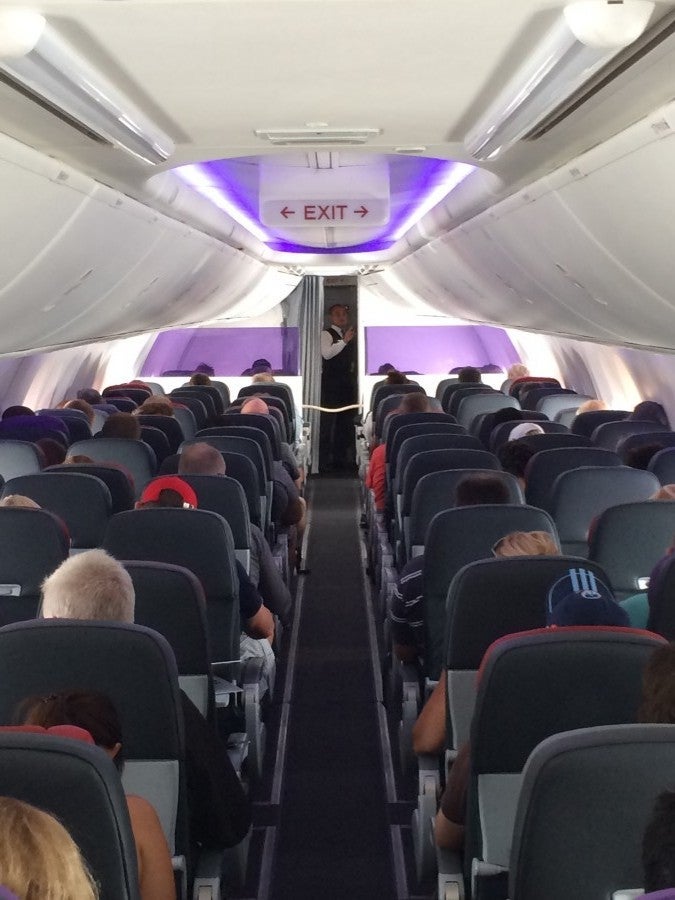
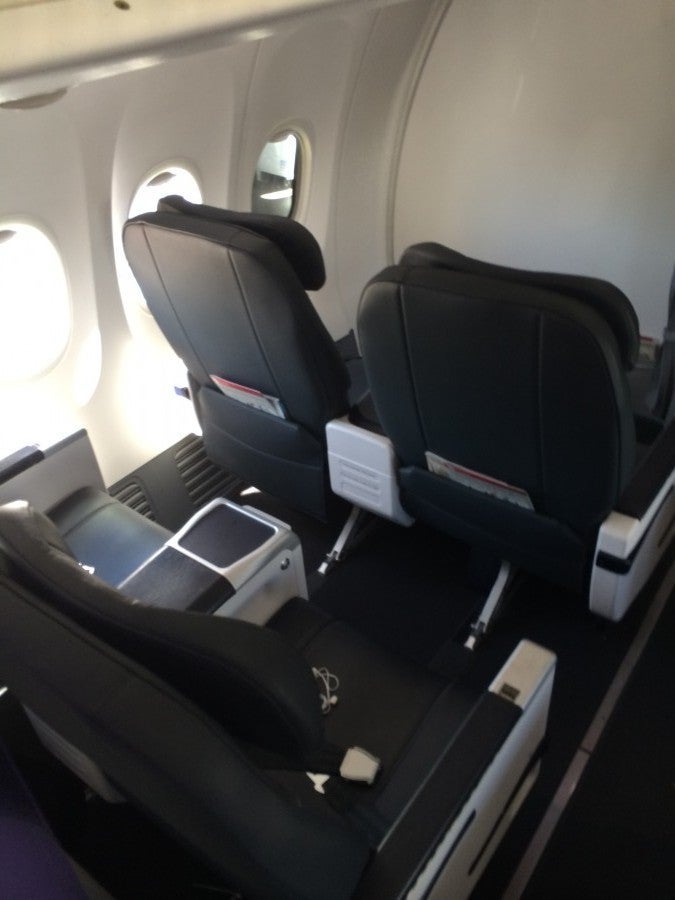
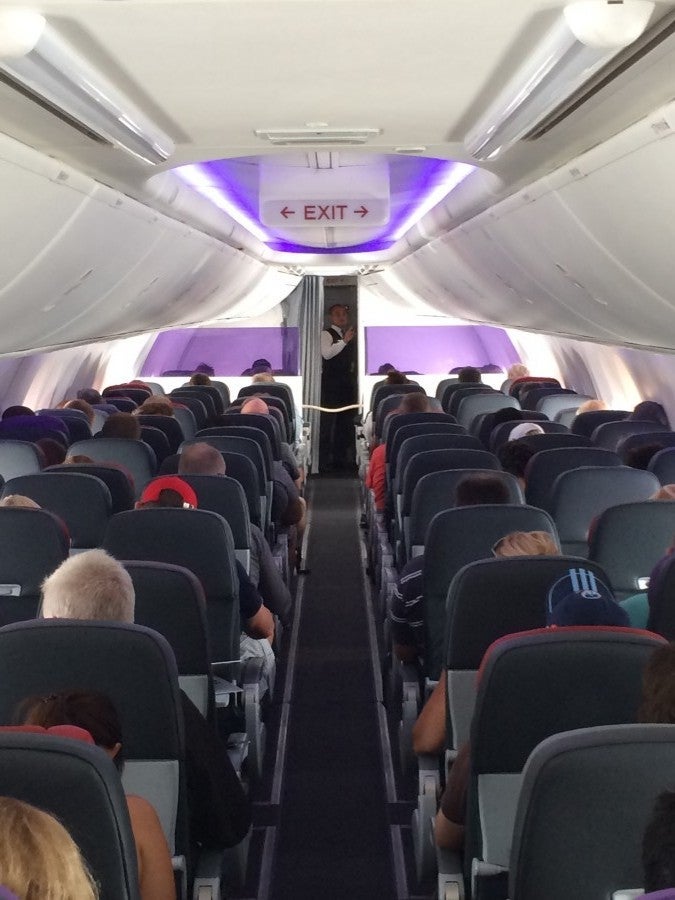
On this route, Virgin operates its 737-800, and it was pretty swanky for such a workhorse plane. I liked the charcoal-y leather seats with colorful headrests, and purple mood lighting. There were two rows of four seats (2 x 2) in business class where the seats were just slightly wider than in economy a 19.5 inches with 38 inches of pitch.
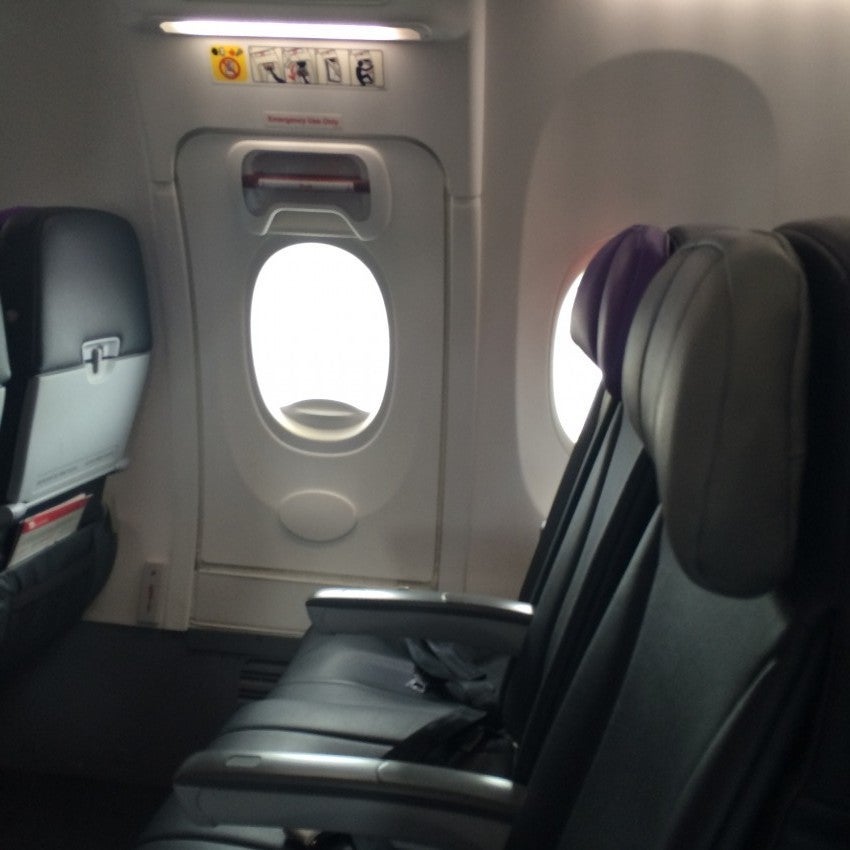
They recline 8 inches. Though the seats looked nice, they were definitely not roomy. In economy, the seats are 31 inches by 17 inches, so not the roomiest, but not too terrible. Exit row and bulkhead seats have 38 inches in pitch according to the Virgin site, though it didn't feel like quite that much.
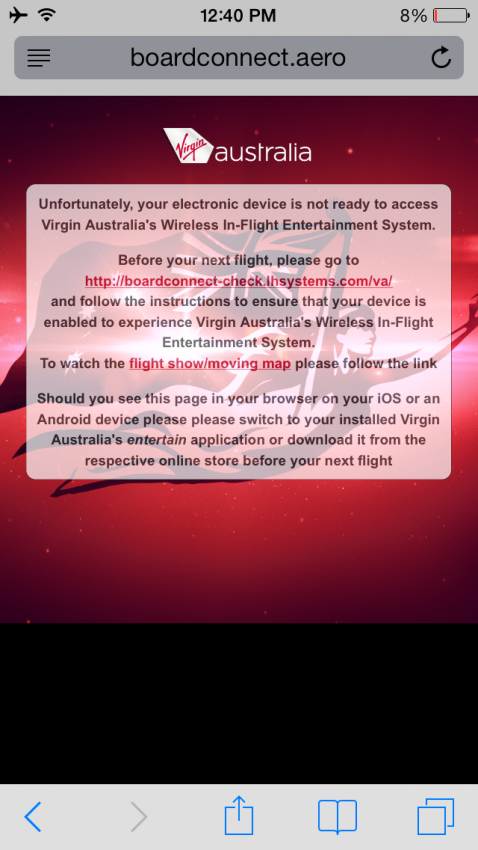
For entertainment, Virgin offers a system called live2air that includes 24 live FOXTEL/AUSTAR channels and a selection of pay-per-view movies for flights over two hours. To access it, you have to download the Virgin app to your smartphone or tablet and then once the WiFi is working you can connect and surf. The system can easily be accessed on iPads, iPhones, iPod touch devices; Android devices; and laptops with MicrosoftSilverlight, so no surfing on your Mac. The other thing is, you must download the app before your flight since you cannot do so on the plane. To do so, visit the Wireless In-flight Entertainment page and follow the instructions to download the app. In business class, the flight attendants hand out free tablets for passengers who want to use them. The WiFi is just to stream entertainment, no web surfing either, so get your work done before your flight.
The food/beverage items in economy included free water and sodas as well as snacks for sale, and complimentary beer and wine on flights departing between 4 p.m. and 7 p.m., Monday through Friday - so I just missed the cut off!

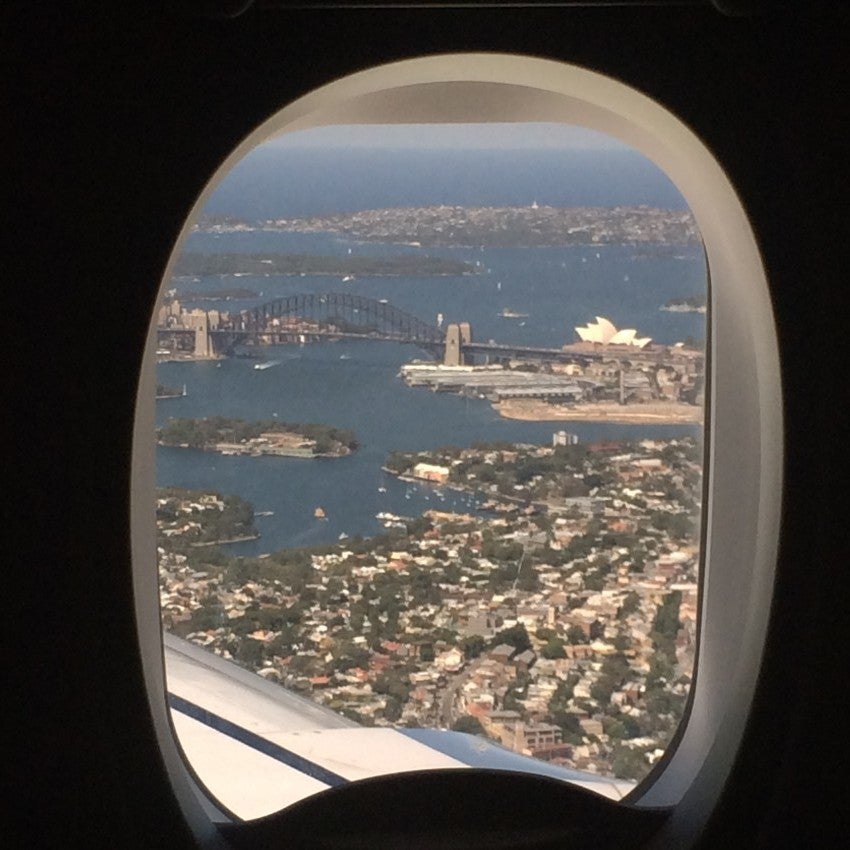
Though I wish I could have used the internet while onboard, it was a quick flight so it didn't really take a huge chunk out of my day, and the flight itself was a decent experience. The plane felt new and clean, the service was polite and efficient and the trip was quick - I wish more domestic US flights were like this!
[card card-name='The Platinum Card® from American Express' card-id='22504813' type='javascript' bullet-id='1']
TPG featured card

at Capital One's secure site
Terms & restrictions apply. See rates & fees.
| 5X miles | Earn 5X miles on hotels, vacation rentals and rental cars booked through Capital One Travel |
| 2X miles | Earn unlimited 2X miles on every purchase, every day |
Pros
- Stellar welcome offer of 75,000 miles after spending $4,000 on purchases in the first three months from account opening. Plus, a $250 Capital One Travel credit to use in your first cardholder year upon account opening.
- You'll earn 2 miles per dollar on every purchase, which means you won't have to worry about memorizing bonus categories
- Rewards are versatile and can be redeemed for a statement credit or transferred to Capital One’s transfer partners
Cons
- Highest bonus-earning categories only on travel booked via Capital One Travel
- LIMITED-TIME OFFER: Enjoy $250 to use on Capital One Travel in your first cardholder year, plus earn 75,000 bonus miles once you spend $4,000 on purchases within the first 3 months from account opening - that’s equal to $1,000 in travel
- Earn unlimited 2X miles on every purchase, every day
- Earn 5X miles on hotels, vacation rentals and rental cars booked through Capital One Travel
- Miles won't expire for the life of the account and there's no limit to how many you can earn
- Receive up to a $120 credit for Global Entry or TSA PreCheck®
- Use your miles to get reimbursed for any travel purchase—or redeem by booking a trip through Capital One Travel
- Enjoy a $50 experience credit and other premium benefits with every hotel and vacation rental booked from the Lifestyle Collection
- Transfer your miles to your choice of 15+ travel loyalty programs
- Top rated mobile app