Editorial note: This is a recurring post, regularly updated with new information and offers.
Getting the most out of every dollar you spend isn't just about redeeming your points and miles for the most value you can. It's also about getting as many rewards as you can from every purchase you make.
That often involves looking beyond your credit card's earning categories to promotions, deals and shopping portals. Issuer offers are one way to get more out of your spending. American Express cardmembers can achieve this through Amex Offers.
Here's everything you need to know.
What are Amex Offers?
American Express gives cardmembers the chance to earn additional points or cash back by activating offers within their account. These offers either have a specific spending requirement or allow you to earn additional rewards per dollar spent. They're almost always tied to specific merchants, but some offers may count any spending on your card toward the bonus rewards offered.
All Amex Offers require enrollment, so you may miss out on big savings if you don't check your account often. Amex Offers generally vary by card, but there may be some overlap, especially if the cards in question are from the same family.
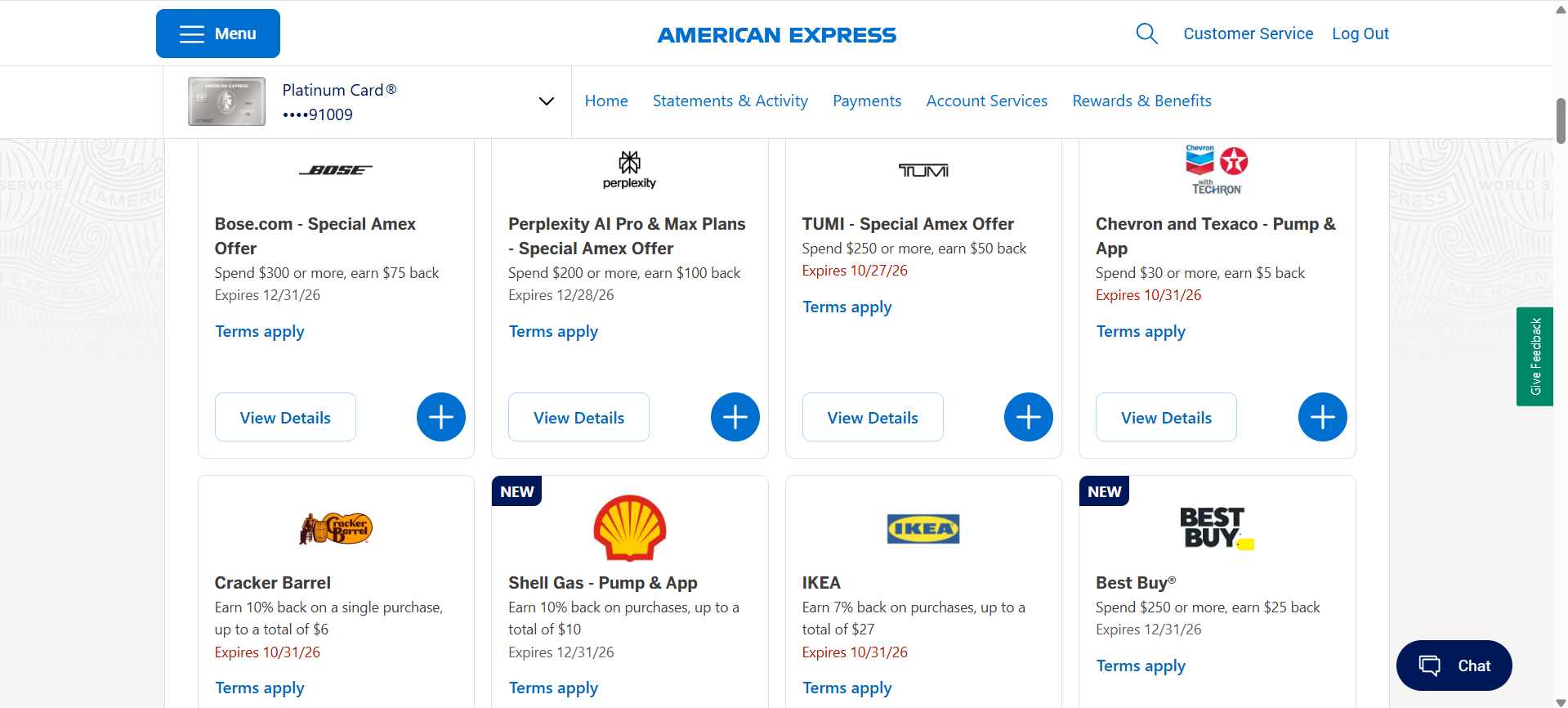
If you see the same offer across multiple cards, know that you can only enroll in it on one of them. Make sure to pick the card that makes the most sense for your spending.
For example, my American Express® Gold Card has an offer for 10% back on a single purchase at Cracker Barrel (up to a total of $6 back). While this offer is also available on another Amex card, activating it on my Amex Gold instead will let me take advantage of the Gold's 4 points per dollar spent on dining at restaurants worldwide*.
*On up to $50,000 in spending per calendar year, then 1 point per dollar spent.
How to enroll and redeem Amex Offers
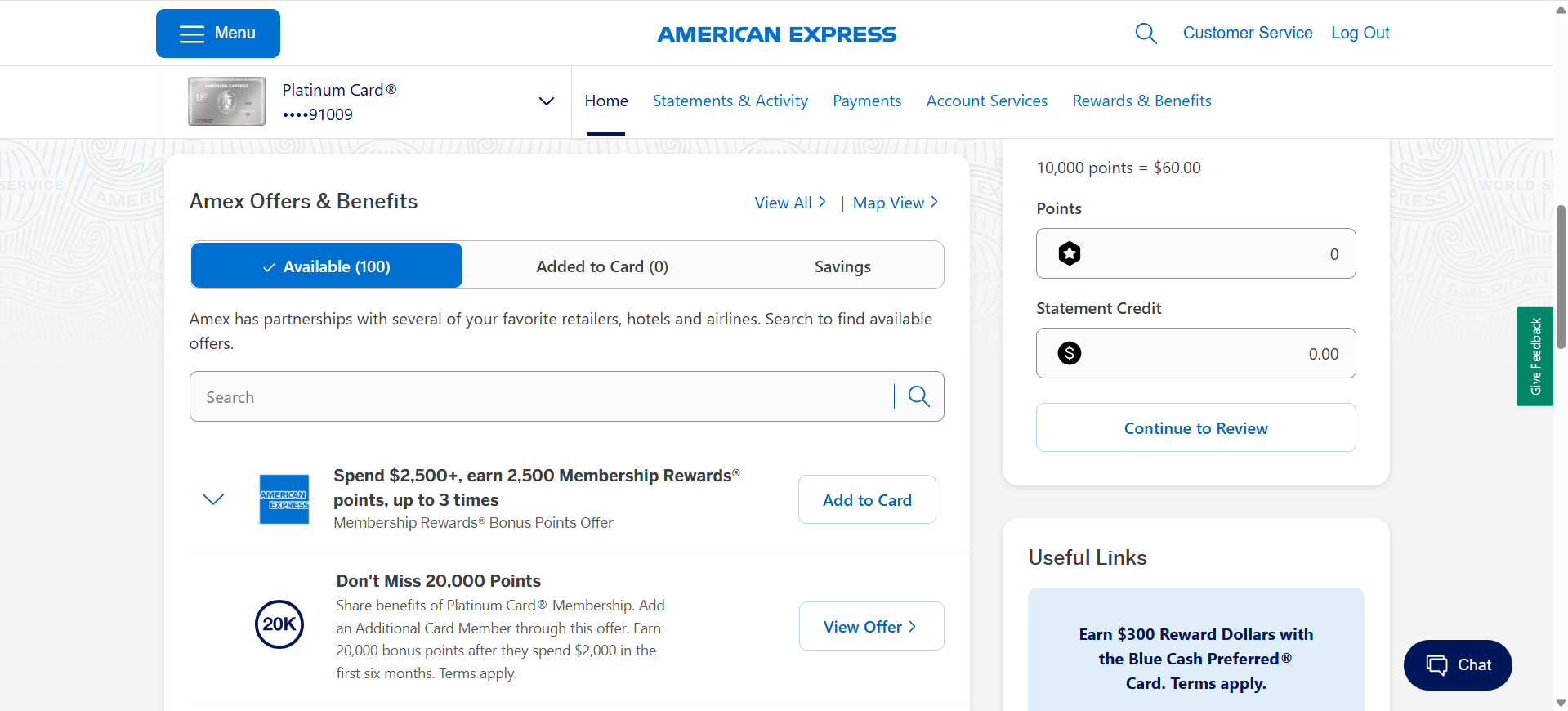
Navigate to your account's home screen and scroll down. You should find a section titled "Amex Offers and Benefits". Here, you can find all of the offers you've enrolled in and the ones still available for enrollment.
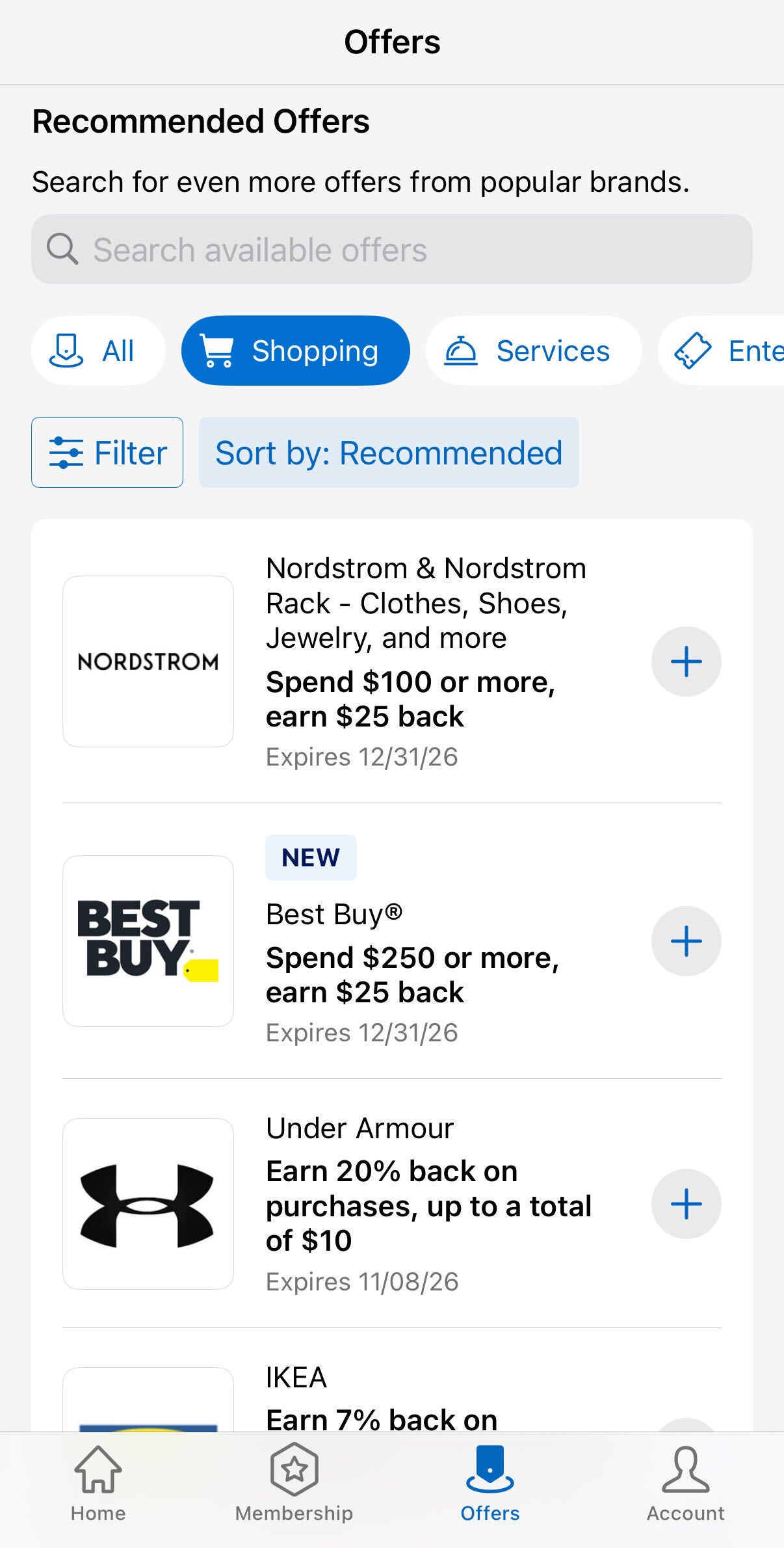
On the Amex mobile app, navigate to the Offers tab via the navigation bar at the bottom of your screen. Similar to the desktop page, you'll be able to see both your available offers and your enrolled offers.
There's no limit to how many Amex Offers you can enroll in at once, aside from the earlier restriction I mentioned regarding enrolling for the same Amex Offer across multiple cards. Keep in mind that all Amex Offers have expiration dates, so make sure to set a reminder for yourself if needed.
Once you've enrolled in an offer, you should receive your bonus points or cash back within six to eight weeks after completing the associated spending requirements, but it may take longer depending on the offer. Generally, though, you'll get your bonus rewards a lot faster than that.
If you don't see your bonus points or cash back posted after six to eight weeks and you're certain you met the offer requirements, call Amex at the number on the back of your card or contact them via online chat.
Note that we've seen datapoints suggesting certain Amex Offers have limited payouts, meaning Amex will only honor a certain number of activated offers. It's advisable to use an offer sooner rather than later when it appears on your account, but this problem isn't too common.
Related: I just saved $450 on a 2-night hotel stay by changing how I use this Amex Platinum benefit
Use other shopping portals to maximize rewards
You can stack Amex Offers with offers from external shopping portals like Rakuten and Rove.
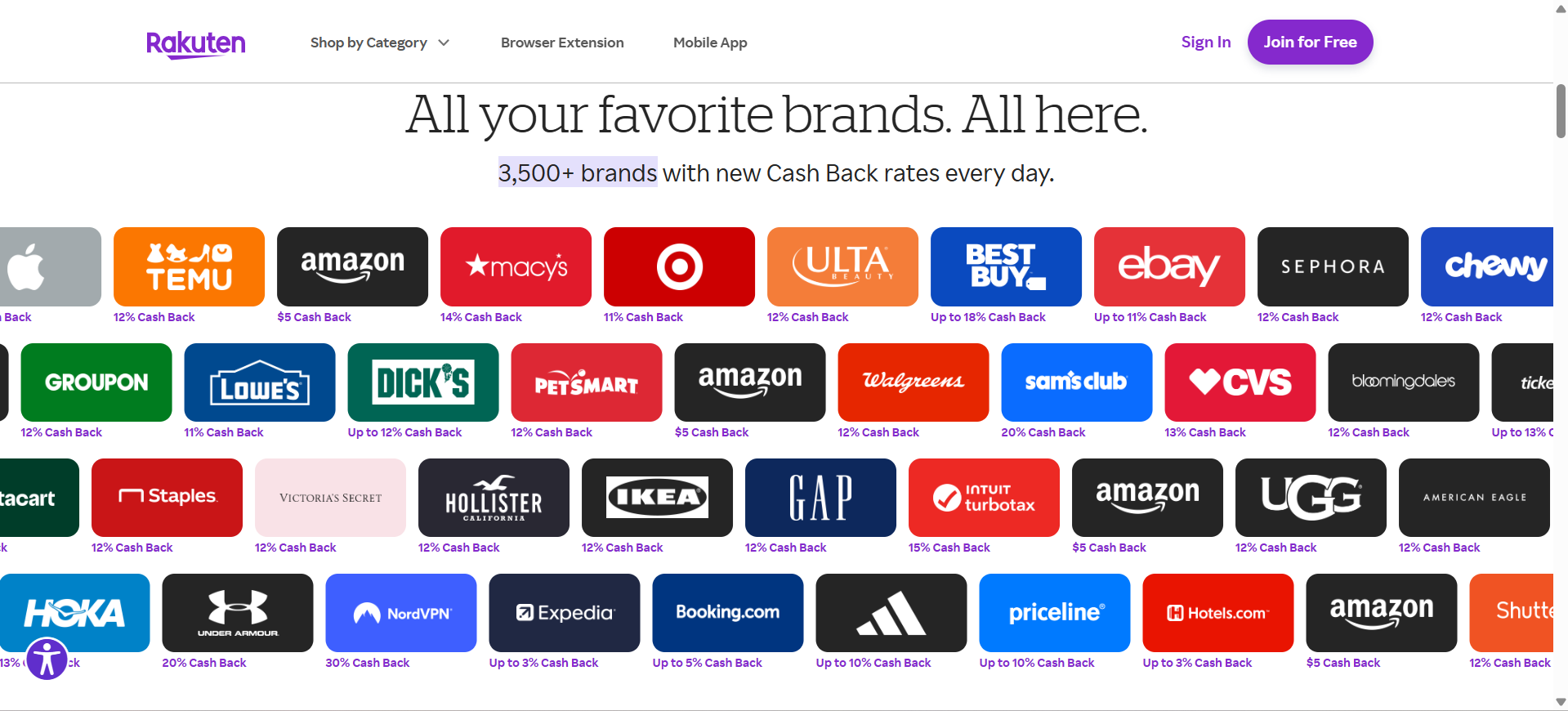
Rakuten is an especially appealing pick if you have an Amex Membership Rewards card, since you can opt to earn Membership Rewards points through Rakuten offers instead of cash back.
I enjoy using Rove because of its extensive roster of transfer partners — over 20 at the time of writing — and its range of deals on shopping and travel purchases. Even though I earn Membership Rewards through Rakuten, there are times when I may pair an Amex Offer with a Rove offer instead if the bonus is significantly better.
If you have a MaxRewards Gold account, you can link your American Express cards and enjoy auto-activation for all of your Amex Offers. Given that MaxRewards Gold starts at $108 annually, I don't recommend it for just this particular benefit.
However, if you can take advantage of the subscription's other perks or you're already a member, this is a great way to avoid forgetting to enroll in an offer before making a purchase.
Bottom line
Amex Offers are a great way to stack additional points or cash back on purchases you were already planning to make. Many of American Express's cards have annual fees in the hundreds, so earning extra rewards through Amex Offers is a great way to further justify paying a steep annual fee.
Just remember to track the end dates and additional terms on every offer you enroll in. You don't want to miss out by making your purchase after the offer expires.
Related: How I use Savewise to stack shopping portals, credit card offers and cash back for bigger rewards